Quick Summary: This verified Google Gemini & Midjourney v6 prompt creates an authentic 90s vintage film aesthetic for MACOS Float Ai Image Generation AI Photo Prompt with calibrated lighting, authentic texture physics, and tested 1-click copy-paste formula for instant AI generation without facial distortion.
- Photography
- Ai Image
- Trending
- Photography
- Ai Image
- Trending
- Viral Prompt
- Gemini Ai
- Bing Image Creator
- Copy Paste
About This Prompt
This prompt creates an MACOS Float Ai Image Generation AI Photo Prompt — a high-quality, photorealistic image with balanced lighting, sharp focus, and intricate details suitable for social media sharing and digital content creation.
Optimized specifically for Google Gemini. Simply copy the prompt text below and paste it into the generator. You can easily customize specific keywords like colors, backgrounds, or subjects to make the final output uniquely yours.
MACOS Float Ai Image Generation AI Photo Prompt - Copy Paste AI Prompt
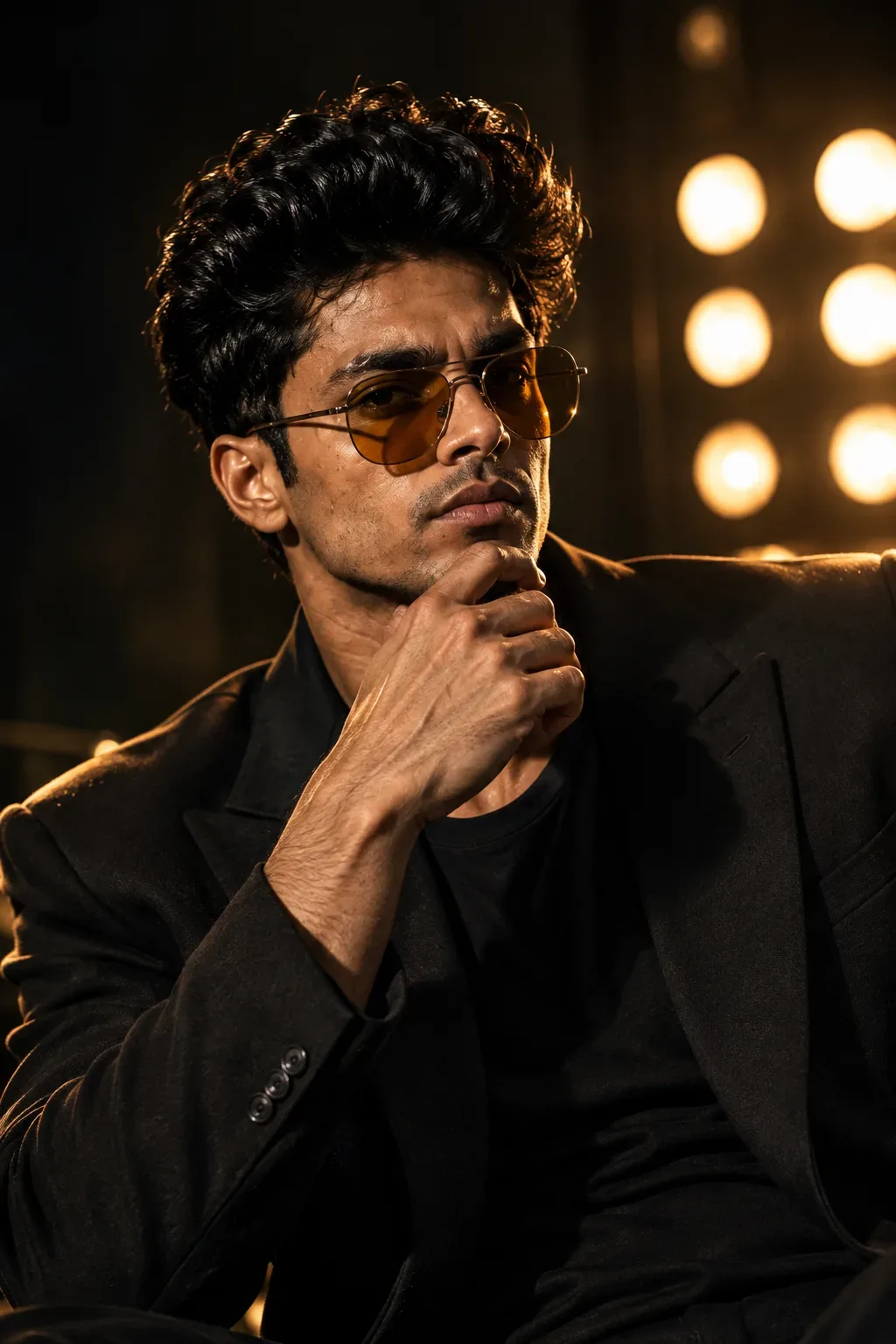
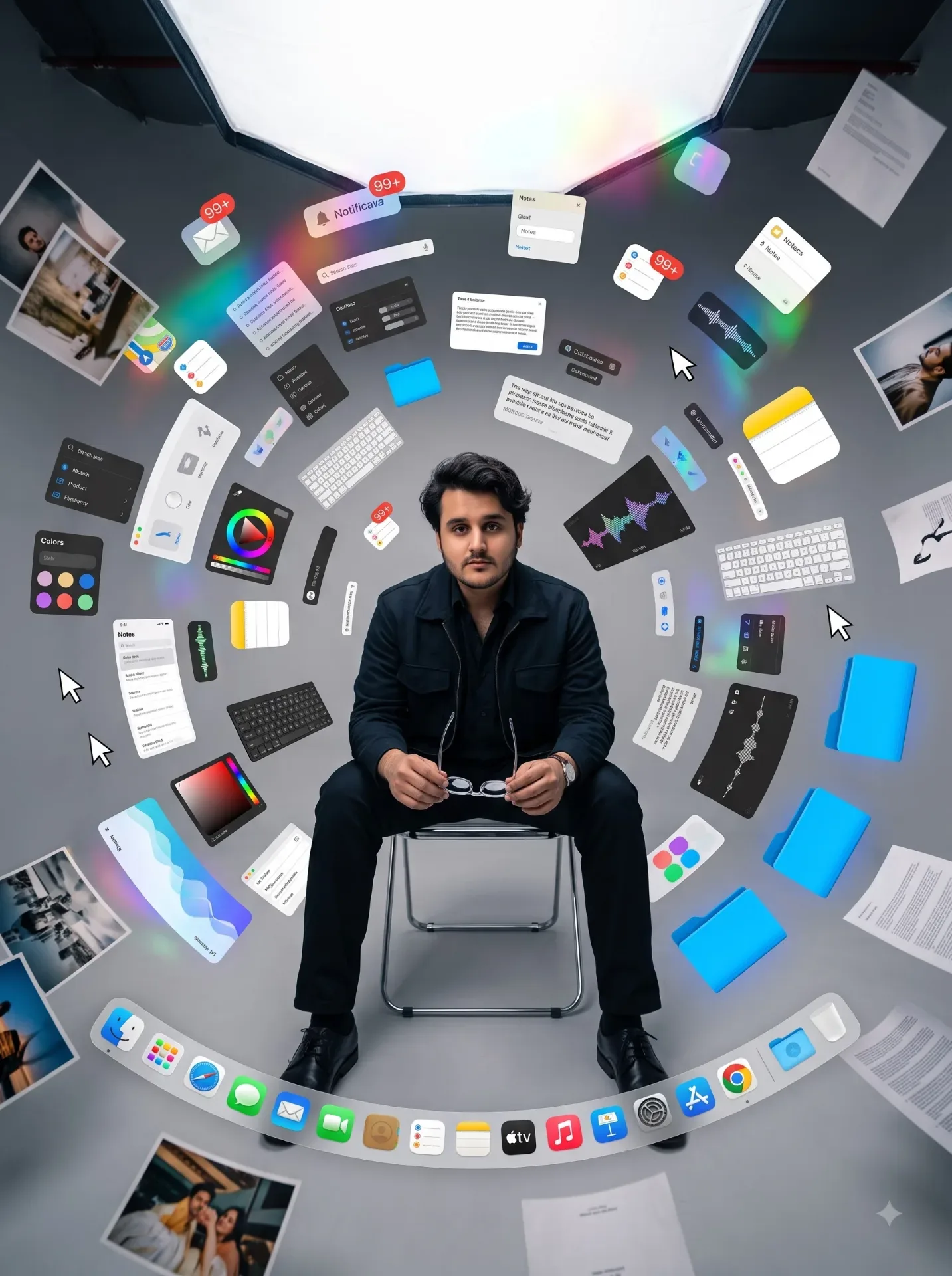
Dynamic wide-angle fashion portrait of me at the exact center of a dramatic creative explosion, preserving my identity on a minimalist polished-aluminum chair. I am seated in a seamless gray studio, composed and confident while an enormous Apple-inspired notification badge showing “99+” floats above one shoulder. Hundreds of creative elements orbit around me in a controlled spiral: translucent panels, windows, miniature keyboards, typography samples, Notes apps, color picker panels, waveform fragments, calendar blocks, electric-blue folders, tiny desktop icons, selection marquees, cursor arrows and elegant floating glass panels. The digital elements transition from crisp UI close to loose sheets of paper and physical photographs farther outward, creating a visual transformation from digital idea to real-world creation. One partially transparent MACOS dock curves through the extreme foreground like a glossy visual anchor. Strong radial composition directing everything toward my face; nothing important covers the eyes. Dark fashion-forward jacket, clean accessories and understated metallic jewelry. Partially side lighting, large soft source from camera left, harder white rim from behind, silver-gray environment with cobalt blue, acid green, orange and purple micro-accents from interface elements. Energetic yet meticulously art-directed, Gen-Z creative culture, digital minimalism balanced by premium minimalist photography, tactile mixed-media collage, editorial campaign aesthetic, playful but sophisticated. Shot on Canon EOS R5, 24mm f/2.8 lens at close distance for controlled perspective exaggeration, crisp face, motion blur only on peripheral floating objects, realistic reflections, volumetric depth, subtle grain, hyper-realistic, cinematic photorealistic, 8K.

Optical Identity & Likeness Preservation: Maintain 100% exact facial identity, bone structure, jawline contours, and natural skin undertone of reference photo without alteration or distortion.What You'll Get
- 🎨 Style: Photography
- ✨ Mood: Photography
- 📱 Best For: Ai Image
- 🤖 Works With: Google Gemini
- 🔥 Popularity: Copied 24 times
- 📅 Added: Sep 14, 2026
Explore Related Collections
Explore Photography Prompts — Browse our curated collection of Photography prompts tailored for creators. View all Photography prompts →
Explore Ai Image Prompts — Discover more viral Ai Image ideas for your next AI generation. View all Ai Image prompts →
Explore Trending Prompts — Explore our extensive library of Trending templates ready to copy and paste. View all Trending prompts →
Frequently asked questions
- How do I use the MACOS Float Ai Image Generation AI Photo Prompt prompt?
- To use this prompt, simply click the "Copy Prompt" button above. Then, open Google Gemini, paste the copied text into the prompt box, and hit generate. You can instantly generate high-quality images without needing any reference photos.
- What is this prompt best used for?
- This specific prompt is highly optimized for creating engaging social media content and digital art. The formula is structured to produce high-contrast, visually appealing results that perform well on visual platforms.
- Can I customize the details of this prompt?
- Yes! While the core structure of the prompt is optimized for Google Gemini, you can easily customize the details. We recommend changing specific keywords like clothing colors, background locations, or the overall mood (e.g., changing "sunny" to "rainy" or "neon") to match your exact vision.