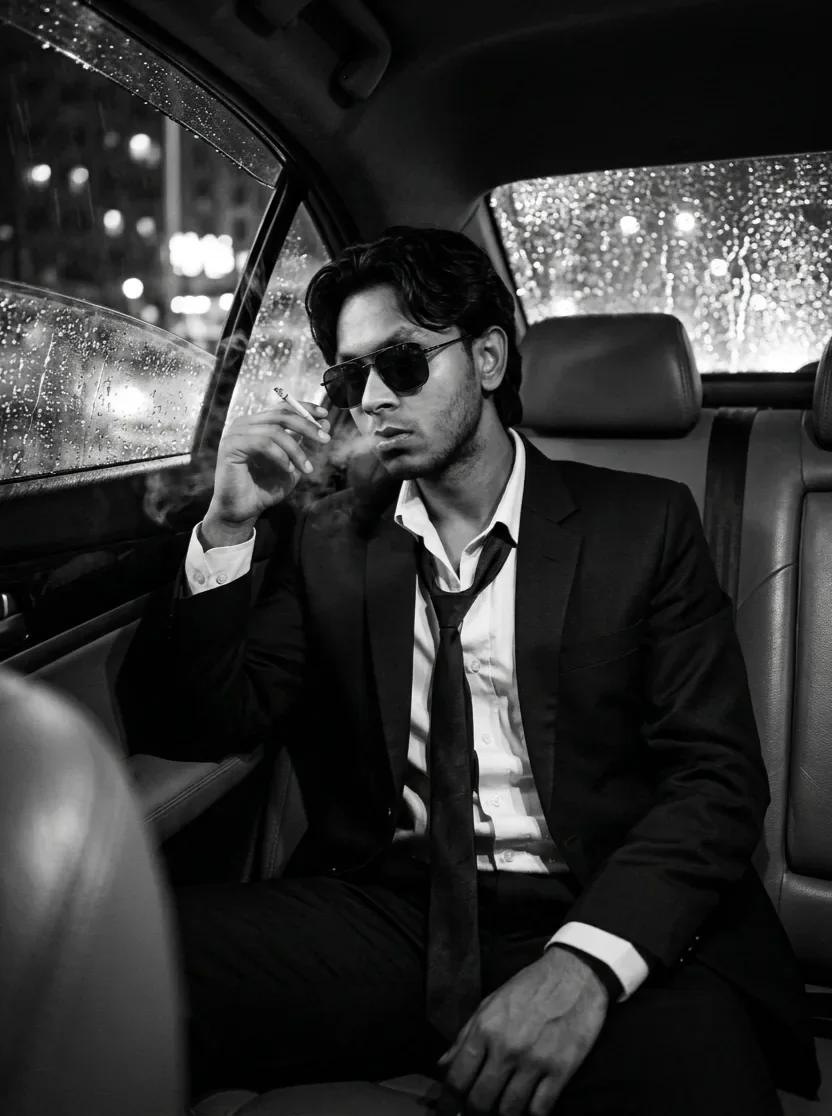
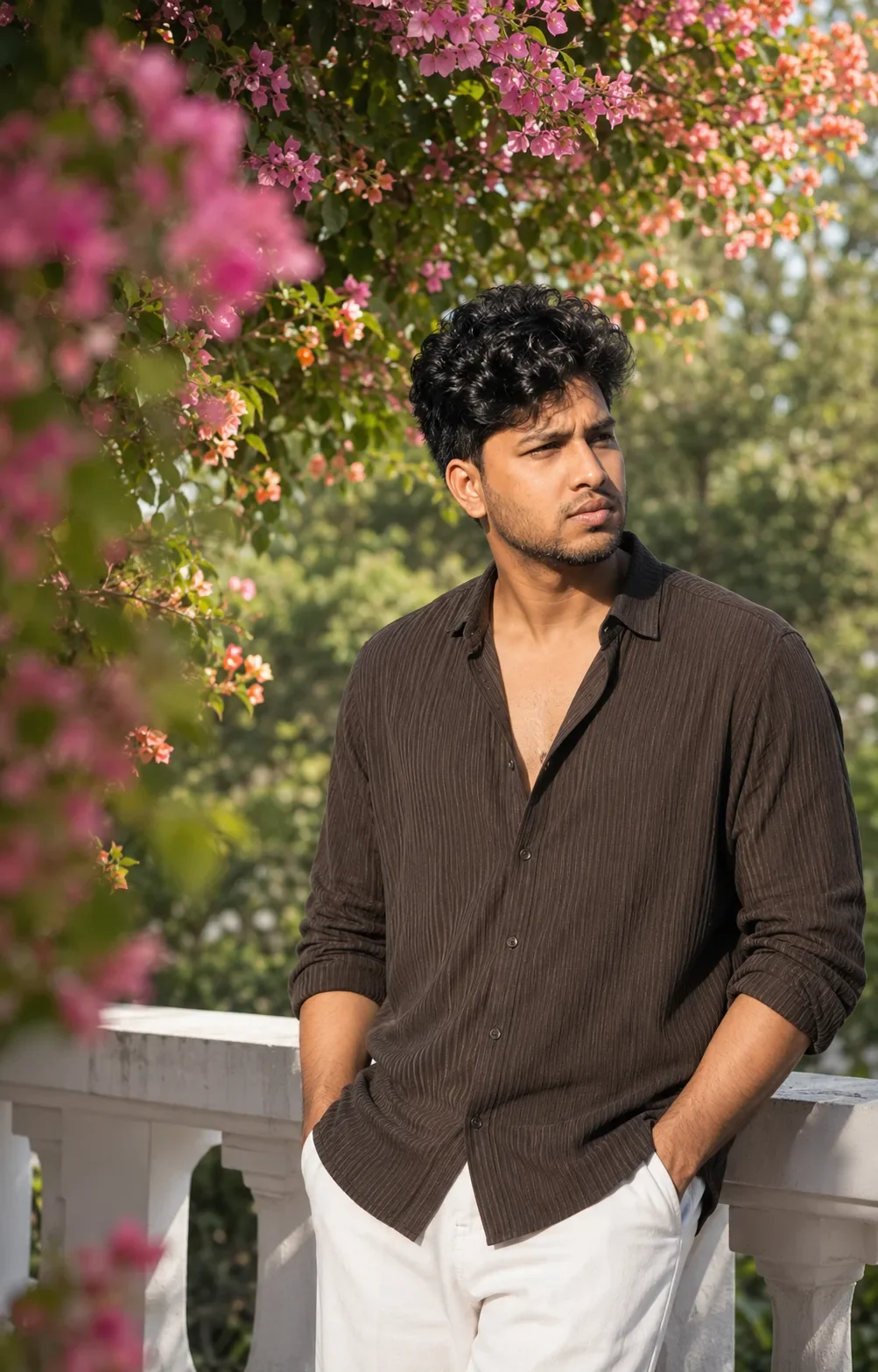
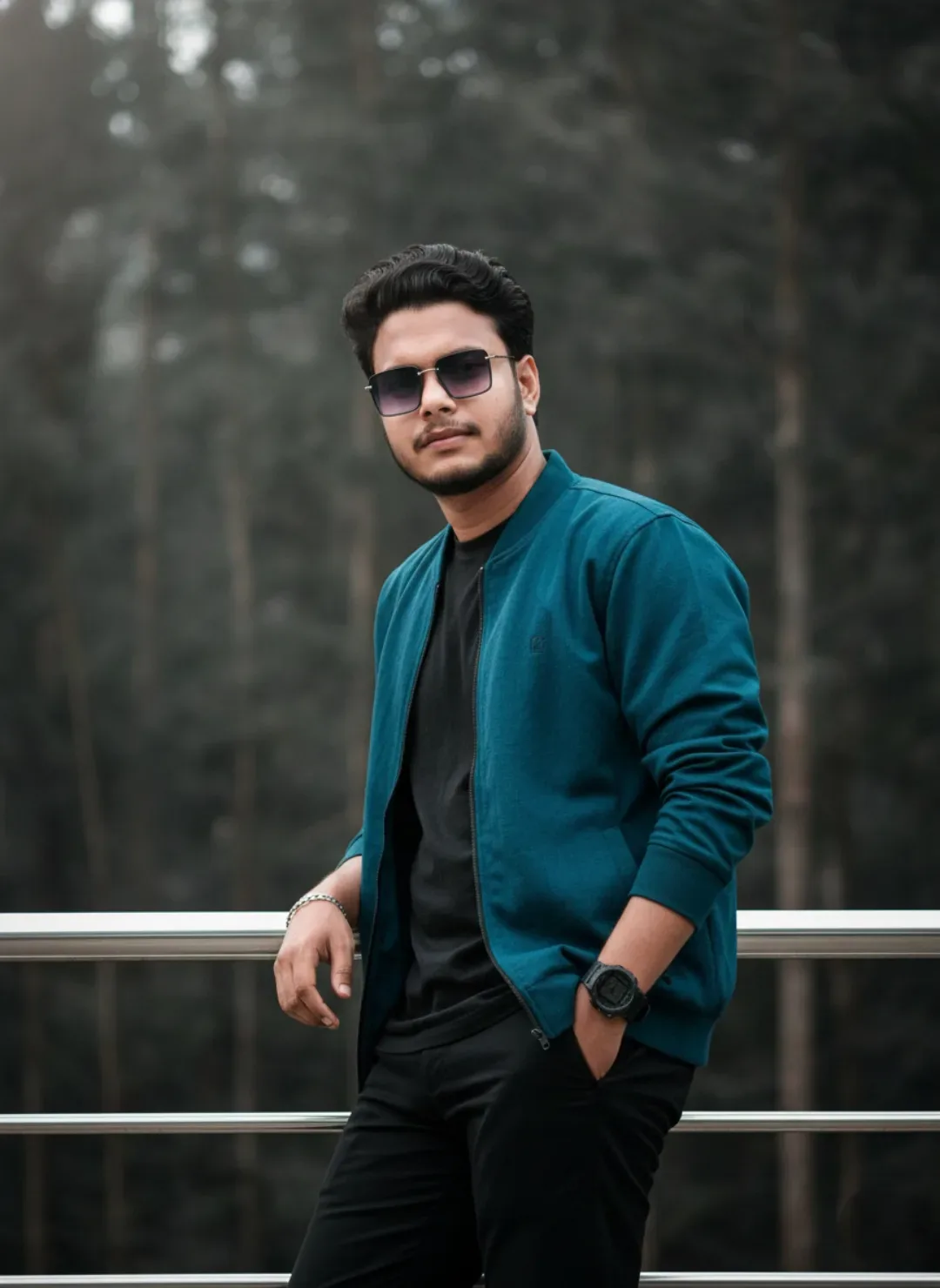
Quick Summary: This verified Google Gemini & Midjourney v6 prompt creates an cinematic moody dark atmospheric aesthetic for Epic Concept Art AI Photo Prompt with calibrated lighting, authentic texture physics, and tested 1-click copy-paste formula for instant AI generation without facial distortion.
About This Prompt
Create a Epic Concept Art AI Photo Prompt — a high-quality, photorealistic image with balanced lighting, sharp focus, and intricate details suitable for social media sharing and digital content creation.
This prompt works best with your AI generator. Simply copy the prompt text below and paste it into the generator. You can easily customize specific keywords like colors, backgrounds, or subjects to make the final output uniquely yours.
Epic Concept Art AI Photo Prompt - Copy Paste AI Prompt
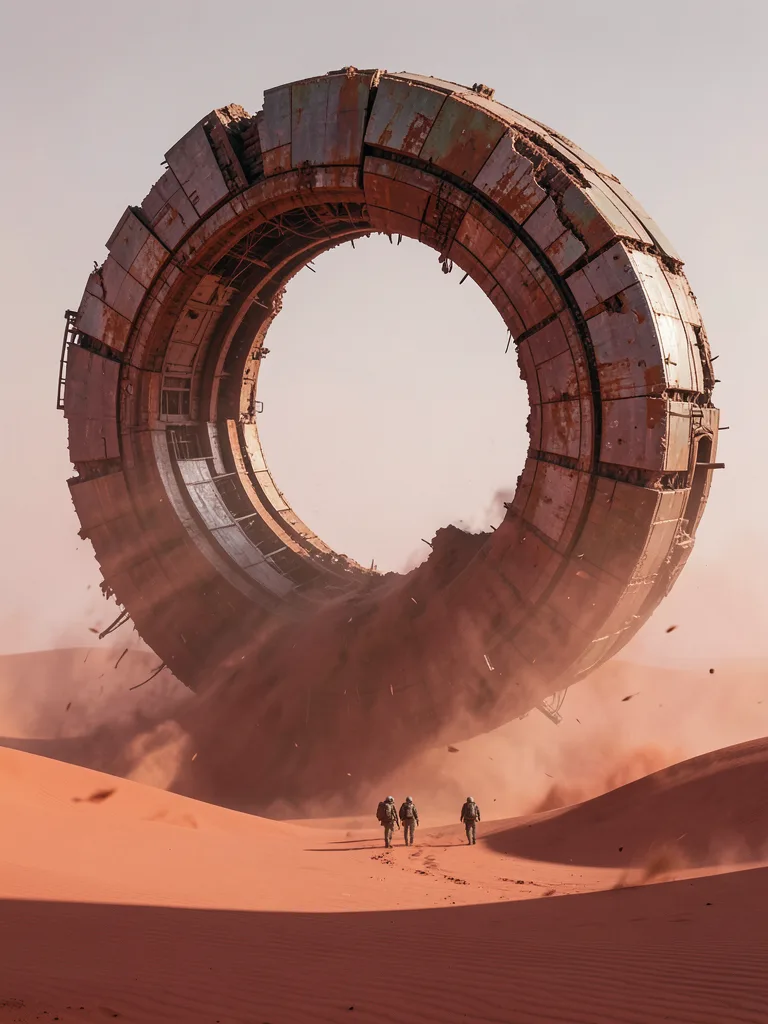
Epic concept art, cinematic photorealistic CG render. An ultra-scale spectacle composition: the colossal ruined wreckage of a giant ring-shaped space station, half-buried and half-swallowed by a vast red-clay desert, its enormous circular hull arcing above the dunes while its lower half disappears into the sand. A tiny scientific expedition team of a few figures walks near its base, their minute scale emphasizing the staggering size of the structure. Strong atmospheric perspective: red dust haze softens the distant horizon, sparse windblown sand drifts, harsh directional sunlight raking across weathered metal plates and corroded seams. Muted rust, ochre, and dusty rose palette under a pale dusty sky. Wide cinematic establishing shot, low horizon line, deep space above and below the structure. No text, no letters, no numbers, no logos, no watermarks, no signature, no border.Aspect ratio:3:4

Note: Maintain 100% exact facial identity, bone structure, jawline contours, and natural skin undertone of reference photo without alteration or distortion.What You'll Get
- 🎨 Style: Ai Image
- ✨ Mood: Meigen
- 📱 Best For: Trending
- 🤖 Works With: your AI generator
- 🔥 Popularity: Copied 31 times
- 📅 Added: Sep 15, 2026
Frequently asked questions
- How do I use the Epic Concept Art AI Photo Prompt prompt?
- To use this prompt, simply click the "Copy Prompt" button above. Then, open your AI generator, paste the copied text into the prompt box, and hit generate. You can instantly generate high-quality images without needing any reference photos.
- What is this prompt best used for?
- This specific prompt is highly optimized for creating engaging social media content and digital art. The formula is structured to produce high-contrast, visually appealing results that perform well on visual platforms.
- Can I customize the details of this prompt?
- Yes! While the core structure of the prompt is optimized for your AI generator, you can easily customize the details. We recommend changing specific keywords like clothing colors, background locations, or the overall mood (e.g., changing "sunny" to "rainy" or "neon") to match your exact vision.
Explore Related Collections
Explore Ai Image Prompts — Browse our curated collection of Ai Image prompts tailored for creators. View all Ai Image prompts →
Explore Trending Prompts — Discover more viral Trending ideas for your next AI generation. View all Trending prompts →




![[60-line Biometric Deep Scan] Coastal Freedom: Blue Linen & Seagulls (9:16) AI Photo Prompt preview example result](https://viralprompts.in/uploads/60-line-biometric-deep-scan-coastal-freedom-blue-linen-seagulls-9-16-ai-photo-prompt.webp)