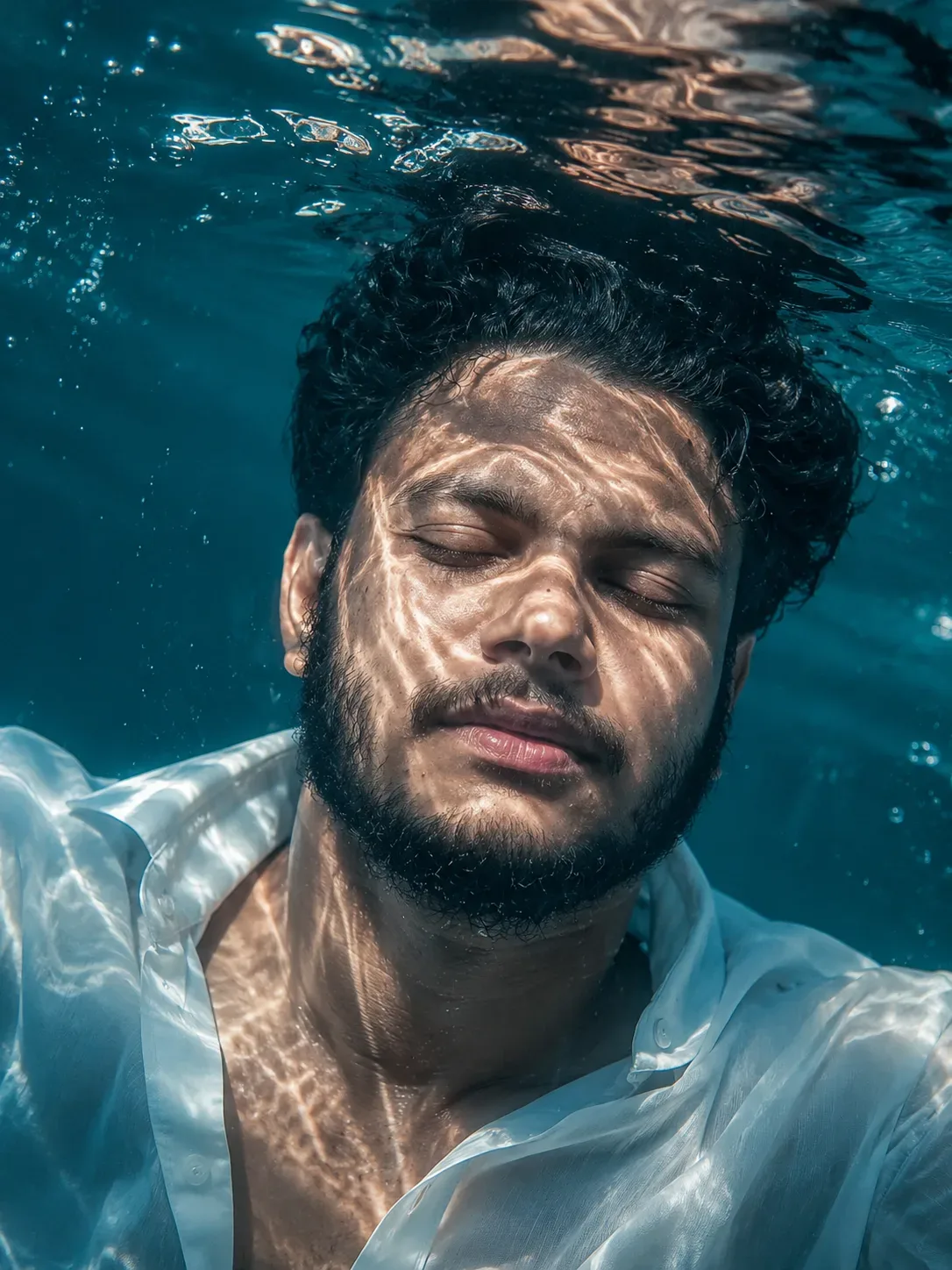
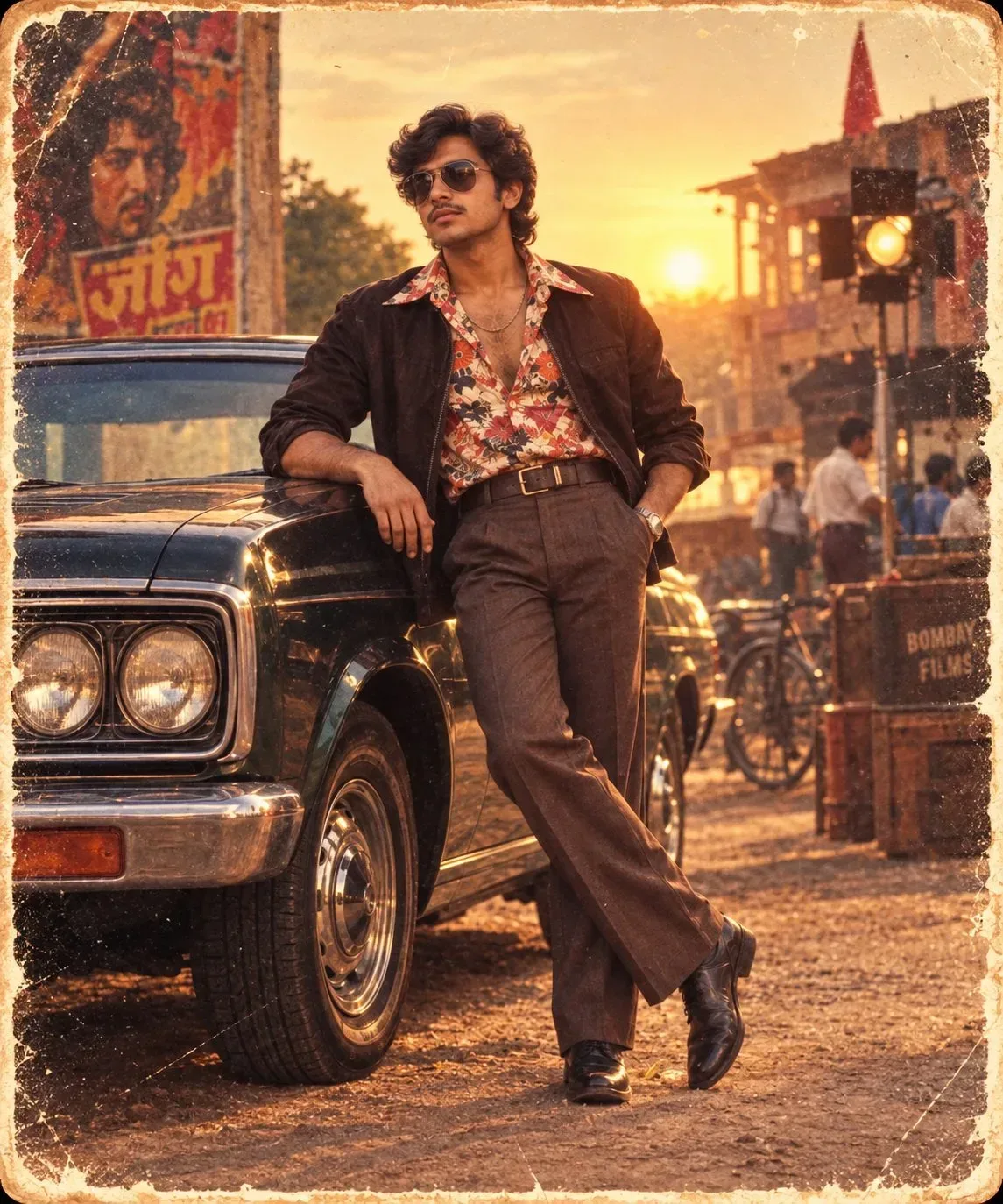
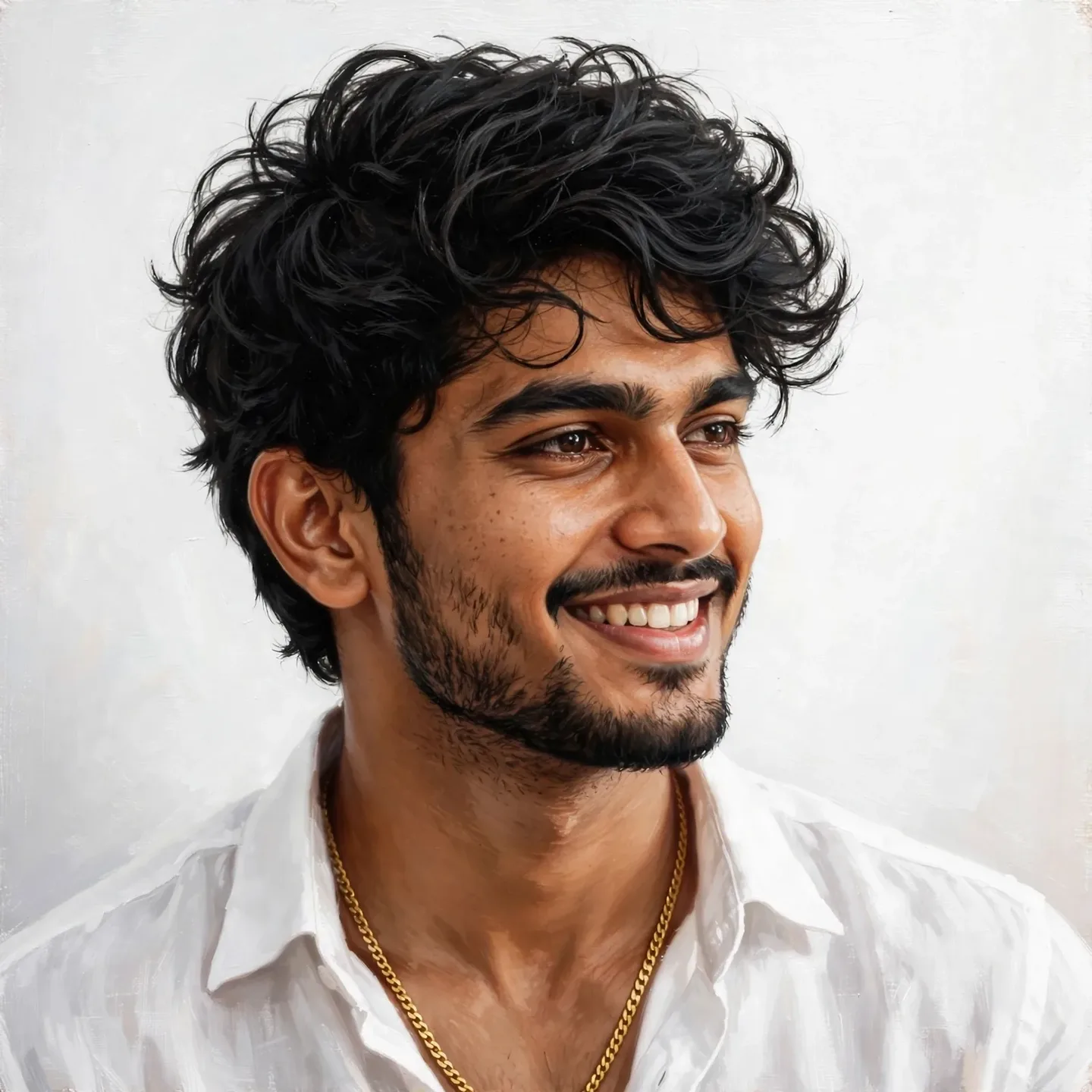
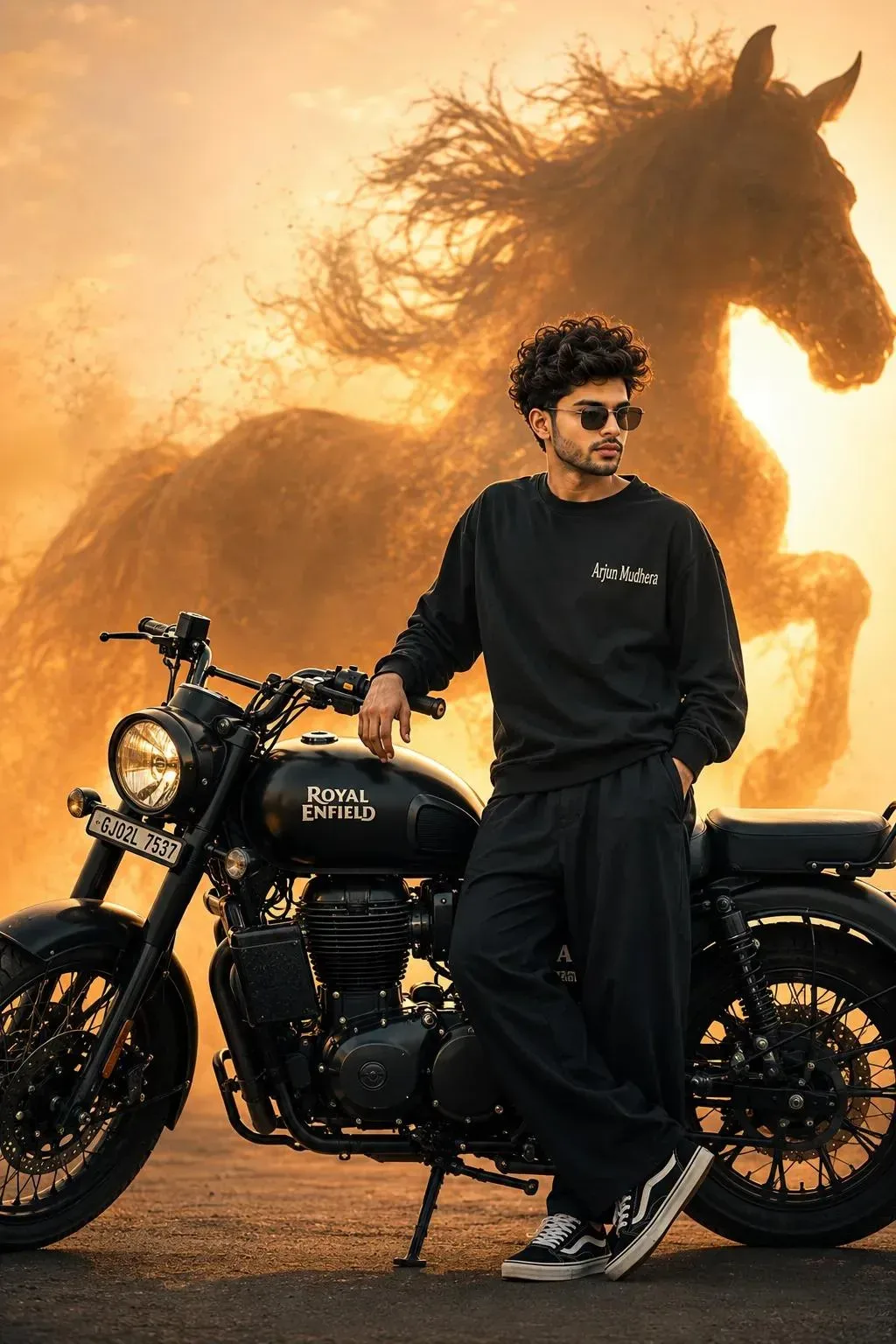
Quick Summary: This verified Google Gemini & Bing Image Creator (DALL-E 3) prompt creates an rich traditional Indian cultural aesthetic for Elegant Portrait With Golden Light Trails AI Photo Prompt with calibrated lighting, authentic texture physics, and tested 1-click copy-paste formula for instant AI generation without facial distortion.
- Ai Image
- Photography
- Trending
- Photography
- Ai Image
- Trending
- Viral Prompt
- Gemini Ai
- Bing Image Creator
- Copy Paste
About This Prompt
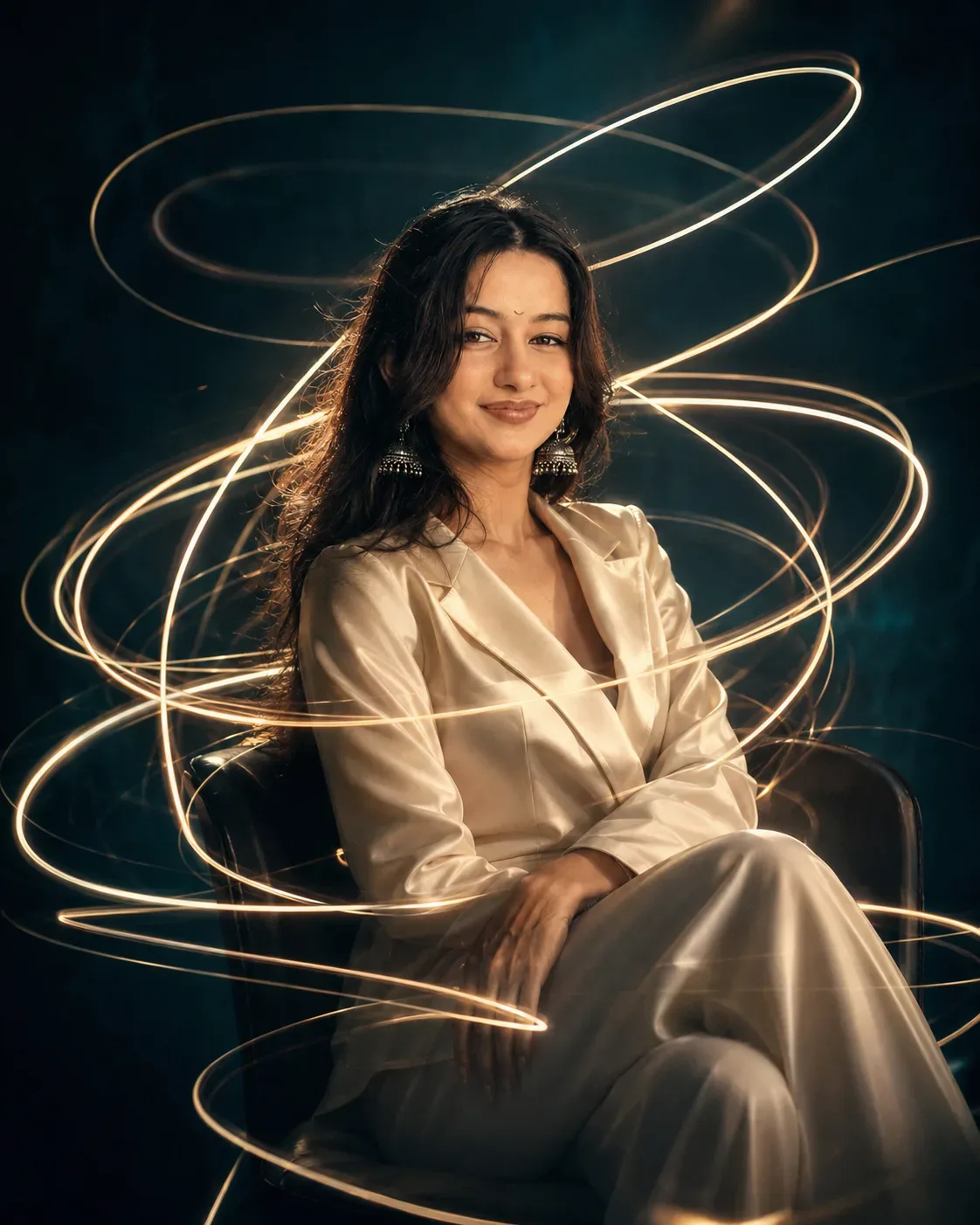
This AI prompt generates a Elegant Portrait With Golden Light Trails AI Photo Prompt — a high-quality, photorealistic image with balanced lighting, sharp focus, and intricate details suitable for social media sharing and digital content creation.
This prompt works best with Google Gemini. Simply copy the prompt text below and paste it into the generator. You can easily customize specific keywords like colors, backgrounds, or subjects to make the final output uniquely yours.
Elegant Portrait With Golden Light Trails AI Photo Prompt - Copy Paste AI Prompt
**PROMPT:**

Use the **uploaded photo of the person as the ONLY identity and facial reference**. Recreate the subject with the **exact recognizable face and identity from the uploaded image**. Do not replace, redesign, beautify, stylize, or reinterpret the face. Preserve the person’s exact facial structure, face shape, forehead, hairline, eyebrows, eyes, eye shape, nose, lips, jawline, cheekbones, chin, ears, natural skin texture, complexion, age, and all distinctive facial characteristics. The final person must clearly look like the individual in the uploaded photo.

Create a **hyperrealistic cinematic editorial portrait** of the uploaded person seated elegantly in a dark minimalist environment, inspired by a sophisticated long-exposure light-trail photograph.

### Composition

Vertical **4:5 portrait composition**. The subject is seated in a simple dark chair, positioned centrally with the upper body dominating the frame. Their posture is calm, elegant, and slightly introspective, with the body facing mostly toward the camera while the head is naturally turned slightly to the side. Hands rest naturally around the lap, with legs crossed in a relaxed sophisticated pose.

Keep the person’s **realistic body proportions and natural physical appearance** from the uploaded reference. Do not make the body unnaturally thin, muscular, tall, short, or exaggerated.

### Face & Identity — CRITICAL

The uploaded photo is the **primary identity source**. Maintain maximum facial similarity and identity consistency.

**Do not alter the face to match the reference model. Instead, replace the reference model’s identity with the uploaded person’s exact identity while preserving the composition and artistic scene.**

No face morphing, no generic AI face, no facial beautification, no excessive smoothing, no altered facial proportions, no changed ethnicity, no changed age, no exaggerated makeup, no artificial facial symmetry.

The face should remain **photorealistic, recognizable, naturally detailed, and unmistakably the same person as the uploaded photo**.

### Hair

Preserve the uploaded person's natural hairstyle, hairline, hair texture, length, and overall appearance as closely as possible. Adapt only the styling necessary to fit the cinematic composition while maintaining identity.

### Clothing

Dress the person in an elegant **minimalist ivory/cream satin or silk blazer-style outfit**, with a deep V-shaped overlapping neckline and soft natural fabric folds. The clothing should look luxurious but understated, with realistic textile texture, subtle highlights, and natural wrinkles.

### Light Trails

Surround the subject with numerous **thin glowing warm-white and golden light trails**, resembling long-exposure photography or flowing ribbons of light.

The light trails should:

- gracefully orbit and spiral around the subject
- pass naturally behind and in front of the body
- form loose elliptical loops around the head, shoulders, torso, and arms
- create several overlapping curves across the frame
- vary naturally in thickness and brightness
- have soft luminous cores with subtle atmospheric glow
- produce realistic motion-light streaks rather than solid objects
- partially wrap around the silhouette without obscuring the face

Create an especially beautiful circular light trail around the upper body and several sweeping arcs extending toward the sides of the frame.

### Lighting

Use **dramatic cinematic low-key lighting**. The environment is dark and atmospheric, with a muted deep teal/blue-green background.

Illuminate the face primarily from a soft warm directional source, creating realistic highlights along the forehead, nose, cheekbone, lips, and jaw while allowing portions of the face to fall naturally into shadow.

The golden light trails should softly illuminate nearby hair, shoulders, clothing, and skin, producing subtle reflected highlights.

Maintain realistic skin pores, fine facial texture, natural shadows, and cinematic contrast.

### Background

Minimal dark teal studio-like environment with subtle atmospheric depth and a smooth gradient. No distracting objects, furniture, scenery, text, logos, or unnecessary details.

The background should remain darker around the edges and slightly brighter behind the subject, creating separation between the person and the environment.

### Photography & Rendering

**Hyperrealistic professional photography, cinematic editorial fashion photography, long-exposure light painting, realistic human anatomy, physically accurate lighting, natural skin texture, detailed fabric, realistic shadows, shallow depth of field, subtle atmospheric haze, high dynamic range, refined color grading, sophisticated luxury editorial aesthetic.**

The image should look like it was captured with a professional full-frame camera using a portrait lens and a long-exposure/light-painting technique, while keeping the person sharply recognizable.

### Color Palette

Deep teal, muted blue-green, charcoal shadows, warm ivory clothing, soft amber and golden-white light trails, subtle warm skin highlights.

### Final Quality

Ultra-detailed, photorealistic, cinematic, premium editorial photography, realistic skin, realistic hair, realistic fabric, natural proportions, controlled highlights, soft atmospheric glow, beautiful depth, high-end magazine aesthetic.

**Most important instruction:**
**The uploaded person's face and identity must remain unchanged and recognizable. Use the uploaded image ONLY for the person's identity and facial characteristics. Use the described scene for the composition, pose, clothing, lighting, background, and artistic treatment. Do not copy another person's face. Do not generate a generic substitute face. The final image must look like the uploaded person photographed in this exact cinematic light-trail concept.**

**NEGATIVE PROMPT:**
different face, altered identity, generic AI face, face replacement, facial redesign, beautified face, unrealistic facial symmetry, changed facial structure, different eyes, different nose, different lips, different jawline, different hairline, plastic skin, excessive skin smoothing, cartoon, illustration, CGI appearance, distorted anatomy, extra fingers, malformed hands, duplicated limbs, unnatural body proportions, overly thin body, overly muscular body, excessive makeup, blurry face, obscured face, light trails covering the face, text, watermark, logo, low resolution, oversaturated colors, flat lighting, cluttered background.

Optical Identity & Likeness Preservation: Lock subject's authentic facial identity and natural posture while seamlessly integrating with sharp vehicle reflections and cinematic ambient lighting.Frequently asked questions
- How do I use the Elegant Portrait With Golden Light Trails AI Photo Prompt prompt?
- To use this prompt, simply click the "Copy Prompt" button above. Then, open Google Gemini, paste the copied text into the prompt box, and hit generate. You can instantly generate high-quality images without needing any reference photos.
- What is this prompt best used for?
- This specific prompt is highly optimized for creating engaging social media content and digital art. The formula is structured to produce high-contrast, visually appealing results that perform well on visual platforms.
- Can I customize the details of this prompt?
- Yes! While the core structure of the prompt is optimized for Google Gemini, you can easily customize the details. We recommend changing specific keywords like clothing colors, background locations, or the overall mood (e.g., changing "sunny" to "rainy" or "neon") to match your exact vision.
What You'll Get
- 🎨 Style: Ai Image
- ✨ Mood: Photography
- 📱 Best For: Photography
- 🤖 Works With: Google Gemini
- 🔥 Popularity: Copied 137 times
- 📅 Added: Sep 14, 2026
Explore Related Collections
Explore Ai Image Prompts — Browse our curated collection of Ai Image prompts tailored for creators. View all Ai Image prompts →
Explore Photography Prompts — Discover more viral Photography ideas for your next AI generation. View all Photography prompts →
Explore Trending Prompts — Explore our extensive library of Trending templates ready to copy and paste. View all Trending prompts →