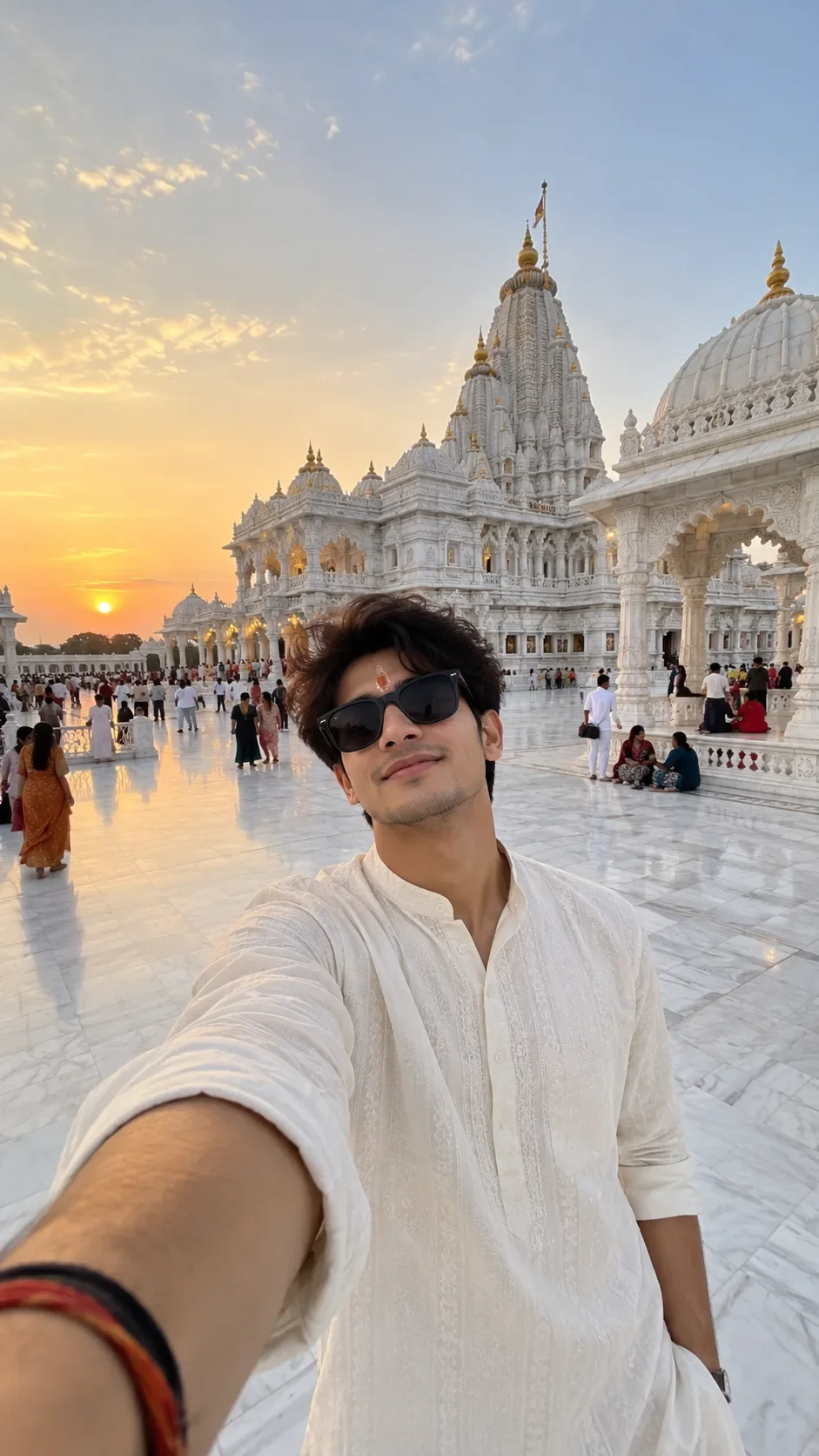
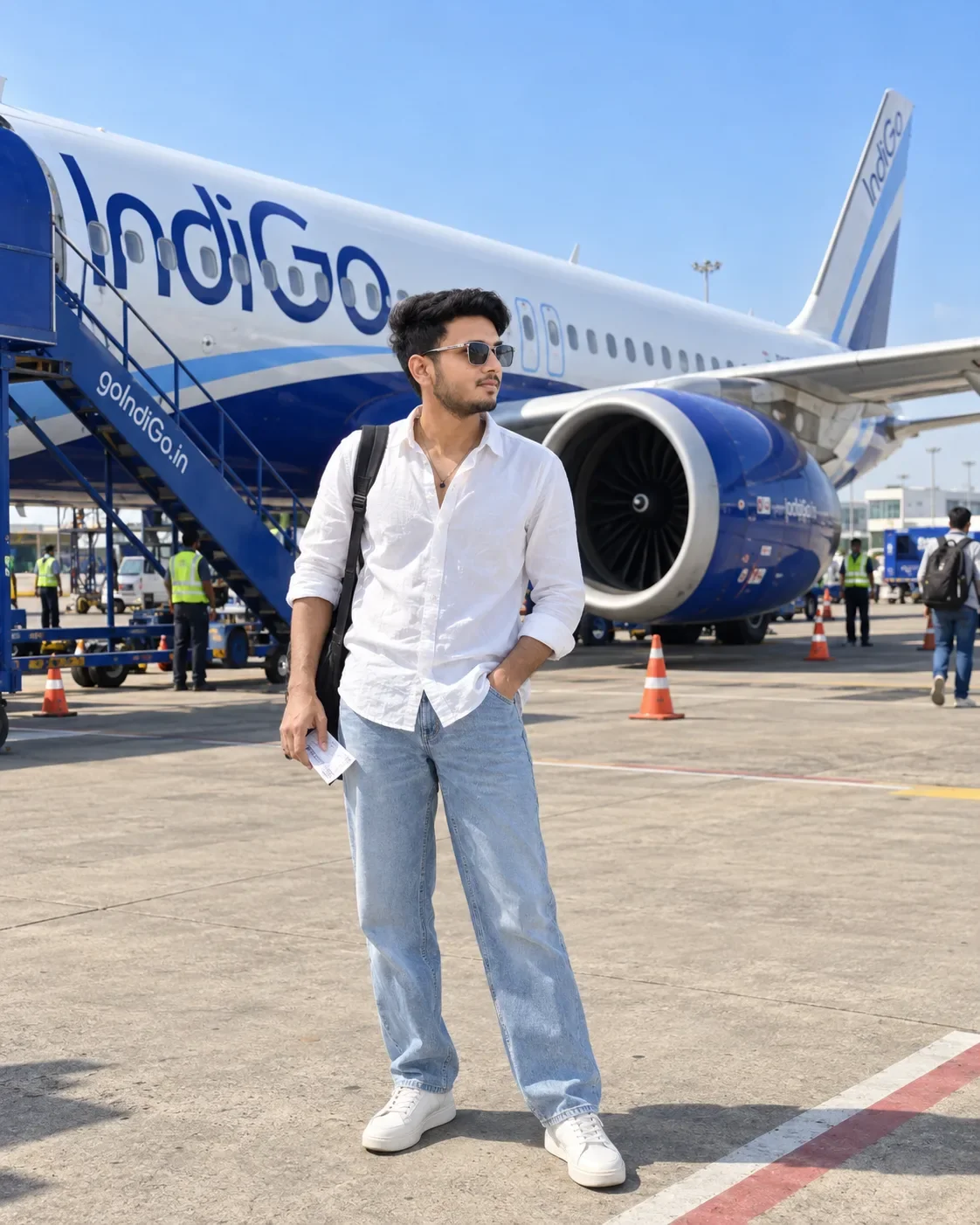
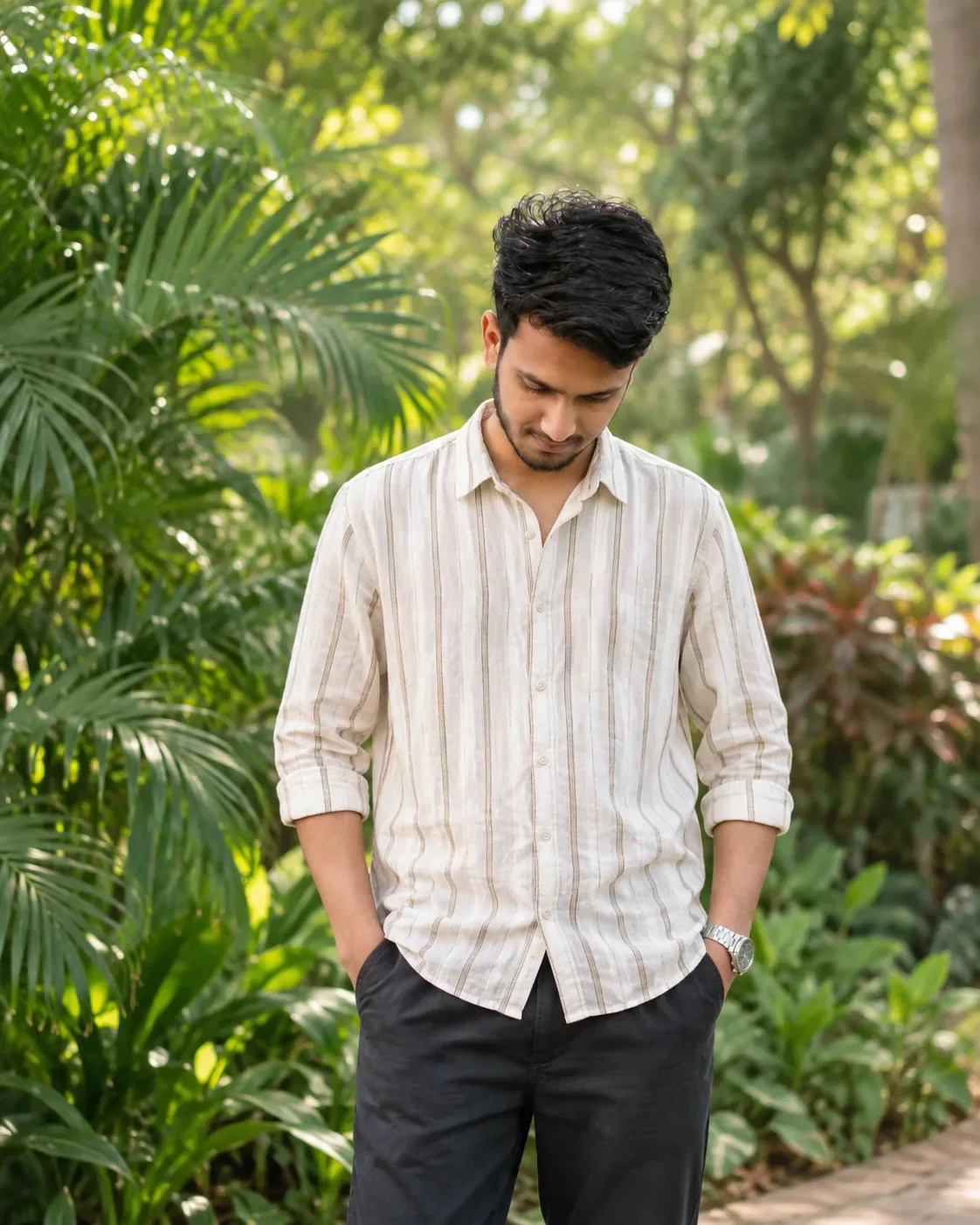
Quick Summary: This verified Google Gemini & Bing Image Creator prompt creates an stylish attitude boy street portrait for Divine Silhouette Blessing — Prompt with calibrated lighting, authentic texture physics, and tested 1-click copy-paste formula for instant AI generation without facial distortion.
- Social Media
- Ai Image
- Trending
- Social Media
- Ai Image
- Trending
- Viral Prompt
- Gemini Ai
- Bing Image Creator
- Copy Paste
Divine Silhouette Blessing — Prompt - Copy Paste AI Prompt
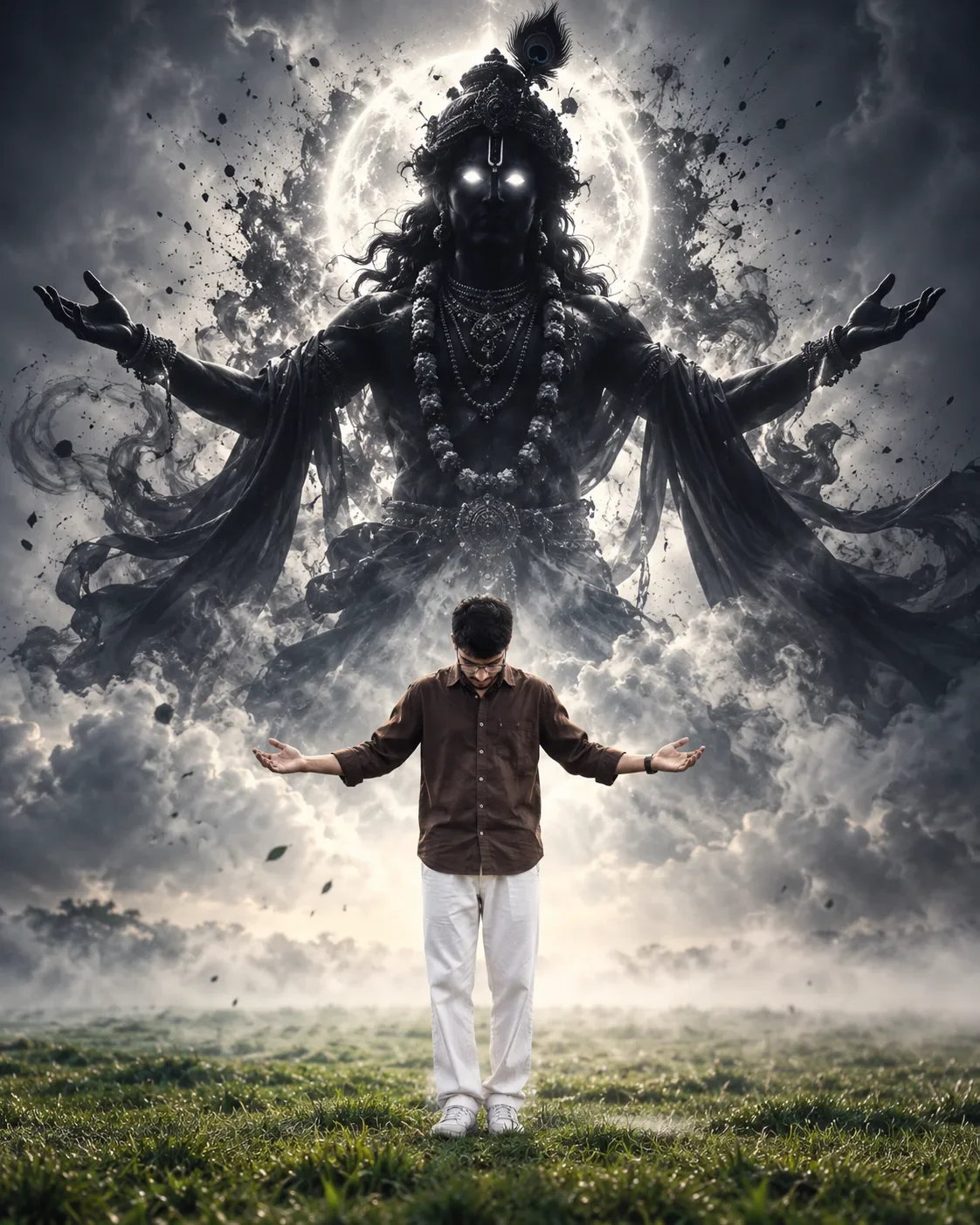
> Create a highly realistic, cinematic vertical portrait inspired by the reference image.

SUBJECT: Use the uploaded reference photo for the human subject and preserve his exact facial identity, facial structure, hairstyle, skin tone, body proportions, and natural appearance. Do not beautify, reshape, or alter his identity.

Show the young man standing alone in the center of a vast open field, viewed from behind/front with his head bowed downward, both arms extended naturally outward with palms open, creating a humble, devotional posture.

He is wearing a dark brown full-sleeve shirt, loose white trousers, and simple white sneakers.

DIVINE KRISHNA APPARITION: Behind and above the man, create a gigantic, majestic dark silhouette of Lord Krishna emerging dramatically from thick white and grey mist. Krishna should appear enormous compared with the human subject, like a divine supernatural presence watching over him.

Krishna has long flowing dark hair, an elaborate traditional crown with a clearly visible peacock feather, multiple necklaces and traditional ornaments, and flowing garments. His body is almost completely black/dark, with intense glowing white eyes. His arms are extended wide to both sides with open palms, creating a powerful protective/blessing pose.

A brilliant circular white divine halo glows behind Krishna's head and upper body. Surround the apparition with dramatic swirling smoke, mist, floating particles, subtle ink-like splashes and flowing fabric, creating an epic spiritual atmosphere.

The lower portion transitions into a realistic green grassy field covered by soft fog.

LIGHTING: Extremely dramatic cinematic backlighting, strong white glow behind Krishna, volumetric rays cutting through the fog, subtle rim light around the human subject, deep blacks, high contrast, realistic shadows, atmospheric depth.

STYLE: Photorealistic cinematic photography, dark spiritual aesthetic, epic devotional artwork, ultra-detailed textures, realistic human anatomy, realistic fabric, natural skin texture, volumetric fog, HDR, professional cinematic color grading.

COMPOSITION: Vertical 4:5 portrait, full-body human subject visible from head to shoes, Krishna towering above him and filling most of the upper background. Keep the man relatively small to emphasize the enormous divine scale of Krishna. Symmetrical, centered composition.

IMPORTANT: Krishna must look like a dark divine silhouette, not a normal brightly colored person. The glowing white eyes, peacock feather, halo, enormous scale, smoke and dramatic atmosphere are essential. No extra people, no text, no watermark, no cartoon, no CGI-looking plastic appearance.

Optical Identity & Likeness Preservation: Lock subject's authentic facial identity and natural posture while seamlessly integrating with sharp vehicle reflections and cinematic ambient lighting.👤Customize in Face Consistency Studio
Lock 100% exact facial identity, bone structure & eye shape in Gemini & Bing.
Technical Prompt Parameters (Attitude Boy & Stylish DP)
| Parameter | Configuration | Output Impact |
|---|---|---|
| Target AI Engine | Google Gemini & Bing Image Creator | Engineered for viral Instagram reels display pictures and WhatsApp DP engagement. |
| Recommended Aspect Ratio | 9:16 (Full Screen DP & Reel) or 1:1 (Profile Icon) | Fills mobile display screens completely without black letterboxing or cropped hair. |
| Camera & Lens Settings | 85mm f/1.8 prime lens, Sony A7 IV, crisp focal separation | Sharp high-contrast focus on sunglasses, hoodie texture, and confident facial expression. |
| Lighting Style | Dramatic street golden hour or neon urban backlighting with cool rim contour | Carves strong jawline definition and dramatic contrast for a bold, commanding profile look. |
| Negative Constraints | cartoon face, childish features, distorted sunglasses, blurred background clutter, extra limbs | Keeps masculine features razor-sharp, realistic, and free from cartoon distortion. |
| Reference Photo | Upload a confident front-facing or slight 3/4 angle selfie with good daylight. | Upload front-facing reference photo for face matching. |
How to use this prompt
- Copy the prompt, open Google Gemini or Bing Image Creator, attach your reference photo, and generate instant 8K results.
How to get better results from Divine Silhouette Blessing — Prompt
Free 1-click copy divine silhouette blessing — prompt for Google Gemini and Bing Image Creator. Authentic social media aesthetic, realistic lighting, and instant camera settings. Use it as a copy-ready starting point, then adjust the subject, scene, tone and output format for your own result.
- Social Media
- Ai Image
- Trending
- Viral Prompt
- Gemini Ai
- Bing Image Creator
Customize before generating
- Replace the main subject, name, product or character details.
- Adjust lighting, background, mood, camera angle or aspect ratio if the prompt is visual.
- Change tone, audience, language and output format if the prompt is for text.
- Keep this core idea clear: > Create a highly realistic, cinematic vertical portrait inspired by the reference image. SUBJECT: Use the uploaded reference photo for the human subject and preserve...
Quick variations to try
- Make Divine Silhouette Blessing — Prompt more cinematic with stronger lighting and richer background detail.
- Turn Divine Silhouette Blessing — Prompt into a cleaner mobile-first version for social media posts or profile use.
- Create a premium version of Divine Silhouette Blessing — Prompt with sharper style, higher detail and a more polished final output.