Quick Summary: This verified Google Gemini & Midjourney v6 prompt creates an authentic 90s vintage film aesthetic for Behind The Change AI Photo Prompt with calibrated lighting, authentic texture physics, and tested 1-click copy-paste formula for instant AI generation without facial distortion.
- Photography
- Ai Image
- Trending
- Photography
- Ai Image
- Trending
- Viral Prompt
- Gemini Ai
- Bing Image Creator
- Copy Paste
About This Prompt
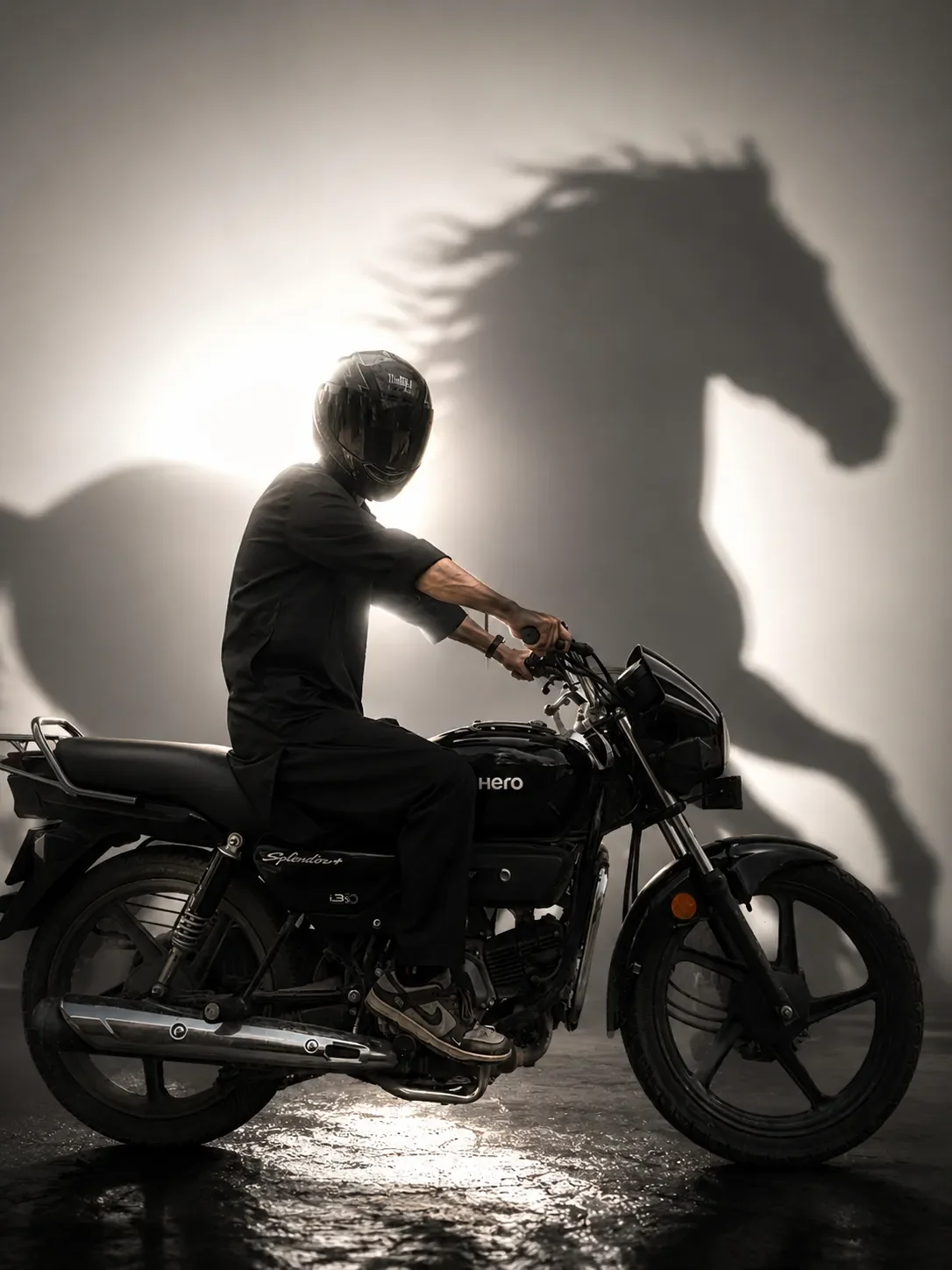
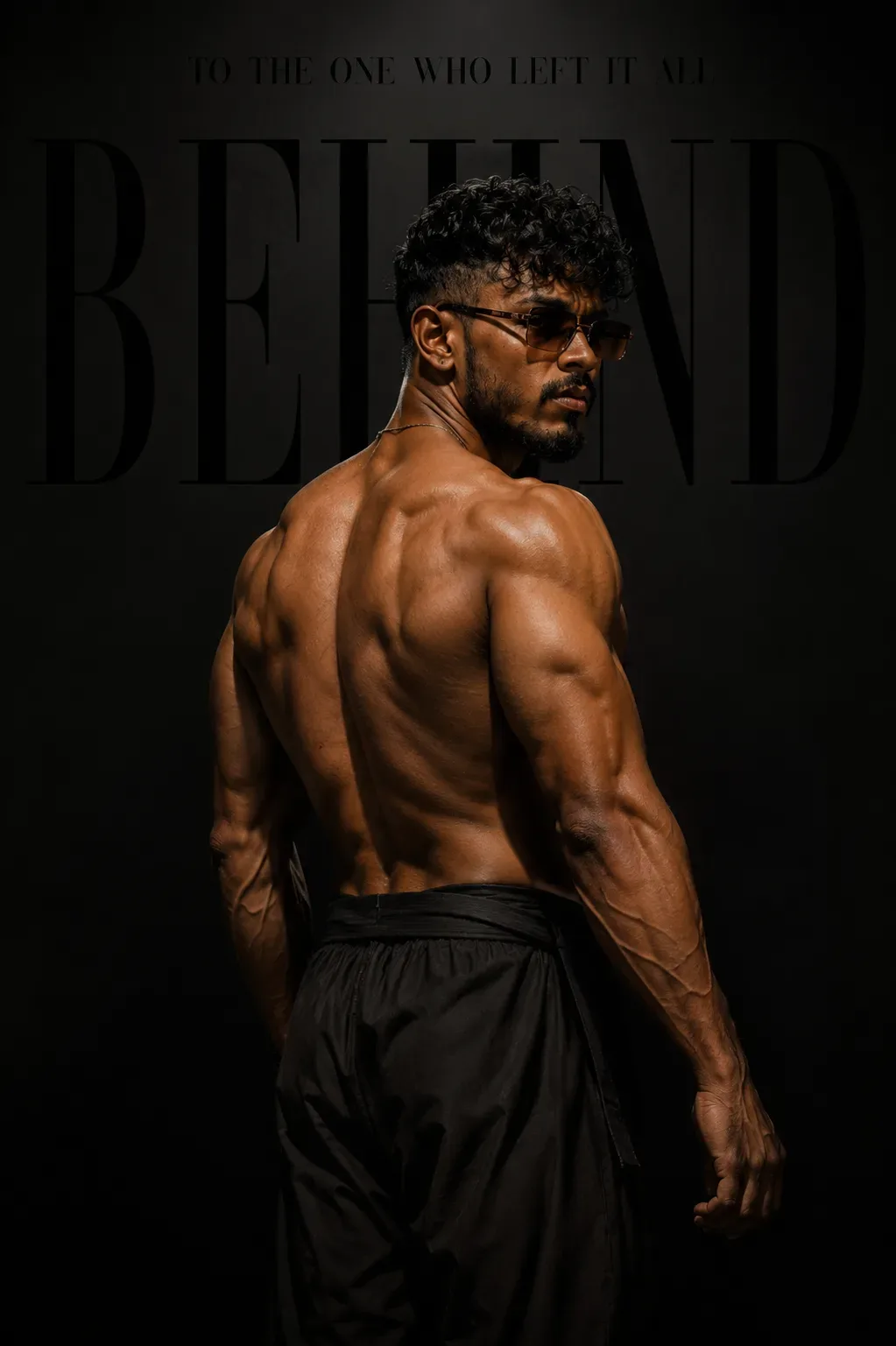
This prompt creates an Behind The Change AI Photo Prompt — a high-quality, photorealistic image with balanced lighting, sharp focus, and intricate details suitable for social media sharing and digital content creation.
Optimized specifically for Google Gemini. Simply copy the prompt text below and paste it into the generator. You can easily customize specific keywords like colors, backgrounds, or subjects to make the final output uniquely yours.
What You'll Get
- 🎨 Style: Photography
- ✨ Mood: Photography
- 📱 Best For: Ai Image
- 🤖 Works With: Google Gemini
- 🔥 Popularity: Copied 68 times
- 📅 Added: Sep 14, 2026
Behind The Change AI Photo Prompt - Copy Paste AI Prompt
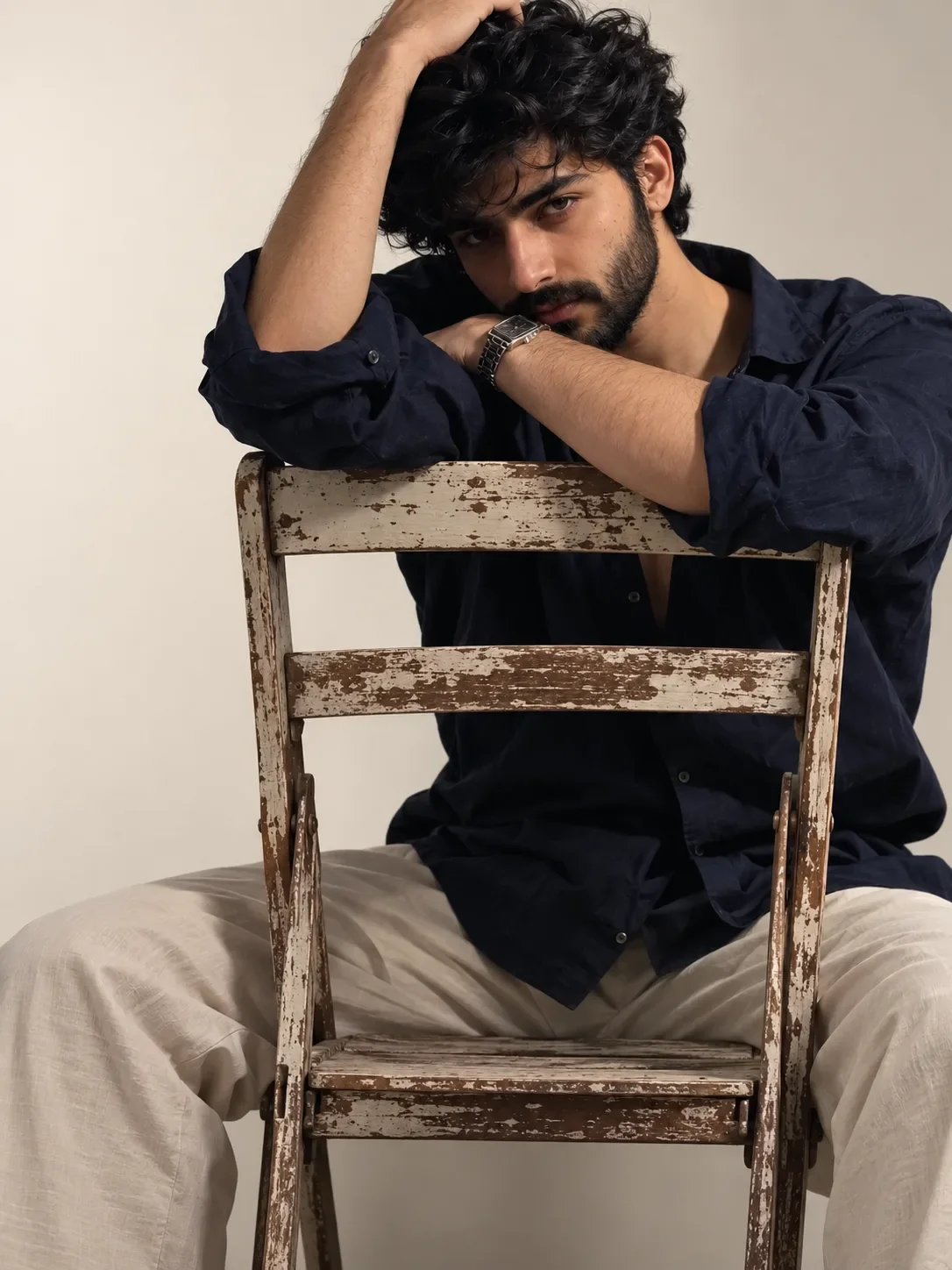
Create a highly photorealistic cinematic luxury fashion editorial portrait using the uploaded image as the primary face and identity reference. Preserve the subject’s facial structure, hairstyle, beard, skin tone, natural proportions and identity with maximum accuracy.
Composition: Vertical 4:5 portrait. The subject is shown from behind in a powerful three-quarter back pose, standing slightly off-center. His head is turned over his shoulder toward the camera, creating a confident, intense and mysterious expression. Full upper body and arms visible.
Appearance: Young adult man with naturally athletic physique, curly textured hair, short well-groomed beard and dark rectangular sunglasses. He wears loose black trousers with a relaxed premium fashion silhouette. Keep anatomy realistic and natural.
Lighting: Dramatic studio lighting from the side and behind, creating strong highlights along the shoulders, arms, hair and face while keeping the surrounding environment dark. Deep shadows, subtle warm skin highlights, cinematic contrast and realistic skin texture.
Background: Minimalist black studio background with subtle smoky atmosphere and large oversized editorial typography behind the subject. Add the word “BEYOND” in enormous elegant black/charcoal serif letters, partially hidden behind the subject. At the very top, add small sophisticated text:
“TO THE ONE WHO LEFT IT ALL”
Typography should look like a high-end luxury fashion magazine campaign—subtle, sophisticated and perfectly integrated into the composition.
Mood: Transformation, resilience, confidence, mystery, self-growth and leaving the past behind.
Photography style: Luxury fashion editorial, cinematic portrait photography, realistic studio photography, dramatic chiaroscuro lighting, subtle film grain, extremely detailed hair and skin texture, realistic fabric, natural anatomy, professional color grading, premium magazine aesthetic.
Quality: Ultra-photorealistic, highly detailed, sharp subject, realistic shadows and highlights, cinematic depth, 4K/8K quality, no watermark, no unnecessary objects, no distorted anatomy.

Optical Identity & Likeness Preservation: Maintain 100% exact facial identity, bone structure, jawline contours, and natural skin undertone of reference photo without alteration or distortion.Explore Related Collections
Explore Photography Prompts — Browse our curated collection of Photography prompts tailored for creators. View all Photography prompts →
Explore Ai Image Prompts — Discover more viral Ai Image ideas for your next AI generation. View all Ai Image prompts →
Explore Trending Prompts — Explore our extensive library of Trending templates ready to copy and paste. View all Trending prompts →
Frequently asked questions
- How do I use the Behind The Change AI Photo Prompt prompt?
- To use this prompt, simply click the "Copy Prompt" button above. Then, open Google Gemini, paste the copied text into the prompt box, and hit generate. You can instantly generate high-quality images without needing any reference photos.
- What is this prompt best used for?
- This specific prompt is highly optimized for creating engaging social media content and digital art. The formula is structured to produce high-contrast, visually appealing results that perform well on visual platforms.
- Can I customize the details of this prompt?
- Yes! While the core structure of the prompt is optimized for Google Gemini, you can easily customize the details. We recommend changing specific keywords like clothing colors, background locations, or the overall mood (e.g., changing "sunny" to "rainy" or "neon") to match your exact vision.