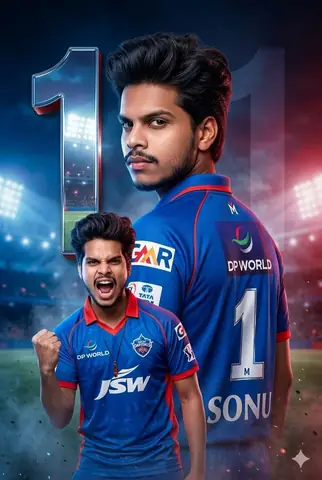
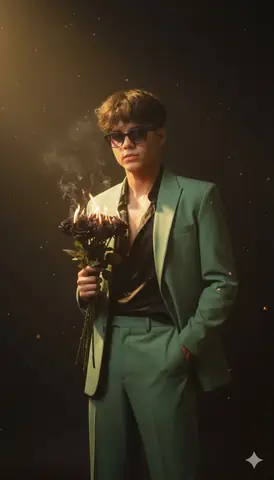
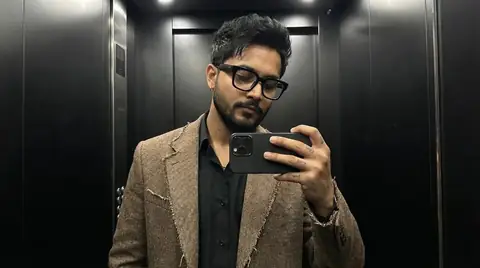
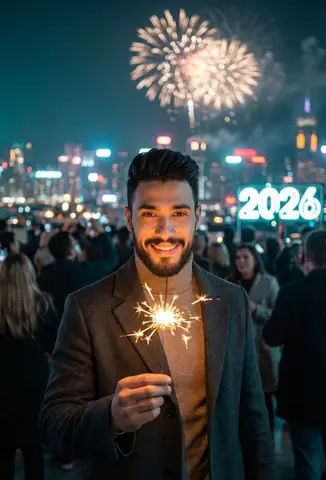
Quick Summary: This verified Google Gemini & Midjourney v6 prompt creates an authentic 90s vintage film aesthetic for ( Anime Realistic AI Photo Prompt with calibrated lighting, authentic texture physics, and tested 1-click copy-paste formula for instant AI generation without facial distortion.
About This Prompt
Design a ( Anime Realistic AI Photo Prompt — a high-quality, photorealistic image with balanced lighting, sharp focus, and intricate details suitable for social media sharing and digital content creation.
This prompt works best with your AI generator. Simply copy the prompt text below and paste it into the generator. You can easily customize specific keywords like colors, backgrounds, or subjects to make the final output uniquely yours.
( Anime Realistic AI Photo Prompt - Copy Paste AI Prompt
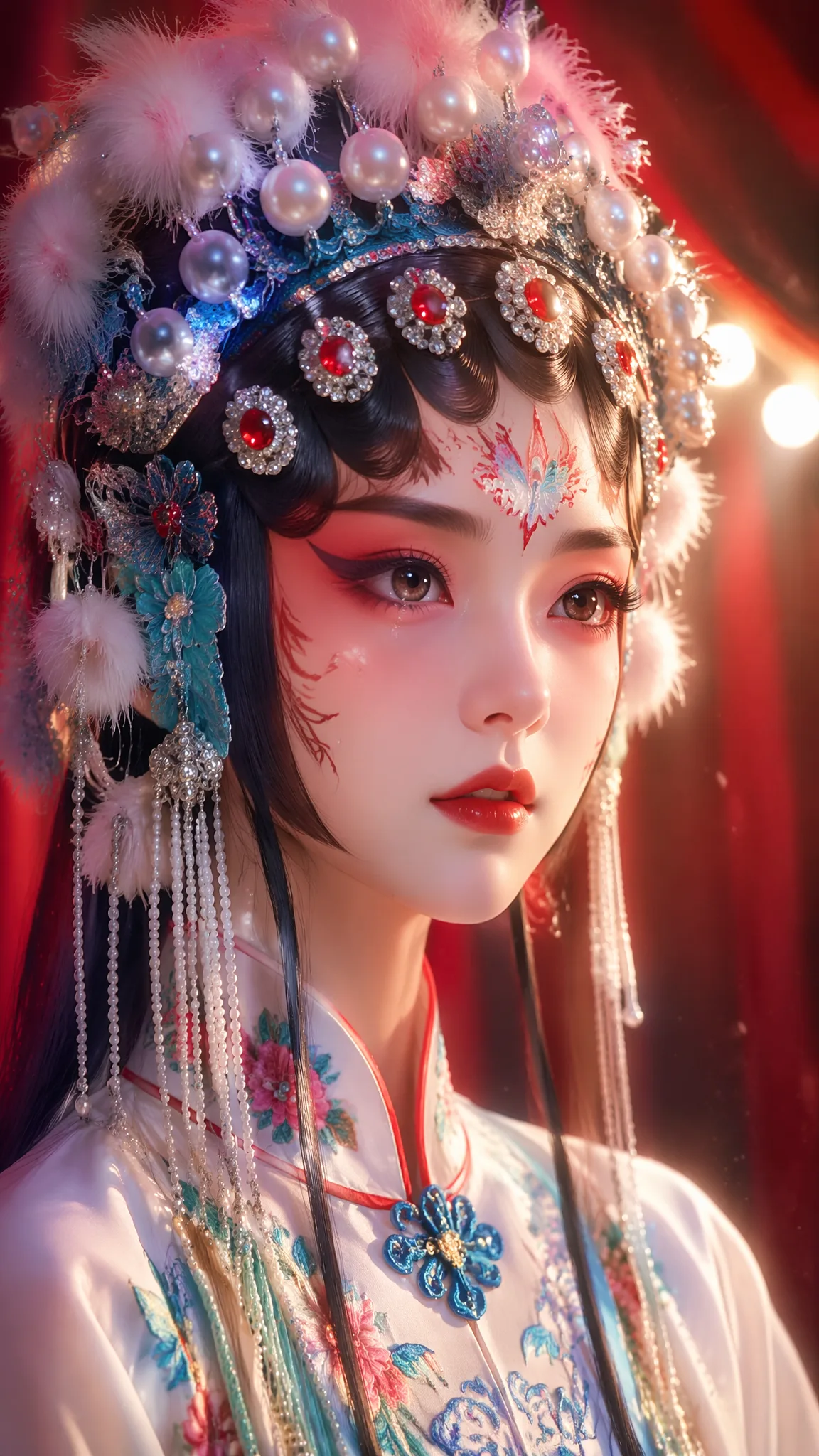
(masterpiece, best quality, ultra-detailed, 8k:1.2), high-top quality, perfect work, extreme detail, 8K ultra-high definition, ultra-high refinement, Japanese-style semi-realistic CG illustration, Korean-style smooth soft light thin-thick painting coloring, creamy soft light subsurface scattering translucent skin, skin with delicate moist soft luster, soft uniform diffused skylight, low contrast light soft shadows, shallow depth of field blurred background, soft bokeh light spots, full frame smooth gradient transition, no rough brush strokes, hair and clothing edges with light thin contour lines, delicate multi-layer gradient big anime eyes, flowing block-layered long hair, uniform smooth long highlights on hair strands, slender and graceful human proportions, light PBR material reflections on fabric/leather/stockings/satin, clean bright soft overall tone, soft rim light wrapping the body, delicate material texture detail, commercial bishoujo illustration texture, soft lens flare, low saturation clean transparent color grading, pure and innocent beautiful girl illustration, no noise or stray colors in frame, clean and neat contours, overall transparent and fresh feeling, soft ambient diffuse reflection, high-definition delicate sharp rendering, soft lighting layers, natural clean color transitionsComposition: 9:16 vertical close-up portrait. The figure is a Peking opera female performer in full costume and elaborate makeup. She is shown from the upper chest upward, with her face dominant in the frame. She gazes slightly off-camera with a calm, expressive look. The background is a modern opera stage: red velvet curtains, warm stage lighting, soft spotlights creating a halo effect behind her. No ancient elements. No scene splitting. No blending. The entire image is unified in the modern theater setting.The actress wears elaborate opera headdress with pearls and feathers, colorful embroidered costume, delicate facial makeup with red and white patterns. Her eyes are large and expressive, with subtle tears or shine adding emotional depth. The lighting is a mix of warm stage spotlights and soft ambient fill, highlighting her facial features and costume details.Extremely detailed texture on headdress, fabric, and skin. No text, no watermark, no logo. Aspect ratio 9:16.负面提示词(英文):worst quality, low quality, normal quality, blurry, fuzzy, out of focus, deformed, disfigured, ugly, pixelated, noisy, grainy, watermark, text, signature, extra limbs, missing fingers, messy fabric, distorted texture, flat color, no shading, rough skin, blocky hair, cel shading, rough brush strokes, 3D render, bright daylight except specified, high saturation except umbrella, multiple people other than described, long pants.

Note: Strictly retain 100% exact facial likeness, natural cheekbone contours, true skin undertone, and authentic gaze from source image without generic face replacement.What You'll Get
- 🎨 Style: Ai Image
- ✨ Mood: Meigen
- 📱 Best For: Trending
- 🤖 Works With: your AI generator
- 🔥 Popularity: Copied 20 times
- 📅 Added: Sep 15, 2026
Explore Related Collections
Explore Ai Image Prompts — Browse our curated collection of Ai Image prompts tailored for creators. View all Ai Image prompts →
Explore Trending Prompts — Discover more viral Trending ideas for your next AI generation. View all Trending prompts →
Frequently asked questions
- How do I use the ( Anime Realistic AI Photo Prompt prompt?
- To use this prompt, simply click the "Copy Prompt" button above. Then, open your AI generator, paste the copied text into the prompt box, and hit generate. You can instantly generate high-quality images without needing any reference photos.
- What is this prompt best used for?
- This specific prompt is highly optimized for creating engaging social media content and digital art. The formula is structured to produce high-contrast, visually appealing results that perform well on visual platforms.
- Can I customize the details of this prompt?
- Yes! While the core structure of the prompt is optimized for your AI generator, you can easily customize the details. We recommend changing specific keywords like clothing colors, background locations, or the overall mood (e.g., changing "sunny" to "rainy" or "neon") to match your exact vision.