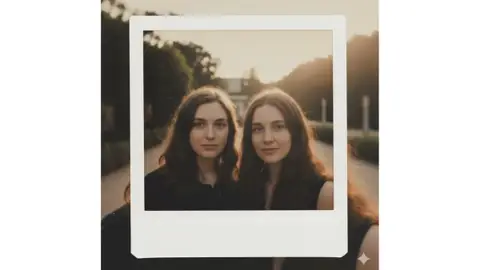
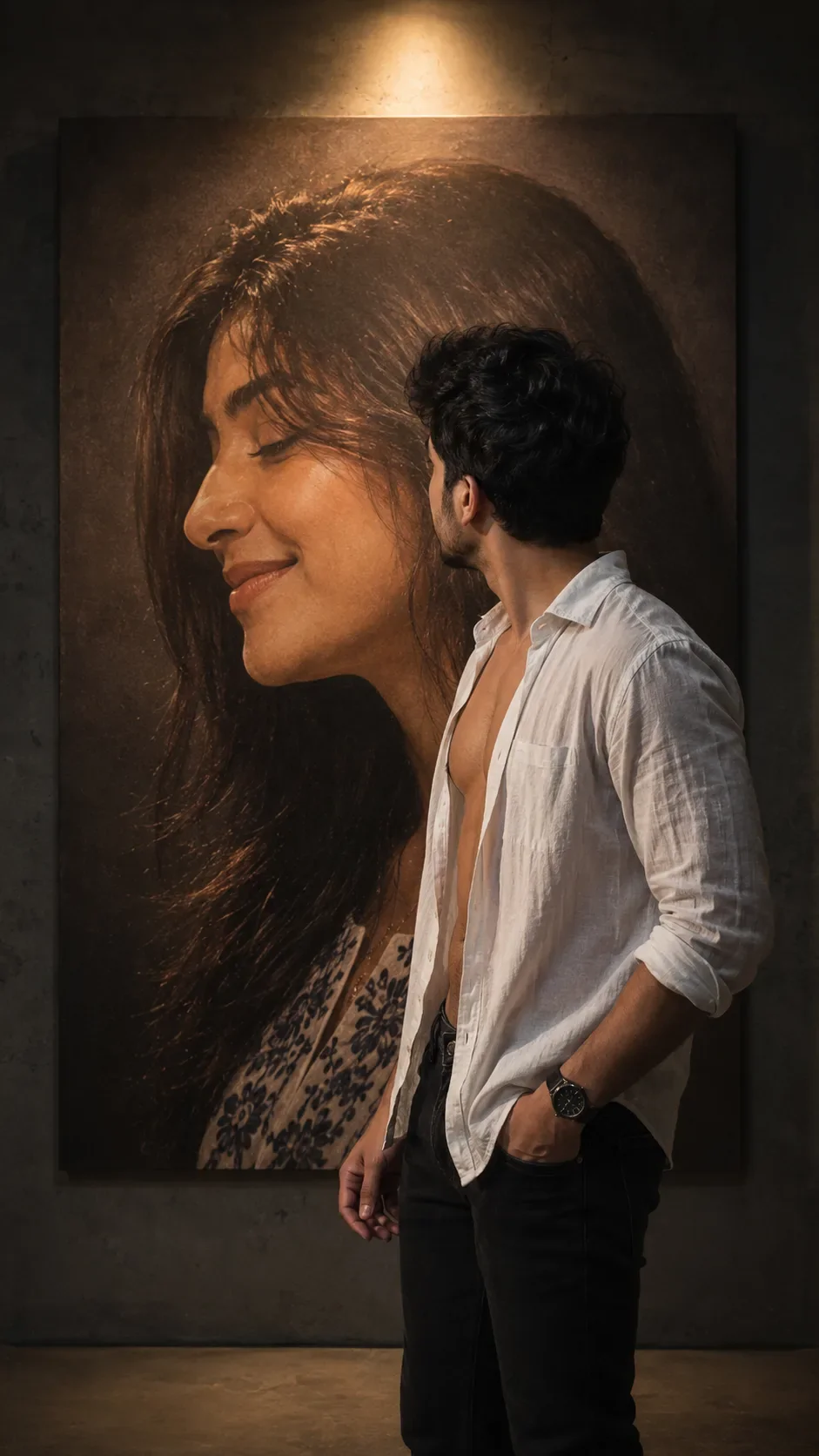
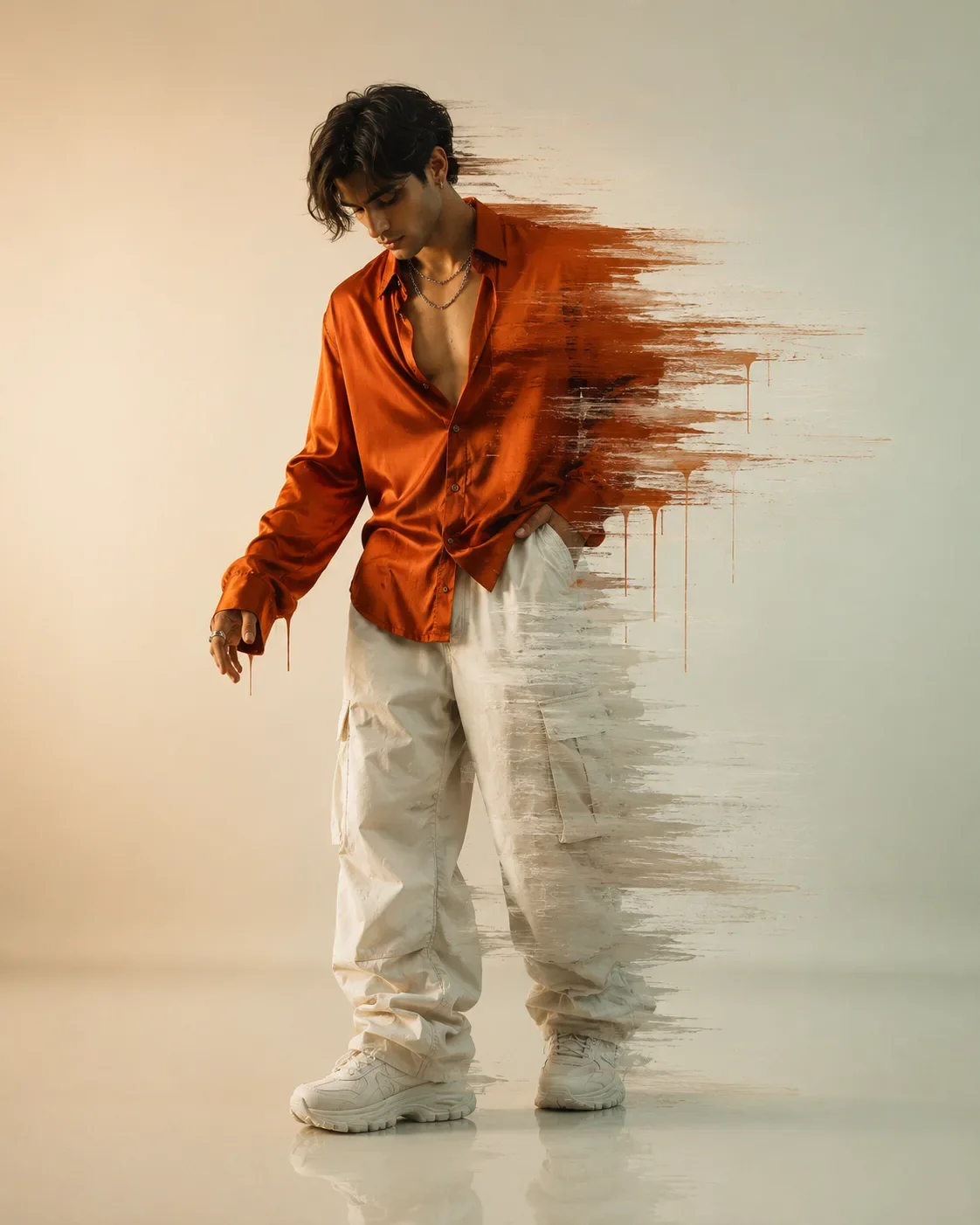
Quick Summary: This verified Google Gemini & Midjourney v6 prompt creates an authentic 90s vintage film aesthetic for Graffiti Glamour In Teal And Pink AI Photo Prompt with calibrated lighting, authentic texture physics, and tested 1-click copy-paste formula for instant AI generation without facial distortion.
- Illustration 3d
- Ai Image
- Trending
- Illustration 3d
- Ai Image
- Trending
- Viral Prompt
- Gemini Ai
- Bing Image Creator
- Copy Paste
About This Prompt
This AI prompt generates a Graffiti Glamour In Teal And Pink AI Photo Prompt — a high-quality, photorealistic image with balanced lighting, sharp focus, and intricate details suitable for social media sharing and digital content creation.
For the best results, use this with Google Gemini. Simply copy the prompt text below and paste it into the generator. You can easily customize specific keywords like colors, backgrounds, or subjects to make the final output uniquely yours.
Graffiti Glamour In Teal And Pink AI Photo Prompt - Copy Paste AI Prompt
# Exact Reference-Style Image Prompt — Identity Preserved

**IMPORTANT IDENTITY INSTRUCTION — HIGHEST PRIORITY**

Use the **user-uploaded photo as the ONLY identity and facial reference for the main subject**. Recreate the composition, styling, pose, lighting, and visual aesthetic of the reference image below, but replace the reference person completely with the person from the user's uploaded photo.

**DO NOT CHANGE THE USER'S FACE OR IDENTITY.**

Preserve the uploaded person's:

- Exact facial identity and recognizable appearance
- Face shape and natural proportions
- Forehead and hairline
- Eyebrows and their natural shape
- Eyes, eyelids, eye shape, and eye spacing
- Nose shape, bridge, and tip
- Lips, mouth shape, and natural proportions
- Cheekbones and cheeks
- Jawline and chin
- Skin tone, natural skin texture, and complexion
- Natural facial asymmetry and distinctive features
- Hair texture, hairline, and overall appearance unless the hairstyle transformation is specifically required by the reference composition

Do **not** beautify, reshape, slim, feminize, masculinize, age, de-age, or otherwise modify the person's face. The result must unmistakably look like the same person from the uploaded photograph.

## COMPOSITION

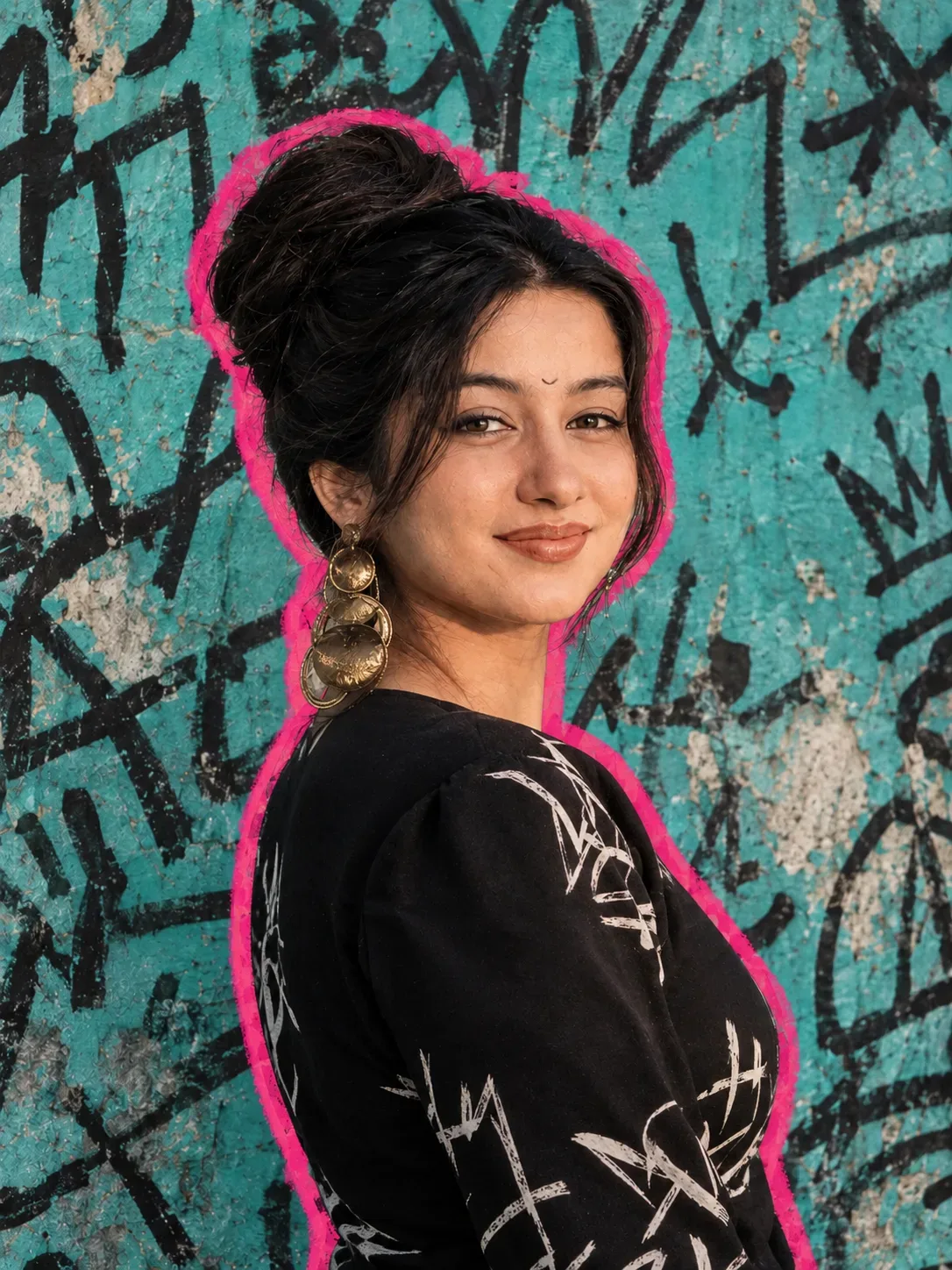
Create a highly realistic editorial street-fashion portrait inspired **exactly by the provided reference composition**.

The subject is shown in a **vertical close-up/medium portrait**, positioned prominently in the frame, with the body turned slightly away from the camera and the head turned into a strong **side-profile / three-quarter profile** facing toward the right side of the image.

Keep the facial proportions and identity from the uploaded photo while adapting the pose naturally to match the reference.

Frame the subject from approximately the upper torso/chest upward. The neck, shoulders, and upper chest should remain naturally proportioned.

## HAIRSTYLE

Recreate the reference hairstyle only as a **styling element**, while keeping the user's actual facial identity completely unchanged.

Create a sleek, polished hairstyle pulled tightly backward into a **large elegant high bun**, with smooth, neatly controlled dark hair and realistic individual hair texture.

The bun should be positioned toward the upper-back portion of the head and have a refined editorial appearance.

Do not alter the person's hairline or facial structure to accommodate the hairstyle.

## CLOTHING

Dress the subject in a sophisticated **black fashion top/dress** with a deep V neckline and structured shoulders.

The garment should have subtle glossy highlights and realistic fabric texture.

Add distinctive **white hand-drawn/graffiti-style graphic markings** across portions of the black garment, matching the artistic street-fashion aesthetic of the reference.

Keep the clothing realistic, premium, and naturally fitted to the person's actual body proportions.

## ACCESSORIES

Add a large, statement **ornamental gold dangling earring** on the visible ear.

The earring should have an intricate artistic design with layered circular/curved metallic elements, antique-gold texture, realistic reflections, and subtle imperfections.

Make the jewelry physically realistic and naturally attached to the ear.

## BACKGROUND

Recreate the reference's distinctive **urban graffiti wall**.

Use a weathered turquoise/teal painted concrete wall covered with dense black handwritten graffiti, abstract marks, scribbles, symbols, rough lettering, and layered street-art textures.

Include areas of worn paint, exposed pale concrete, cracks, scratches, stains, and imperfect wall texture.

The graffiti should feel authentic and randomly hand-painted rather than clean digital typography.

Maintain strong visual contrast between the turquoise wall, black graffiti, and the subject.

## OUTLINE / GRAPHIC EFFECT

Add the distinctive **thick hot-pink/magenta outline or glow around the silhouette of the subject**, following the outer contour of the head, bun, neck, shoulders, and body.

The pink border should resemble a hand-cut street-art sticker/poster effect.

Keep the outline clearly separated from the subject while allowing subtle natural glow/paint texture.

Do not let the pink outline overlap or distort the face.

## LIGHTING

Use dramatic but natural **editorial portrait lighting**.

Create warm directional light falling across the visible side of the face, producing realistic highlights on the cheekbone, nose, lips, neck, shoulder, and skin.

Maintain natural shadows around the jaw, neck, hair, and clothing.

Skin should have realistic pores, subtle texture, natural highlights, and believable tonal variation.

Avoid excessive airbrushing or plastic-looking skin.

## PHOTOGRAPHY STYLE

Ultra-realistic professional fashion photography.

High-end editorial street-fashion aesthetic.

Sharp facial details, realistic skin texture, realistic hair strands, physically accurate jewelry reflections, natural fabric texture, detailed graffiti wall, cinematic depth, subtle film grain, strong subject separation, realistic perspective, premium color grading.

The final image should look like a **real photograph combined with a sophisticated street-art poster treatment**, not an illustration or CGI render.

## COLOR & MOOD

Dominant colors:

- Vibrant turquoise/teal background
- Deep black clothing and hair
- Hot pink/magenta silhouette outline
- Warm metallic gold jewelry
- Natural warm skin tones

Create a bold, stylish, artistic, urban, confident, high-fashion mood.

## CAMERA & FRAMING

Vertical portrait orientation, **approximately 4:5 aspect ratio**.

Close-up/medium fashion portrait.

Natural perspective, approximately 50–85mm portrait-lens look.

Shallow depth of field while keeping the subject's face and important clothing details extremely sharp.

The graffiti background should remain recognizable but slightly softer than the subject.

## CRITICAL REFERENCE-MATCHING INSTRUCTION

Use the **provided reference image as the visual/compositional reference**, but use the **user-uploaded photograph as the identity reference**.

Match the reference image's:

- Overall composition
- Side-profile pose
- Head orientation
- Framing
- Hairstyle concept
- Black outfit aesthetic
- Large gold earring
- Turquoise graffiti wall
- Hot-pink silhouette border
- Lighting direction
- Color palette
- Street-art fashion aesthetic
- Overall photographic mood

However, **NEVER copy or transfer the reference person's facial identity**.

The person in the final image must be the **same person shown in the user's uploaded photo**, with their face remaining completely recognizable and unchanged.

### NEGATIVE PROMPT

Different person, altered identity, face swap artifacts, changed facial structure, different eyes, different nose, different lips, different jawline, altered cheekbones, beautified face, unrealistic skin, plastic skin, excessive makeup, face distortion, asymmetrical eyes caused by generation, warped facial features, generic face, celebrity face, reference person's face, inaccurate profile, deformed ears, malformed jewelry, extra earrings, extra limbs, distorted hands, unrealistic hair, cartoon, anime, illustration, 3D render, CGI, low resolution, blurry face, oversharpened skin, excessive retouching, unnatural body proportions, distorted clothing, unreadable artificial graffiti, flat lighting, washed-out colors.

**FINAL PRIORITY:**
**Identity preservation > facial accuracy > reference composition > realism > styling details.**

Optical Identity & Likeness Preservation: Lock subject's authentic facial identity and natural posture while seamlessly integrating with sharp vehicle reflections and cinematic ambient lighting.What You'll Get
- 🎨 Style: Illustration 3d
- ✨ Mood: Illustration 3d
- 📱 Best For: Ai Image
- 🤖 Works With: Google Gemini
- 🔥 Popularity: Copied 125 times
- 📅 Added: Sep 14, 2026
Explore Related Collections
Explore Illustration 3d Prompts — Browse our curated collection of Illustration 3d prompts tailored for creators. View all Illustration 3d prompts →
Explore Ai Image Prompts — Discover more viral Ai Image ideas for your next AI generation. View all Ai Image prompts →
Explore Trending Prompts — Explore our extensive library of Trending templates ready to copy and paste. View all Trending prompts →
Frequently asked questions
- How do I use the Graffiti Glamour In Teal And Pink AI Photo Prompt prompt?
- To use this prompt, simply click the "Copy Prompt" button above. Then, open Google Gemini, paste the copied text into the prompt box, and hit generate. You can instantly generate high-quality images without needing any reference photos.
- What is this prompt best used for?
- This specific prompt is highly optimized for creating engaging social media content and digital art. The formula is structured to produce high-contrast, visually appealing results that perform well on visual platforms.
- Can I customize the details of this prompt?
- Yes! While the core structure of the prompt is optimized for Google Gemini, you can easily customize the details. We recommend changing specific keywords like clothing colors, background locations, or the overall mood (e.g., changing "sunny" to "rainy" or "neon") to match your exact vision.