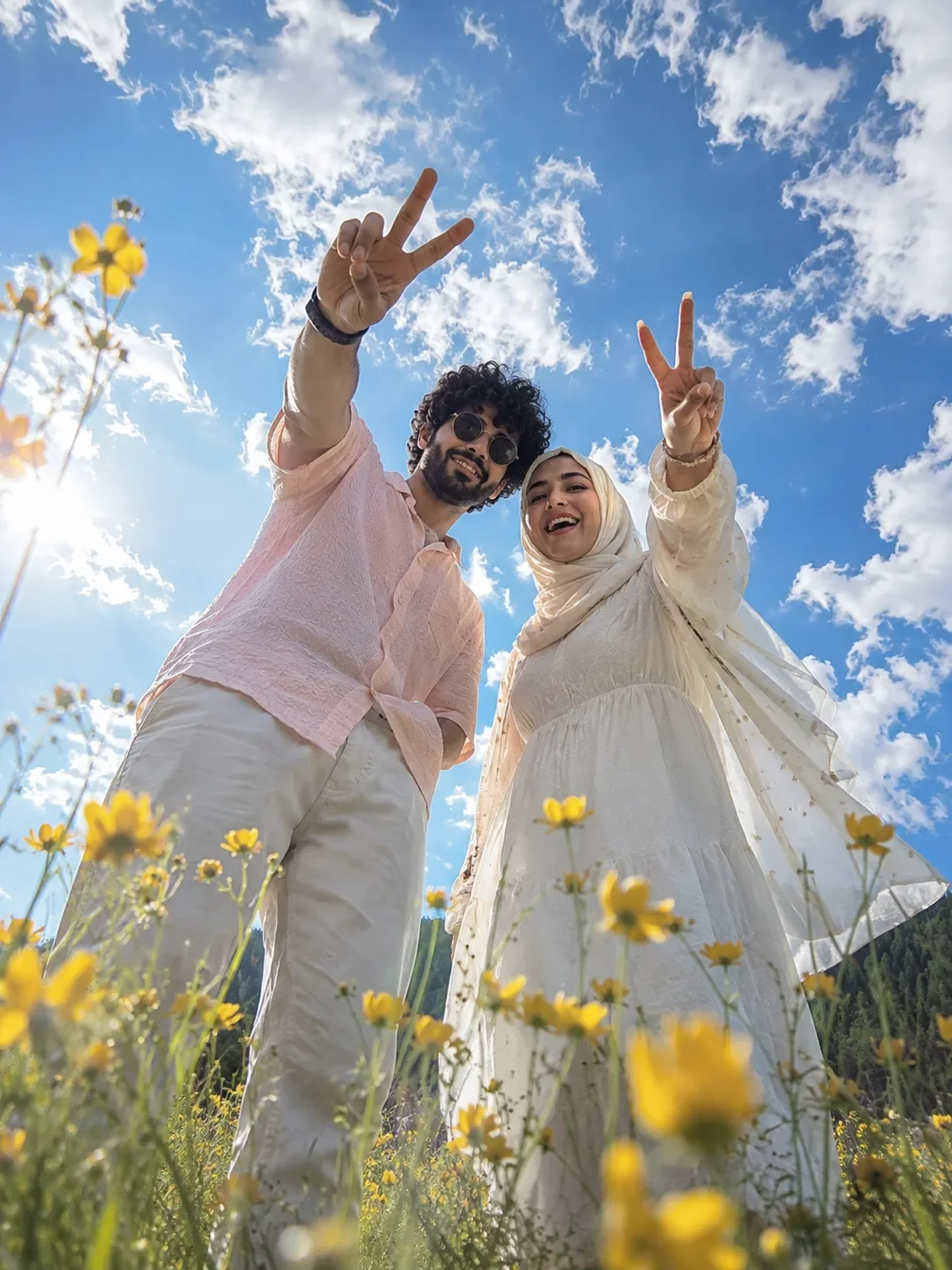
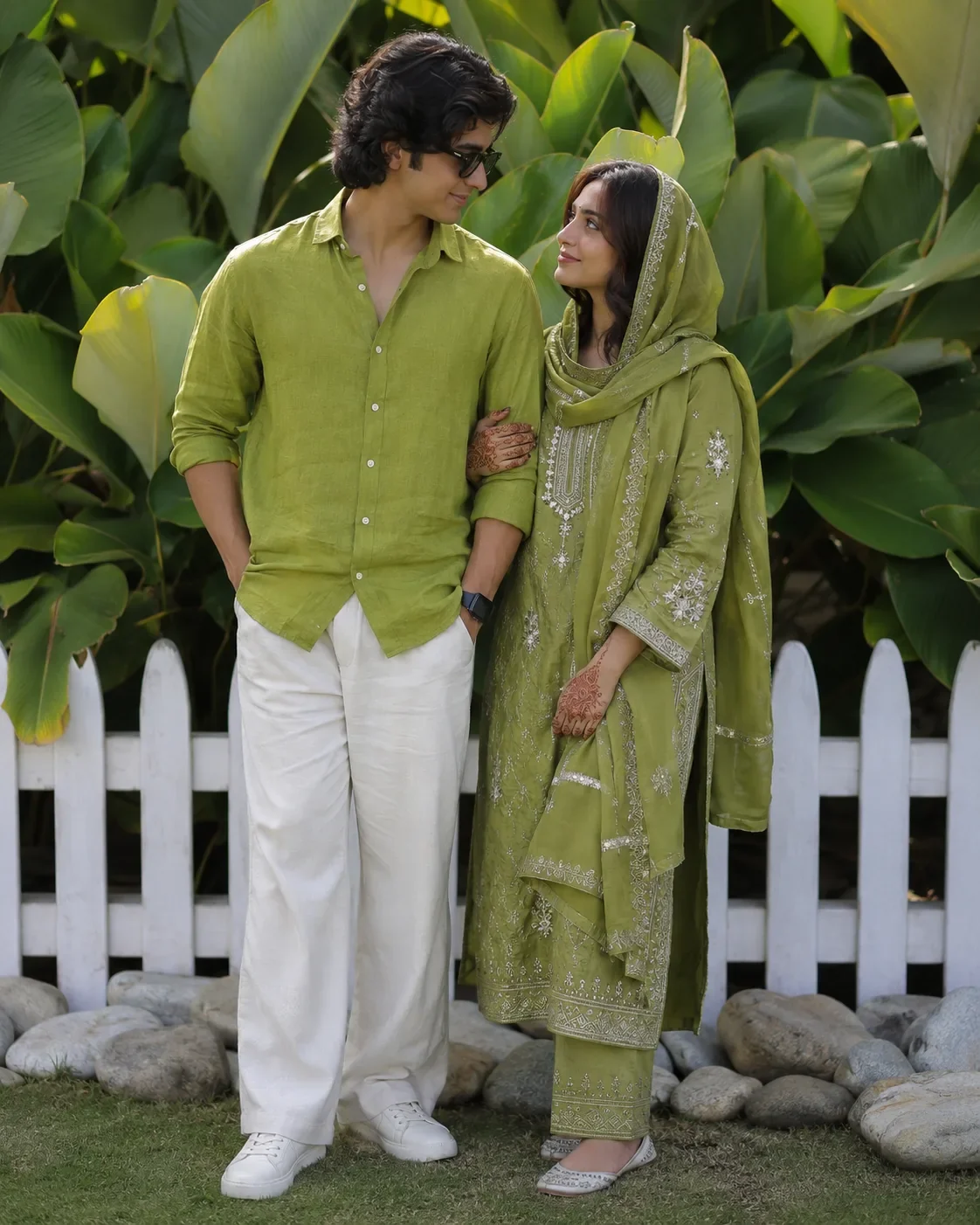
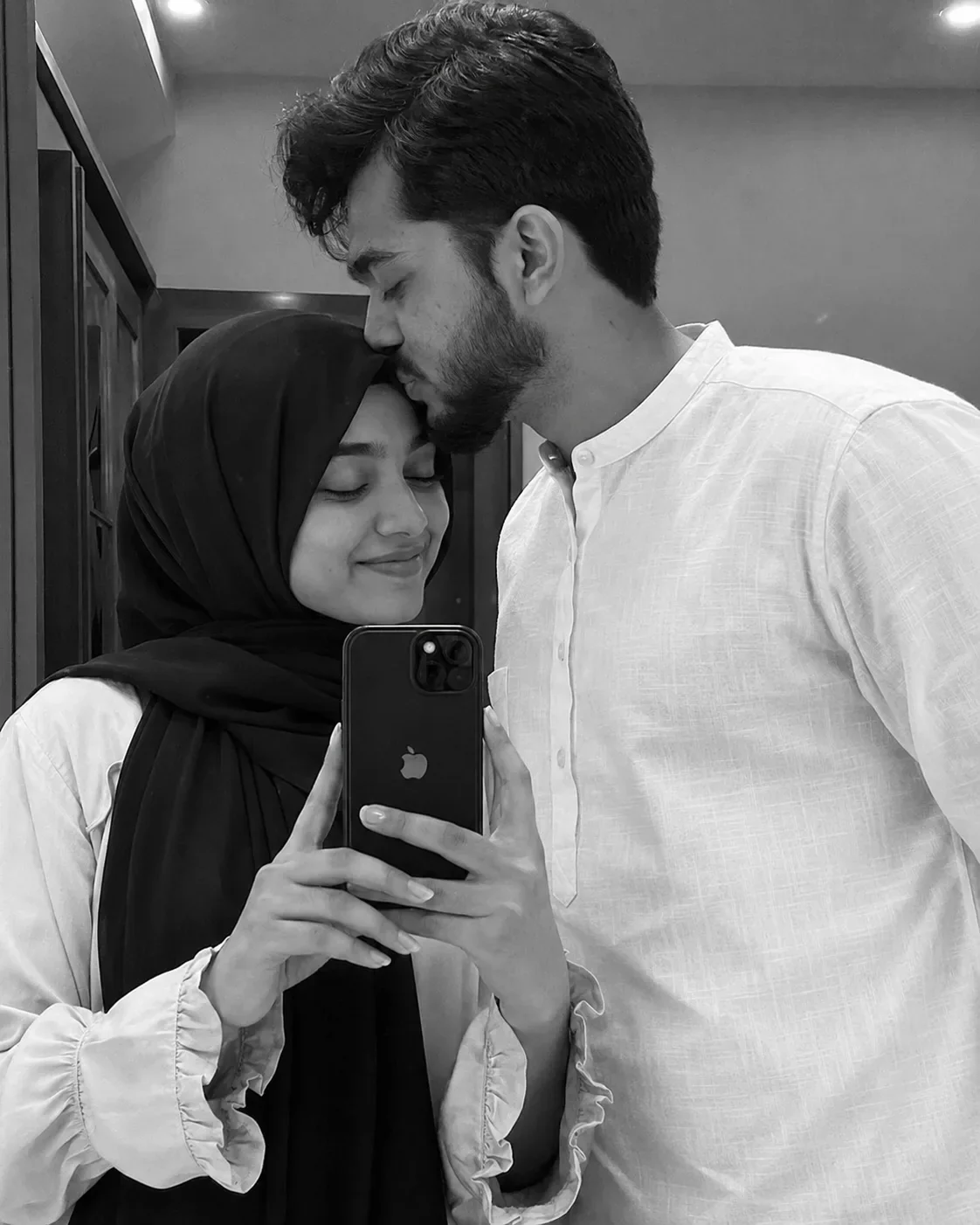
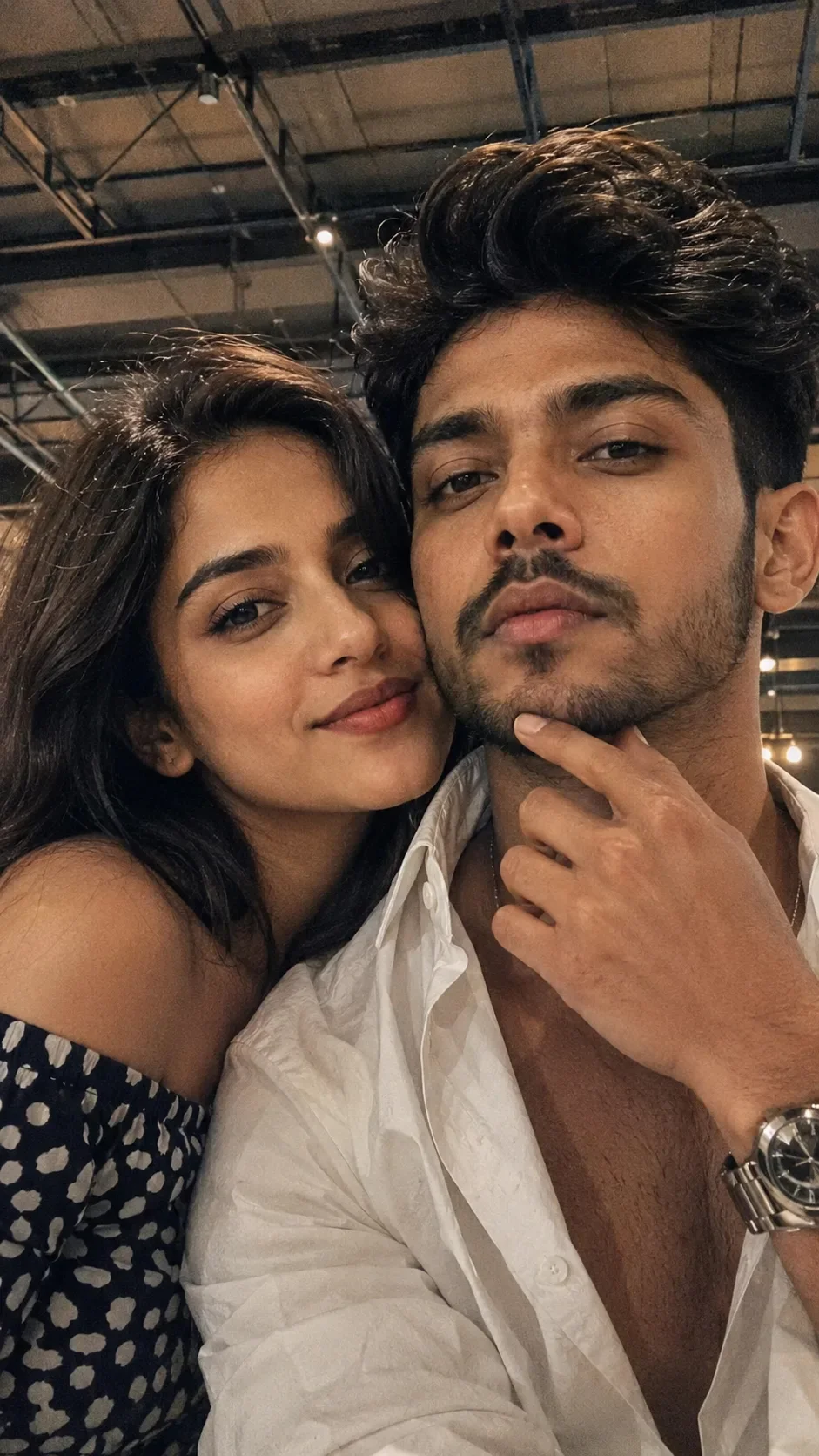
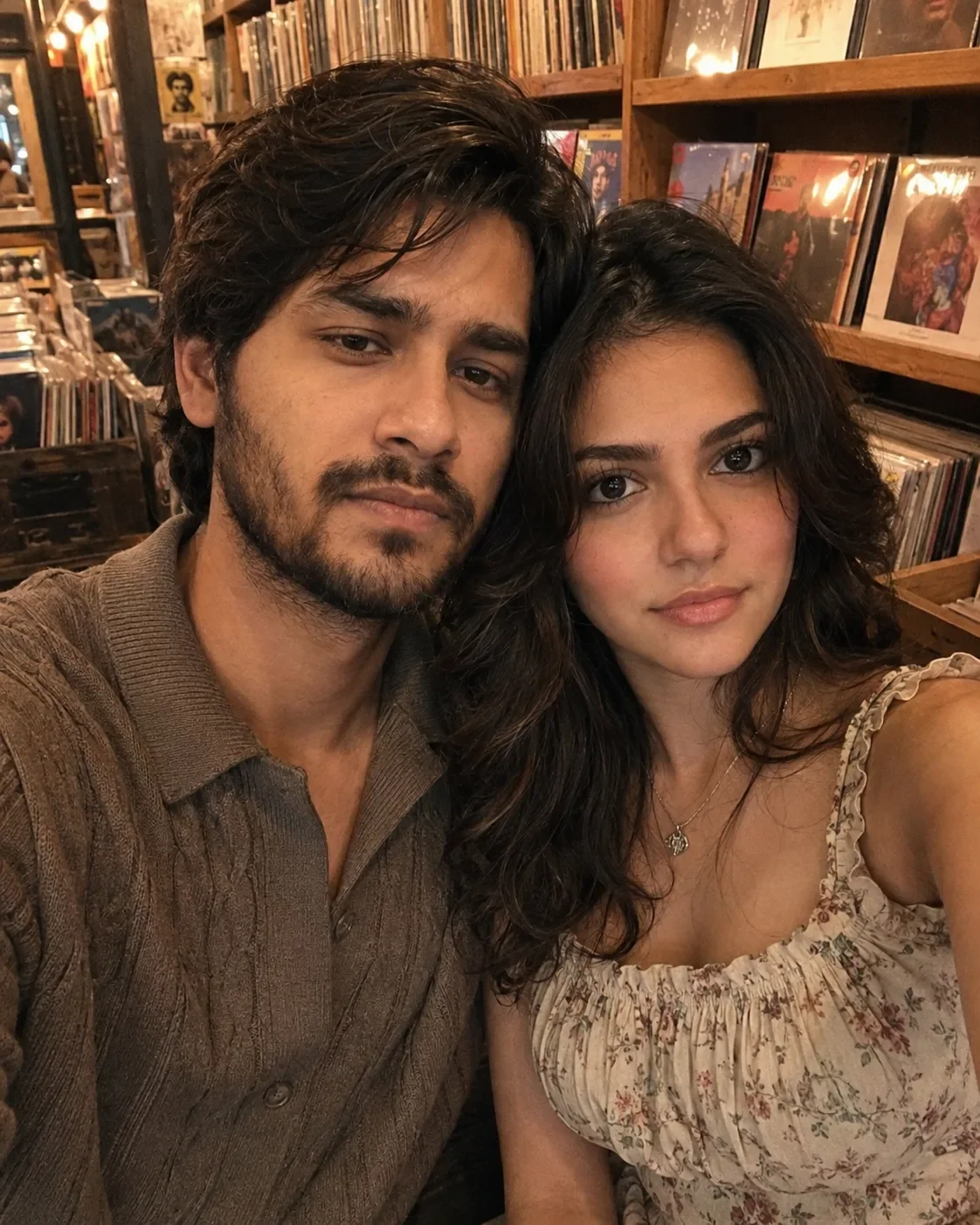
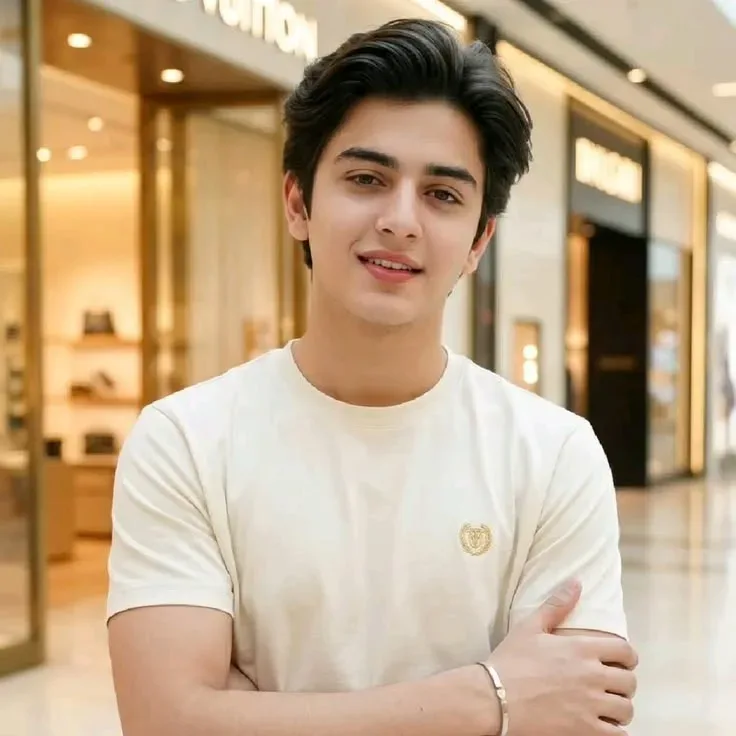
Quick Summary: This verified Google Gemini (Imagen 3) & Bing Image Creator prompt creates an intimate cinematic romantic couple aesthetic for "romantic Couple Golden-hour Portrait" AI Photo Prompt with calibrated lighting, authentic texture physics, and tested 1-click copy-paste formula for instant AI generation without facial distortion.
- Photography
- Couples
- Romantic
- Ai Image
- Trending
- Photography
- Couples
- Romantic
- Ai Image
- Trending
- Viral Prompt
- Gemini Ai
- Bing Image Creator
- Copy Paste
About This Prompt
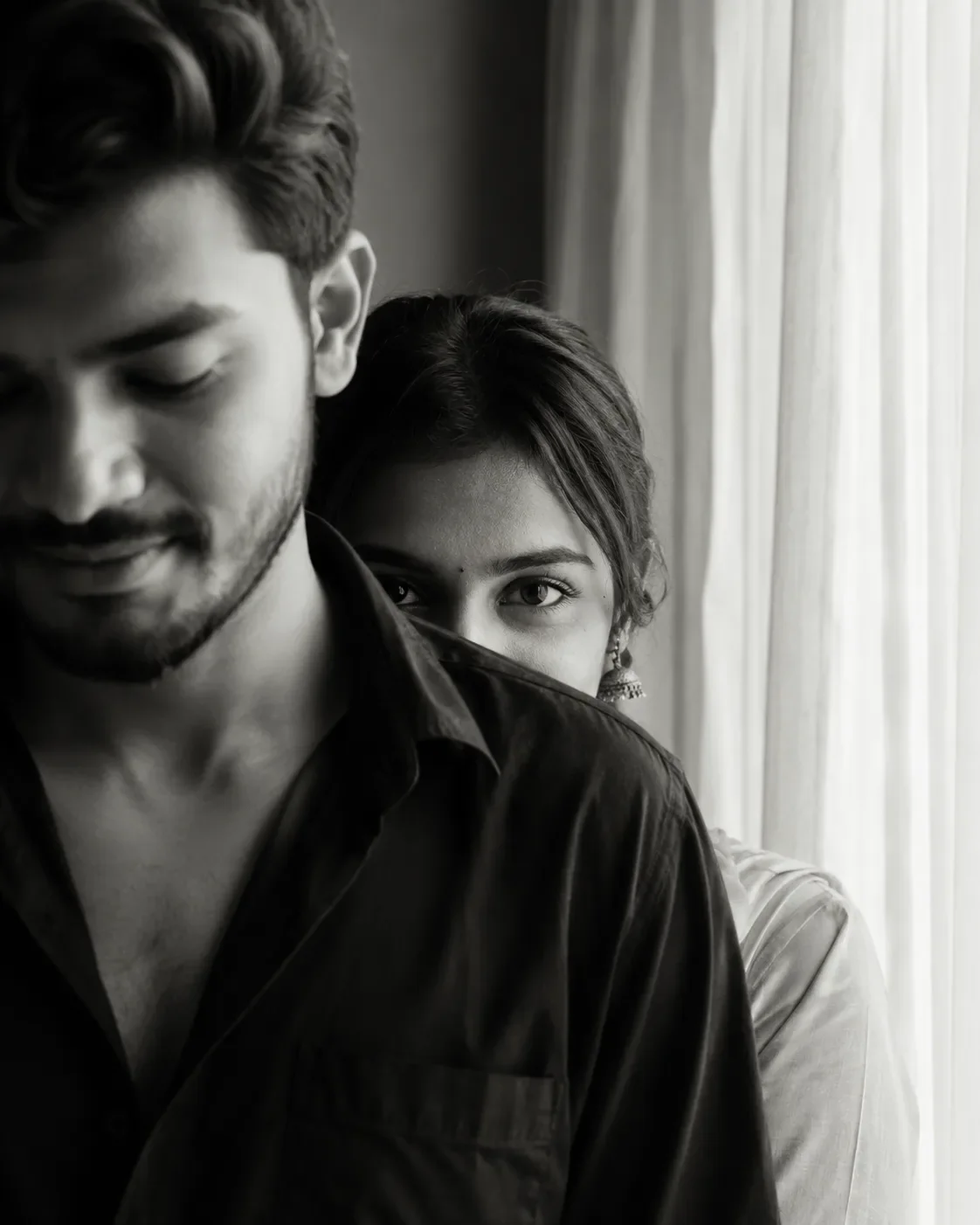
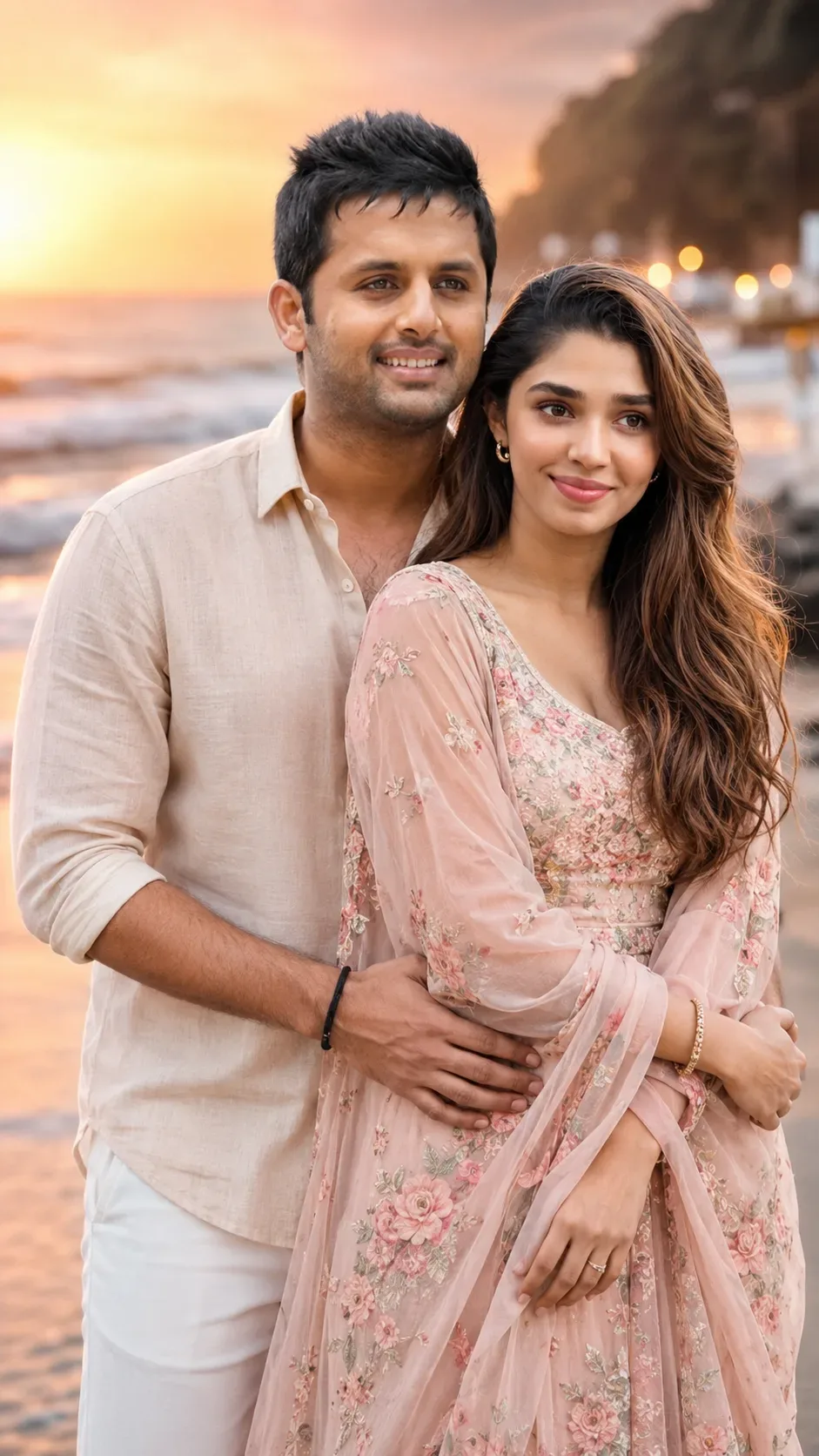
Use this prompt to generate a "romantic Couple Golden-hour Portrait" AI Photo Prompt — a cinematic and romantic couple scene. The generation focuses on realistic multi-subject composition, genuine expressions, and beautiful background depth, making it ideal for wedding invitations or couple DPs.
This prompt works best with Google Gemini. Upload a clear front-facing selfie as a reference image, then paste the prompt text. The AI will preserve your facial likeness while applying the requested style, lighting, and background.
"romantic Couple Golden-hour Portrait" AI Photo Prompt - Copy Paste AI Prompt
STRICT RULE: Do not change either person's face in any way. Keep the
exact same facial structure, eyes, nose, lips, jawline, and skin tone
for both individuals as in the original uploaded photo — only outfit,
background, pose, and lighting should change. Both people must remain
clearly recognizable as the same individuals.

Style: Transform the couple into a romantic cinematic photoshoot.
Dress them in elegant coordinated outfits (soft pastel or warm-toned
traditional or semi-formal wear that complements each other). Pose
them close together in a natural romantic way — gently holding hands,
foreheads touching, one looking at the other with a warm smile, or a
soft embrace from behind.

Background: a dreamy setting such as a golden-hour beach with soft
waves, a garden with string/fairy lights at dusk, a misty mountain
viewpoint, or a candlelit rooftop under the stars. Add soft floating
elements like flower petals, warm bokeh lights, or gentle mist for
atmosphere.

Lighting: warm golden-hour or soft candlelight glow, gentle rim light
outlining both subjects, shallow depth of field with a dreamy blurred
background. Mood: tender, joyful, genuine emotional connection —
tasteful and elegant, not overly dramatic. Realistic DSLR photography
look, rich warm cinematic color grading, high detail on skin texture
and fabric.

Optical Identity & Likeness Preservation: Preserve authentic facial proportions, eye alignment, natural expressions, and true bone structure of both subjects from reference photo 1:1 without distortion.What You'll Get
- 🎨 Style: Photography
- ✨ Mood: Photography
- 📱 Best For: Couples
- 🤖 Works With: Google Gemini
- 🔥 Popularity: Copied 232 times
- 📅 Added: Sep 14, 2026
Explore Related Collections
Explore Photography Prompts — Browse our curated collection of Photography prompts tailored for creators. View all Photography prompts →
Explore Couples Prompts — Discover more viral Couples ideas for your next AI generation. View all Couples prompts →
Explore Romantic Prompts — Explore our extensive library of Romantic templates ready to copy and paste. View all Romantic prompts →
Frequently asked questions
- How do I use the "romantic Couple Golden-hour Portrait" AI Photo Prompt prompt?
- To use this prompt, simply click the "Copy Prompt" button above. Then, open Google Gemini, paste the copied text into the prompt box, and hit generate. Since this is a character-focused prompt, make sure to upload a clear reference photo of your face before generating to maintain your facial identity.
- What is this prompt best used for?
- This specific prompt is highly optimized for designing romantic couple portraits and wedding invitations. The formula is structured to produce high-contrast, visually appealing results that perform well on visual platforms.
- Can I customize the details of this prompt?
- Yes! While the core structure of the prompt is optimized for Google Gemini, you can easily customize the details. We recommend changing specific keywords like clothing colors, background locations, or the overall mood (e.g., changing "sunny" to "rainy" or "neon") to match your exact vision.