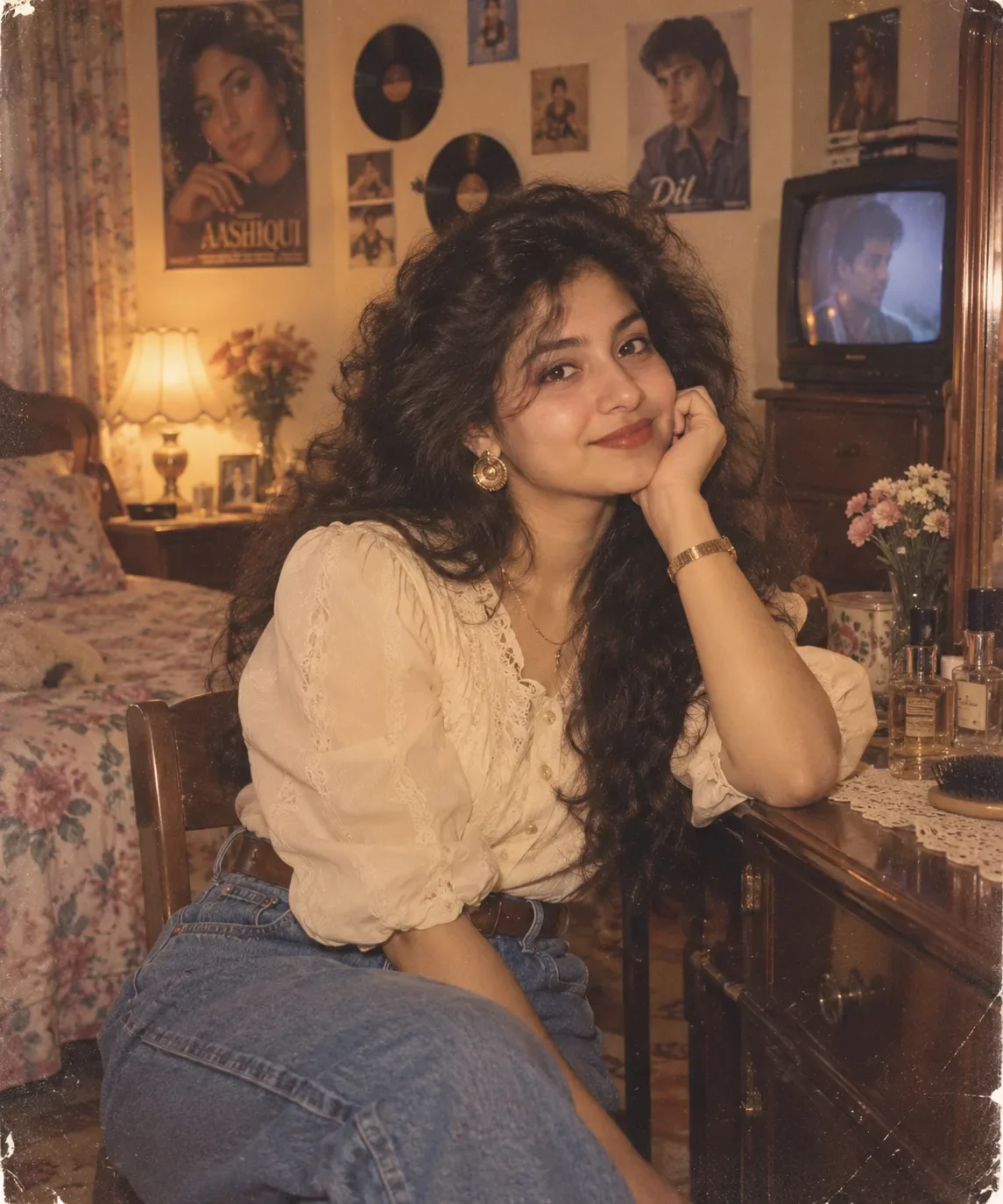
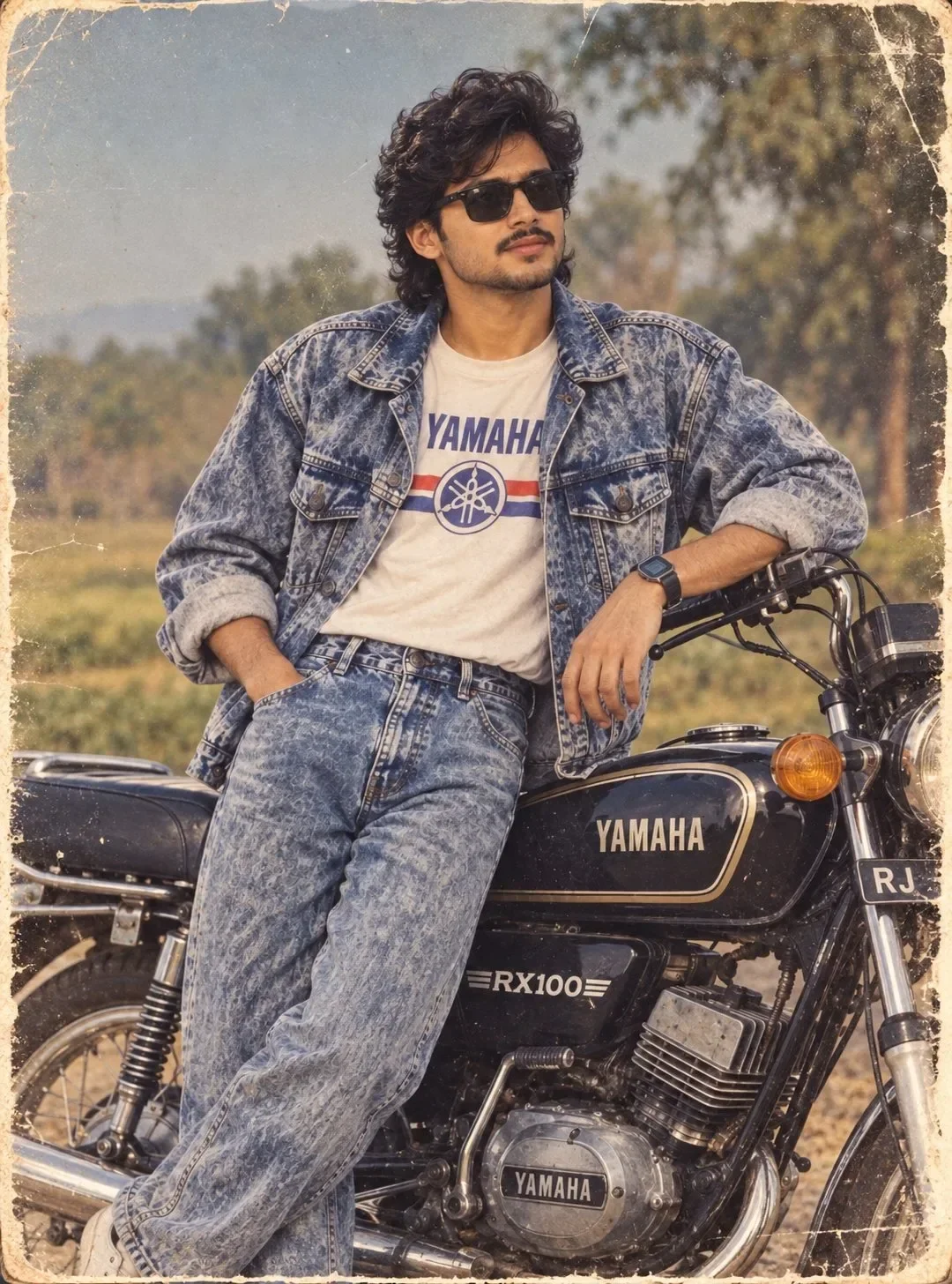
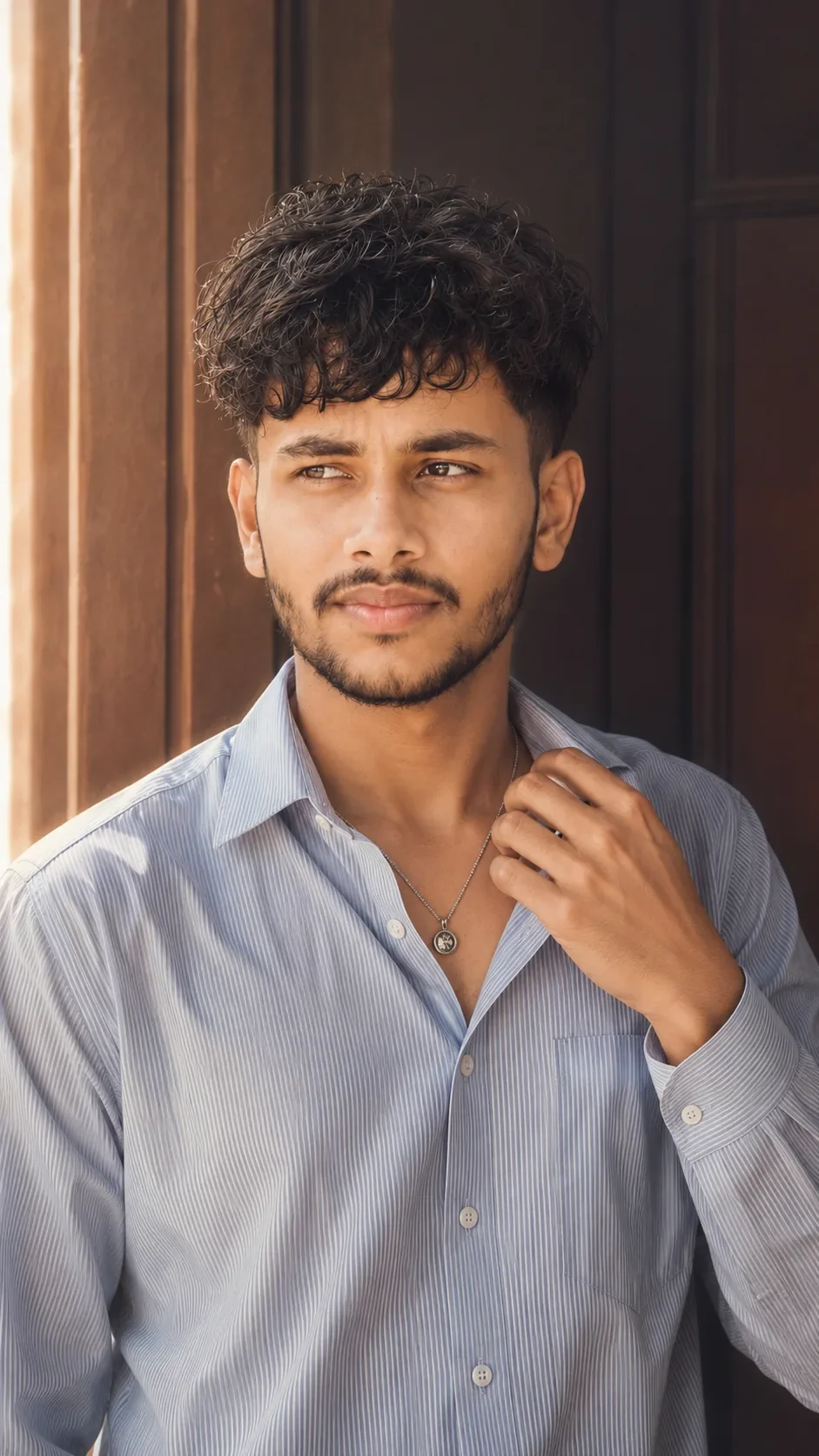
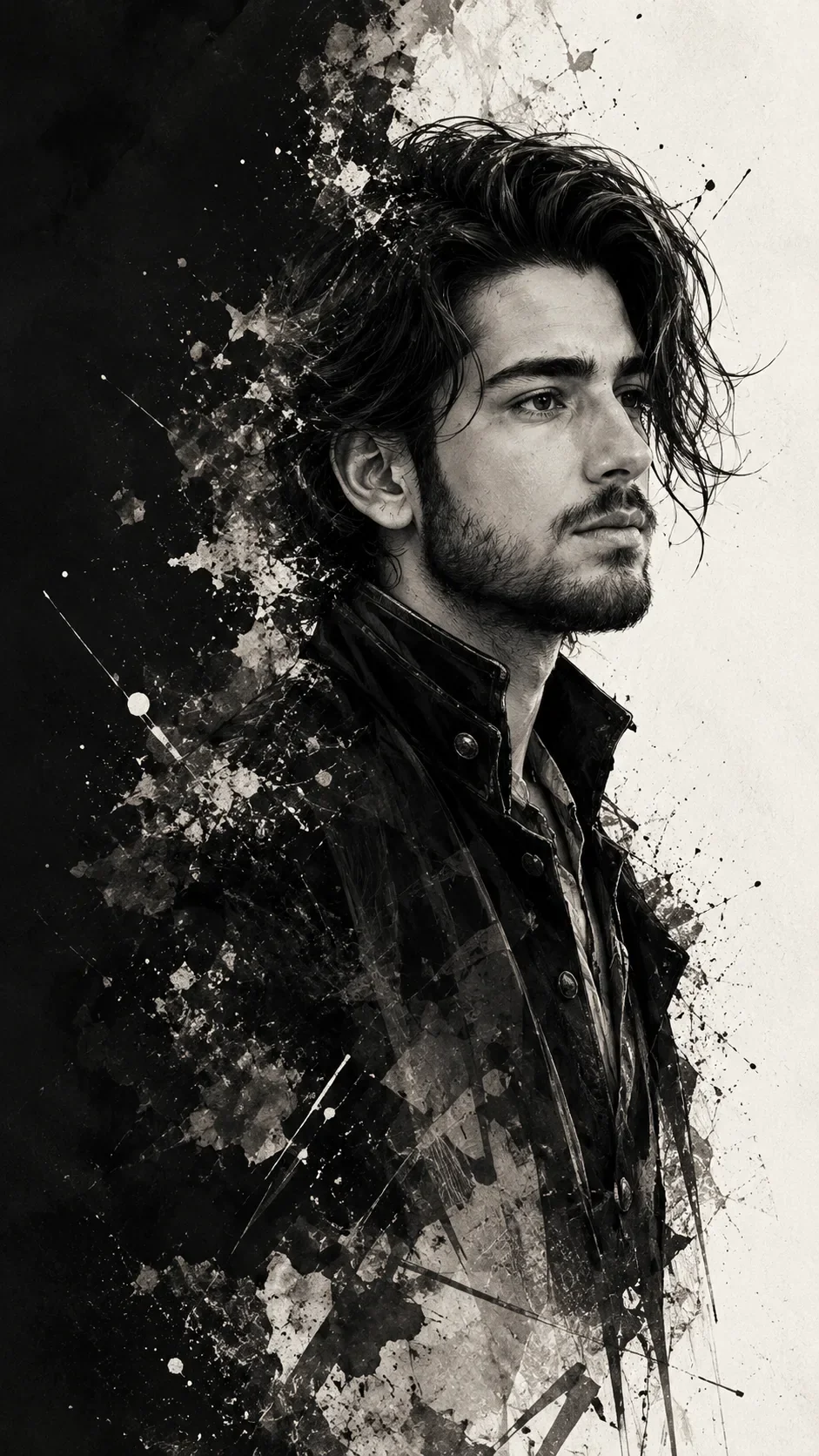
Quick Summary: This verified Google Gemini & Bing Image Creator (DALL-E 3) prompt creates an rich traditional Indian cultural aesthetic for Premium Photorealistic Travel Portrait AI Photo Prompt with calibrated lighting, authentic texture physics, and tested 1-click copy-paste formula for instant AI generation without facial distortion.
- Photography
- Ai Image
- Trending
- Photography
- Ai Image
- Trending
- Viral Prompt
- Gemini Ai
- Bing Image Creator
- Copy Paste
About This Prompt
This prompt creates an Premium Photorealistic Travel Portrait AI Photo Prompt — a high-quality, photorealistic image with balanced lighting, sharp focus, and intricate details suitable for social media sharing and digital content creation.
We recommend generating this using Google Gemini. Simply copy the prompt text below and paste it into the generator. You can easily customize specific keywords like colors, backgrounds, or subjects to make the final output uniquely yours.
Premium Photorealistic Travel Portrait AI Photo Prompt - Copy Paste AI Prompt
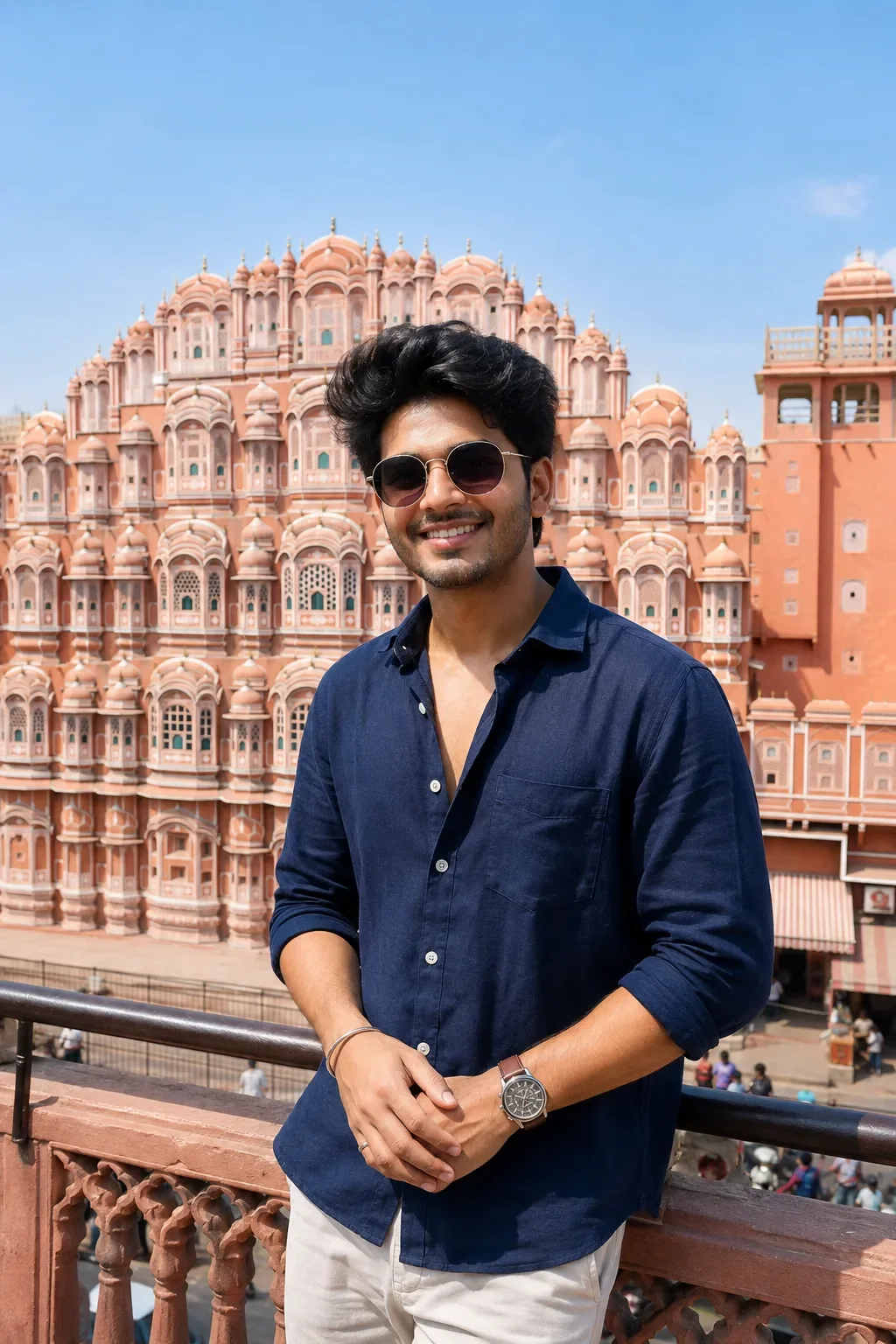
Create a high-end photorealistic travel portrait of a young Indian man standing on a rooftop terrace in front of the iconic Hawa Mahal in Jaipur, Rajasthan, India, captured during a bright, clear sunny day.

The subject is a stylish young man in his early 20s with naturally textured thick black hair, a warm genuine smile, subtle facial hair, and a relaxed, confident expression. He is wearing round dark-tinted sunglasses with thin metal frames and a premium dark navy-blue linen/cotton button-down shirt, casually worn with the top buttons slightly open. The shirt has realistic fabric texture, natural wrinkles, a chest pocket, and neatly rolled or naturally positioned sleeves. Add a classic wristwatch, subtle bracelet, and minimal rings for understated luxury.

He is standing naturally with his body slightly angled toward the camera, shoulders relaxed, both hands casually positioned together near his waist. His posture should feel spontaneous and authentic rather than posed. Preserve realistic anatomy, natural hands and fingers, believable skin texture, subtle pores, fine facial details, realistic hair strands, and natural smile lines.

Behind him, prominently feature the Hawa Mahal, with its distinctive pink-and-terracotta sandstone facade, hundreds of ornate arched windows, intricate white decorative borders, domed chhatris, carved architectural details, and symmetrical Mughal-Rajput design. The architecture should be highly detailed and historically recognizable while maintaining realistic scale and perspective.

The photograph should be composed as a premium editorial travel photograph, with the man occupying the foreground and the Hawa Mahal clearly visible behind him. Use a slightly low-to-eye-level camera perspective, medium-full portrait framing, natural perspective, and strong visual depth. Include a rooftop balcony railing in the lower foreground to establish the elevated viewpoint.

Lighting should be bright natural Indian daylight, with soft directional sunlight illuminating the subject's face and clothing. Add realistic highlights on the sunglasses, subtle shadows beneath the chin and around the shirt folds, and natural sunlight reflections. The sky should be a clean, expansive clear pale-blue sky with minimal clouds, creating an airy luxury-travel aesthetic.

Use a full-frame professional mirrorless camera, approximately 50mm lens, f/2.8 aperture, ISO 100, fast shutter speed, natural depth of field, realistic optical rendering, subtle background separation, crisp subject detail, and controlled highlight roll-off. Keep the Hawa Mahal sufficiently sharp and recognizable rather than excessively blurred.

Color grading should resemble a premium luxury travel editorial photographed for Vogue/Condé Nast Traveller, with sophisticated warm skin tones, natural pink and terracotta architecture, deep navy clothing, clean blue skies, subtle cinematic contrast, realistic dynamic range, and restrained saturation.

The final image should feel like an authentic photograph taken by a professional travel photographer rather than an AI-generated image.

Ultra-realistic skin texture, natural facial proportions, realistic hair strands, physically accurate lighting, authentic fabric texture, realistic architecture, detailed sandstone carvings, natural shadows, realistic reflections, high dynamic range, subtle lens characteristics, professional color grading, editorial photography, luxury travel aesthetic, 8K detail, sharp focus, photorealistic, cinematic depth, premium photography, true-to-life colors.

Negative Prompt

Avoid cartoonish appearance, CGI look, plastic skin, over-smoothed face, excessive HDR, oversaturated colors, artificial lighting, distorted anatomy, deformed hands, extra fingers, missing fingers, duplicated limbs, warped sunglasses, asymmetrical eyes, unnatural smile, exaggerated muscles, fake skin texture, blurry face, excessive background blur, distorted Hawa Mahal architecture, incorrect architectural details, floating objects, duplicated windows, unrealistic shadows, harsh sharpening, excessive skin retouching, watermark, logo, text, low resolution, compression artifacts, noise, motion blur, unnatural pose

Optical Identity & Likeness Preservation: Lock subject's authentic facial identity and natural posture while seamlessly integrating with sharp vehicle reflections and cinematic ambient lighting.What You'll Get
- 🎨 Style: Photography
- ✨ Mood: Photography
- 📱 Best For: Ai Image
- 🤖 Works With: Google Gemini
- 🔥 Popularity: Copied 408 times
- 📅 Added: Sep 14, 2026
Explore Related Collections
Explore Photography Prompts — Browse our curated collection of Photography prompts tailored for creators. View all Photography prompts →
Explore Ai Image Prompts — Discover more viral Ai Image ideas for your next AI generation. View all Ai Image prompts →
Explore Trending Prompts — Explore our extensive library of Trending templates ready to copy and paste. View all Trending prompts →
Frequently asked questions
- How do I use the Premium Photorealistic Travel Portrait AI Photo Prompt prompt?
- To use this prompt, simply click the "Copy Prompt" button above. Then, open Google Gemini, paste the copied text into the prompt box, and hit generate. You can instantly generate high-quality images without needing any reference photos.
- What is this prompt best used for?
- This specific prompt is highly optimized for creating engaging social media content and digital art. The formula is structured to produce high-contrast, visually appealing results that perform well on visual platforms.
- Can I customize the details of this prompt?
- Yes! While the core structure of the prompt is optimized for Google Gemini, you can easily customize the details. We recommend changing specific keywords like clothing colors, background locations, or the overall mood (e.g., changing "sunny" to "rainy" or "neon") to match your exact vision.