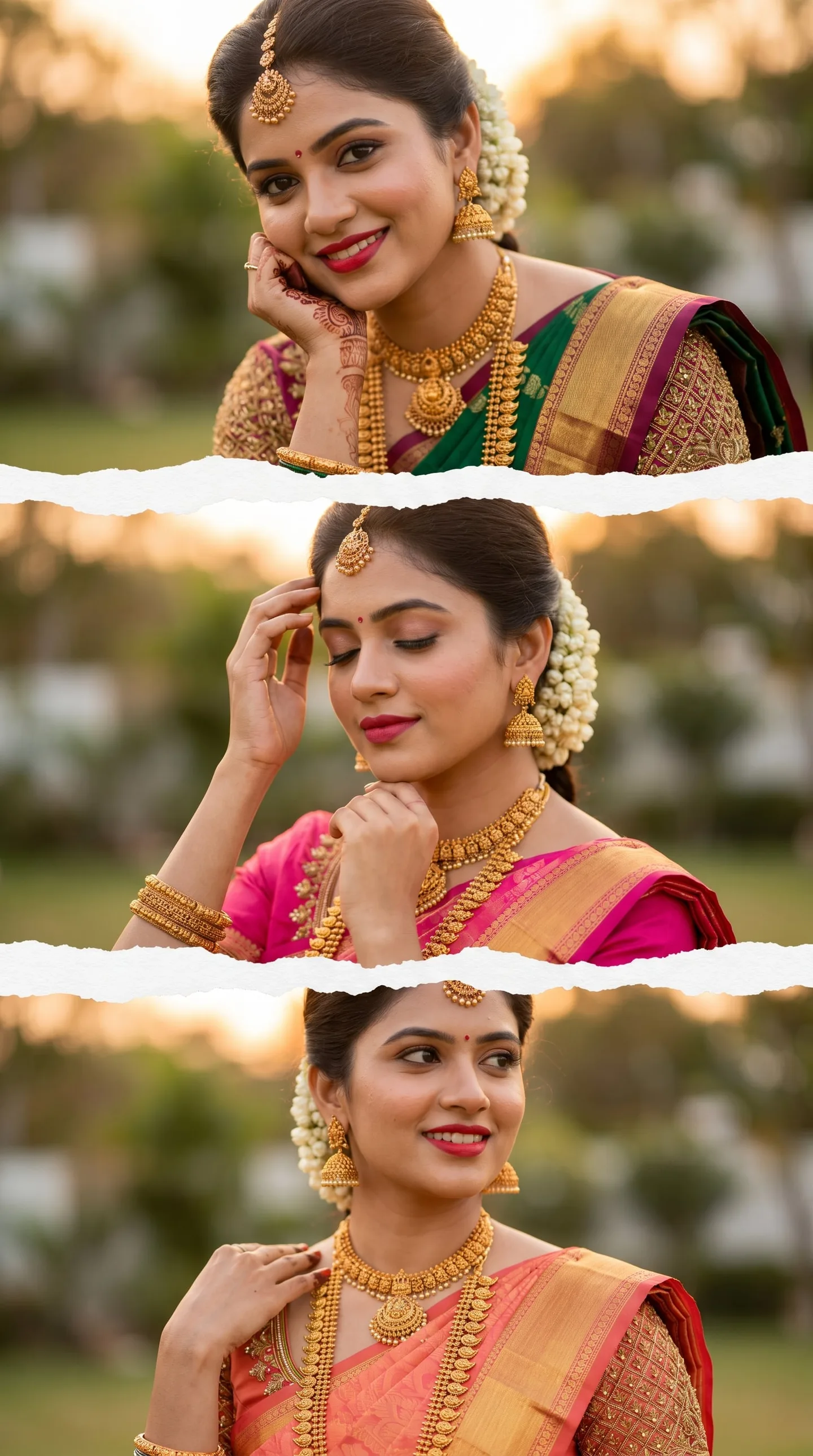
Quick Summary: This verified Google Gemini (Imagen 3) & Bing Image Creator prompt creates an intimate cinematic romantic couple aesthetic for Photo Shoot On Royal Enfield AI Photo Prompt with calibrated lighting, authentic texture physics, and tested 1-click copy-paste formula for instant AI generation without facial distortion.
- Photography
- Ai Image
- Trending
- Photography
- Ai Image
- Trending
- Viral Prompt
- Gemini Ai
- Bing Image Creator
- Copy Paste
Photo Shoot On Royal Enfield AI Photo Prompt - Copy Paste AI Prompt
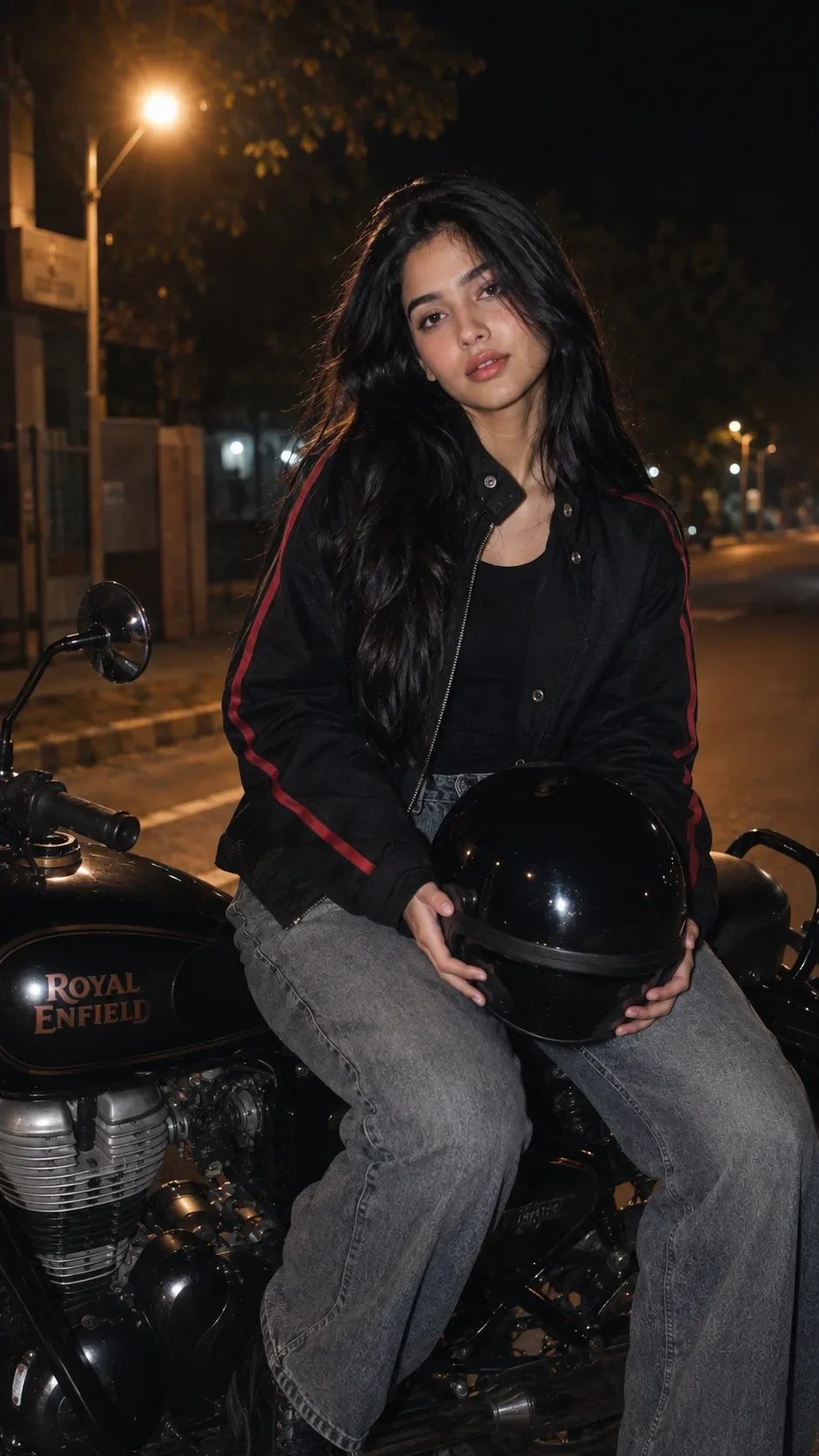
Analyze the uploaded reference image to capture the exact facial features, long flowing black hair, and identity of the girl. Maintain a 100% identical face match and recreate a cinematic, hyper-realistic 8K portrait based on the exact vibe of the image. The girl is sitting stylishly on a classic black Royal Enfield motorcycle at night. She is holding a glossy black motorcycle helmet in her hands. She is wearing a modern oversized black jacket with bold red stripes on the sleeves over a black inner top, paired with wide-leg loose grey denim jeans. The background is a dimly lit urban street at night with soft warm streetlights casting realistic reflections on the bike's metallic body and fuel tank. Capture with professional night photography lighting, ultra-sharp focus on the girl's face and the motorcycle, detailed fabric textures, and cinematic composition. Image aspect ratio must be 9:16.

Optical Identity & Likeness Preservation: Strictly retain 100% exact facial likeness, natural cheekbone contours, true skin undertone, and authentic gaze from source image without generic face replacement.👤Customize in Face Consistency Studio
Lock 100% exact facial identity, bone structure & eye shape in Gemini & Bing.
Technical Prompt Parameters (Cinematic Romantic Couple)
| Parameter | Configuration | Output Impact |
|---|---|---|
| Target AI Engine | Google Gemini (Imagen 3) & Bing Image Creator | Flawless multi-subject compositional coherence and genuine emotional expressions. |
| Recommended Aspect Ratio | 3:4 (Portrait) or 16:9 (Cinematic Widescreen) | Perfect framing for dual-subject intimacy, shared poses, and environmental background depth. |
| Camera & Lens Settings | 50mm f/1.2 prime lens, Canon EOS R5, shallow depth of field | Isolates both subjects with creamy optical bokeh and ultra-sharp facial details. |
| Lighting Style | Warm twilight golden hour backlight with soft rim separation | Bathes both figures in romantic golden warmth while maintaining facial contour shadows. |
| Negative Constraints | misaligned eye lines, unnatural duplicate hands, harsh flat flash, plastic skin, distorted fingers | Prevents common AI multi-character hand mergers and disjointed eye directions. |
| Reference Photo | Upload individual headshots or a couple photo with visible facial angles. | Upload front-facing reference photo for face matching. |
How to use this prompt
- Copy the prompt, open Google Gemini or Bing Image Creator, attach your reference photo, and generate instant 8K results.
How to get better results from Photo Shoot On Royal Enfield AI Photo Prompt
Free 1-click copy photo shoot on royal enfield ai photo prompt for Google Gemini and Bing Image Creator. Authentic photography aesthetic, realistic lighting, and instant camera settings. Use it as a copy-ready starting point, then adjust the subject, scene, tone and output format for your own result.
- Photography
- Ai Image
- Trending
- Viral Prompt
- Gemini Ai
- Bing Image Creator
Customize before generating
- Replace the main subject, name, product or character details.
- Adjust lighting, background, mood, camera angle or aspect ratio if the prompt is visual.
- Change tone, audience, language and output format if the prompt is for text.
- Keep this core idea clear: Analyze the uploaded reference image to capture the exact facial features, long flowing black hair, and identity of the girl. Maintain a 100% identical face match and...
Quick variations to try
- Make Photo Shoot On Royal Enfield AI Photo Prompt more cinematic with stronger lighting and richer background detail.
- Turn Photo Shoot On Royal Enfield AI Photo Prompt into a cleaner mobile-first version for social media posts or profile use.
- Create a premium version of Photo Shoot On Royal Enfield AI Photo Prompt with sharper style, higher detail and a more polished final output.