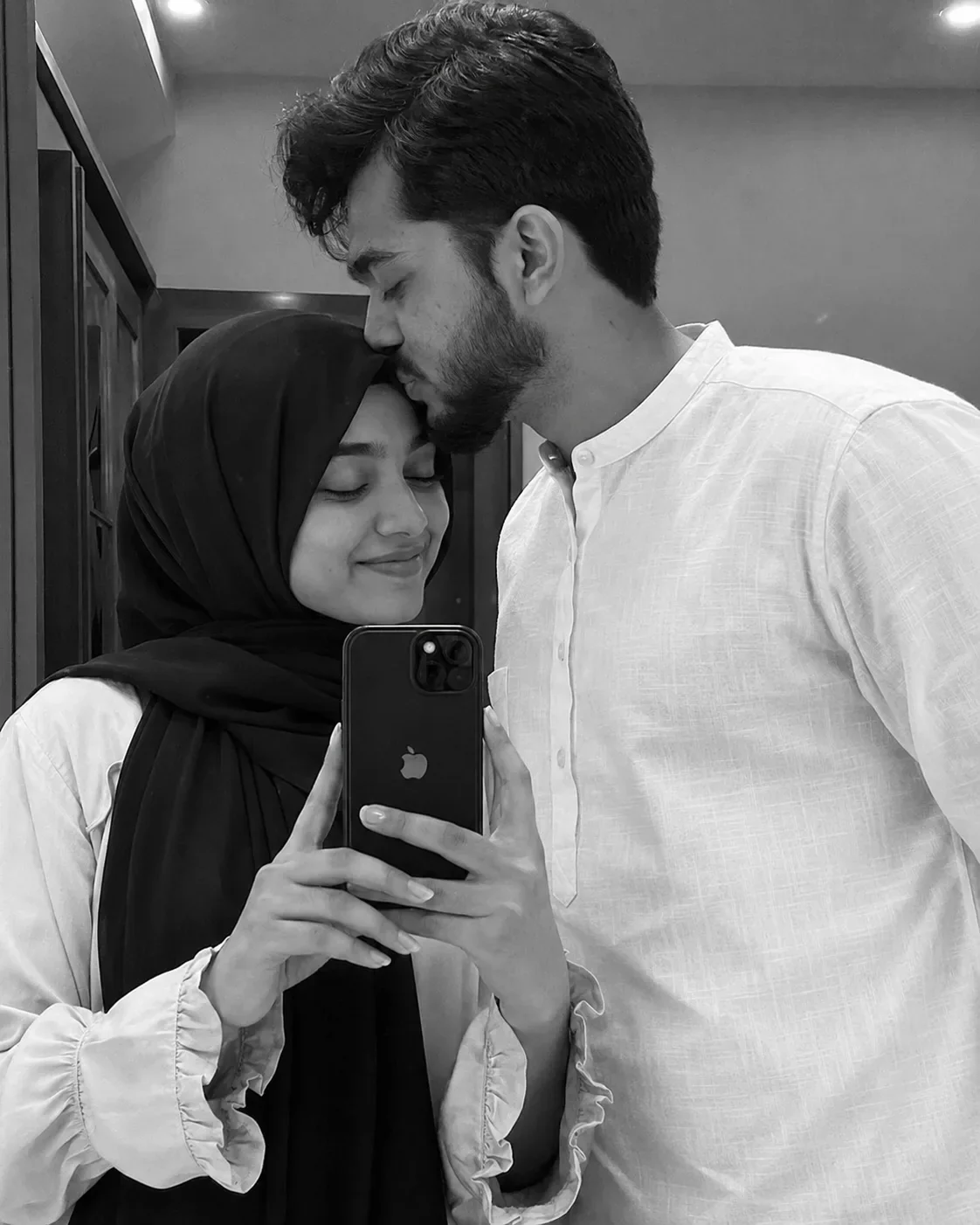
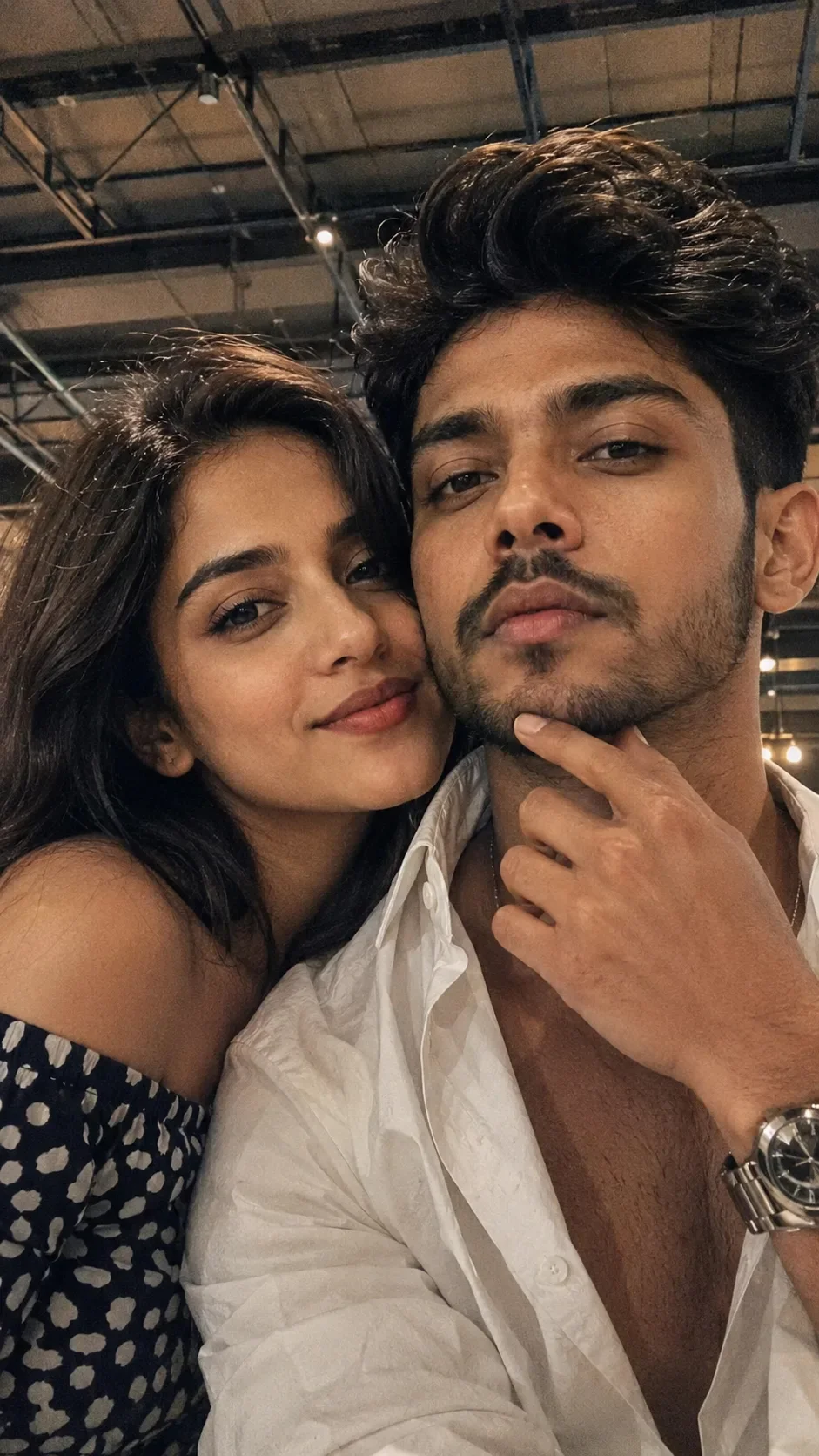
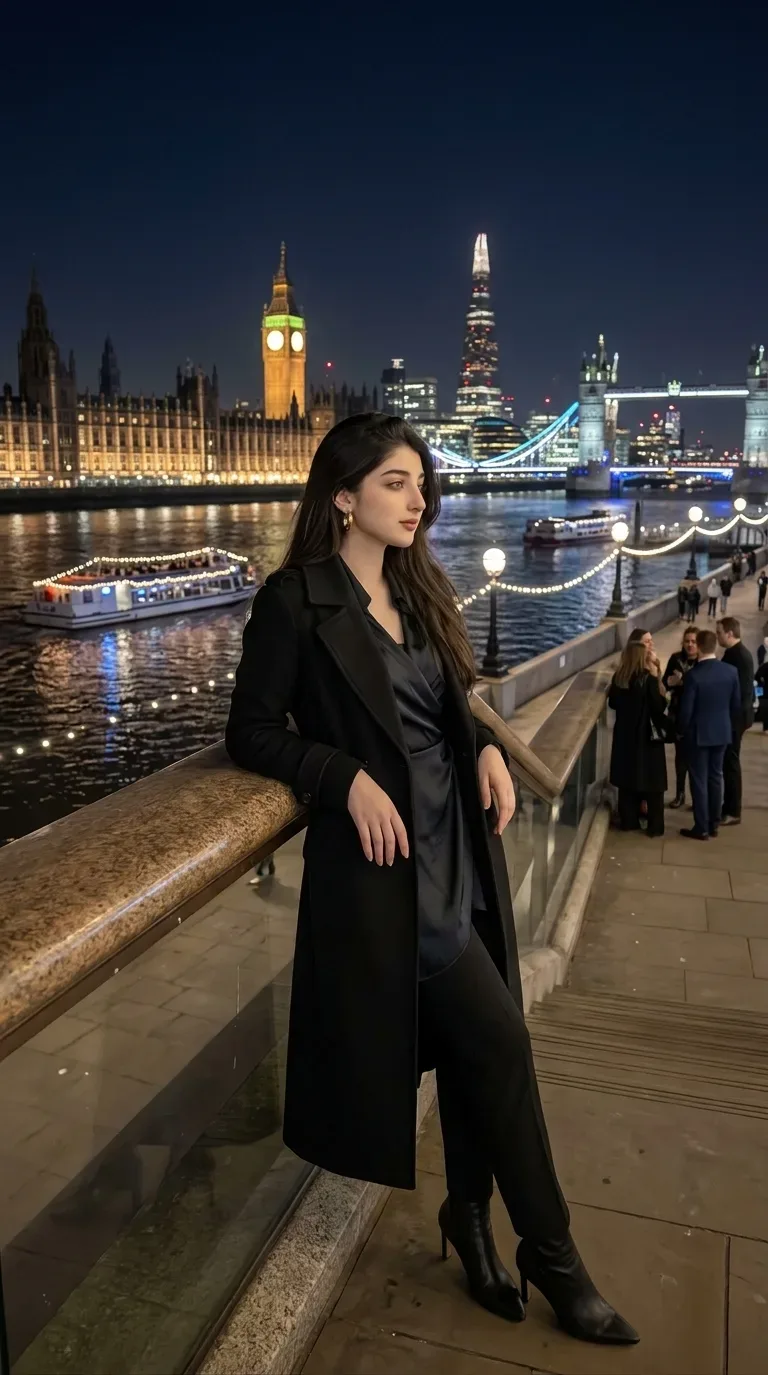
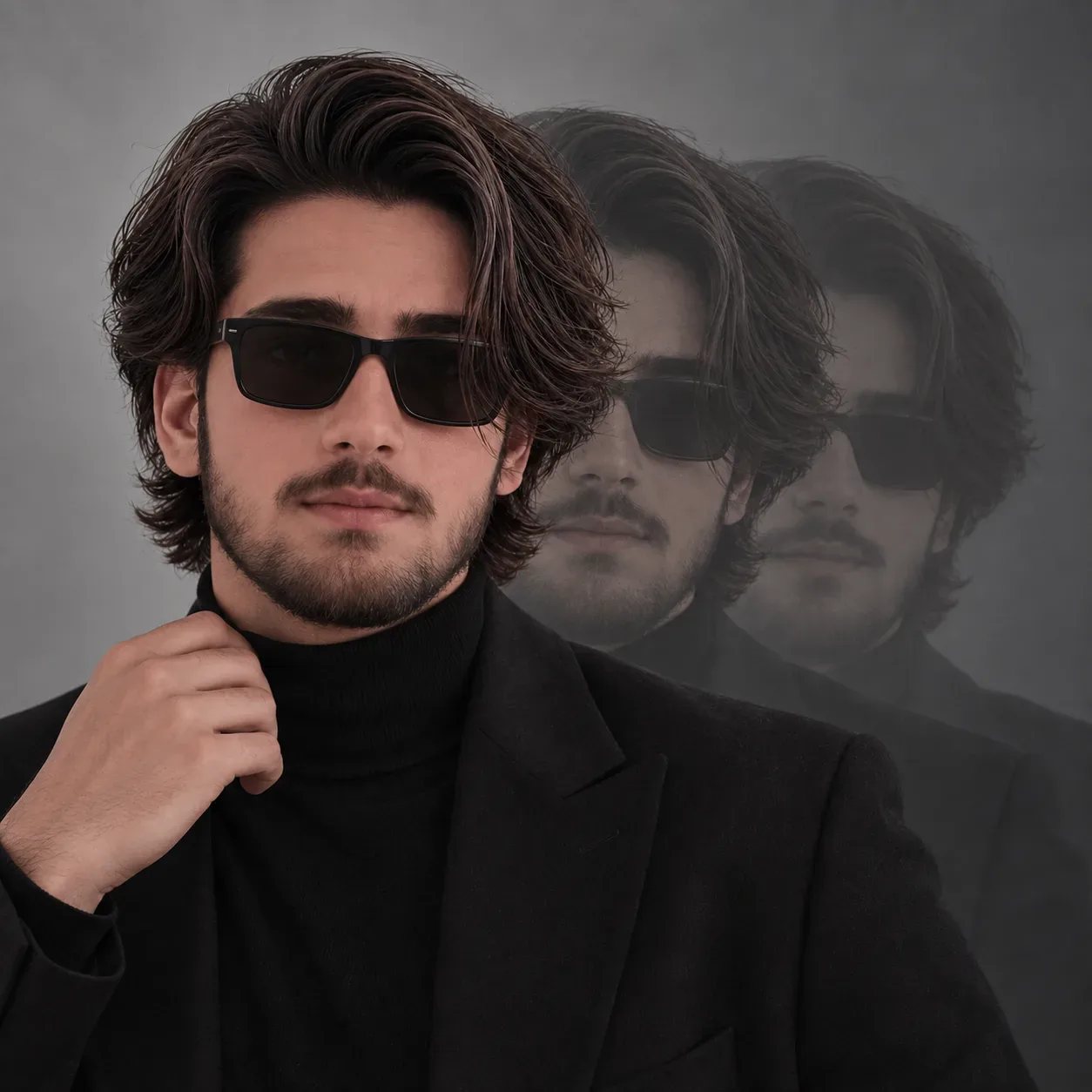
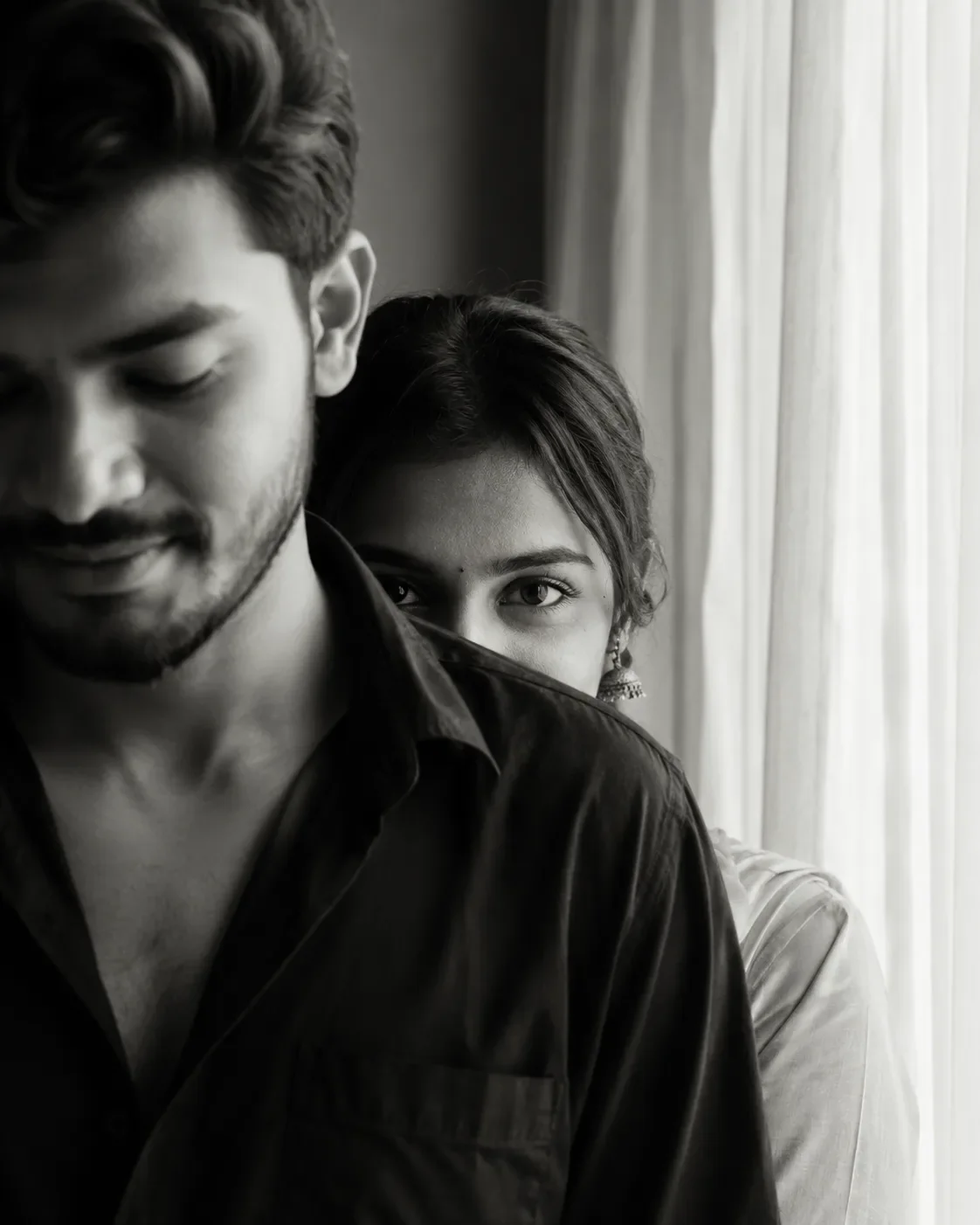
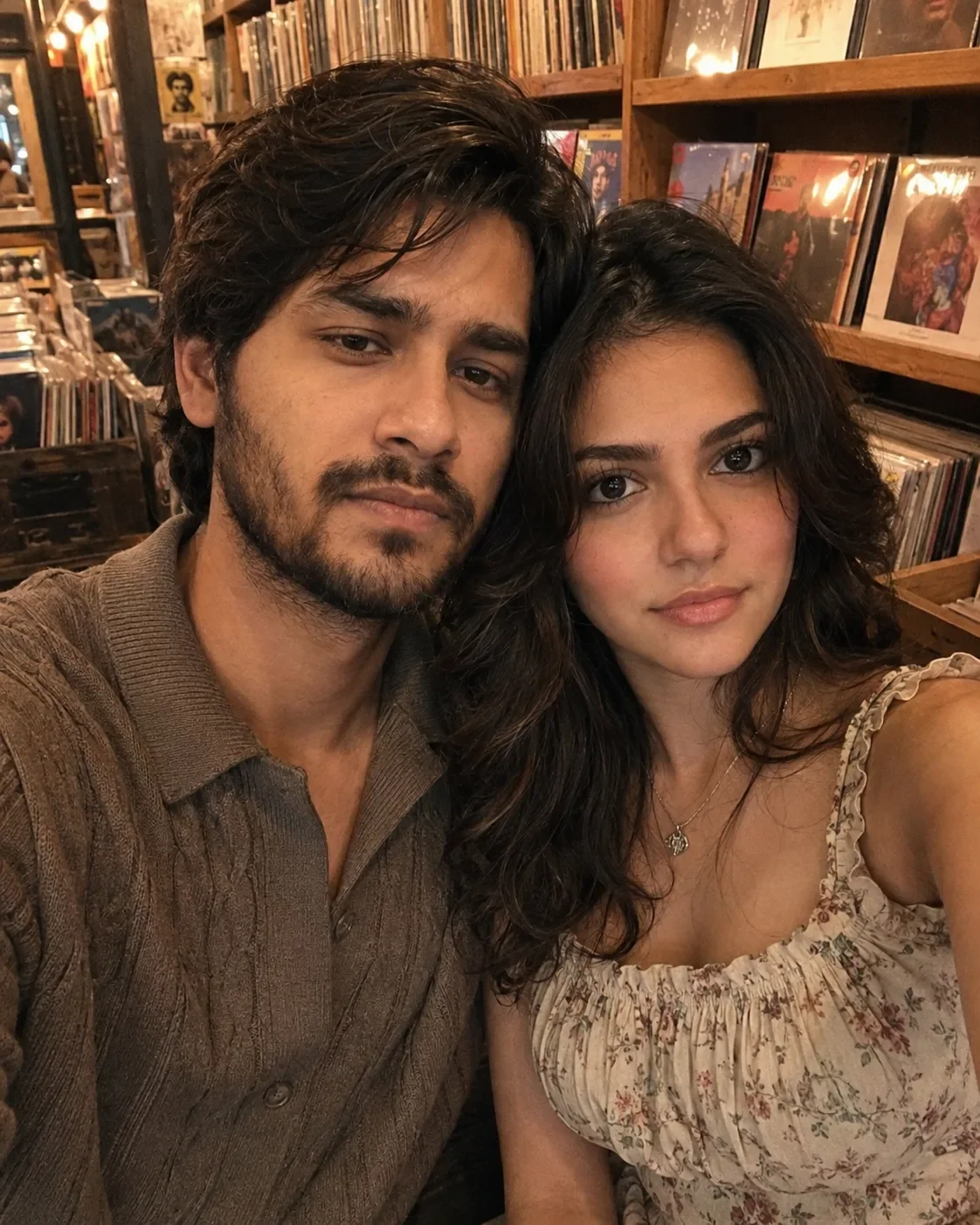
Quick Summary: This verified Google Gemini (Imagen 3) & Bing Image Creator prompt creates an intimate cinematic romantic couple aesthetic for Girlfriend & Couple AI Photo Prompt with calibrated lighting, authentic texture physics, and tested 1-click copy-paste formula for instant AI generation without facial distortion.
- Photography
- Couples
- Romantic
- Ai Image
- Trending
- Photography
- Couples
- Romantic
- Ai Image
- Trending
- Viral Prompt
- Gemini Ai
- Bing Image Creator
- Copy Paste
About This Prompt
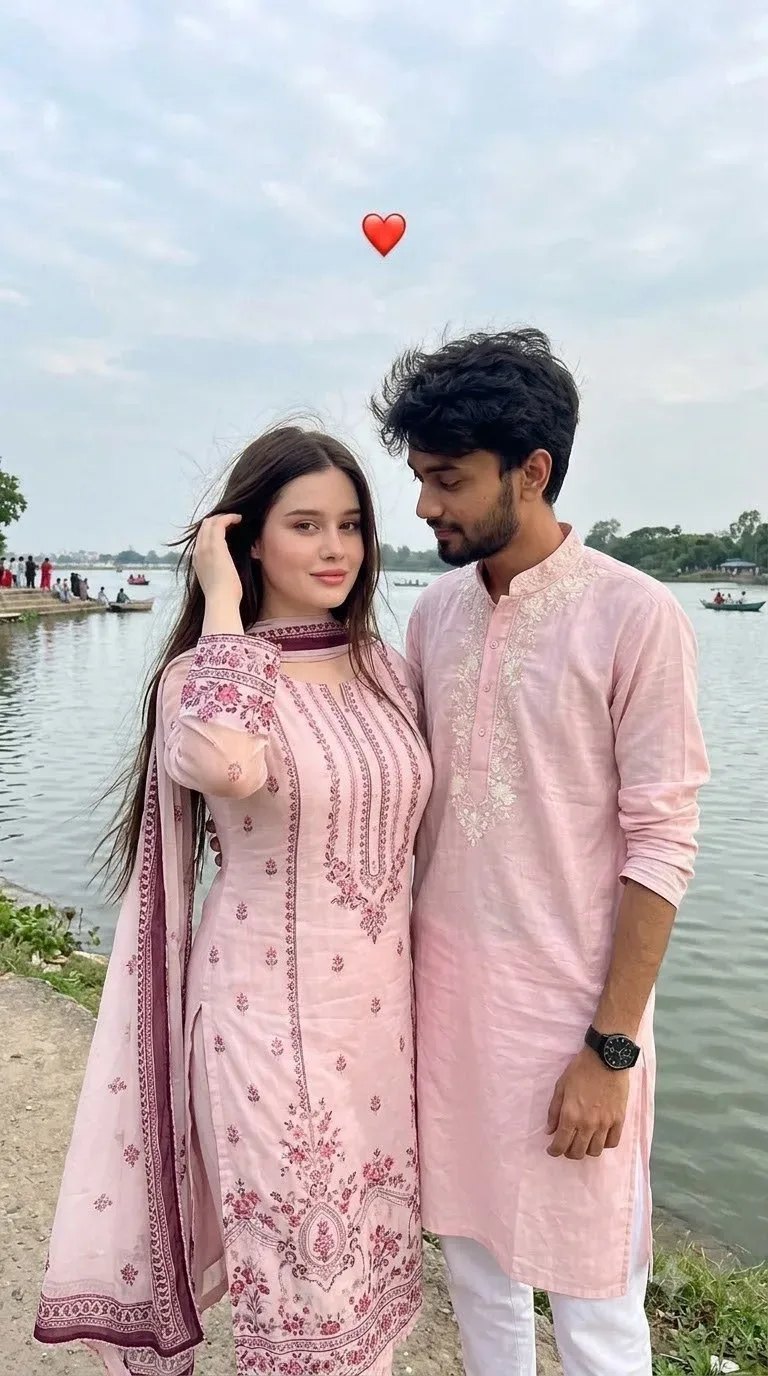
This AI prompt generates a Girlfriend & Couple AI Photo Prompt — a cinematic and romantic couple scene. The generation focuses on realistic multi-subject composition, genuine expressions, and beautiful background depth, making it ideal for wedding invitations or couple DPs.
This prompt works best with Google Gemini. Upload a clear front-facing selfie as a reference image, then paste the prompt text. The AI will preserve your facial likeness while applying the requested style, lighting, and background.
Girlfriend & Couple AI Photo Prompt - Copy Paste AI Prompt
CREATE ONE SINGLE NATURAL, ULTRA-REALISTIC VERTICAL 9:16 SMARTPHONE
PHOTOGRAPH
Create one ordinary-looking photograph of exactly two real young adults standing very close
together outdoors beside a calm waterfront/lakeside.
The most important visual goal is:
THIS MUST LOOK LIKE A REAL, UNEDITED PHOTO TAKEN CASUALLY ON A MODERN
MOBILE PHONE.
It must NOT look like a professional portrait, beauty photograph, AI portrait, fashion campaign,
DSLR photograph, CGI render, or digitally generated image.
The image should have the small imperfections normally found in a genuine smartphone
photograph.
---
1. IDENTITY — STRICT BUT NATURAL
Use the uploaded male face reference ONLY for the male's identity.
Use the uploaded female face reference ONLY for the female's identity.
Do not merge, average, swap or mix their identities.
Preserve each person's recognizable facial structure, proportions and individual characteristics.
However, do not make the faces artificially perfect or hyper-detailed.
The faces should retain:
natural asymmetry
normal facial proportions realistic skin variation
subtle pores
tiny imperfections
natural under-eye texture
realistic lips
slight unevenness in eyebrows
normal facial creases
natural shadow variation
believable skin color variation
Do NOT make either person look like a beauty-model version of themselves.
Do NOT sharpen or reconstruct facial details unnecessarily.
The uploaded references determine who the people are, not the photographic style.
FEMALE FACE — STRICT IDENTITY LOCK
The uploaded female face reference is the ONLY source of the female person's identity.
The generated female must be the SAME PERSON as the uploaded female reference.
Do NOT create a new woman who merely resembles the reference.
Do NOT reinterpret, beautify, idealize, stylize or redesign her face.
Preserve the actual identity-defining facial characteristics from the uploaded reference,
including:
overall face shape and proportions
forehead shape and height
hairline
eyebrow shape, thickness and natural spacing eye shape, size, spacing and eyelid structure
nose shape, bridge, tip and nostril proportions
cheek structure
cheekbone placement
mouth width
upper and lower lip proportions
chin shape
jawline
facial width
natural facial asymmetry
recognizable skin tone
distinctive facial characteristics
any naturally visible marks or features present in the reference
FEMALE FACE REFERENCE — DO NOT REPLACE THE PERSON
CRITICAL: The uploaded female image is the identity reference for the female in the final
photograph.
Generate the same woman shown in the uploaded female reference, photographed in the new
scene described below.
This is NOT a request to generate a woman who looks similar.
This is NOT a request to generate a generic attractive woman.
Do not invent a different female face.
Do not substitute the female with another person.
Do not average the reference face with a generic AI-generated face. Do not redesign, beautify, idealize or reinterpret her facial identity.
Keep her recognizable facial identity from the uploaded reference.
Preserve her actual:
face shape
facial proportions
eyes
eyebrows
nose
lips
cheeks
chin
jawline
natural facial asymmetry
recognizable individual features
natural skin tone
REFERENCE PRIORITY
Female identity from the uploaded image = highest priority.
The scene description controls only:
pose
body position
clothing
hair arrangement background
lighting
camera position
photograph composition
The scene description must never replace or redesign the female's face.
IMPORTANT
Do not generate a “similar-looking” woman.
Do not make her prettier than the reference.
Do not change her facial proportions.
Do not enlarge her eyes.
Do not alter her nose.
Do not alter her lips.
Do not change her jawline.
Do not change her face shape.
Do not apply a beauty filter.
Do not make her look like a model.
The final female must visually read as the exact person represented by the uploaded female
reference, simply photographed in this new environment.
PHOTOGRAPHIC REALISM
After preserving her identity, photograph her naturally like a normal smartphone photograph.
Use realistic skin texture, natural facial asymmetry and ordinary smartphone processing.
Do not over-smooth the skin. Do not over-sharpen the face.
Do not create artificial pores.
Do not make the face plastic, waxy or CGI-like.
Identity accuracy comes first; smartphone realism comes second.
FINAL CHECK
Before producing the final image, prioritize this result:
uploaded woman → same recognizable woman → new pose and new environment
NOT:
uploaded woman → different AI woman → vaguely similar features
IDENTITY PRIORITY
Female identity accuracy is more important than generic facial attractiveness, beauty, symmetry
or photographic perfection.
The model must not substitute the reference face with a generic attractive South Asian female
face.
Do not make her eyes larger.
Do not make her nose smaller.
Do not make her lips fuller.
Do not sharpen her jawline.
Do not change her face shape.
Do not apply beauty-filter proportions.
Do not make her look younger or more glamorous than the reference.
Do not average the reference with another face.
POSE / ANGLE RULE The face may naturally change in perspective because the generated photograph uses a
different pose, head tilt, lighting and camera angle.
However, the underlying identity must remain unchanged.
If the female's head is slightly tilted toward the camera, reproduce the reference person's actual
facial anatomy from that angle rather than inventing new facial features.
The reference controls WHO SHE IS.
The written prompt controls POSE, CLOTHING, BACKGROUND, LIGHTING AND CAMERA.
Never allow the pose or photographic style to replace the reference identity.
NATURAL PHONE-PHOTO SKIN
After preserving identity, render the face as ordinary real human skin photographed by a
smartphone.
Do NOT use beauty smoothing.
Do NOT add artificial pores.
Do NOT exaggerate facial texture.
Do NOT make the face waxy or plastic.
Do NOT sharpen facial features excessively.
Keep the exact recognizable facial structure of the reference while allowing normal smartphone
softness, natural skin texture and realistic daylight exposure.
FINAL FEMALE IDENTITY TEST
Before finalizing the image, the generated female should visually read as:
“the same woman from the uploaded face reference photographed outdoors on a phone”
—not:
“a different woman with vaguely similar features.”
If there is a conflict between generic photorealistic facial generation and the uploaded female
identity, the uploaded female identity must win. 2. CRITICAL SKIN REALISM — MOBILE CAMERA LOOK
The skin must look like real human skin photographed by a phone, not digitally generated skin.
Avoid:
porcelain skin
waxy skin
plastic skin
airbrushed skin
excessive pores
exaggerated pores
artificial micro-detail
perfectly smooth skin
excessive skin sharpening
beauty-filter appearance
CGI skin
overly bright facial highlights
Use moderate, believable smartphone detail.
Skin should contain natural tonal variation across the forehead, cheeks, nose and chin.
Some areas can naturally appear slightly softer because of smartphone image processing.
Keep subtle under-eye shadows and tiny natural imperfections.
Do not artificially add blemishes.
Do not artificially remove normal skin texture. The final skin should look ordinary and believable, like someone opened their phone camera
Add a subtle bottom left corner watermark reading “auraprompt.in” in Petit Formal Script, thin elegant cursive strokes, subtle premium handwritten signature style, small and elegant without interfering with the subject.

Optical Identity & Likeness Preservation: Strictly retain 100% exact facial likeness, natural cheekbone contours, true skin undertone, and authentic gaze from source image without generic face replacement.What You'll Get
- 🎨 Style: Photography
- ✨ Mood: Photography
- 📱 Best For: Couples
- 🤖 Works With: Google Gemini
- 🔥 Popularity: Copied 109 times
- 📅 Added: Sep 14, 2026
Frequently asked questions
- How do I use the Girlfriend & Couple AI Photo Prompt prompt?
- To use this prompt, simply click the "Copy Prompt" button above. Then, open Google Gemini, paste the copied text into the prompt box, and hit generate. Since this is a character-focused prompt, make sure to upload a clear reference photo of your face before generating to maintain your facial identity.
- What is this prompt best used for?
- This specific prompt is highly optimized for designing romantic couple portraits and wedding invitations. The formula is structured to produce high-contrast, visually appealing results that perform well on visual platforms.
- Can I customize the details of this prompt?
- Yes! While the core structure of the prompt is optimized for Google Gemini, you can easily customize the details. We recommend changing specific keywords like clothing colors, background locations, or the overall mood (e.g., changing "sunny" to "rainy" or "neon") to match your exact vision.
Explore Related Collections
Explore Photography Prompts — Browse our curated collection of Photography prompts tailored for creators. View all Photography prompts →
Explore Couples Prompts — Discover more viral Couples ideas for your next AI generation. View all Couples prompts →
Explore Romantic Prompts — Explore our extensive library of Romantic templates ready to copy and paste. View all Romantic prompts →