Server-rendered page

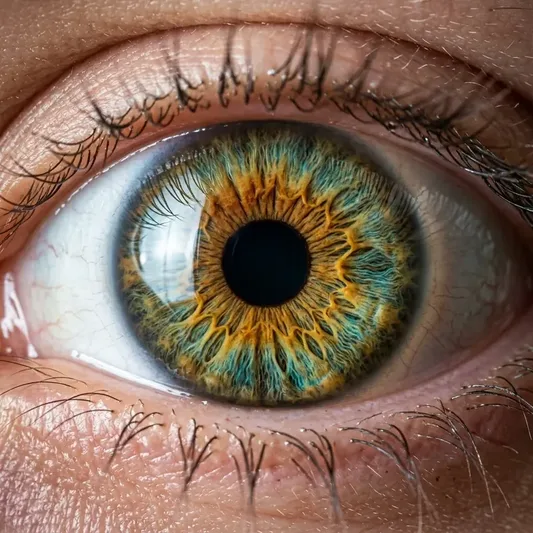
Flux 1.0 Ultra-Photorealistic Macro Eye Human Iris AI Prompt

Experience next-gen Flux 1.0 hyper-realism with this extreme macro close-up prompt capturing intricate human iris fibers.

Quick Summary: This verified Google Gemini & Midjourney v6 prompt creates an authentic 90s vintage film aesthetic for Flux 1.0 Ultra-Photorealistic Macro Eye Human Iris with calibrated lighting, authentic texture physics, and tested 1-click copy-paste formula for instant AI generation without facial distortion.
Flux 1.0 Ultra-Photorealistic Macro Eye Human Iris - copy paste prompt

5,581 copies

Flux 1.0 Ultra-Photorealistic Macro Eye Human Iris - Copy Paste AI Prompt

Extreme macro close-up photograph of a human eye with amber, golden honey, and turquoise hazel iris patterns. Hyper-detailed iris fibers, intricate crypts and folds, crystal clear cornea reflection of a subtle studio softbox window, delicate eyelashes, natural moist skin texture with visible pores around the eyelid, 8k resolution, shot on 100mm macro f/2.8 lens, raw photorealistic masterpiece, authentic film clarity, zero artificial smoothing.

Technical Prompt Parameters (Vintage Film & Retro Polaroid)

ParameterConfigurationOutput Impact
Target AI EngineGoogle Gemini & Midjourney v6Preserves organic analog warmth, natural color saturation, and retro lighting response.
Recommended Aspect Ratio4:5 (Classic Film) or 1:1 (Square Polaroid)Faithful recreation of vintage paper print dimensions and nostalgic photo albums.
Camera & Lens Settings35mm Leica M6, Kodak Portra 400, f/2.8, subtle chromatic dispersionRenders genuine analog grain, gentle halation, and authentic film stock color science.
Lighting StyleDirect camera flash with soft falloff or warm golden hour sunset flareCreates natural retro exposure highlights without artificial digital gloss.
Negative Constraintsdigital sheen, oversaturated HDR, plastic skin, neon light, CGI 3D, modern watermarkEliminates hyper-digital smoothness to maintain true photochemical aesthetic.
Reference PhotoUpload a daylight selfie; avoid heavy ring-light filters for best film look.Upload front-facing reference photo for face matching.

How to use this prompt

  1. Copy the prompt
  2. Open Flux 1.0 or Midjourney
  3. Paste the prompt
  4. Generate the image

How to get better results from Flux 1.0 Ultra-Photorealistic Macro Eye Human Iris

Experience next-gen Flux 1.0 hyper-realism with this extreme macro close-up prompt capturing intricate human iris fibers. Use it as a copy-ready starting point, then adjust the subject, scene, tone and output format for your own result.

  • Flux
  • Macro
  • Portrait
  • Realistic
  • your AI tool prompt testing
  • fast copy-paste workflow

Customize before generating

  • Replace the main subject, name, product or character details.
  • Adjust lighting, background, mood, camera angle or aspect ratio if the prompt is visual.
  • Change tone, audience, language and output format if the prompt is for text.
  • Keep this core idea clear: Extreme macro close-up photograph of a human eye with amber, golden honey, and turquoise hazel iris patterns. Hyper-detailed iris fibers, intricate crypts and folds...

Quick variations to try

  1. Make Flux 1.0 Ultra-Photorealistic Macro Eye Human Iris more cinematic with stronger lighting and richer background detail.
  2. Turn Flux 1.0 Ultra-Photorealistic Macro Eye Human Iris into a cleaner mobile-first version for social media posts or profile use.
  3. Create a premium version of Flux 1.0 Ultra-Photorealistic Macro Eye Human Iris with sharper style, higher detail and a more polished final output.
Prompt quality checklist

Keep the subject, reference image, style, output format and quality constraint clear before generating. Change only the personal details, platform, language, background or tone that matter for your result.

Suggested prompt examples

  • Transparent Skeleton Leaf Macro Art Portrait AI Prompt for Gemini

    Transparent Skeleton Leaf Macro Art Portrait

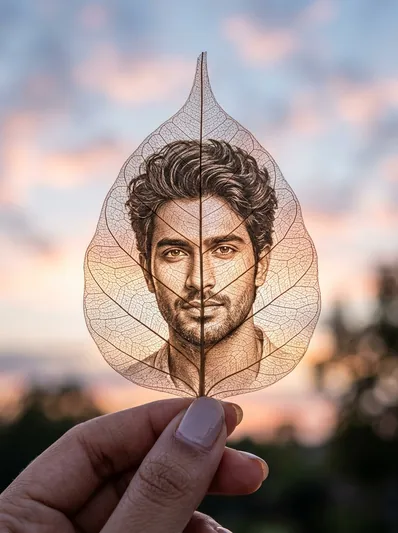
    Create an ultra-realistic macro art portrait etched into the delicate veins and cellular lace of a transparent skeleton leaf held against a sunset sky.

    Art / Creative / Gemini / Macro · 3,408 copies · Sep 6, 2026

  • Photorealistic Natural Skin Portrait - copy paste viral AI prompt preview

    Photorealistic Natural Skin Portrait

    This prompt is designed to generate highly realistic, human-like portrait images of adult boys and girls. It focuses on natural facial features, realistic skin...

    Aesthetic / Ai Image / Fashion / Hyperrealistic · 2,342 copies · Sep 10, 2026

  • Ultra Realistic DSLR Portrait Photo Enhancement - copy paste viral AI prompt preview

    Ultra Realistic DSLR Portrait Photo Enhancement

    Transform any ordinary photo into a premium, ultra-realistic professional photograph while preserving the person’s exact identity, facial features, body...

    Ai Image / Hyperrealistic / Photo Editing / Portrait · 2,451 copies · Sep 10, 2026

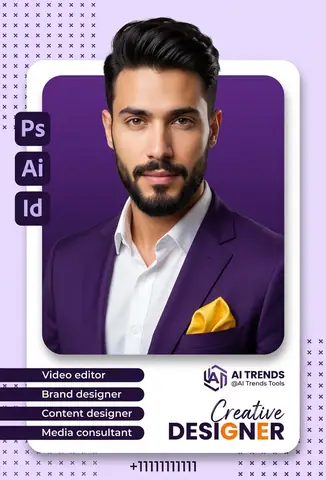
  • Hyper Realistic Studio Portrait - copy paste viral AI prompt

    Hyper Realistic Studio Portrait

    A sharp dressed person in purple blazer with white shirt and yellow pocket square.

    Ai Image / Branding / Hyperrealistic / Logo · 5,641 copies · Apr 14, 2026

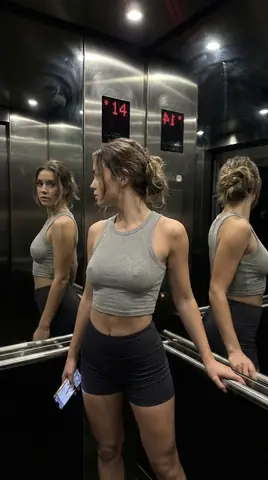
  • Elevator Mirror Selfie - copy paste viral AI prompt

    Elevator Mirror Selfie

    An ultra-photorealistic iPhone mirror selfie in a luxury apartment elevator with mirror walls, featuring a woman in soft grey cropped tank top and ultra-short micro...

    Aesthetic / Ai Image / Fashion / Girls · 5,787 copies · Apr 14, 2026

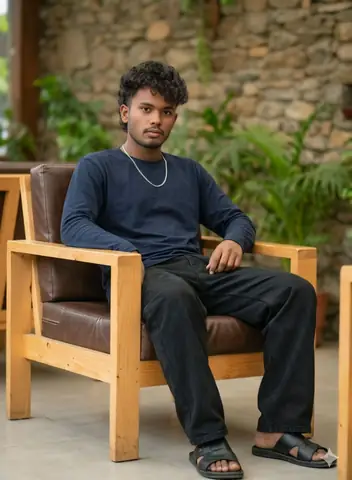
  • Dark Navy Shirt Boy - copy paste viral AI prompt

    Dark Navy Shirt Boy

    Create a photo of a boy in a dark navy shirt and baggy jeans, perfect for Instagram profile pictures, WhatsApp DP, and social media posts.

    Ai Image / Boys / Dark / Fashion · 8,858 copies · Apr 13, 2026

  • Christmas Night Portrait NYC - copy paste viral AI prompt

    Christmas Night Portrait NYC

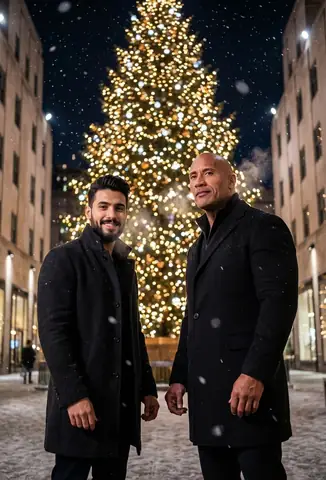
    Two men standing together in a winter wonderland with snow and lights surrounding them.

    Ai Image / Architecture / Christmas / Festival · 2,771 copies · Apr 14, 2026

  • Chibi Character Portrait with Doodle Elements - AI copy paste AI prompt example for aesthetic, instagram

    Chibi Character Portrait with Doodle Elements

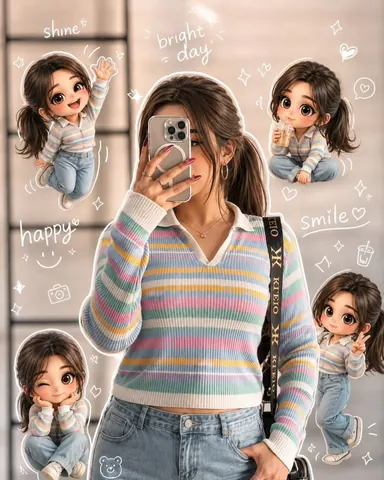
    Copy this AI prompt for Chibi Character Portrait with Doodle Elements. Use it as a ready prompt, adjust the subject, then generate a polished AI result.

    Aesthetic / Instagram · 8,450 copies · May 22, 2026

  • Divine Jagannath Temple Devotional Portrait - copy paste viral AI prompt

    Divine Jagannath Temple Devotional Portrait

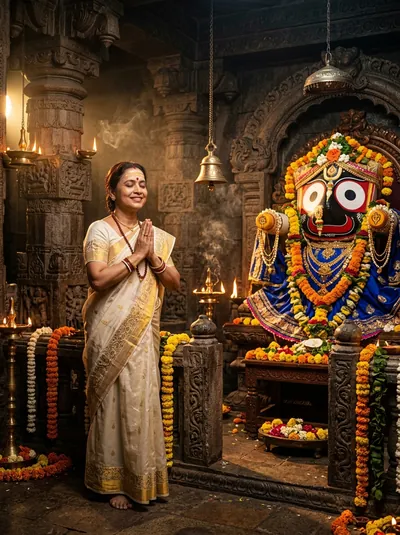
    An ultra-realistic cinematic devotional portrait inside a sacred Hindu temple before the majestic idol of Lord Shri Jagannath with glowing oil lamps.

    Ai Image / Devotional / Gemini / Portrait · 4,621 copies · Sep 9, 2026

  • Ultra Realistic Low Light Indoor Portrait - AI copy paste AI prompt example for portrait, dark

    Ultra Realistic Low Light Indoor Portrait

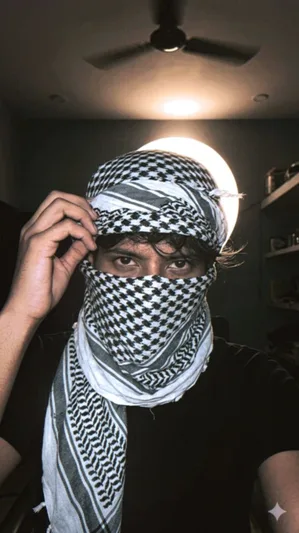
    Copy this AI prompt for Ultra Realistic Low Light Indoor Portrait. Use it as a ready prompt, adjust the subject, then generate a polished AI result.

    Dark / Portrait · 8,176 copies · May 19, 2026

  • streetlight blue selfie girl - copy paste viral AI prompt

    streetlight blue selfie girl

    Create a casual, unplanned selfie of two girls under streetlights, perfect for social media posts and Instagram profile pictures.

    Ai Image / Girls / Hair / Instagram · 2,451 copies · Apr 13, 2026

  • Girl In Chikenkari Kurti - copy paste viral AI prompt

    Girl In Chikenkari Kurti

    Create a photo of a girl in a chikenkari kurti, perfect for couple Instagram posts, WhatsApp DP, and social media profiles, with a cute and funny face

    Aesthetic / Ai Image / Couples / Girls · 1,771 copies · Apr 13, 2026

Frequently asked questions about this prompt

How do I generate Flux 1.0 Ultra-Photorealistic Macro Eye Human Iris on Google Gemini & Midjourney v6?
Click "Copy Prompt" above to copy the formula to your clipboard. Next, open Google Gemini & Midjourney v6, paste the prompt text, select the recommended 4:5 (Classic Film) or 1:1 (Square Polaroid) aspect ratio, and generate. Upload a daylight selfie; avoid heavy ring-light filters for best film look.
What camera lens and lighting setup creates the Vintage Film & Retro Polaroid look?
This prompt leverages simulated optics: 35mm Leica M6, Kodak Portra 400, f/2.8, subtle chromatic dispersion paired with Direct camera flash with soft falloff or warm golden hour sunset flare. This combination ensures realistic optical depth, natural skin micro-texture, and balanced subject separation without artificial AI gloss.
How do I customize Flux 1.0 Ultra-Photorealistic Macro Eye Human Iris for my own face or personal style?
Keep the core lighting and camera instructions intact, and only replace subject tokens (such as outfit colors, background scenery, hair style, or age). In image-to-image tools like Gemini or Bing, upload your selfie as an image reference along with the prompt.
What negative prompt or settings prevent distorted hands and faces?
To ensure high output fidelity, include the following negative constraints in advanced settings: "digital sheen, oversaturated HDR, plastic skin, neon light, CGI 3D, modern watermark". Setting aspect ratio to 4:5 (Classic Film) or 1:1 (Square Polaroid) also prevents AI letterboxing and unwanted cropping.

Trending AI Prompt Hubs & Curated Silos

Explore high-authority prompt collections crafted for viral social media content, 8K photo editing, and next-gen AI generators.

Core prompt workflow

Choose the closest page, open one prompt, copy the text, replace only the personal details, then test one version before trying another. Image prompts work best with clear subject, lighting, camera, background and aspect ratio details. Text prompts work best with role, audience, tone, examples, limits and final output format.