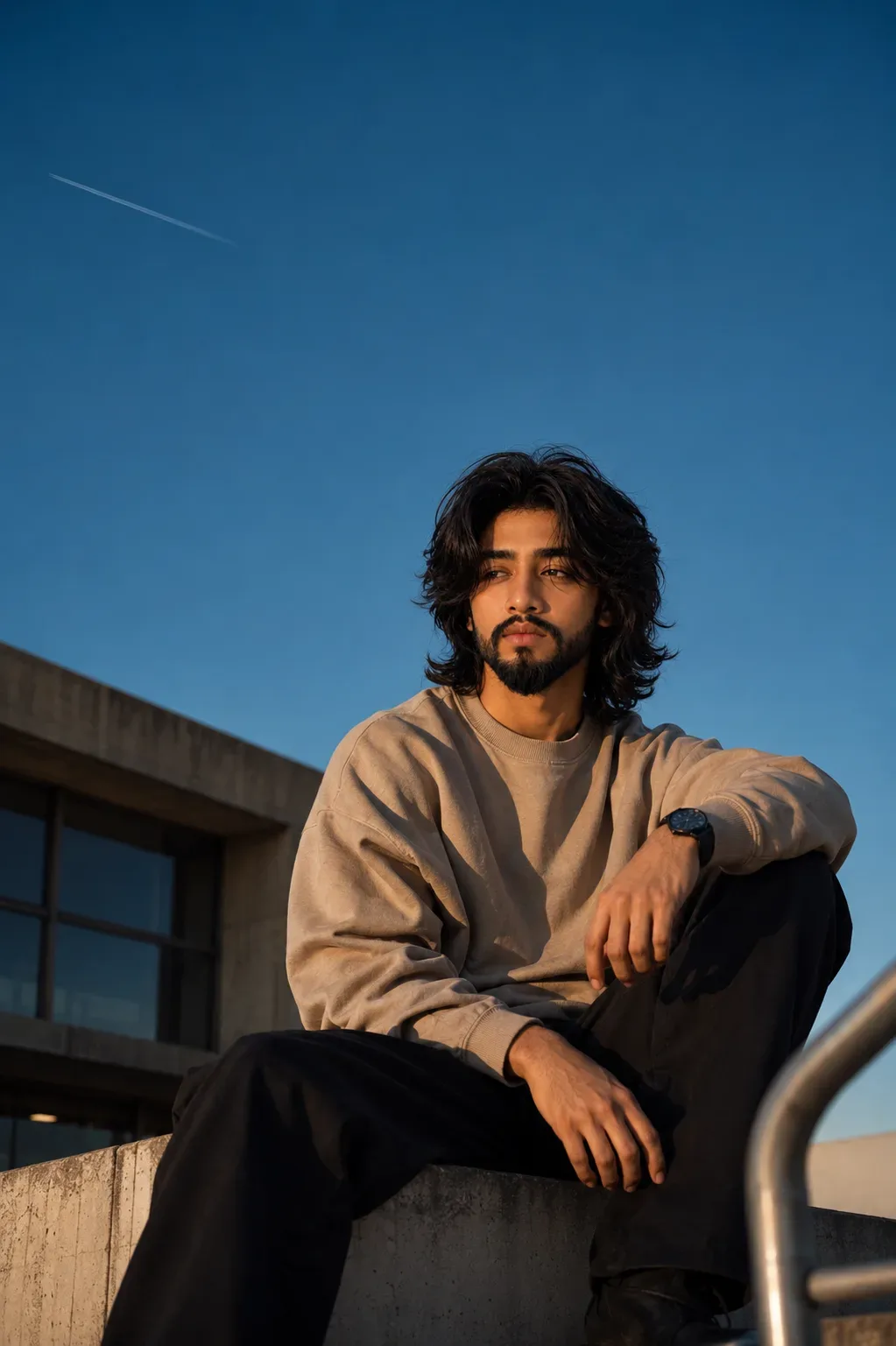
Quick Summary: This verified Midjourney Niji 6 / Flux.1 Schnell / Bing Image Creator prompt creates an hyper-detailed 3D cyberpunk stylized aesthetic for Evening Royal Enfield Portrait AI Photo Prompt with calibrated lighting, authentic texture physics, and tested 1-click copy-paste formula for instant AI generation without facial distortion.
- Photography
- Ai Image
- Trending
- Photography
- Ai Image
- Trending
- Viral Prompt
- Gemini Ai
- Bing Image Creator
- Copy Paste
About This Prompt
Create a Evening Royal Enfield Portrait AI Photo Prompt — a high-quality, photorealistic image with balanced lighting, sharp focus, and intricate details suitable for social media sharing and digital content creation.
We recommend generating this using Google Gemini. Simply copy the prompt text below and paste it into the generator. You can easily customize specific keywords like colors, backgrounds, or subjects to make the final output uniquely yours.
Evening Royal Enfield Portrait AI Photo Prompt - Copy Paste AI Prompt
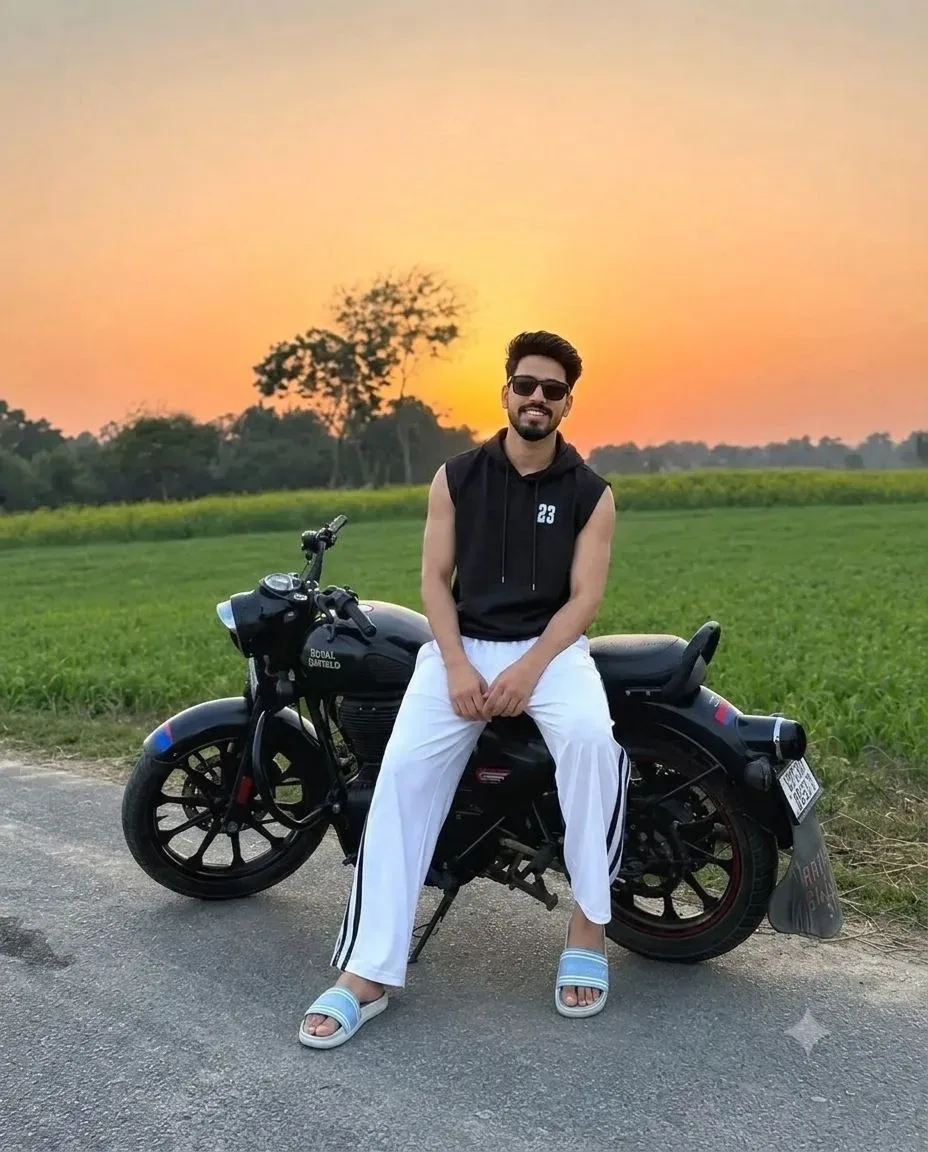
Transform the uploaded photo into an ultra-realistic cinematic sunset portrait using the uploaded image as the only identity source. Preserve the person's facial identity exactly, including face shape, proportions, skin tone, skin texture, pores, eyes, eyebrows, eyelashes, nose, lips, ears, beard, mustache, hairstyle, hairline, hair density, texture, strand direction, flyaway hairs, and body proportions. Do not beautify, alter, or regenerate any facial or hair features.

Capture in 4:5 portrait (1080×1350) using a flagship smartphone rear camera with a 2× telephoto lens (50–55mm equivalent). Camera positioned 5.5–6m from the subject at 1.2m waist height, perfectly level with no tilt, using Portrait Mode with natural HDR and subtle optical background blur.

The subject sits sideways on a black Royal Enfield motorcycle parked on a quiet rural road. Legs comfortably apart with both feet flat on the road, hands relaxed between the thighs, shoulders relaxed, back slightly leaning forward, head tilted 6° right, looking directly at the camera with a calm closed-mouth smile.

Wear a black sleeveless hoodie, white athletic track pants with black side stripes, light blue slide sandals, and black rectangular sunglasses.

Scene: an empty asphalt country road surrounded by lush green agricultural fields, a distant dark tree line, and a warm orange-to-golden sunset sky with no buildings or traffic, creating a peaceful countryside atmosphere.

Lighting is golden-hour sunset from behind the tree line, producing warm rim lighting, soft facial illumination, realistic skin tones, balanced HDR, subtle atmospheric haze, cinematic colour grading, and premium smartphone computational photography.

Camera Settings: Flagship smartphone, Portrait Mode, 2× telephoto, f/2.4, ISO 40, 1/1000s, HDR enabled, auto white balance, eye autofocus, optical background blur, ultra-photorealistic, 8K.

Negative Prompt: No face or hairstyle changes, beautification, skin smoothing, AI facial enhancement, incorrect anatomy, extra or fused fingers, incorrect motorcycle pose, distorted motorcycle proportions, unrealistic sunset lighting or sky colours, warped perspective, CGI, painting, cartoon, blur, low quality, oversharpening, oversaturation, text, watermark, artificial lighting, or unrealistic HDR. Replace only the identity with the uploaded person's identity while preserving the uploaded hairstyle exactly.

Optical Identity & Likeness Preservation: Lock subject's authentic facial identity and natural posture while seamlessly integrating with sharp vehicle reflections and cinematic ambient lighting.What You'll Get
- 🎨 Style: Photography
- ✨ Mood: Photography
- 📱 Best For: Ai Image
- 🤖 Works With: Google Gemini
- 🔥 Popularity: Copied 82 times
- 📅 Added: Sep 14, 2026
Frequently asked questions
- How do I use the Evening Royal Enfield Portrait AI Photo Prompt prompt?
- To use this prompt, simply click the "Copy Prompt" button above. Then, open Google Gemini, paste the copied text into the prompt box, and hit generate. You can instantly generate high-quality images without needing any reference photos.
- What is this prompt best used for?
- This specific prompt is highly optimized for creating engaging social media content and digital art. The formula is structured to produce high-contrast, visually appealing results that perform well on visual platforms.
- Can I customize the details of this prompt?
- Yes! While the core structure of the prompt is optimized for Google Gemini, you can easily customize the details. We recommend changing specific keywords like clothing colors, background locations, or the overall mood (e.g., changing "sunny" to "rainy" or "neon") to match your exact vision.
Explore Related Collections
Explore Photography Prompts — Browse our curated collection of Photography prompts tailored for creators. View all Photography prompts →
Explore Ai Image Prompts — Discover more viral Ai Image ideas for your next AI generation. View all Ai Image prompts →
Explore Trending Prompts — Explore our extensive library of Trending templates ready to copy and paste. View all Trending prompts →