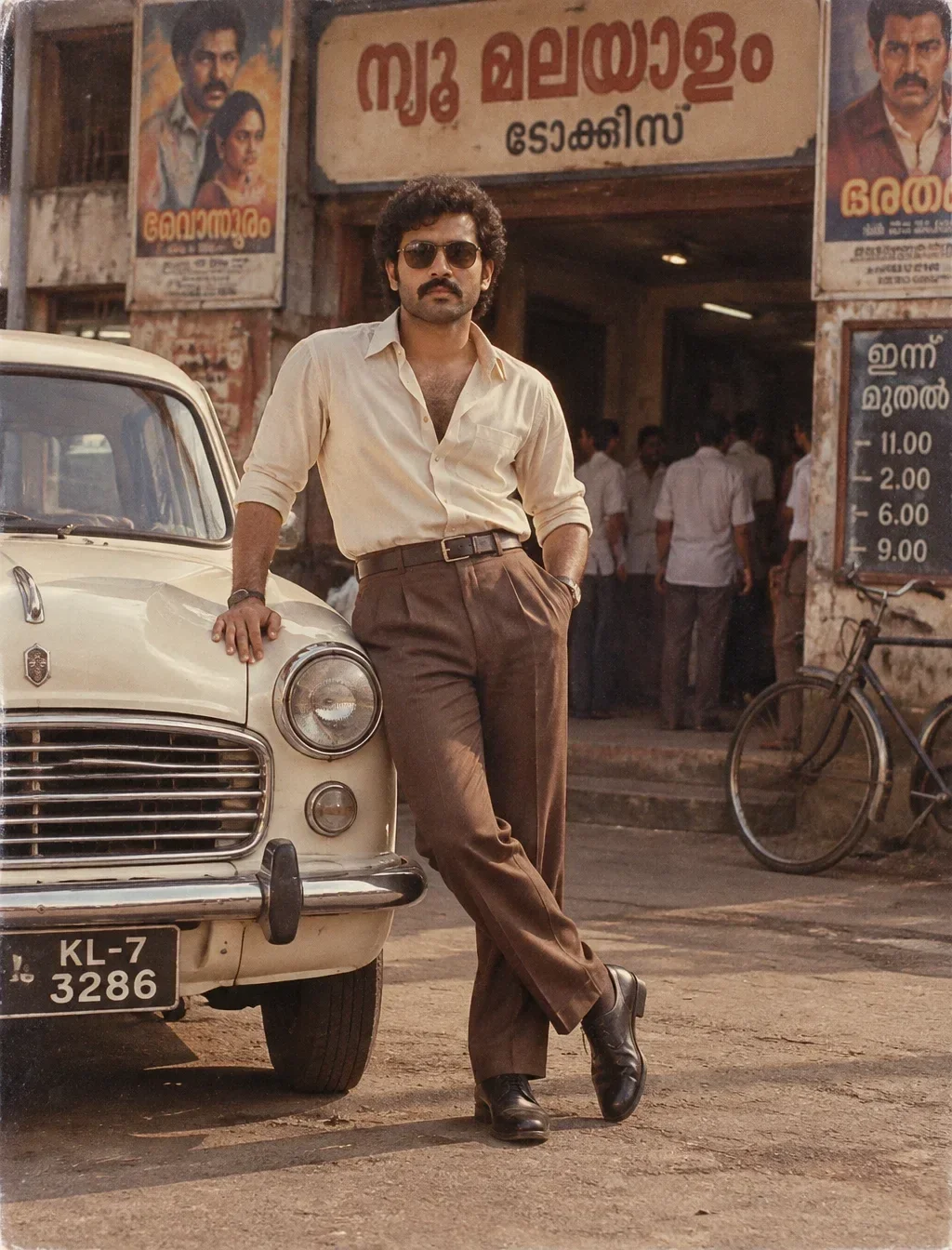
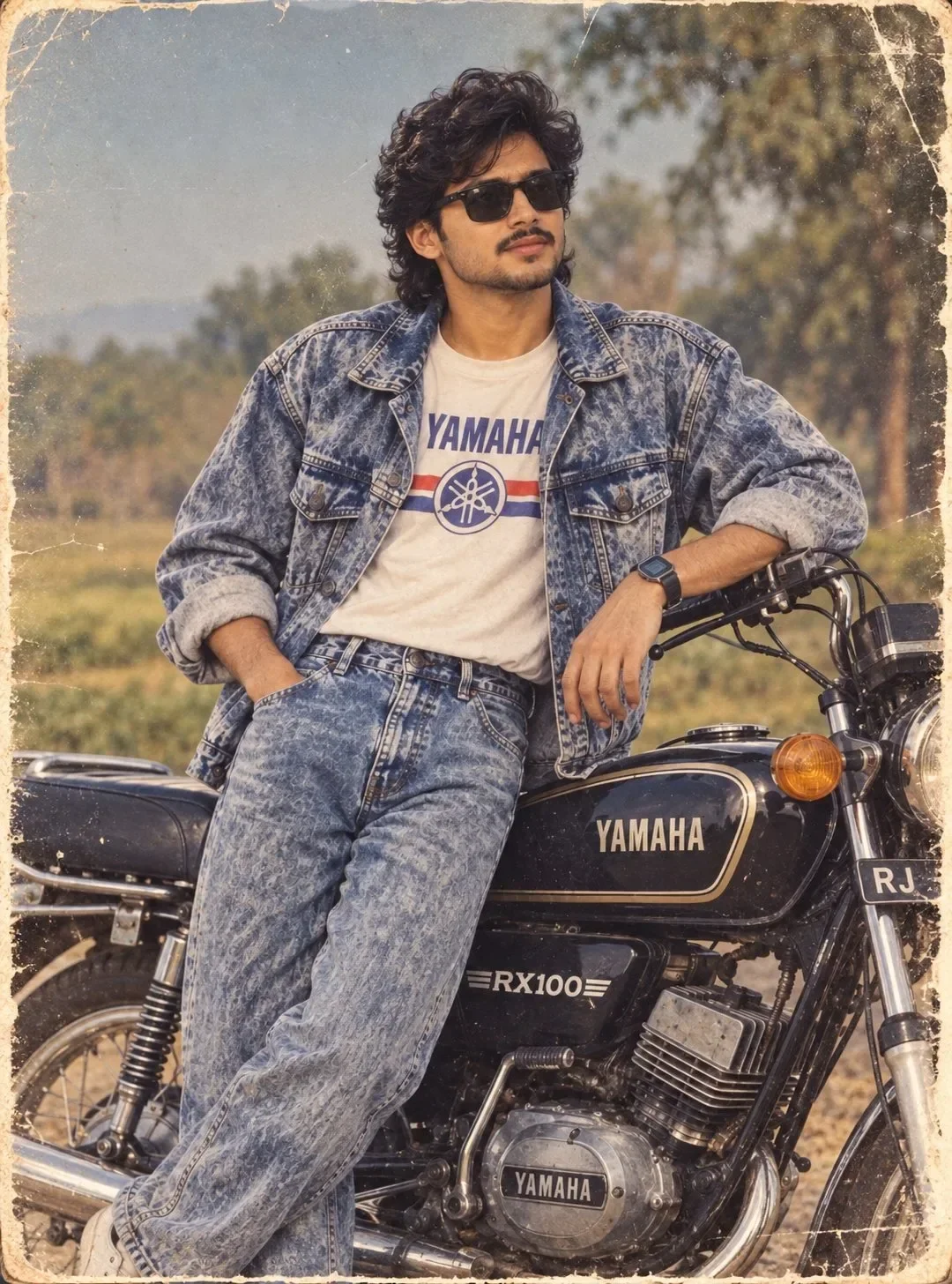
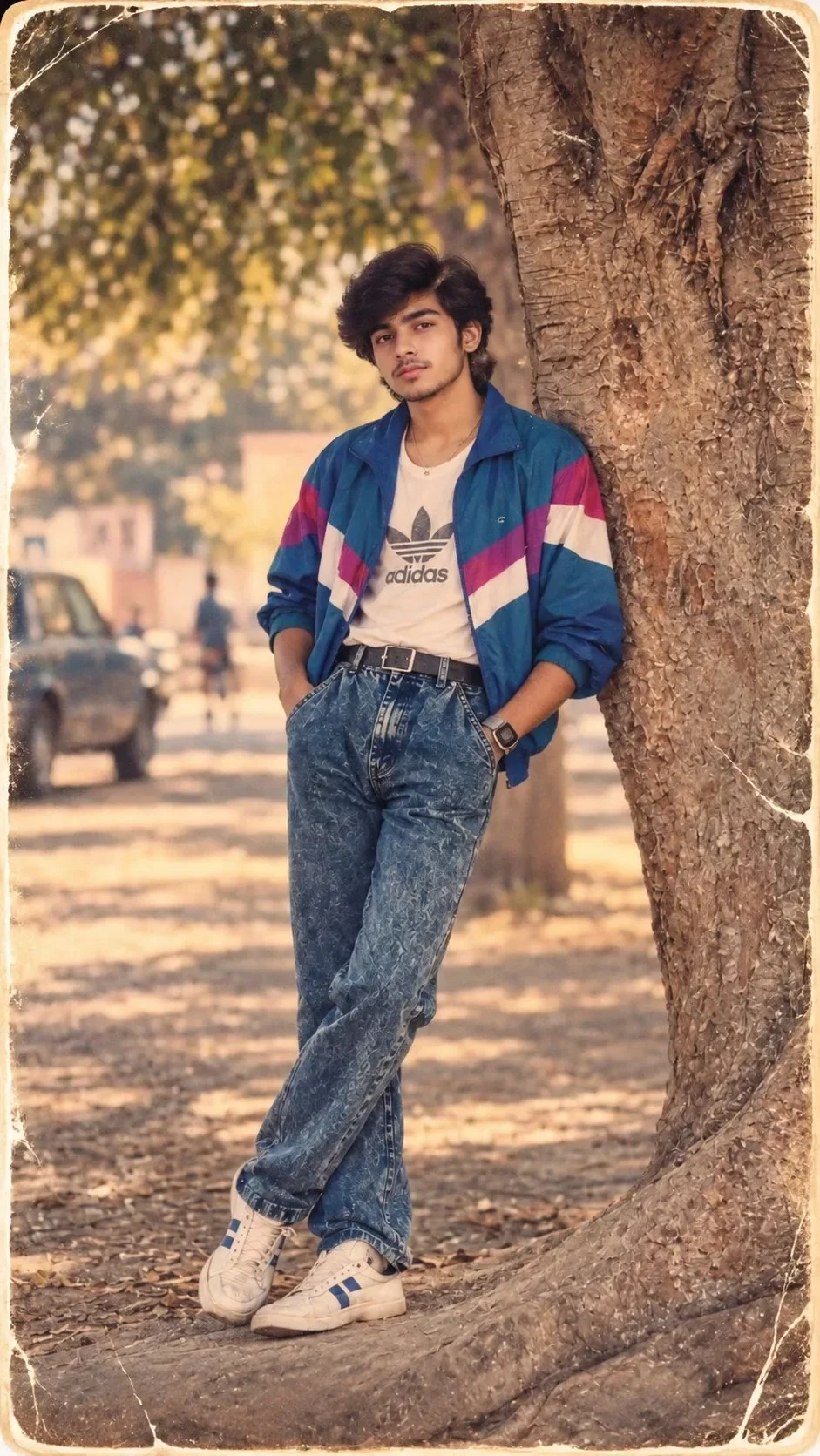
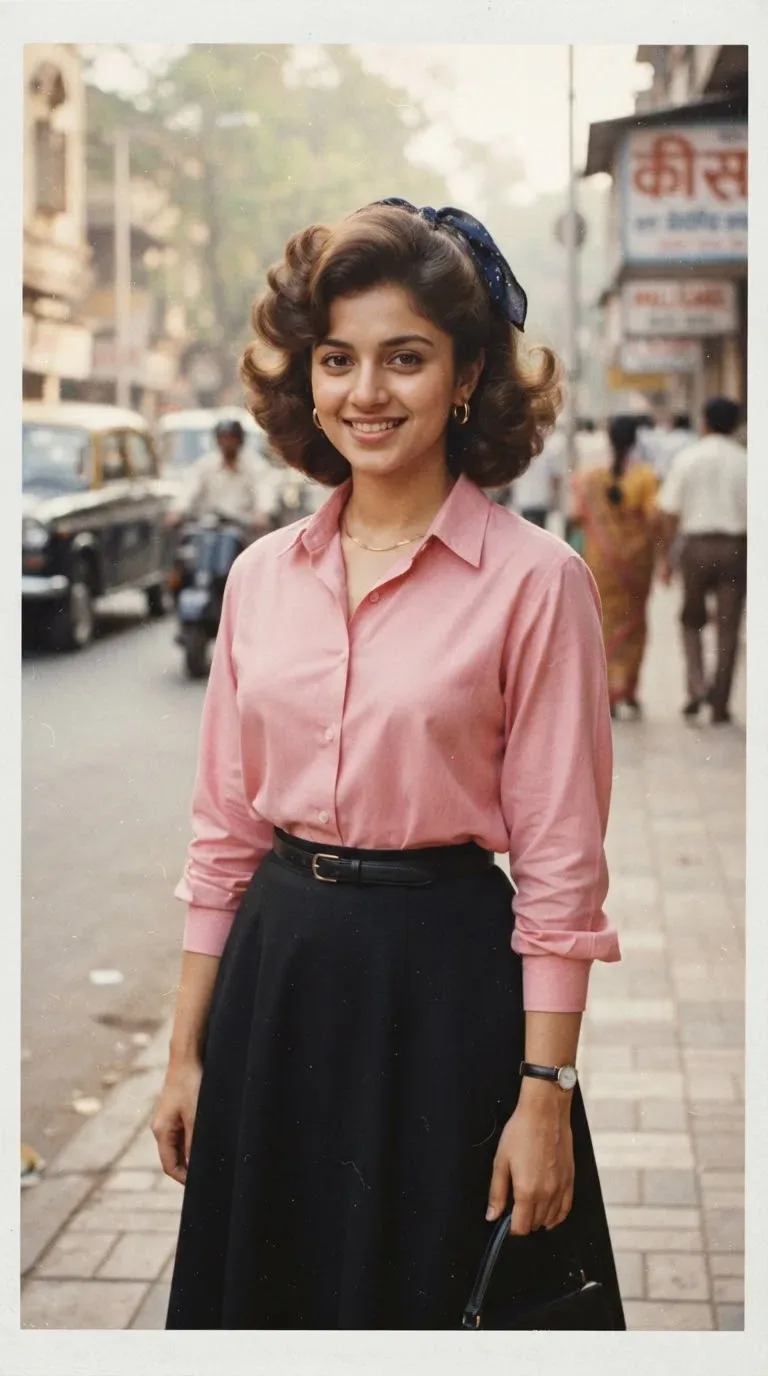
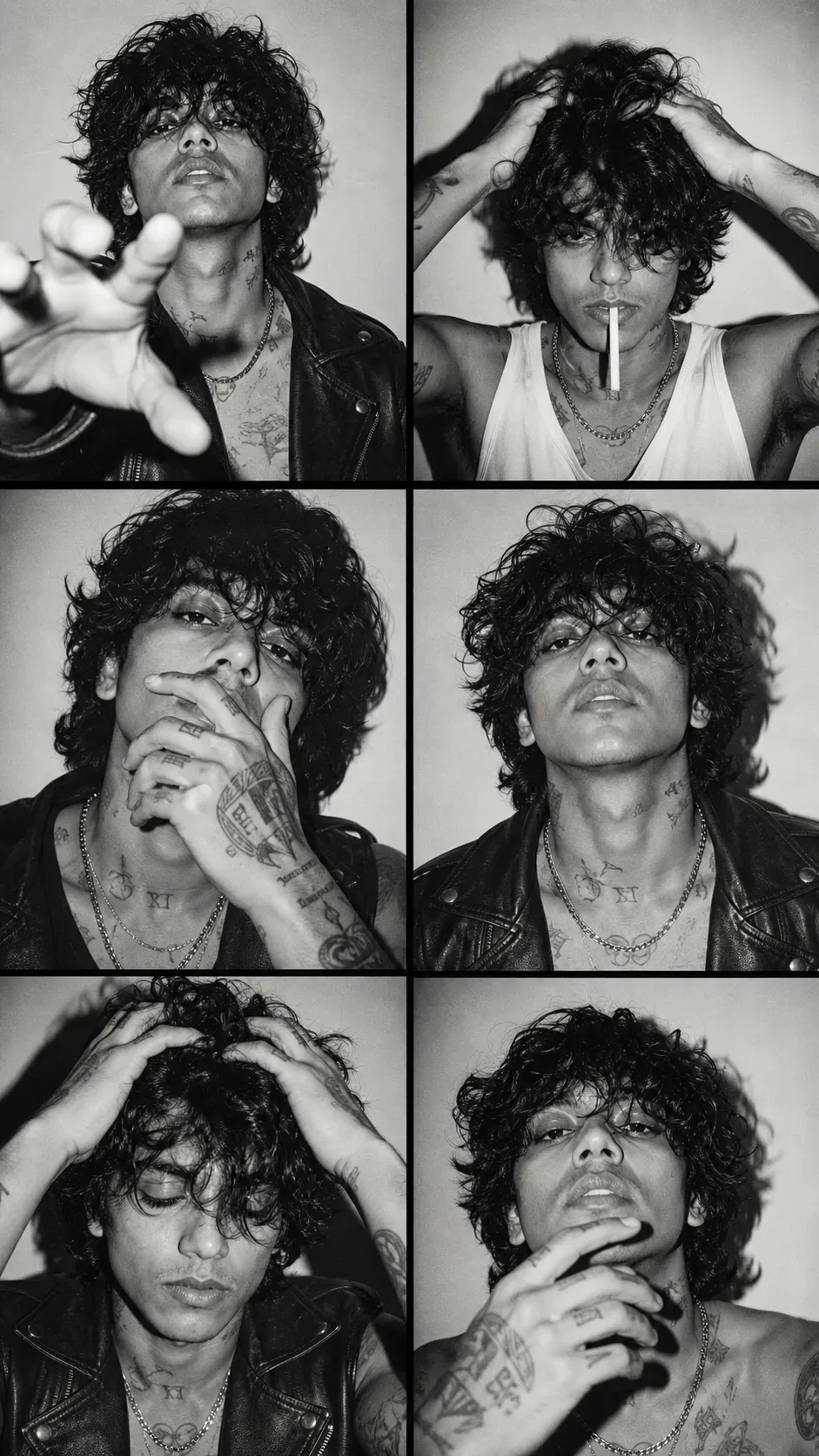
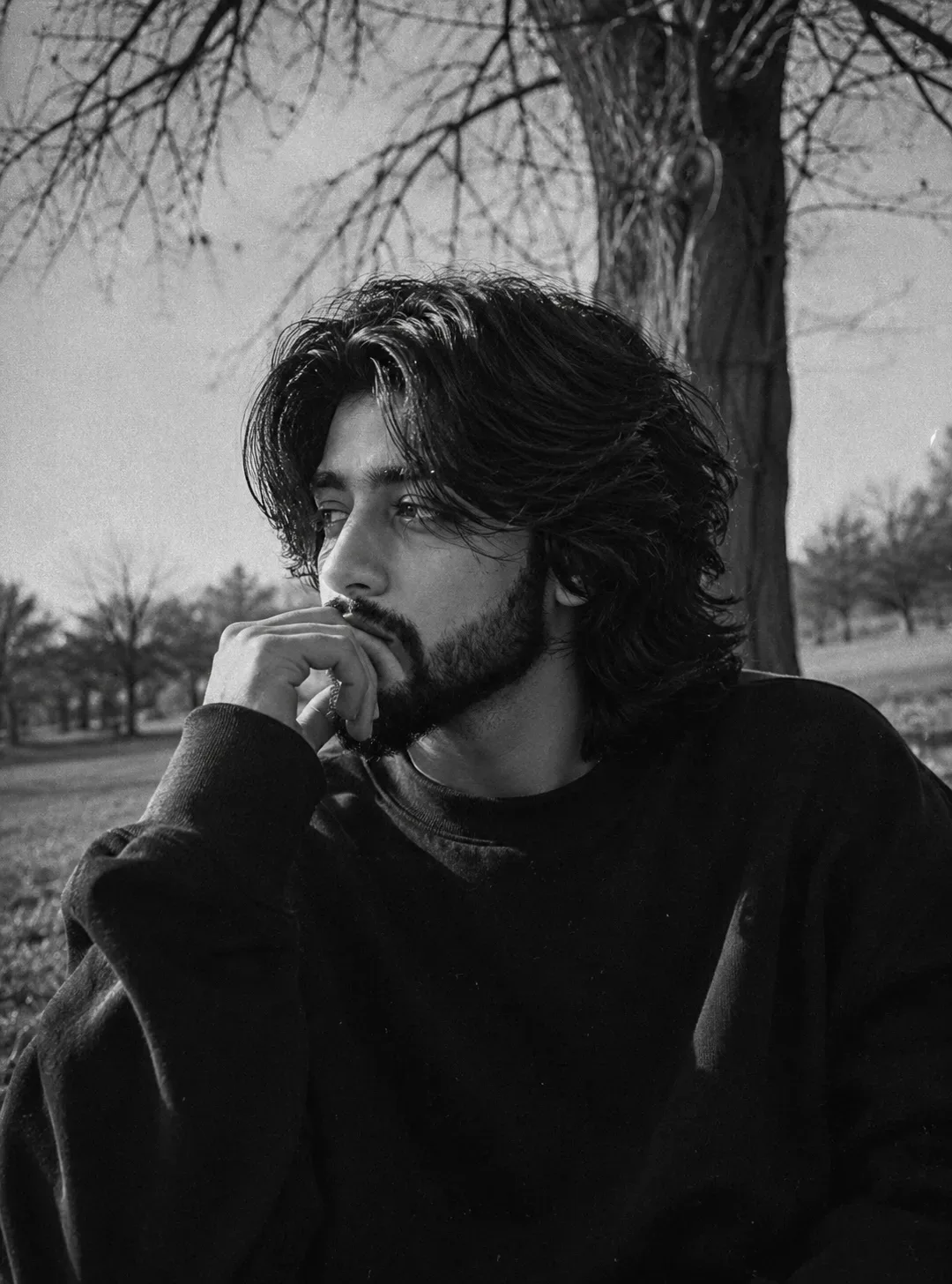
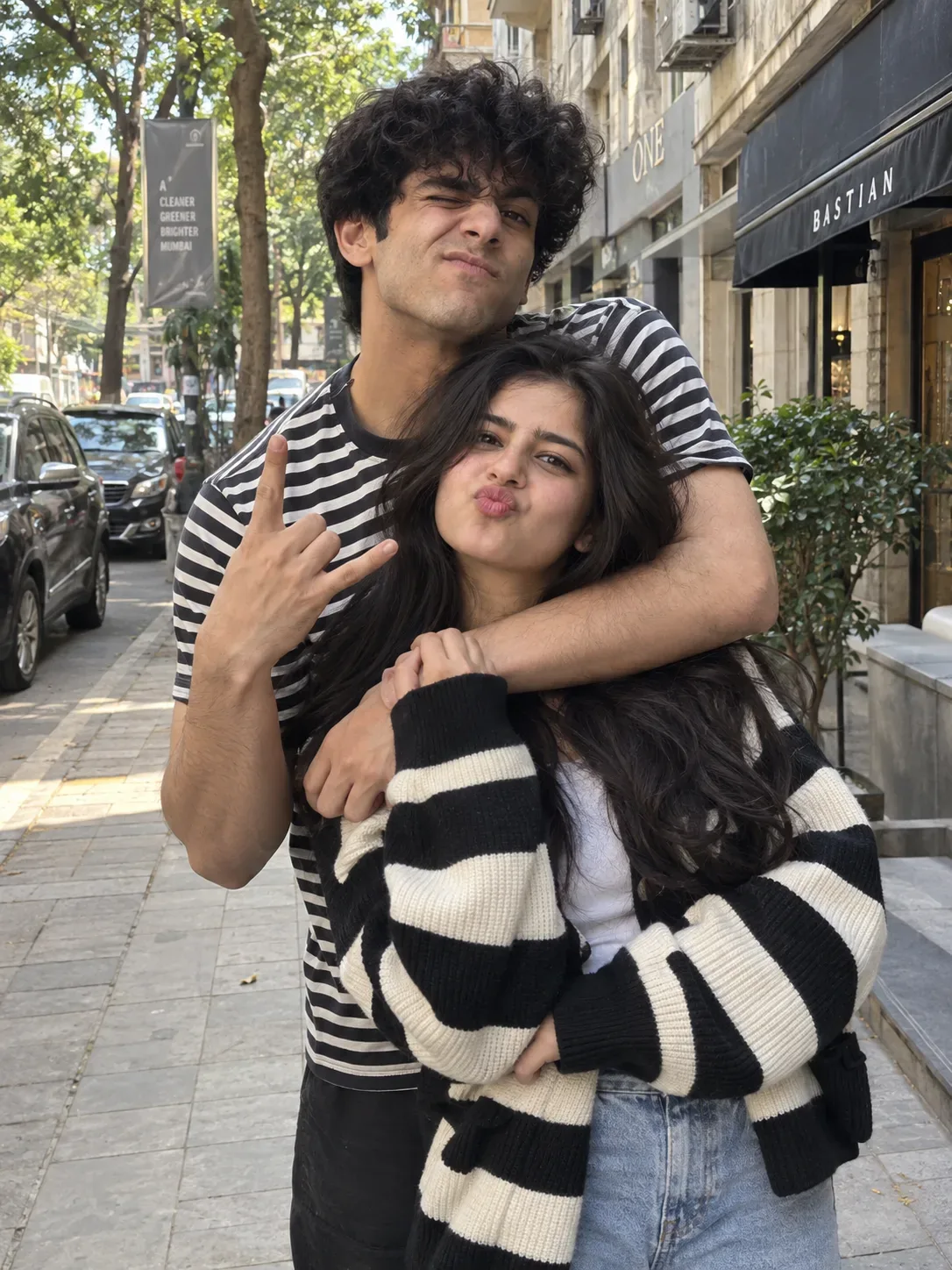
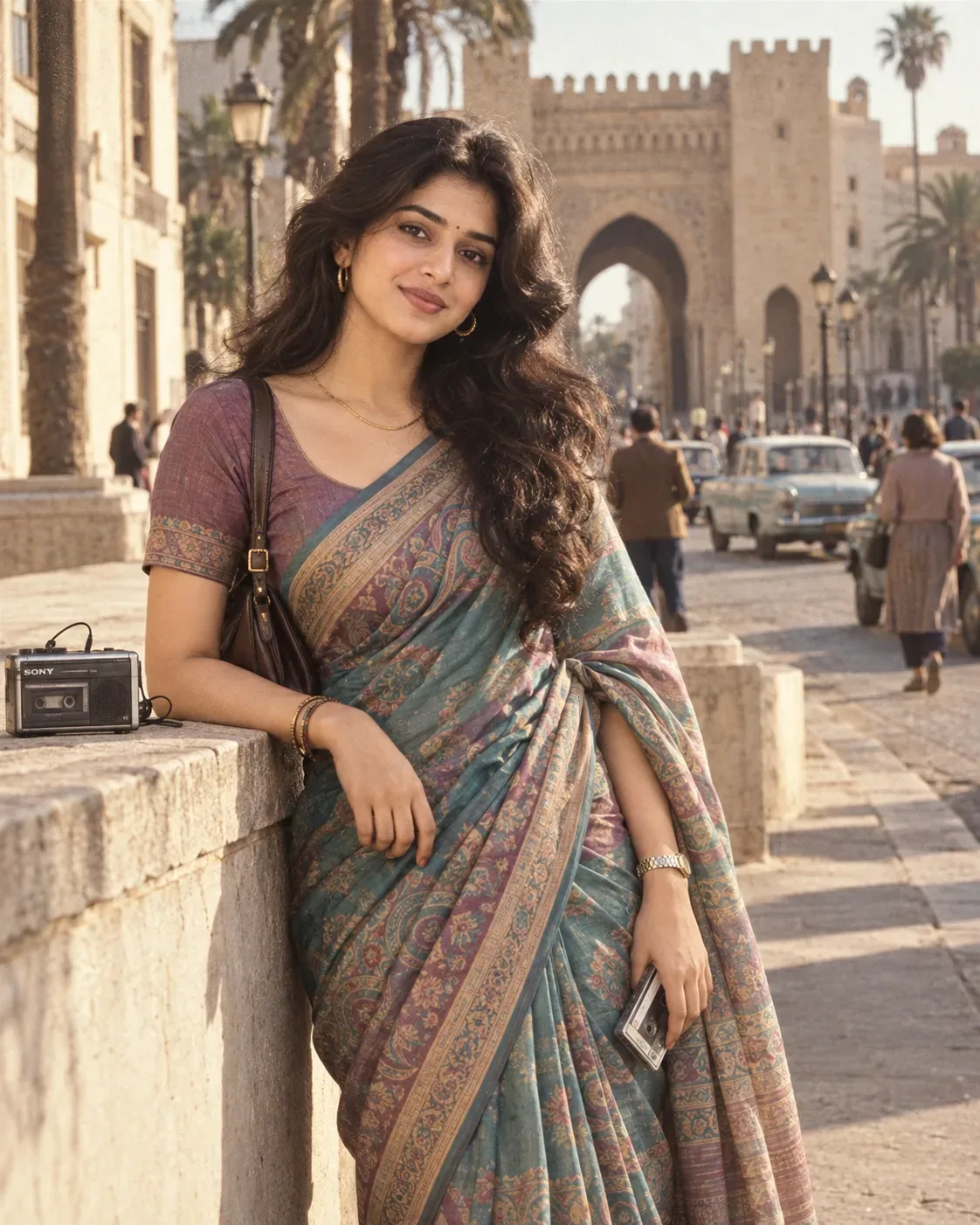
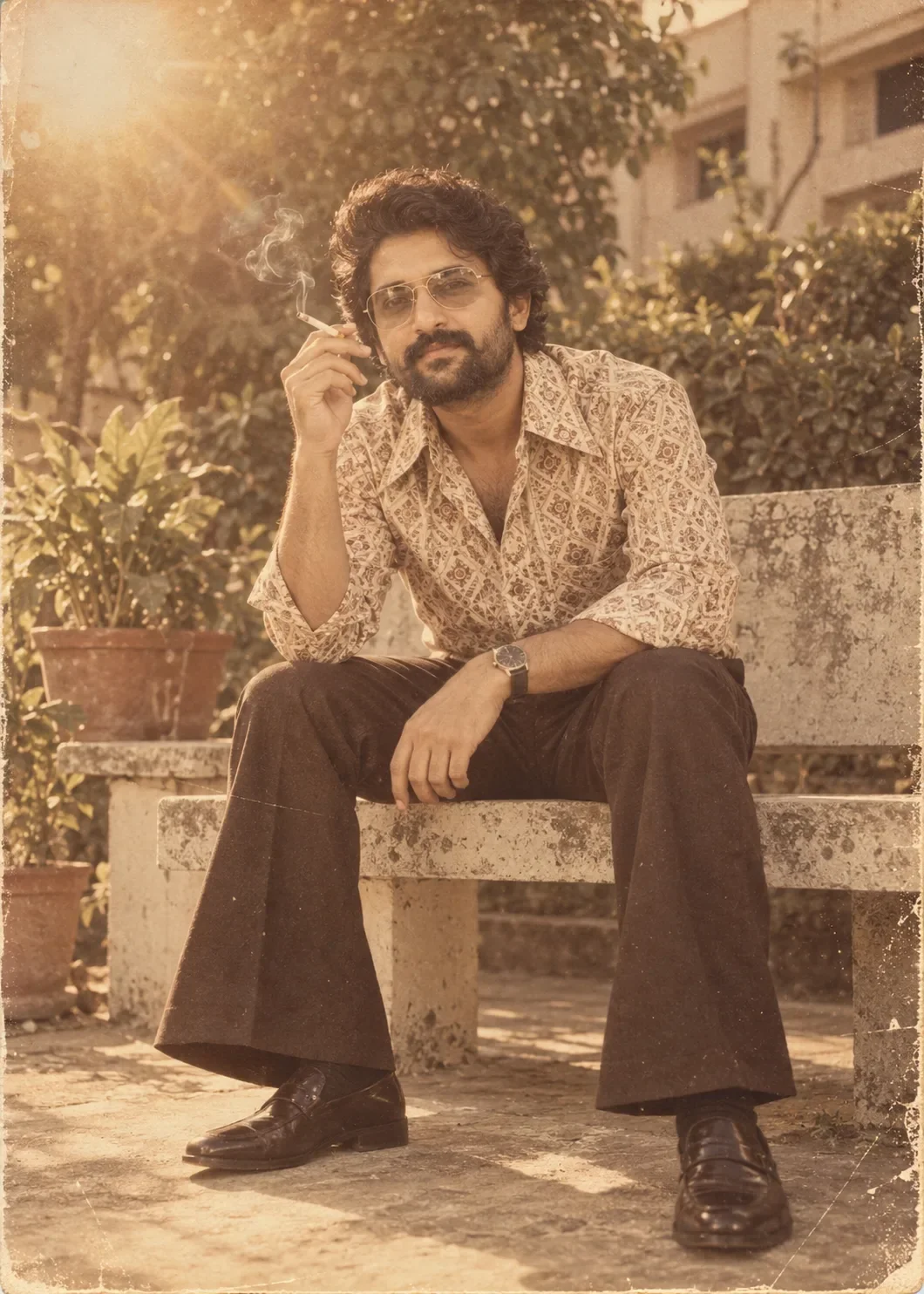
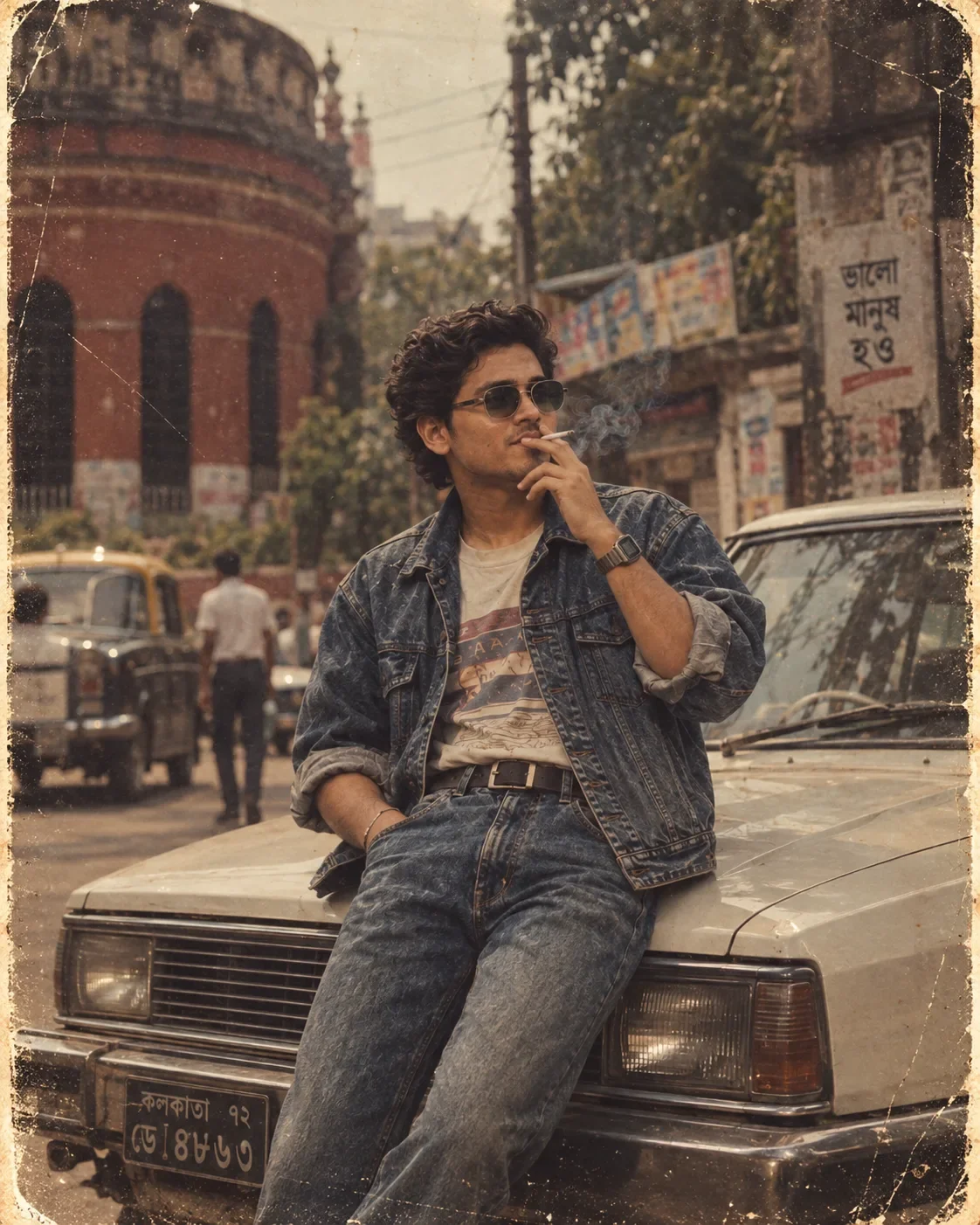
Quick Summary: This verified Google Gemini & Midjourney v6 prompt creates an authentic 90s vintage film aesthetic for Vintage 80s Street Fashion Portrait with calibrated lighting, authentic texture physics, and tested 1-click copy-paste formula for instant AI generation without facial distortion.
- Photography
- Vintage
- Retro
- Fashion
- Streetwear
- Ai Image
- Trending
- Photography
- Vintage
- Retro
- Fashion
- Streetwear
- Ai Image
- Trending
- Viral Prompt
- Gemini Ai
- Bing Image Creator
- Copy Paste
About This Prompt
Create a Vintage 80s Street Fashion Portrait — a high-quality, photorealistic image with balanced lighting, sharp focus, and intricate details suitable for social media sharing and digital content creation.
This prompt works best with Google Gemini. Simply copy the prompt text below and paste it into the generator. You can easily customize specific keywords like colors, backgrounds, or subjects to make the final output uniquely yours.
What You'll Get
- 🎨 Style: Photography
- ✨ Mood: Photography
- 📱 Best For: Vintage
- 🤖 Works With: Google Gemini
- 🔥 Popularity: Copied 353 times
- 📅 Added: Sep 14, 2026
Vintage 80s Street Fashion Portrait - Copy Paste AI Prompt
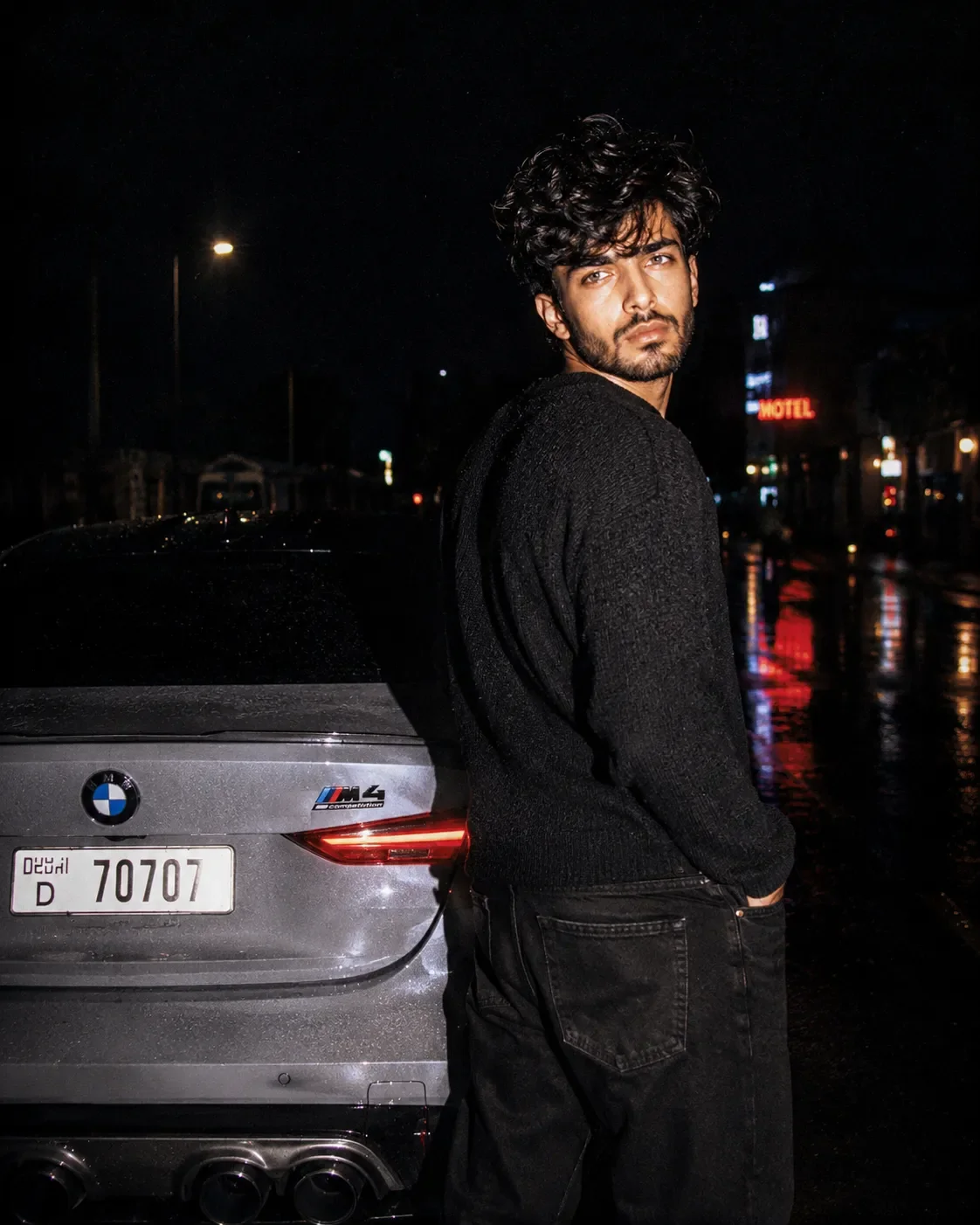
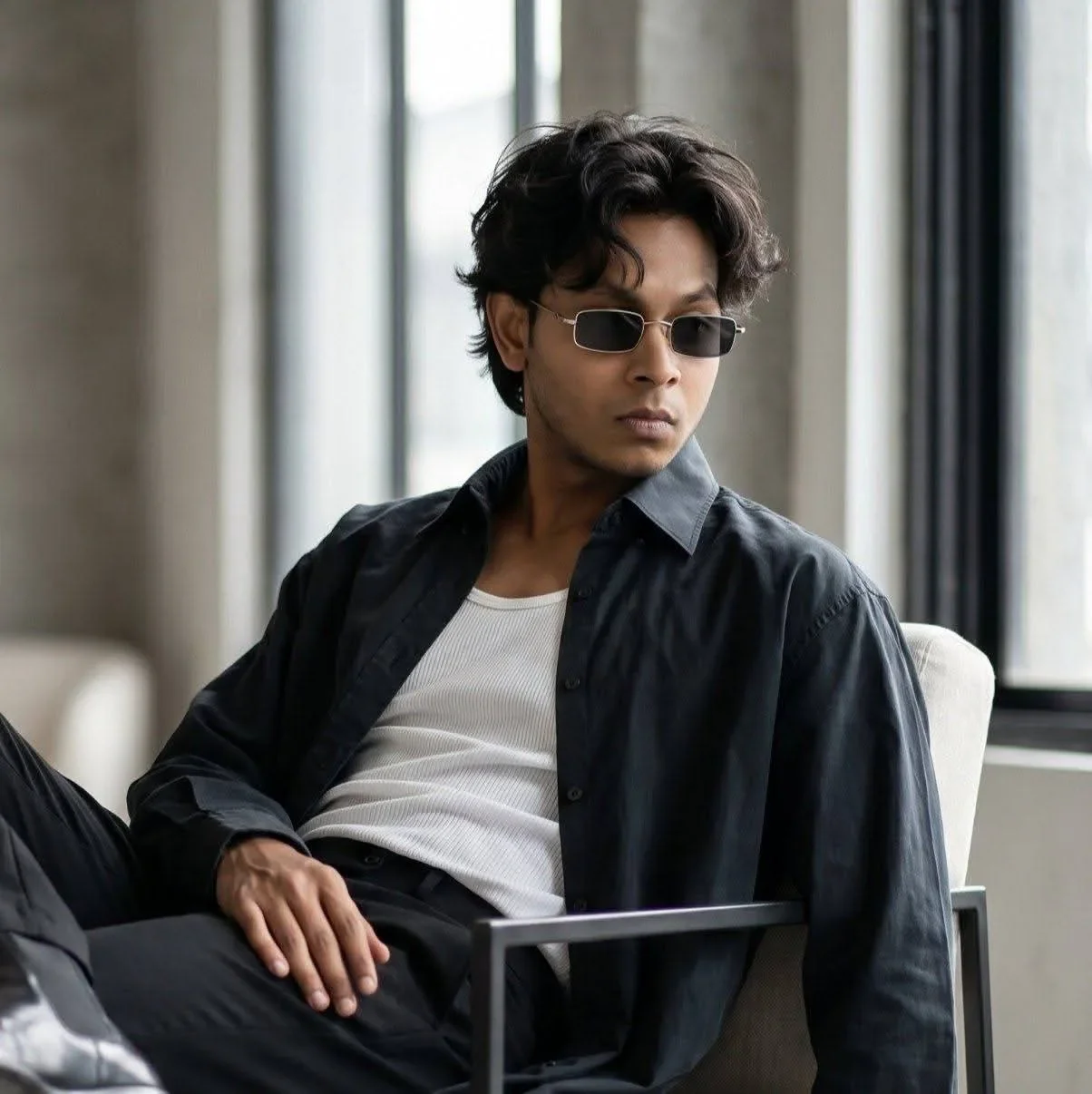
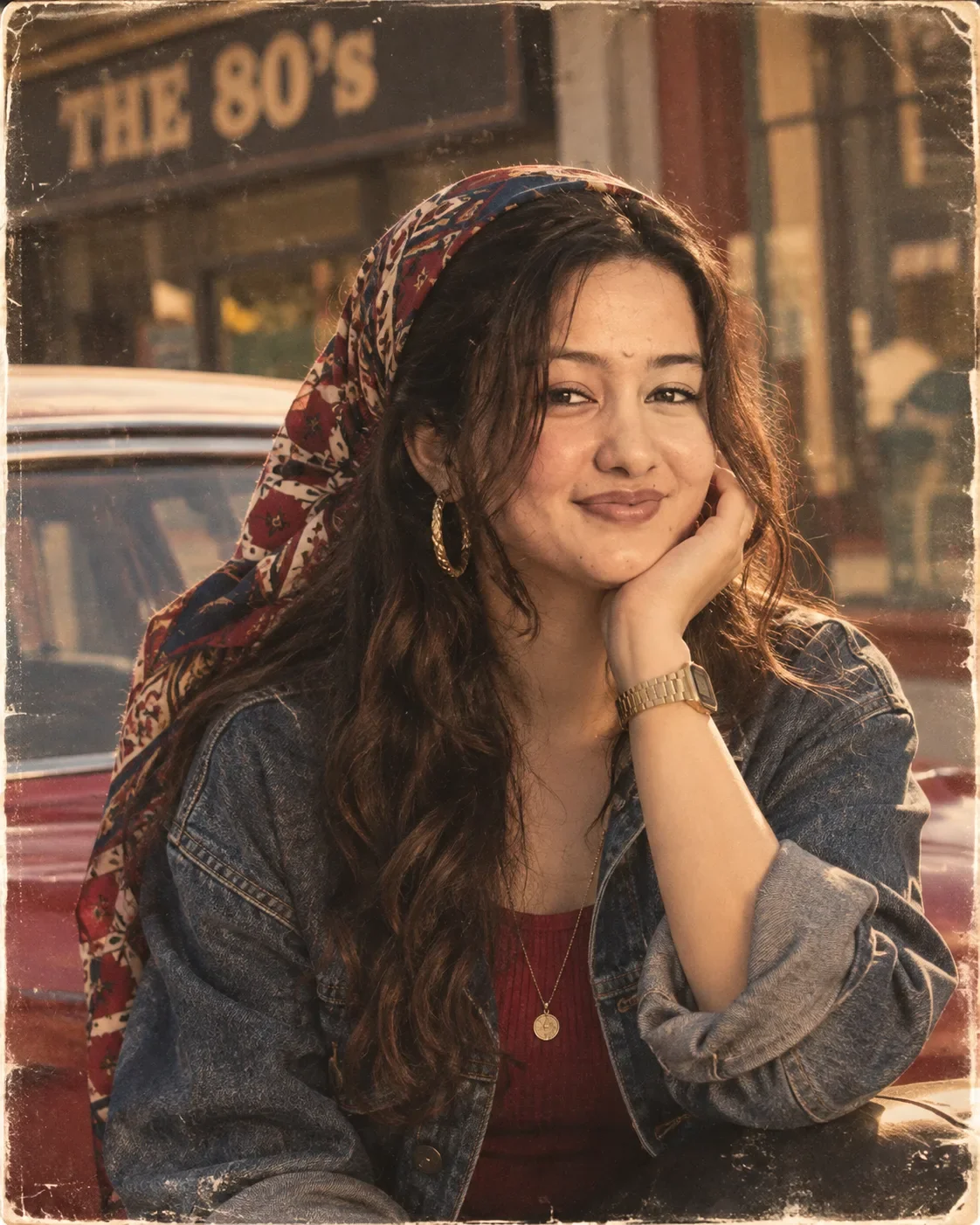
Use the uploaded user photo as the ONLY source of the subject’s identity and facial appearance. Preserve the user’s exact recognizable identity with maximum fidelity: facial structure and proportions, face shape, forehead, eyebrows, natural eye shape, eyes, nose, lips, mouth structure, jawline, cheekbones, chin, skin tone, natural skin texture, hairline, and all distinctive facial characteristics. DO NOT copy, blend, replace, redesign, beautify, feminize, masculinize, or reinterpret the user’s identity. Do not make the final subject resemble the person in the reference image. USER PHOTO = WHO THE PERSON IS; REFERENCE IMAGE = HOW THE PERSON POSES, EXPRESSES, DRESSES, AND APPEARS IN THE SCENE.
Create a highly realistic vintage-style outdoor editorial portrait matching the reference composition exactly. Vertical 4:5 aspect ratio. Frame the subject from approximately the mid-torso upward in a close medium portrait. The subject occupies most of the center of the frame, with the face positioned slightly above center. Camera is close, approximately eye level, using a natural portrait perspective around 50mm, with gentle background blur and shallow-to-moderate depth of field.
Recreate the exact pose: the subject’s body is turned slightly toward the viewer’s right while the face is angled subtly toward the viewer’s left, creating a relaxed three-quarter portrait. The head has a gentle sideways tilt and is slightly lowered into the supporting hand. One elbow is bent, with the forearm rising diagonally upward; the palm supports the side of the face and jaw, with the cheek resting naturally and softly against the hand. Fingers remain relaxed and naturally folded near the cheek and jawline. The other arm and shoulder remain lower and partially outside the frame. The pose must feel casual, effortless, thoughtful, and fashionable.
The facial expression MUST come from the reference image, not the uploaded user photo. Give the user’s identity a soft, calm, subtly confident expression with relaxed facial muscles and a very slight closed-mouth smile. Lips are gently pressed together with a faint upward curve, not a broad smile. Eyes are softly open and relaxed, creating a warm, composed, slightly playful expression. Eyebrows are natural and relaxed. Recreate the reference gaze: the eyes look almost directly toward the camera, with a subtle sideways, slightly off-center gaze rather than an exaggerated straight-on stare. The head pose, eye direction, mouth position, expression, and emotional atmosphere must override those in the uploaded identity photo.
Recreate the hairstyle and styling appropriate to the reference while maintaining the user’s identity. Use long, naturally voluminous, dark, slightly tousled hair with loose texture and several soft strands falling naturally around the forehead, temples, and cheeks. The hair should flow around the shoulders and chest. Add a colorful patterned headscarf wrapped loosely around the upper and back portion of the hair, with visible deep red, navy blue, cream, and warm geometric or abstract motifs. The scarf extends behind the head and drapes toward one shoulder. Adapt the hairstyle naturally if necessary for the uploaded person while preserving their recognizable identity.
Dress the subject in a casual retro outfit matching the reference: a textured medium-to-dark blue denim jacket with visible seams, faded fabric texture, collar, and rolled or pushed-up sleeves, worn over a deep red or burgundy ribbed top. Add a large statement hoop earring with a metallic gold appearance and textured detailing on the visible ear. Add a vintage-style rectangular digital wristwatch with a metallic gold-toned bracelet on the wrist of the hand supporting the face. Include a delicate long necklace with a small circular pendant resting over the red top. Accessories should look realistic and naturally integrated, not oversized or artificial.
Place the subject outdoors beside a retro-looking parked car. The car occupies much of the blurred background and lower-left area, with visible red bodywork and pale or light-colored upper trim. Behind the subject, create an urban roadside or storefront environment with warm, softly blurred architectural elements. In the upper-left background, include a large dark rectangular sign with bold retro lettering reading “THE 80’s” or visually similar vintage signage, partially blurred and naturally integrated into the environment. Do not allow the background text to dominate the portrait.
Use warm late-afternoon golden lighting, with sunlight creating soft amber highlights on the face, hair, hand, scarf, and denim. The face should be evenly and attractively illuminated while retaining natural shadows and realistic skin texture. Add gentle warm rim lighting around portions of the hair. Maintain soft shadows under the chin, around the neck, beneath the hand, and within the denim folds. The overall color palette should be warm, nostalgic, earthy, and slightly faded, with amber skin highlights, deep denim blue, burgundy red, muted cream, and vintage red automobile tones.
Recreate a nostalgic analog photograph aesthetic: subtle film grain, fine dust particles, tiny scratches, faded print texture, slightly reduced modern digital sharpness, gentle contrast, warm color grading, mild vignette, and distressed white film borders around the edges. The image should resemble a high-quality scanned vintage editorial photograph from the 1980s while retaining realistic modern facial detail. Add subtle imperfections naturally across the image without obscuring the face.
Maintain realistic anatomy, realistic hands, accurate fingers, natural skin texture, believable fabric folds, detailed hair strands, physically plausible jewelry, and authentic environmental perspective. Preserve the user’s exact identity as the highest priority while transferring ONLY the reference image’s expression, gaze, head position, pose, composition, clothing style, accessories, environment, lighting, camera perspective, colors, and nostalgic visual atmosphere. Do not copy the reference person’s face or identity. No extra people, no distorted hands, no malformed fingers, no duplicated accessories, no artificial beauty-filter skin, no exaggerated smile, no direct identity transfer from the reference, no modern studio background, no overly sharp CGI appearance. Final result: photorealistic, cinematic, warm, nostalgic, intimate vintage street-fashion portrait, exact reference-inspired composition and behavior, with the uploaded user remaining unmistakably themselves.

Optical Identity & Likeness Preservation: Lock subject's authentic facial identity and natural posture while seamlessly integrating with sharp automotive reflections and cinematic ambient lighting.Explore Related Collections
Explore Photography Prompts — Browse our curated collection of Photography prompts tailored for creators. View all Photography prompts →
Explore Vintage Prompts — Discover more viral Vintage ideas for your next AI generation. View all Vintage prompts →
Explore Retro Prompts — Explore our extensive library of Retro templates ready to copy and paste. View all Retro prompts →
Frequently asked questions
- How do I use the Vintage 80s Street Fashion Portrait prompt?
- To use this prompt, simply click the "Copy Prompt" button above. Then, open Google Gemini, paste the copied text into the prompt box, and hit generate. You can instantly generate high-quality images without needing any reference photos.
- What is this prompt best used for?
- This specific prompt is highly optimized for creating engaging social media content and digital art. The formula is structured to produce high-contrast, visually appealing results that perform well on visual platforms.
- Can I customize the details of this prompt?
- Yes! While the core structure of the prompt is optimized for Google Gemini, you can easily customize the details. We recommend changing specific keywords like clothing colors, background locations, or the overall mood (e.g., changing "sunny" to "rainy" or "neon") to match your exact vision.