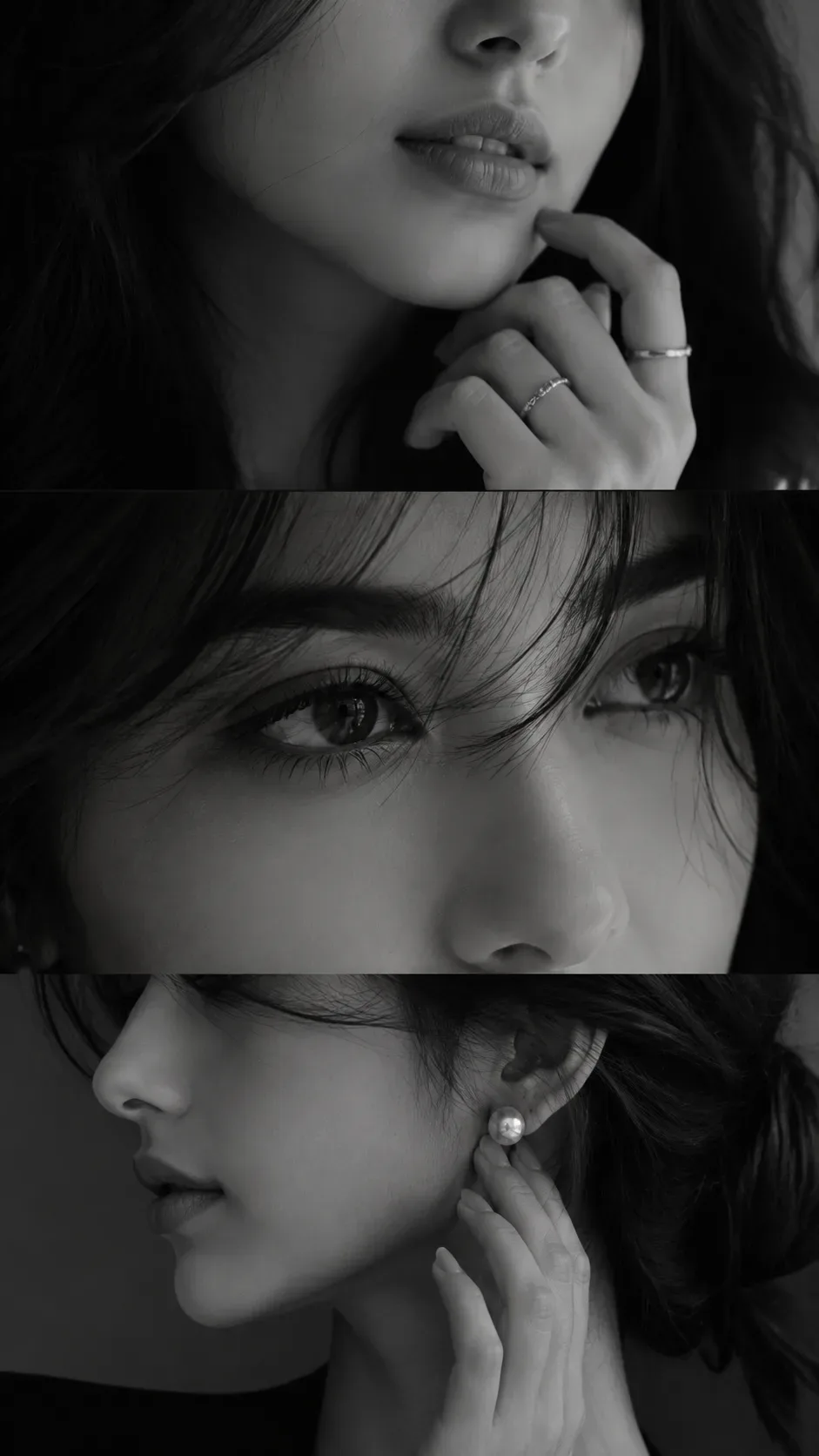
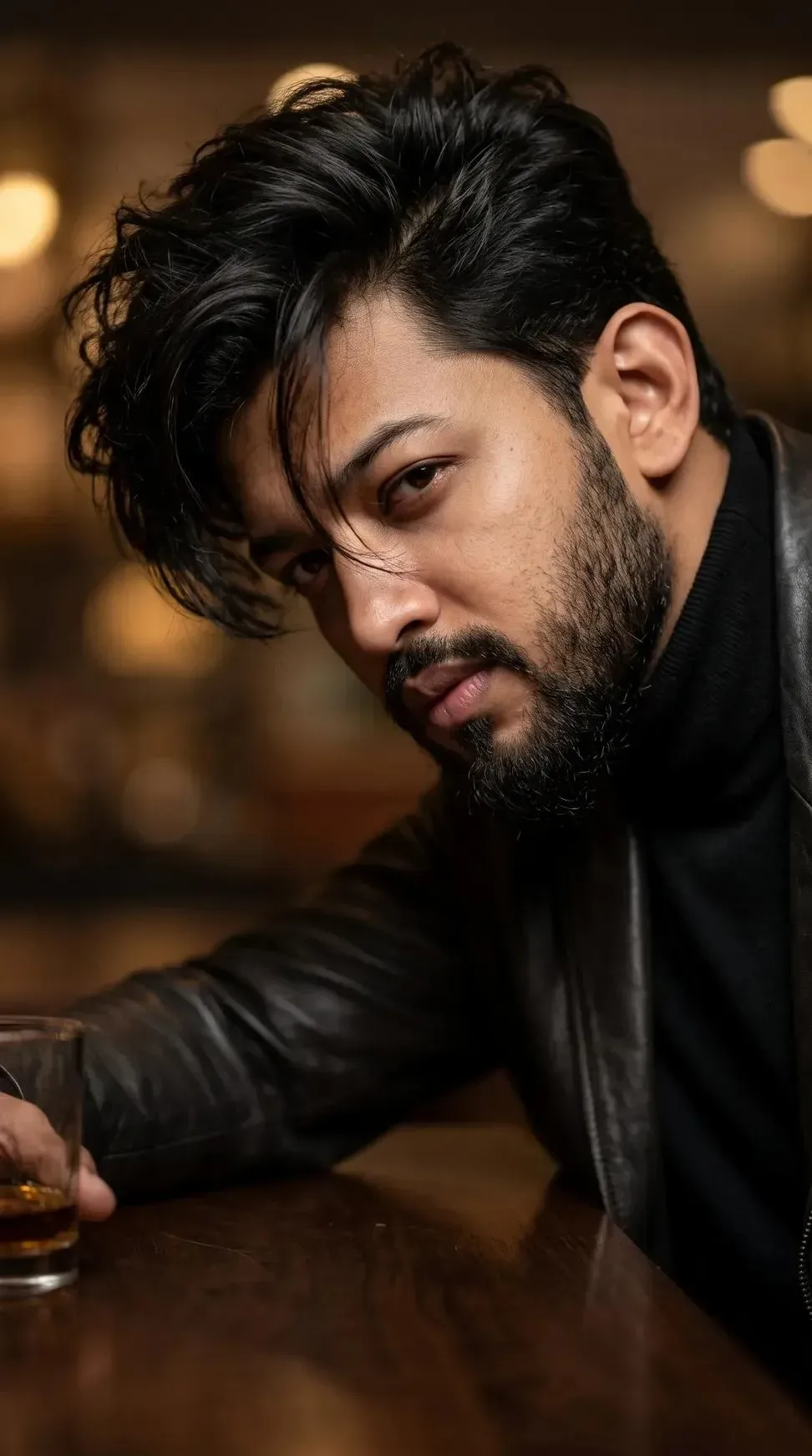
Quick Summary: This verified Google Gemini & Midjourney v6 prompt creates an authentic 90s vintage film aesthetic for Strict Universal Facial Identity Lock Cinematic Railway Portrait Master AI Photo Prompt with calibrated lighting, authentic texture physics, and tested 1-click copy-paste formula for instant AI generation without facial distortion.
- Photography
- Ai Image
- Trending
- Photography
- Ai Image
- Trending
- Viral Prompt
- Gemini Ai
- Bing Image Creator
- Copy Paste
About This Prompt
Use this prompt to generate a Strict Universal Facial Identity Lock Cinematic Railway Portrait Master AI Photo Prompt — a high-quality, photorealistic image with balanced lighting, sharp focus, and intricate details suitable for social media sharing and digital content creation.
Optimized specifically for Google Gemini. Simply copy the prompt text below and paste it into the generator. You can easily customize specific keywords like colors, backgrounds, or subjects to make the final output uniquely yours.
Strict Universal Facial Identity Lock Cinematic Railway Portrait Master AI Photo Prompt - Copy Paste AI Prompt
STRICT MASTER DIRECTIVE — UNIVERSAL REFERENCE IDENTITY PRESERVATION

PHASE 01 — MANDATORY DEEP SCAN BEFORE IMAGE GENERATION

ABSOLUTE FIRST STEP: BEFORE GENERATING, RENDERING, OR COMPOSING THE FINAL IMAGE, AI MUST FIRST DEEPLY SCAN AND ANALYZE THE PROVIDED REFERENCE IMAGE.

1. The provided reference image is the PRIMARY IDENTITY SOURCE for the individual shown.


2. Perform a comprehensive visual and structural analysis of the reference before beginning generation.


3. First identify and lock the subject's facial identity, facial proportions, and distinctive characteristics.


4. Only after the identity analysis and identity-lock stage is complete may the final image be generated.


5. This identity-preservation directive applies to EVERY USER and EVERY REFERENCE IMAGE supplied to the system.


6. The generated subject must remain the same recognizable individual represented by the supplied reference.


7. Do not replace the reference identity with a generic AI-generated face.


8. Do not reinterpret, redesign, beautify, or artificially enhance the person's facial identity.


9. Preserve the original overall facial geometry and natural proportions.


10. Preserve the original cranium and head shape.


11. Preserve the exact forehead structure, height, width, curvature, and proportions.


12. Preserve the original eyebrow shape, thickness, spacing, direction, and natural asymmetry.


13. Preserve the exact eye shape, eyelid structure, eye depth, positioning, and natural gaze characteristics.


14. Preserve the original pupil appearance and positioning.


15. Preserve the original iris shape, pattern, color, and natural visual characteristics.


16. Preserve the exact inter-eye distance and facial alignment.


17. Preserve the original nose bridge, width, length, angle, and natural contour.


18. Preserve the exact nose tip structure and projection.


19. Preserve both nostrils, including their shape, size, openings, spacing, and natural asymmetry.


20. Do not narrow, widen, sharpen, reshape, enlarge, or otherwise redesign the nose.


21. Preserve the original cheekbones, facial planes, mid-face structure, and natural bone alignment.


22. Preserve the original jawline, jaw width, chin shape, chin projection, and lower-face proportions.


23. Preserve the exact upper-lip and lower-lip structure, thickness, contour, and natural proportions.


24. Preserve the mouth width, lip corners, and natural mouth geometry.


25. Preserve all distinctive facial marks, natural lines, wrinkles, indentations, and asymmetries visible in the reference.


26. Preserve authentic skin texture, pores, fine details, and natural complexion.


27. Do not apply plastic skin, artificial smoothing, beauty filters, or synthetic skin texture.


28. Preserve the original hairline, hairstyle, density, direction, texture, and recognizable hair characteristics.


29. Preserve the original beard and moustache pattern, density, shape, direction, and texture wherever applicable.


30. Preserve the original ear shape, size, position, folds, and visible anatomical structure.


31. Do not perform facial symmetry correction or facial restructuring.


32. Do not make the subject artificially younger, older, thinner, heavier, sharper, smoother, or more conventionally attractive.


33. Do not modify the person's natural facial character for aesthetic optimization.


34. Clothing, environment, lighting, camera angle, color grading, depth of field, and cinematic styling may change ONLY as requested, while the underlying facial identity remains preserved.


35. Facial identity has the HIGHEST PRIORITY over every artistic or cinematic instruction.


36. Never sacrifice facial fidelity for composition, fashion, lighting, background, or visual effects.


37. Preserve natural human anatomy and realistic facial relationships between every feature.


38. Avoid unintended identity drift during rendering, upscaling, enhancement, or final processing.


39. Perform a final identity-consistency check against the supplied reference before completing the image.


40. DO NOT GENERATE THE FINAL IMAGE UNTIL THE DEEP-SCAN AND IDENTITY-LOCK PROCESS IS COMPLETE.


---

PHASE 02 — FINAL SCENE TO GENERATE

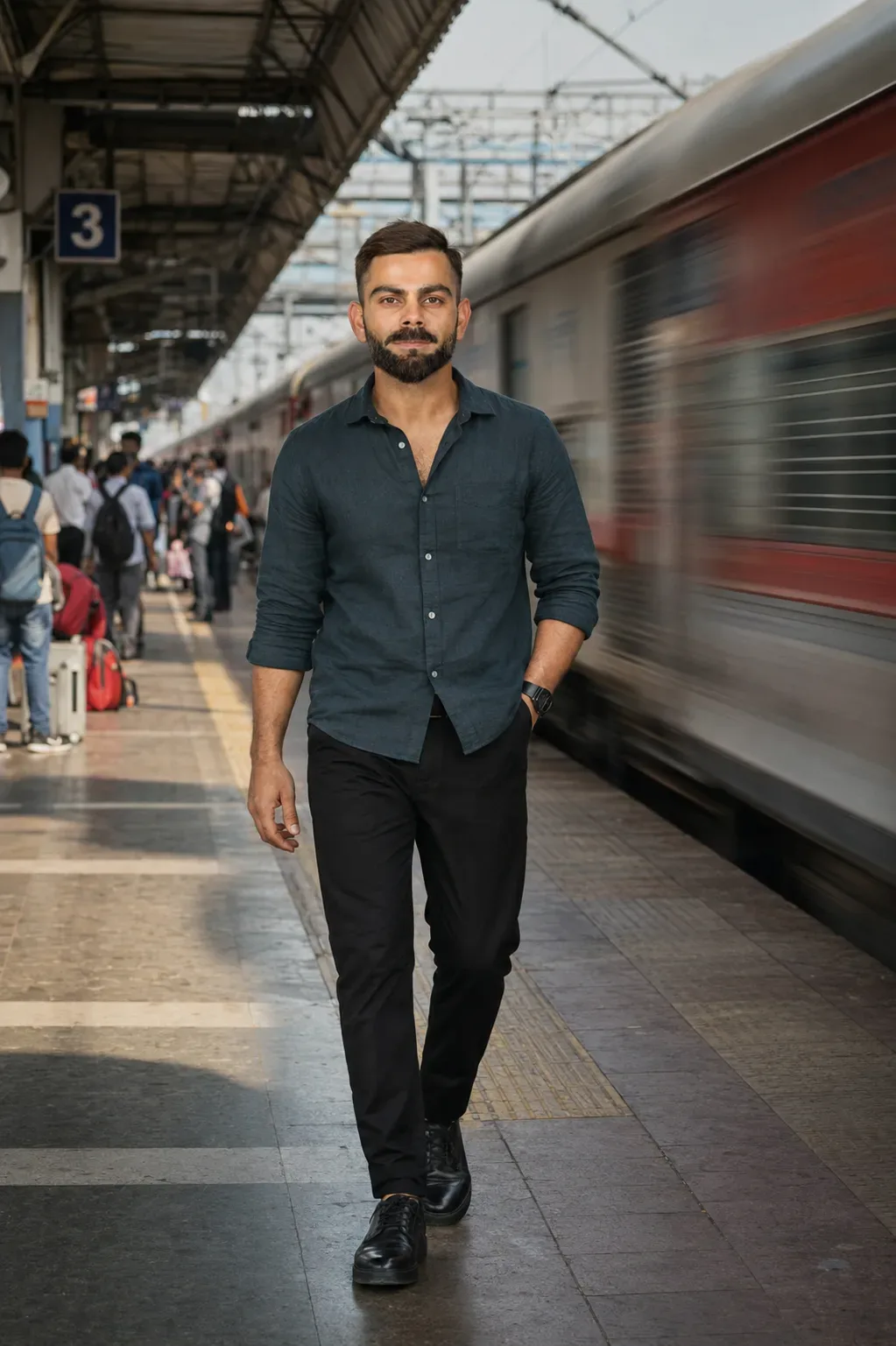
Create an ultra-realistic, premium cinematic photograph at an authentic Indian railway station, Platform Number 3.

The reference subject is walking confidently toward the camera on the platform.

The surrounding station should contain a realistic number of passengers and natural railway activity while remaining clean, organized, and visually controlled.

The subject should have a confident, stylish, composed presence with subtle attitude and effortless charisma.

The moment should feel like a professionally captured fashion/editorial photograph rather than a posed AI image.


---

PHASE 03 — EXACT OUTFIT DIRECTION

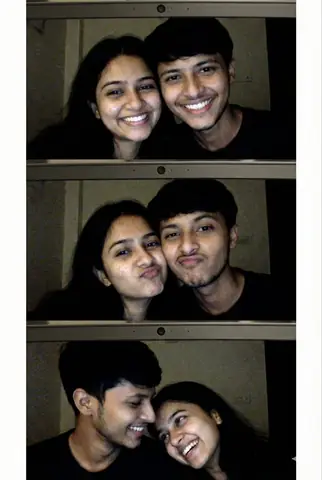
The subject must wear the same shirt style and appearance represented by the LEFT-SIDE SUBJECT in the reference image.

Use a dark slate-teal / charcoal-teal relaxed-fit casual button-up shirt.

The shirt should have a realistic cotton/linen-blend appearance with natural fabric texture and subtle wrinkles.

Keep the upper buttons naturally open, consistent with the reference styling.

Pair the shirt with premium black trousers with a clean, modern, well-fitted silhouette.

Add sophisticated black premium casual shoes or minimalist black leather sneakers that naturally complement the outfit.

Keep accessories minimal, tasteful, and realistic.

No unnecessary jewellery.
No excessive branding.
No distracting accessories.


---

PHASE 04 — HIGH-SPEED LHB TRAIN

A modern Indian LHB express passenger train is passing rapidly through the adjacent railway track.

The train should have realistic Indian LHB coach proportions, construction, windows, doors, undercarriage details, and authentic railway appearance.

The train must clearly communicate high speed.

Use realistic directional motion blur exclusively where physically appropriate.

The moving train should create visible speed through:

Directional motion streaks

Controlled environmental motion blur

Realistic parallax

Subtle background streaking

Natural wheel and undercarriage motion

Slight atmospheric movement


The main subject's face and eyes must remain critically sharp.

Do NOT blur the subject simply to create the motion effect.

The visual contrast between the sharply captured subject and rapidly moving train should resemble a professionally photographed high-speed cinematic moment.


---

PHASE 05 — PROFESSIONAL PHOTOGRAPHIC COMPOSITION

Use a premium full-frame photographic aesthetic.

Simulate a high-end professional camera with an 85mm-class portrait lens.

Use approximately f/1.8–f/2.2 for controlled depth of field.

Keep the subject's face and eyes in precise critical focus.

Maintain realistic perspective, optical compression, natural body proportions, and authentic lens rendering.

The moving train should remain clearly visible in the background/adjacent side of the composition without obstructing the subject.

Create strong but natural subject-background separation.

The photograph should feel spontaneous, perfectly timed, and professionally composed.


---

PHASE 06 — LIGHTING & COLOR

Use natural cinematic daylight appropriate for an Indian railway station.

Apply soft directional illumination with realistic highlights and shadows.

Maintain authentic skin tones and natural skin texture.

Use refined cinematic contrast without excessive HDR.

Preserve highlight detail and shadow information.

Use a premium neutral cinematic color grade.

Natural saturation only.

No artificial glow.

No plastic skin.

No excessive sharpening.

No fake HDR appearance.

No unrealistic color cast.

A very subtle photographic film-grain character may be used only if it enhances realism.


---

PHASE 07 — RAILWAY ENVIRONMENT

Create a believable Indian railway platform environment.

Include realistic:

Platform Number 3 signage

Railway platform flooring

Safety markings

Station pillars

Benches

Railway infrastructure

Overhead structures

Distant passengers

Authentic station details

Natural environmental depth


The platform must remain clean and visually organized.

Background passengers should appear naturally engaged in normal railway activities.

They must remain secondary to the main subject.

Do not introduce random objects, unrealistic architecture, duplicated people, or visually distracting elements.


---

PHASE 08 — FINAL PHOTOREALISM & QUALITY CONTROL

The final image must look like a real professional photograph, not an illustration, CGI render, cartoon, or synthetic AI portrait.

Prioritize:

Photorealistic human anatomy

Authentic facial identity

Natural skin pores

Realistic hair and beard texture

Accurate facial proportions

Realistic fabric behavior

Physically believable lighting

Realistic train motion

Natural depth of field

High-end optical rendering

Professional editorial photography

Premium full-frame photographic quality


STRICTLY AVOID:

Face morphing

Face replacement

Identity drift

Generic AI face

Beauty-filter appearance

Facial restructuring

Artificial symmetry

Plastic skin

Over-smoothing

Unrealistic eyes

Distorted anatomy

Deformed hands

Extra fingers

Duplicated people

Warped train geometry

Unnatural motion artifacts

Excessive HDR

Cartoon/CGI appearance

Unnecessary objects

Unrequested changes


---

FINAL MASTER PRIORITY

PRIORITY 01 — DEEP-SCAN THE REFERENCE FIRST.

PRIORITY 02 — LOCK THE REFERENCE SUBJECT'S IDENTITY BEFORE GENERATION.

PRIORITY 03 — PRESERVE FACIAL GEOMETRY AND ALL DISTINCTIVE FEATURES.

PRIORITY 04 — APPLY THE REQUESTED OUTFIT AND SCENE WITHOUT ALTERING THE PERSON'S IDENTITY.

PRIORITY 05 — CREATE THE INDIAN RAILWAY PLATFORM 3 ENVIRONMENT.

PRIORITY 06 — CREATE THE FAST-MOVING LHB EXPRESS TRAIN EFFECT.

PRIORITY 07 — MAINTAIN PROFESSIONAL CINEMATIC PHOTOGRAPHY AND NATURAL REALISM.

PRIORITY 08 — PERFORM A FINAL REFERENCE-TO-OUTPUT IDENT

Optical Identity & Likeness Preservation: Lock subject's authentic facial identity and natural posture while seamlessly integrating with sharp vehicle reflections and cinematic ambient lighting.Frequently asked questions
- How do I use the Strict Universal Facial Identity Lock Cinematic Railway Portrait Master AI Photo Prompt prompt?
- To use this prompt, simply click the "Copy Prompt" button above. Then, open Google Gemini, paste the copied text into the prompt box, and hit generate. You can instantly generate high-quality images without needing any reference photos.
- What is this prompt best used for?
- This specific prompt is highly optimized for creating engaging social media content and digital art. The formula is structured to produce high-contrast, visually appealing results that perform well on visual platforms.
- Can I customize the details of this prompt?
- Yes! While the core structure of the prompt is optimized for Google Gemini, you can easily customize the details. We recommend changing specific keywords like clothing colors, background locations, or the overall mood (e.g., changing "sunny" to "rainy" or "neon") to match your exact vision.
What You'll Get
- 🎨 Style: Photography
- ✨ Mood: Photography
- 📱 Best For: Ai Image
- 🤖 Works With: Google Gemini
- 🔥 Popularity: Copied 84 times
- 📅 Added: Sep 14, 2026
Explore Related Collections
Explore Photography Prompts — Browse our curated collection of Photography prompts tailored for creators. View all Photography prompts →
Explore Ai Image Prompts — Discover more viral Ai Image ideas for your next AI generation. View all Ai Image prompts →
Explore Trending Prompts — Explore our extensive library of Trending templates ready to copy and paste. View all Trending prompts →