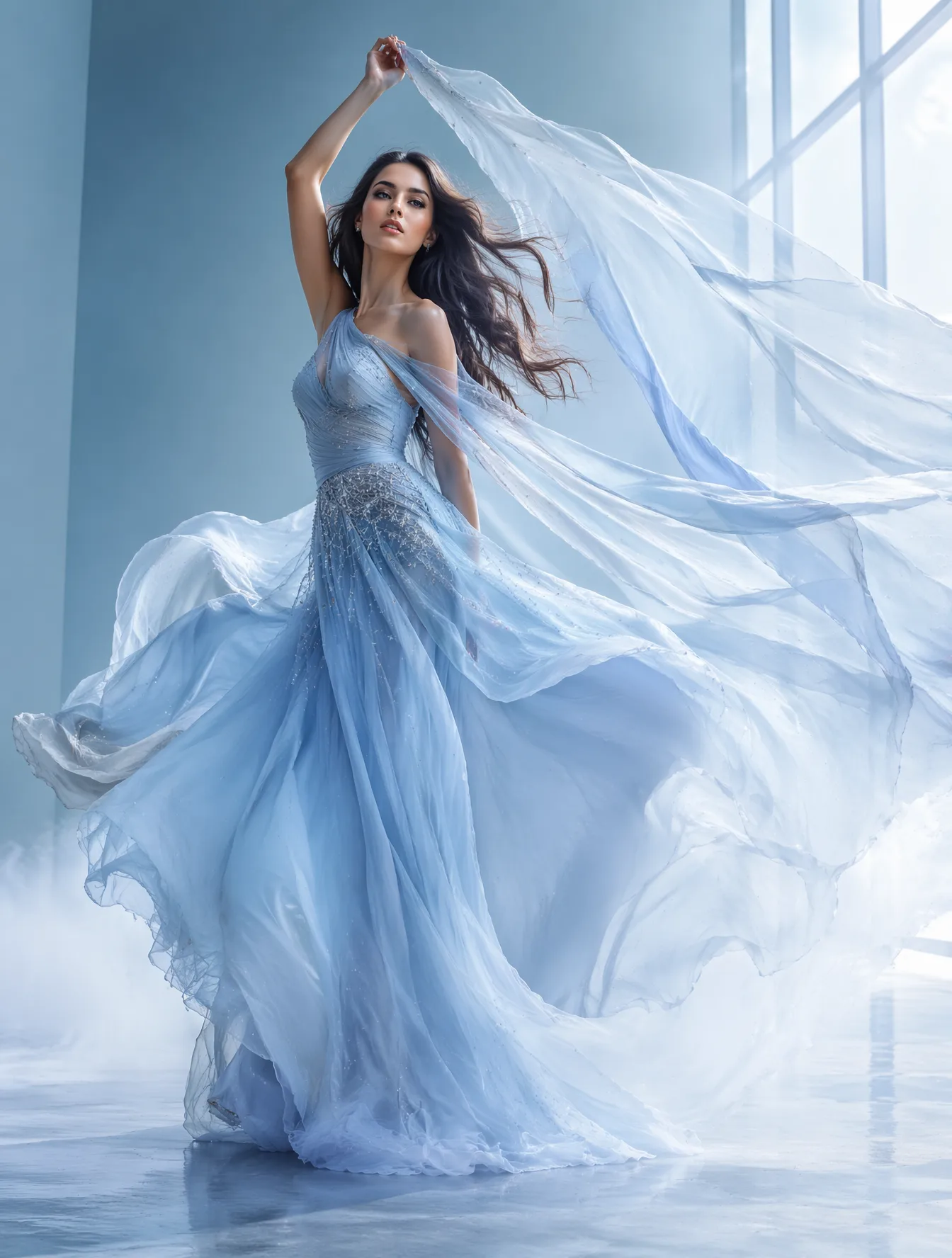
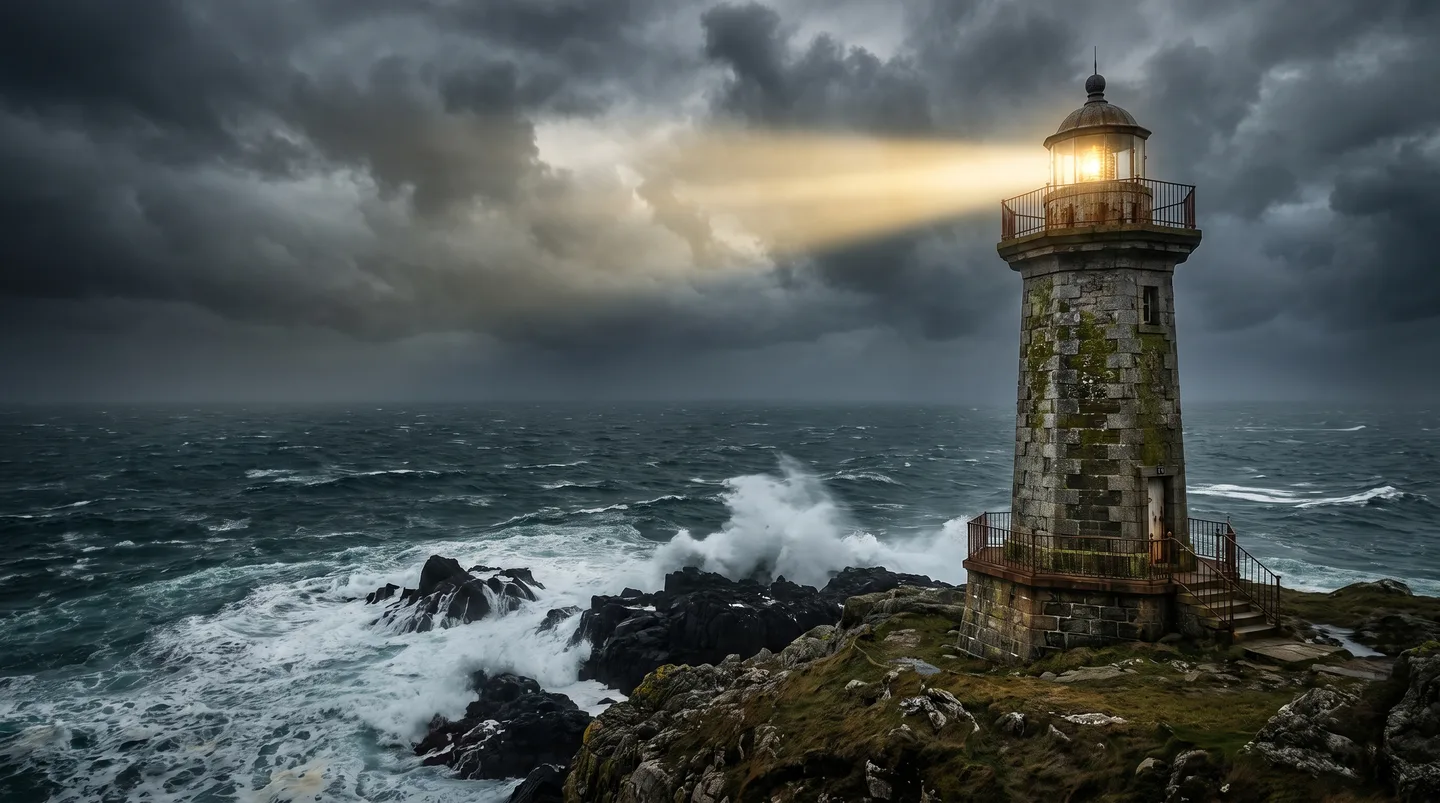
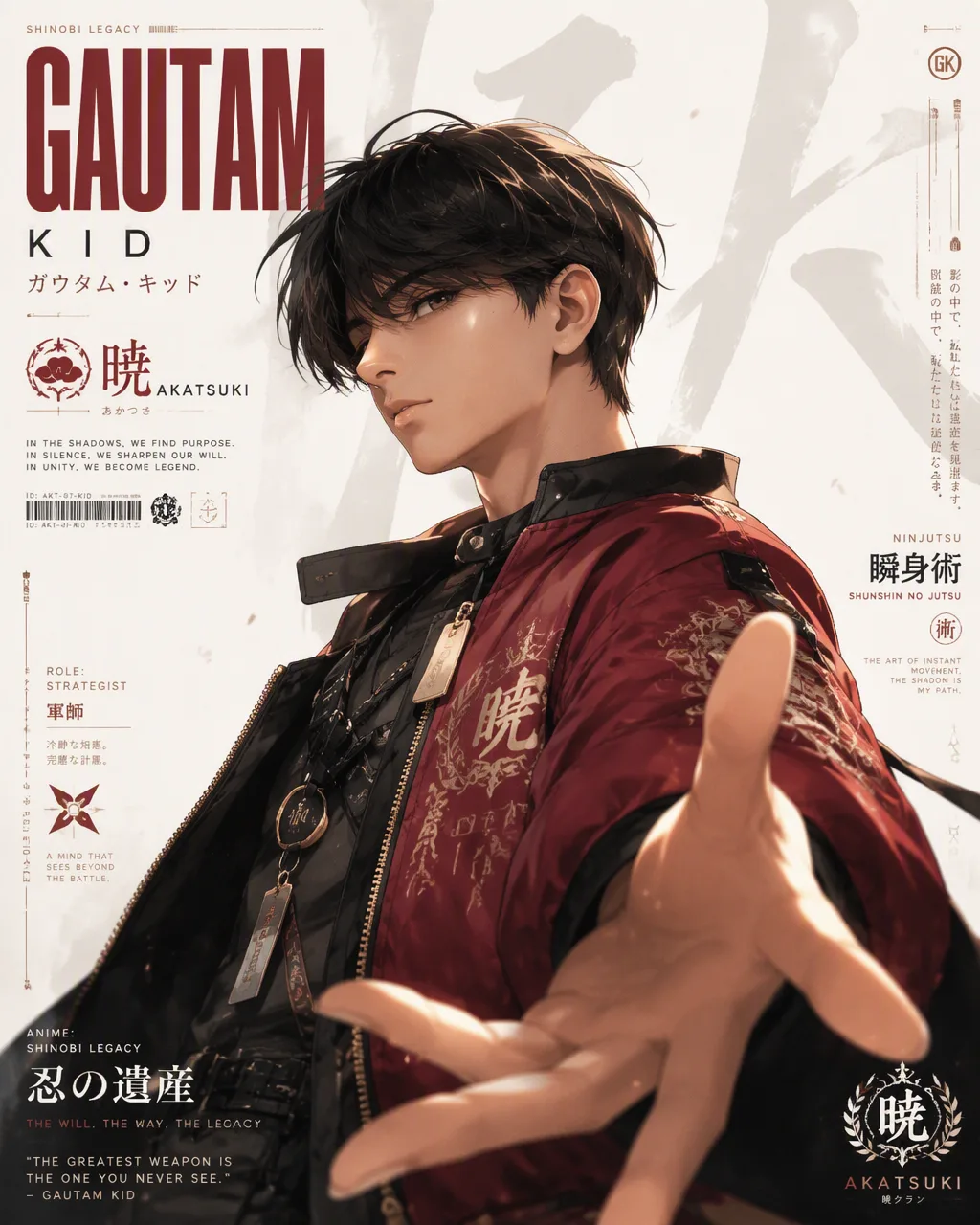
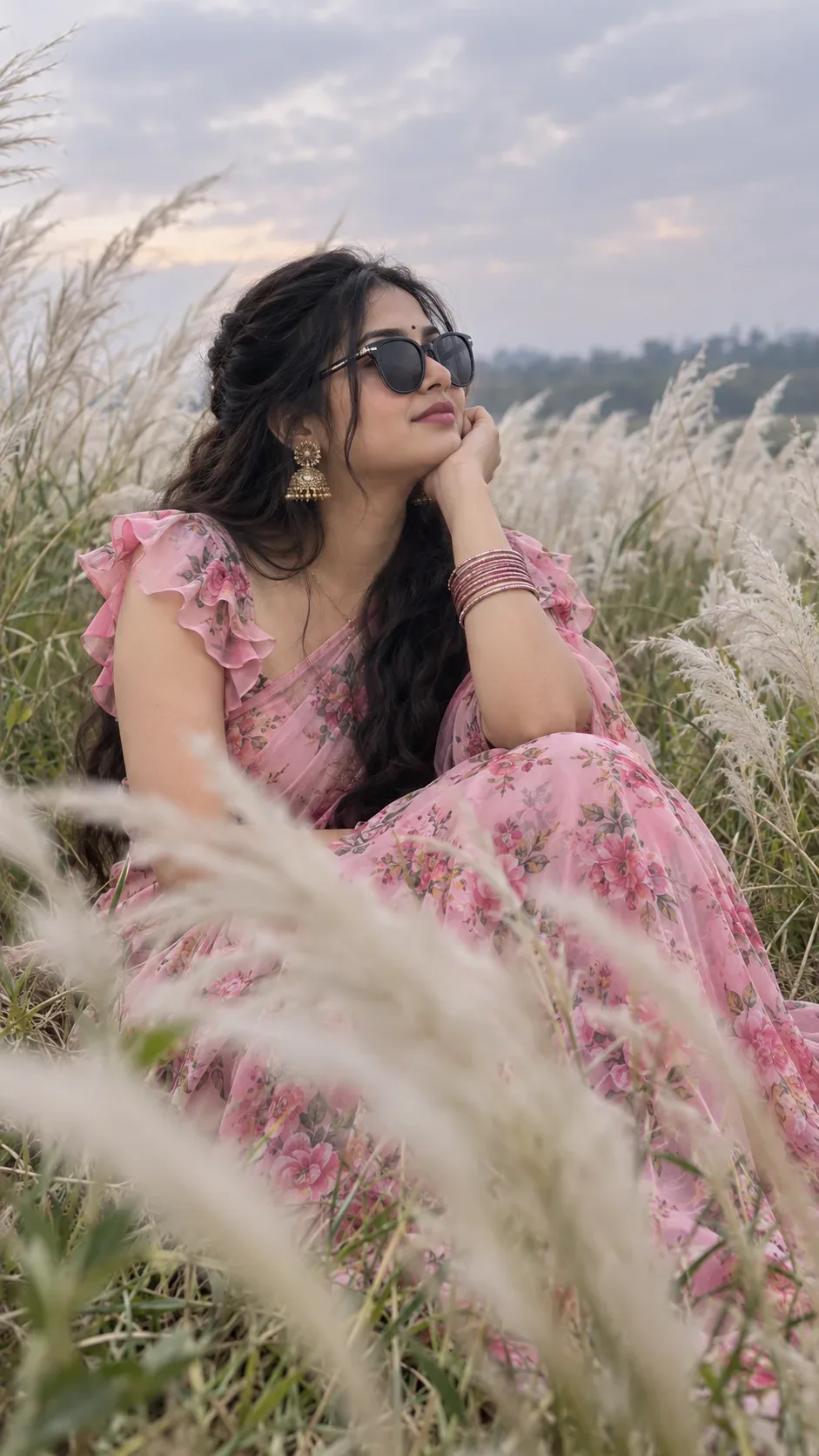
Quick Summary: This verified Google Gemini & Midjourney v6 prompt creates an authentic 90s vintage film aesthetic for Golden Hour Portrait AI Photo Prompt with calibrated lighting, authentic texture physics, and tested 1-click copy-paste formula for instant AI generation without facial distortion.
- Photography
- Ai Image
- Trending
- Photography
- Ai Image
- Trending
- Viral Prompt
- Gemini Ai
- Bing Image Creator
- Copy Paste
About This Prompt
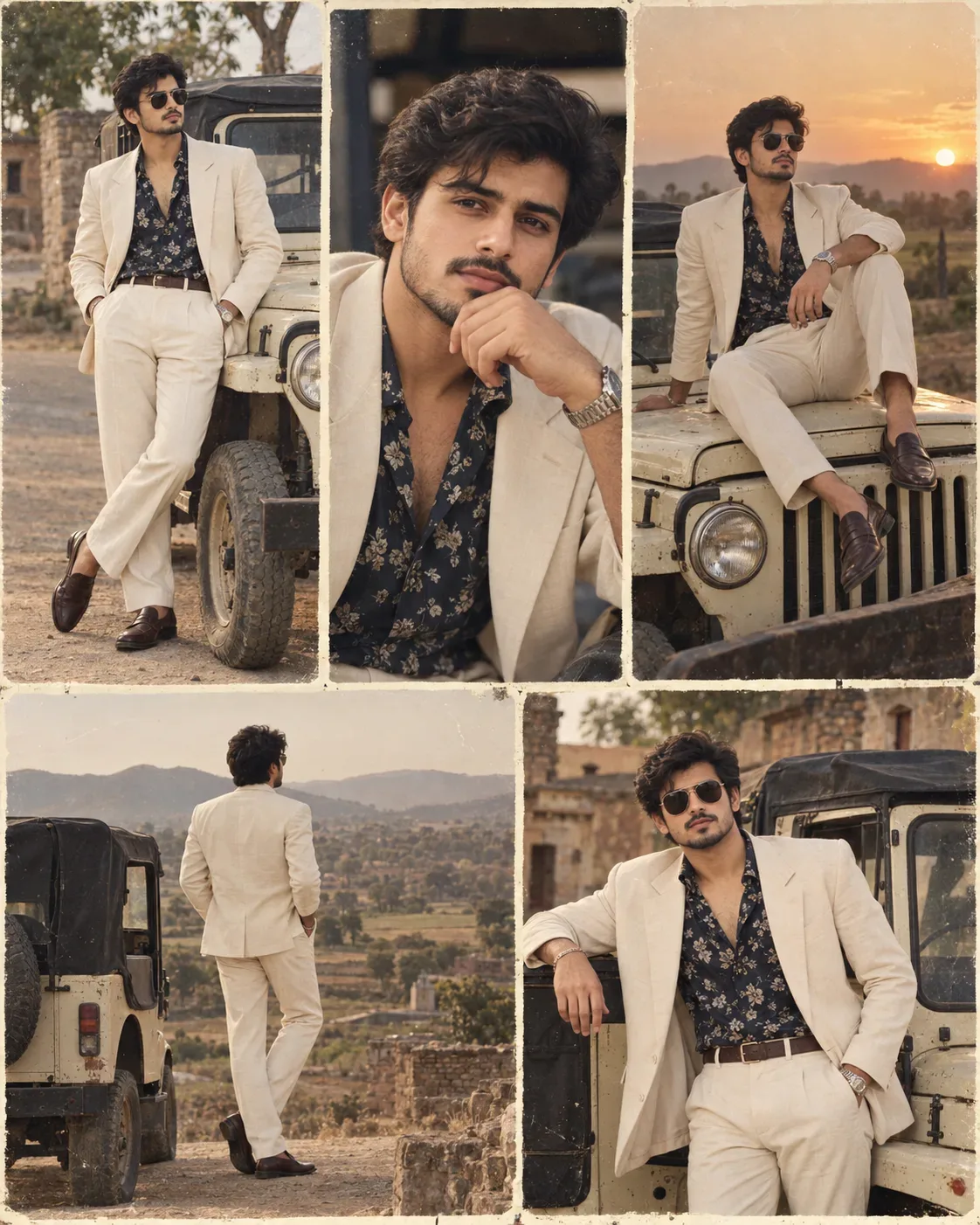
This AI prompt generates a Golden Hour Portrait AI Photo Prompt — a high-quality, photorealistic image with balanced lighting, sharp focus, and intricate details suitable for social media sharing and digital content creation.
For the best results, use this with Google Gemini. Simply copy the prompt text below and paste it into the generator. You can easily customize specific keywords like colors, backgrounds, or subjects to make the final output uniquely yours.
Golden Hour Portrait AI Photo Prompt - Copy Paste AI Prompt
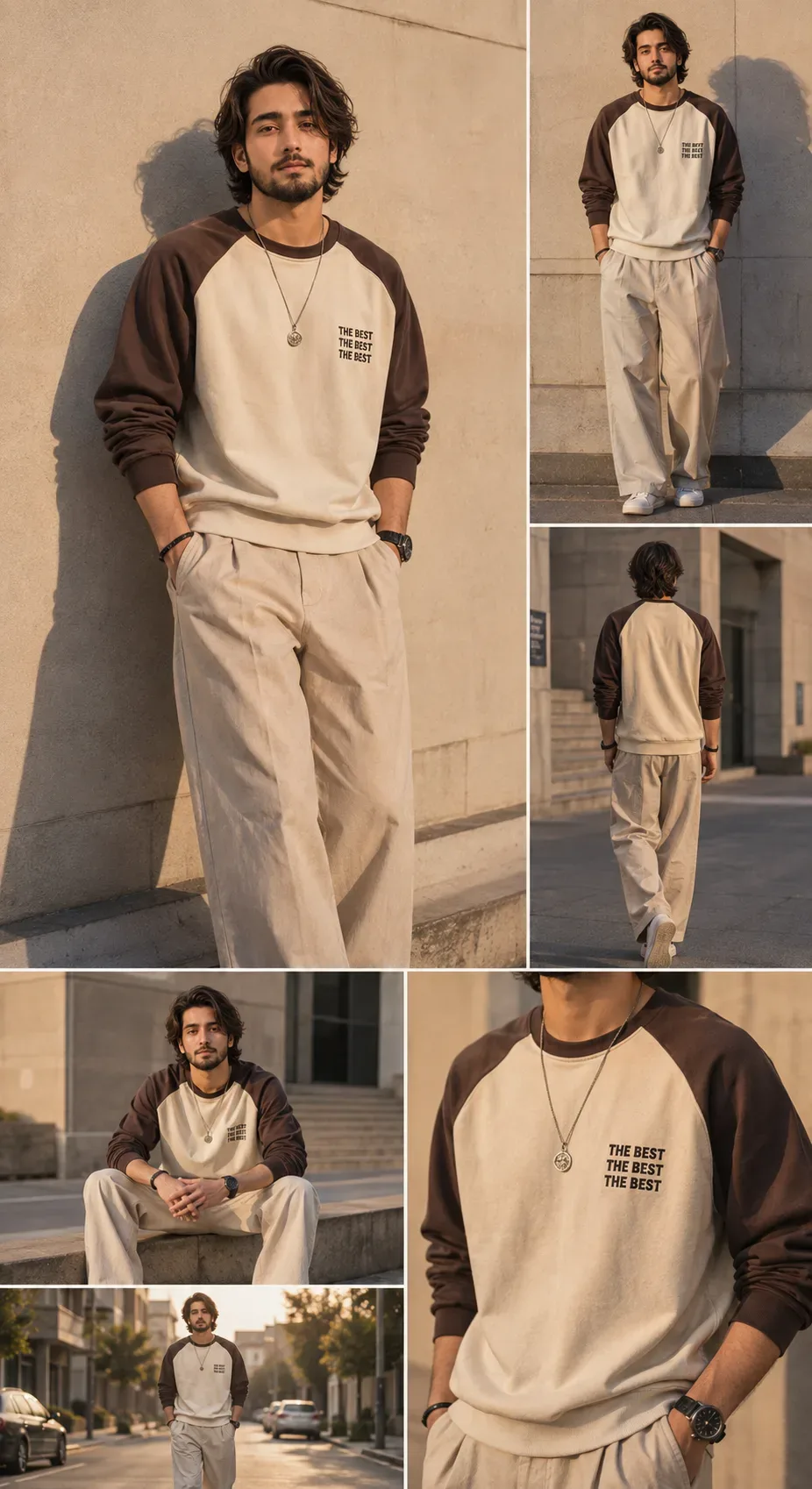
A highly realistic editorial fashion photography collage featuring the same stylish young adult man in multiple poses, wearing a relaxed oversized cream-and-brown raglan sweatshirt with dark brown sleeves and a small black typographic chest print reading “THE BEST THE BEST THE BEST,” paired with loose-fitting beige/cream trousers, clean white low-top sneakers, a silver pendant necklace, a black wristwatch, and subtle dark bracelets.

The man has thick, naturally tousled, voluminous dark wavy hair, refined youthful facial features, and a calm, confident expression. Warm natural sunlight creates dramatic long shadows and soft highlights across his face and clothing.

Create a premium Korean/Japanese street-fashion lookbook aesthetic with a minimalist urban setting, warm beige concrete walls, subtle architectural details, and golden-hour lighting. The composition is a multi-photo fashion editorial collage with clean white borders separating each photograph.

Main large photograph: full-body to three-quarter portrait of the man standing casually against a sunlit concrete wall, both hands in his trouser pockets, body slightly angled toward the camera, head tilted subtly upward, relaxed confident expression, strong natural shadow cast onto the wall behind him.

Additional photographs in the collage:

1. Full-body front view of him standing against the same minimalist wall, hands in pockets, showing the complete outfit.
2. Rear full-body view walking away through an urban concrete environment, showing the back of the brown-and-cream raglan sweatshirt and loose beige trousers.
3. Seated street-style pose on a low concrete ledge, legs apart naturally, elbows resting casually, looking toward the camera.
4. Full-body walking shot on a quiet city street during golden hour, hands in pockets, surrounded by subtle buildings and parked cars.
5. Close-up crop focusing on the sweatshirt, necklace, wristwatch, fabric texture, and chest typography.

Photorealistic fashion photography, realistic human proportions, authentic fabric wrinkles and garment texture, natural skin texture, cinematic composition, shallow depth of field where appropriate, soft warm sunlight, realistic shadows, sophisticated neutral color palette, high-end streetwear campaign, professional editorial photography, 8k detail, crisp focus, subtle filmic color grading, natural poses, cohesive lighting and environment across all images, no artificial-looking skin, no distorted anatomy, no extra fingers, no duplicated accessories.Preserve the reference picture

Optical Identity & Likeness Preservation: Lock subject's authentic facial identity and natural posture while seamlessly integrating with sharp vehicle reflections and cinematic ambient lighting.What You'll Get
- 🎨 Style: Photography
- ✨ Mood: Photography
- 📱 Best For: Ai Image
- 🤖 Works With: Google Gemini
- 🔥 Popularity: Copied 110 times
- 📅 Added: Sep 14, 2026
Frequently asked questions
- How do I use the Golden Hour Portrait AI Photo Prompt prompt?
- To use this prompt, simply click the "Copy Prompt" button above. Then, open Google Gemini, paste the copied text into the prompt box, and hit generate. You can instantly generate high-quality images without needing any reference photos.
- What is this prompt best used for?
- This specific prompt is highly optimized for creating engaging social media content and digital art. The formula is structured to produce high-contrast, visually appealing results that perform well on visual platforms.
- Can I customize the details of this prompt?
- Yes! While the core structure of the prompt is optimized for Google Gemini, you can easily customize the details. We recommend changing specific keywords like clothing colors, background locations, or the overall mood (e.g., changing "sunny" to "rainy" or "neon") to match your exact vision.
Explore Related Collections
Explore Photography Prompts — Browse our curated collection of Photography prompts tailored for creators. View all Photography prompts →
Explore Ai Image Prompts — Discover more viral Ai Image ideas for your next AI generation. View all Ai Image prompts →
Explore Trending Prompts — Explore our extensive library of Trending templates ready to copy and paste. View all Trending prompts →