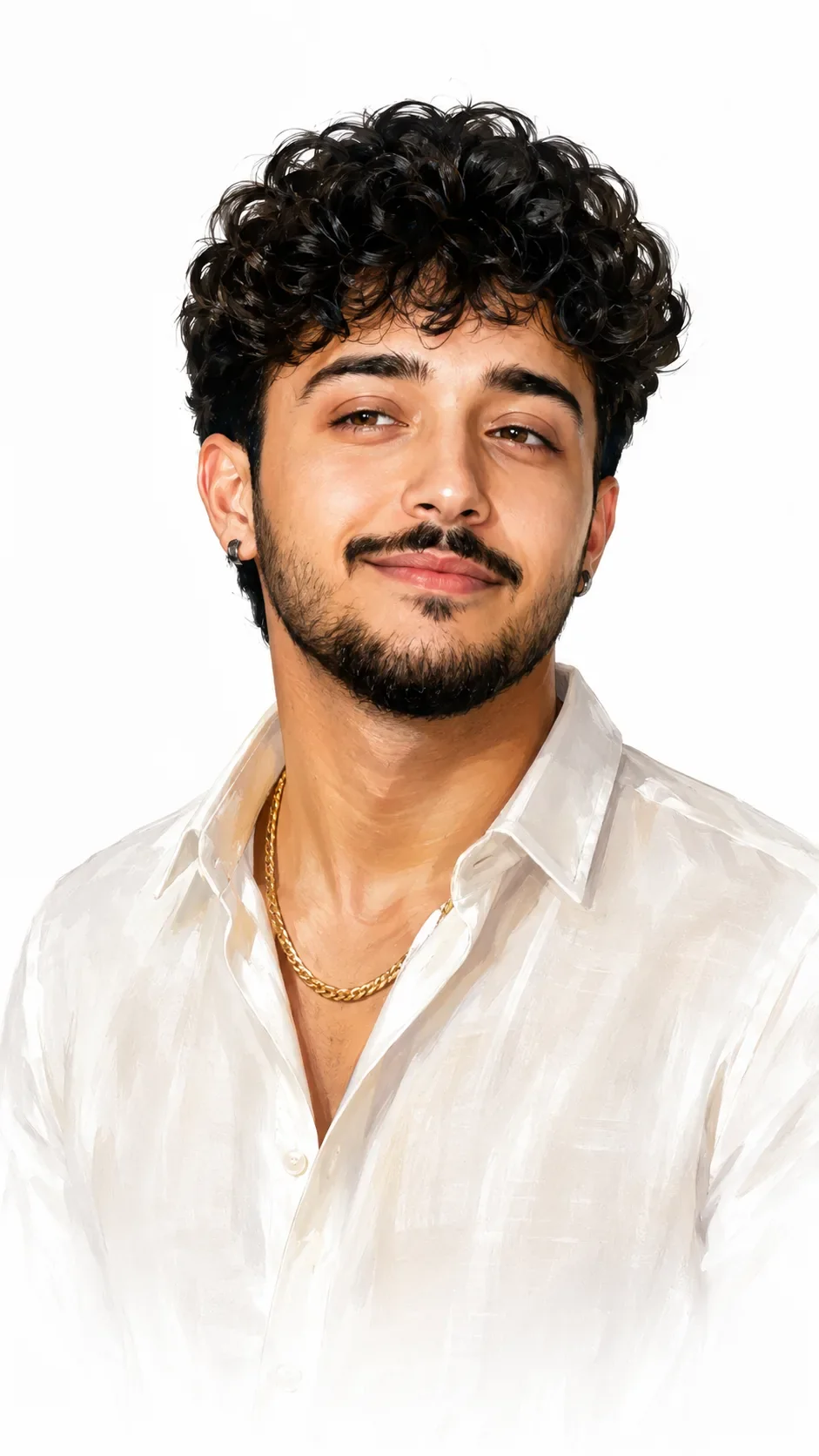
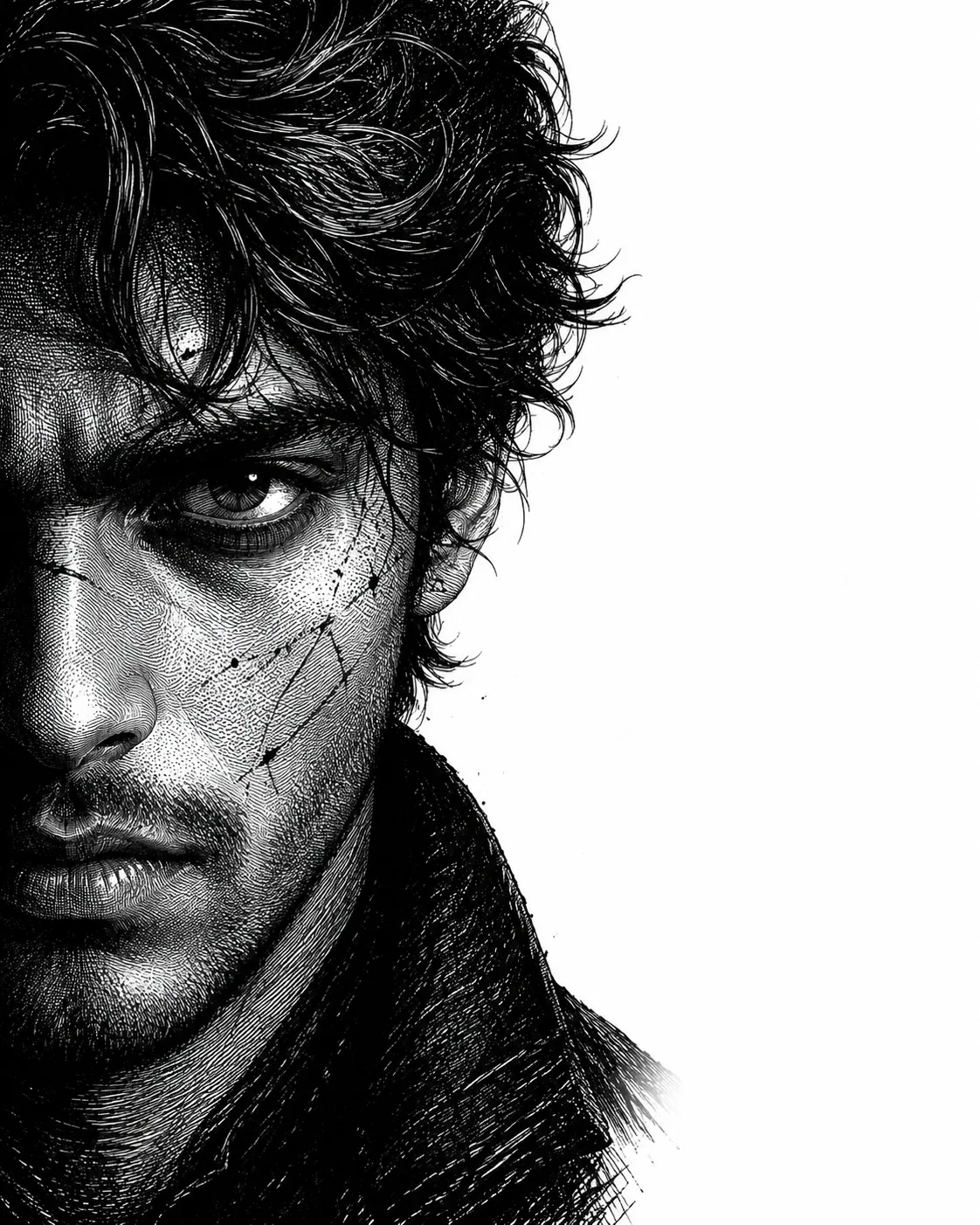
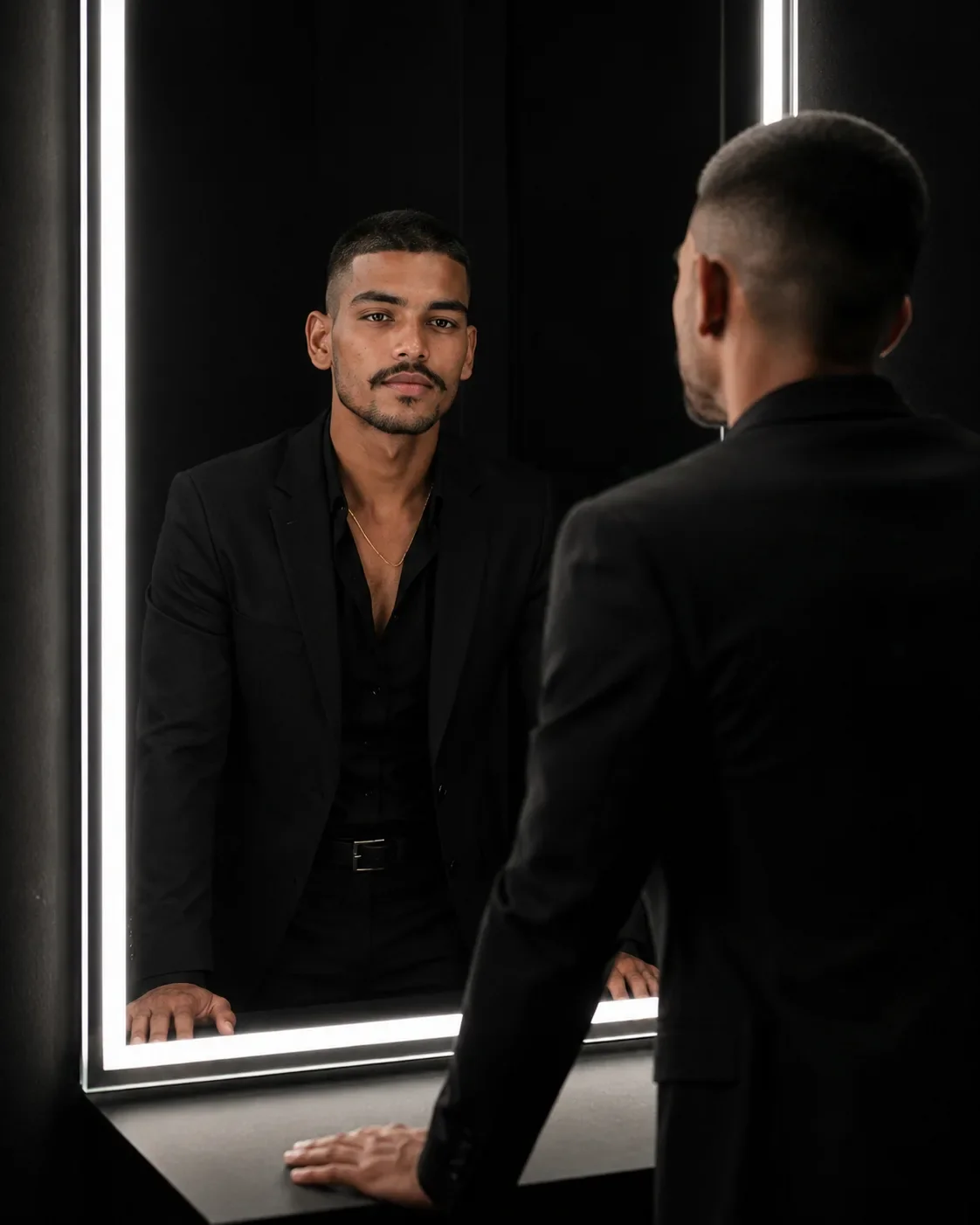
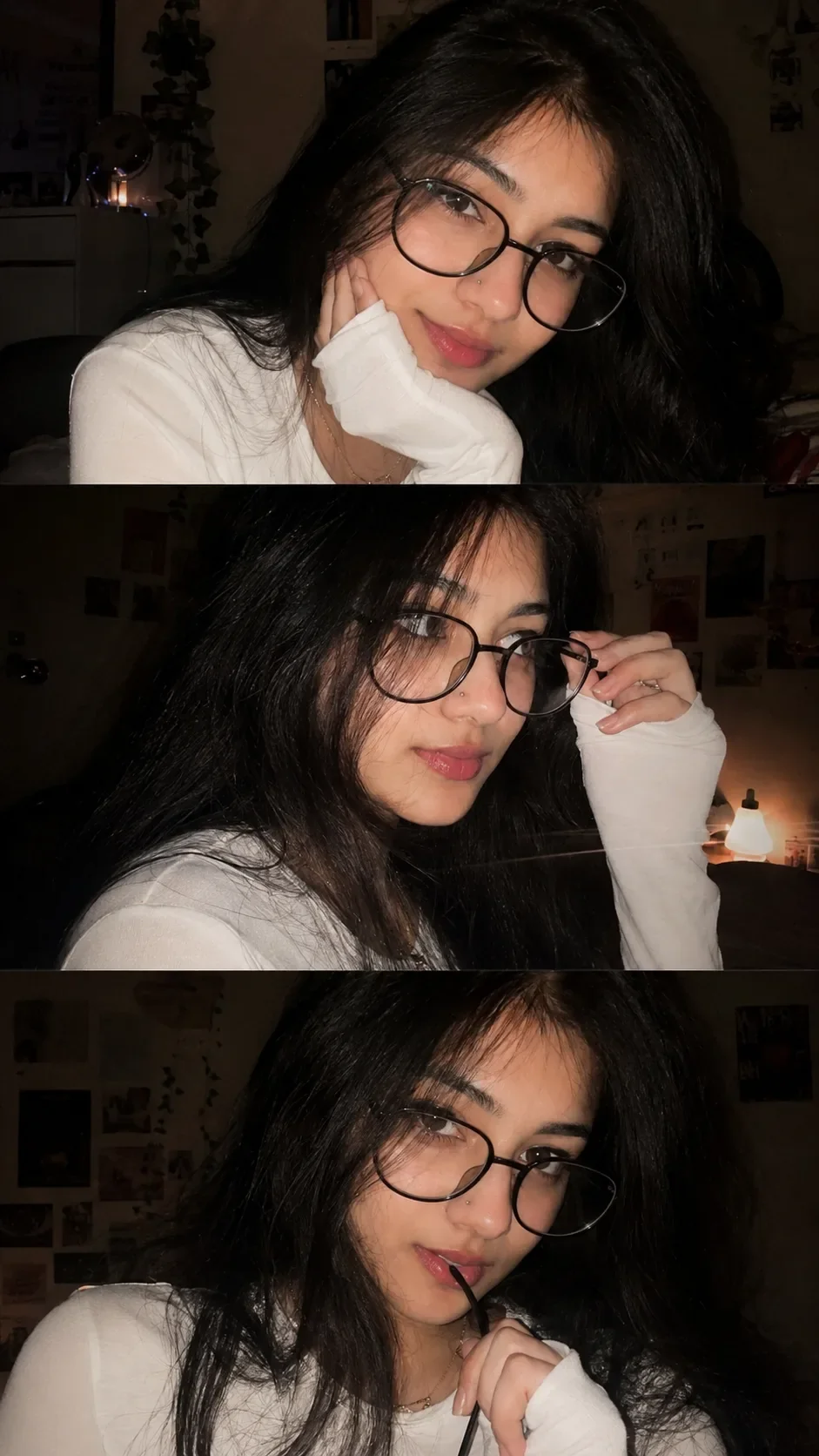
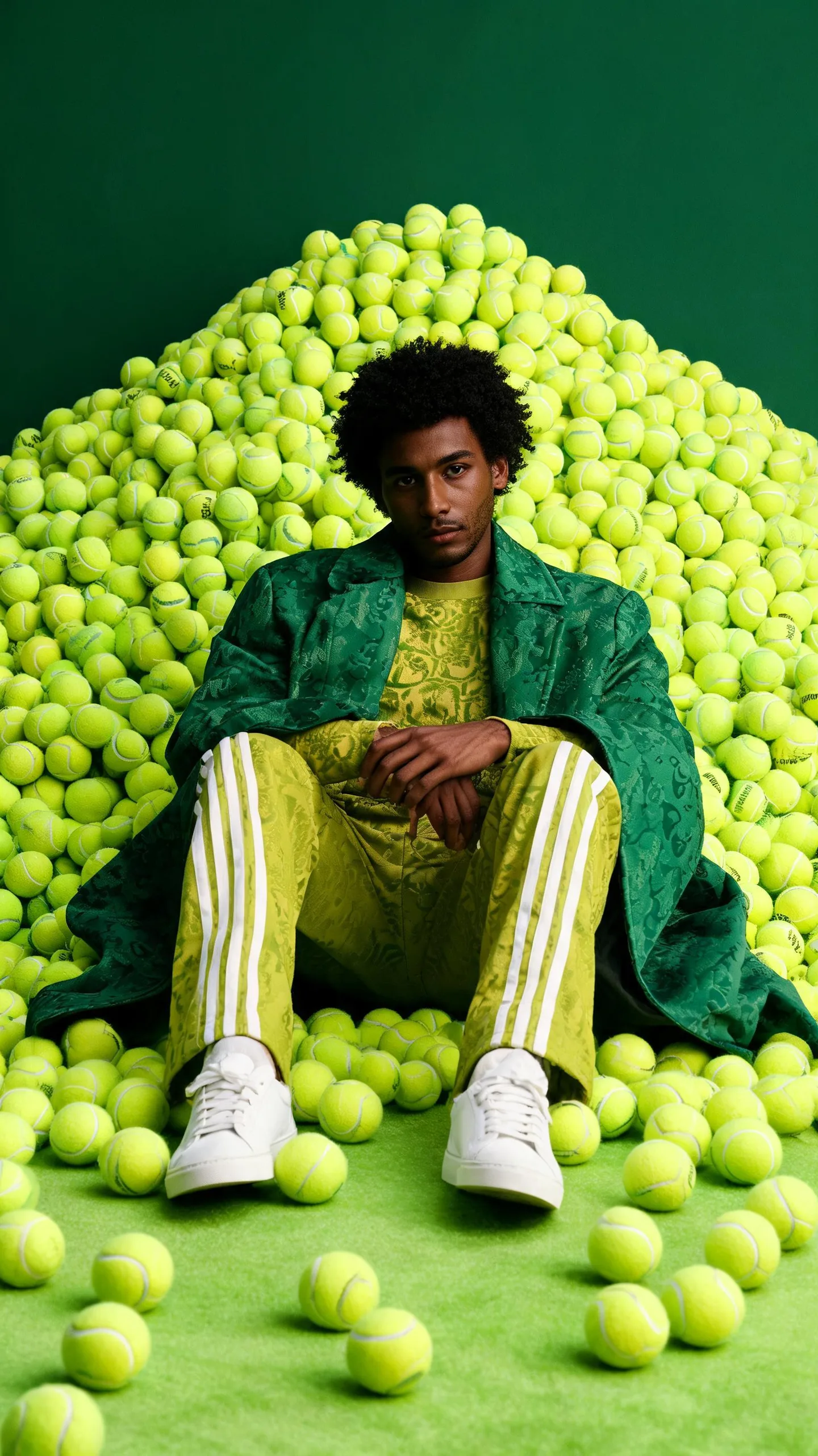
Quick Summary: This verified Midjourney v6.1 & Google Gemini Pro prompt creates an high-end Vogue editorial photoshoot aesthetic for Golden Dispersion Portrait In Traditional Attire AI Photo Prompt with calibrated lighting, authentic texture physics, and tested 1-click copy-paste formula for instant AI generation without facial distortion.
- Illustration 3d
- Ai Image
- Trending
- Illustration 3d
- Ai Image
- Trending
- Viral Prompt
- Gemini Ai
- Bing Image Creator
- Copy Paste
About This Prompt
Use this prompt to generate a Golden Dispersion Portrait In Traditional Attire AI Photo Prompt — a high-quality, photorealistic image with balanced lighting, sharp focus, and intricate details suitable for social media sharing and digital content creation.
For the best results, use this with Google Gemini. Simply copy the prompt text below and paste it into the generator. You can easily customize specific keywords like colors, backgrounds, or subjects to make the final output uniquely yours.
What You'll Get
- 🎨 Style: Illustration 3d
- ✨ Mood: Illustration 3d
- 📱 Best For: Ai Image
- 🤖 Works With: Google Gemini
- 🔥 Popularity: Copied 164 times
- 📅 Added: Sep 14, 2026
Golden Dispersion Portrait In Traditional Attire AI Photo Prompt - Copy Paste AI Prompt
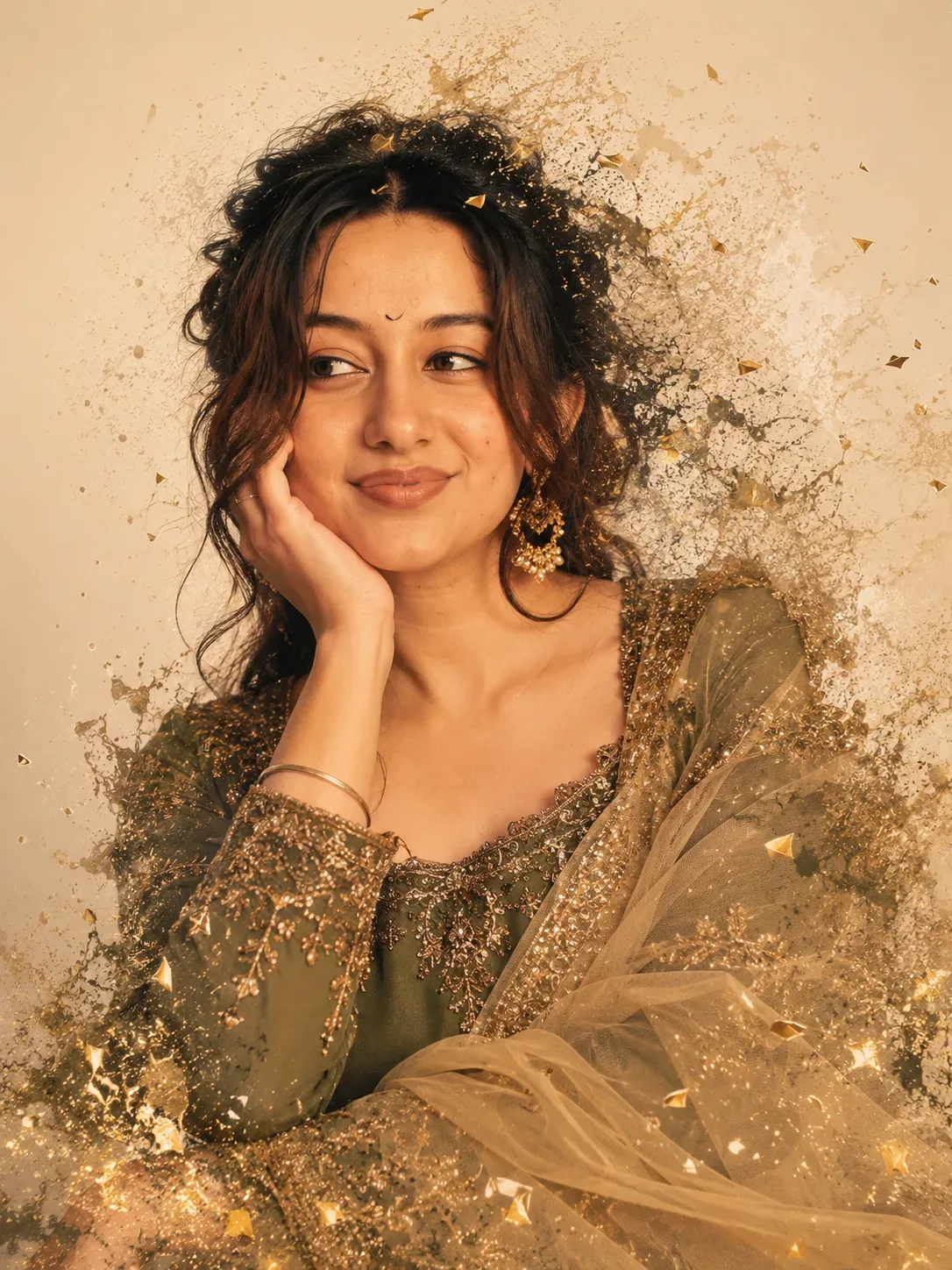
Use the uploaded user photo **only as the identity source**. Preserve the person’s exact, recognizable identity and natural facial characteristics: facial structure and proportions, face shape, forehead, eyebrows, natural eye shape, nose, lips, mouth structure, jawline, cheekbones, chin, skin tone, skin texture, hairline, and all distinctive features. **Do not copy, blend with, or reinterpret the identity of the person in the reference image. Do not beautify, redesign, feminize, masculinize, or otherwise alter the uploaded person’s identity.** The uploaded photo determines **who the subject is**; the reference scene determines **expression, gaze, pose, styling, composition, lighting, and artistic treatment**.

Recreate this exact scene as a vertical **3:4 portrait**: an elegant chest-up to mid-torso portrait of the uploaded person, positioned centrally with the head in the upper-middle portion of the frame. The torso is angled slightly toward camera-left while the face is shown in a soft three-quarter view, with the head subtly tilted and turned so the facial orientation does not align perfectly with the body. One hand is raised beside the face, with the palm gently supporting the side of the head/temple and fingers extending naturally upward along the cheek and hairline. Keep the hand relaxed, graceful, and anatomically natural. The other arm and lower body are mostly outside the crop or obscured by flowing fabric.

Transfer the **reference expression exactly** while retaining the uploaded person’s facial identity: calm, poised, thoughtful, subtly mysterious, with a very slight closed-mouth smile or gentle upward softness at the lips. The eyebrows are relaxed and natural. The eyes are open and alert, with the gaze directed distinctly toward **camera-left**, as though the subject is looking sideways at something just beyond the frame rather than directly at the viewer. The head orientation and eye direction should match this reference behavior even if the uploaded source photo has a different expression, gaze, or head pose.

Style the uploaded person in the reference’s elegant South Asian-inspired formal fashion: richly textured, deep olive-green to muted moss-green embroidered clothing with intricate gold and metallic embellishment around the neckline, shoulders, and sleeves. Add a flowing, translucent golden-beige or muted gold drape crossing and wrapping around the lower-right side of the composition, with delicate folds and a light, airy fabric texture. Include ornate dangling gold earrings with subtle detail. Adapt the hairstyle to match the reference composition: dark-looking or naturally appropriate hair arranged in a loose, slightly tousled updo or swept-back style, with soft wisps and strands around the temples and sides of the face, while preserving the uploaded person’s natural hairline and recognizable identity.

Create a warm, cinematic fine-art portrait against a minimal pale ivory, warm off-white, or light beige background. Surround the subject with an artistic **fragmentation and dispersal effect**: delicate splashes, fine dust, scattered paint-like particles, wispy brush marks, translucent strokes, and small angular golden fragments dissolving outward from the hair, shoulders, clothing, and lower edges. The subject’s face must remain clean, intact, sharply recognizable, and undistorted; the abstract breakup effect should concentrate around the outer silhouette and fabric, gradually dissolving into the empty background. Include luminous golden highlights and sparkling accents around the embroidered garment and flowing fabric, especially near the lower-left and lower-right edges.

Use warm directional studio lighting from the upper-left/front-left, creating a soft golden glow across the forehead, cheekbones, nose, lips, hand, neck, and upper chest, while allowing richer warm brown shadows to shape the camera-right side of the face and neck. Maintain strong but elegant facial modeling, gentle contrast, subtle skin sheen, and realistic depth. The background should remain softly plain and uncluttered, with the abstract particles fading naturally into it.

Camera: close medium portrait, approximately an **85mm portrait-lens look**, eye-level to very slightly above eye level, intimate but not extreme close-up, with natural facial proportions and minimal distortion. Frame from approximately the upper chest/mid-torso upward, leaving breathing room around the hair and dissolving edges. Keep the face as the primary focal point with crisp eyes and facial details, while the outer fabric, particles, and abstract fragments become progressively softer and more diffuse. Use shallow-to-moderate depth of field, refined fine-art portrait sharpness, high-detail skin texture, cinematic tonal range, warm golden-brown and olive color palette, sophisticated editorial styling, and a polished painterly-photographic mixed-media aesthetic.

**Priority order:** preserve the uploaded person’s identity exactly and unmistakably; then apply the reference image’s exact sideways gaze toward camera-left, calm contemplative expression, subtle smile, head angle, raised-hand pose, body orientation, framing, clothing arrangement, accessories, abstract fragmentation, warm lighting, pale background, golden spark effects, and overall luxurious fine-art style. The final subject must look unequivocally like the uploaded person, **not like the reference person**, while behaving, posing, expressing emotion, and occupying the composition exactly like the reference scene.

Optical Identity & Likeness Preservation: Maintain 100% exact facial identity, bone structure, jawline contours, and natural skin undertone of reference photo without alteration or distortion.Explore Related Collections
Explore Illustration 3d Prompts — Browse our curated collection of Illustration 3d prompts tailored for creators. View all Illustration 3d prompts →
Explore Ai Image Prompts — Discover more viral Ai Image ideas for your next AI generation. View all Ai Image prompts →
Explore Trending Prompts — Explore our extensive library of Trending templates ready to copy and paste. View all Trending prompts →
Frequently asked questions
- How do I use the Golden Dispersion Portrait In Traditional Attire AI Photo Prompt prompt?
- To use this prompt, simply click the "Copy Prompt" button above. Then, open Google Gemini, paste the copied text into the prompt box, and hit generate. You can instantly generate high-quality images without needing any reference photos.
- What is this prompt best used for?
- This specific prompt is highly optimized for creating engaging social media content and digital art. The formula is structured to produce high-contrast, visually appealing results that perform well on visual platforms.
- Can I customize the details of this prompt?
- Yes! While the core structure of the prompt is optimized for Google Gemini, you can easily customize the details. We recommend changing specific keywords like clothing colors, background locations, or the overall mood (e.g., changing "sunny" to "rainy" or "neon") to match your exact vision.