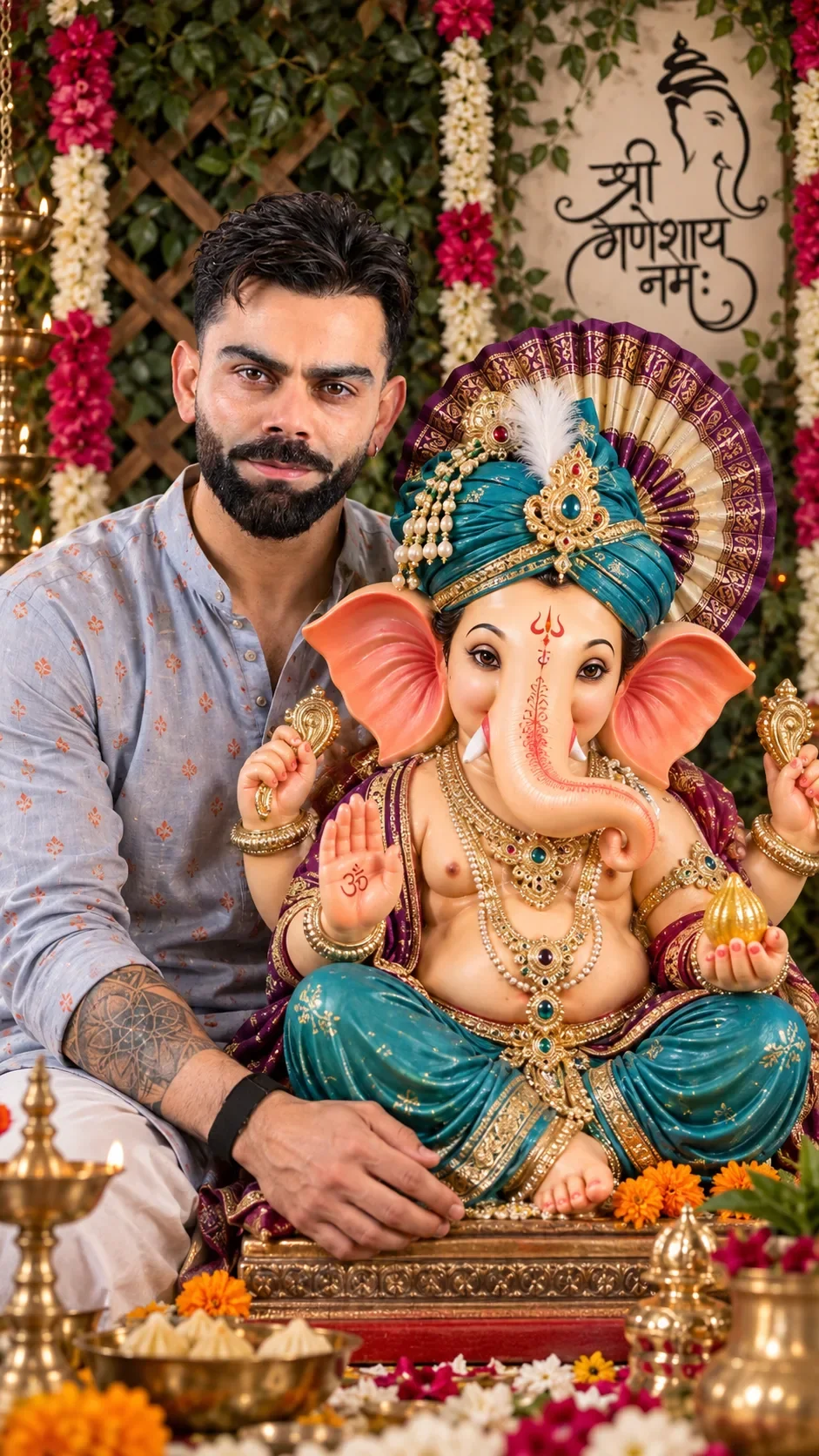
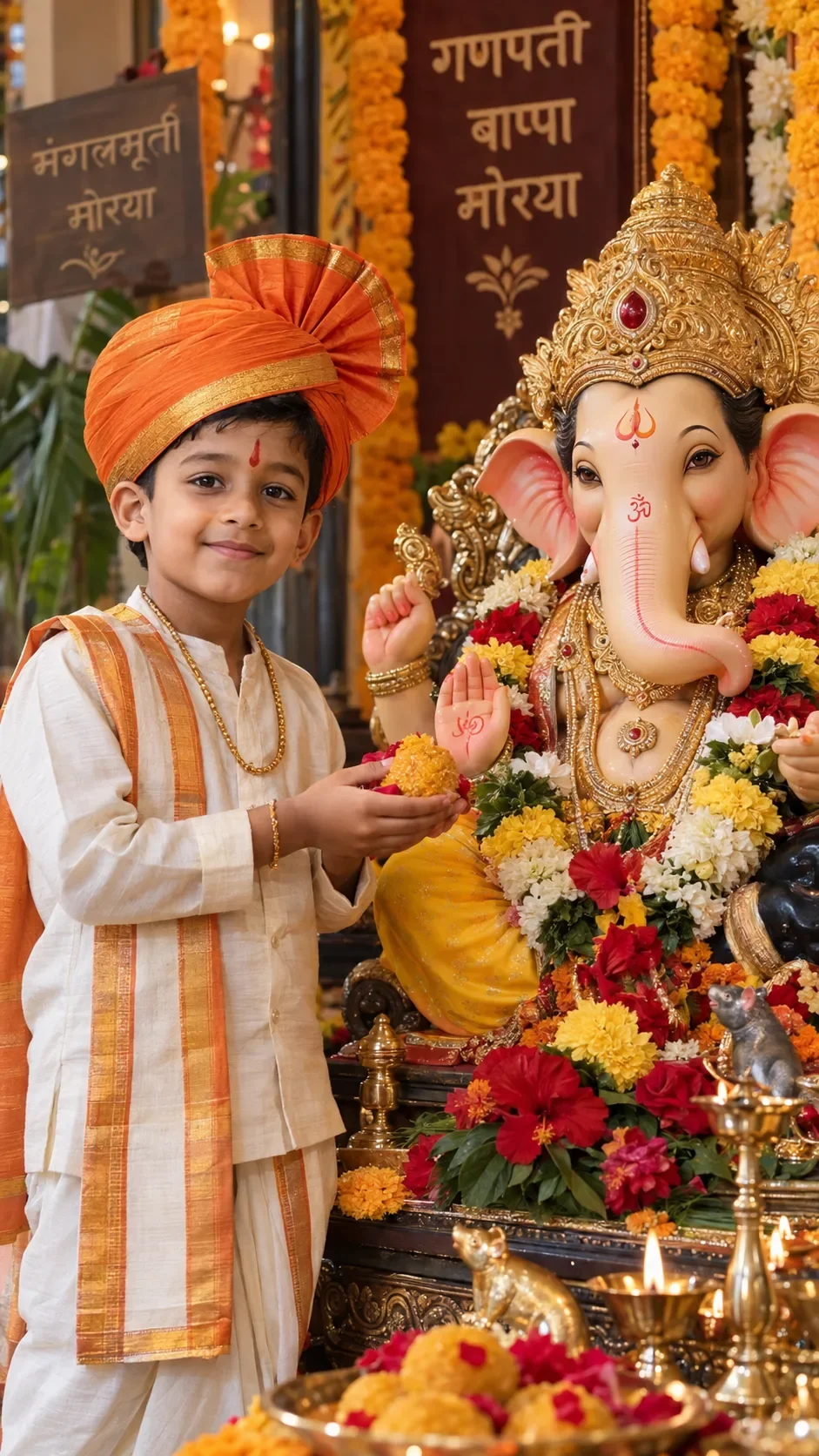
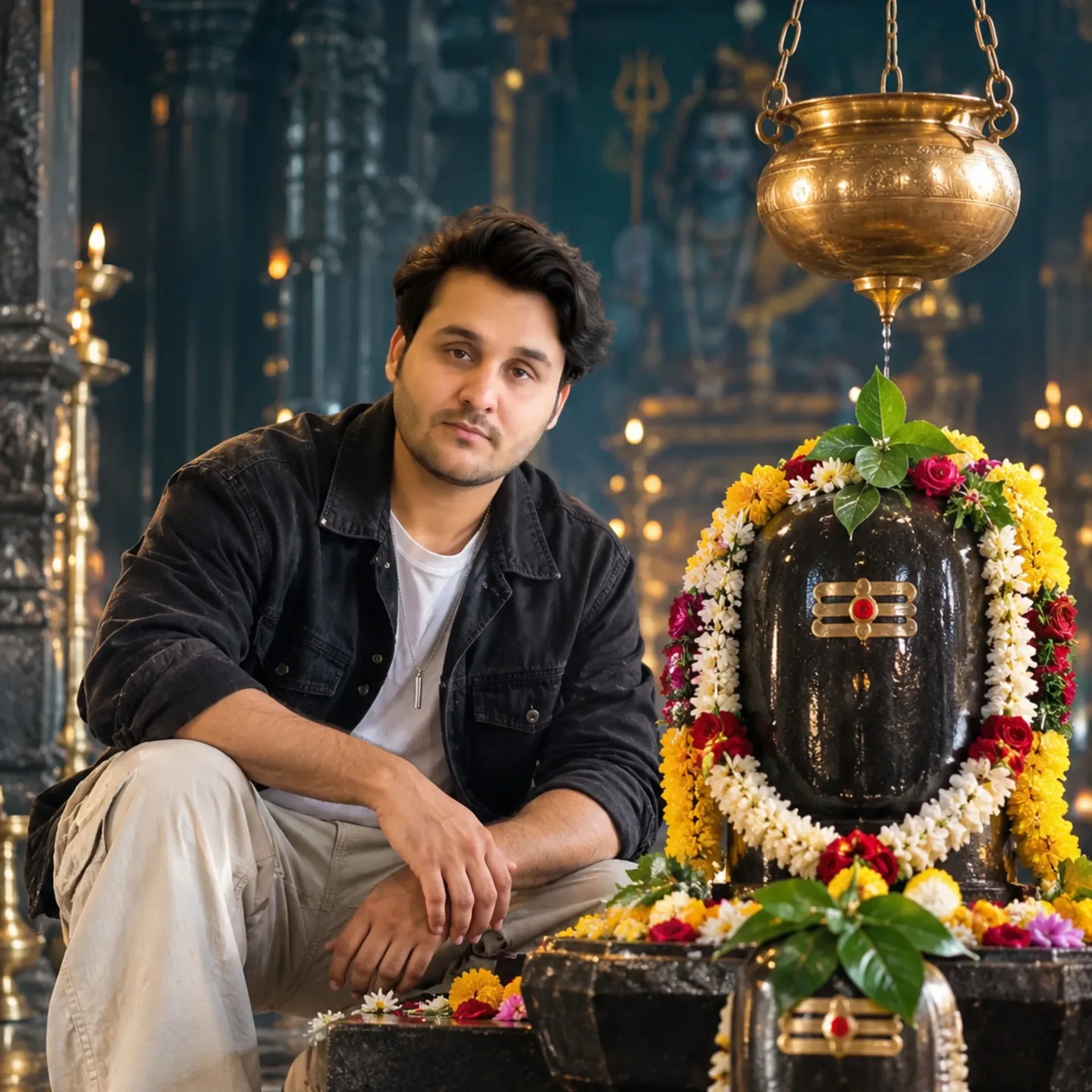
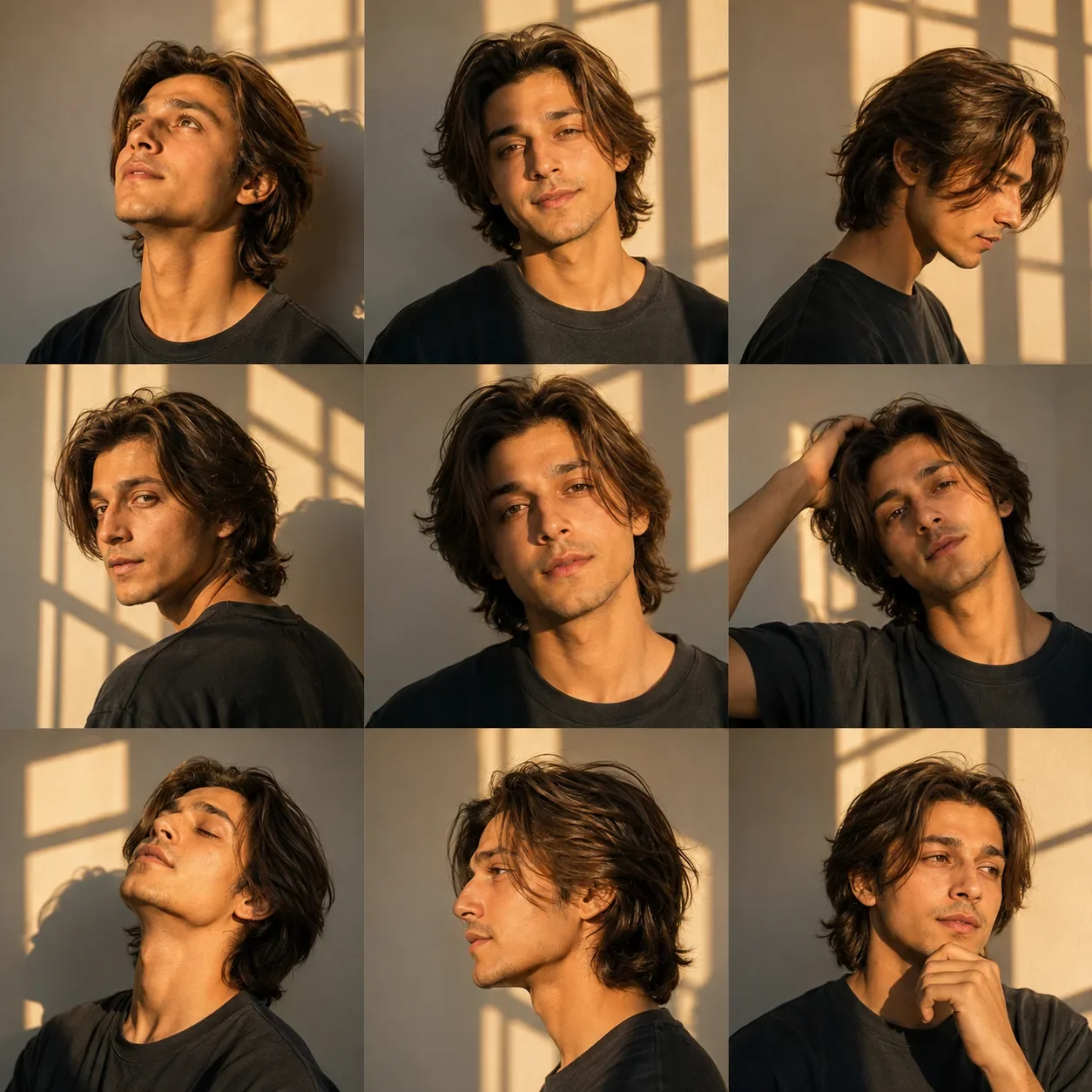
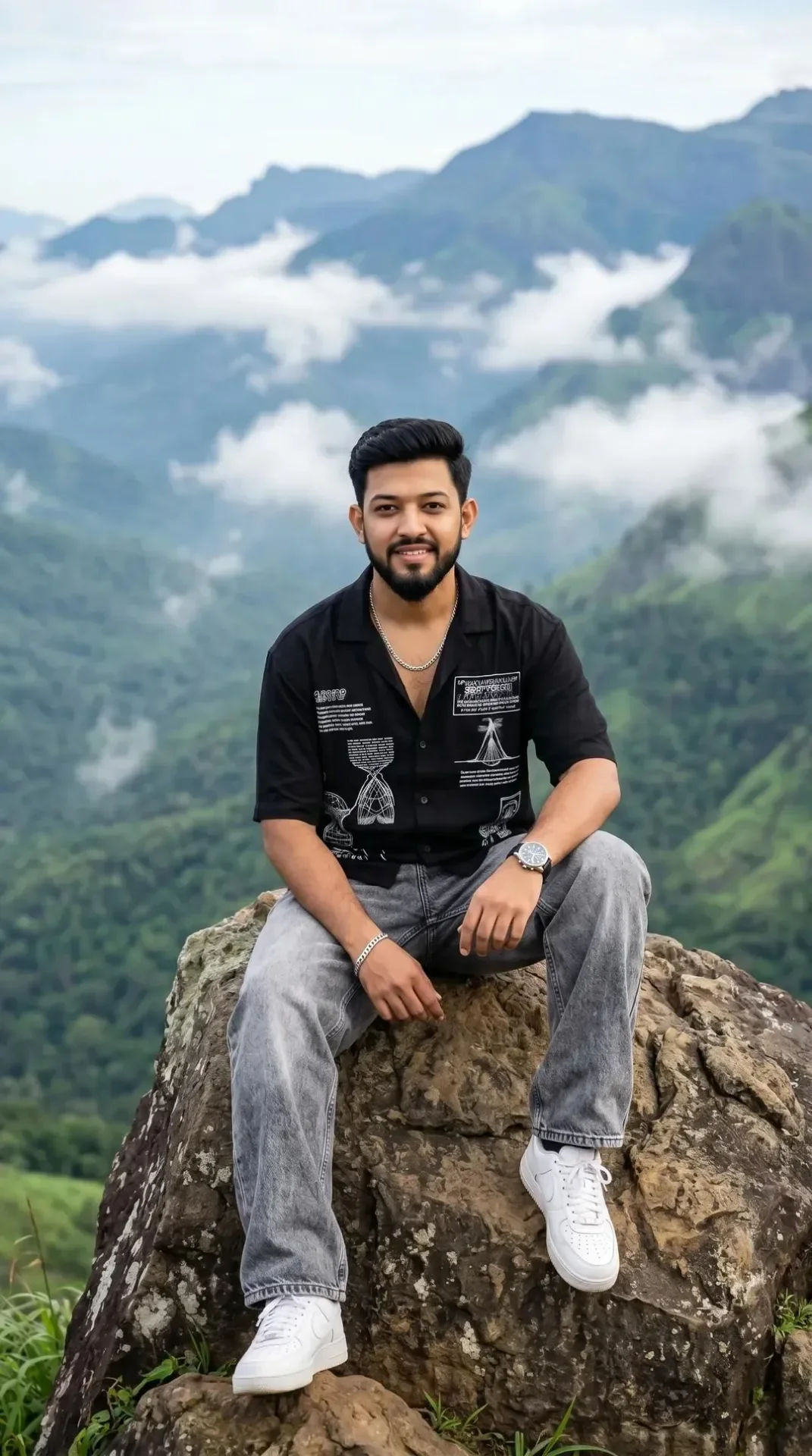
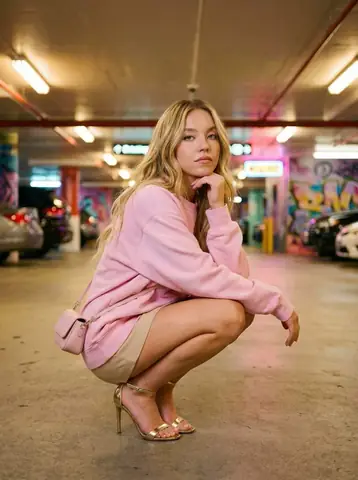
Quick Summary: This verified Google Gemini & Midjourney v6 prompt creates an cinematic moody dark atmospheric aesthetic for Ganesh Chaturthi Divine Festive Blessings AI Photo Prompt with calibrated lighting, authentic texture physics, and tested 1-click copy-paste formula for instant AI generation without facial distortion.
- Ai Image
- Devotional
- Festive
- Illustration 3d
- Trending
- Illustration 3d
- Festive
- Devotional
- Ai Image
- Trending
- Viral Prompt
- Gemini Ai
- Bing Image Creator
- Copy Paste
About This Prompt
This AI prompt generates a Ganesh Chaturthi Divine Festive Blessings AI Photo Prompt — a sacred and divine devotional scene with rich cultural elements, traditional lighting, and respectful details. Ideal for festival greetings and spiritual WhatsApp DPs.
Optimized specifically for Google Gemini. Simply copy the prompt text below and paste it into the generator. You can easily customize specific keywords like colors, backgrounds, or subjects to make the final output uniquely yours.
Ganesh Chaturthi Divine Festive Blessings AI Photo Prompt - Copy Paste AI Prompt
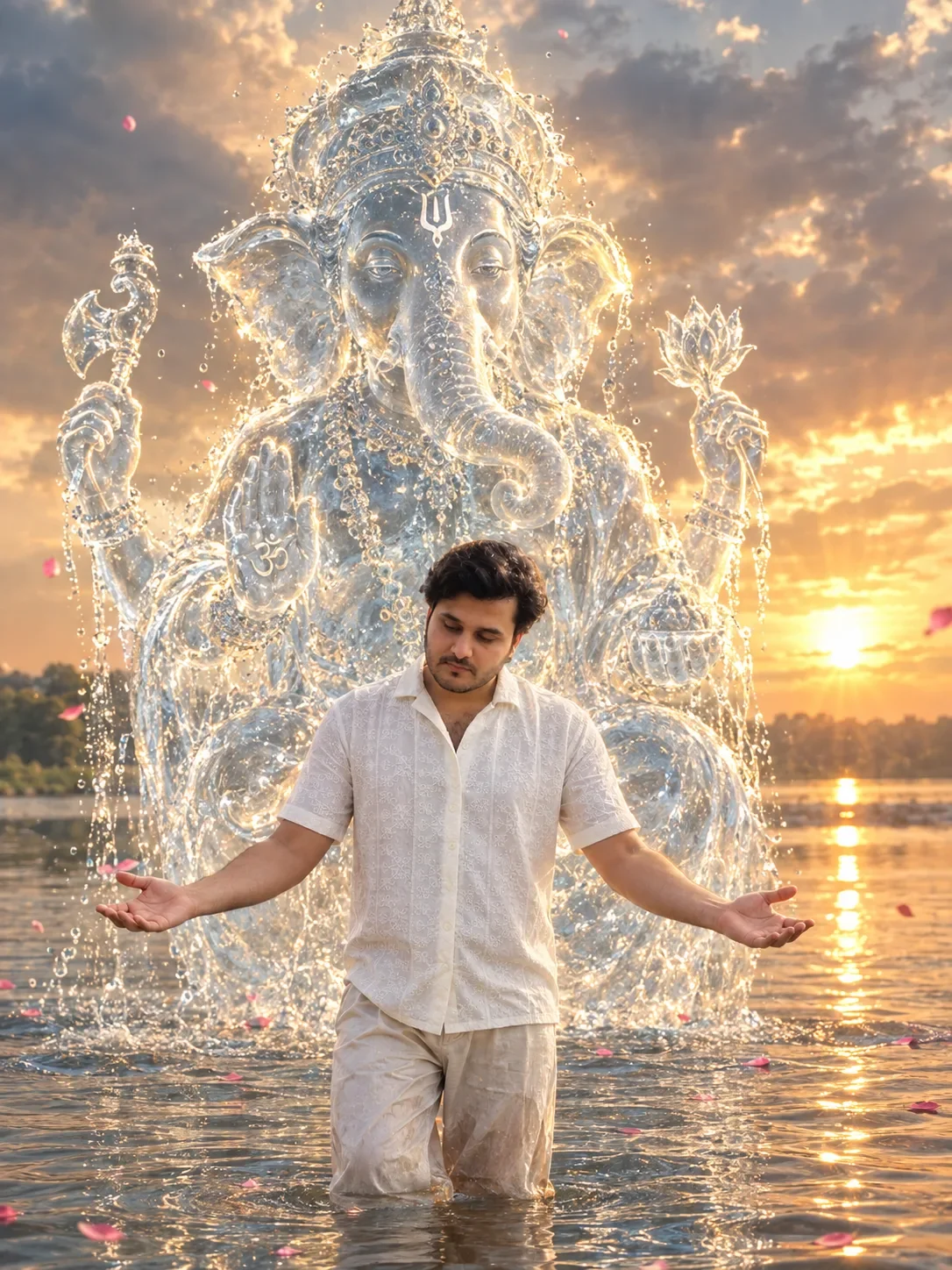
Transform my uploaded photo into a highly realistic, cinematic devotional scene. Keep the person in my original photo exactly recognizable, preserving their face, hairstyle, body proportions, clothing details, and natural appearance. Place the person standing in shallow water, with water ripples and realistic reflections around their feet. Their head should be slightly bowed downward and their arms extended outward in a peaceful, devotional pose.

Behind the person, create a massive divine Lord Ganesha formed entirely from crystal-clear flowing water, appearing like a majestic water sculpture or spiritual aura. Ganesha should be positioned directly behind and slightly above the person, towering over them while remaining clearly visible. The water should form detailed facial features, trunk, ears, crown, hands, and ornaments, with sparkling droplets and flowing streams around the entire figure.

Give Ganesha a soft divine golden-white glow, subtle blue-white water tones, luminous edges, and an ethereal spiritual aura. Add a dramatic sunset sky with warm golden sunlight breaking through clouds, creating beautiful backlighting around the water Ganesha. Include a natural river or lake extending into the background, distant greenery along the shore, realistic atmospheric perspective, and reflections of the sunlight on the water.

Add a few pink flower petals floating naturally on the water and drifting through the air, but keep them subtle and realistic. Make the entire composition look like a professionally photographed real scene rather than an illustration.

Photorealistic, ultra-detailed, cinematic lighting, realistic water physics, natural reflections, volumetric sunlight, realistic skin and texture, depth of field, HDR, dramatic but peaceful devotional atmosphere, high resolution. Do not change the person's identity or facial features.

For an even stronger result, add this at the end:

“Make the water-formed Ganesha look physically integrated into the environment, with transparent water, individual droplets, splashes, reflections, and realistic interaction with the surrounding atmosphere. Avoid cartoon, CGI-looking, plastic, or artificial appearance.”

Photo size Instagram 3:4 ratio.

Optical Identity & Likeness Preservation: Strictly retain natural serene devotional facial expression, eye focus, and authentic bone structure of reference photo with zero distortion.What You'll Get
- 🎨 Style: Ai Image
- ✨ Mood: Illustration 3d
- 📱 Best For: Devotional
- 🤖 Works With: Google Gemini
- 🔥 Popularity: Copied 185 times
- 📅 Added: Sep 14, 2026
Explore Related Collections
Explore Ai Image Prompts — Browse our curated collection of Ai Image prompts tailored for creators. View all Ai Image prompts →
Explore Devotional Prompts — Discover more viral Devotional ideas for your next AI generation. View all Devotional prompts →
Explore Festive Prompts — Explore our extensive library of Festive templates ready to copy and paste. View all Festive prompts →
Frequently asked questions
- How do I use the Ganesh Chaturthi Divine Festive Blessings AI Photo Prompt prompt?
- To use this prompt, simply click the "Copy Prompt" button above. Then, open Google Gemini, paste the copied text into the prompt box, and hit generate. You can instantly generate high-quality images without needing any reference photos.
- What is this prompt best used for?
- This specific prompt is highly optimized for sharing spiritual and festival greetings on social media. The formula is structured to produce high-contrast, visually appealing results that perform well on visual platforms.
- Can I customize the details of this prompt?
- Yes! While the core structure of the prompt is optimized for Google Gemini, you can easily customize the details. We recommend changing specific keywords like clothing colors, background locations, or the overall mood (e.g., changing "sunny" to "rainy" or "neon") to match your exact vision.