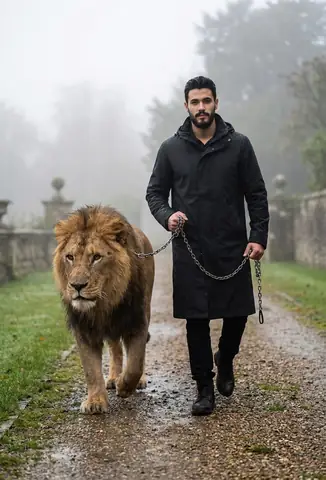
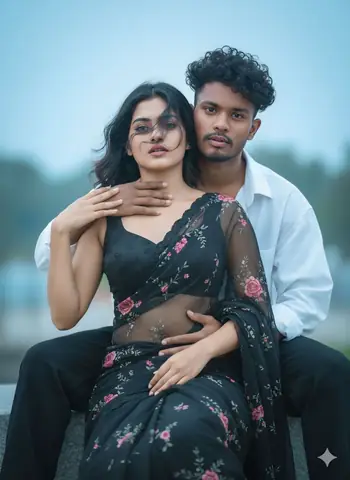
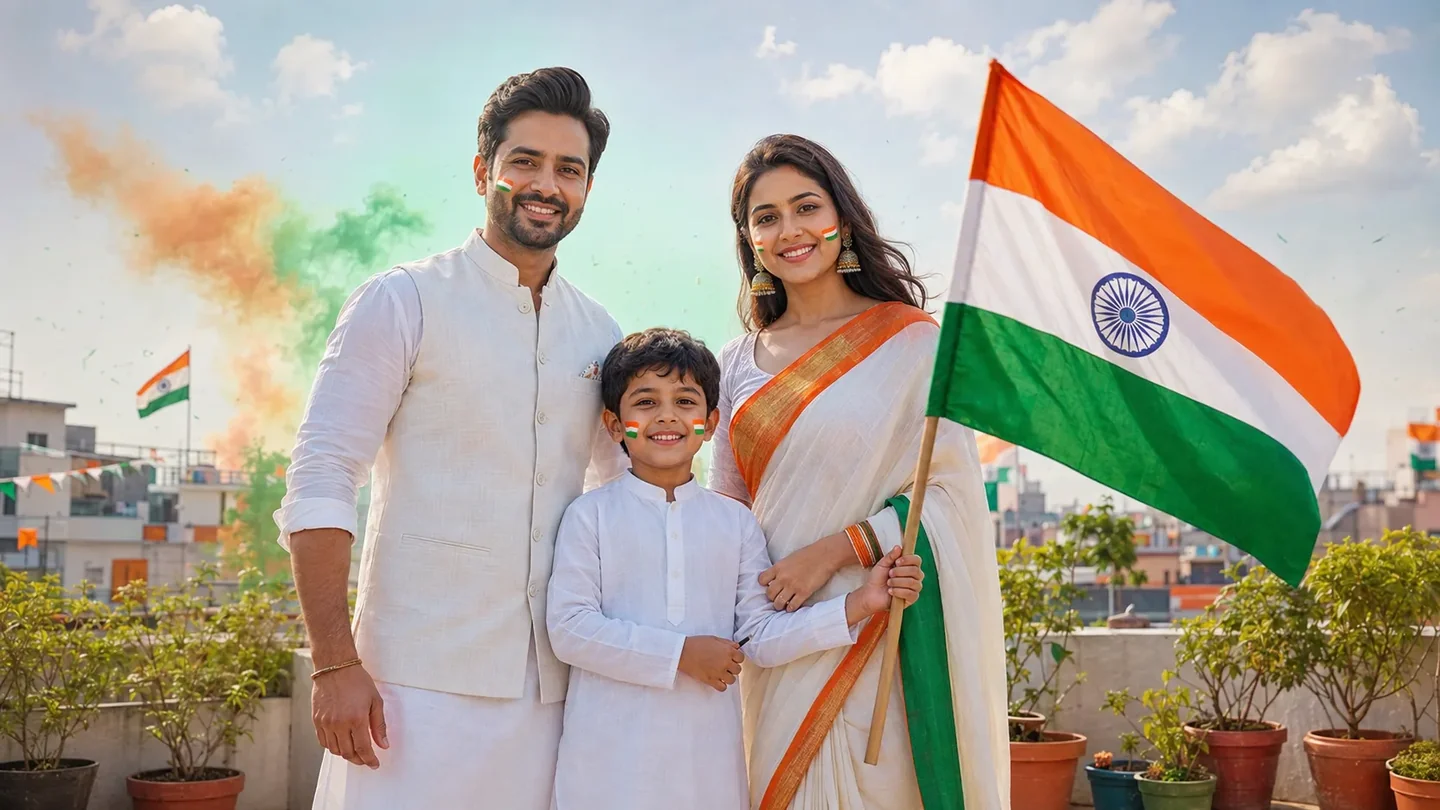
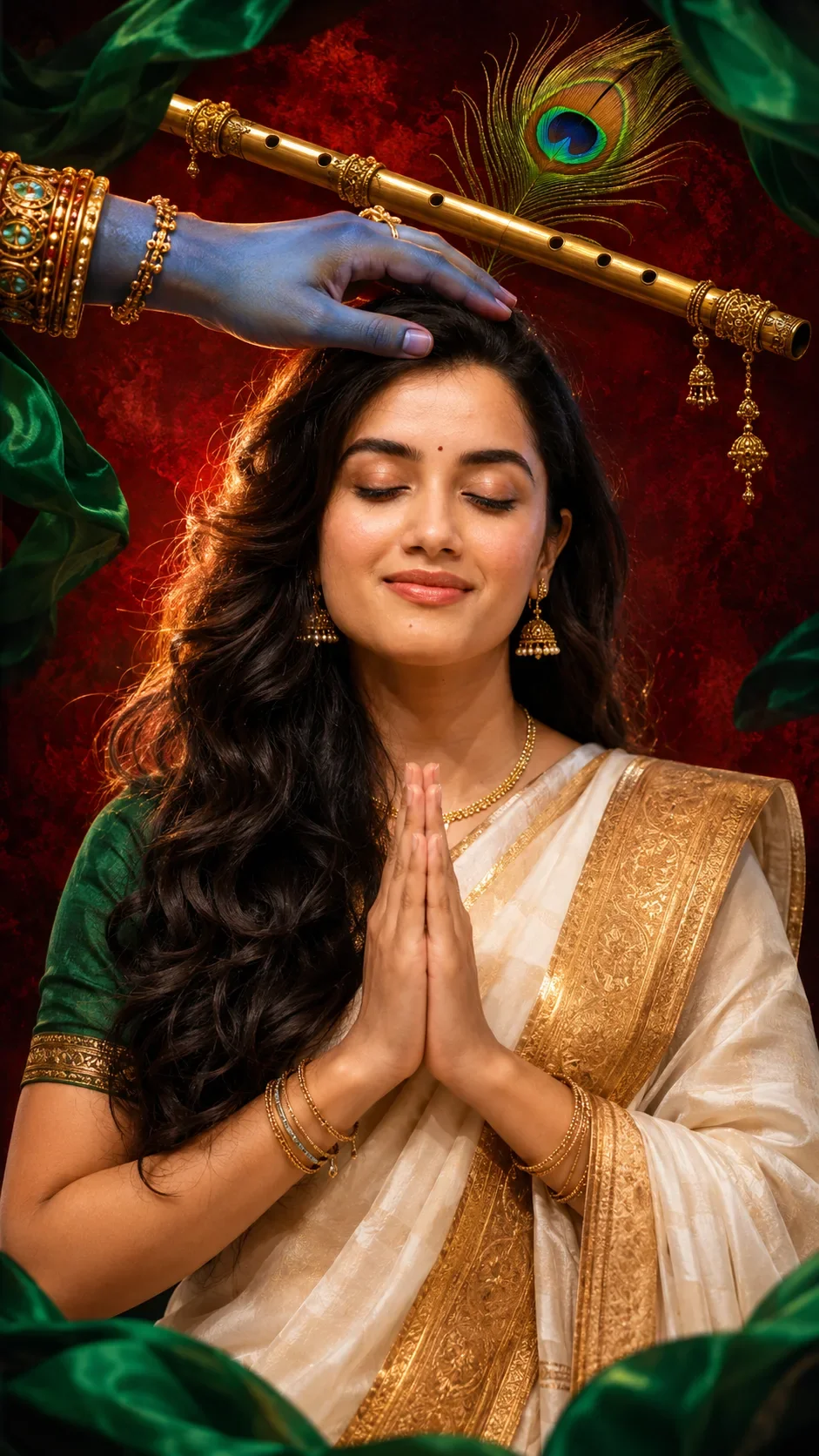
Quick Summary: This verified Midjourney v6.1 & Google Gemini Pro prompt creates an high-end Vogue editorial photoshoot aesthetic for Create An Ocean Legend Wallpaper In AI Photo Prompt with calibrated lighting, authentic texture physics, and tested 1-click copy-paste formula for instant AI generation without facial distortion.
About This Prompt
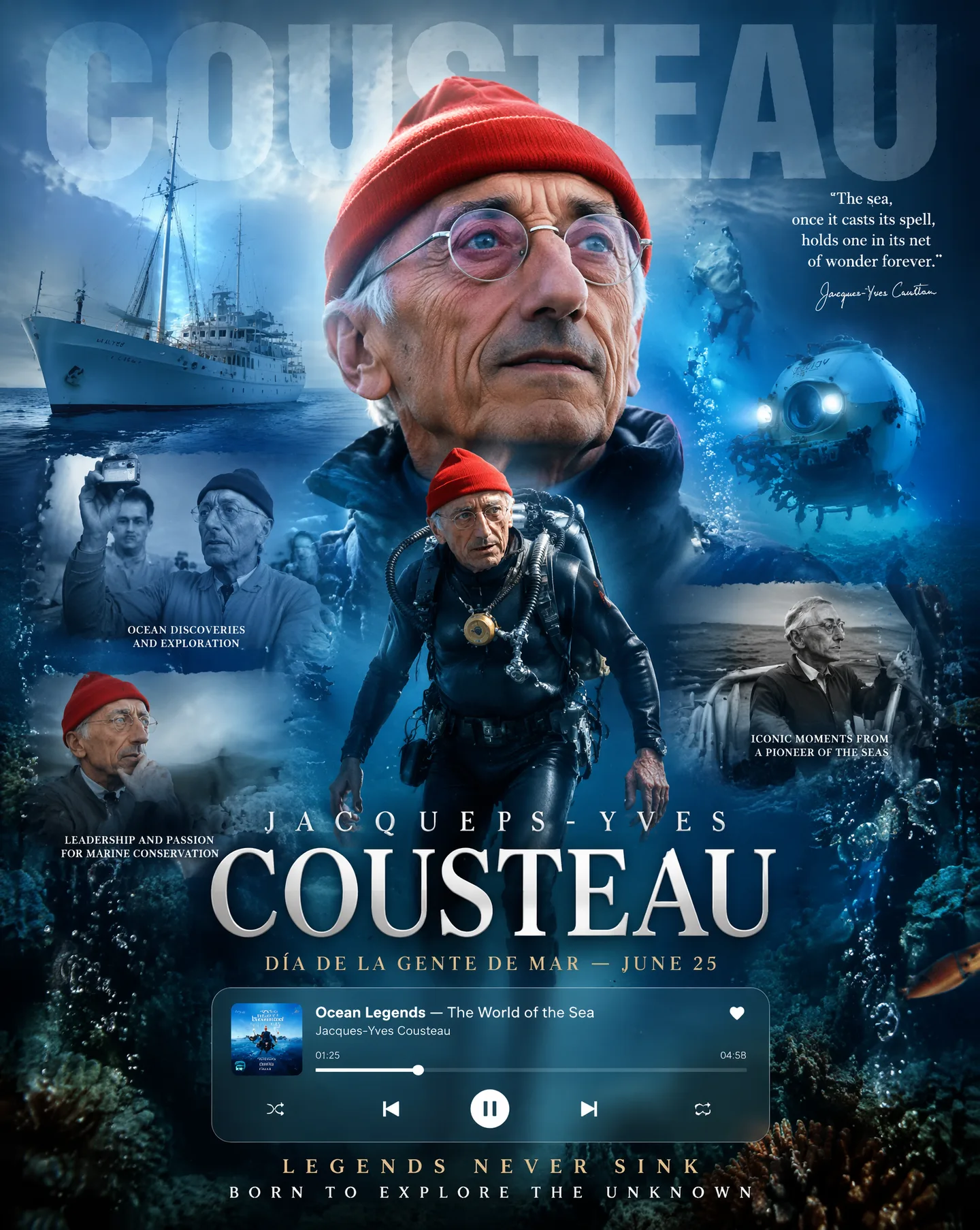
This AI prompt generates a Create An Ocean Legend Wallpaper In AI Photo Prompt — a high-quality, photorealistic image with balanced lighting, sharp focus, and intricate details suitable for social media sharing and digital content creation.
This prompt works best with Google Gemini. Simply copy the prompt text below and paste it into the generator. You can easily customize specific keywords like colors, backgrounds, or subjects to make the final output uniquely yours.
Create An Ocean Legend Wallpaper In AI Photo Prompt - Copy Paste AI Prompt
Create an ultra-realistic 8K ocean legend wallpaper in a premium Spotify × Apple Music × modern documentary editorial style. Use [Jacques-Yves Cousteau], [Ocean Explorer], or the uploaded image (transforming the person into a legendary ocean explorer while preserving facial identity).The composition features a giant cinematic hero portrait with dramatic underwater lighting, ocean atmosphere, floating particles, bubbles, hidden oversized typography, and deep blue maritime colors integrated into the background.Include a floating glassmorphism media player inspired by Spotify and Apple Music displaying "Ocean Legends — The World of the Sea" with Jacques-Yves Cousteau as the explorer, along with a progress bar and playback controls.Add a powerful ocean atmosphere with waves, ships, underwater landscapes, marine life, divers, coral reefs, deep-sea exploration, research vessels, and cinematic ocean lighting, plus a dynamic full-body action pose breaking out of the frame (diving, exploring the depths, standing aboard the Calypso, discovering marine life, navigating the ocean, or protecting the sea).Surround the main subject with three smaller storytelling moments showing:ocean discoveries and underwater explorationleadership and passion for marine conservationiconic moments from his life as a pioneer of the seasBlend maritime identity naturally through nautical elements, waves, ships, diving equipment, ocean textures, marine colors, and the culture of sailors and ocean explorers.Use cinematic volumetric lighting, underwater sun rays, golden rim light, realistic depth of field, detailed diving gear textures, water reflections, ocean bokeh, and premium color grading.Include elegant typography with:"Jacques-Yves Cousteau"
"Día de la Gente de Mar — June 25"and an inspirational slogan such as:"Legends Never Sink"
or
"Born To Explore The Unknown"The final image should look like an award-winning collector's edition ocean documentary poster, combining the feeling of a legendary sports tribute with the cinematic power of a National Geographic cover. Social-media ready, photorealistic, highly detailed, masterpiece quality.Aspect ratio 4:5.

Note: Maintain 100% exact facial identity, bone structure, jawline contours, and natural skin undertone of reference photo without alteration or distortion.What You'll Get
- 🎨 Style: Ai Image
- ✨ Mood: Meigen
- 📱 Best For: Trending
- 🤖 Works With: Google Gemini
- 🔥 Popularity: Copied 78 times
- 📅 Added: Sep 15, 2026
Explore Related Collections
Explore Ai Image Prompts — Browse our curated collection of Ai Image prompts tailored for creators. View all Ai Image prompts →
Explore Trending Prompts — Discover more viral Trending ideas for your next AI generation. View all Trending prompts →
Frequently asked questions
- How do I use the Create An Ocean Legend Wallpaper In AI Photo Prompt prompt?
- To use this prompt, simply click the "Copy Prompt" button above. Then, open Google Gemini, paste the copied text into the prompt box, and hit generate. You can instantly generate high-quality images without needing any reference photos.
- What is this prompt best used for?
- This specific prompt is highly optimized for creating engaging social media content and digital art. The formula is structured to produce high-contrast, visually appealing results that perform well on visual platforms.
- Can I customize the details of this prompt?
- Yes! While the core structure of the prompt is optimized for Google Gemini, you can easily customize the details. We recommend changing specific keywords like clothing colors, background locations, or the overall mood (e.g., changing "sunny" to "rainy" or "neon") to match your exact vision.