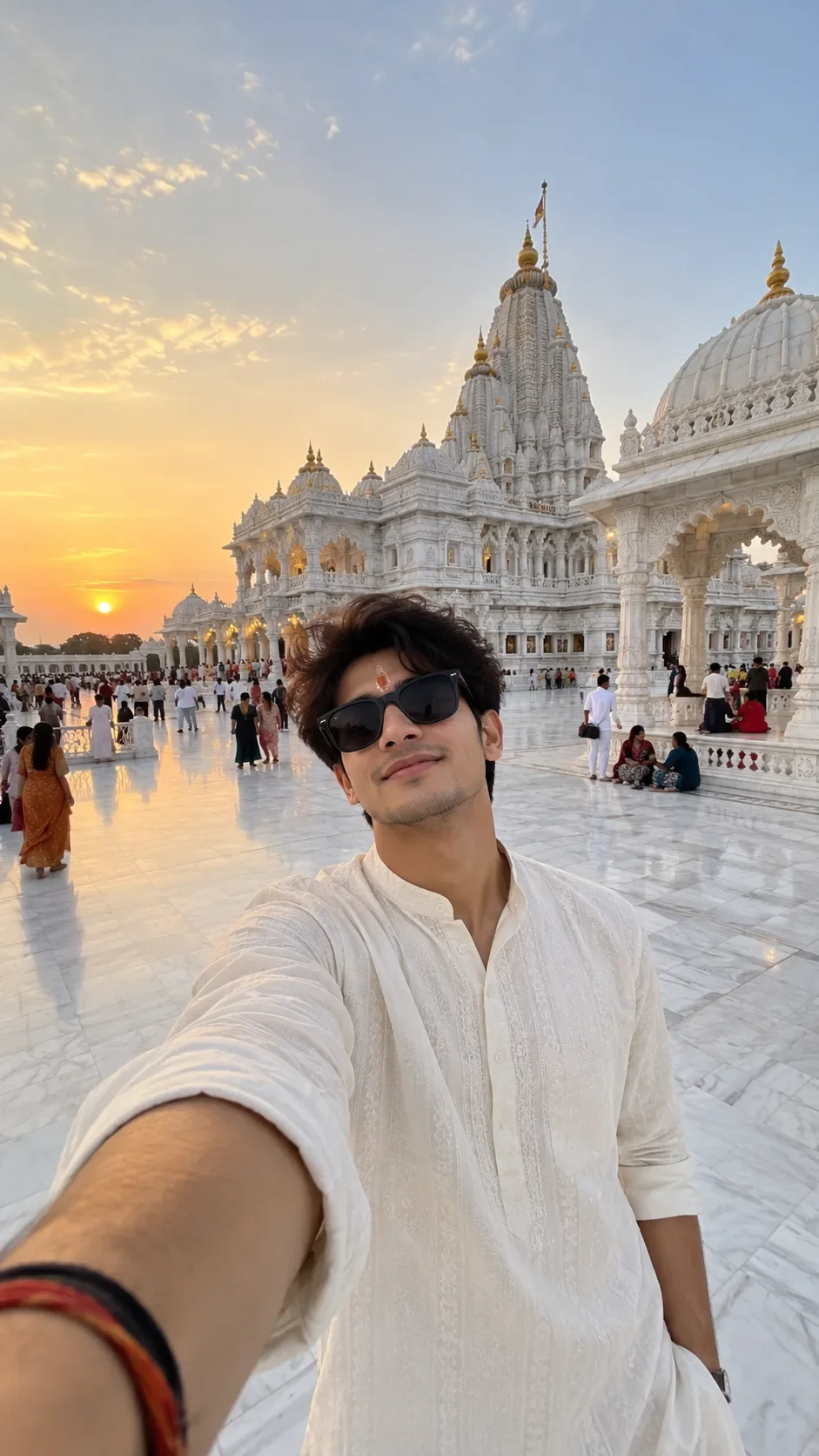
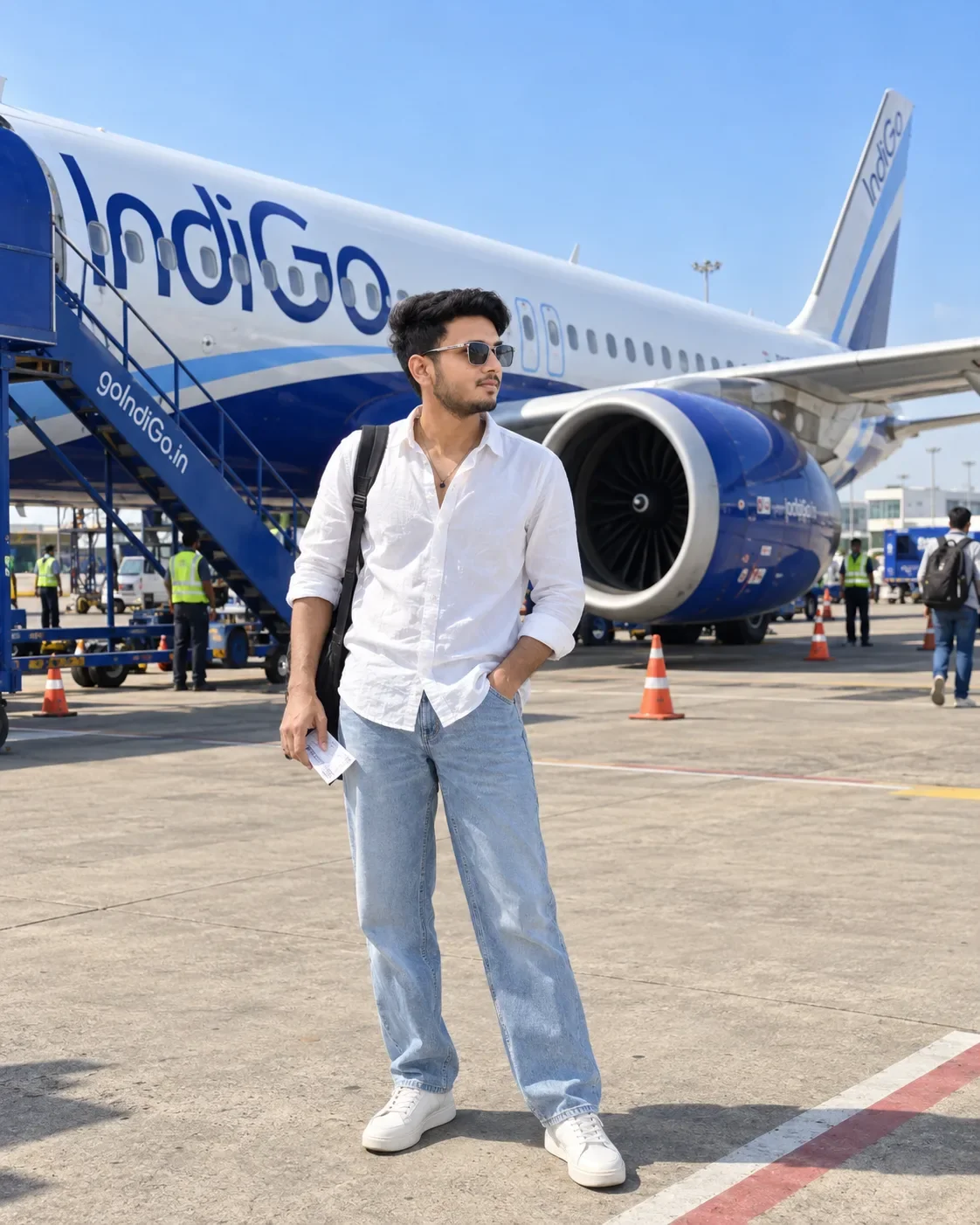
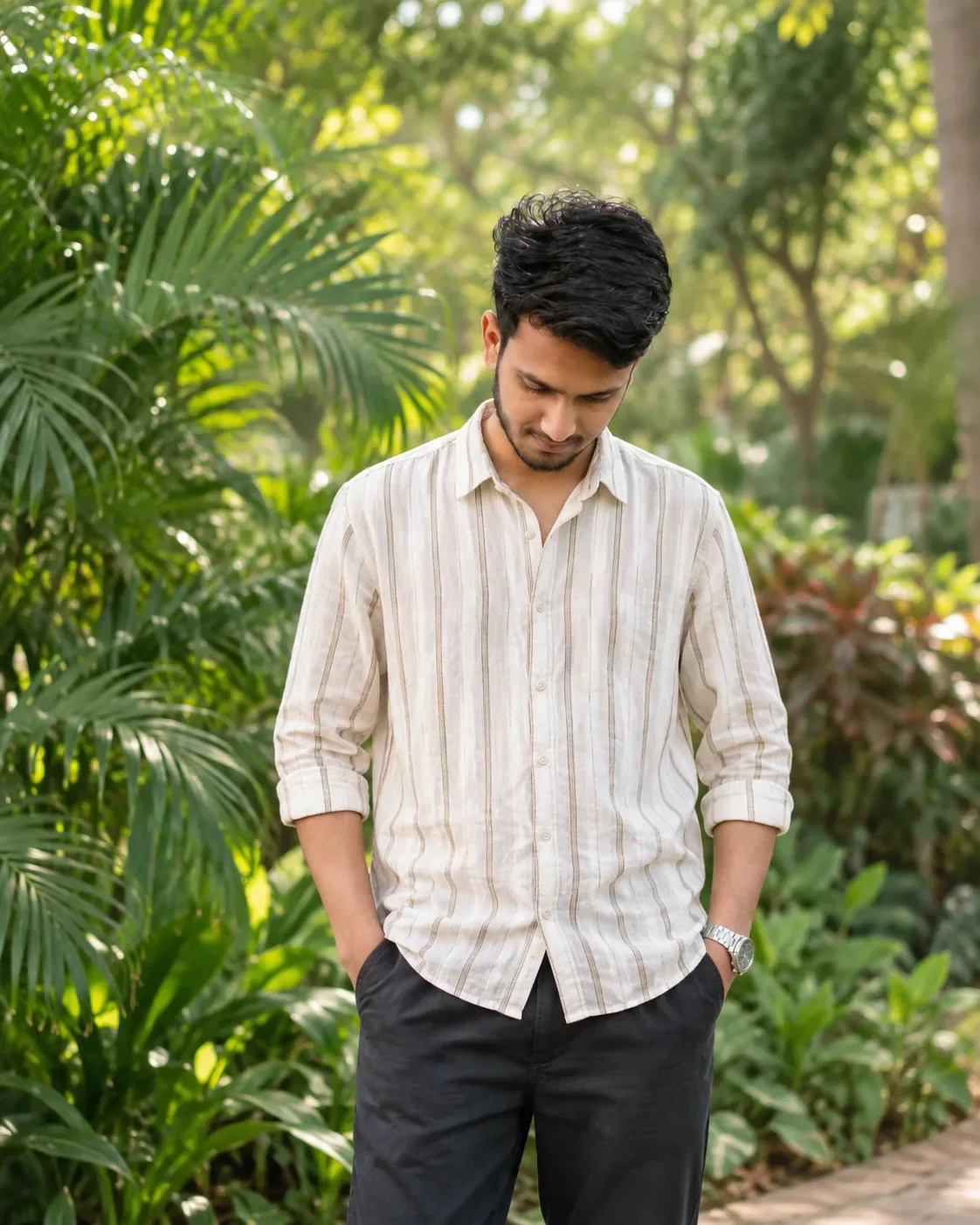
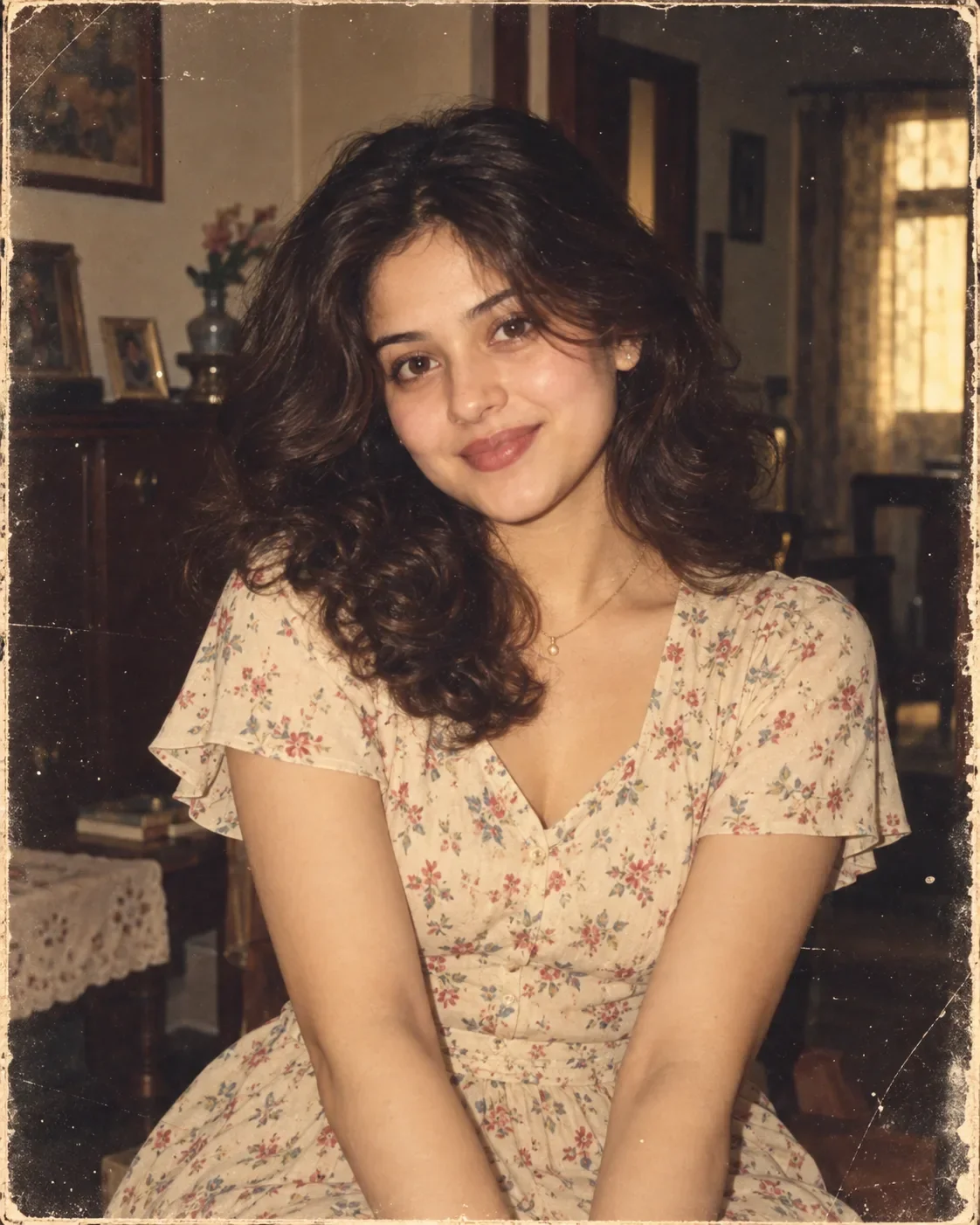
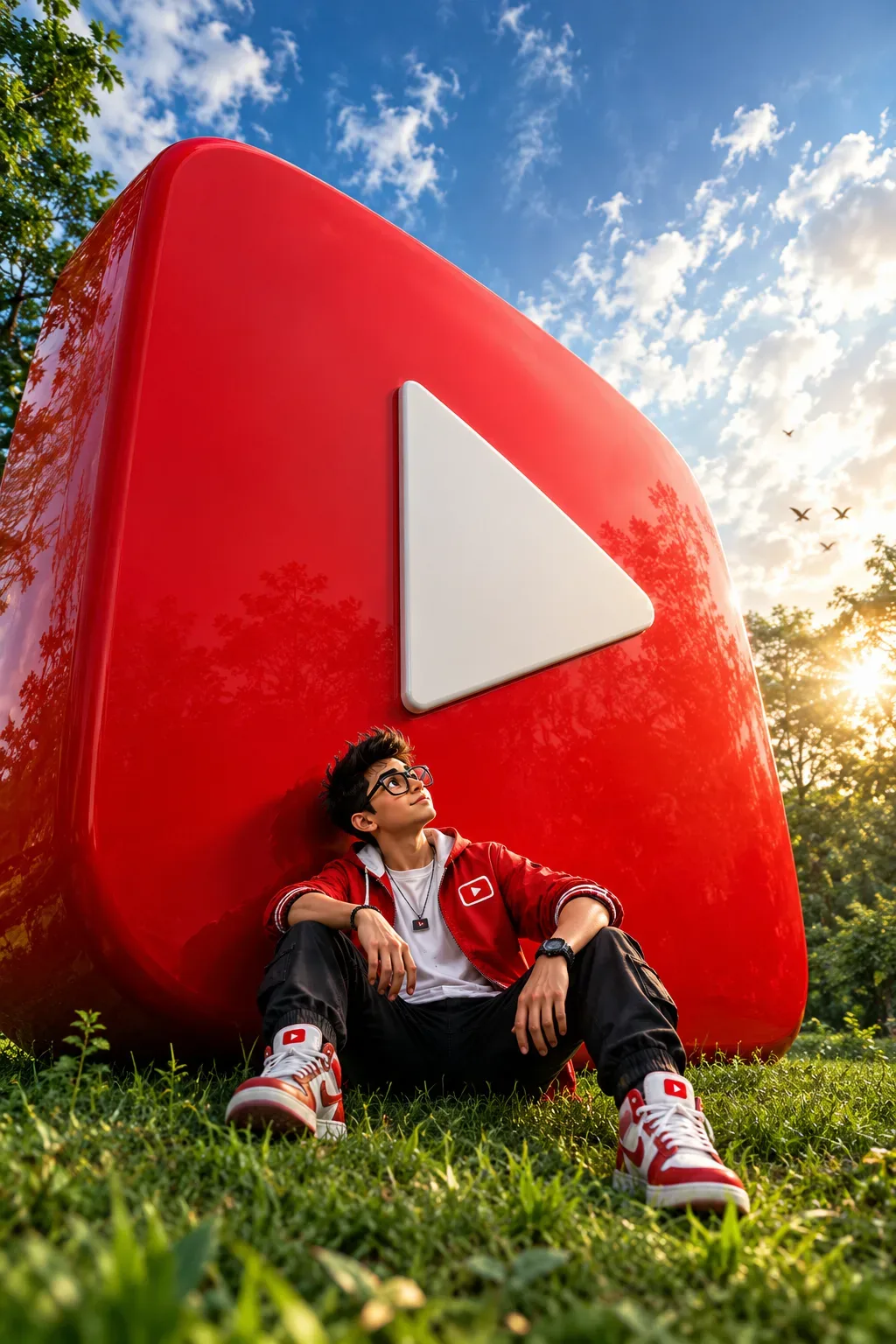
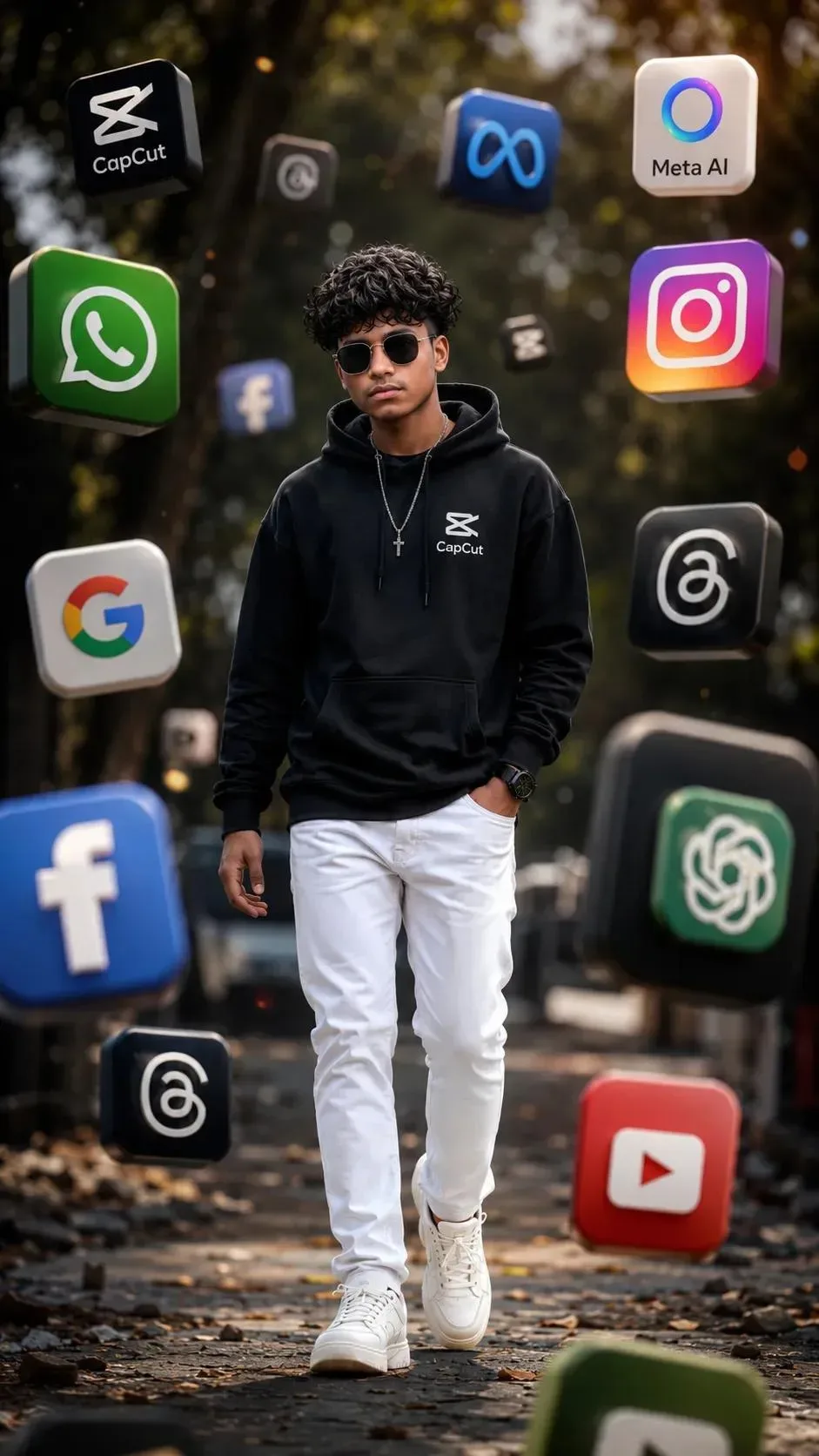
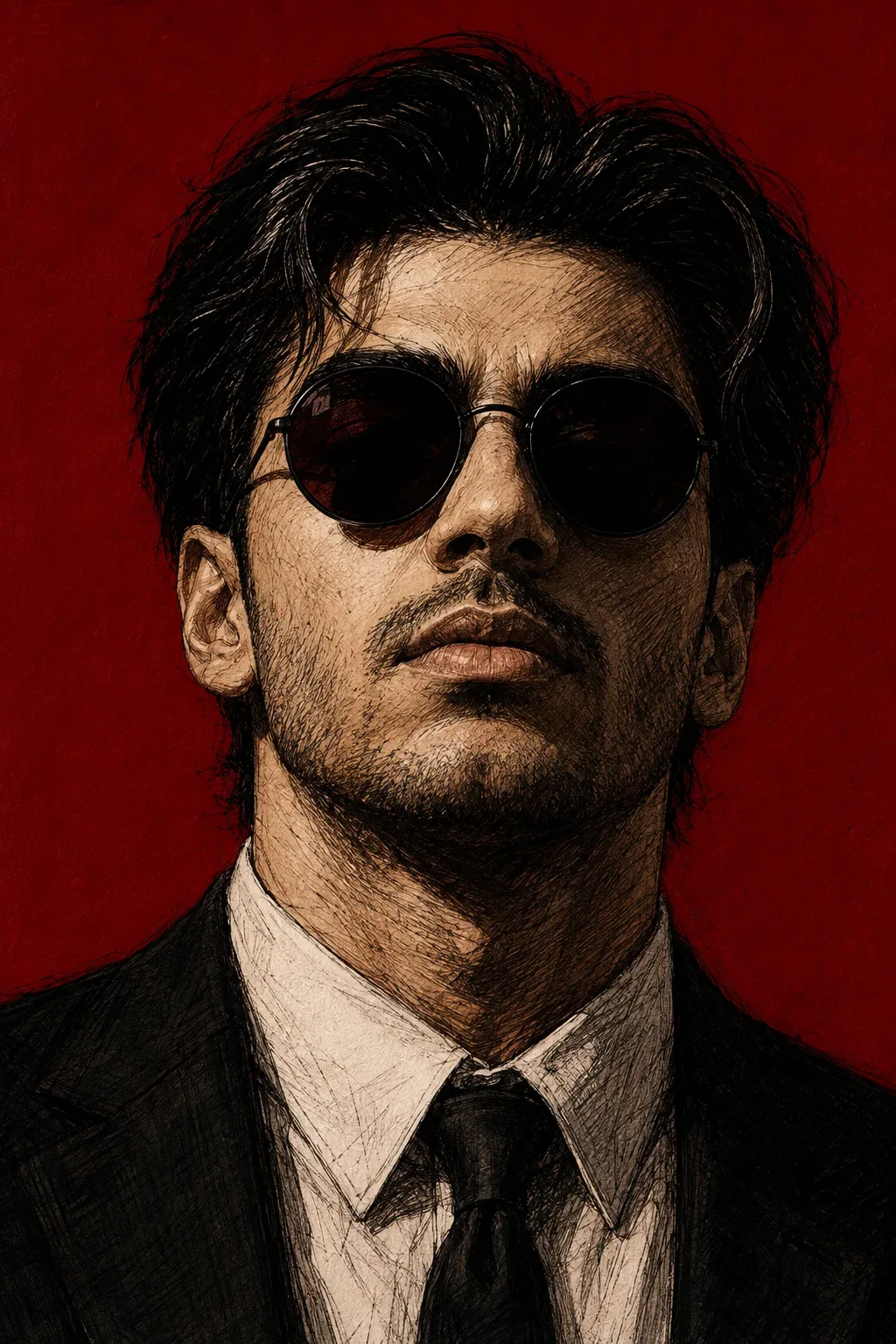
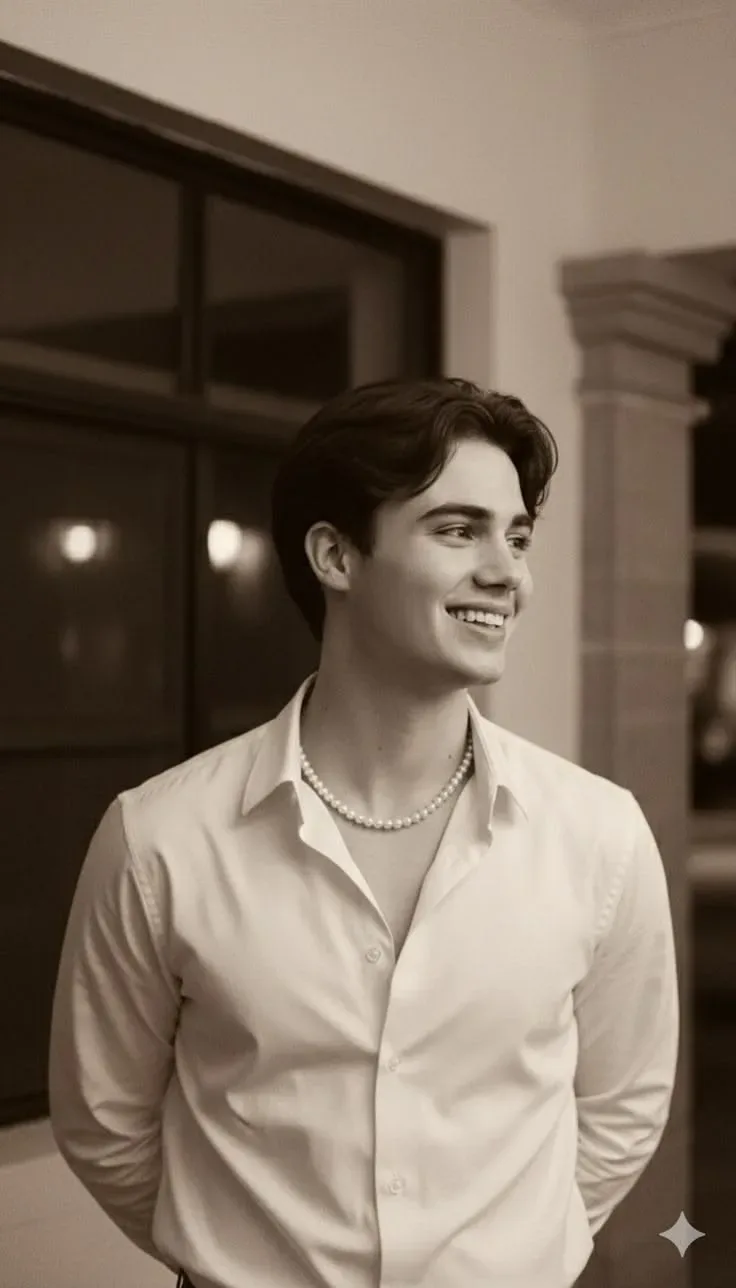
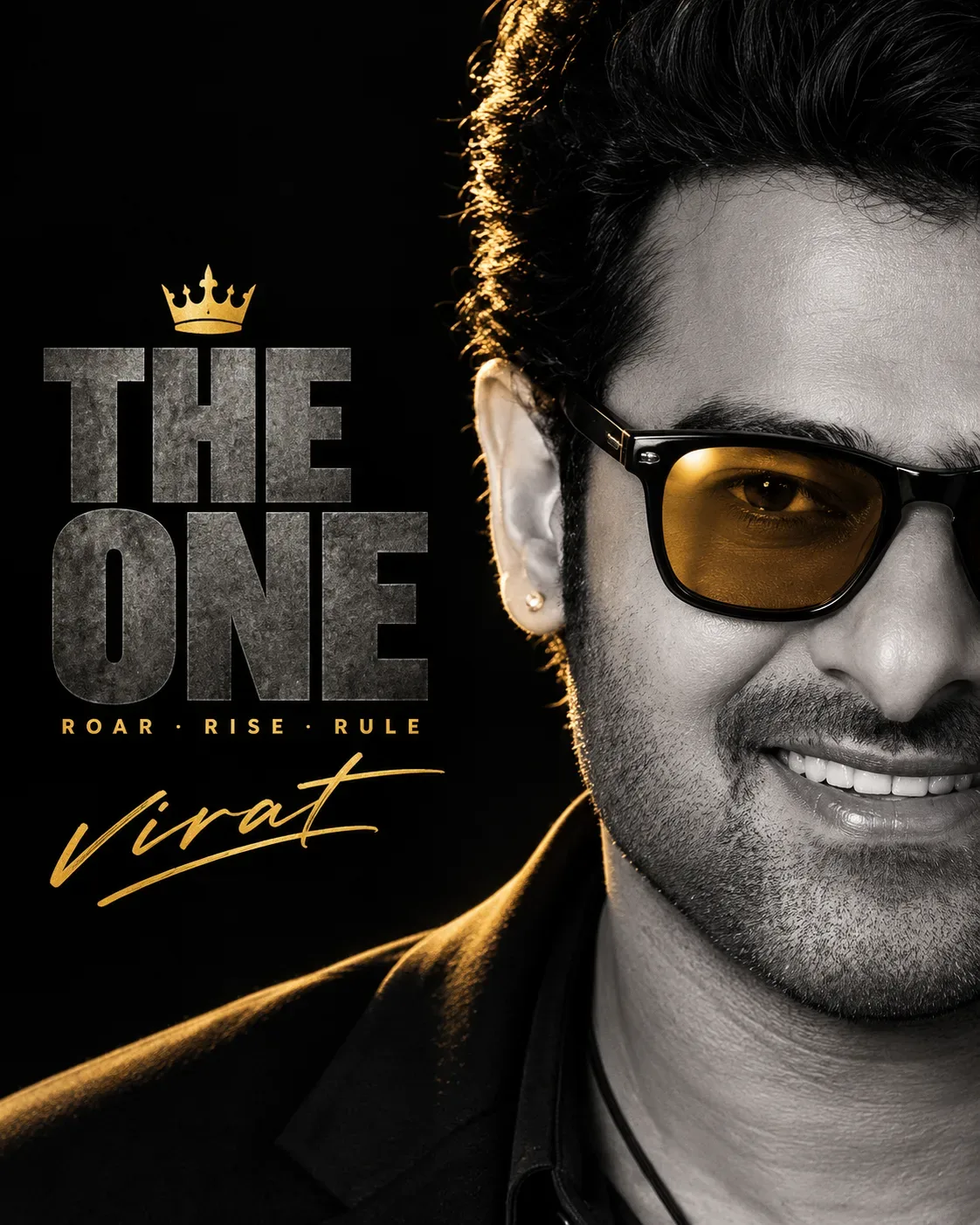
Quick Summary: This verified Google Gemini & Bing Image Creator prompt creates an stylish attitude boy street portrait for Cinematic Portrait Right Half Face Vertical 8k AI Photo Prompt with calibrated lighting, authentic texture physics, and tested 1-click copy-paste formula for instant AI generation without facial distortion.
- Ai Image
- Social Media
- Trending
- Social Media
- Ai Image
- Trending
- Viral Prompt
- Gemini Ai
- Bing Image Creator
- Copy Paste
About This Prompt
Design a Cinematic Portrait Right Half Face Vertical 8k AI Photo Prompt — a high-quality, photorealistic image with balanced lighting, sharp focus, and intricate details suitable for social media sharing and digital content creation.
This prompt works best with Google Gemini. Simply copy the prompt text below and paste it into the generator. You can easily customize specific keywords like colors, backgrounds, or subjects to make the final output uniquely yours.
What You'll Get
- 🎨 Style: Ai Image
- ✨ Mood: Social Media
- 📱 Best For: Social Media
- 🤖 Works With: Google Gemini
- 🔥 Popularity: Copied 87 times
- 📅 Added: Sep 14, 2026
Cinematic Portrait Right Half Face Vertical 8k AI Photo Prompt - Copy Paste AI Prompt
Dramatic cinematic poster-style portrait, 4:5 or 9:16 vertical aspect ratio. Extreme close-up, right half of face only, cropped tightly from hairline to chin, filling the right side of the frame. Black-and-white/monochrome desaturated skin tones with highly detailed skin texture, sharp facial hair definition.

Subject wearing bold black square-framed sunglasses with amber/gold-tinted lenses, catching a warm golden light reflection on the lens. Thick, tousled voluminous hair with warm golden rim-light highlighting the top and side of the hair strands against pure black background.

Wearing a black blazer/jacket over a dark shirt, with a thin black cord/necklace visible at the collar. One small silver stud earring visible.

Lighting: high-contrast dramatic studio lighting, single strong rim/hair light in warm gold tone, rest of face lit in cool neutral gray tones, deep black background with heavy shadow falloff, moody villain/anti-hero aesthetic.

Left two-thirds of the frame: solid black empty space (reserved for bold text/typography overlay).

Camera: 85mm lens, shallow depth of field, ultra-sharp focus on the eye behind the sunglasses, high-end movie poster photography, 8K hyper-detailed." Here's guidance for recreating the **text effect and signature style** — done generically so you can personalize it with your own name (I can't recreate an actual celebrity's real signature, but I can describe the *style* so you or a designer can create yours similarly):

### Title Text Effect ("THE ONE" style)

**Font style:** Bold, heavy-weight condensed sans-serif or slab font (similar to "Anton," "Bebas Neue Bold," or "Oswald Black")

**Effect breakdown:**

- **Color:** Dark charcoal gray/graphite with subtle stone or concrete-like texture overlay (not flat color — looks slightly rough/weathered)
- **Lighting on text:** Very subtle top-edge highlight (thin lighter gray line on top of each letter) to simulate light hitting embossed/carved stone
- **Alignment:** Left-aligned, stacked in 2 lines, tight letter spacing, very large scale filling the left third of the frame
- **Optional icon:** Small gold crown icon above the text, adds a "royalty/leader" theme

### Subtitle ("ROAR · RISE · RULE" style)

- Small gold/mustard-yellow color, letter-spaced (tracked out), separated by middle-dot bullets (·), all-caps, thin-medium weight font, positioned right below the main title

### Signature-style Text "virat"

- Use a **flowing cursive/script font** (like "Alex Brush," "Sacramento," or "Pacifica") in the same gold/mustard tone as the subtitle
- Slight italic slant, connected letters, hand-written feel
- Positioned below the subtitle, roughly 60-70% the width of the title text

Optical Identity & Likeness Preservation: Lock subject's authentic facial identity and natural posture while seamlessly integrating with sharp vehicle reflections and cinematic ambient lighting.Explore Related Collections
Explore Ai Image Prompts — Browse our curated collection of Ai Image prompts tailored for creators. View all Ai Image prompts →
Explore Social Media Prompts — Discover more viral Social Media ideas for your next AI generation. View all Social Media prompts →
Explore Trending Prompts — Explore our extensive library of Trending templates ready to copy and paste. View all Trending prompts →
Frequently asked questions
- How do I use the Cinematic Portrait Right Half Face Vertical 8k AI Photo Prompt prompt?
- To use this prompt, simply click the "Copy Prompt" button above. Then, open Google Gemini, paste the copied text into the prompt box, and hit generate. You can instantly generate high-quality images without needing any reference photos.
- What is this prompt best used for?
- This specific prompt is highly optimized for creating engaging social media content and digital art. The formula is structured to produce high-contrast, visually appealing results that perform well on visual platforms.
- Can I customize the details of this prompt?
- Yes! While the core structure of the prompt is optimized for Google Gemini, you can easily customize the details. We recommend changing specific keywords like clothing colors, background locations, or the overall mood (e.g., changing "sunny" to "rainy" or "neon") to match your exact vision.