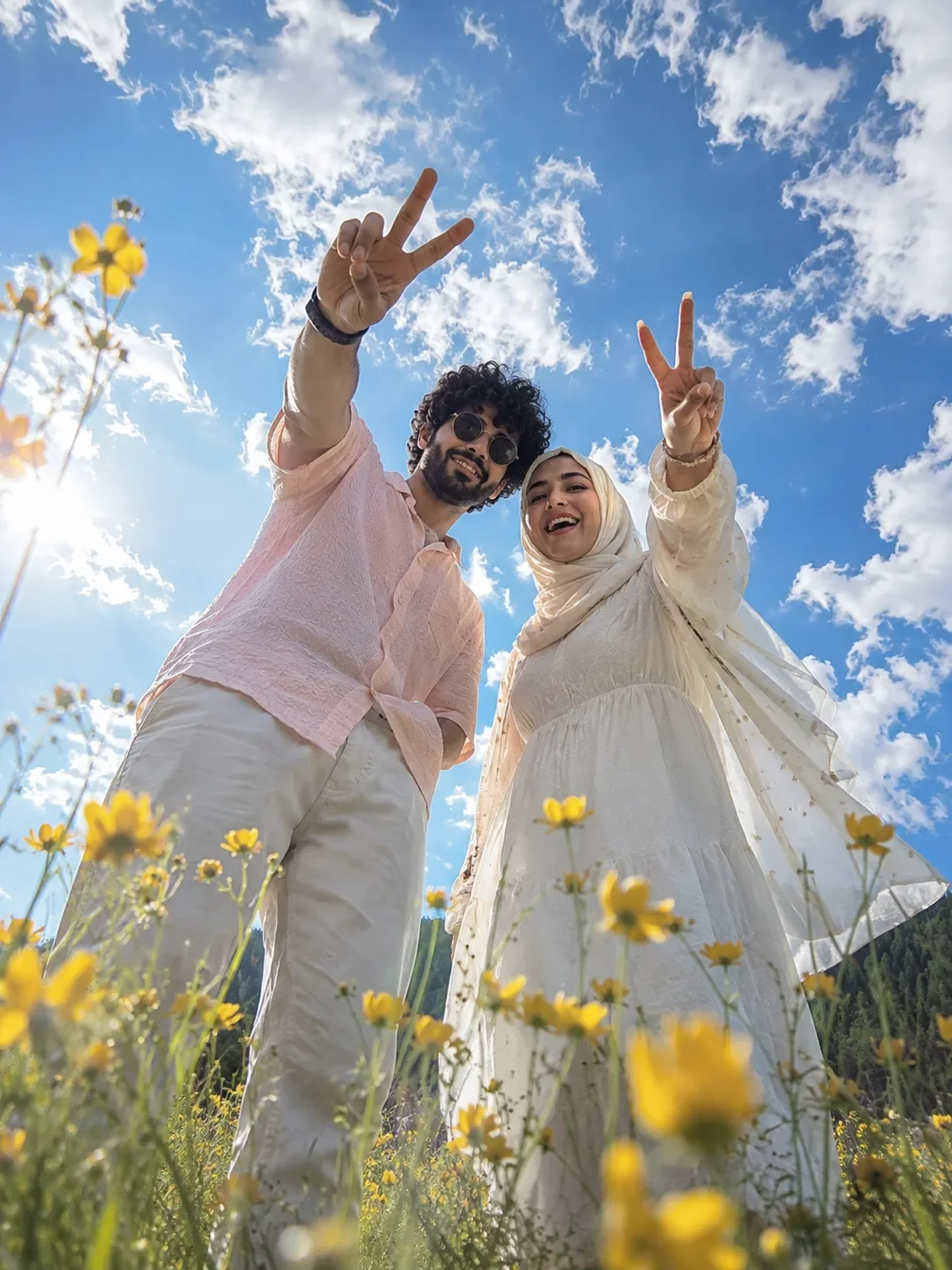
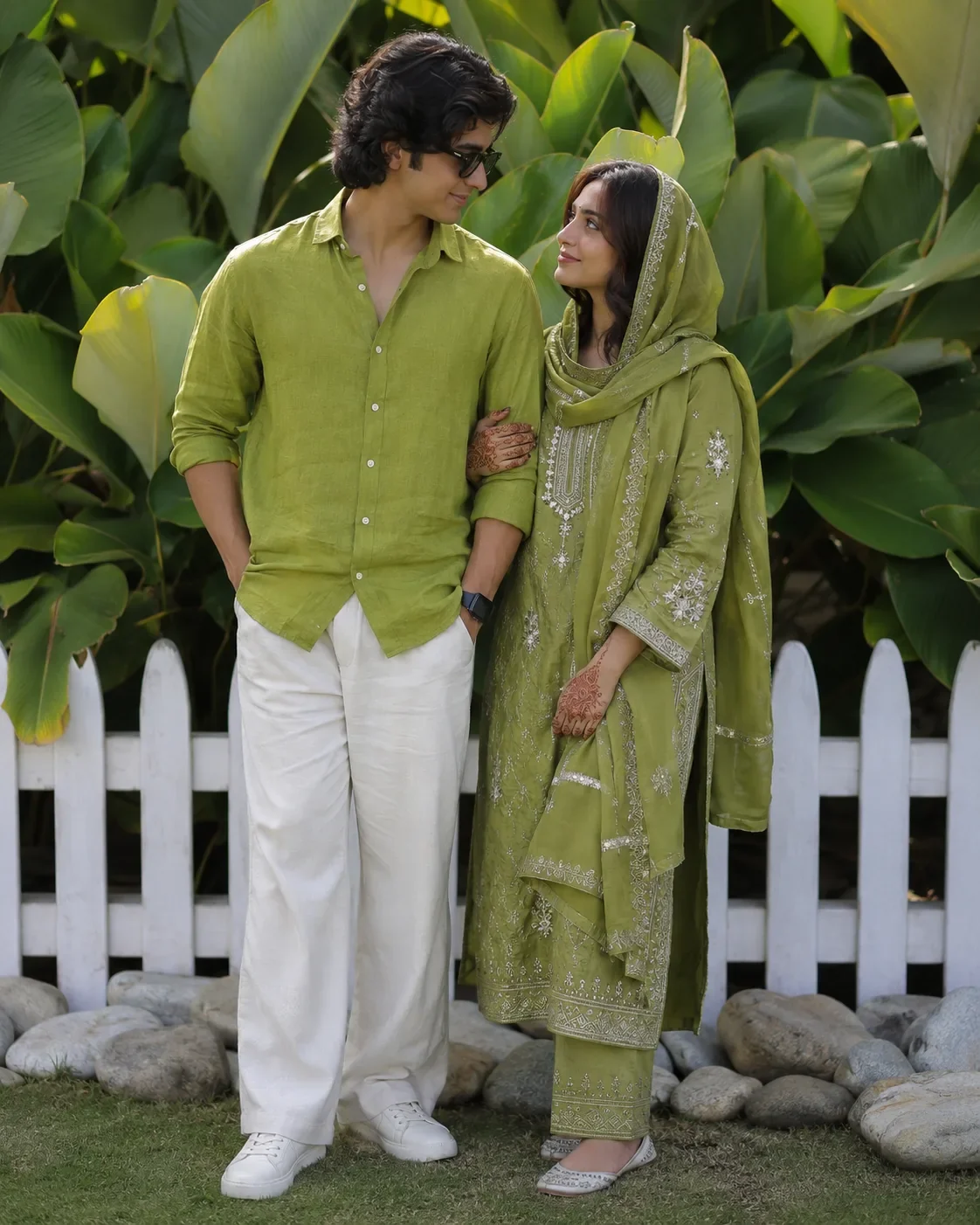
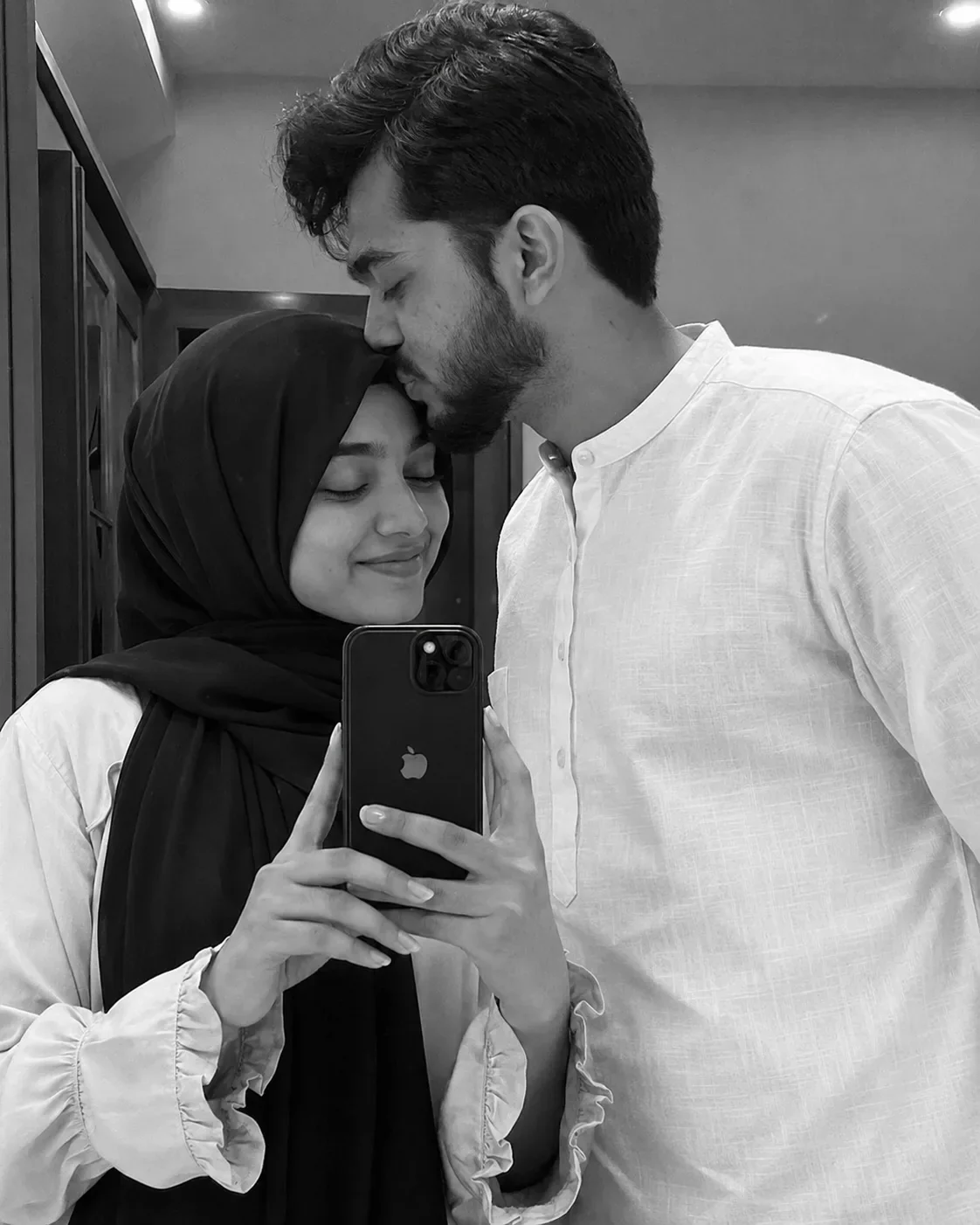
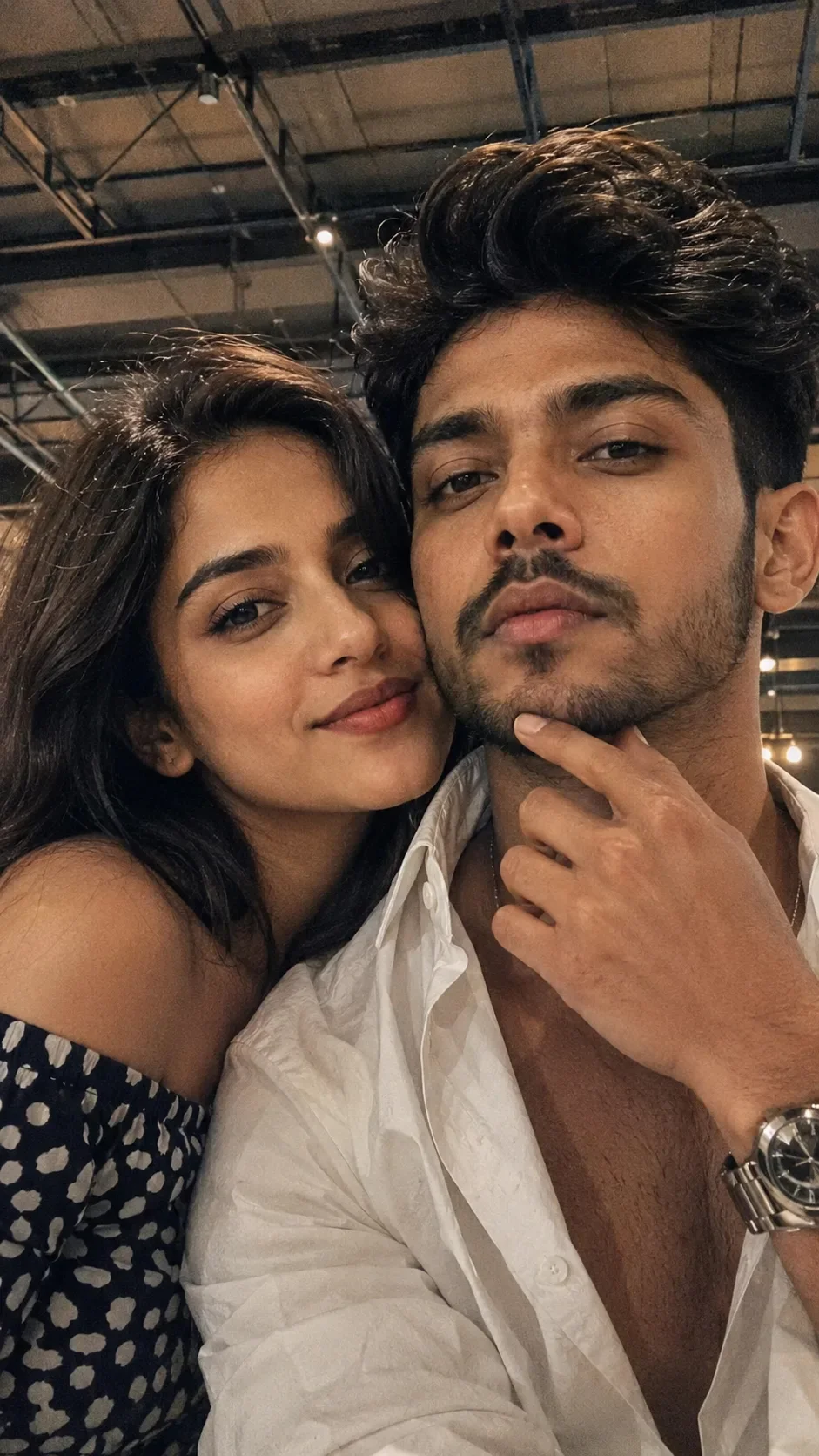
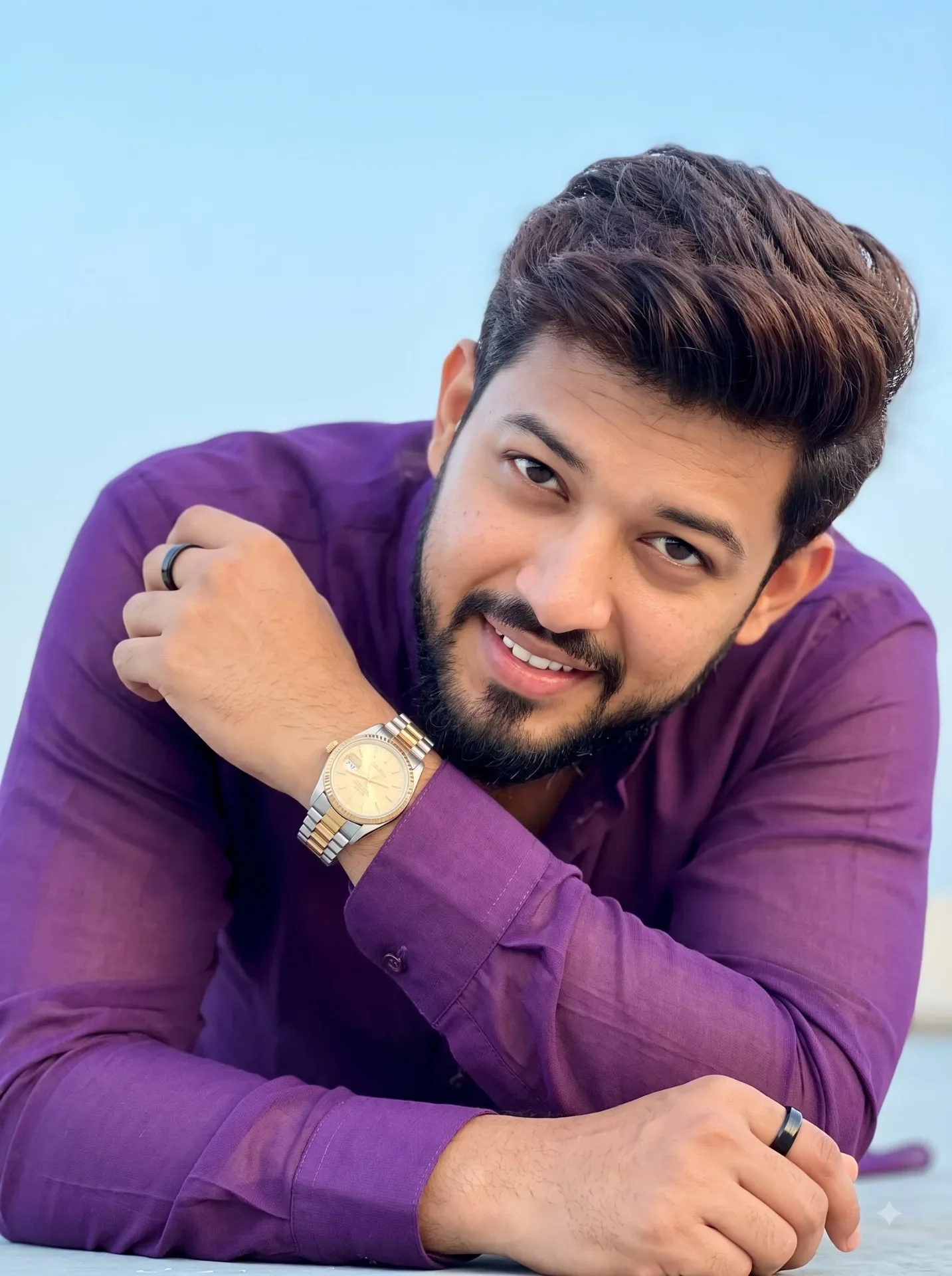
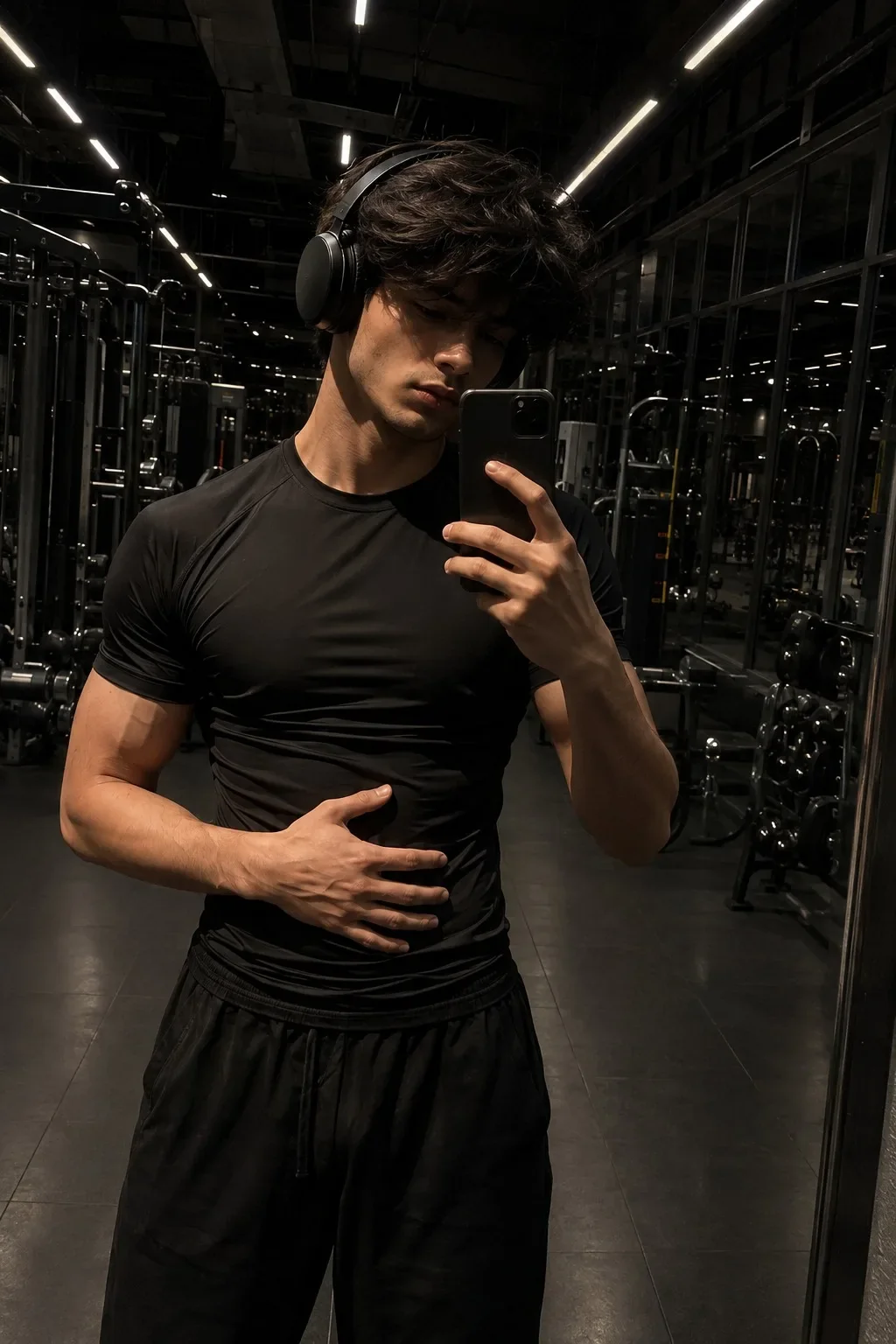
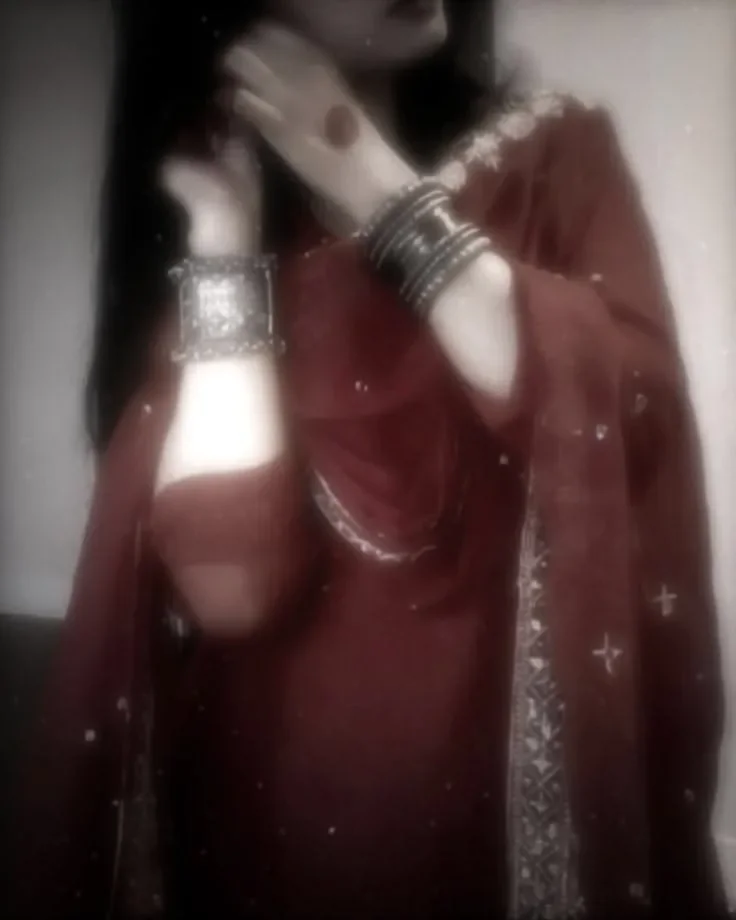
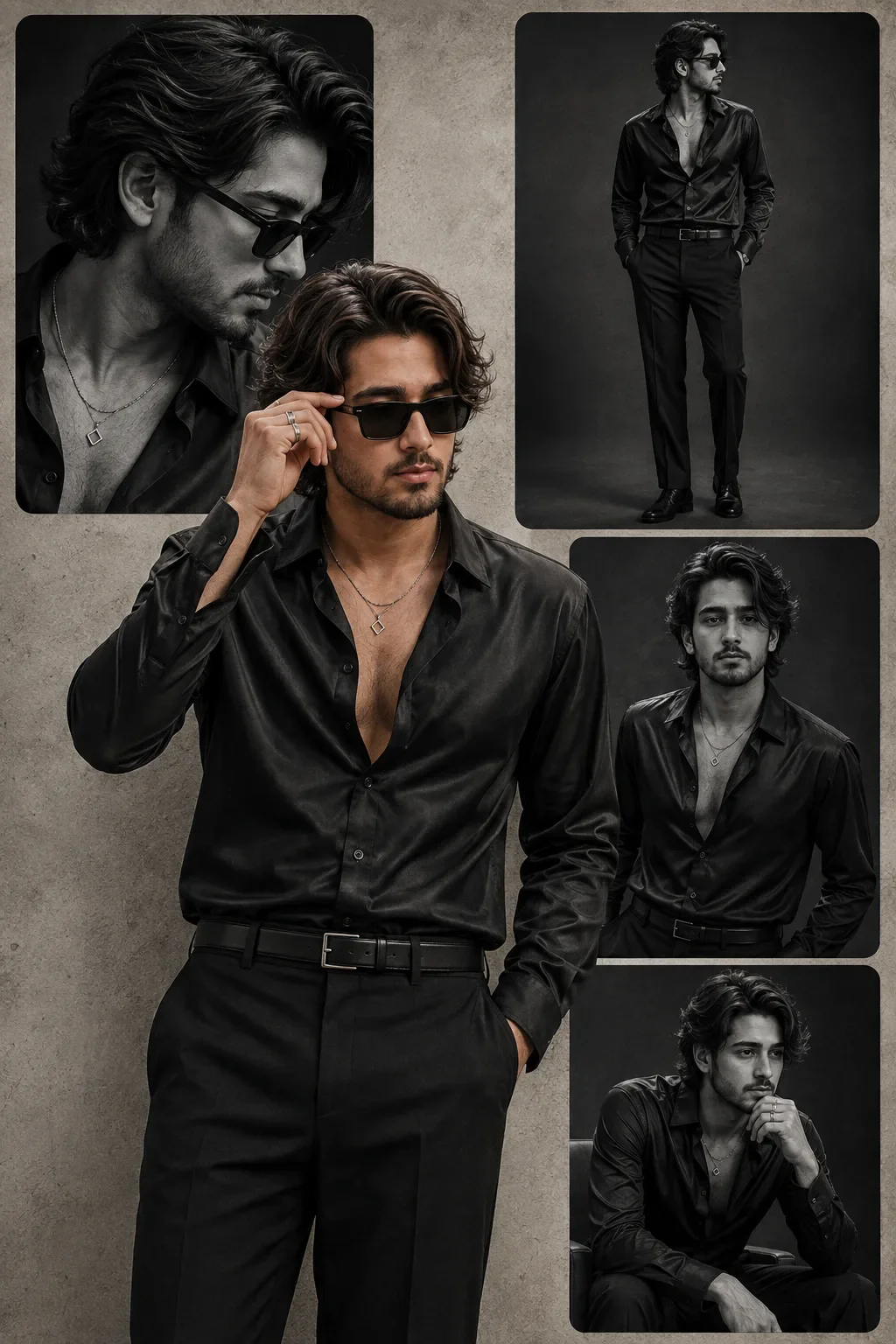
Quick Summary: This verified Google Gemini & Midjourney v6 prompt creates an authentic 90s vintage film aesthetic for Aesthetic Romantic Couple AI Photo Prompt Edition 29 with calibrated lighting, authentic texture physics, and tested 1-click copy-paste formula for instant AI generation without facial distortion.
- Photography
- Couples
- Romantic
- Ai Image
- Trending
- Photography
- Couples
- Romantic
- Ai Image
- Trending
- Viral Prompt
- Gemini Ai
- Bing Image Creator
- Copy Paste
About This Prompt
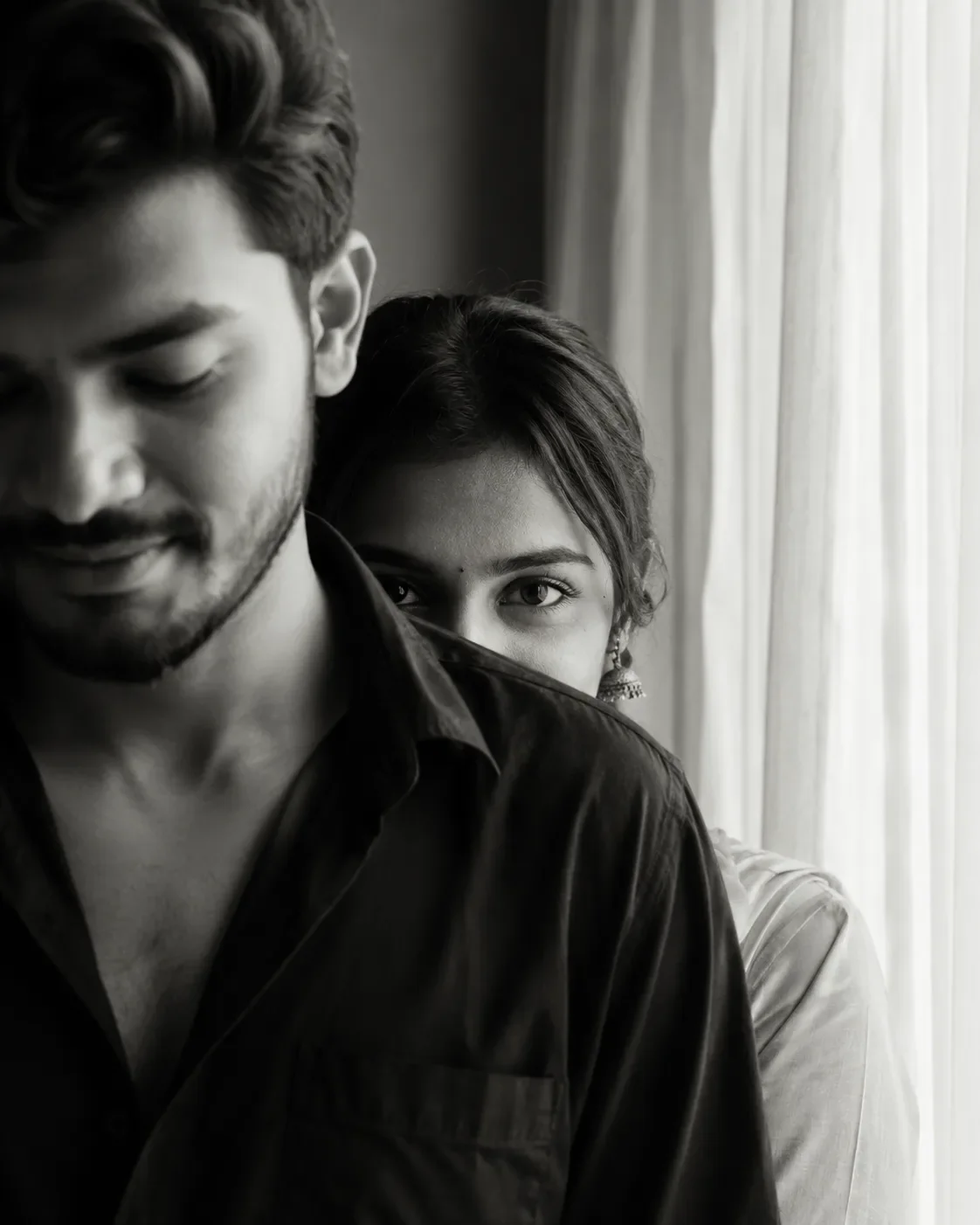
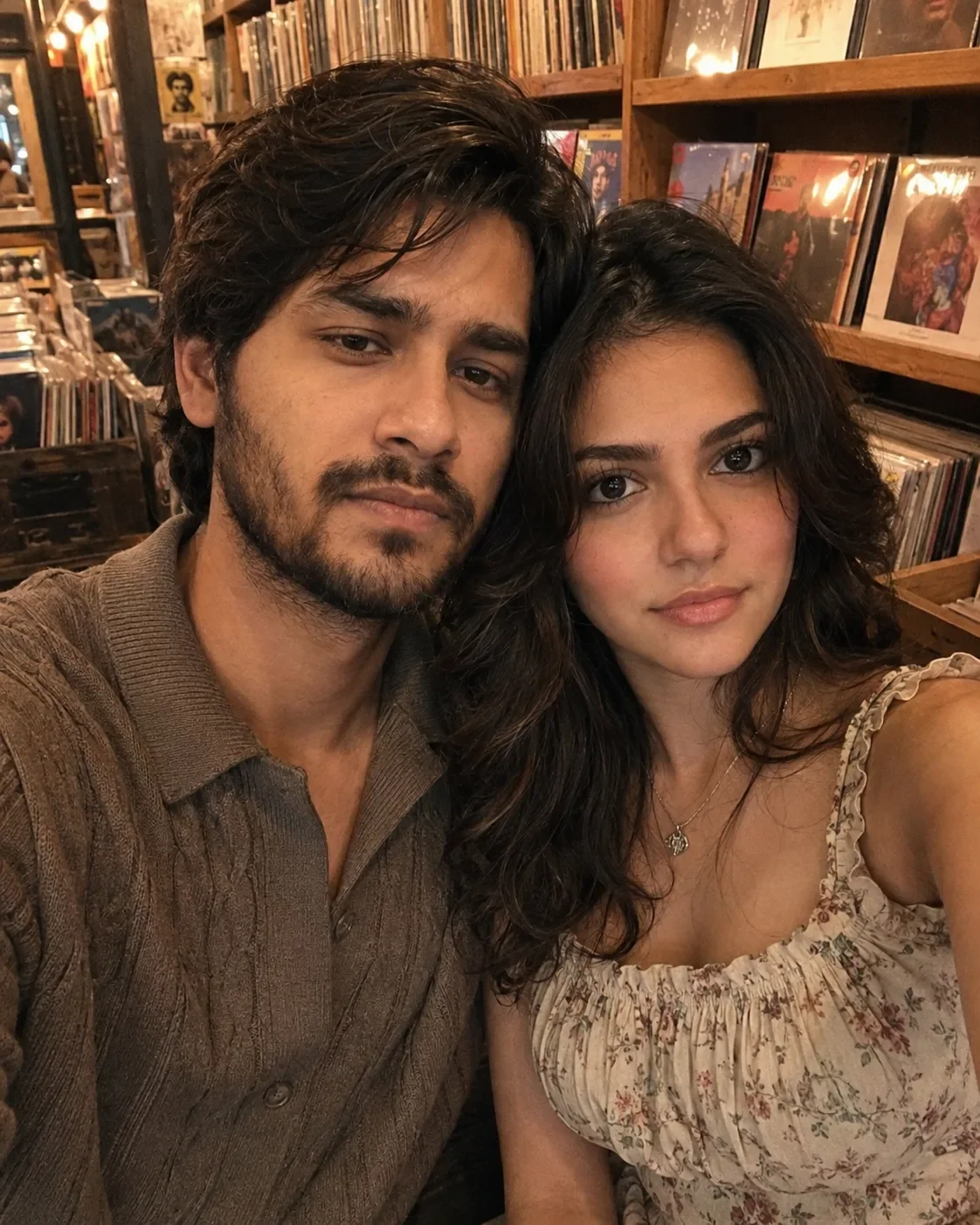
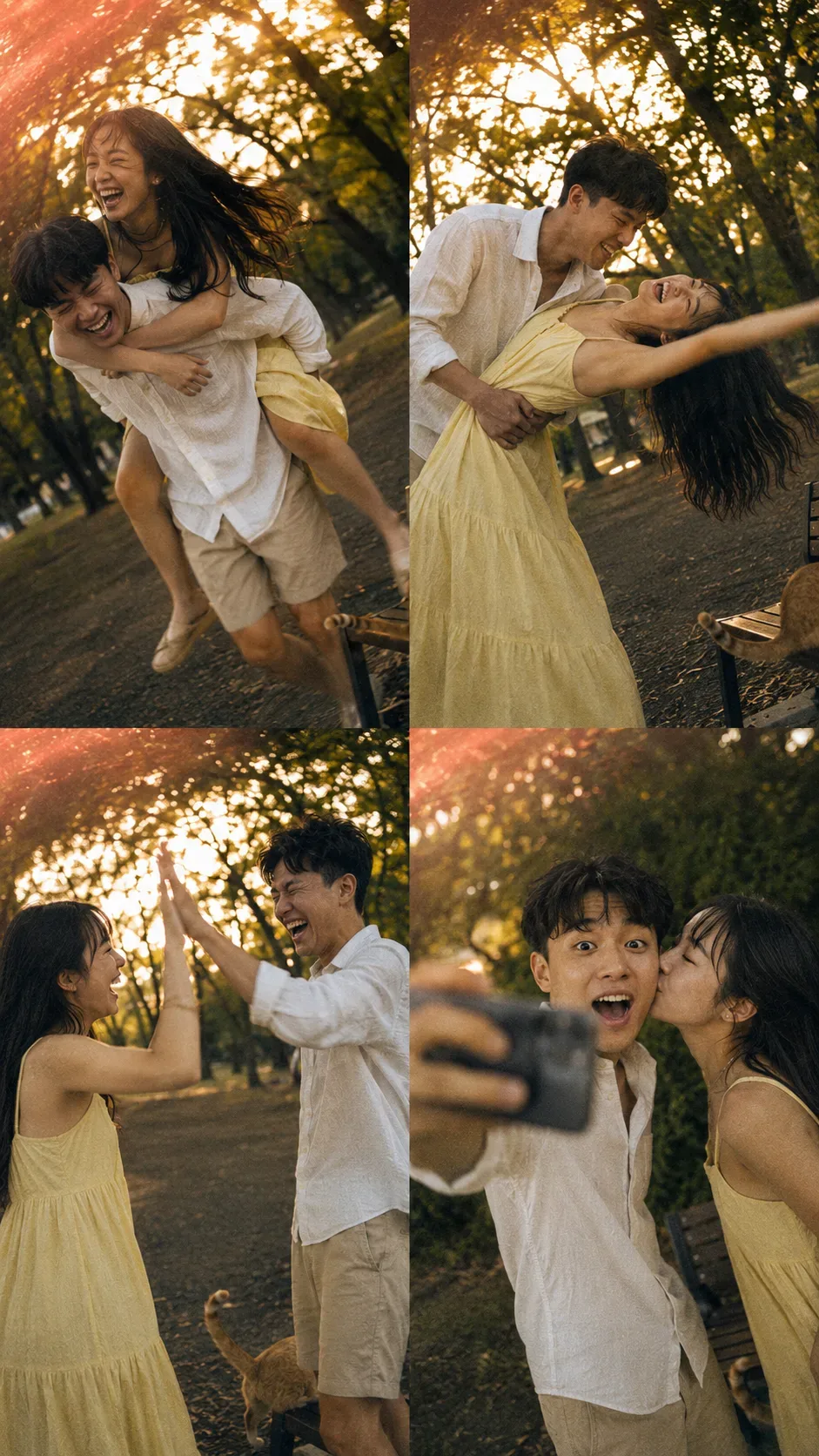
Create a Aesthetic Romantic Couple AI Photo Prompt Edition 29 — a cinematic and romantic couple scene. The generation focuses on realistic multi-subject composition, genuine expressions, and beautiful background depth, making it ideal for wedding invitations or couple DPs.
We recommend generating this using Google Gemini. Upload a clear front-facing selfie as a reference image, then paste the prompt text. The AI will preserve your facial likeness while applying the requested style, lighting, and background.
Aesthetic Romantic Couple AI Photo Prompt Edition 29 - Copy Paste AI Prompt
A 4-panel candid photo collage captured by accident with a cheap 2005 pocket digital camera, forced flash off, golden hour in a quiet urban park. A young East Asian couple in casual outfits—he wears a rumpled white linen shirt and beige shorts, she wears a faded yellow sundress—caught in four playful moments, their faces 100% photorealistic, completely unaware of the camera.

Panel 1: He gives her a piggyback ride, both mid-laugh, her head thrown back, hair blowing across her face, his grin wide but tired. Motion blur softens his legs and her swinging feet.

Panel 2: He dips her backward playfully, her arm stretched out for balance, both laughing with eyes crinkled, his hand gripping her waist, her dress falling open. Motion blur softens her extended arm and her flowing hair.

Panel 3: They stand face to face, mid-high five, both laughing with open mouths, eyes squinted against the sun, hands mid-air. Motion blur softens their raised hands and the slight sway of their bodies.

Panel 4: He holds up his phone for a selfie, she leans in to kiss his cheek, his eyes wide with happy surprise, her eyes closed, lips pressed gently. Motion blur softens his phone hand and her leaning movement.

Behind them, warm golden sunlight filters through trees, creating soft bokeh, but the focus is slightly soft as if the camera missed perfect focus. Realistic skin texture, visible pores, sweat sheen on their brows, natural laughter lines, a small pimple on his chin, freckles on her nose, no beauty filter. Heavy grain, slight chromatic aberration, light leak in the top left corner. A stray cat tail curls around a park bench leg at the bottom right corner of each panel. Dutch angle 5°, 9:16

Negetive prompts: plastic over smoothed   blurred skin airburshed beauty filter Ai glow digital sharpeing waxy porcelain flawless unblemished

Optical Identity & Likeness Preservation: Preserve authentic facial proportions, eye alignment, natural expressions, and true bone structure of both subjects from reference photo 1:1 without distortion.What You'll Get
- 🎨 Style: Photography
- ✨ Mood: Photography
- 📱 Best For: Couples
- 🤖 Works With: Google Gemini
- 🔥 Popularity: Copied 128 times
- 📅 Added: Sep 14, 2026
Frequently asked questions
- How do I use the Aesthetic Romantic Couple AI Photo Prompt Edition 29 prompt?
- To use this prompt, simply click the "Copy Prompt" button above. Then, open Google Gemini, paste the copied text into the prompt box, and hit generate. Since this is a character-focused prompt, make sure to upload a clear reference photo of your face before generating to maintain your facial identity.
- What is this prompt best used for?
- This specific prompt is highly optimized for designing romantic couple portraits and wedding invitations. The formula is structured to produce high-contrast, visually appealing results that perform well on visual platforms.
- Can I customize the details of this prompt?
- Yes! While the core structure of the prompt is optimized for Google Gemini, you can easily customize the details. We recommend changing specific keywords like clothing colors, background locations, or the overall mood (e.g., changing "sunny" to "rainy" or "neon") to match your exact vision.
Explore Related Collections
Explore Photography Prompts — Browse our curated collection of Photography prompts tailored for creators. View all Photography prompts →
Explore Couples Prompts — Discover more viral Couples ideas for your next AI generation. View all Couples prompts →
Explore Romantic Prompts — Explore our extensive library of Romantic templates ready to copy and paste. View all Romantic prompts →