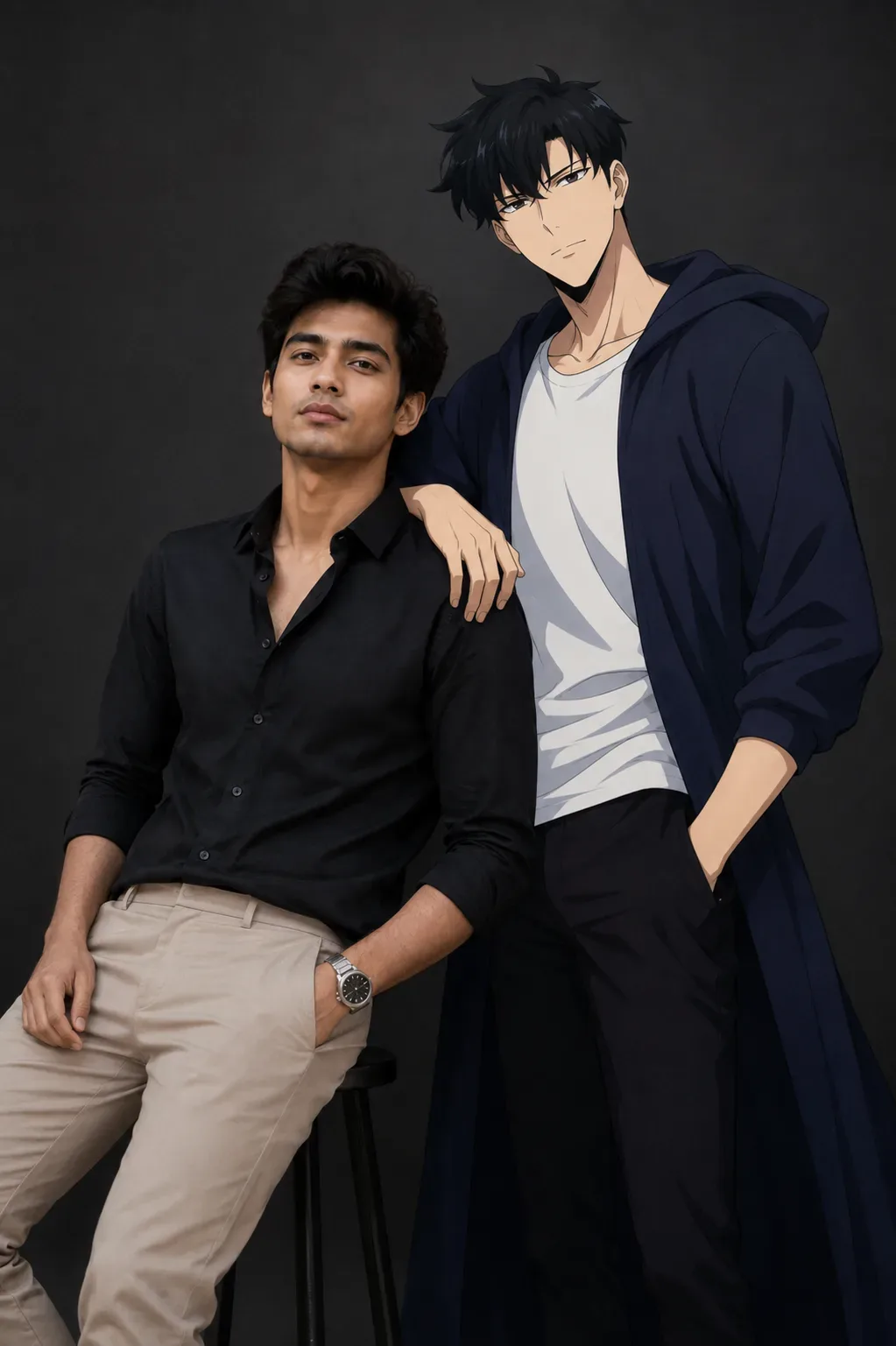
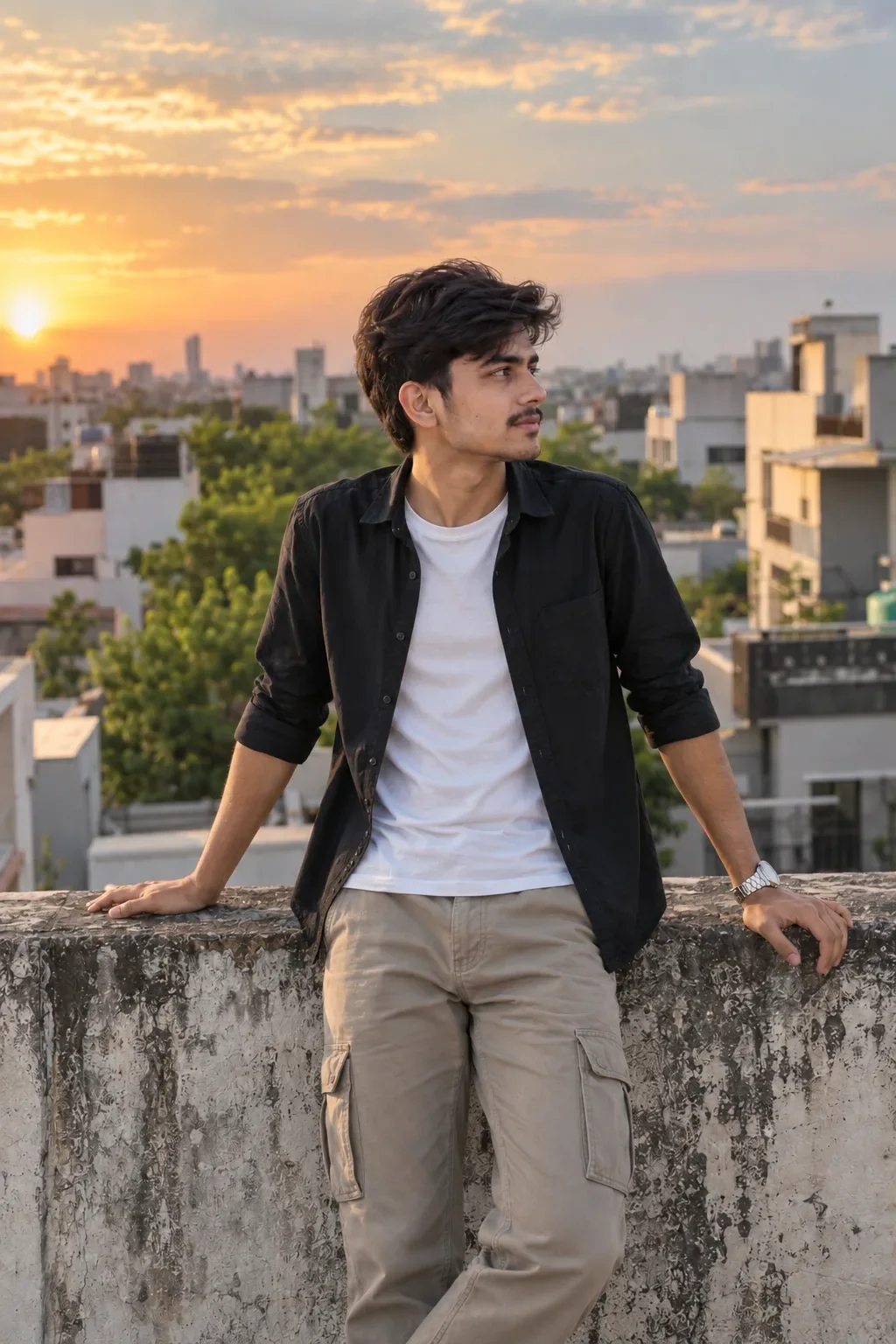
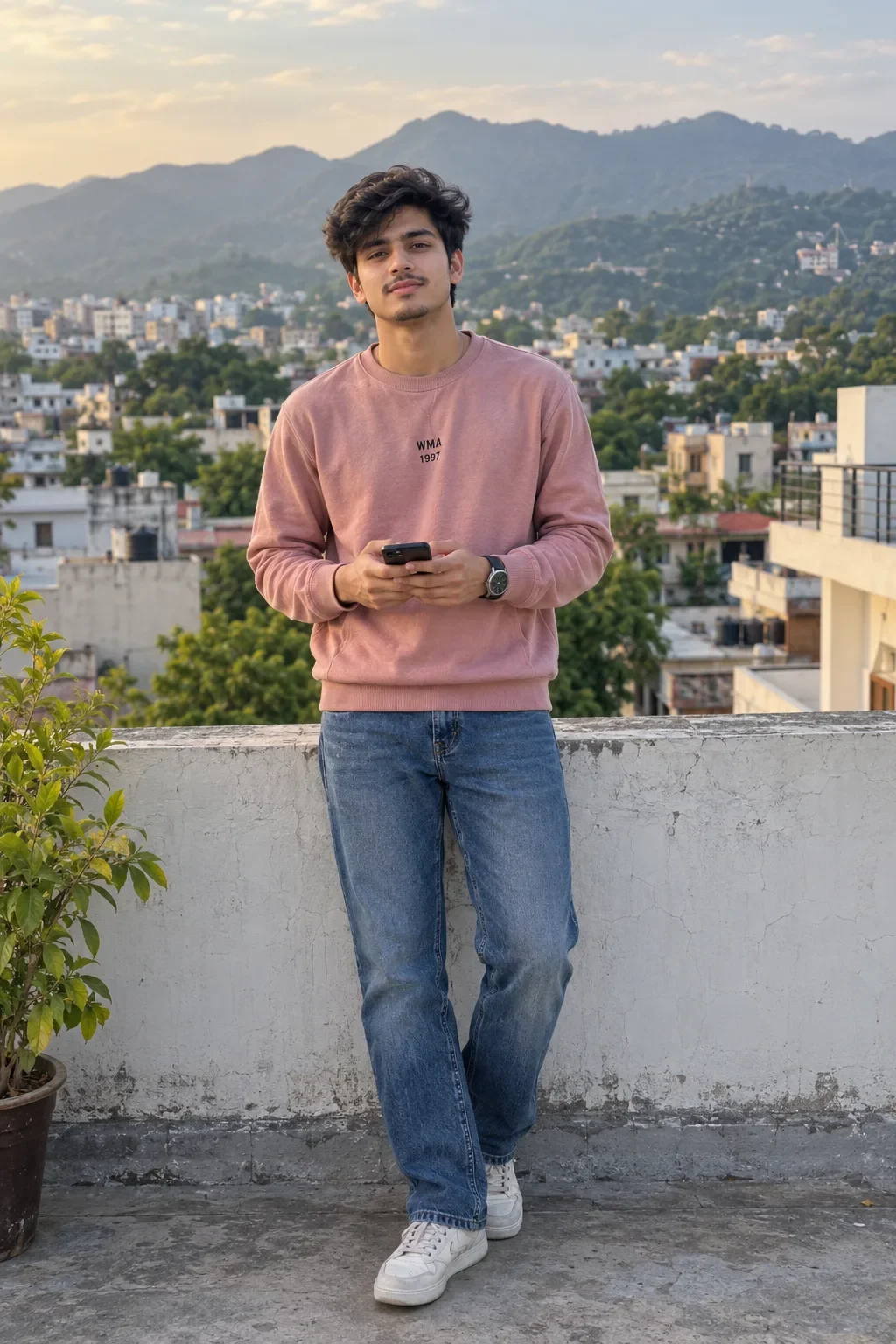
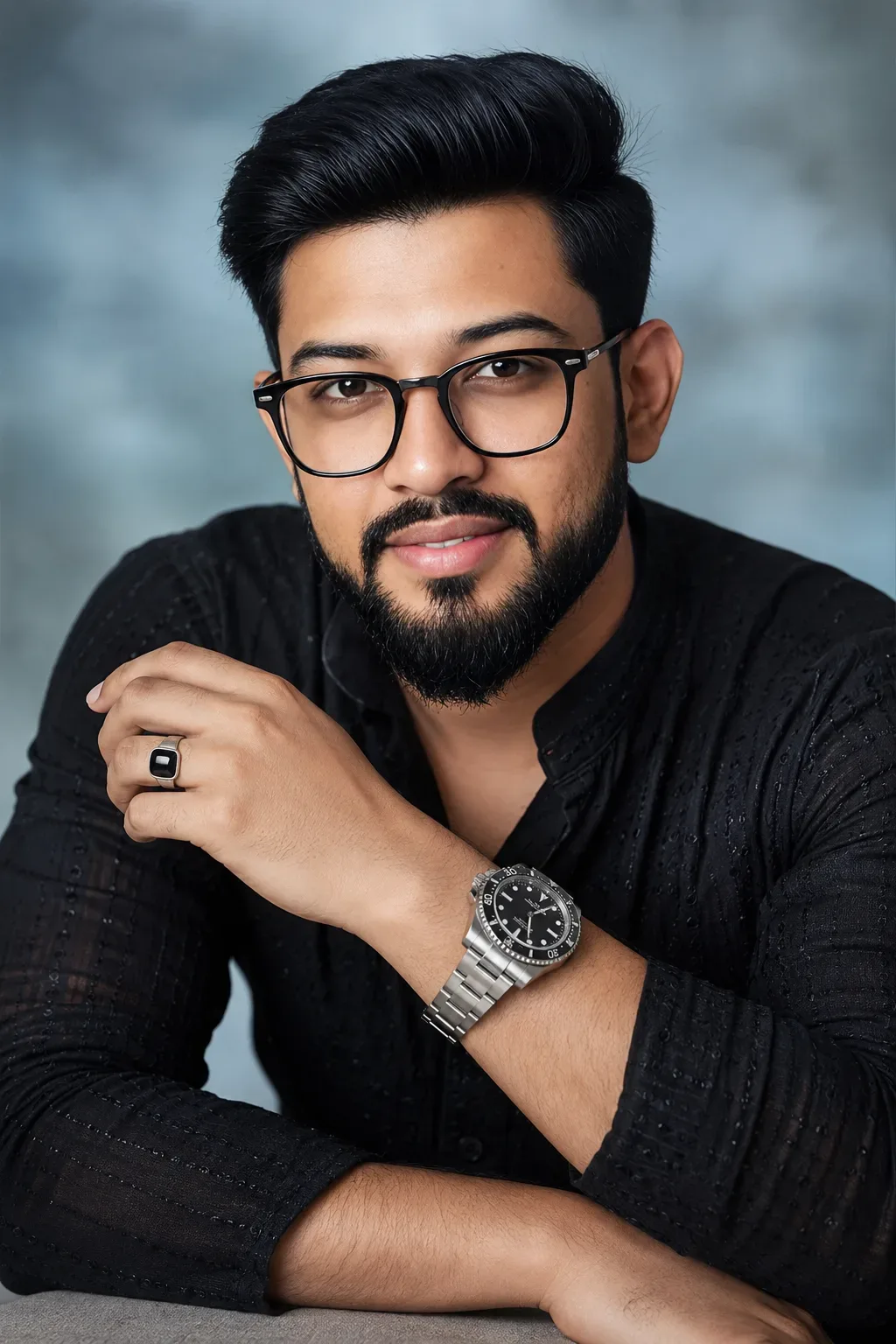
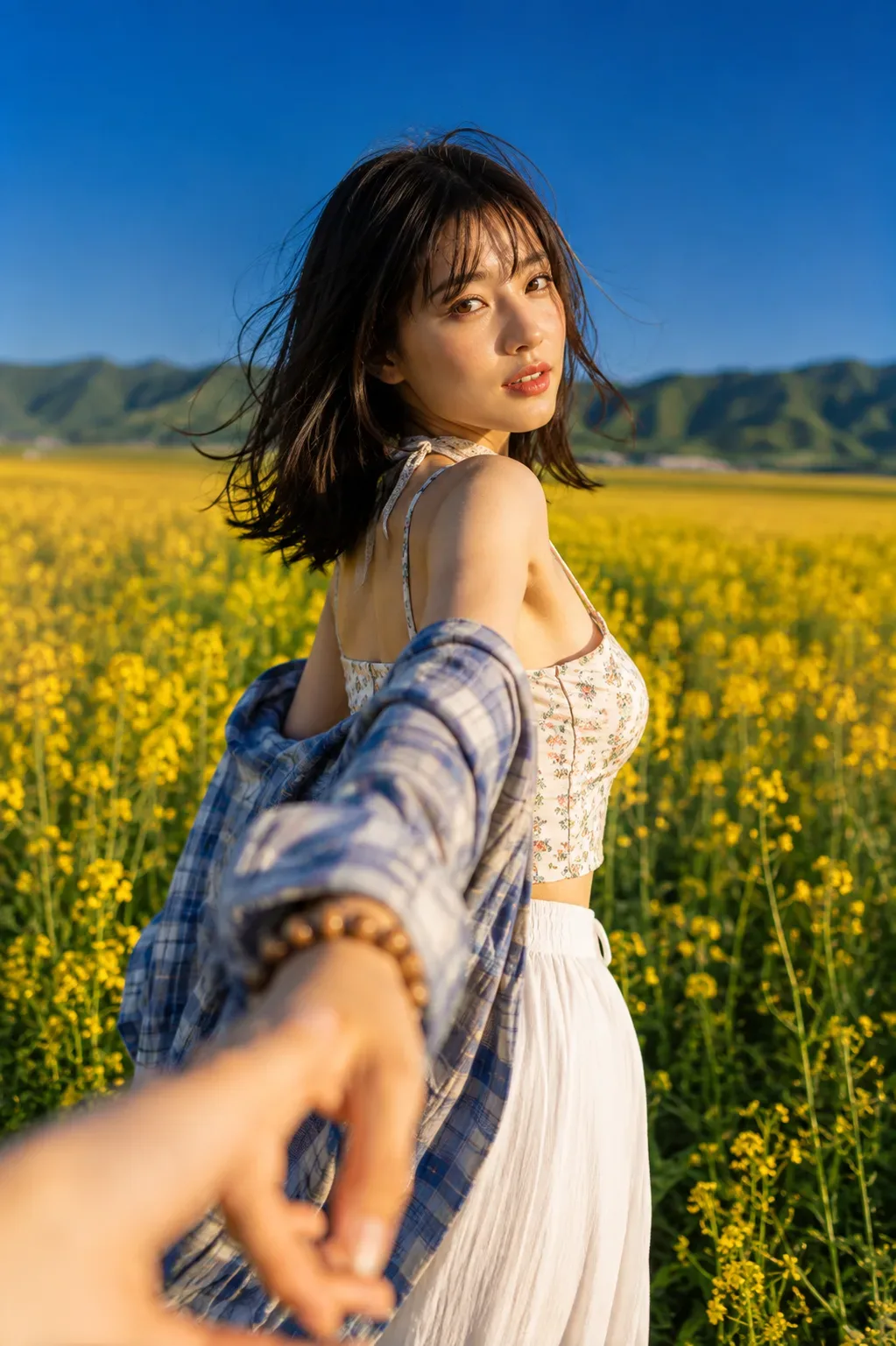
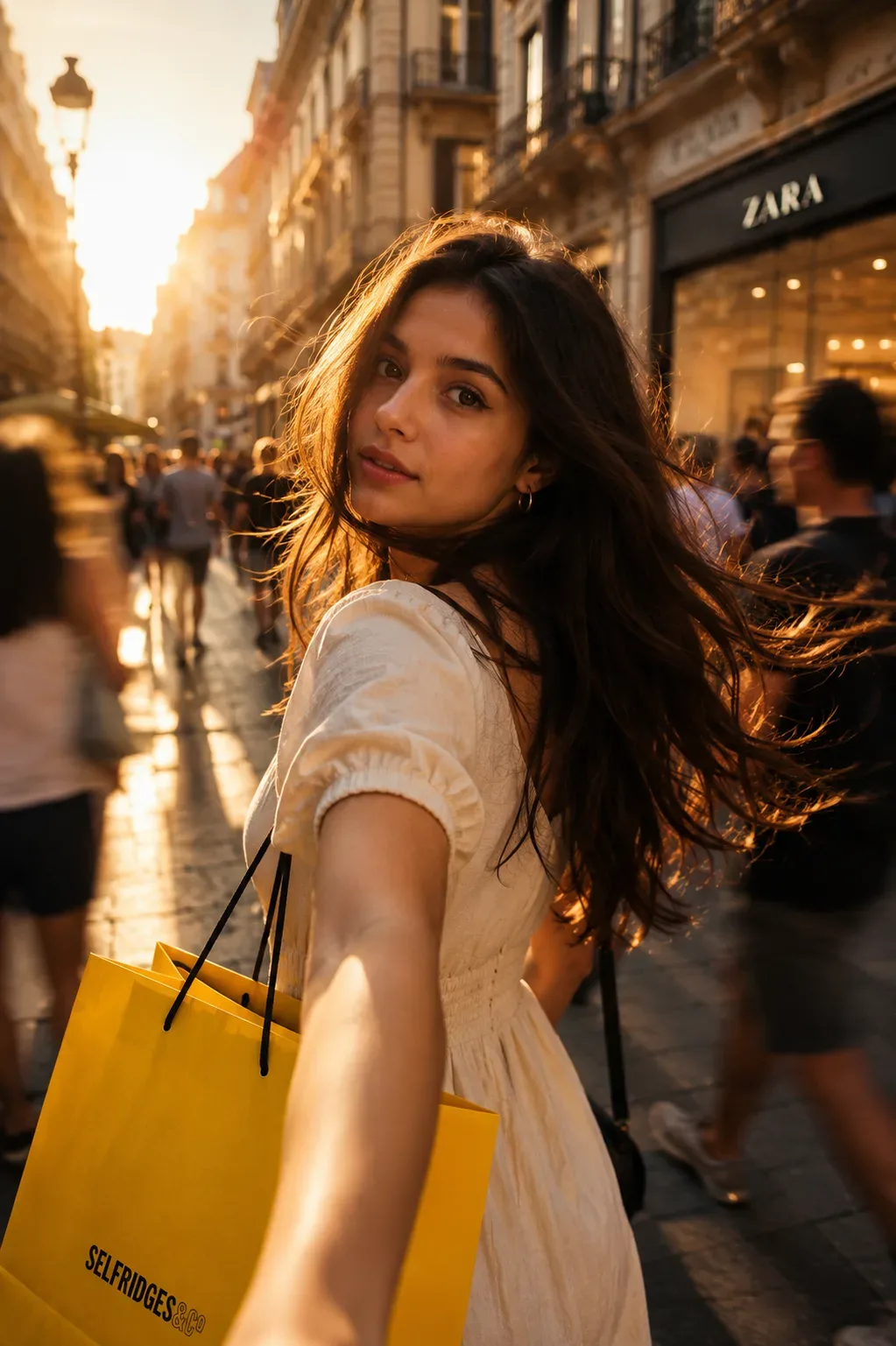
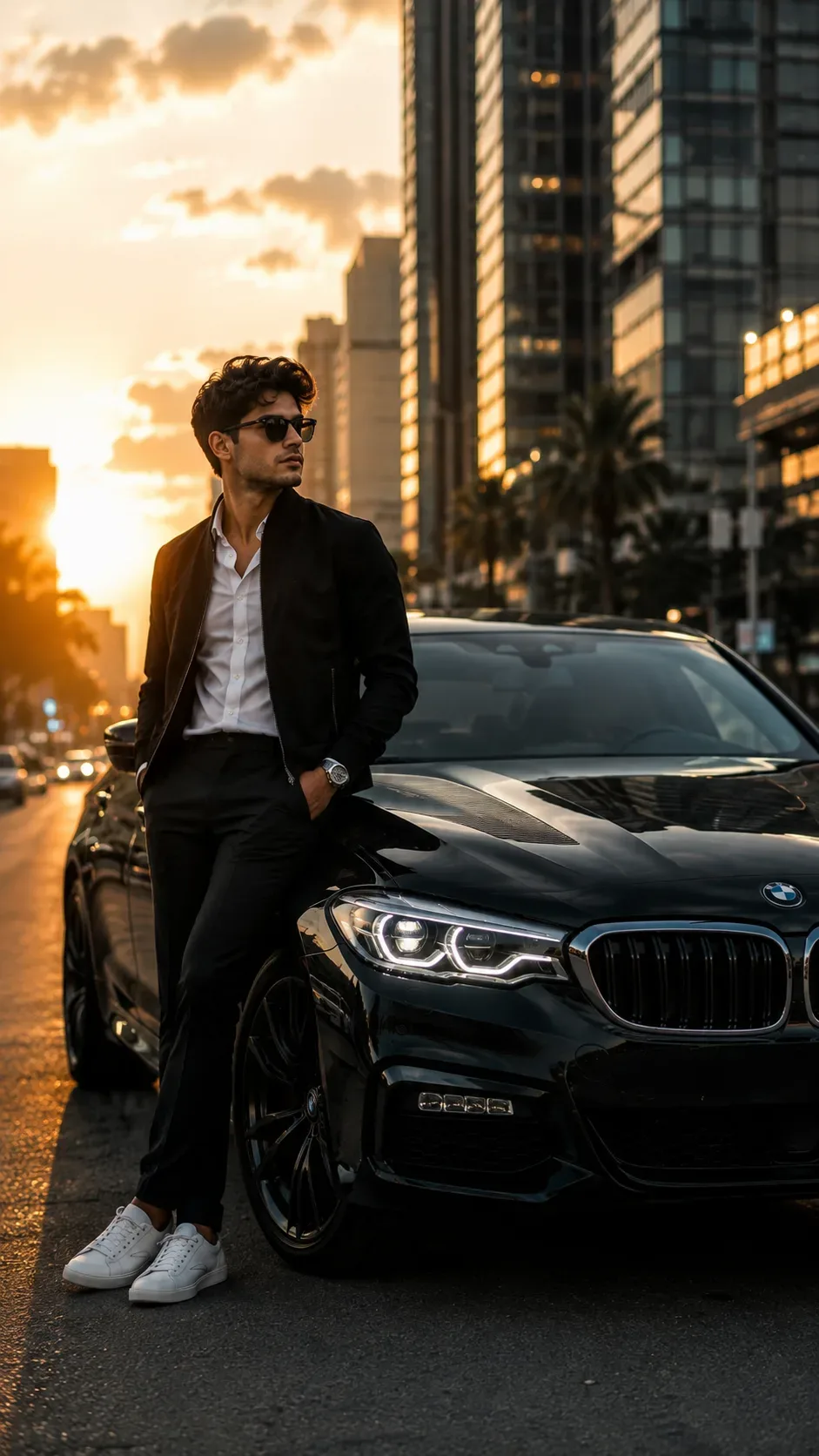
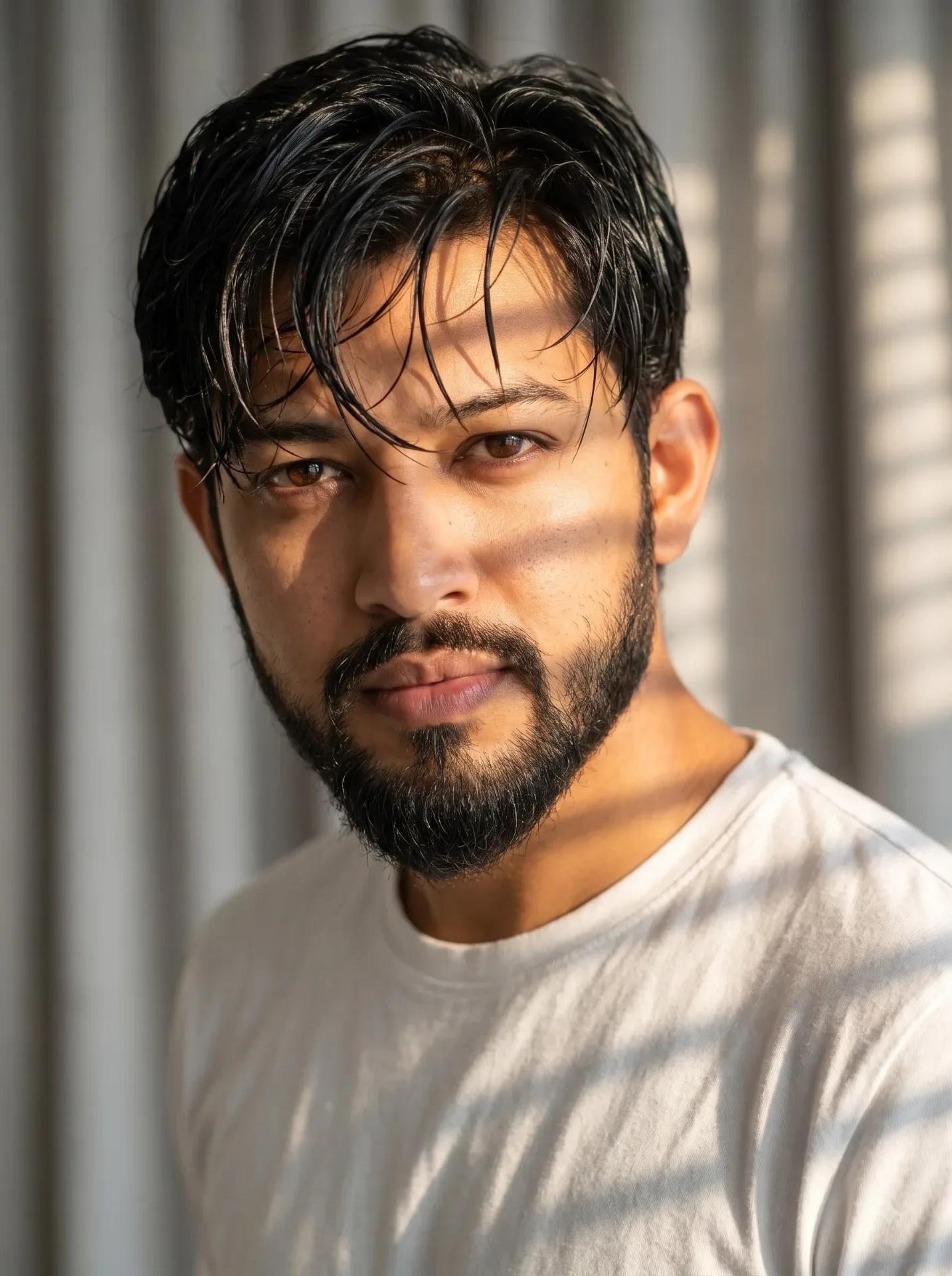
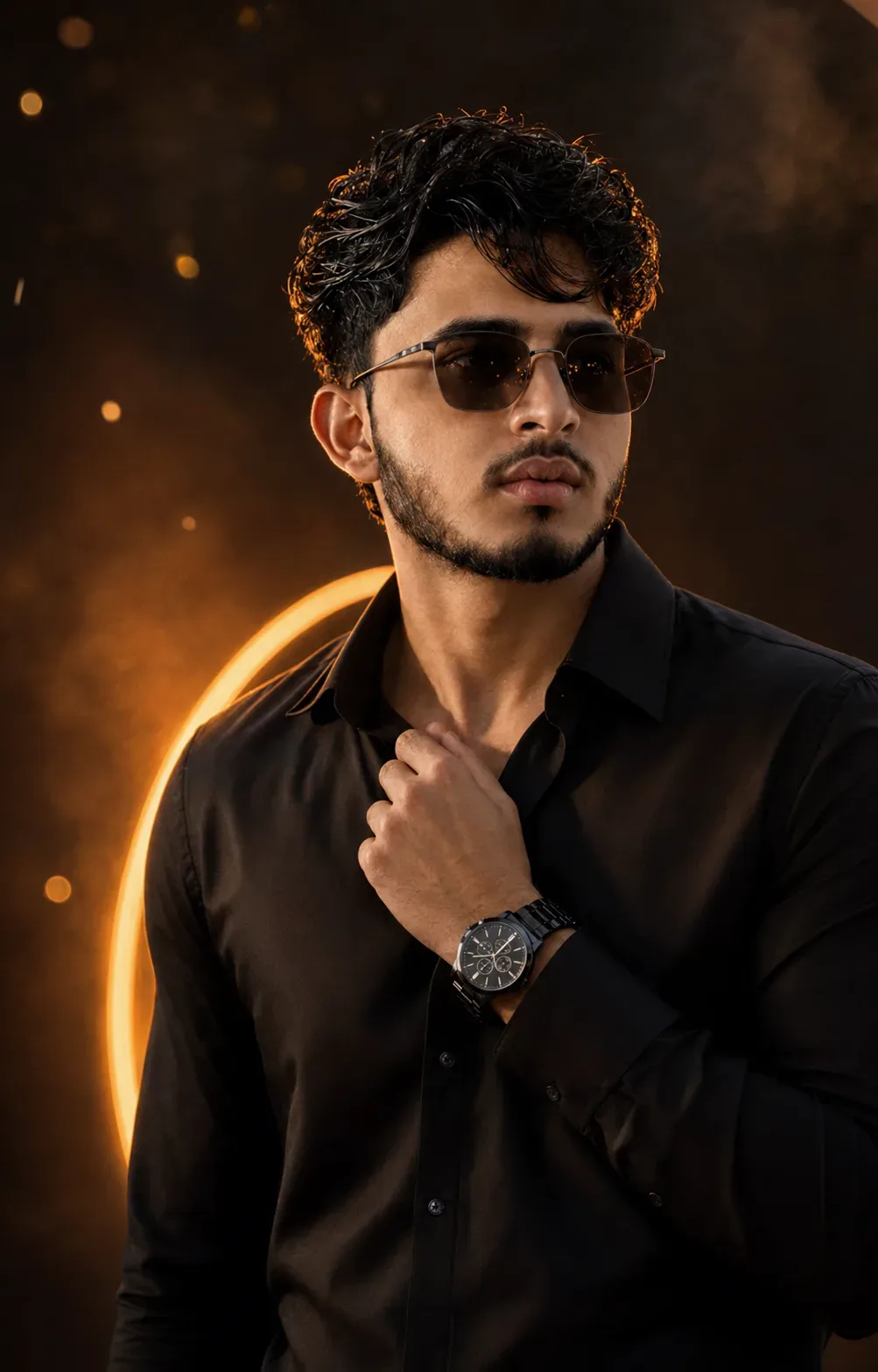
Quick Summary: This verified Google Gemini & Bing Image Creator (DALL-E 3) prompt creates an rich traditional Indian cultural aesthetic for Ember Noir Cinematic Black Fashion Portrait AI Photo Prompt with calibrated lighting, authentic texture physics, and tested 1-click copy-paste formula for instant AI generation without facial distortion.
- Photography
- Fashion
- Aesthetic
- Ai Image
- Trending
- Photography
- Fashion
- Aesthetic
- Ai Image
- Trending
- Viral Prompt
- Gemini Ai
- Bing Image Creator
- Copy Paste
Ember Noir Cinematic Black Fashion Portrait AI Photo Prompt - Copy Paste AI Prompt
IDENTITY REFERENCE — ABSOLUTE HIGHEST PRIORITY:

Use the newly uploaded photograph as the ONLY source for the person’s identity. Ignore the uploaded photograph’s original clothes, hairstyle styling, sunglasses, pose, expression, lighting, camera angle and background.

Preserve the uploaded person’s exact recognizable identity and natural facial anatomy: apparent age, natural skin tone, face shape, forehead, natural hairline, eyebrow shape and spacing, eye position, nose bridge, nose length and tip, cheeks, cheekbones, lips, ears, jaw width, jaw angle, chin, moustache, beard outline, beard density and every natural facial proportion.

The finished person must remain immediately recognizable as the uploaded individual. Do not blend his identity with another model, create a generic handsome replacement face, excessively beautify him, lighten or darken his skin, enlarge the eyes, sharpen the jaw, reshape the nose, change the lips, modify his facial-hair pattern or make him appear older or younger.

PORTRAIT STYLE:

Create an ultra-realistic premium cinematic men’s fashion portrait with a luxurious, bold and mysterious black-and-orange visual mood.

The image should look like a professionally photographed fashion campaign—not a painting, illustration or obvious AI-generated portrait.

POSE AND EXPRESSION:

Show the person from approximately the upper chest upward. Position him slightly off-centre while keeping his face as the main focal point.

Turn his upper body slightly to one side while keeping his face directed almost toward the camera. Raise his chin very slightly and give him a calm, confident and serious expression. Keep his lips naturally relaxed and closed.

His head should have only a subtle tilt. Do not create an extreme side profile or dramatic body twist.

HAND AND COLLAR POSE:

Raise his LEFT hand naturally across his upper chest and make him gently hold the edge of his shirt collar near the lower neck using his thumb and fingers.

Keep the wrist slightly turned outward so the watch remains clearly visible. The hand should rest naturally against the shirt without covering the chin, jaw or face.

The hand must have exactly five realistic fingers with correct finger length, joints, nails and natural anatomy. The collar must show believable contact and slight fabric tension where it is being held.

Keep the other hand outside the frame.

HAIRSTYLE:

Give him thick, naturally voluminous black-brown hair with a modern, textured and slightly messy appearance.

Style the hair upward and slightly backward with realistic soft waves. Add a few separate loose strands falling naturally across one side of the forehead.

Preserve his natural hairline and forehead proportions. The hairstyle must look dry, soft and realistically styled.

Do not create excessively long hair, straight silky hair, extreme spikes, a wet hairstyle, an artificial wig or unnatural hair volume.

CLOTHING:

Dress him in a premium fitted BLACK collared shirt made from subtle satin-matte fabric.

Keep the shirt’s top one or two buttons open, creating a clean masculine neckline. Give the shirt a structured collar, realistic stitching, soft fabric folds and controlled warm highlights.

The shirt must remain completely plain with no logo, writing, pattern, embroidery, print or visible branding.

Do not replace the shirt with a jacket, blazer, hoodie, T-shirt, sweater, kurta or mock-neck outfit.

SUNGLASSES:

Give him stylish dark rectangular-aviator sunglasses with softly rounded corners and a thin matte-gunmetal frame.

Use deep smoky-black lenses with subtle, controlled reflections of distant warm orange and golden city lights. Keep the reflections small and realistic; the lenses must remain predominantly black.

Fit the sunglasses naturally and symmetrically to the person’s exact face. The bridge must rest correctly on his nose, and both arms must align naturally with his ears.

Do not create blue lenses, colourful mirrored lenses, oversized glasses, transparent lenses or distorted frames.

WRISTWATCH:

Place one premium matte-black chronograph wristwatch on the raised left wrist.

Use a proportional circular black dial, black metallic strap, three subtle chronograph sub-dials and restrained silver hour markers. Keep the watch realistic, elegant and clearly visible.

The watch must not appear oversized, distorted or larger than the person’s face. Do not add bracelets or additional jewellery around the wrist.

BACKGROUND:

Completely replace the original background with a dark premium studio environment.

Use a deep black and dark espresso-brown base with soft diffused amber-orange smoke behind the person. Add a curved glowing orange light form behind one shoulder to create depth and visual separation.

Include a few softly blurred warm orange bokeh lights and a very small number of floating ember-like particles. The particles must remain subtle and must not cover the person’s face or clothing.

Create only the feeling of warmth and dramatic energy—do not show a large wall of fire or clearly visible destructive flames.

LIGHTING:

Use professional cinematic studio lighting:

- Soft neutral-warm key light illuminating the face from the front-left.
- Warm amber-orange rim light outlining the hair, ear, jaw and shoulder.
- Gentle fill light preserving natural skin detail in the darker areas.
- Controlled shadows sculpting the cheeks, nose, jaw and neck.
- Small warm reflections on the sunglasses and watch.
- Subtle golden highlights revealing the black shirt’s folds and satin-matte texture.

Keep the person’s natural skin tone accurate. Do not make the entire face orange, red, blue or excessively dark.

COMPOSITION AND CAMERA:

Vertical 4:5 portrait, ideally 2048 × 2560 pixels.

Use close upper-chest-up framing with an 85mm professional portrait-lens appearance. Keep the complete hairstyle, forehead, sunglasses, ears, jaw, shirt collar, raised hand and watch fully inside the image.

Leave comfortable breathing space above the hair. Use shallow depth of field so the background is soft and the person remains extremely sharp.

IMAGE QUALITY:

Ultra-realistic professional DSLR photography, natural skin pores, realistic lips, detailed moustache and beard strands, individual hair strands, crisp sunglasses, accurate hand anatomy, realistic black fabric, detailed metallic watch, natural highlights and shadows, premium editorial colour grading, cinematic contrast, ultra-HD, photorealistic and clean 8K-quality detail.

STRICT NEGATIVE CONSTRAINTS:

Do not change the person’s identity, natural facial proportions, skin tone, hairline, nose, lips, jaw, moustache or beard pattern.

No jacket, blazer, T-shirt, red clothing, blue neon lighting, rainy city, sunglasses-adjusting pose, full-body framing or extreme side profile.

Do not add necklaces, earrings, rings, bracelets, tattoos, hats, caps, headphones, text, logos, watermarks, signatures or additional people.

Avoid deformed hands, extra fingers, missing fingers, fused fingers, incorrect wrist anatomy, oversized watch, asymmetrical sunglasses, distorted ears, duplicate facial features, plastic skin, excessive smoothing, fake beard, blurry face, low resolution, cartoon style, painting style or obvious CGI appearance.

Optical Identity & Likeness Preservation: Lock subject's authentic facial identity and natural posture while seamlessly integrating with sharp vehicle reflections and cinematic ambient lighting.👤Customize in Face Consistency Studio
Lock 100% exact facial identity, bone structure & eye shape in Gemini & Bing.
Technical Prompt Parameters (Traditional Ethnic Indian)
| Parameter | Configuration | Output Impact |
|---|---|---|
| Target AI Engine | Google Gemini & Bing Image Creator (DALL-E 3) | Accurately understands intricate South Asian ethnic motifs, zardozi embroidery, and festive ambiance. |
| Recommended Aspect Ratio | 9:16 (Story / Reels / DP) or 3:4 (Portrait) | Optimized for mobile festive display pictures, WhatsApp status, and Instagram reels. |
| Camera & Lens Settings | 85mm f/1.4 G-Master, Sony A7R V, 61MP ultra-high texture fidelity | Resolves micro-level silk weave, mirror embroidery, and jewelry sparkle with zero blur. |
| Lighting Style | Festive diya ambient warmth + soft golden temple architectural light | Accentuates vibrant colors (marigold, crimson, gold) while keeping skin tones natural. |
| Negative Constraints | western attire, distorted jewelry, unnatural skin bleaching, muddy colors, deformed hands | Guarantees authentic cultural attire detailing and natural Indian skin melanin realism. |
| Reference Photo | Upload a front-facing portrait wearing festive or simple ethnic attire. | Upload front-facing reference photo for face matching. |
How to use this prompt
- Copy the prompt, open Google Gemini or Bing Image Creator, attach your reference photo, and generate instant 8K results.
How to get better results from Ember Noir Cinematic Black Fashion Portrait AI Photo Prompt
Free 1-click copy ember noir cinematic black fashion portrait ai photo prompt for Google Gemini and Bing Image Creator. Authentic photography aesthetic, realistic lighting, and instant camera settings. Use it as a copy-ready starting point, then adjust the subject, scene, tone and output format for your own result.
- Photography
- Fashion
- Aesthetic
- Ai Image
- Trending
- Viral Prompt
Customize before generating
- Replace the main subject, name, product or character details.
- Adjust lighting, background, mood, camera angle or aspect ratio if the prompt is visual.
- Change tone, audience, language and output format if the prompt is for text.
- Keep this core idea clear: IDENTITY REFERENCE — ABSOLUTE HIGHEST PRIORITY: Use the newly uploaded photograph as the ONLY source for the person’s identity. Ignore the uploaded photograph’s...
Quick variations to try
- Make Ember Noir Cinematic Black Fashion Portrait AI Photo Prompt more cinematic with stronger lighting and richer background detail.
- Turn Ember Noir Cinematic Black Fashion Portrait AI Photo Prompt into a cleaner mobile-first version for social media posts or profile use.
- Create a premium version of Ember Noir Cinematic Black Fashion Portrait AI Photo Prompt with sharper style, higher detail and a more polished final output.