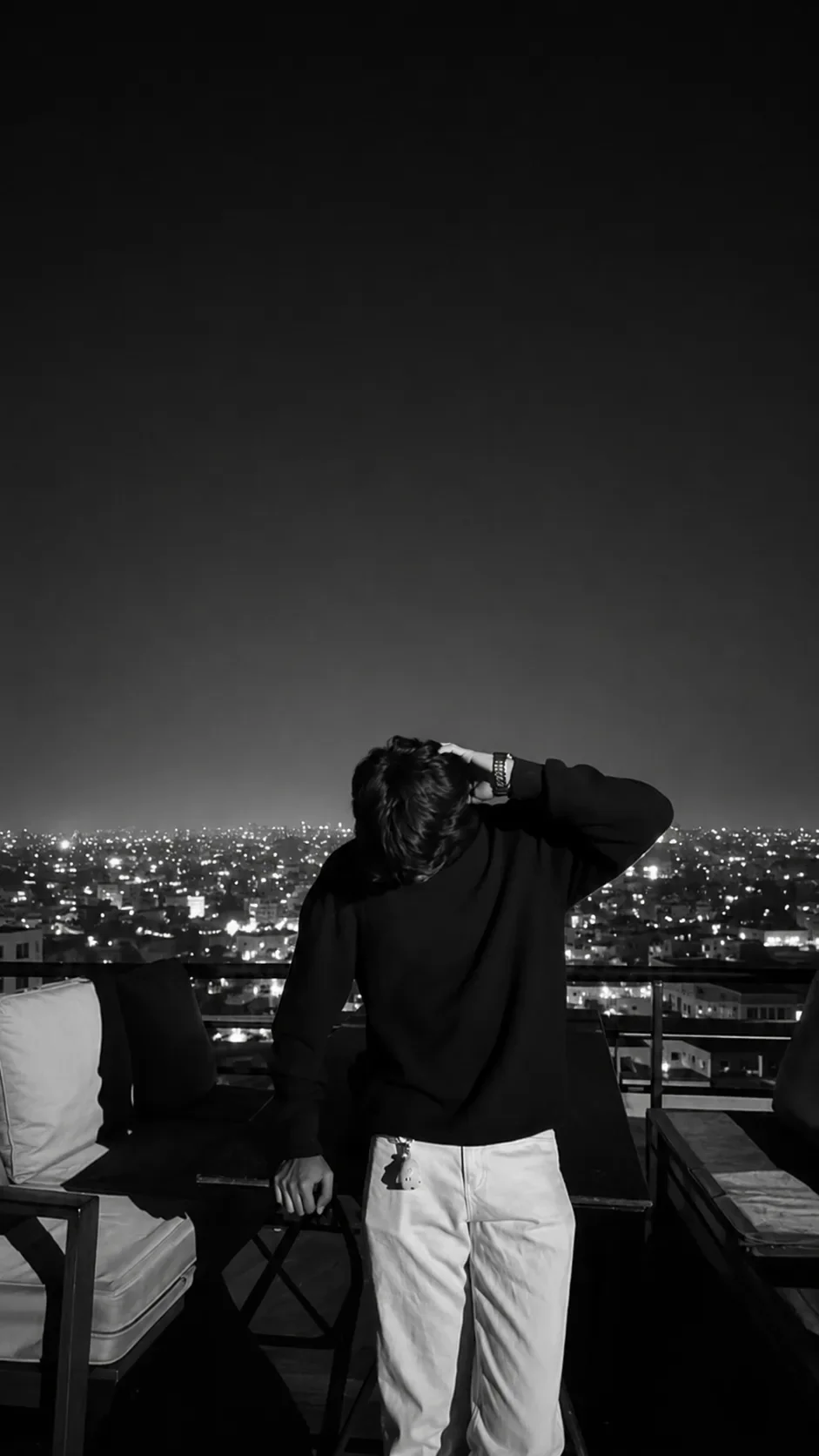
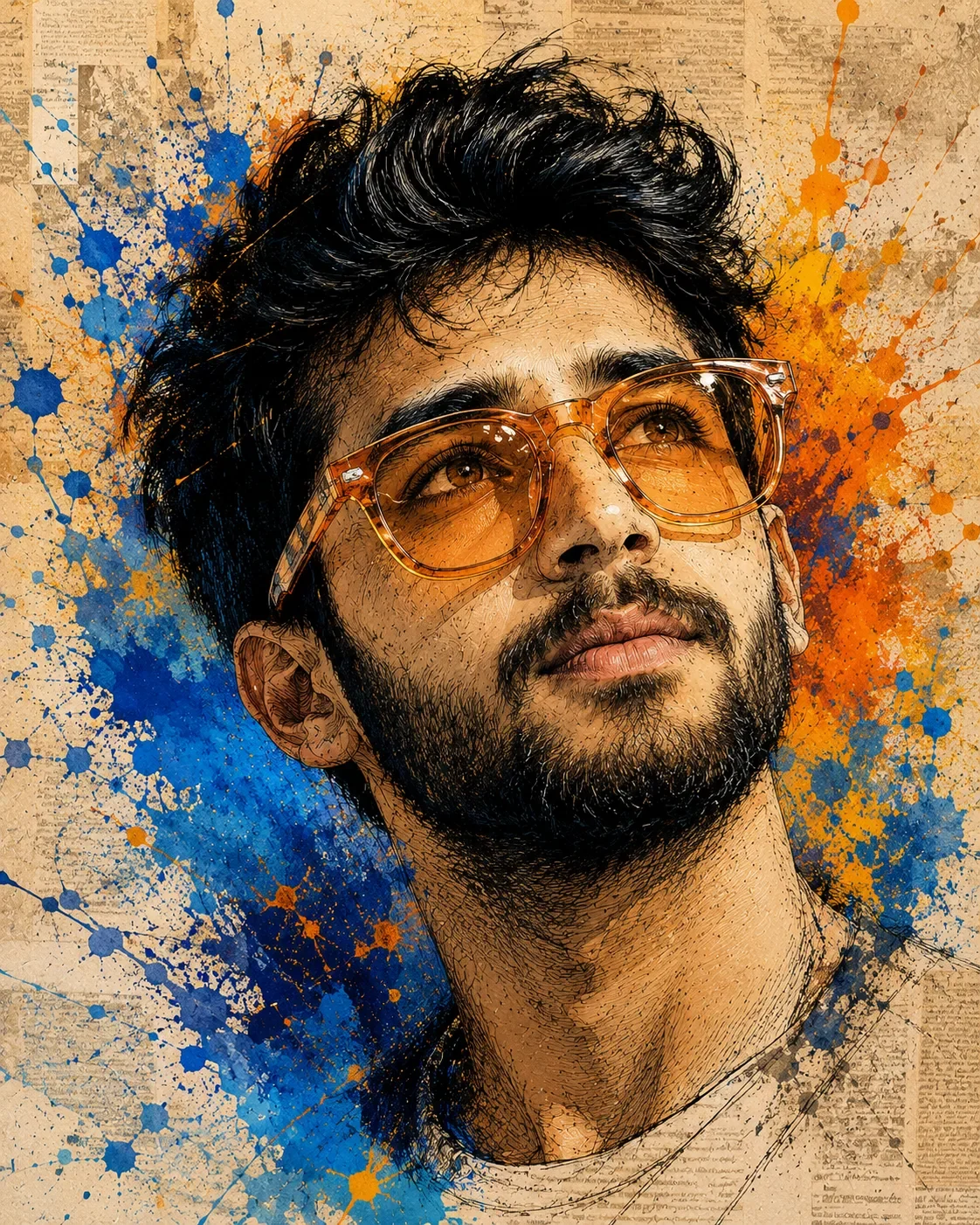
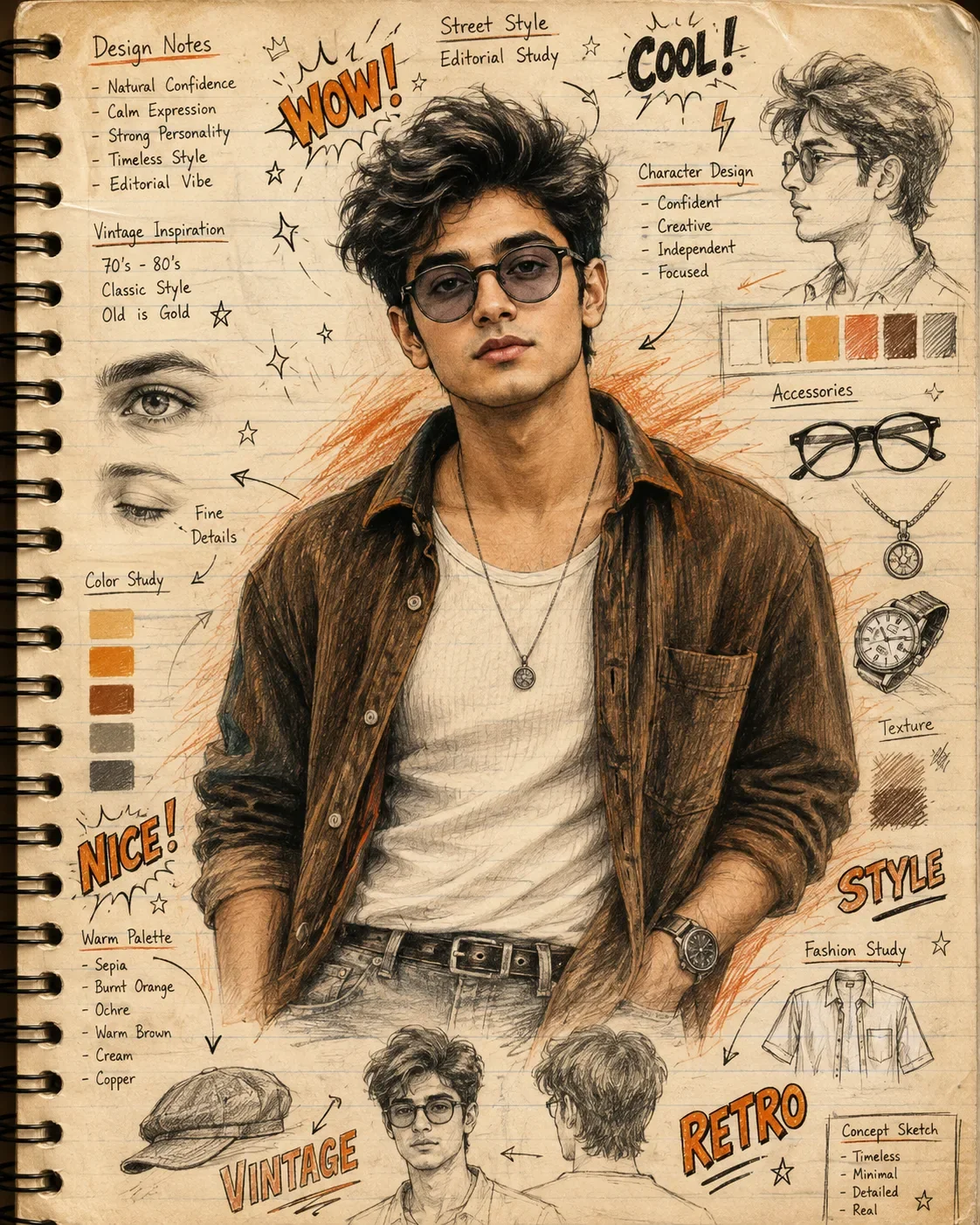
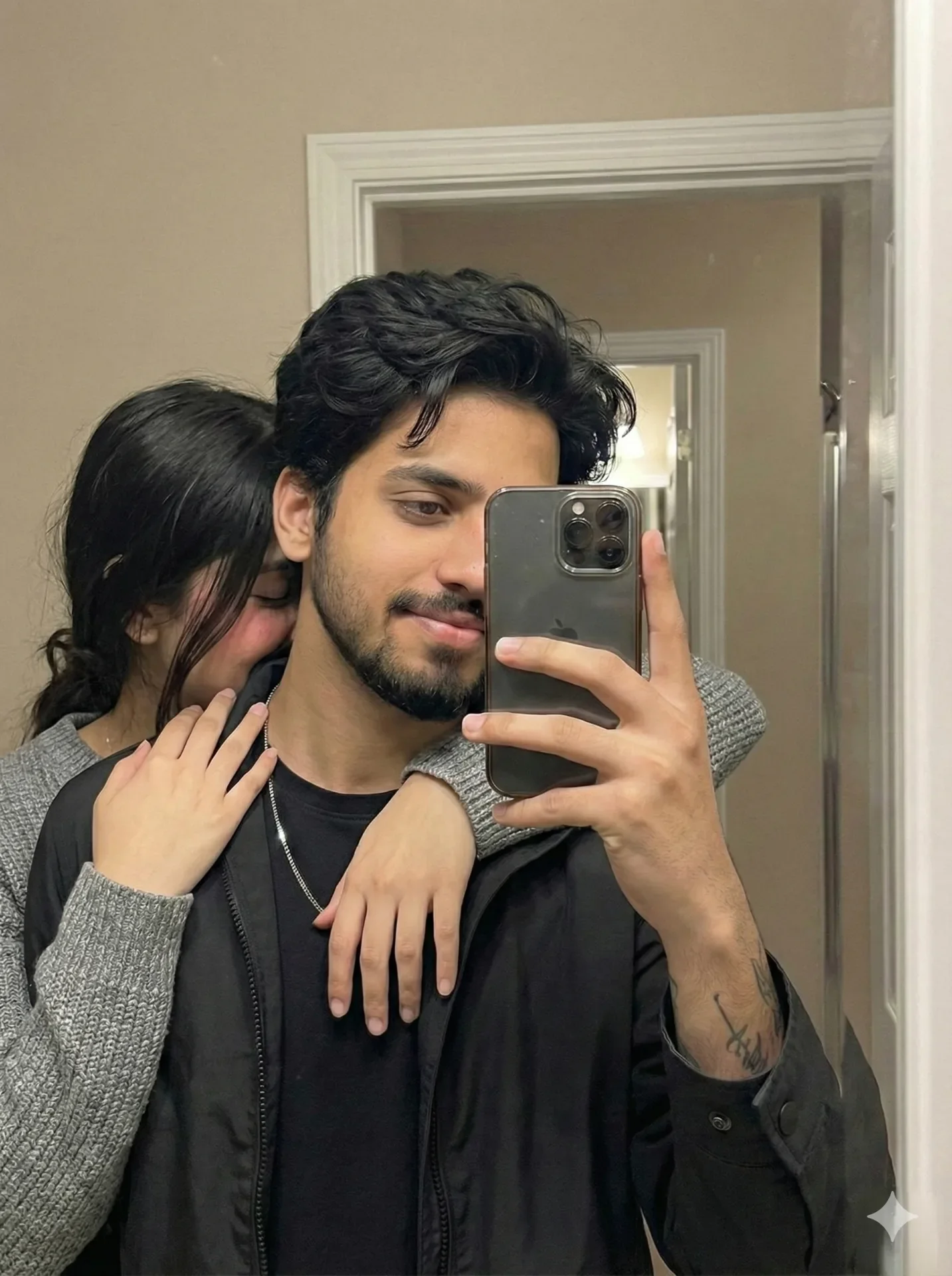
Quick Summary: This verified Google Gemini & Midjourney v6 prompt creates an authentic 90s vintage film aesthetic for Dreaming Among Red Poppies AI Photo Prompt with calibrated lighting, authentic texture physics, and tested 1-click copy-paste formula for instant AI generation without facial distortion.
- Ai Image
- Illustration 3d
- Trending
- Illustration 3d
- Ai Image
- Trending
- Viral Prompt
- Gemini Ai
- Bing Image Creator
- Copy Paste
Dreaming Among Red Poppies AI Photo Prompt - Copy Paste AI Prompt
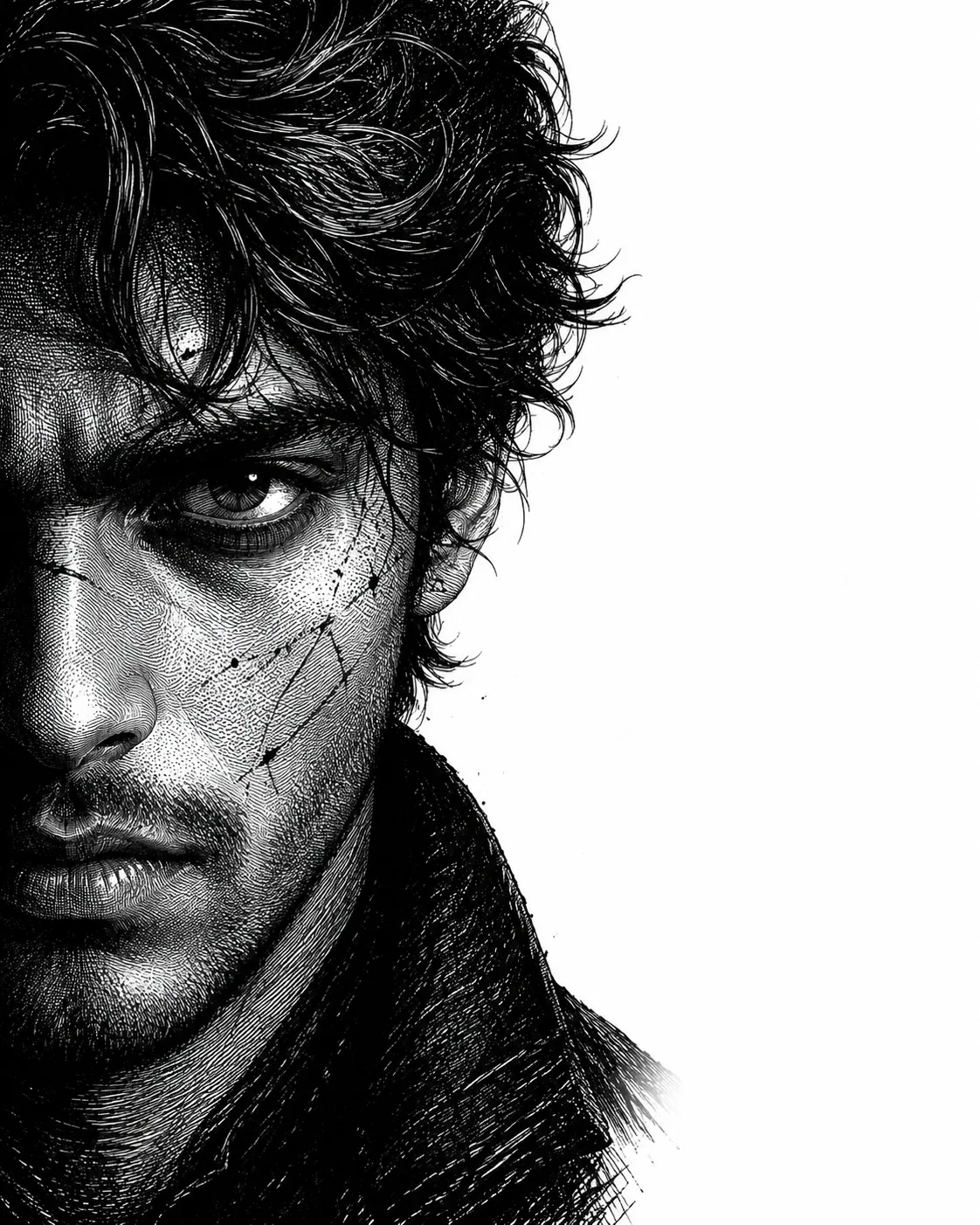
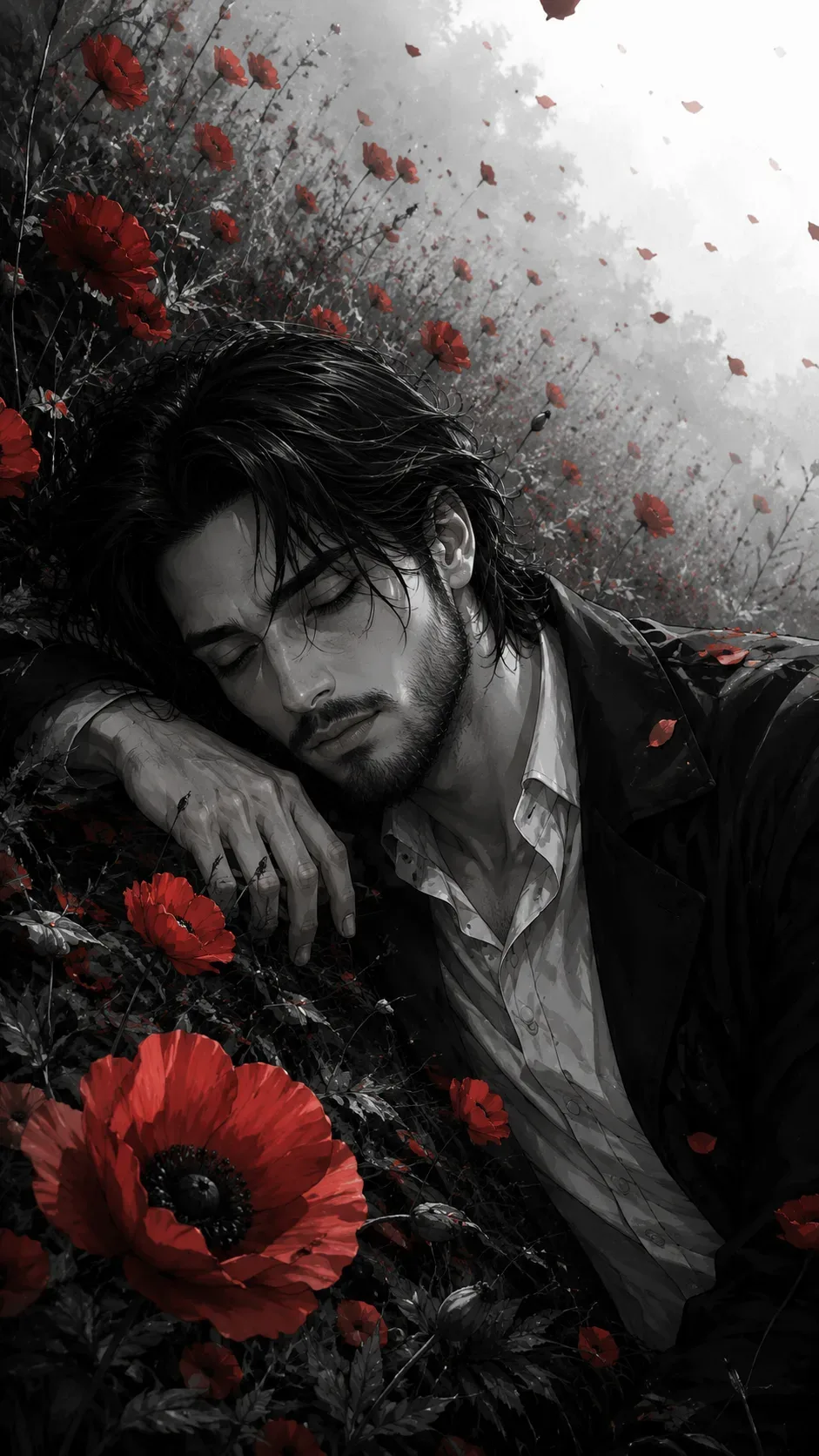
Create a highly detailed **vertical 9:16 mobile wallpaper** in a dramatic monochrome anime/manga illustration style, based closely on the reference composition.

A **young adult man** is shown lying diagonally across the frame, with his body extending from the lower-left toward the upper-right. **Rotate the original sideways composition 90 degrees counterclockwise so the man's head and face are oriented naturally upright**, while preserving the same pose, framing, proportions, and visual arrangement. Keep the final image strictly in a **9:16 portrait aspect ratio**.

He has **messy, medium-length black hair**, with numerous loose strands falling naturally around his forehead, eyes, ears, and neck. His face is shown in a side/three-quarter profile, with his eyes closed or looking downward and a quiet, melancholic, introspective expression. His facial features are sharp but youthful, with realistic anime-style anatomy.

He wears a **dark black coat or jacket over a light-colored collared shirt**, with the clothing appearing slightly rumpled and naturally folded. His head rests against or near the ground while one arm is positioned near his face. Preserve the relaxed, emotionally reflective pose.

The entire scene is predominantly **black, white, and grayscale**, with extremely selective use of **deep crimson red** as the only strong color accent.

Surround the character with numerous **red poppy flowers** and scattered red petals. Include several large, sharply detailed poppies in the foreground and along the edges of the composition, with many smaller flowers and petals extending into the background. Red petals should appear to be drifting/floating through the air, creating a sweeping diagonal trail behind and above the character. Some flowers should be slightly blurred due to depth of field.

The background should be an atmospheric **grayscale field or garden filled with dark stems, leaves, flowers, and soft vegetation**, fading into a pale gray-white mist toward one side. Add subtle motion blur and depth-of-field separation so the distant red petals gradually become smaller, softer, and more diffuse.

Use **high-contrast black-and-white shading**, delicate ink textures, fine manga linework, subtle film grain, soft atmospheric haze, realistic fabric texture, detailed hair strands, and cinematic lighting. The red poppies must remain intensely saturated crimson while virtually everything else stays monochrome.

Composition should feel **poetic, melancholic, cinematic, surreal, and emotionally quiet**, with a strong contrast between the dark-haired figure, black clothing, pale background, and vivid red flowers.

**Important composition instructions:** preserve the original diagonal placement and visual balance, rotate the sideways orientation into a naturally upright presentation, keep the man's entire upper body visible, maintain the large red flowers around the frame, retain the trail of floating petals, avoid adding text, logos, borders, or extra characters.

**Final output:** ultra-detailed cinematic anime/manga artwork, monochrome grayscale with selective crimson accents, sharp foreground details, soft distant background, vertical **9:16 smartphone wallpaper**, high resolution. Preserve the reference image 100%

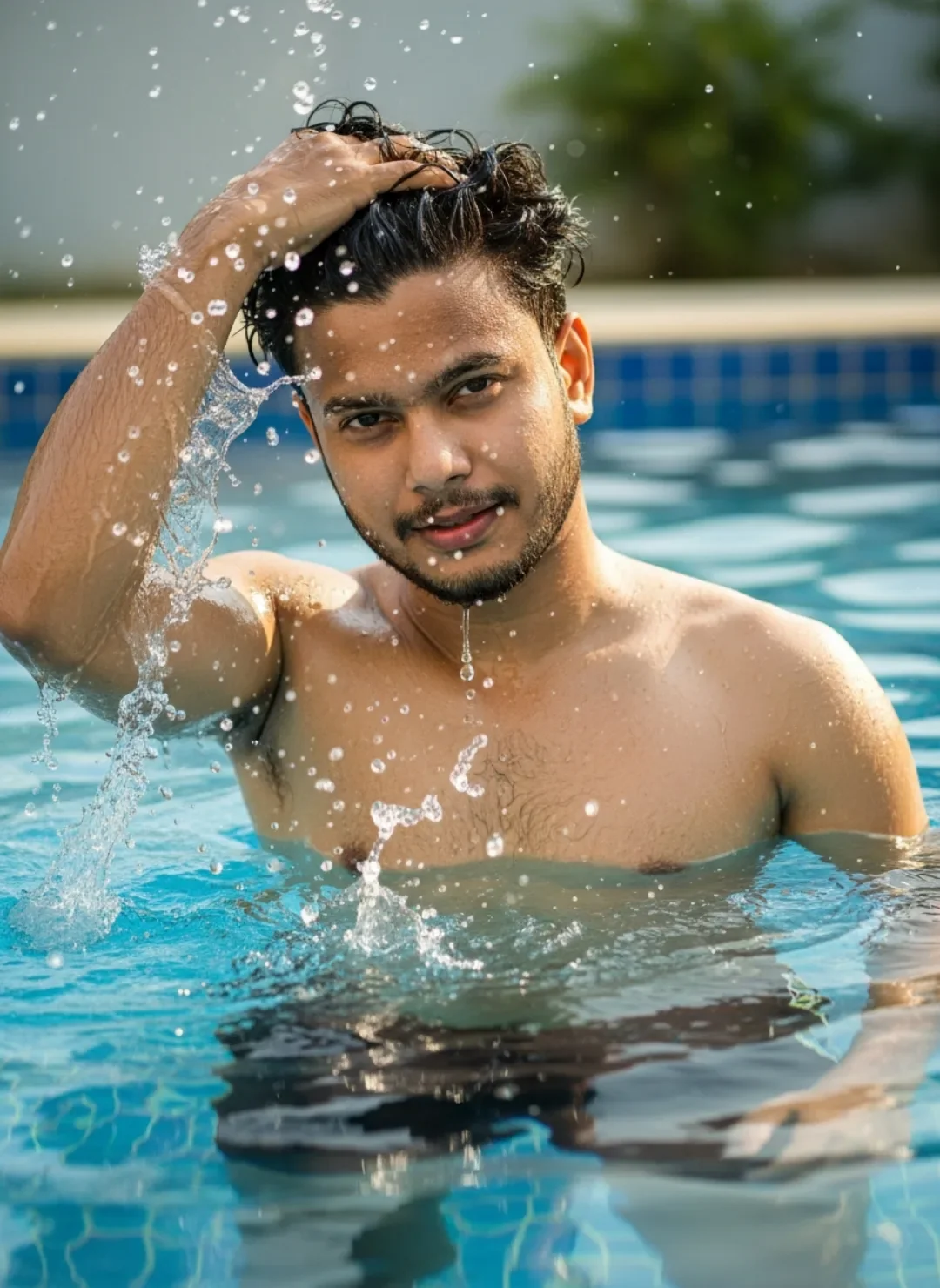
Optical Identity & Likeness Preservation: Maintain 100% exact facial identity, bone structure, jawline contours, and natural skin undertone of reference photo without alteration or distortion.👤Customize in Face Consistency Studio
Lock 100% exact facial identity, bone structure & eye shape in Gemini & Bing.
Technical Prompt Parameters (Vintage Film & Retro Polaroid)
| Parameter | Configuration | Output Impact |
|---|---|---|
| Target AI Engine | Google Gemini & Midjourney v6 | Preserves organic analog warmth, natural color saturation, and retro lighting response. |
| Recommended Aspect Ratio | 4:5 (Classic Film) or 1:1 (Square Polaroid) | Faithful recreation of vintage paper print dimensions and nostalgic photo albums. |
| Camera & Lens Settings | 35mm Leica M6, Kodak Portra 400, f/2.8, subtle chromatic dispersion | Renders genuine analog grain, gentle halation, and authentic film stock color science. |
| Lighting Style | Direct camera flash with soft falloff or warm golden hour sunset flare | Creates natural retro exposure highlights without artificial digital gloss. |
| Negative Constraints | digital sheen, oversaturated HDR, plastic skin, neon light, CGI 3D, modern watermark | Eliminates hyper-digital smoothness to maintain true photochemical aesthetic. |
| Reference Photo | Upload a daylight selfie; avoid heavy ring-light filters for best film look. | Upload front-facing reference photo for face matching. |
How to use this prompt
- Copy the prompt, open Google Gemini or Bing Image Creator, attach your reference photo, and generate instant 8K results.
How to get better results from Dreaming Among Red Poppies AI Photo Prompt
Free 1-click copy dreaming among red poppies ai photo prompt for Google Gemini and Bing Image Creator. Authentic illustration 3d aesthetic, realistic lighting, and instant camera settings. Use it as a copy-ready starting point, then adjust the subject, scene, tone and output format for your own result.
- Ai Image
- Illustration 3d
- Trending
- Viral Prompt
- Gemini Ai
- Bing Image Creator
Customize before generating
- Replace the main subject, name, product or character details.
- Adjust lighting, background, mood, camera angle or aspect ratio if the prompt is visual.
- Change tone, audience, language and output format if the prompt is for text.
- Keep this core idea clear: Create a highly detailed **vertical 9:16 mobile wallpaper** in a dramatic monochrome anime/manga illustration style, based closely on the reference composition. A...
Quick variations to try
- Make Dreaming Among Red Poppies AI Photo Prompt more cinematic with stronger lighting and richer background detail.
- Turn Dreaming Among Red Poppies AI Photo Prompt into a cleaner mobile-first version for social media posts or profile use.
- Create a premium version of Dreaming Among Red Poppies AI Photo Prompt with sharper style, higher detail and a more polished final output.