Server-rendered page
Gemini Photo Prompt Builder (Free 8K Studio)
Build photorealistic Google Gemini and Bing image prompts with 1 click. Customize 85mm lenses, volumetric lighting, outfits, and aspect ratios.
Gemini Photo Prompt Builder
Build photorealistic Google Gemini and Bing image prompts with 1 click. Customize 85mm lenses, volumetric lighting, outfits, and aspect ratios.
Gemini Photo Prompt Studio
Craft high-definition, photo-safe Gemini & Bing prompts with optical camera parameters:
Ultra-realistic 8K photograph of A 21-year-old confident Indian boy with textured modern hairstyle, wearing black oversized streetwear bomber jacket and cargo pants, set against empty neon-lit city street at night with wet asphalt reflections, captured on 85mm f/1.4 portrait prime lens, creamy circular bokeh, ultra-sharp eye focus, illuminated by volumetric cinematic rim lighting with soft ambient fill, natural skin pores without plastic smoothing, authentic texture, photorealistic finish --ar 3:4
Technical specifications & camera parameters
Recommended optical parameters, focal lengths and generative constraints to achieve maximum realism and avoid plastic AI distortion when using Gemini Photo Prompt Builder:
no plastic skin airbrushing, no generic face substitution, no facial distortion, no blurry eyes, no extra fingers, no digital watermark
Frequently Asked Questions (Gemini Photo Prompt Builder)
How do I use this prompt builder with Google Gemini?+
Customize the subject, wardrobe, lens, and lighting options above. Click "Copy Generated Prompt", navigate to Google Gemini (gemini.google.com), and paste the text. Gemini Imagen 3 will synthesize a high-resolution photorealistic image matching your exact camera specifications.
What camera lens is best for realistic AI portraits in Gemini?+
An 85mm f/1.4 prime lens gives the most natural human perspective with creamy circular bokeh, sharp eye focus, and zero facial distortion. For wide environmental scenes, use a 35mm lens.
Are prompts created with this builder free and commercial-safe?+
Yes, 100% of the prompts generated on ViralPrompts.in are free for personal, portfolio, and commercial creative usage.
Does this builder work with Bing Image Creator and Flux.1?+
Yes. The prompt structure uses natural photographic descriptors and optical parameters that translate seamlessly across Google Gemini Imagen 3, Bing Image Creator (DALL-E 3), Flux.1, and Midjourney v6.
Tested prompt examples to use with this tool
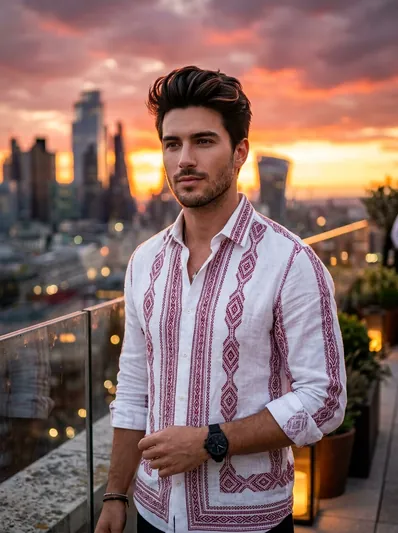
Sunset Rooftop Bokeh Portrait – Crimson Geometric Shirt
Create an ultra-realistic 8K portrait of a stylish young man on an upscale metropolitan rooftop terrace at sunset wearing a white shirt with crimson geometric...
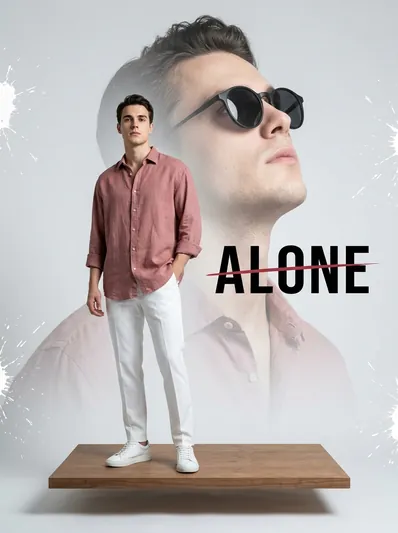
High-Fashion Double Exposure Studio Composite – 'ALONE' Typography
Create an ultra-high-end fashion editorial double-exposure composite with floating wooden platform, dusty rose shirt, semi-transparent sunglasses portrait, and bold...
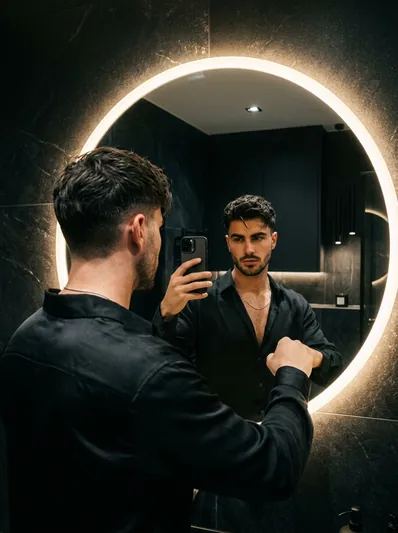
Moody Dark Aesthetic LED Mirror Selfie Portrait
Create a moody, cinematic mirror selfie portrait in front of a sleek circular backlit LED mirror with comma haircut, black silk shirt, and thin chain.
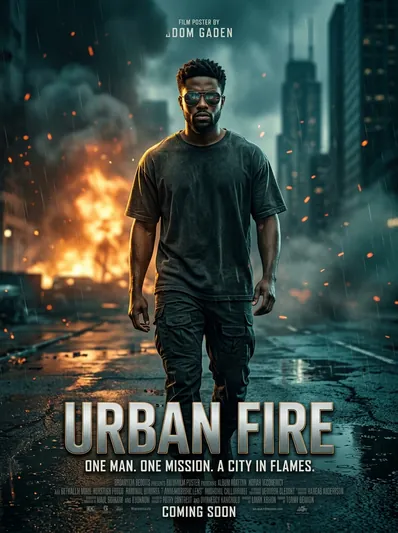
Hollywood Action Movie Poster Portrait – Urban Fire & Embers
Create an ultra-realistic cinematic Hollywood action movie poster portrait of a man walking forward on a wet urban street with distant fire glow, floating embers, and...
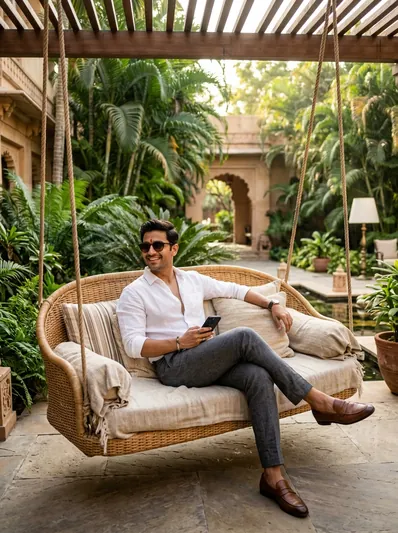
Luxury Resort Swing Portrait – Stylish Indian Man Lifestyle
Create an ultra-realistic cinematic lifestyle photo of a stylish young Indian man relaxing on a luxury rattan hanging swing in an exotic 5-star heritage resort...
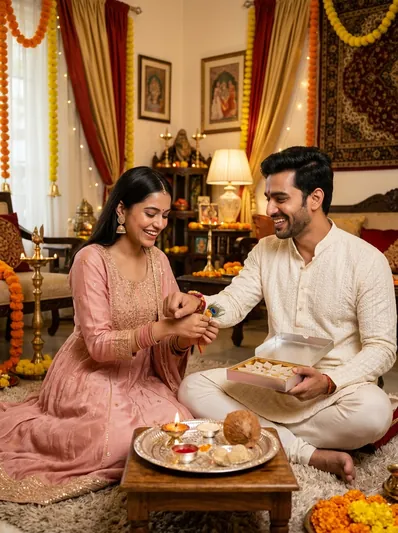
Raksha Bandhan Joyous Sibling Bond Traditional Living Room Portrait
Create an ultra-realistic 8K photograph of an Indian brother and sister celebrating Raksha Bandhan in an exquisitely decorated festive living room with marigold...
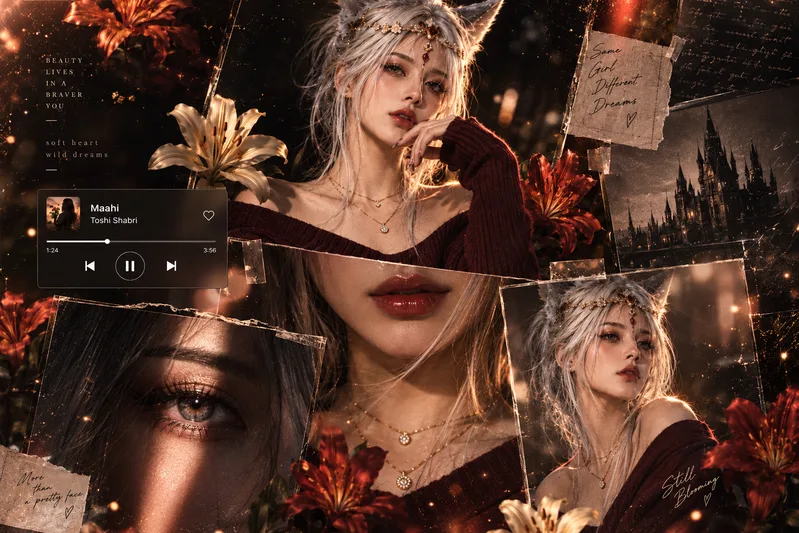
Keety
This prompt is working from chat gpt only
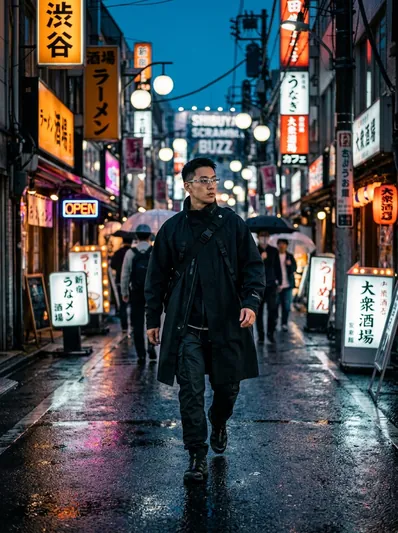
Blue Hour Tokyo Street Portrait – Rain Bokeh & Neon Reflections
Create an ultra-realistic cinematic street photograph walking down a rain-slicked Tokyo alleyway during dusk blue hour with glowing neon reflections, techwear trench...
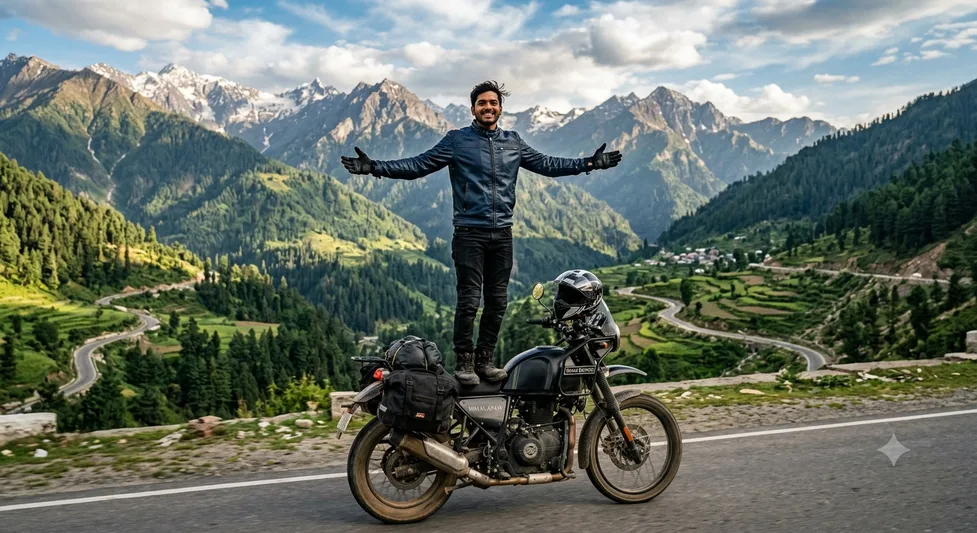
Top of the World: Himalayan Ride
Top of the World: Himalayan Ride
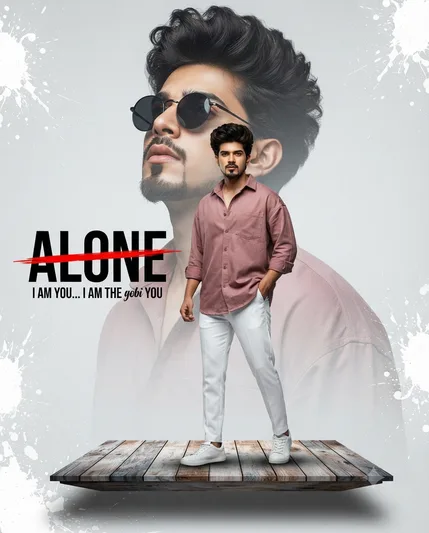
A high-fashion, cinematic double-exposure composite. A stylish young man with voluminous da
A high-fashion, cinematic double-exposure composite. A stylish young man with voluminous dark hair and a groomed goatee is the subject. In the foreground, he stands...
Core prompt workflow
Choose the closest page, open one prompt, copy the text, replace only the personal details, then test one version before trying another. Image prompts work best with clear subject, lighting, camera, background and aspect ratio details. Text prompts work best with role, audience, tone, examples, limits and final output format.