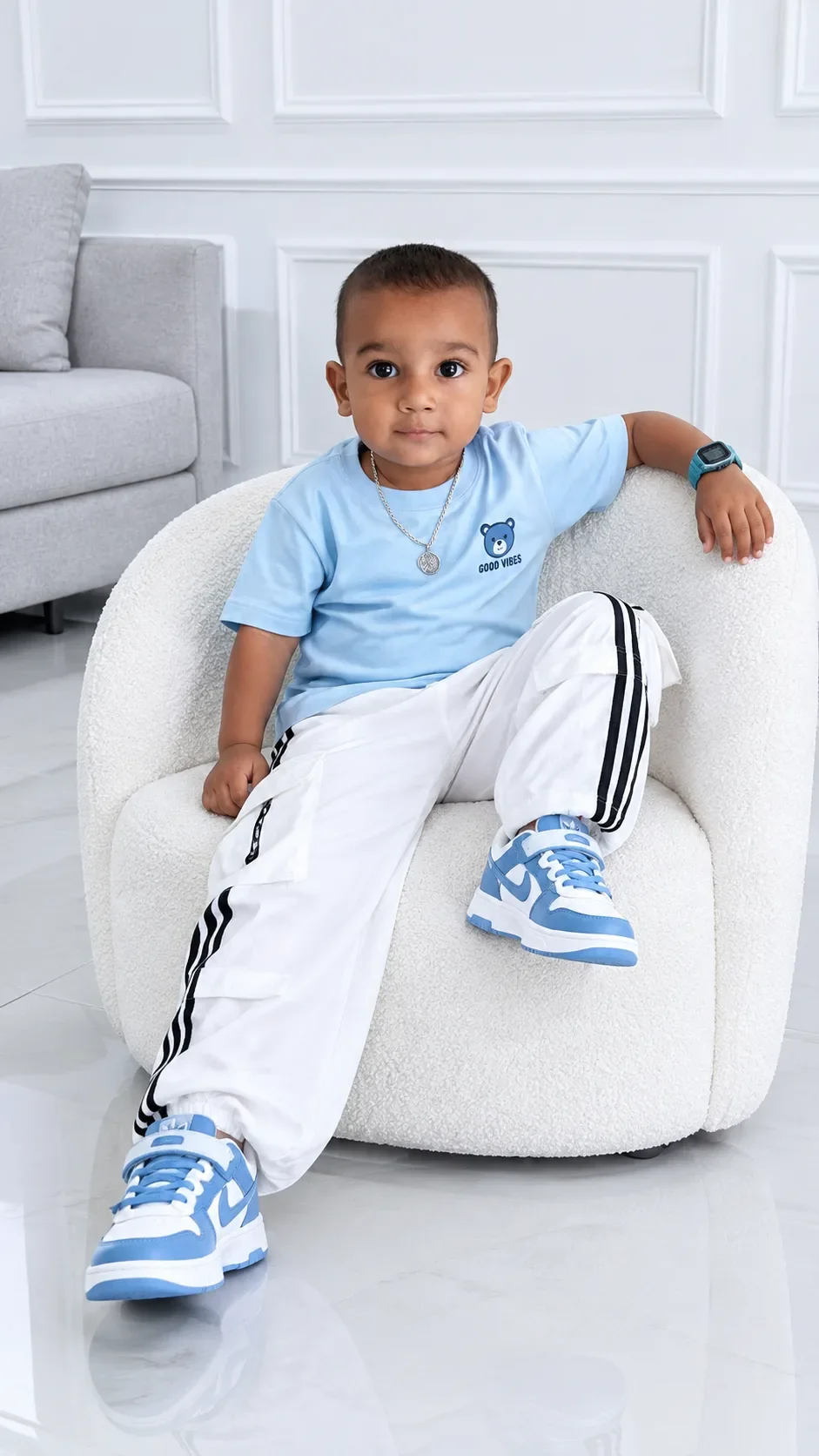
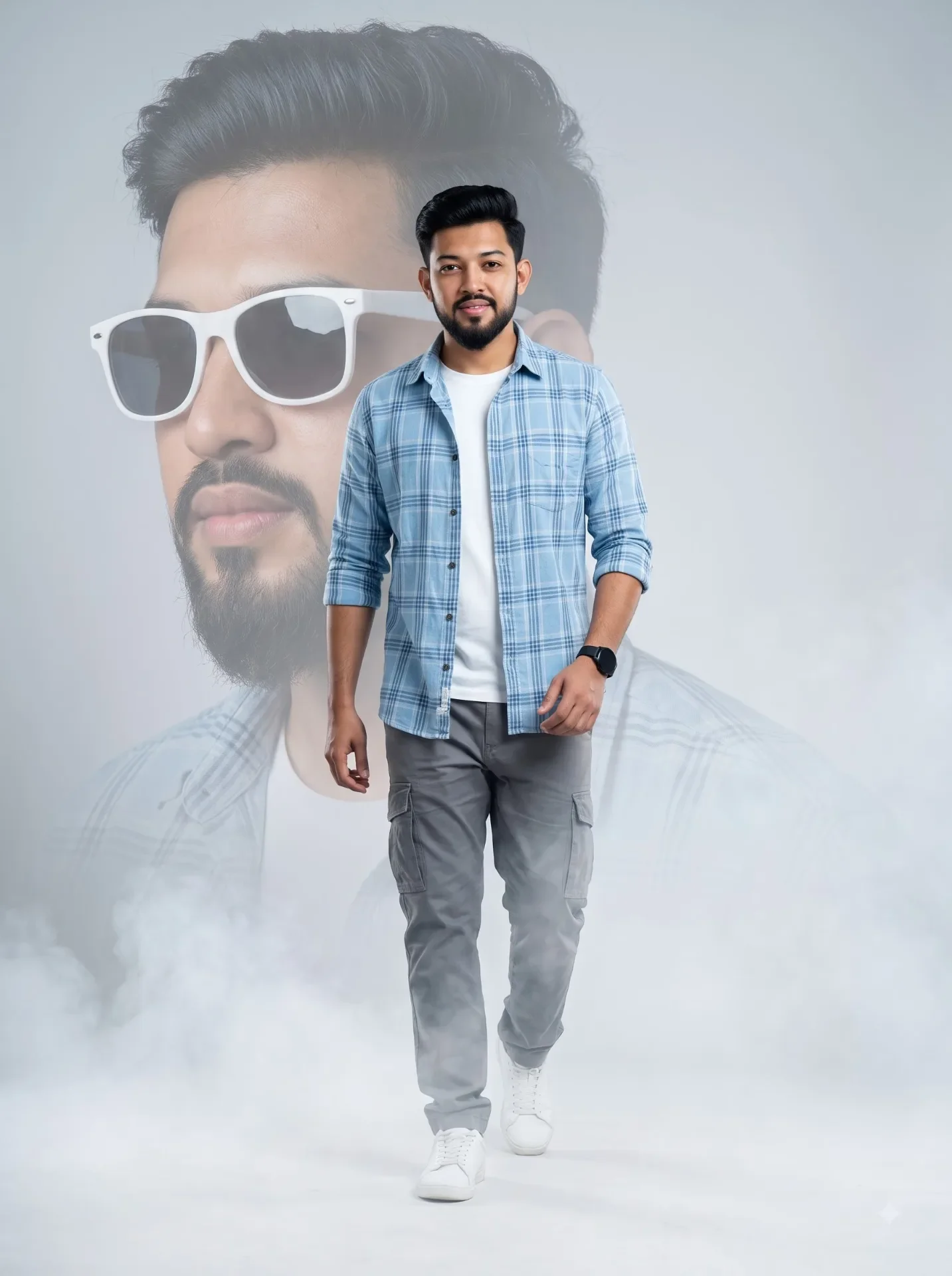
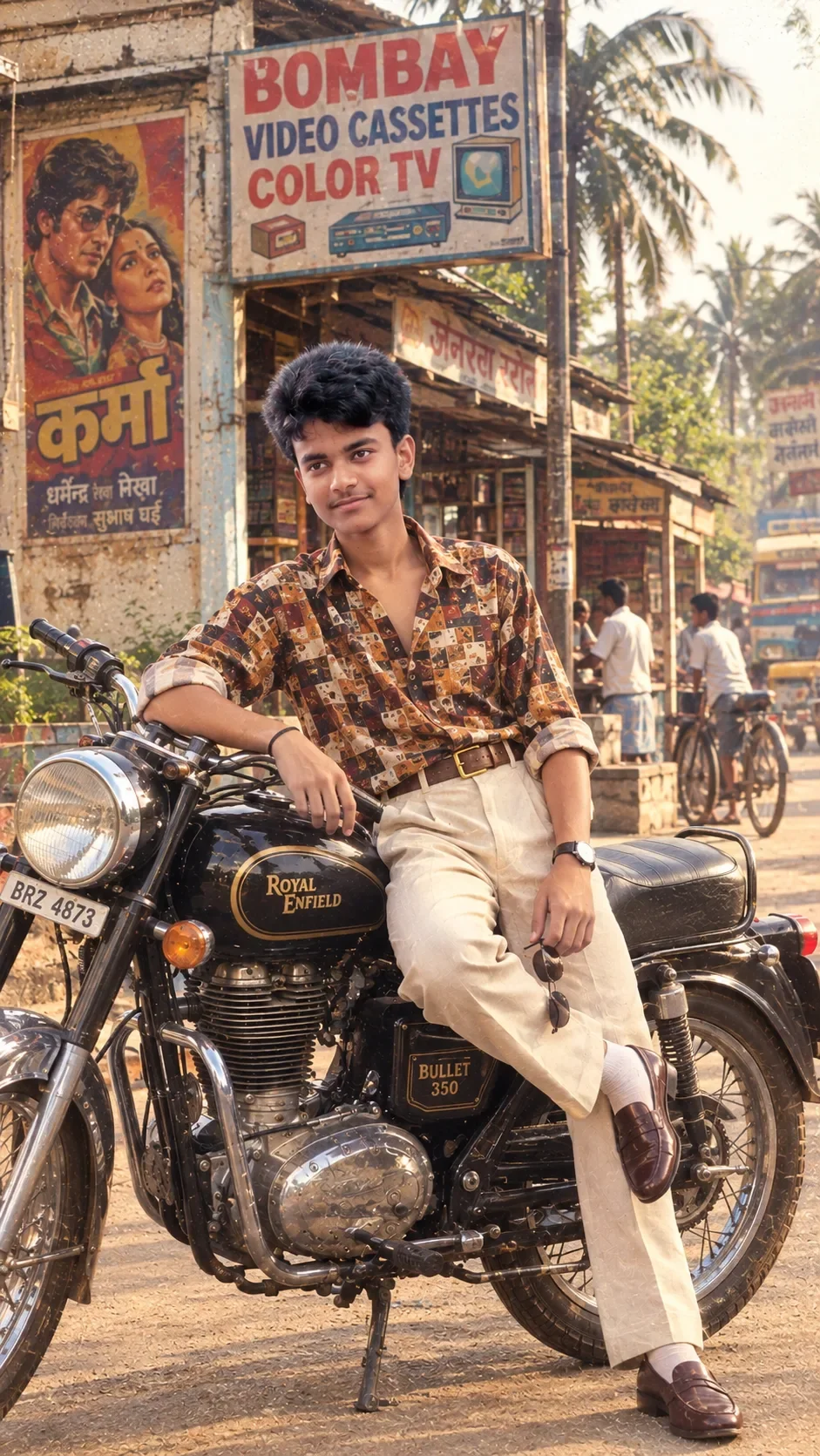
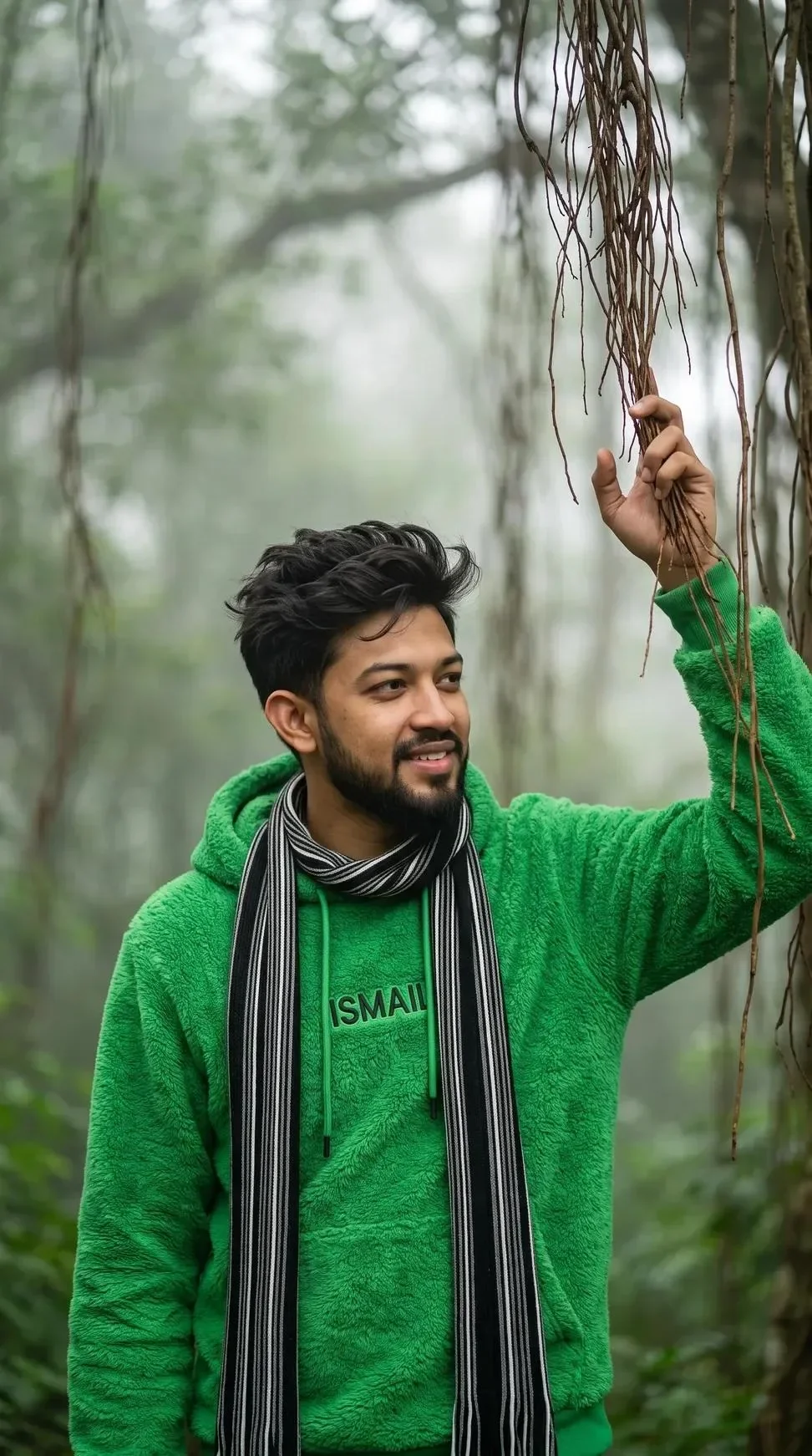
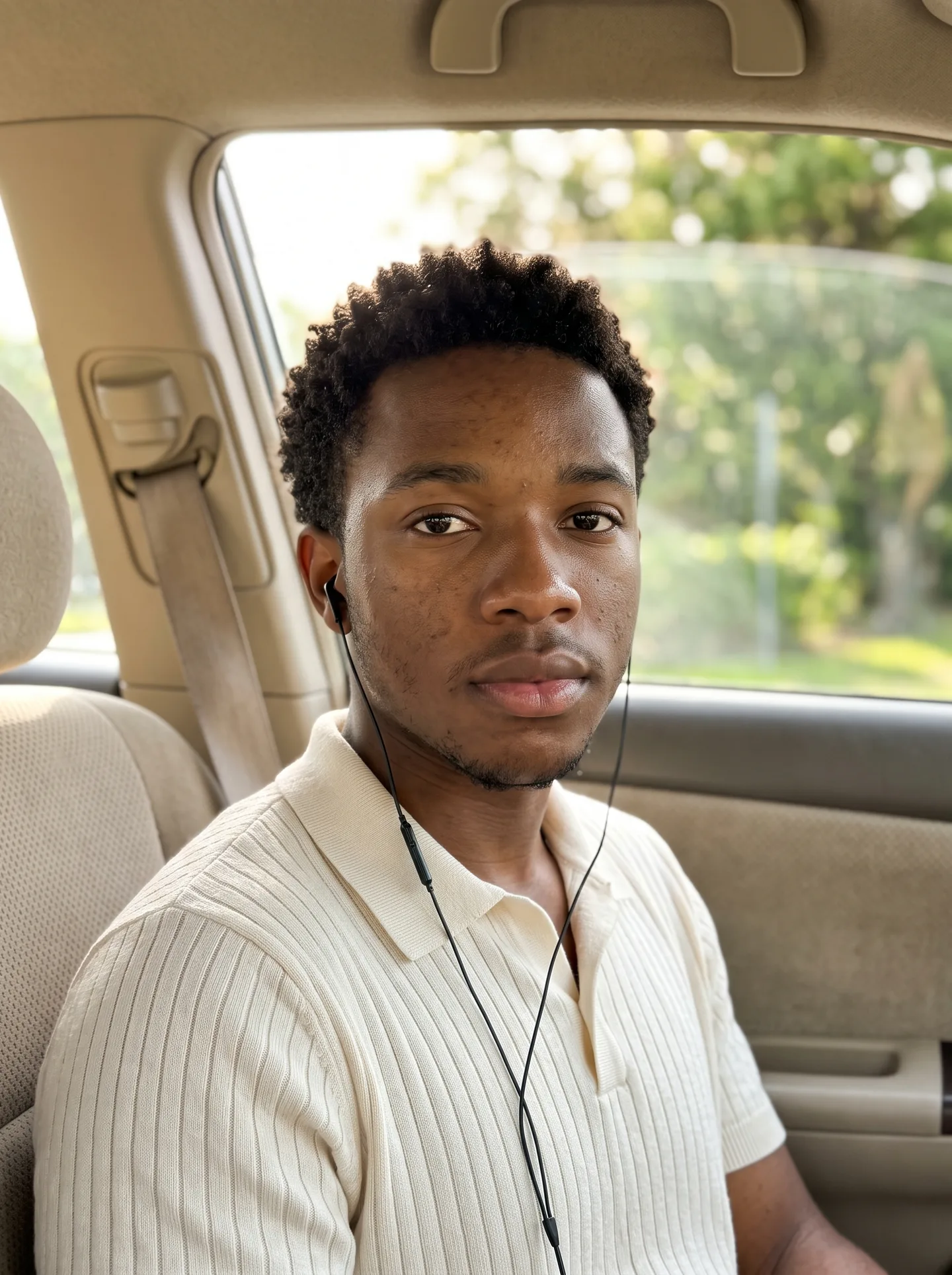
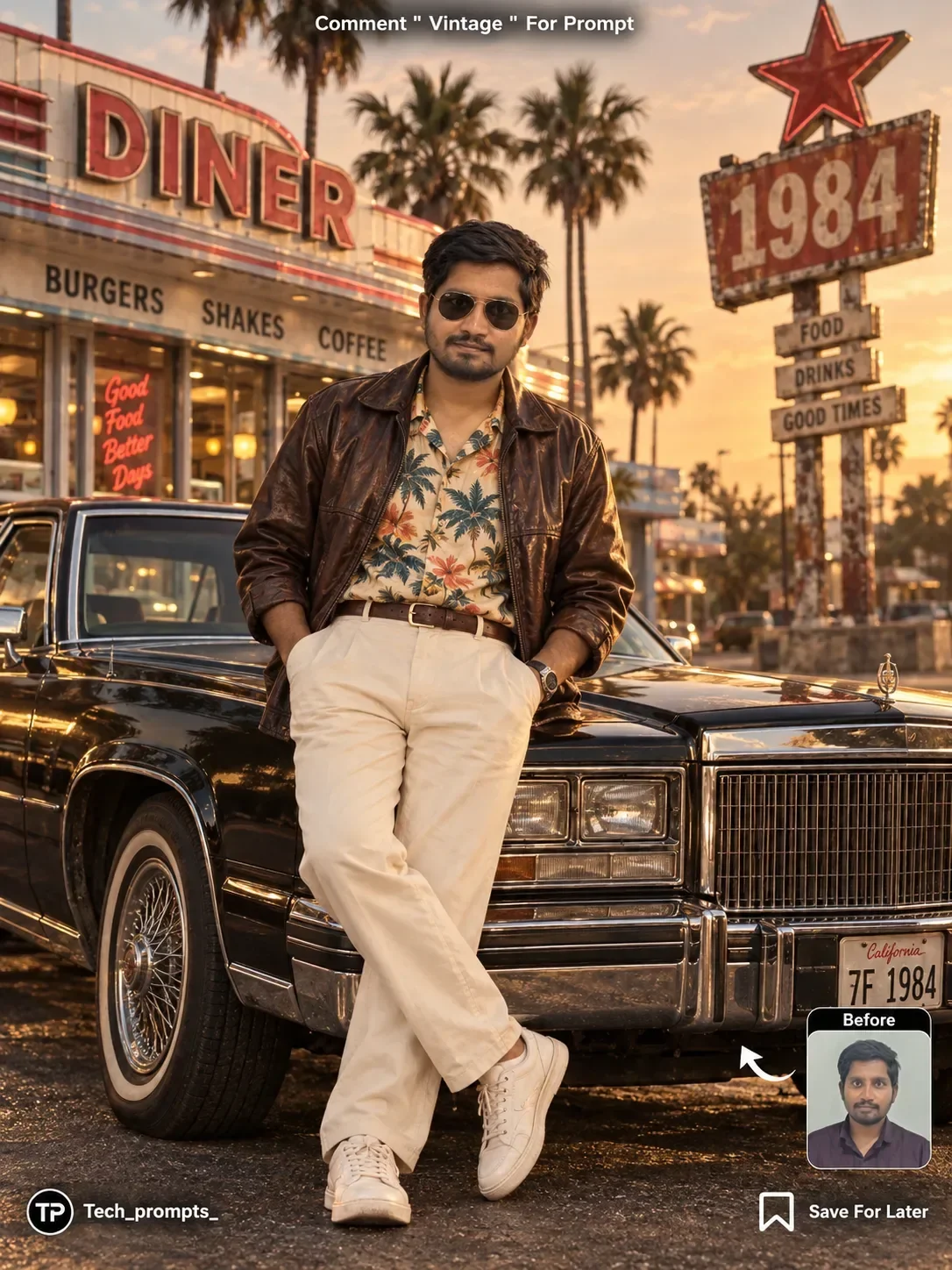
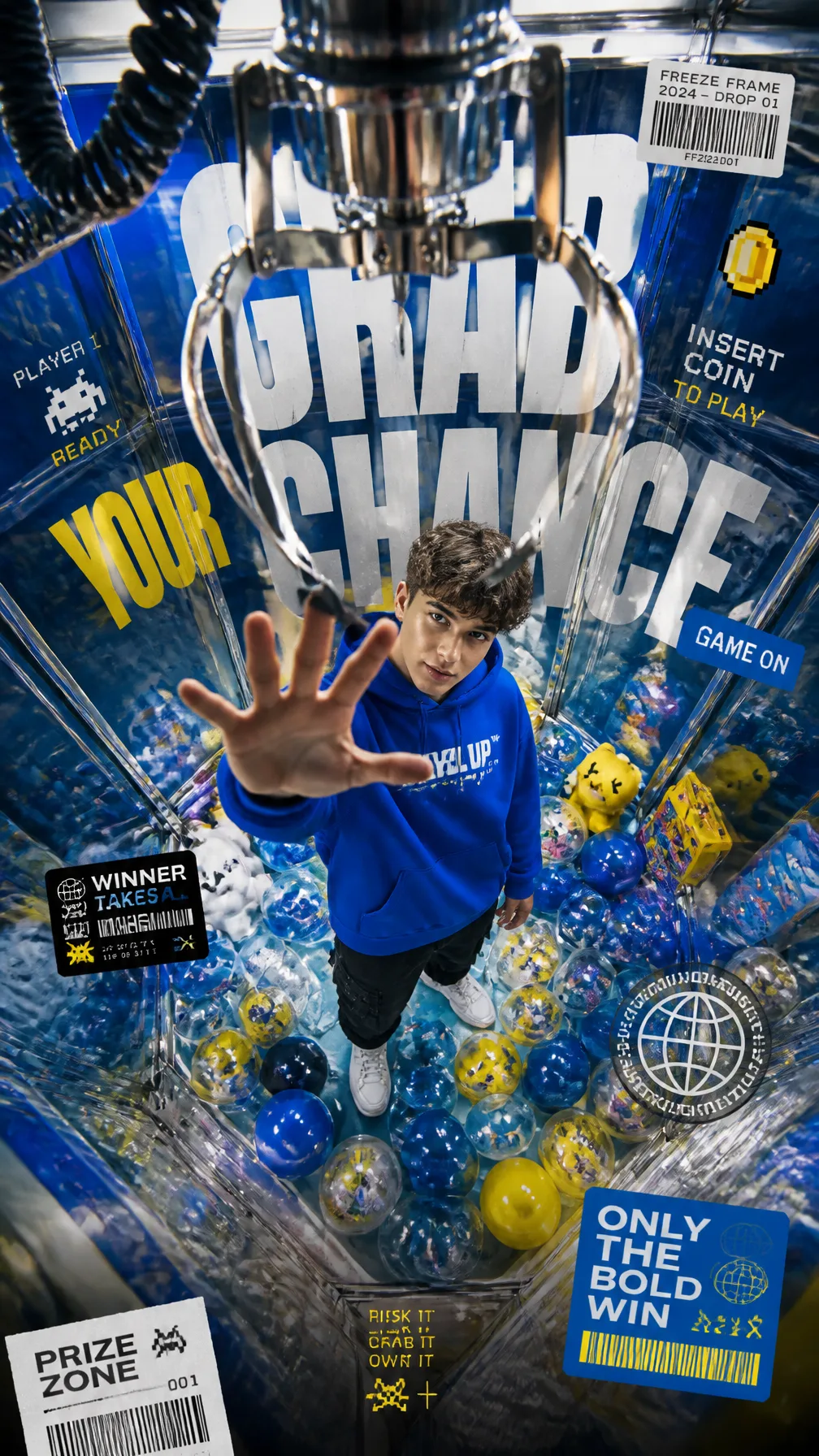
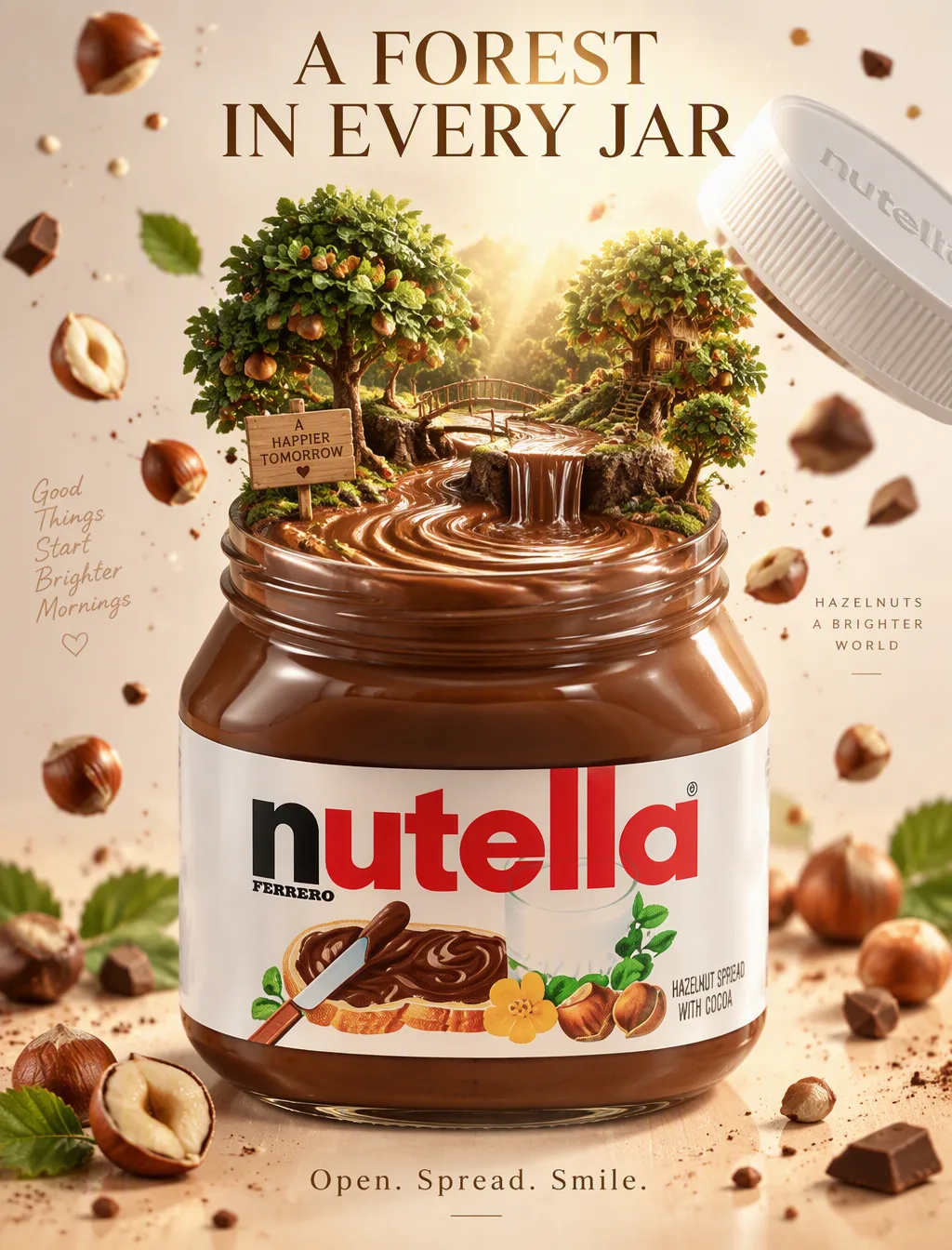
Quick Summary: This verified Google Gemini & Bing Image Creator prompt creates an stylish attitude boy street portrait for The Best Car AI Photo Prompt with calibrated lighting, authentic texture physics, and tested 1-click copy-paste formula for instant AI generation without facial distortion.
- Social Media
- Automotive
- Cinematic
- Ai Image
- Trending
- Social Media
- Automotive
- Cinematic
- Ai Image
- Trending
- Viral Prompt
- Gemini Ai
- Bing Image Creator
- Copy Paste
About This Prompt
This prompt creates an The Best Car AI Photo Prompt — a high-quality, photorealistic image with balanced lighting, sharp focus, and intricate details suitable for social media sharing and digital content creation.
We recommend generating this using Google Gemini. Simply copy the prompt text below and paste it into the generator. You can easily customize specific keywords like colors, backgrounds, or subjects to make the final output uniquely yours.
What You'll Get
- 🎨 Style: Social Media
- ✨ Mood: Social Media
- 📱 Best For: Automotive
- 🤖 Works With: Google Gemini
- 🔥 Popularity: Copied 63 times
- 📅 Added: Sep 14, 2026
The Best Car AI Photo Prompt - Copy Paste AI Prompt
Use the uploaded image as the main visual reference.

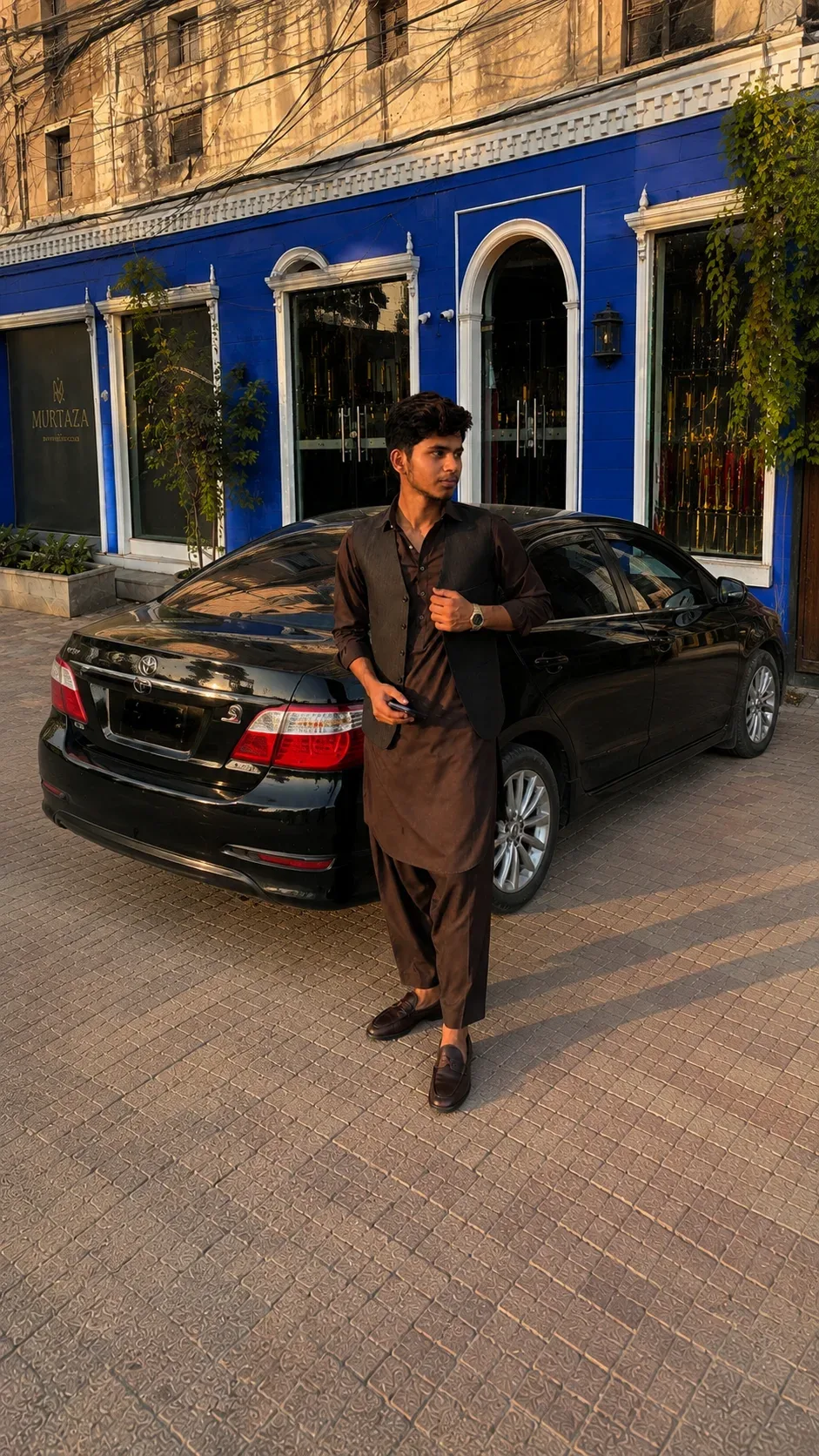
Create a highly realistic smartphone photo of the same young South Asian man, preserving his exact facial identity, hairstyle, skin tone, body proportions, outfit, watch, phone, and overall appearance.

CAMERA & ANGLE:
The photo must look like it was taken by a person standing on the ground directly in front of him with a normal smartphone camera. Absolutely NO drone view, NO aerial perspective, NO bird’s-eye angle, and NO elevated camera position.

Keep the camera approximately at the person’s chest/eye level and perfectly straight/horizontal. Use the same natural smartphone framing and similar zoom level as the reference. The perspective should feel like a real person standing a few meters away and taking the photo.

COMPOSITION:
Show the man full-body from head to shoes. Keep the black sedan clearly visible behind him, with the complete rear of the car visible and enough of the car body extending to the side. Do not crop the car.

The man should stand naturally beside the car, with the same stylish dark-brown shalwar kameez, dark charcoal waistcoat, brown loafers, wristwatch, and phone.

BACKGROUND:
Keep the same vivid royal-blue storefront with white architectural borders, large arched windows/doorways, plants, warm interior lighting, MURTAZA sign, upper building facade, and overhead electrical wires.

LIGHTING:
Natural warm late-afternoon/golden-hour sunlight, realistic shadows, realistic reflections on the black car, natural skin texture.

IMPORTANT:
It must look like an authentic photograph taken with a normal mobile phone from ground level. Do not make it cinematic, aerial, drone-like, wide-angle distorted, or AI-looking. Keep the zoom/framing close to the reference while ensuring the entire car and the full person are visible.

Optical Identity & Likeness Preservation: Lock subject's authentic facial identity and natural posture while seamlessly integrating with sharp vehicle reflections and cinematic ambient lighting.Explore Related Collections
Explore Social Media Prompts — Browse our curated collection of Social Media prompts tailored for creators. View all Social Media prompts →
Explore Automotive Prompts — Discover more viral Automotive ideas for your next AI generation. View all Automotive prompts →
Explore Cinematic Prompts — Explore our extensive library of Cinematic templates ready to copy and paste. View all Cinematic prompts →
Frequently asked questions
- How do I use the The Best Car AI Photo Prompt prompt?
- To use this prompt, simply click the "Copy Prompt" button above. Then, open Google Gemini, paste the copied text into the prompt box, and hit generate. You can instantly generate high-quality images without needing any reference photos.
- What is this prompt best used for?
- This specific prompt is highly optimized for creating engaging social media content and digital art. The formula is structured to produce high-contrast, visually appealing results that perform well on visual platforms.
- Can I customize the details of this prompt?
- Yes! While the core structure of the prompt is optimized for Google Gemini, you can easily customize the details. We recommend changing specific keywords like clothing colors, background locations, or the overall mood (e.g., changing "sunny" to "rainy" or "neon") to match your exact vision.