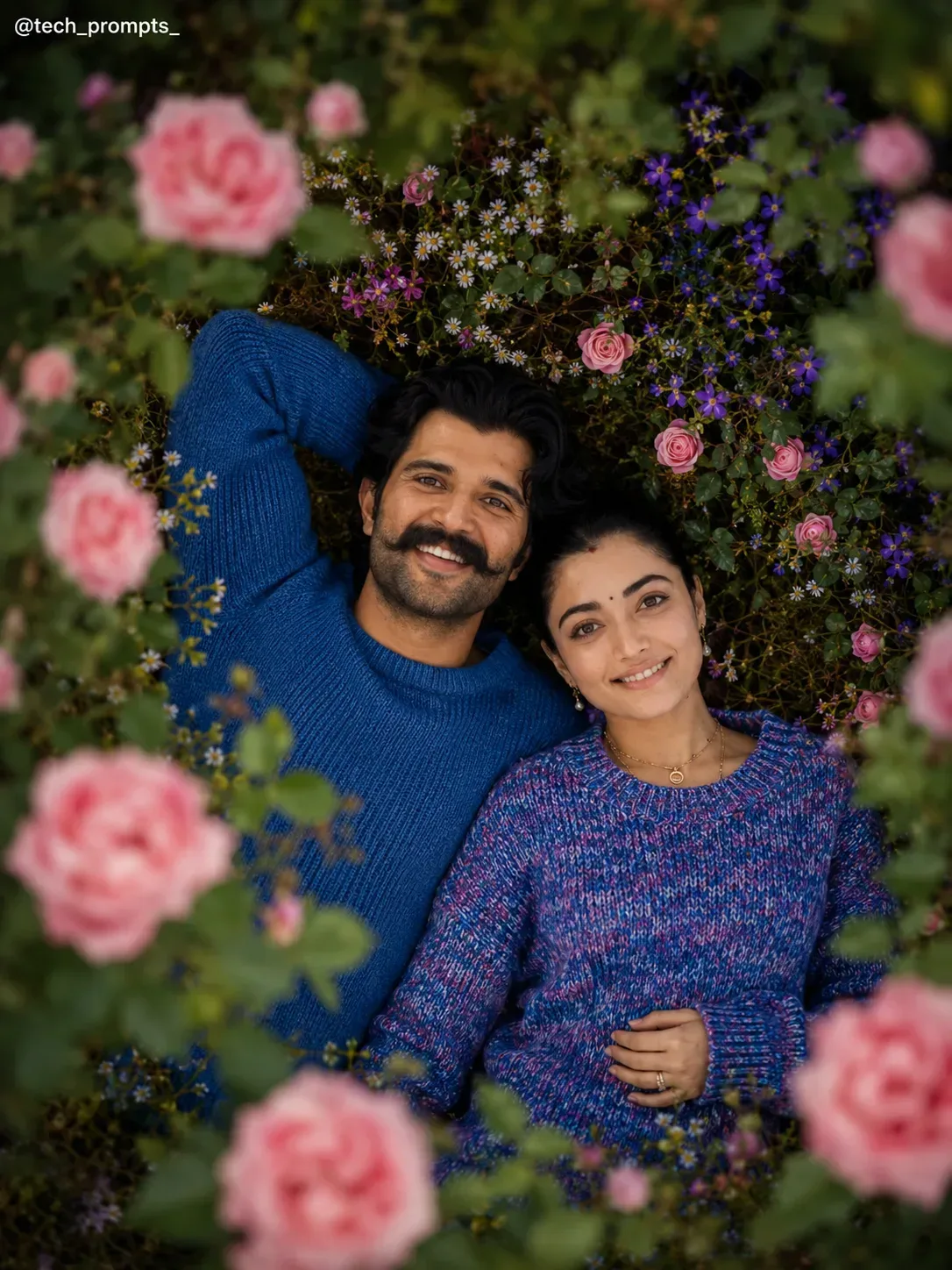
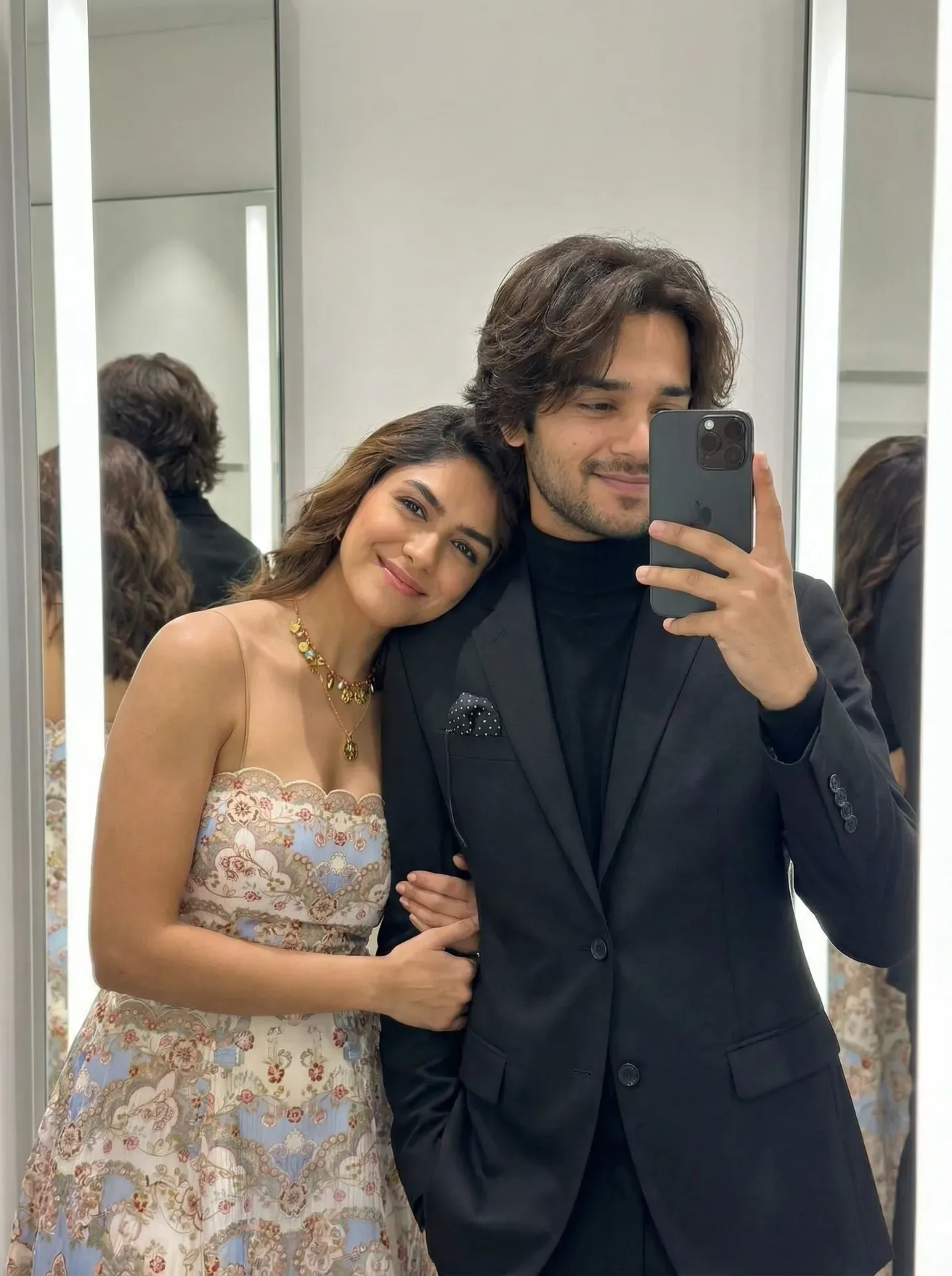
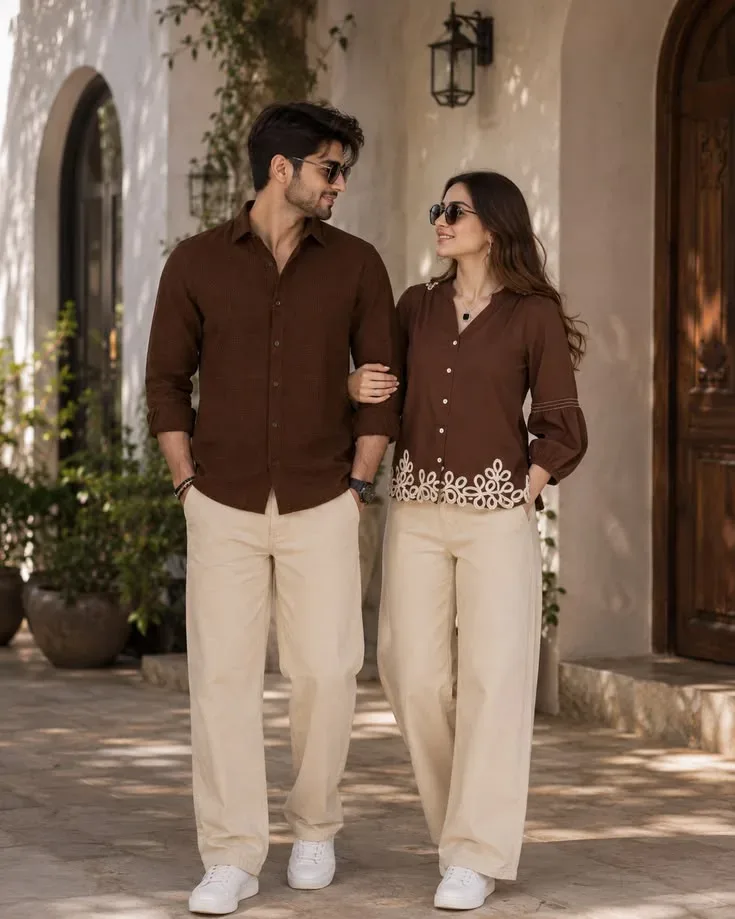
Quick Summary: This verified Google Gemini (Imagen 3) & Bing Image Creator prompt creates an intimate cinematic romantic couple aesthetic for Romantic Red Rose Garden Couple AI Photo Prompt with calibrated lighting, authentic texture physics, and tested 1-click copy-paste formula for instant AI generation without facial distortion.
- Social Media
- Couples
- Romantic
- Ai Image
- Trending
- Social Media
- Couples
- Romantic
- Ai Image
- Trending
- Viral Prompt
- Gemini Ai
- Bing Image Creator
- Copy Paste
About This Prompt
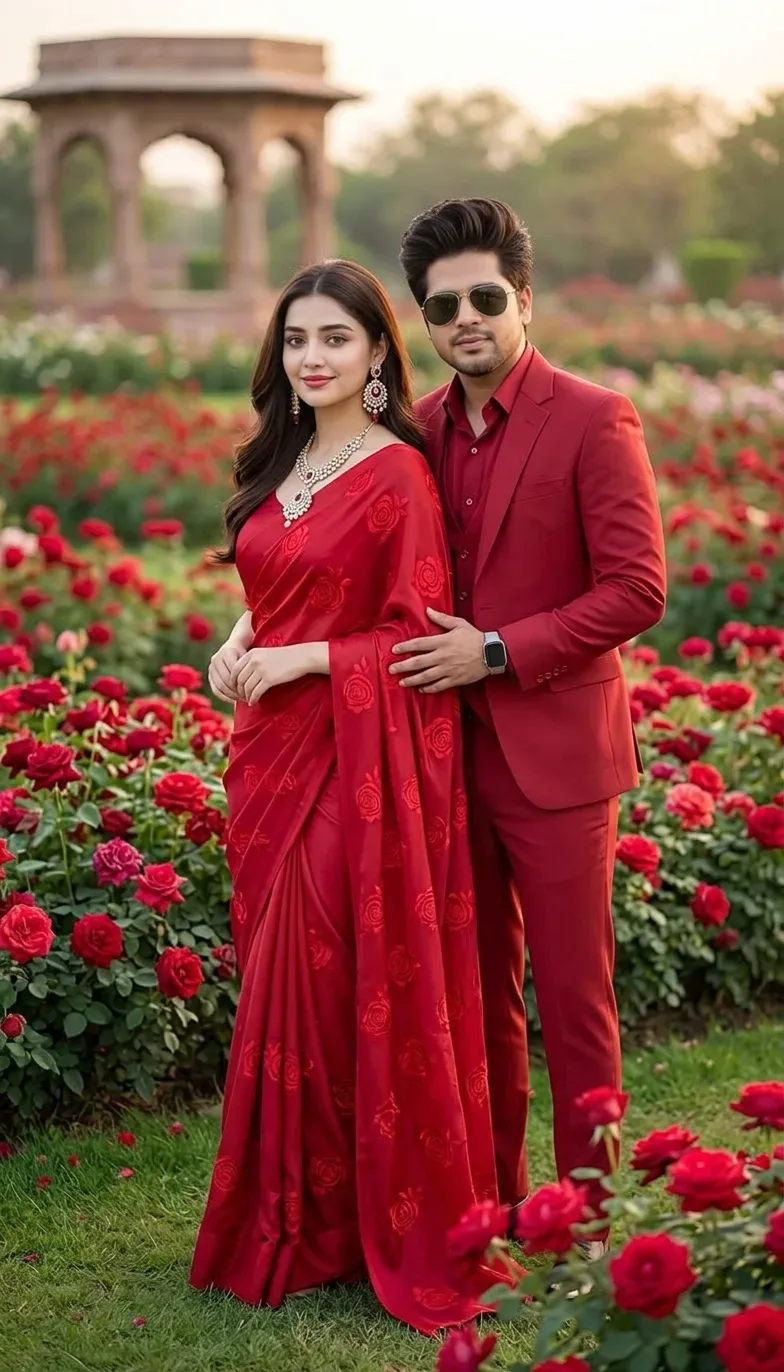
Create a Romantic Red Rose Garden Couple AI Photo Prompt — a cinematic and romantic couple scene. The generation focuses on realistic multi-subject composition, genuine expressions, and beautiful background depth, making it ideal for wedding invitations or couple DPs.
This prompt works best with Google Gemini. Upload a clear front-facing selfie as a reference image, then paste the prompt text. The AI will preserve your facial likeness while applying the requested style, lighting, and background.
What You'll Get
- 🎨 Style: Social Media
- ✨ Mood: Social Media
- 📱 Best For: Couples
- 🤖 Works With: Google Gemini
- 🔥 Popularity: Copied 119 times
- 📅 Added: Sep 14, 2026
Romantic Red Rose Garden Couple AI Photo Prompt - Copy Paste AI Prompt
> **Concept:** A luxurious, photorealistic full-length portrait photograph featuring the specific couple from `image_70.png`, preserving their exact facial features, expressions, hair, and accessories.
> **Identity Instructions:** Retain the precise faces, hair, and serene smile of the woman and the face, hairstyle, and confident expression of the man from `image_70.png`.
> **Woman (Identity & New Attire):** She retains her specific likeness and dark hair, but her white outfit is replaced by a sophisticated, detailed rich red silk saree, draped with graceful precision. She retains her intricate traditional polki diamond and ruby earrings (jhumkas) and tikkah from `image_70.png`. She is **now wearing** a specific detailed polki diamond and ruby locket necklace (which was not present in `image_70.png`), clearly displayed. She stands in the same elegant, central pose.
> **Man (Identity & New Attire):** He retains his specific likeness, sunglasses, and the smartwatch from `image_70.png`. His white suit is completely transformed into a sharp, rich crimson red three-piece suit (blazer, waistcoat, trousers), and his white shirt is replaced with a matching deep red dress shirt for a monochromatic look. His pose, with his hand on her waist, is preserved.
> **Environment (New Background):** The previous indoor setting is completely replaced by a vast, vibrant, natural ground. They are standing center-framed, completely surrounded by a sprawling bed of lush green grass and dense, detailed red roses of various varieties (crimson, scarlet, ruby), in full bloom, covering the immediate ground. In the far background, a beautifully detailed, traditional stone pavilion (similar to a Mughal-style kiosk or chhatri) is partially visible under a soft, golden hour sky.
> **Lighting:** Soft, diffused natural golden hour sunlight from an unseen angle, illuminating the couple and the vibrant red tones, making the silk and jewelry gleam.
> **Composition:** Full-body, eye-level portrait, with high depth of field showing both the couple and the distant architecture.
> **Detail Level:** Ultra-high resolution, 8k, with extreme precision on fabric weaves, individual rose petals, gold/polki jewelry facets, and the textures of the stone architecture.
> **Mood:** Sophisticated, traditional, romantic, and culturally rich.
> **Negative Prompt:** photograph, different woman, different man, original white color, original pattern, simple jewelry, no necklace, casual background, indoors, curtains, bad anatomy, deformed hands, light makeup, saree not visible, cropped saree.

Optical Identity & Likeness Preservation: Preserve authentic facial proportions, eye alignment, natural expressions, and true bone structure of both subjects from reference photo 1:1 without distortion.Explore Related Collections
Explore Social Media Prompts — Browse our curated collection of Social Media prompts tailored for creators. View all Social Media prompts →
Explore Couples Prompts — Discover more viral Couples ideas for your next AI generation. View all Couples prompts →
Explore Romantic Prompts — Explore our extensive library of Romantic templates ready to copy and paste. View all Romantic prompts →
Frequently asked questions
- How do I use the Romantic Red Rose Garden Couple AI Photo Prompt prompt?
- To use this prompt, simply click the "Copy Prompt" button above. Then, open Google Gemini, paste the copied text into the prompt box, and hit generate. Since this is a character-focused prompt, make sure to upload a clear reference photo of your face before generating to maintain your facial identity.
- What is this prompt best used for?
- This specific prompt is highly optimized for designing romantic couple portraits and wedding invitations. The formula is structured to produce high-contrast, visually appealing results that perform well on visual platforms.
- Can I customize the details of this prompt?
- Yes! While the core structure of the prompt is optimized for Google Gemini, you can easily customize the details. We recommend changing specific keywords like clothing colors, background locations, or the overall mood (e.g., changing "sunny" to "rainy" or "neon") to match your exact vision.