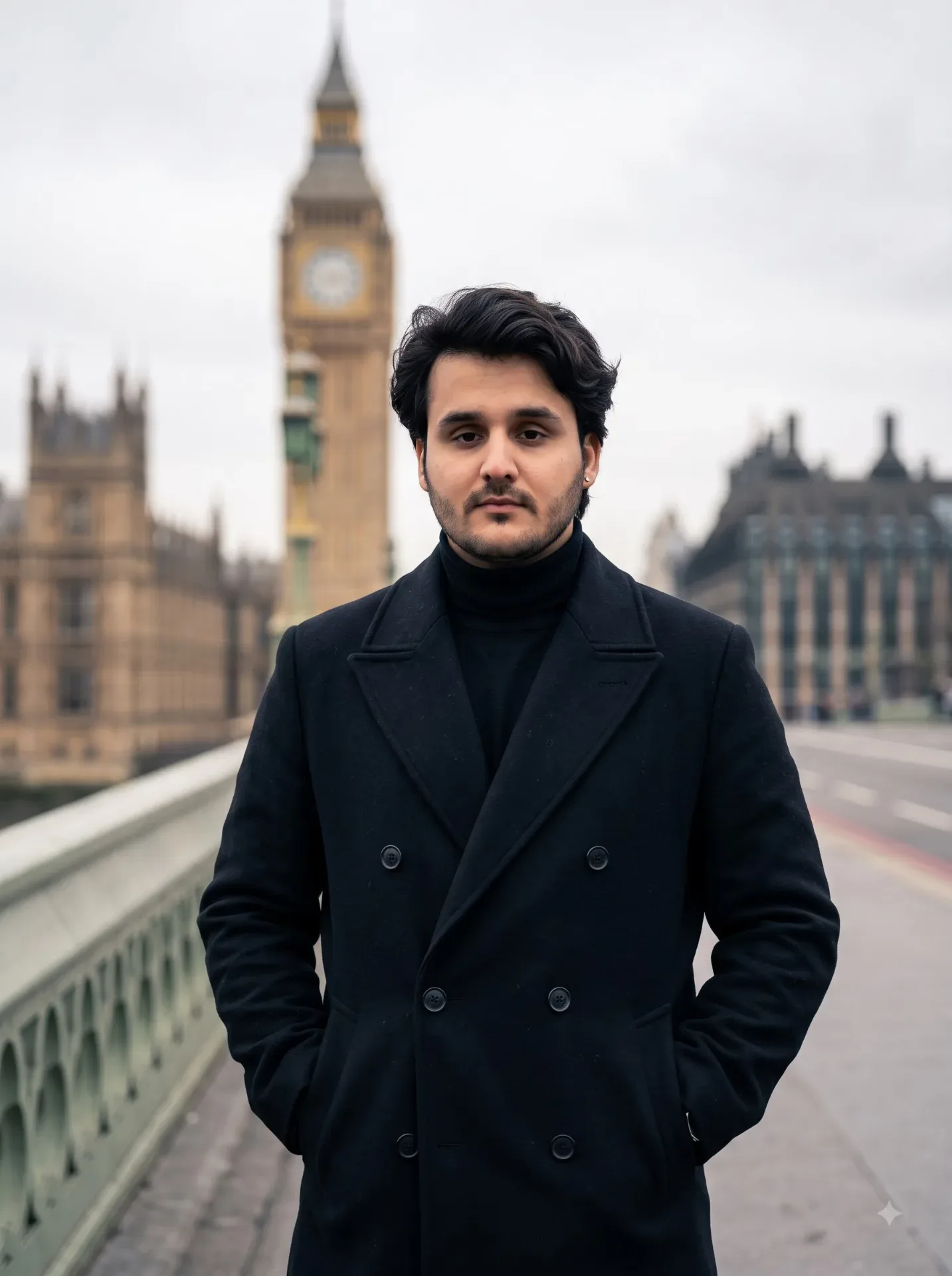
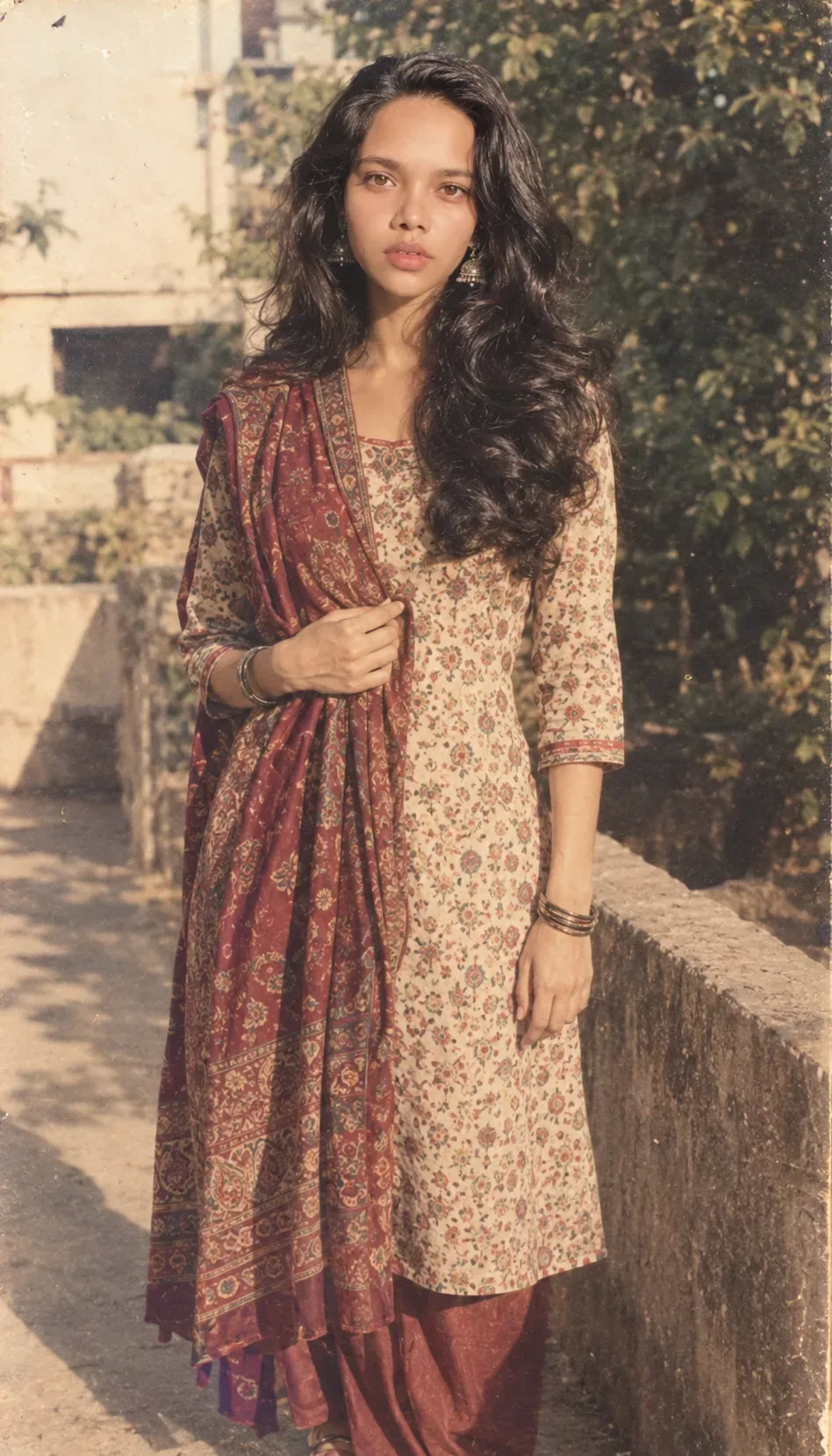
Quick Summary: This verified Google Gemini & Midjourney v6 prompt creates an authentic 90s vintage film aesthetic for On A Quiet Afternoon AI Photo Prompt with calibrated lighting, authentic texture physics, and tested 1-click copy-paste formula for instant AI generation without facial distortion.
About This Prompt
Design a On A Quiet Afternoon AI Photo Prompt — a high-quality, photorealistic image with balanced lighting, sharp focus, and intricate details suitable for social media sharing and digital content creation.
Optimized specifically for your AI generator. Simply copy the prompt text below and paste it into the generator. You can easily customize specific keywords like colors, backgrounds, or subjects to make the final output uniquely yours.
What You'll Get
- 🎨 Style: Ai Image
- ✨ Mood: Meigen
- 📱 Best For: Trending
- 🤖 Works With: your AI generator
- 🔥 Popularity: Copied 64 times
- 📅 Added: Sep 15, 2026
On A Quiet Afternoon AI Photo Prompt - Copy Paste AI Prompt
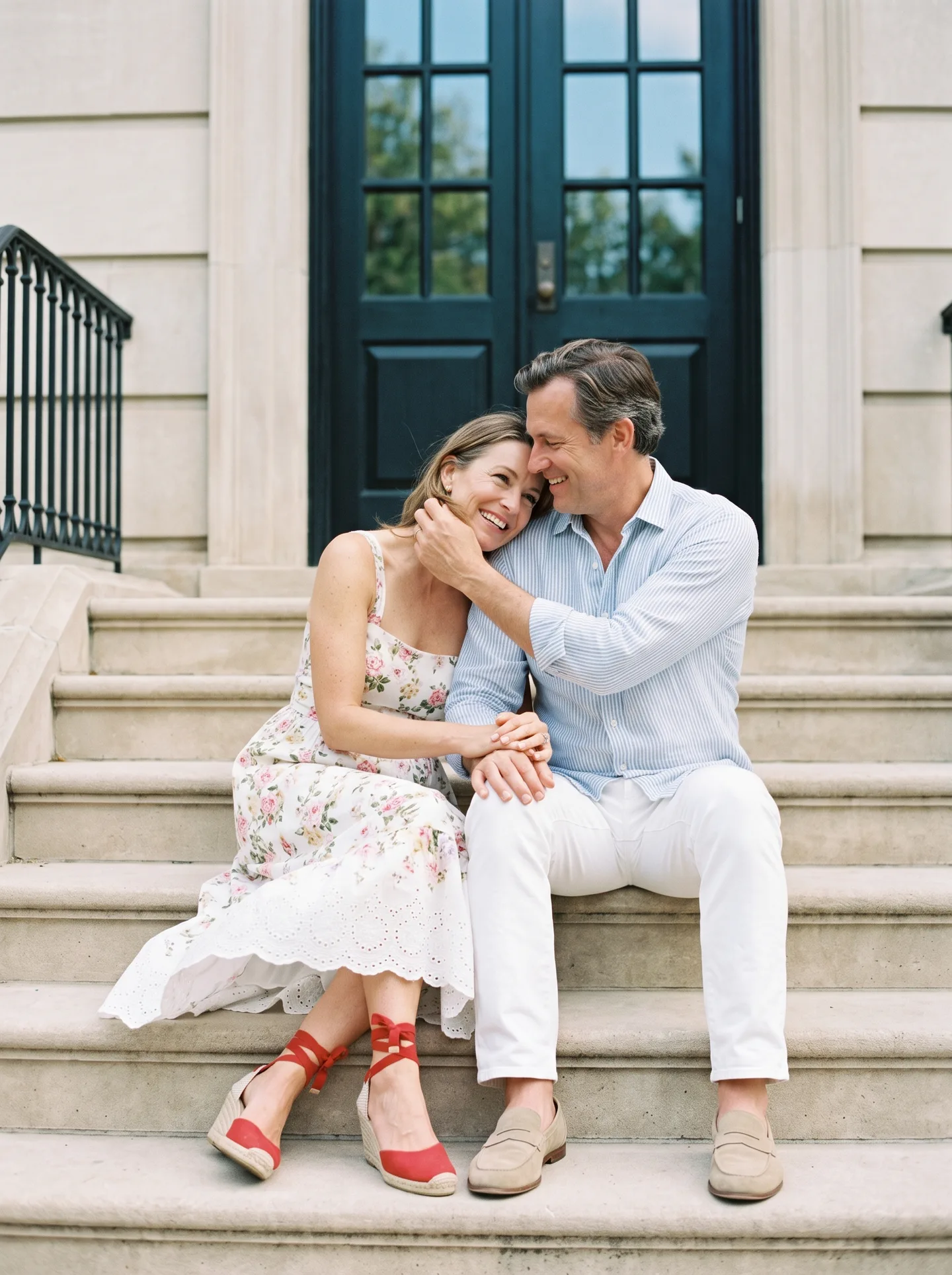
On a quiet afternoon, a relaxed, romantic moment unfolds on the steps of a classical building: the man in a light striped linen shirt, white trousers and beige loafers; the woman, in her late 40s, in a white floral sundress with eyelet hem and red ankle-tie espadrille wedges. Keep the background realistic—broad limestone steps, iron railing, tall dark door with mullioned glass reflecting faint greenery and sky. Action: start from the seated pose; the woman rests her head on his shoulder, they interlace fingers, share a small laugh, he gently brushes a strand of hair from her face, she adjusts her ankle tie with a slight foot movement, a light breeze lifts the dress hem, they glance to camera then back to each other, ending with a warm forehead-to-forehead touch. Style: cinematic, photorealistic, professional film look; natural skin tones, realistic fabric motion, subtle film grain, creamy background bokeh. Camera: medium two-shot at eye level on 35 mm with a slow 5–8% dolly-in; intercut 85 mm close-ups on hands and smiles; a brief 50 mm tilt from their shoes up to faces; one rack focus from the doorway to the couple; maintain 24 fps, ~1/48 shutter. Composition: centered symmetry with rule-of-thirds facial placement; leading lines from steps; clean headroom; include at least one cut showing full footwear. Lighting & mood: soft open-shade daylight with gentle bounce fill and a faint back edge from sky glow—bright, airy, intimate. Audio (no subtitles): distant city murmur, soft birds, occasional door creak, fabric rustle and shoe scuff foley, natural chuckles and whispers; minimal acoustic-guitar bed that swells slightly at the end. Color palette: limestone neutrals and soft whites, warm skin tones, pastel floral accents, deep teal/black doorway, and a pop of red from the shoes; restrained contrast, natural saturation.

Note: Preserve authentic facial proportions, eye alignment, natural expressions, and true bone structure of both subjects from reference photo 1:1 without distortion.Explore Related Collections
Explore Ai Image Prompts — Browse our curated collection of Ai Image prompts tailored for creators. View all Ai Image prompts →
Explore Trending Prompts — Discover more viral Trending ideas for your next AI generation. View all Trending prompts →
Frequently asked questions
- How do I use the On A Quiet Afternoon AI Photo Prompt prompt?
- To use this prompt, simply click the "Copy Prompt" button above. Then, open your AI generator, paste the copied text into the prompt box, and hit generate. You can instantly generate high-quality images without needing any reference photos.
- What is this prompt best used for?
- This specific prompt is highly optimized for creating engaging social media content and digital art. The formula is structured to produce high-contrast, visually appealing results that perform well on visual platforms.
- Can I customize the details of this prompt?
- Yes! While the core structure of the prompt is optimized for your AI generator, you can easily customize the details. We recommend changing specific keywords like clothing colors, background locations, or the overall mood (e.g., changing "sunny" to "rainy" or "neon") to match your exact vision.