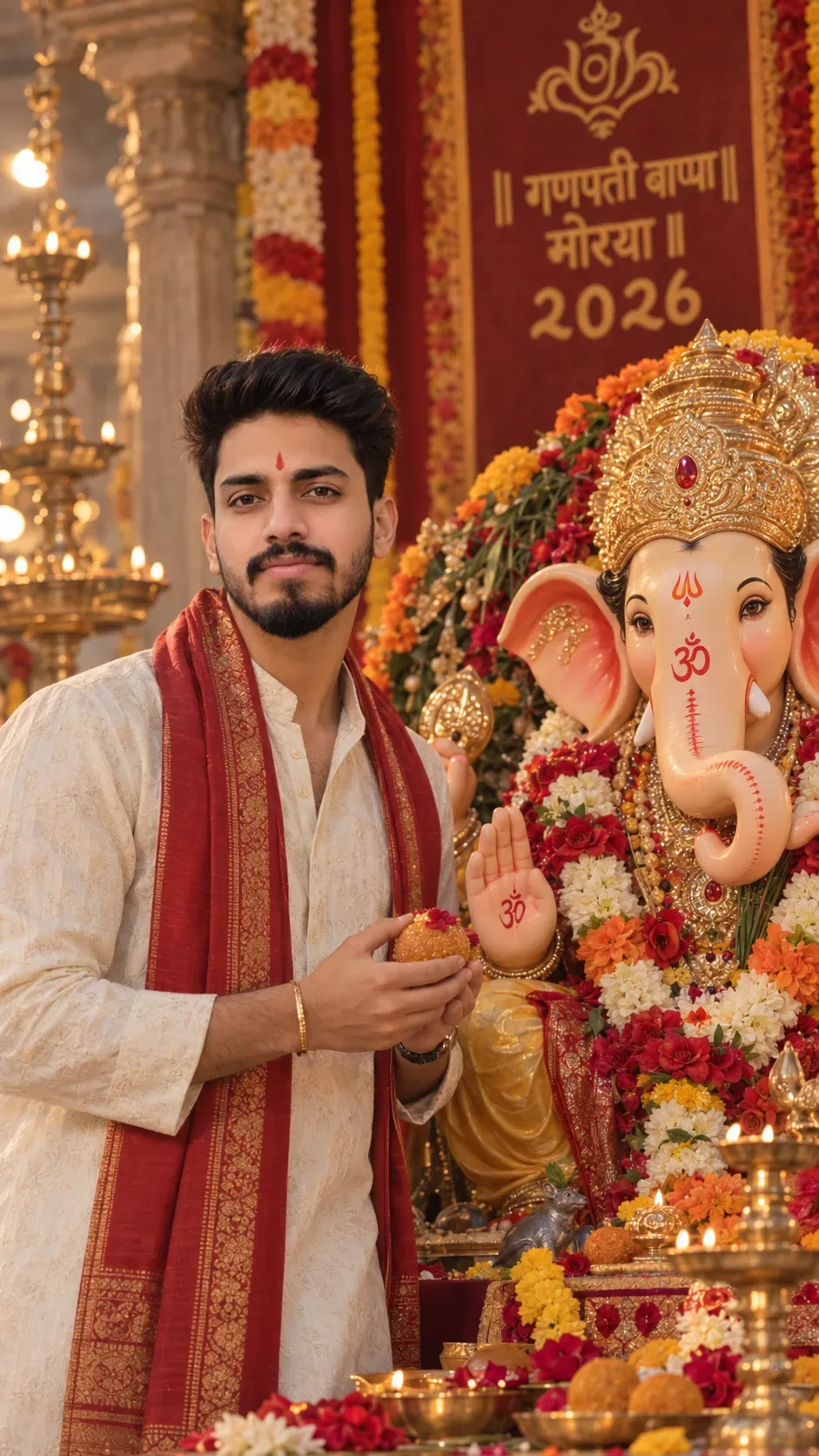
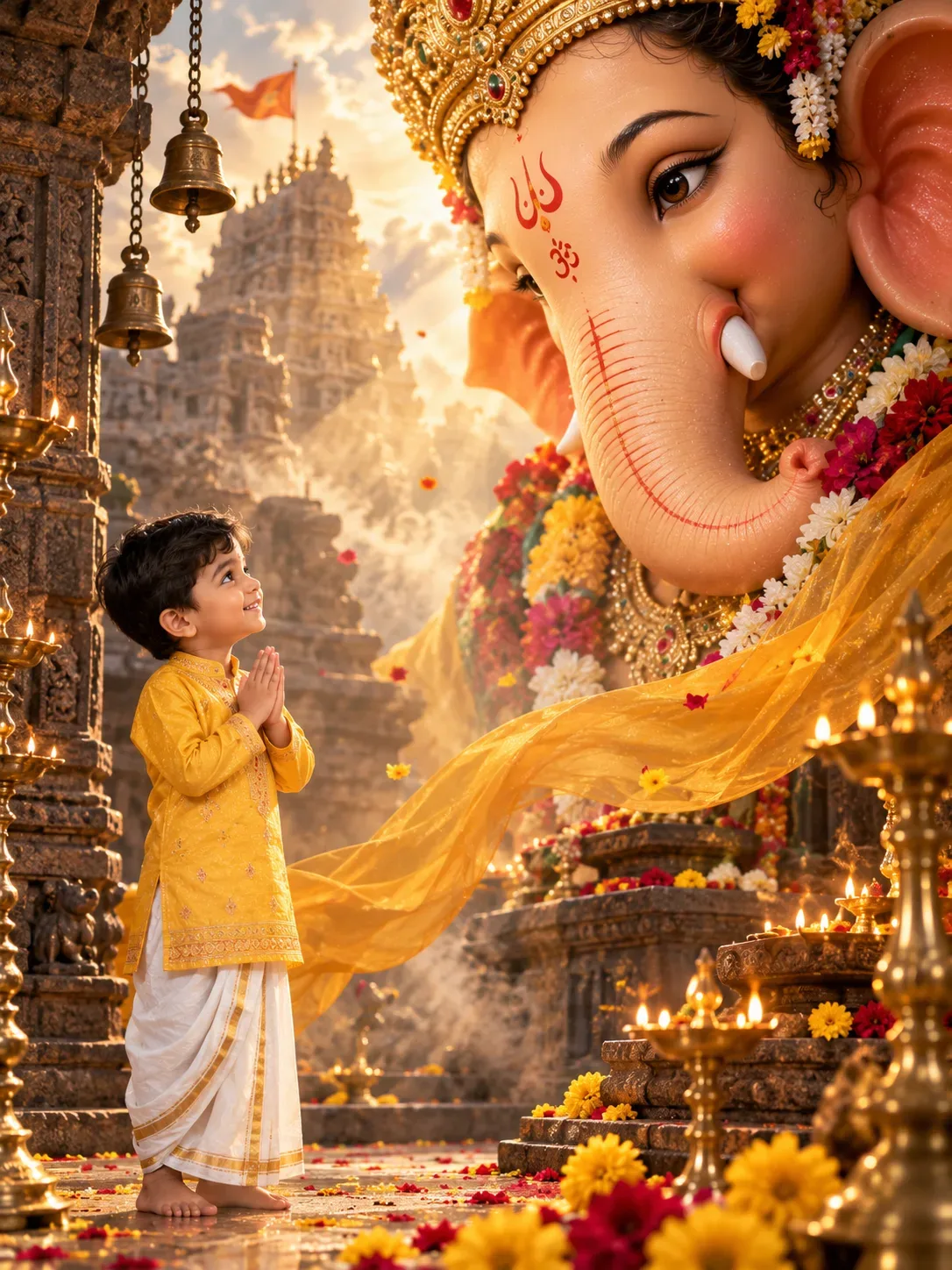
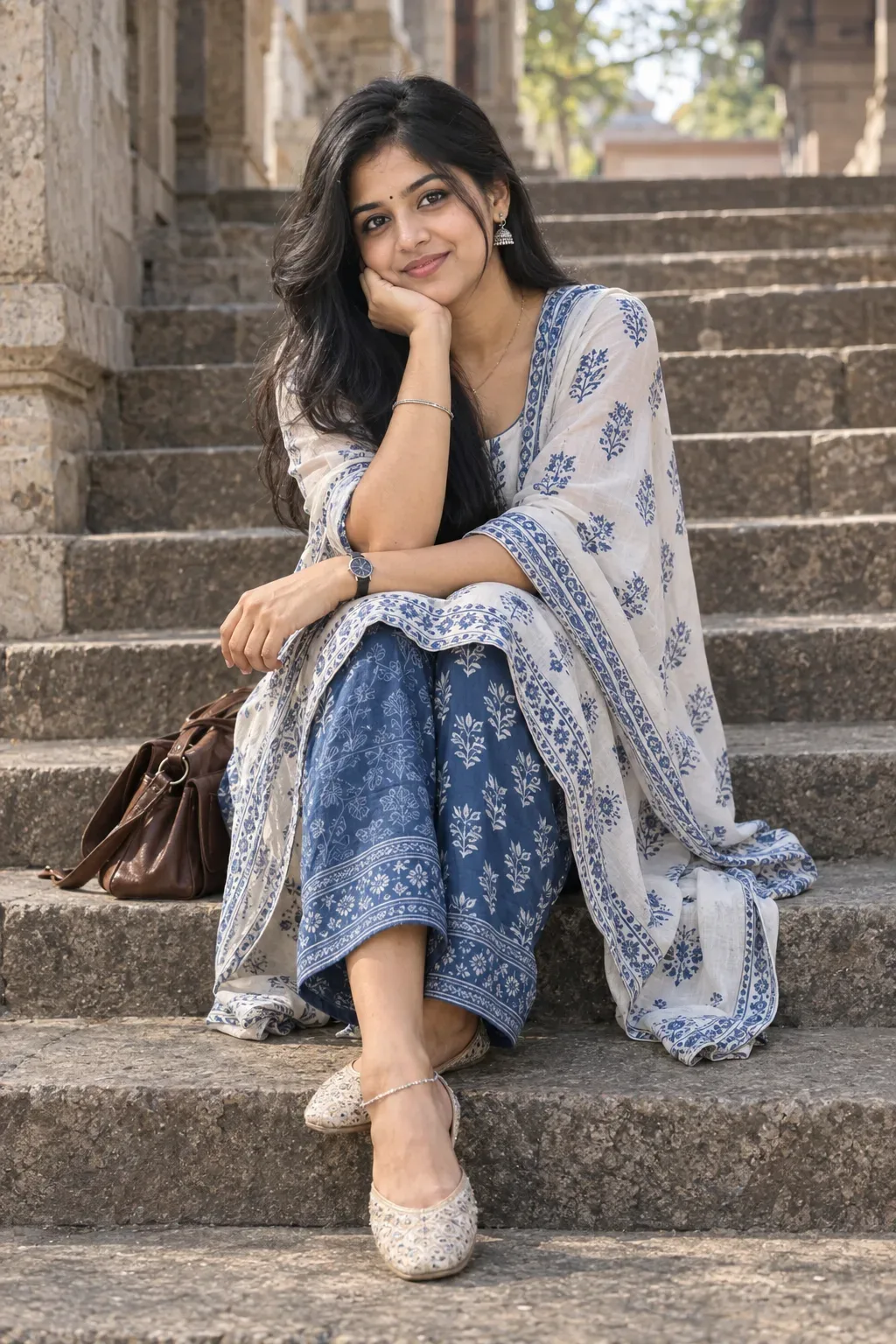
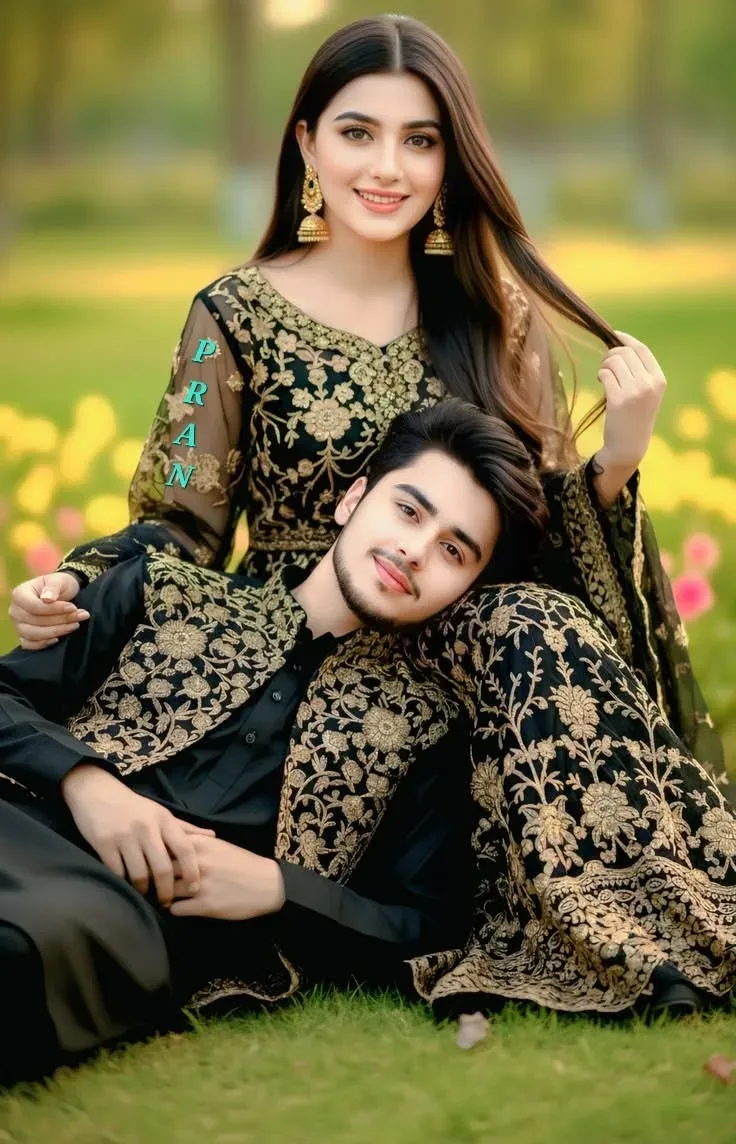
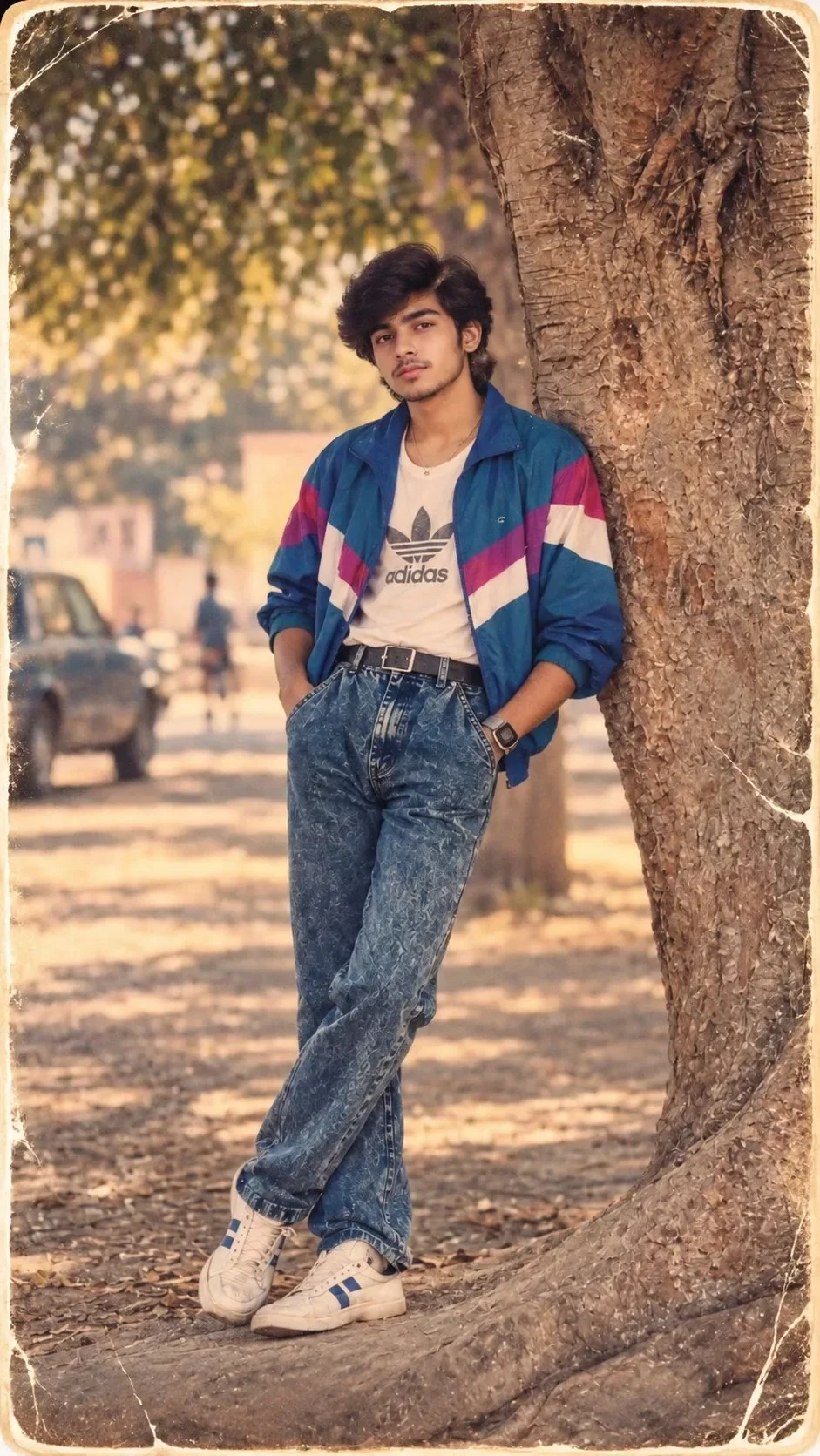
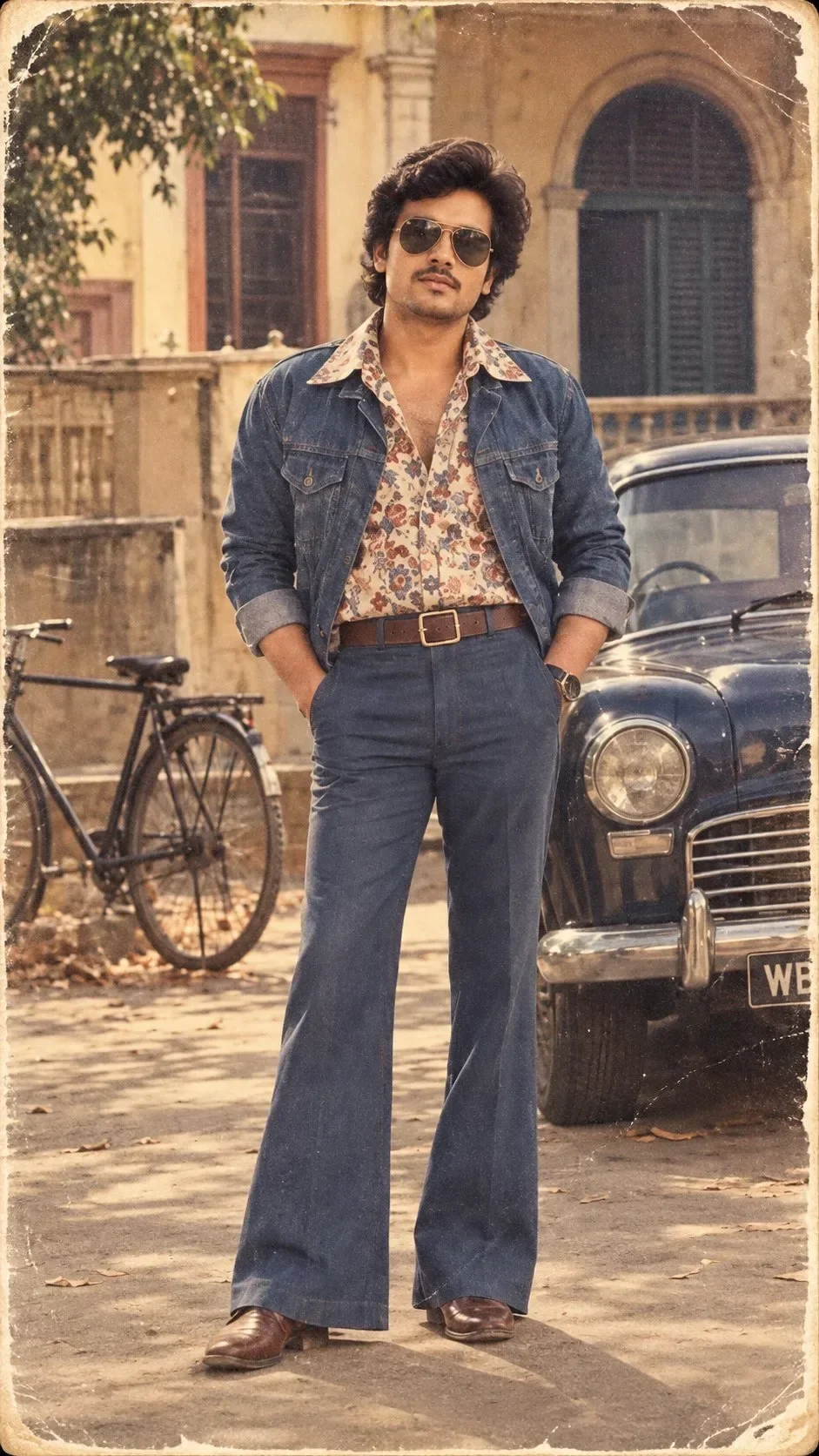
Quick Summary: This verified Google Gemini & Midjourney v6 prompt creates an authentic 90s vintage film aesthetic for LOST 1980s ALBUM PHOTOGRAPH AI Photo Prompt with calibrated lighting, authentic texture physics, and tested 1-click copy-paste formula for instant AI generation without facial distortion.
- Photography
- Vintage
- Retro
- Ai Image
- Trending
- Photography
- Vintage
- Retro
- Ai Image
- Trending
- Viral Prompt
- Gemini Ai
- Bing Image Creator
- Copy Paste
About This Prompt
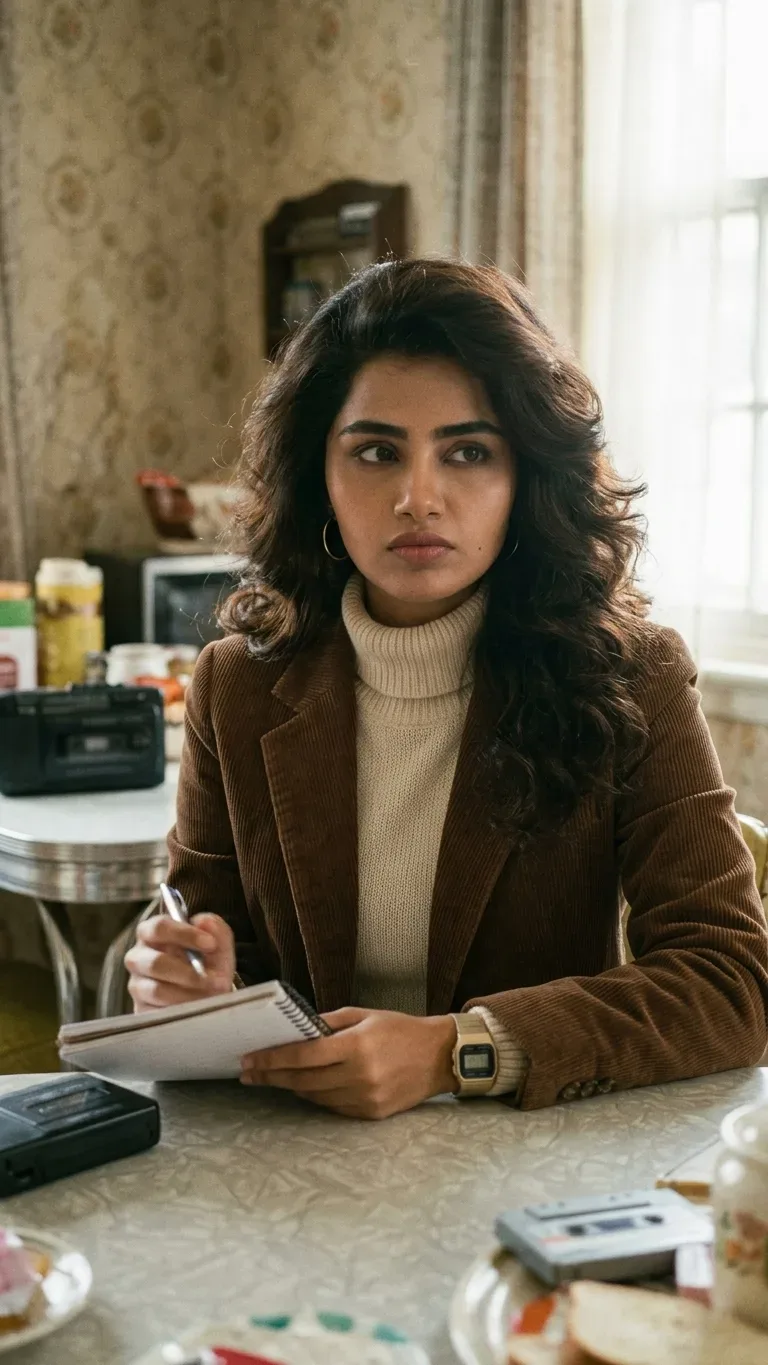
Design a LOST 1980s ALBUM PHOTOGRAPH AI Photo Prompt — a high-quality, photorealistic image with balanced lighting, sharp focus, and intricate details suitable for social media sharing and digital content creation.
We recommend generating this using Google Gemini. Simply copy the prompt text below and paste it into the generator. You can easily customize specific keywords like colors, backgrounds, or subjects to make the final output uniquely yours.
LOST 1980s ALBUM PHOTOGRAPH AI Photo Prompt - Copy Paste AI Prompt
LOST 1980s ALBUM PHOTOGRAPH

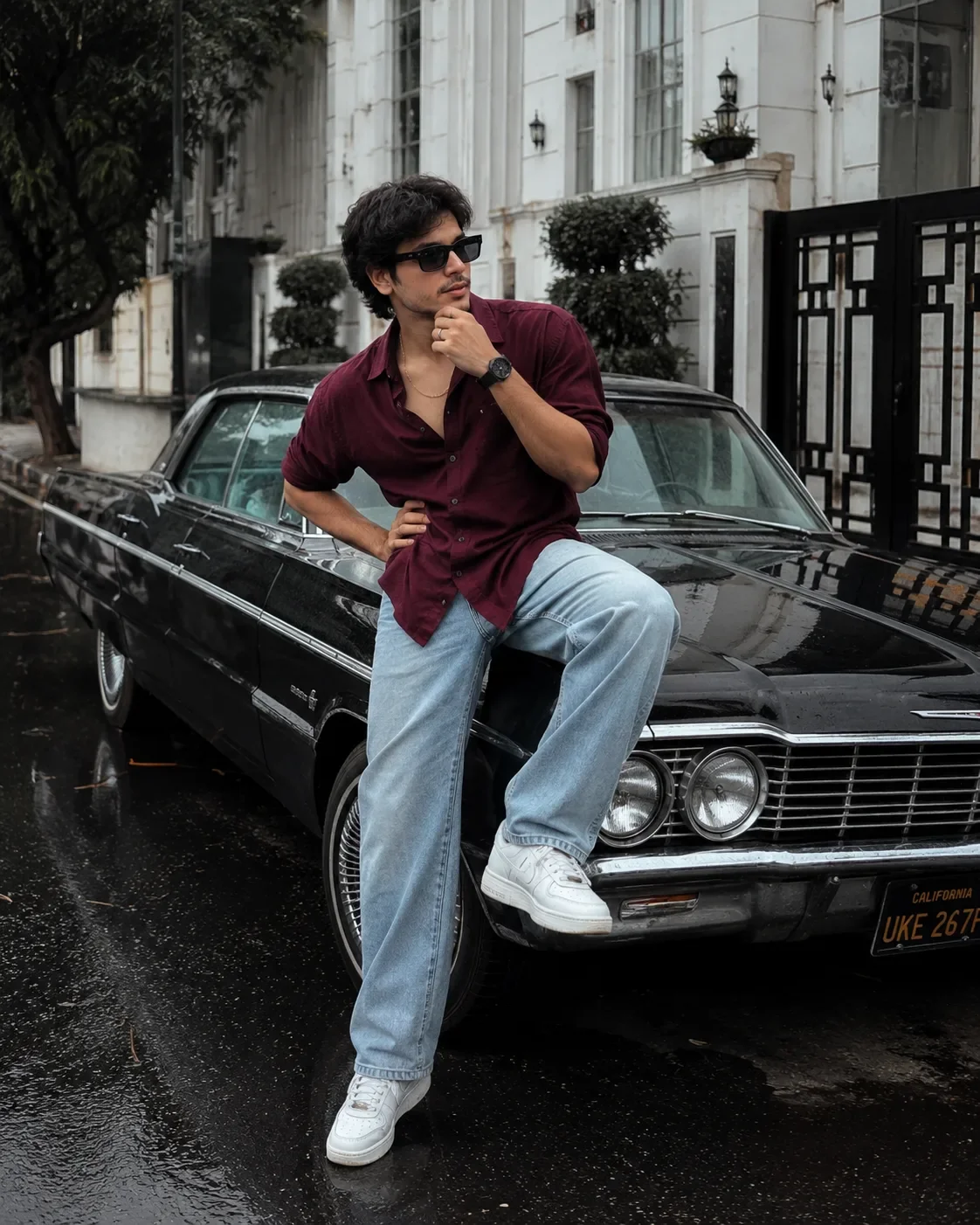
Transform the uploaded photograph into an authentic, beautifully imperfect 1980s personal album photograph. Preserve the person’s EXACT identity, facial structure, natural skin tone, recognizable facial features, age, and overall likeness. Do not beautify, redesign, or replace the face.

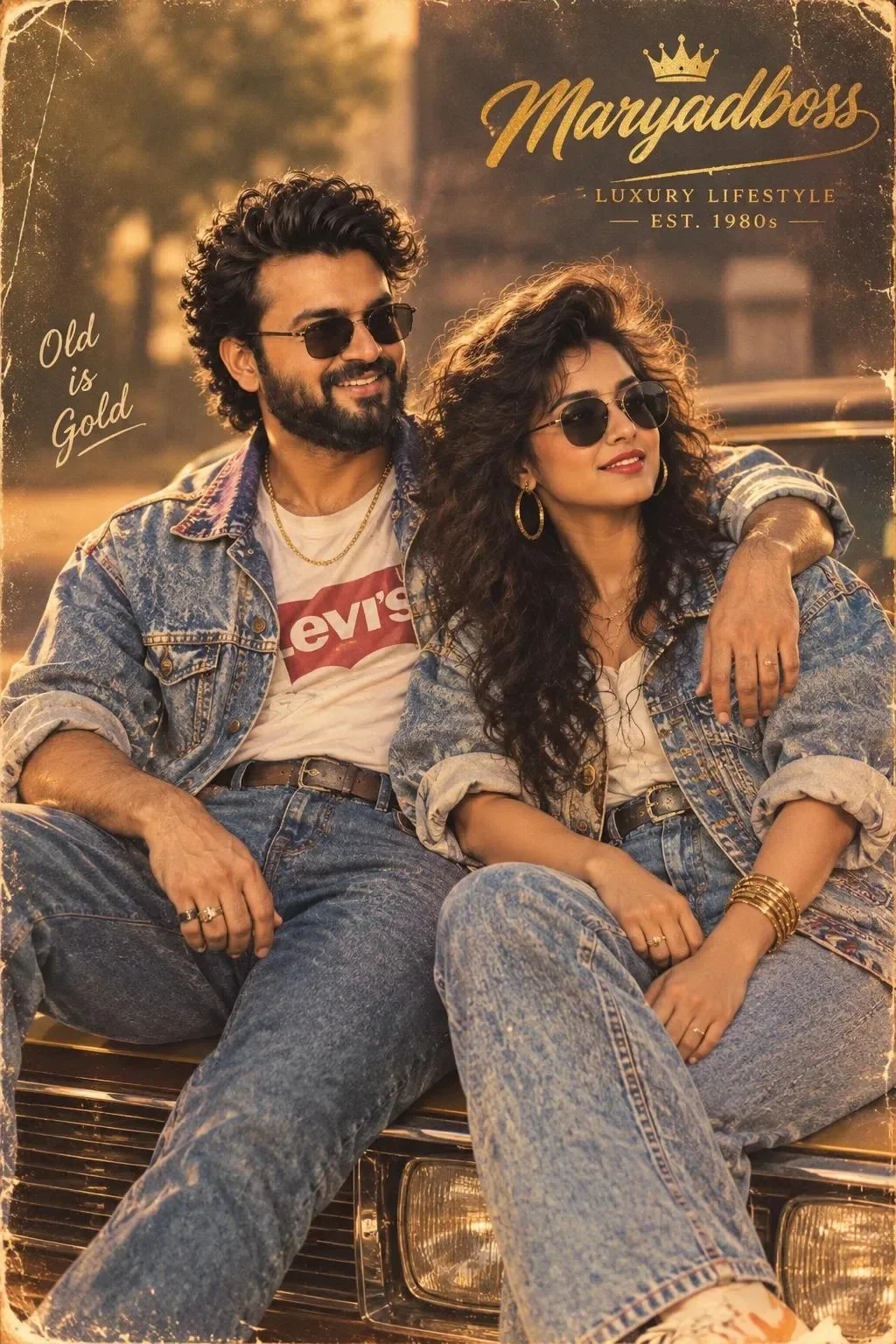
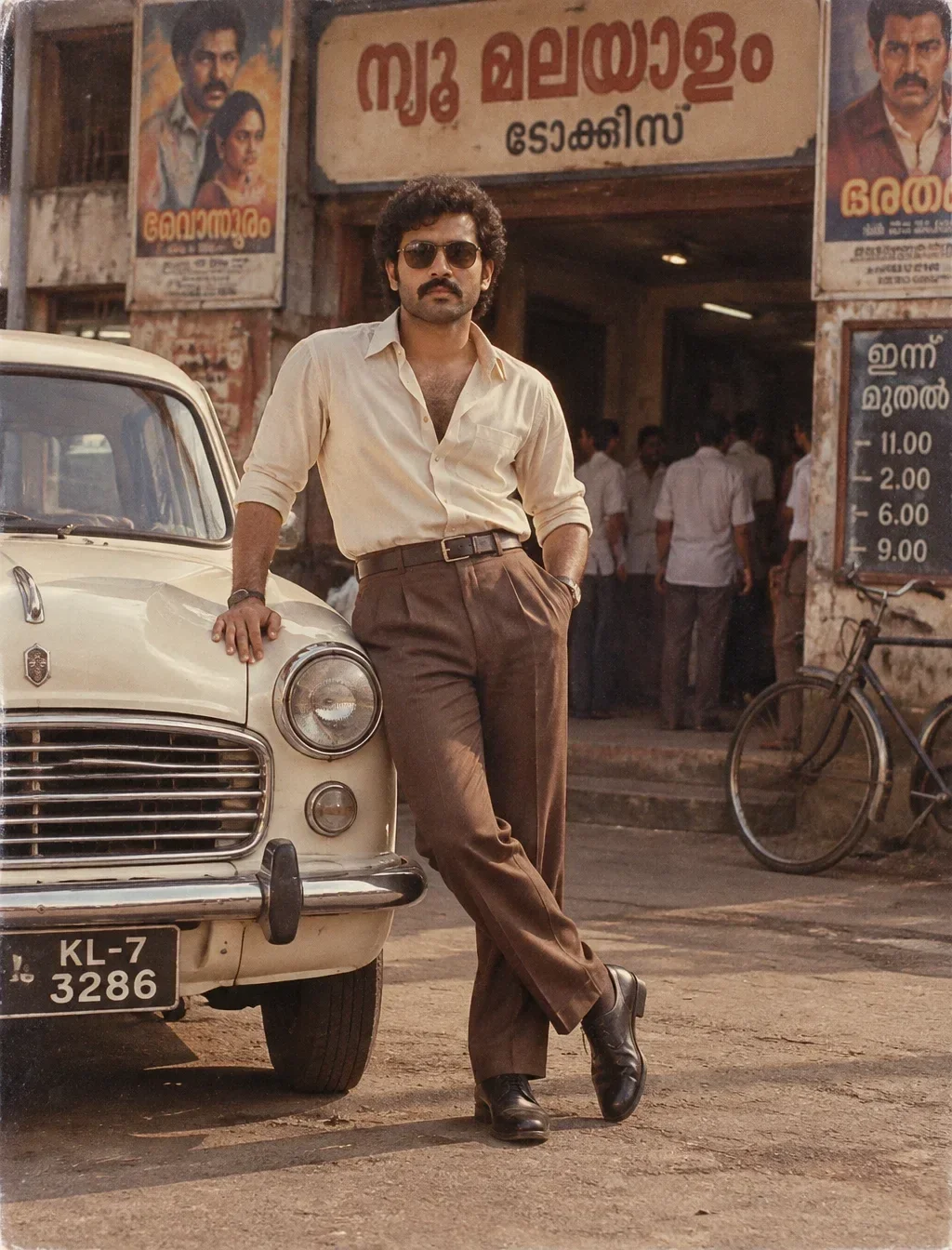
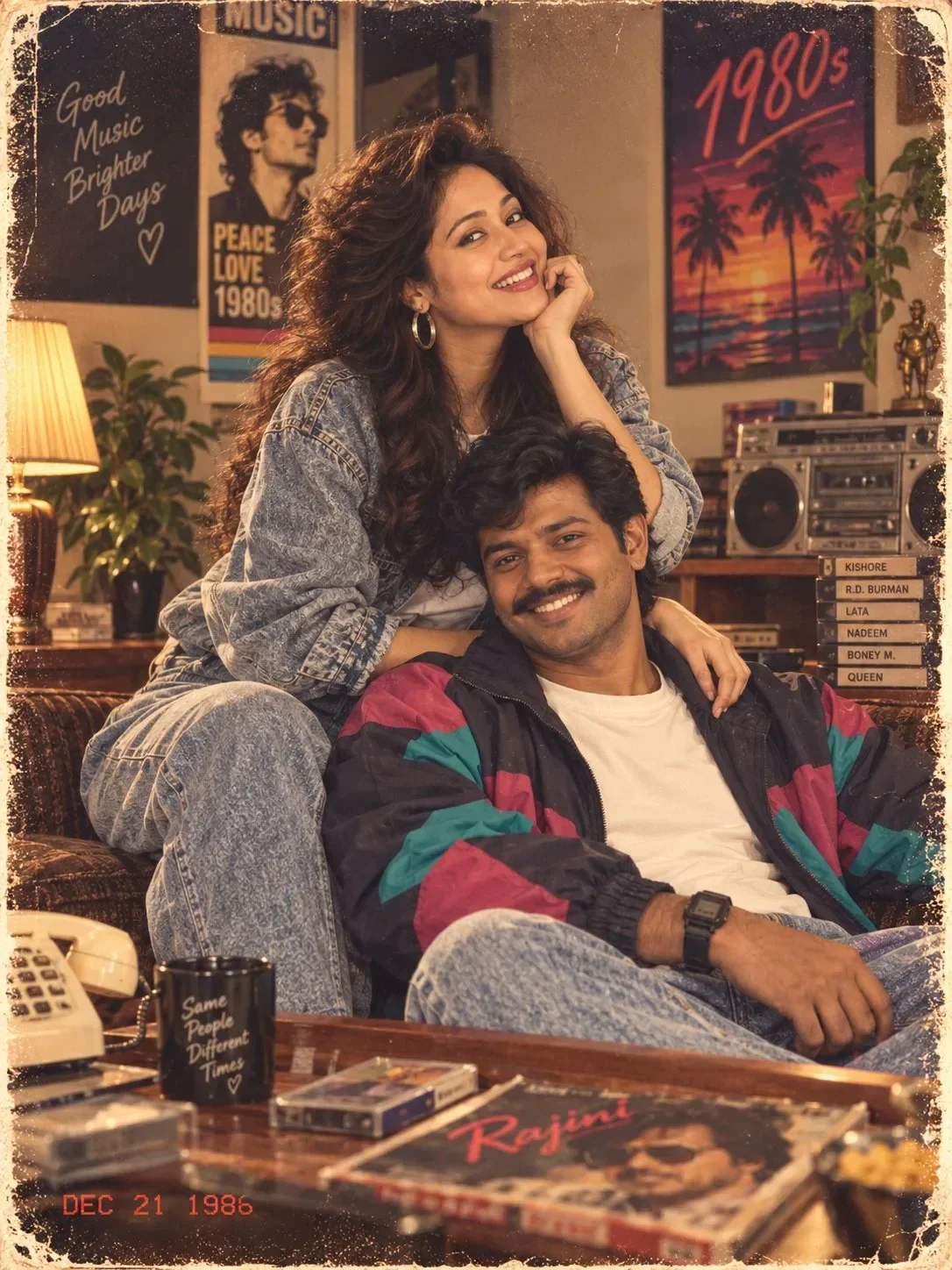
Reimagine the scene as if the photograph was genuinely taken in the early-to-mid 1980s, not digitally recreated today. Give the subject period-authentic 1980s clothing, naturally styled voluminous hair, subtle era-appropriate accessories, and a believable everyday environment that feels specific to the decade.

COMPOSITION: Create a naturally composed photograph rather than a modern AI portrait. The subject does not need to remain in the original position or background; intelligently reposition them into a believable 1980s photographic situation with natural body language and an unforced expression. Use an authentic 1980s family-album / personal-photograph composition, with slight asymmetry and imperfect framing.

CAMERA & FILM: Make it look like an actual photograph captured on an inexpensive 1980s consumer film camera. Slightly soft optical rendering, modest resolution, realistic film grain, subtle color fading, gentle halation around bright areas, restrained contrast, natural exposure variation, and tiny imperfections caused by real film and an old lens.

COLOR: Muted, slightly faded 1980s color reproduction with warm skin tones, gently aged colors, believable film response, and subtle yellow/red/blue shifts. Avoid the exaggerated orange-and-teal look of modern cinematic photography.

LIGHTING: Authentic available light or simple period flash. Natural shadows, realistic falloff, slightly uneven exposure, and the characteristic imperfect illumination of a real old photograph.

TEXTURE & AGE: Fine analog film grain, tiny photographic imperfections, slight softness without losing facial detail, faint print aging, subtle dust or microscopic photographic texture, and the appearance of a physical photograph that has spent decades inside an album.

MOST IMPORTANT: The final image must feel like a genuine photograph someone discovered inside a family album—not an AI-generated person wearing 1980s clothes.

AVOID: modern DSLR sharpness, smartphone-camera processing, HDR, excessive clarity, plastic skin, beauty-filter skin, artificial glow, contemporary fashion, modern hairstyles, modern environments, futuristic objects, excessive film effects, heavy blur, distorted anatomy, altered facial identity, extra fingers, unnatural hands, waxy skin, oversaturated colors, text, logos, watermarks, and obvious AI artifacts.

Optical Identity & Likeness Preservation: Lock subject's 1:1 facial likeness from reference image while seamlessly blending with authentic 35mm analog film grain, vintage color science, and classic studio shadows.Frequently asked questions
- How do I use the LOST 1980s ALBUM PHOTOGRAPH AI Photo Prompt prompt?
- To use this prompt, simply click the "Copy Prompt" button above. Then, open Google Gemini, paste the copied text into the prompt box, and hit generate. You can instantly generate high-quality images without needing any reference photos.
- What is this prompt best used for?
- This specific prompt is highly optimized for creating engaging social media content and digital art. The formula is structured to produce high-contrast, visually appealing results that perform well on visual platforms.
- Can I customize the details of this prompt?
- Yes! While the core structure of the prompt is optimized for Google Gemini, you can easily customize the details. We recommend changing specific keywords like clothing colors, background locations, or the overall mood (e.g., changing "sunny" to "rainy" or "neon") to match your exact vision.
What You'll Get
- 🎨 Style: Photography
- ✨ Mood: Photography
- 📱 Best For: Vintage
- 🤖 Works With: Google Gemini
- 🔥 Popularity: Copied 4 times
- 📅 Added: Sep 14, 2026
Explore Related Collections
Explore Photography Prompts — Browse our curated collection of Photography prompts tailored for creators. View all Photography prompts →
Explore Vintage Prompts — Discover more viral Vintage ideas for your next AI generation. View all Vintage prompts →
Explore Retro Prompts — Explore our extensive library of Retro templates ready to copy and paste. View all Retro prompts →