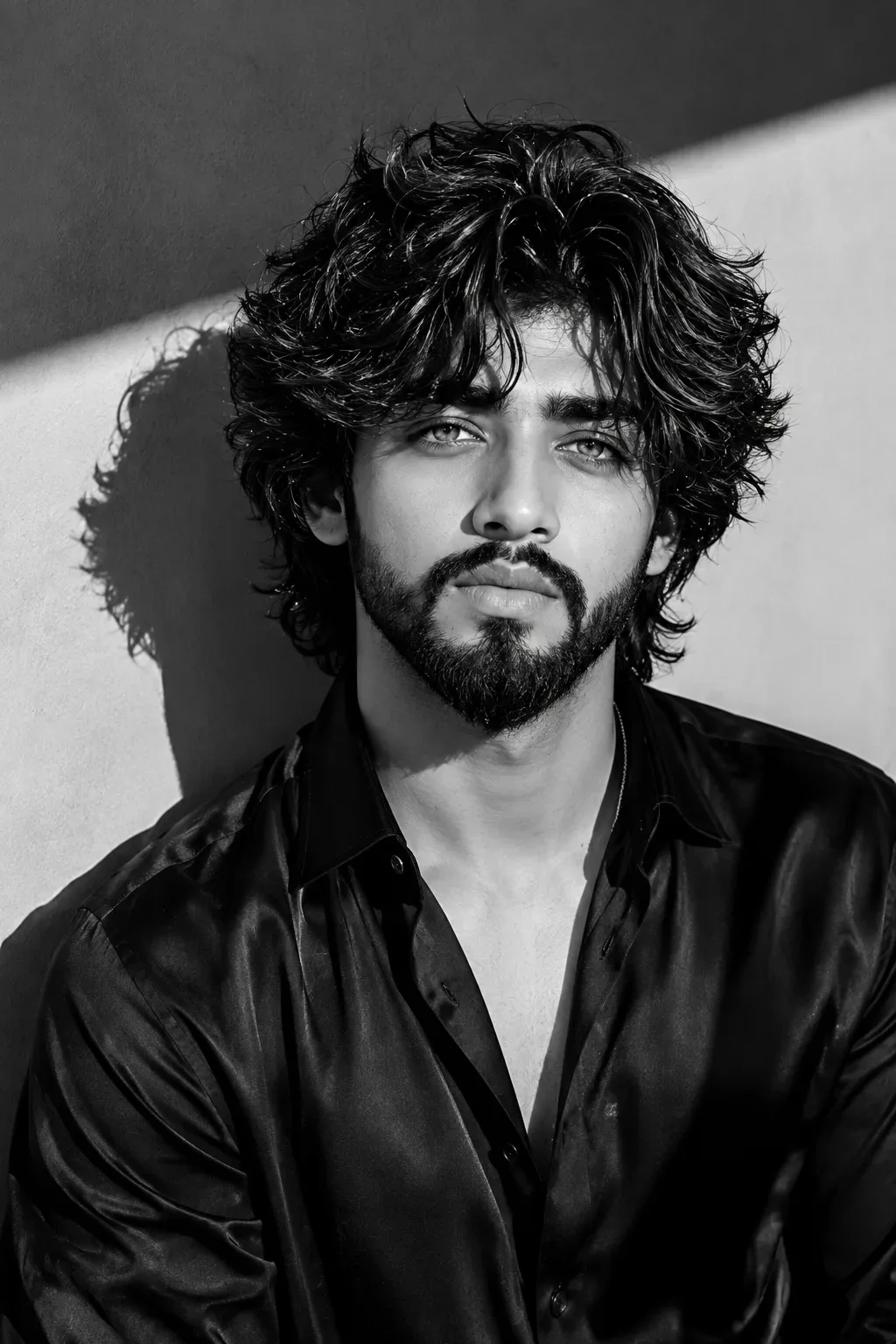
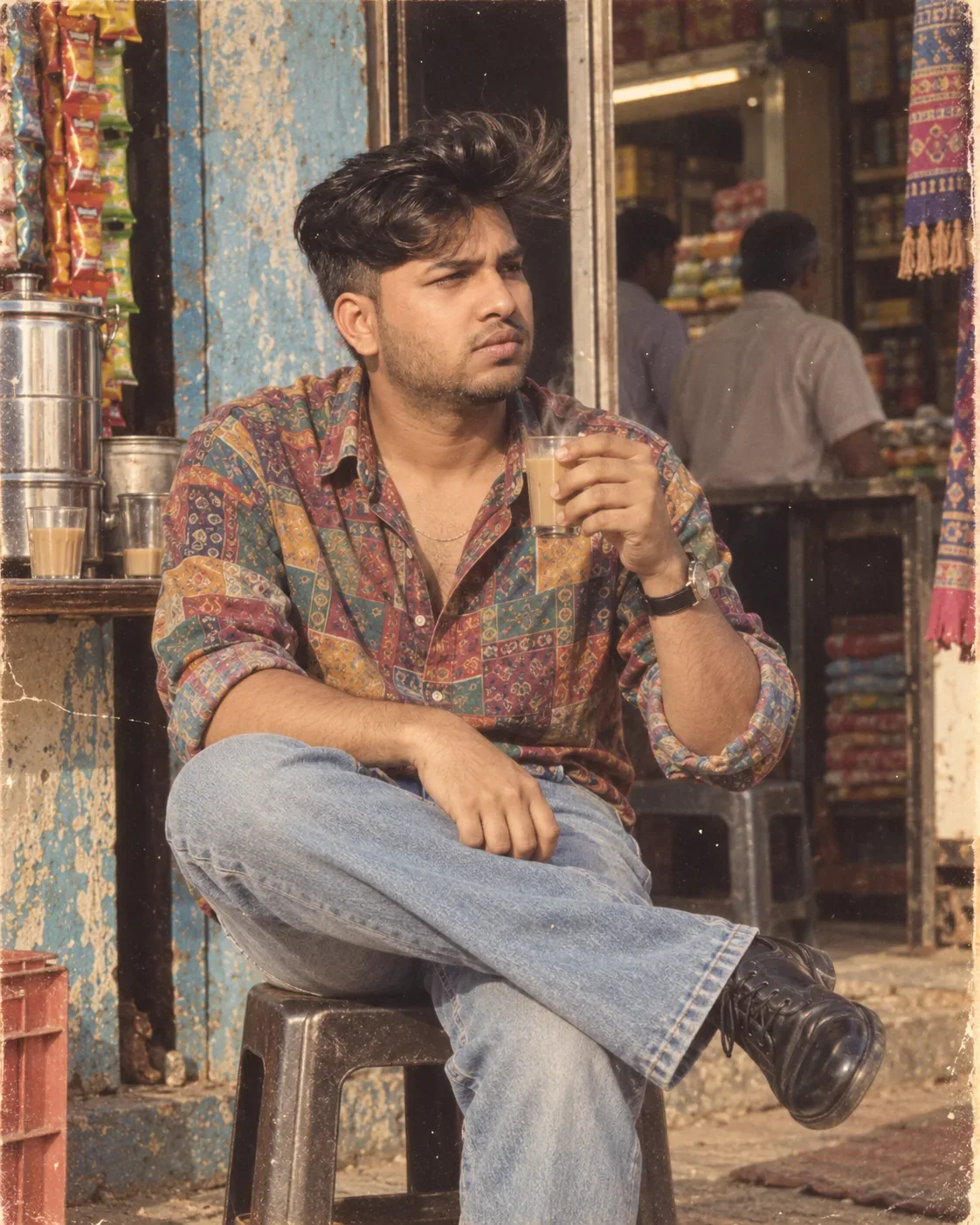
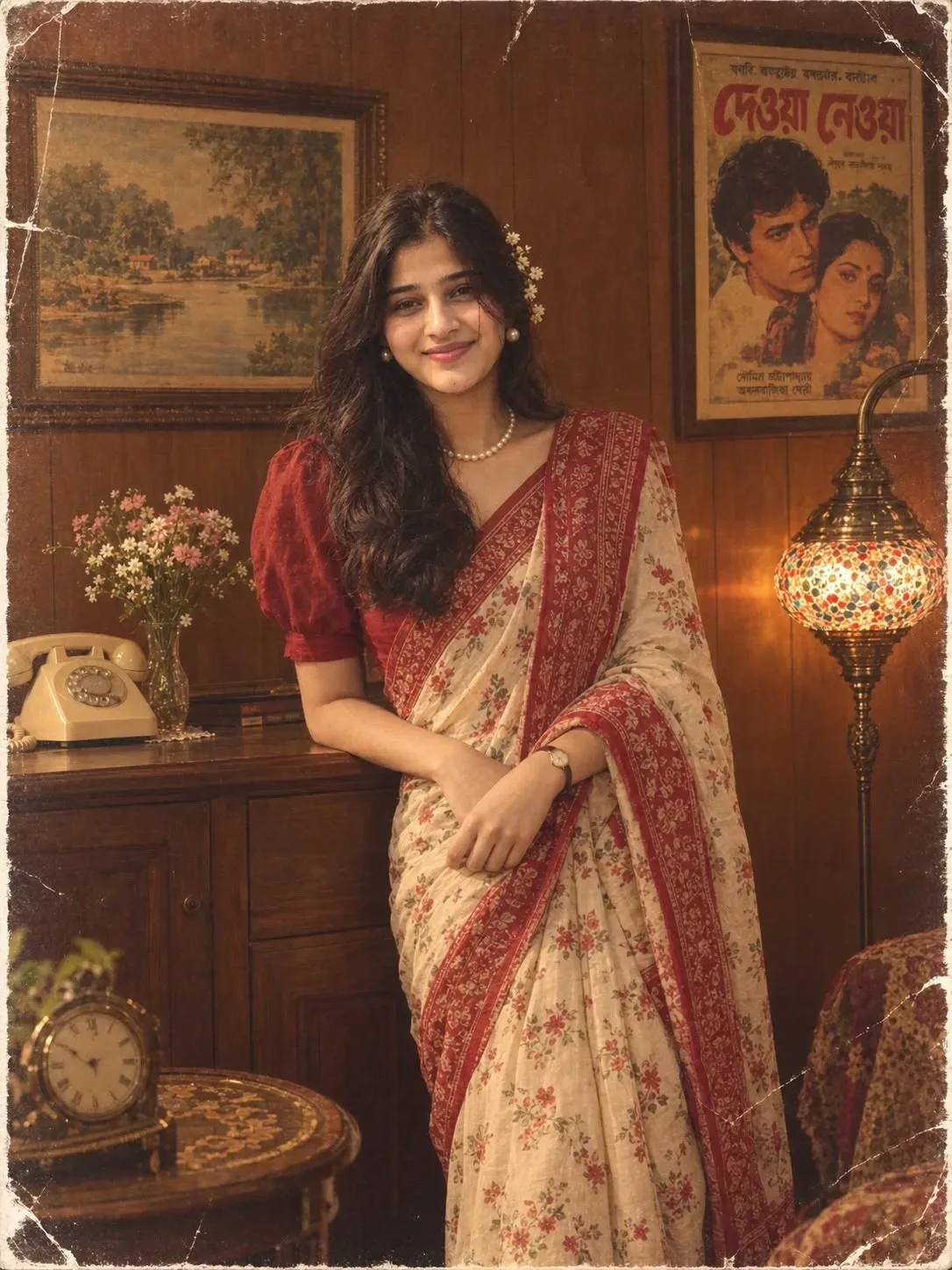
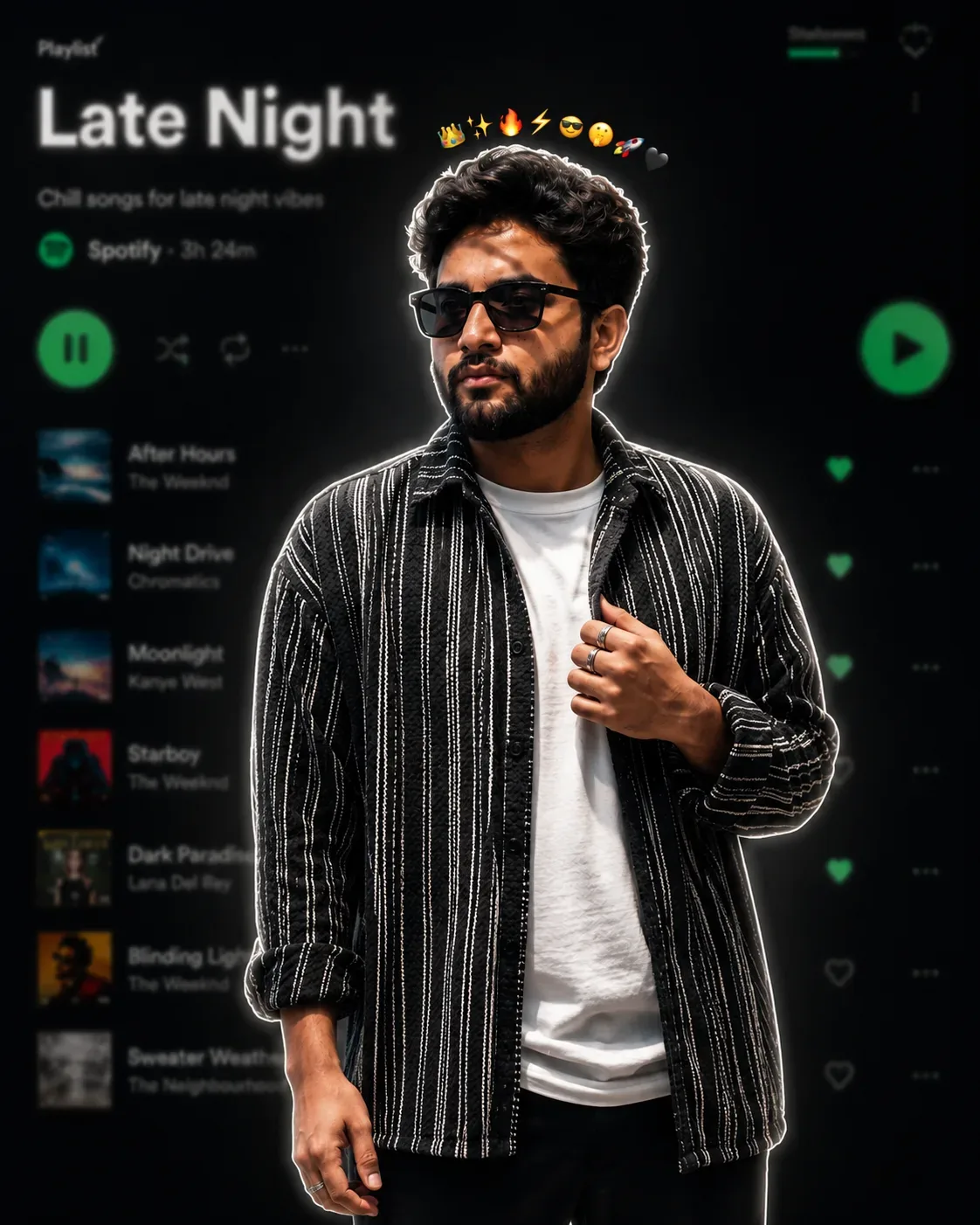
Quick Summary: This verified Google Gemini & Bing Image Creator (DALL-E 3) prompt creates an rich traditional Indian cultural aesthetic for Late Night Playlist Portrait AI Photo Prompt with calibrated lighting, authentic texture physics, and tested 1-click copy-paste formula for instant AI generation without facial distortion.
- Photography
- Ai Image
- Trending
- Photography
- Ai Image
- Trending
- Viral Prompt
- Gemini Ai
- Bing Image Creator
- Copy Paste
About This Prompt
Design a Late Night Playlist Portrait AI Photo Prompt — a high-quality, photorealistic image with balanced lighting, sharp focus, and intricate details suitable for social media sharing and digital content creation.
Optimized specifically for Google Gemini. Simply copy the prompt text below and paste it into the generator. You can easily customize specific keywords like colors, backgrounds, or subjects to make the final output uniquely yours.
Late Night Playlist Portrait AI Photo Prompt - Copy Paste AI Prompt
**Create an ultra-realistic cinematic portrait using the uploaded image as the ONLY and STRICT identity reference for the person.**

### STRICT IDENTITY PRESERVATION — HIGHEST PRIORITY

Use the uploaded photo to reproduce the exact person shown in it. **Do not change, redesign, beautify, or reinterpret the person’s identity.** Preserve the exact facial identity, facial structure, facial proportions, skin tone, complexion, eyes, eyebrows, nose, lips, jawline, cheekbones, ears, hairline, hairstyle, hair texture, apparent age, and natural facial asymmetries.

The face must remain **recognizably identical to the uploaded reference**, as if the same real person were photographed in this scene. Do not create a generic version of the person. Do not merge the reference face with another face. Do not alter ethnicity, age, facial shape, or distinctive features. Keep the person's natural appearance.

### SUBJECT & POSE

Create a vertical portrait of the person standing naturally in the center of the frame, shown from approximately the upper thighs upward.

The subject is facing slightly toward the **right side of the frame**, with the head turned naturally to the right in a relaxed three-quarter/profile-like pose. Their gaze is directed toward the right, away from the camera, with a calm, serious, slightly thoughtful expression.

One hand is naturally placed inside the trouser pocket while the opposite hand rests casually across the upper/middle chest, lightly gripping the front of the overshirt. Preserve realistic anatomy, natural fingers, and relaxed body language.

### CLOTHING

Dress the person in a **black-and-white vertically striped textured overshirt/jacket**, worn open or partially open over a simple plain white crew-neck T-shirt. The overshirt has a loose, relaxed fit with long sleeves naturally pushed/rolled slightly upward.

Add simple dark/black trousers. Keep the styling youthful, casual, modern, and understated. Add subtle rings/accessories only if they naturally complement the reference composition.

### BACKGROUND

Place the subject in front of a **dark, blurred Spotify-style music player interface** resembling a late-night music listening screen.

The background should be predominantly black/dark charcoal with subtle green interface accents. Include an intentionally blurred album-cover area in the upper-left portion, large blurred white text resembling a music title such as **“Late Night”**, smaller indistinct playlist/artist information, blurred song-list rows on the left and right, and a recognizable glowing green circular play button toward the right side.

**Do not reproduce an exact copyrighted app interface or exact text layout.** Make it a generic dark music-streaming interface with the same overall visual concept.

Use strong shallow depth of field so the entire background is heavily blurred while the person remains extremely sharp and detailed.

### CUTOUT / GLOW EFFECT

Create a clean, premium **thin white sticker-like outline** precisely around the person's silhouette.

Add a subtle soft white glow immediately around the outline, creating a polished social-media sticker effect. The outline should follow the hair, shoulders, arms, clothing, and body naturally without looking artificial or excessively thick.

### EMOJI DETAIL

Above the person's head, centered in a very compact curved arrangement, add a tiny sequence of approximately **8–10 small emojis**, including a crown, sparkle/star, fire, lightning, sunglasses, expressive face, rocket, and small heart.

Keep the emoji row **small, tight, balanced, and subtle**, following the curve of the head rather than floating far above it.

### LIGHTING

Use dramatic low-key cinematic lighting.

The subject should be brighter than the background, with soft frontal/side illumination revealing realistic skin texture and facial details. Add a subtle rim light around the hair and shoulders that naturally complements the white outline.

Maintain realistic shadows, natural skin highlights, realistic fabric texture, and physically believable lighting.

### CAMERA & IMAGE QUALITY

Premium smartphone/editorial portrait aesthetic, vertical **4:5 composition**, approximately **1080 × 1350**.

Ultra-realistic photography, extremely detailed face, realistic skin pores, individual hair strands, authentic fabric texture, natural anatomy, sharp subject separation, shallow depth of field, soft background bokeh, subtle cinematic contrast, polished Instagram-feed aesthetic.

### ABSOLUTE NEGATIVE INSTRUCTIONS

Do not change the person's face. Do not generate a different person. Do not beautify or idealize the face. Do not modify facial proportions. Do not change the eyes, nose, lips, jawline, cheekbones, hairstyle, hairline, skin tone, or apparent age. Do not make the person smile unless the uploaded reference already shows a smile. Do not alter the person's recognizable identity.

Do not create extra fingers, distorted hands, malformed anatomy, duplicated limbs, warped clothing, plastic skin, excessive smoothing, cartoon features, artificial facial symmetry, or an AI-generated-looking face.

**The uploaded image is the sole identity source; the scene, clothing, pose, background, lighting, and graphic treatment may change, but the person’s actual identity and facial appearance must remain unchanged.**

Optical Identity & Likeness Preservation: Lock subject's authentic facial identity and natural posture while seamlessly integrating with sharp vehicle reflections and cinematic ambient lighting.What You'll Get
- 🎨 Style: Photography
- ✨ Mood: Photography
- 📱 Best For: Ai Image
- 🤖 Works With: Google Gemini
- 🔥 Popularity: Copied 125 times
- 📅 Added: Sep 14, 2026
Explore Related Collections
Explore Photography Prompts — Browse our curated collection of Photography prompts tailored for creators. View all Photography prompts →
Explore Ai Image Prompts — Discover more viral Ai Image ideas for your next AI generation. View all Ai Image prompts →
Explore Trending Prompts — Explore our extensive library of Trending templates ready to copy and paste. View all Trending prompts →
Frequently asked questions
- How do I use the Late Night Playlist Portrait AI Photo Prompt prompt?
- To use this prompt, simply click the "Copy Prompt" button above. Then, open Google Gemini, paste the copied text into the prompt box, and hit generate. You can instantly generate high-quality images without needing any reference photos.
- What is this prompt best used for?
- This specific prompt is highly optimized for creating engaging social media content and digital art. The formula is structured to produce high-contrast, visually appealing results that perform well on visual platforms.
- Can I customize the details of this prompt?
- Yes! While the core structure of the prompt is optimized for Google Gemini, you can easily customize the details. We recommend changing specific keywords like clothing colors, background locations, or the overall mood (e.g., changing "sunny" to "rainy" or "neon") to match your exact vision.