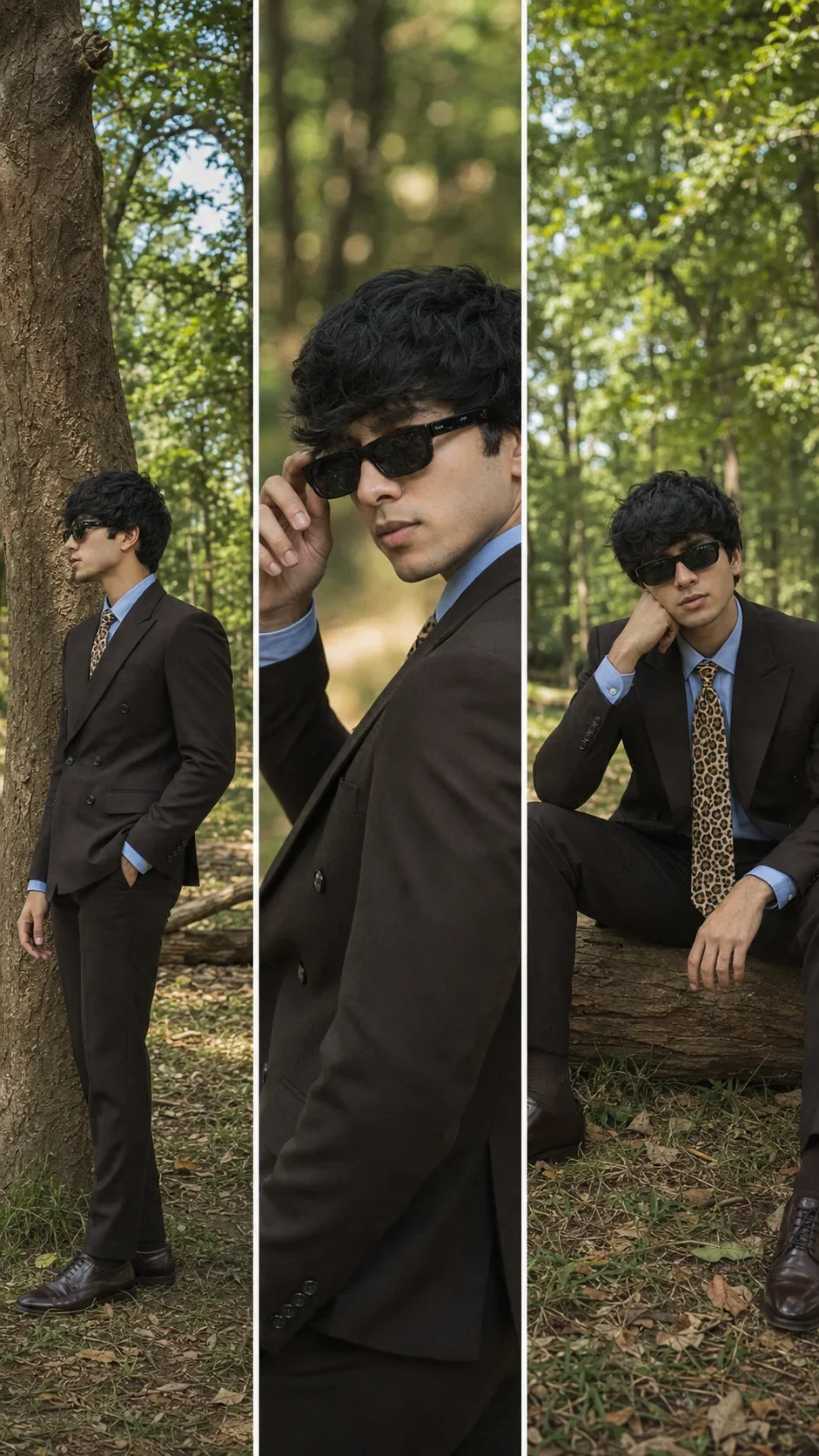
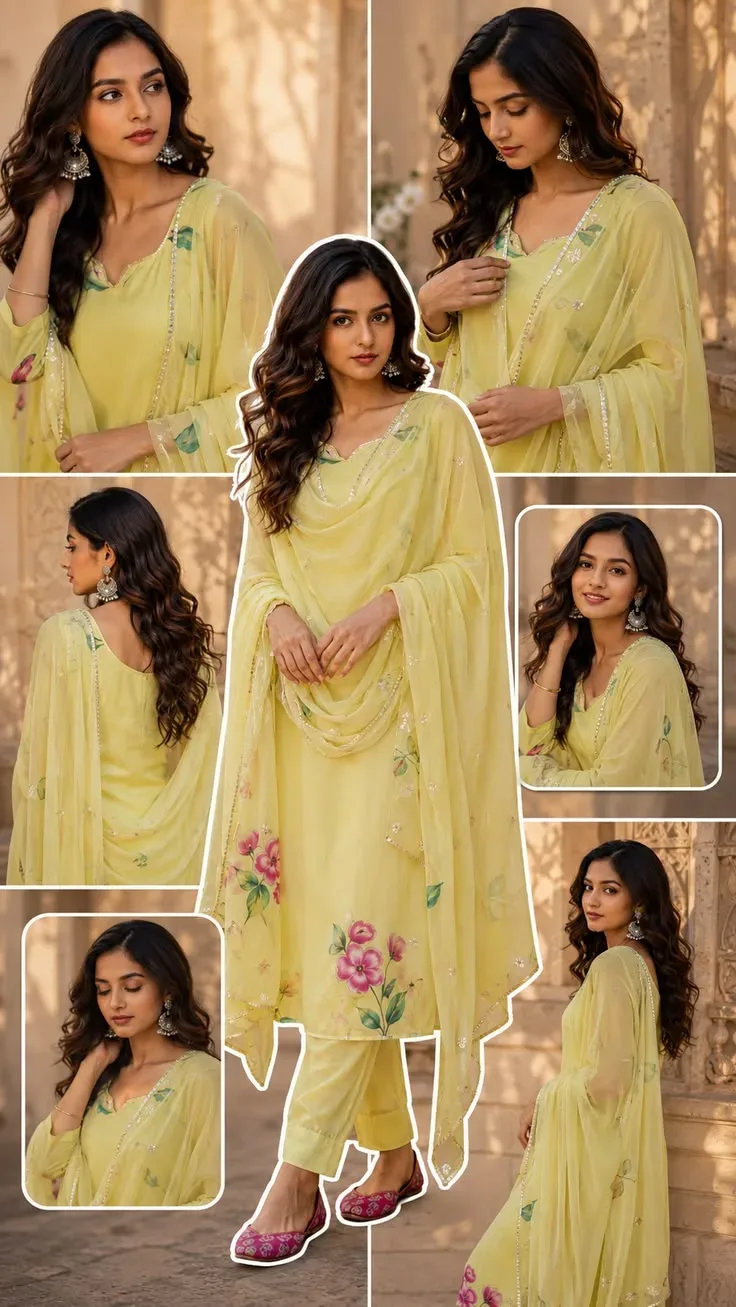
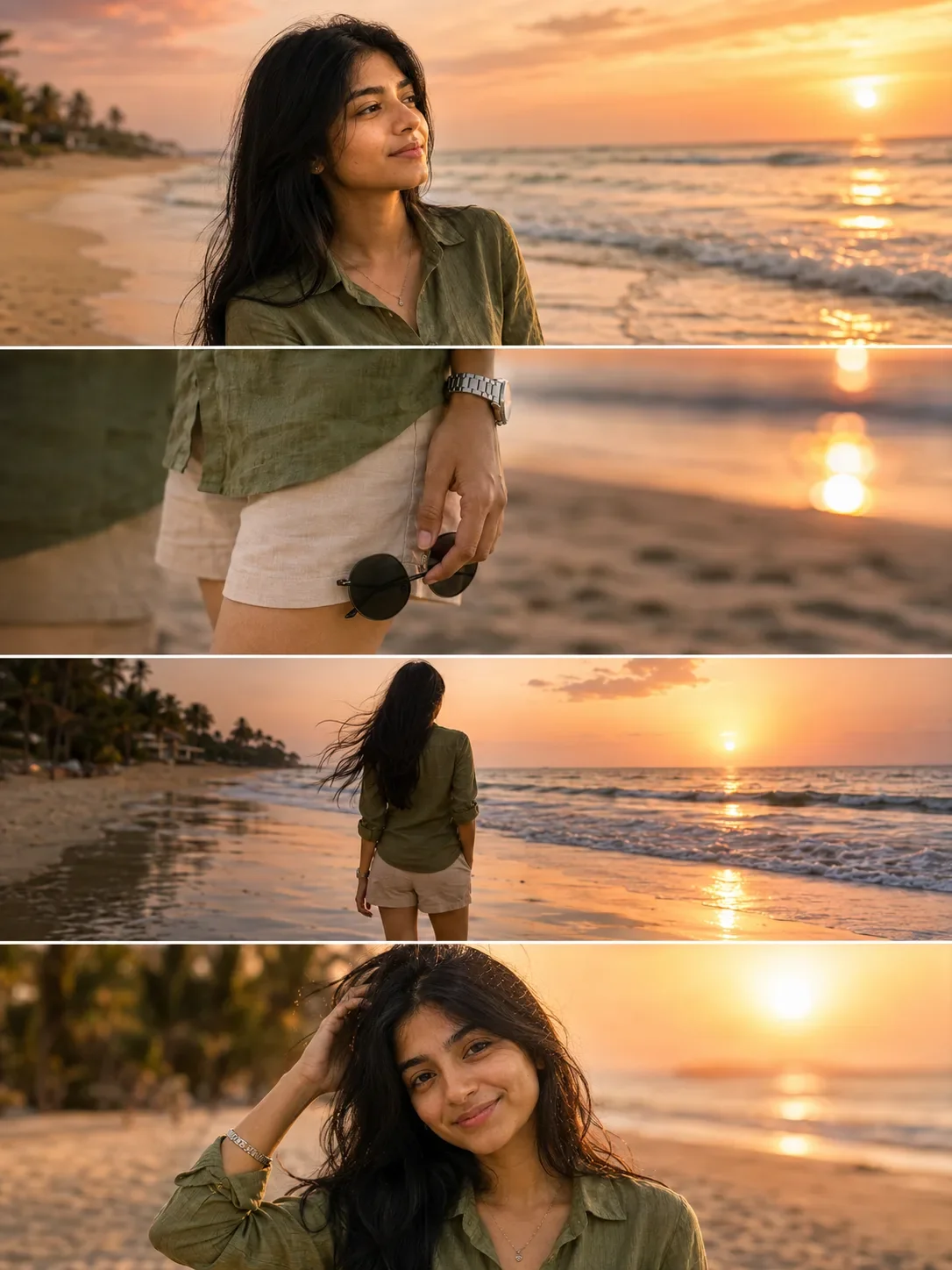
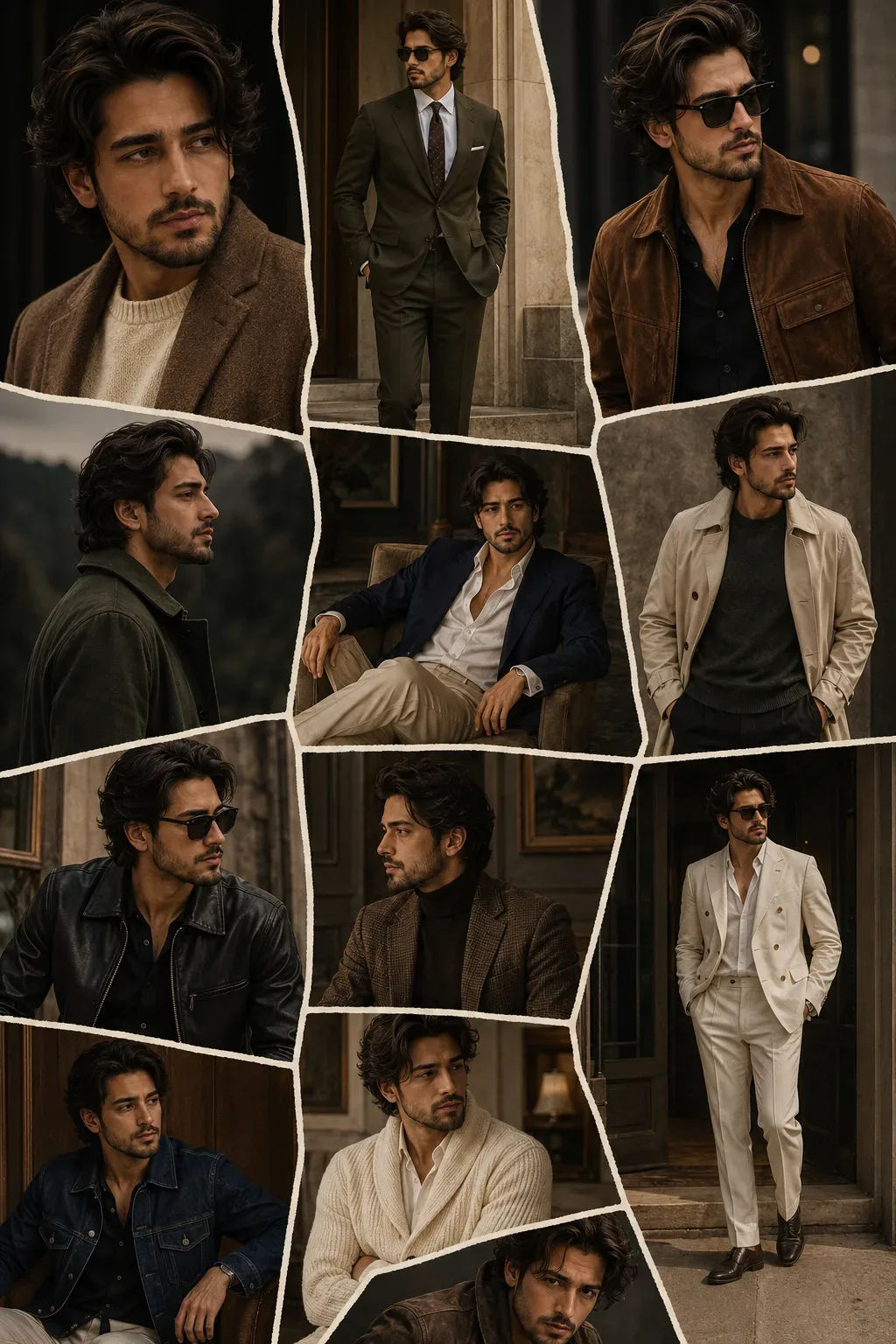
Quick Summary: This verified Google Gemini & Midjourney v6 prompt creates an authentic 90s vintage film aesthetic for Holy Chic Floral Fashion Collage AI Photo Prompt with calibrated lighting, authentic texture physics, and tested 1-click copy-paste formula for instant AI generation without facial distortion.
- Photography
- Collage
- Editorial
- Fashion
- Aesthetic
- Ai Image
- Trending
- Photography
- Collage
- Editorial
- Fashion
- Aesthetic
- Ai Image
- Trending
- Viral Prompt
- Gemini Ai
- Bing Image Creator
- Copy Paste
About This Prompt
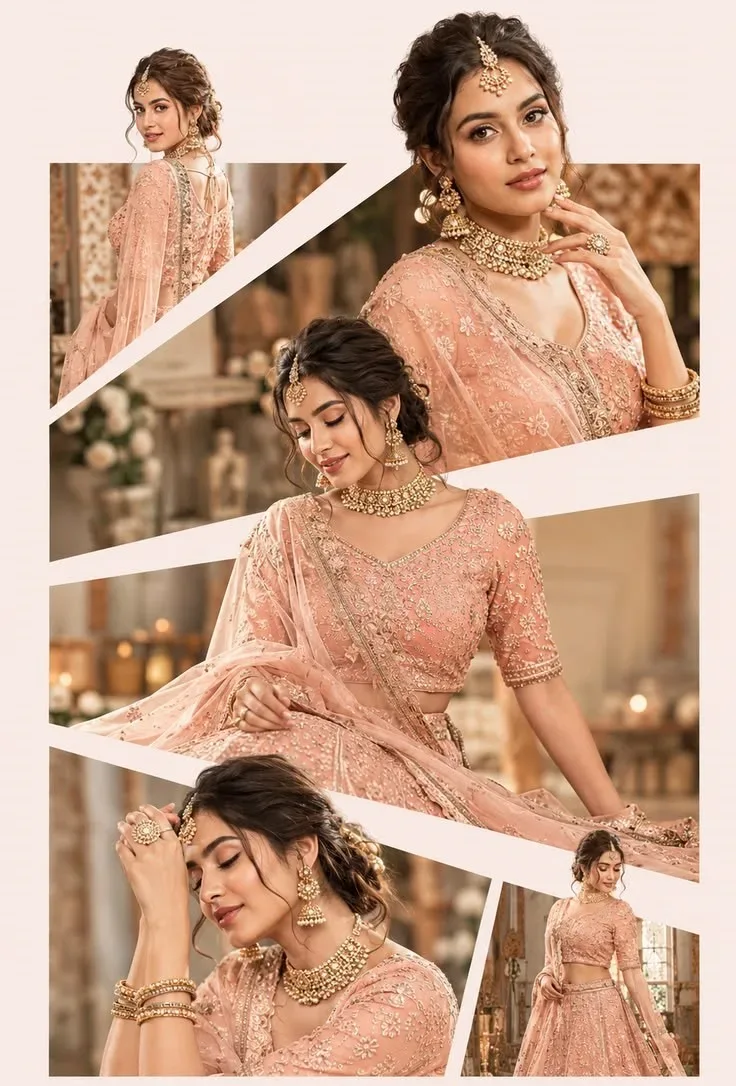
This AI prompt generates a Holy Chic Floral Fashion Collage AI Photo Prompt — a high-quality, photorealistic image with balanced lighting, sharp focus, and intricate details suitable for social media sharing and digital content creation.
We recommend generating this using Google Gemini. Simply copy the prompt text below and paste it into the generator. You can easily customize specific keywords like colors, backgrounds, or subjects to make the final output uniquely yours.
Holy Chic Floral Fashion Collage AI Photo Prompt - Copy Paste AI Prompt
**IMPORTANT — IDENTITY PRESERVATION IS HIGHEST PRIORITY**

Use the **user-uploaded photo as the ONLY source of the subject's identity and face**. Preserve their exact facial structure, features, skin tone, and recognizable identity. **Do not copy the reference person's identity or facial features. Do not change the user's gender or make them resemble the reference subject.**

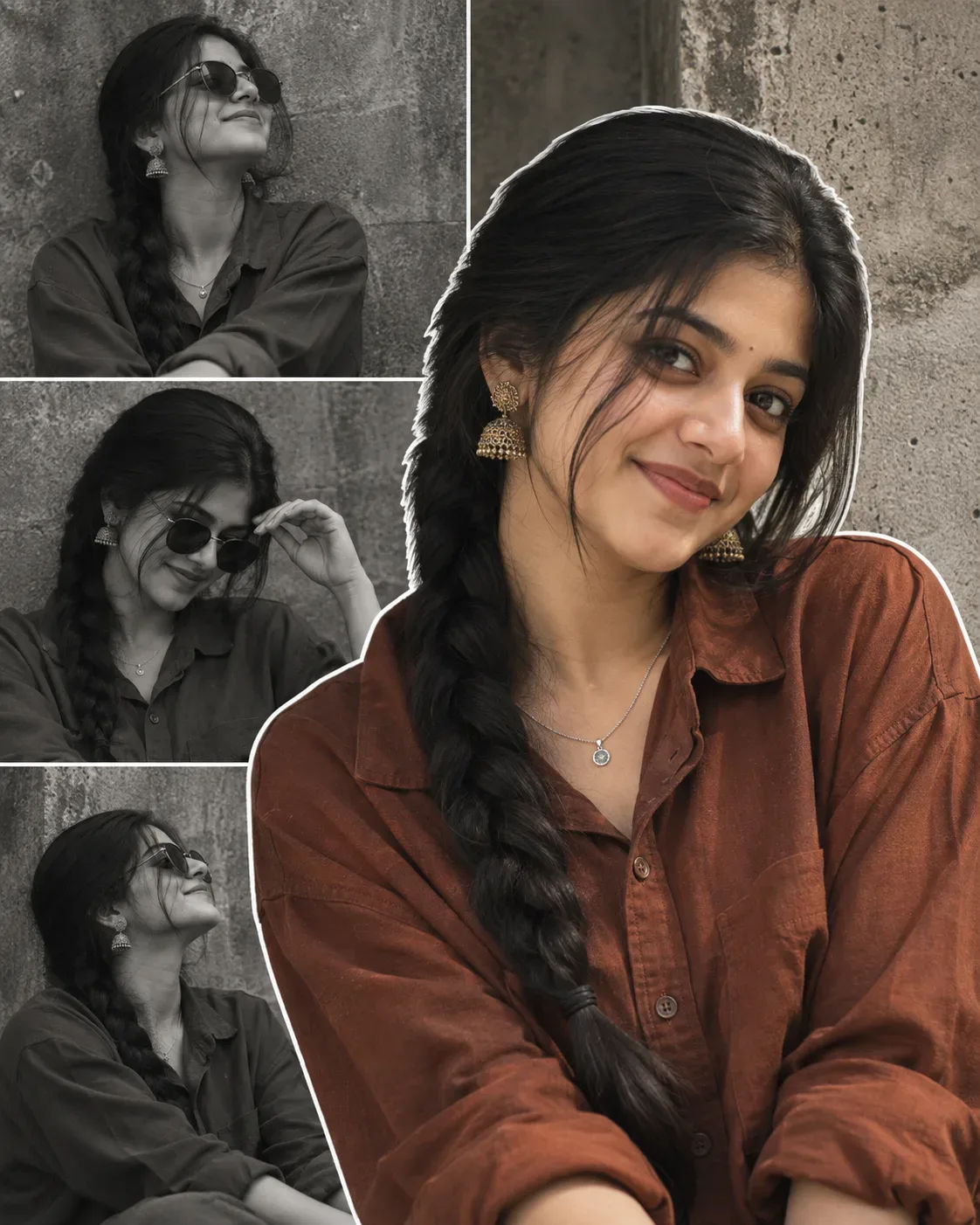
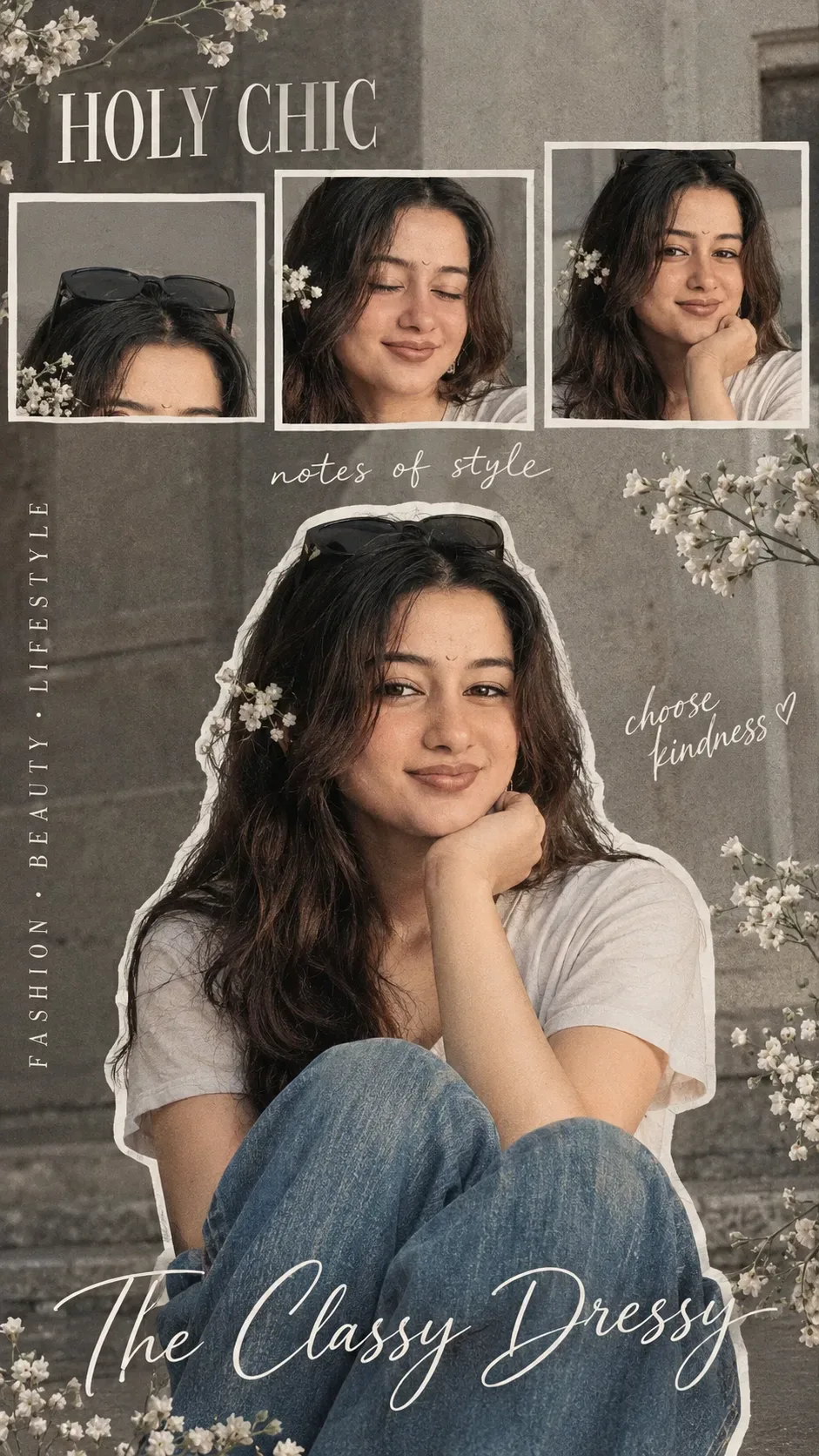
Recreate the reference image's **exact visual concept, pose, expression, gaze, composition, styling, environment, and collage design** using the user's identity.

The subject is seated casually with **knees raised toward the camera**, one hand gently supporting the chin, relaxed shoulders and body posture. Recreate the same head tilt and body positioning. Give the user the reference's **soft, peaceful expression with gently closed/relaxed eyes and a subtle closed-mouth smile**. The user's original expression and gaze must not be transferred.

Recreate the **light casual T-shirt, blue jeans, sunglasses resting on the head**, and delicate white flowers near the hair and around the composition. Adapt hairstyle naturally to the user's own appearance without changing their identity.

Use the same **outdoor muted gray architectural background**, soft natural daylight, subtle film grain, slightly desaturated vintage color grading, realistic skin and fabric texture, and shallow/moderate depth of field.

Create a **vertical 9:16 fashion-editorial collage**. The main seated portrait fills the lower/central frame and has a **thick irregular white cutout outline** around the subject. Add the same **three smaller horizontal rectangular photo crops** across the upper portion: one showing the sunglasses/head, one showing the closed eyes and flower, and one showing the face/hand near the chin. Each crop has a clean thick white border and must use the **same user's identity**.

Recreate the editorial typography and placement, including **“HOLY CHIC”** in the upper-left, **“notes of style”** near the center, handwritten **“choose kindness ♡”**, vertical text along the left, and the large cursive **“The Classy Dressy”** near the bottom.

Photorealistic, high-resolution, natural anatomy, realistic hands and fingers, sophisticated fashion-magazine scrapbook aesthetic.

**PRIORITY:**
**USER PHOTO = IDENTITY**
**REFERENCE = EXPRESSION + GAZE + HEAD POSE + BODY POSE + COMPOSITION + CLOTHING + ENVIRONMENT + COLLAGE STYLE**

No face morphing, identity blending, beauty-filter face, changed gender, incorrect expression/gaze, distorted anatomy, or generic replacement face.

Optical Identity & Likeness Preservation: Lock subject's 1:1 facial likeness from reference image while seamlessly blending with authentic 35mm analog film grain, vintage color science, and classic studio shadows.What You'll Get
- 🎨 Style: Photography
- ✨ Mood: Photography
- 📱 Best For: Collage
- 🤖 Works With: Google Gemini
- 🔥 Popularity: Copied 80 times
- 📅 Added: Sep 14, 2026
Frequently asked questions
- How do I use the Holy Chic Floral Fashion Collage AI Photo Prompt prompt?
- To use this prompt, simply click the "Copy Prompt" button above. Then, open Google Gemini, paste the copied text into the prompt box, and hit generate. You can instantly generate high-quality images without needing any reference photos.
- What is this prompt best used for?
- This specific prompt is highly optimized for creating engaging social media content and digital art. The formula is structured to produce high-contrast, visually appealing results that perform well on visual platforms.
- Can I customize the details of this prompt?
- Yes! While the core structure of the prompt is optimized for Google Gemini, you can easily customize the details. We recommend changing specific keywords like clothing colors, background locations, or the overall mood (e.g., changing "sunny" to "rainy" or "neon") to match your exact vision.
Explore Related Collections
Explore Photography Prompts — Browse our curated collection of Photography prompts tailored for creators. View all Photography prompts →
Explore Collage Prompts — Discover more viral Collage ideas for your next AI generation. View all Collage prompts →
Explore Editorial Prompts — Explore our extensive library of Editorial templates ready to copy and paste. View all Editorial prompts →