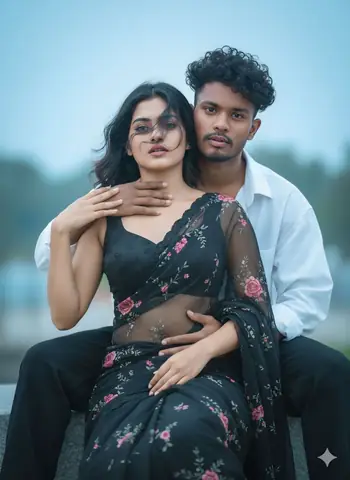
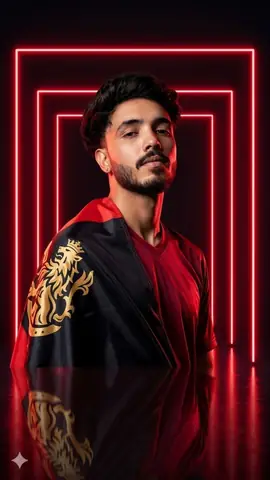
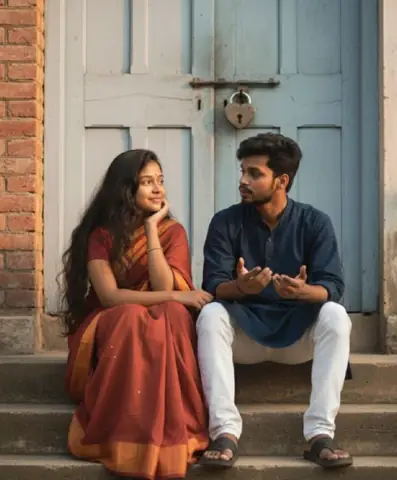
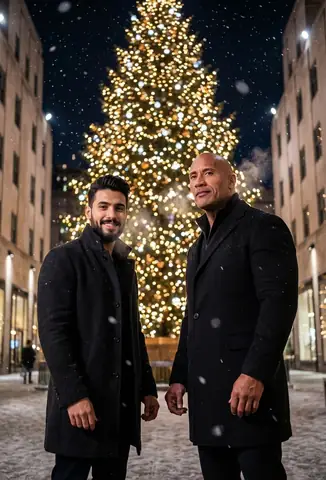
Quick Summary: This verified Midjourney v6.1 & Google Gemini Pro prompt creates an high-end Vogue editorial photoshoot aesthetic for Create An Realistic Portrait AI Photo Prompt with calibrated lighting, authentic texture physics, and tested 1-click copy-paste formula for instant AI generation without facial distortion.
About This Prompt
Create a Create An Realistic Portrait AI Photo Prompt — a high-quality, photorealistic image with balanced lighting, sharp focus, and intricate details suitable for social media sharing and digital content creation.
We recommend generating this using Google Gemini. Simply copy the prompt text below and paste it into the generator. You can easily customize specific keywords like colors, backgrounds, or subjects to make the final output uniquely yours.
What You'll Get
- 🎨 Style: Ai Image
- ✨ Mood: Meigen
- 📱 Best For: Trending
- 🤖 Works With: Google Gemini
- 🔥 Popularity: Copied 45 times
- 📅 Added: Sep 15, 2026
Create An Realistic Portrait AI Photo Prompt - Copy Paste AI Prompt
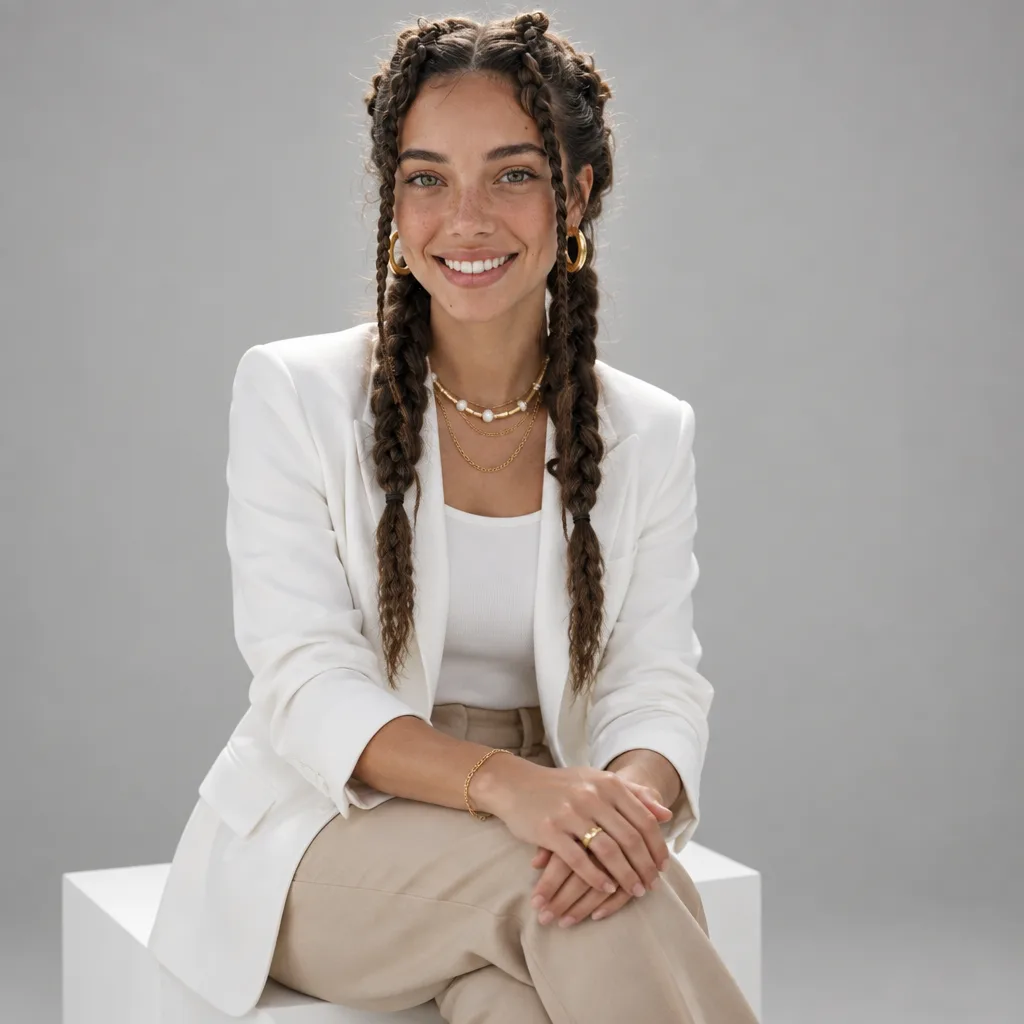
Create an ultra-realistic, high-end professional studio portrait of one adult subject, styled in a clean, modern, executive fashion aesthetic.The subject is seated on a simple white cube, body slightly angled toward the camera, posture upright yet relaxed. Hands gently clasped together, resting naturally on the lap. Expression is confident, warm, and composed, with a subtle professional smile.Overall mood: polished, elegant, modern, trustworthy — pure realism only.No stylization, no cinematic effects, no beauty filters, no exaggeration.WARDROBE & STYLING• Crisp white tailored blazer (matte fabric, no logos)• Minimal white inner top / high-neck tee• Neutral beige or tan tailored trousers• Minimal gold jewelry only (thin chain, bracelet, ring — subtle and realistic)• Clean, natural groomingENVIRONMENT & LIGHTING• Seamless neutral grey studio background• Soft, even studio lighting with natural falloff• No harsh shadows, no dramatic contrast• True-to-life skin texture and fabric detail• Professional fashion/editorial realism IDENTITY REFERENCE — ABSOLUTE (NON-NEGOTIABLE)Use uploaded face image as the ONLY facial identity referenceMaintain 100% facial accuracy at all times, including:• Bone structure• Jawline and chin• Eye shape, eyelids, iris placement• Eyebrow thickness and curvature• Nose bridge, width, and tip• Lip shape and proportions• Cheek volume and facial symmetry• Hairline and facial proportionsFace must remain perfectly consistent from every angle(front view, ¾ view, side profile, seated pose, slight head tilt, full-body framing)

Note: Strictly retain 100% exact facial likeness, natural cheekbone contours, true skin undertone, and authentic gaze from source image without generic face replacement.Explore Related Collections
Explore Ai Image Prompts — Browse our curated collection of Ai Image prompts tailored for creators. View all Ai Image prompts →
Explore Trending Prompts — Discover more viral Trending ideas for your next AI generation. View all Trending prompts →
Frequently asked questions
- How do I use the Create An Realistic Portrait AI Photo Prompt prompt?
- To use this prompt, simply click the "Copy Prompt" button above. Then, open Google Gemini, paste the copied text into the prompt box, and hit generate. You can instantly generate high-quality images without needing any reference photos.
- What is this prompt best used for?
- This specific prompt is highly optimized for creating engaging social media content and digital art. The formula is structured to produce high-contrast, visually appealing results that perform well on visual platforms.
- Can I customize the details of this prompt?
- Yes! While the core structure of the prompt is optimized for Google Gemini, you can easily customize the details. We recommend changing specific keywords like clothing colors, background locations, or the overall mood (e.g., changing "sunny" to "rainy" or "neon") to match your exact vision.