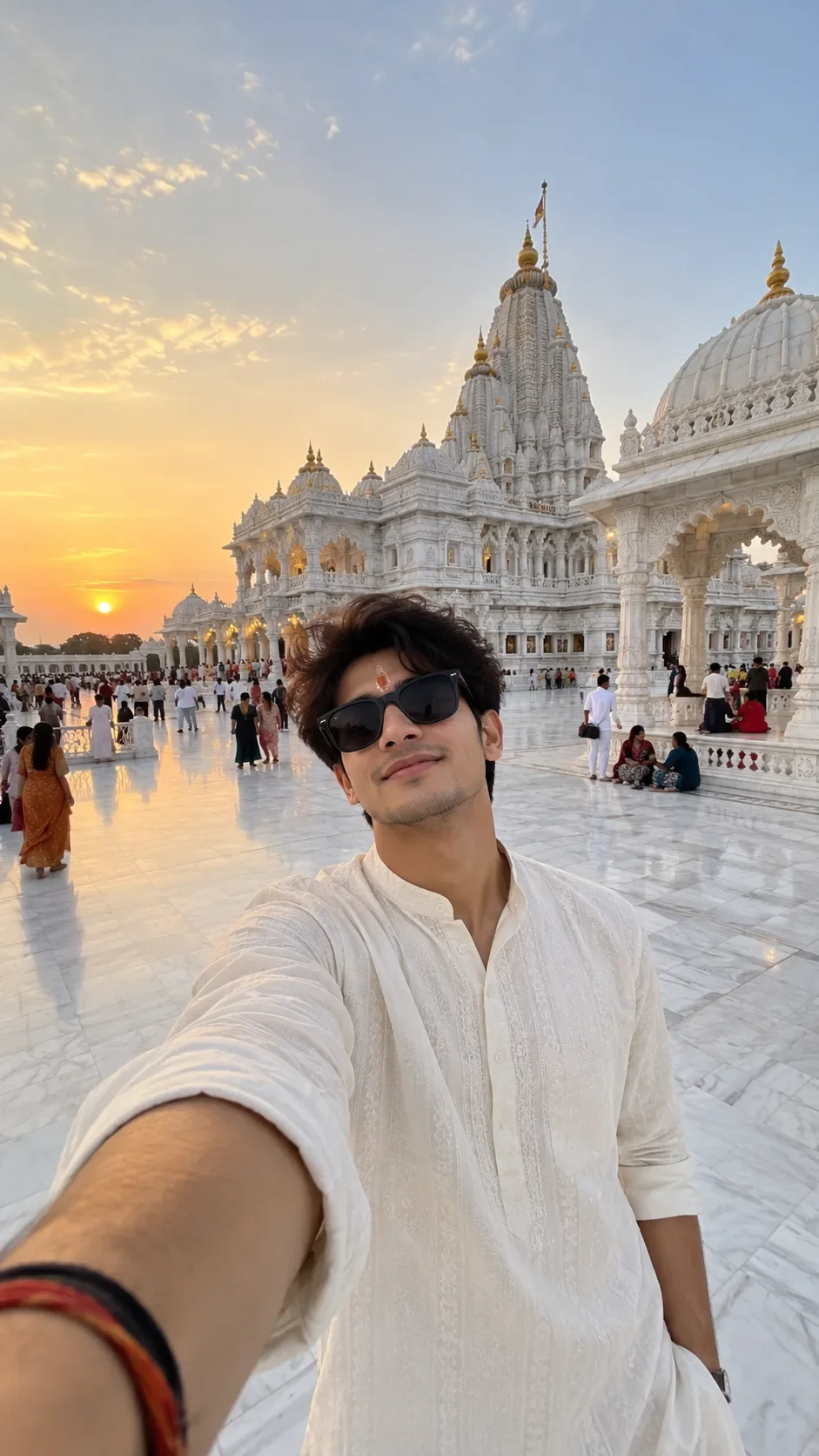
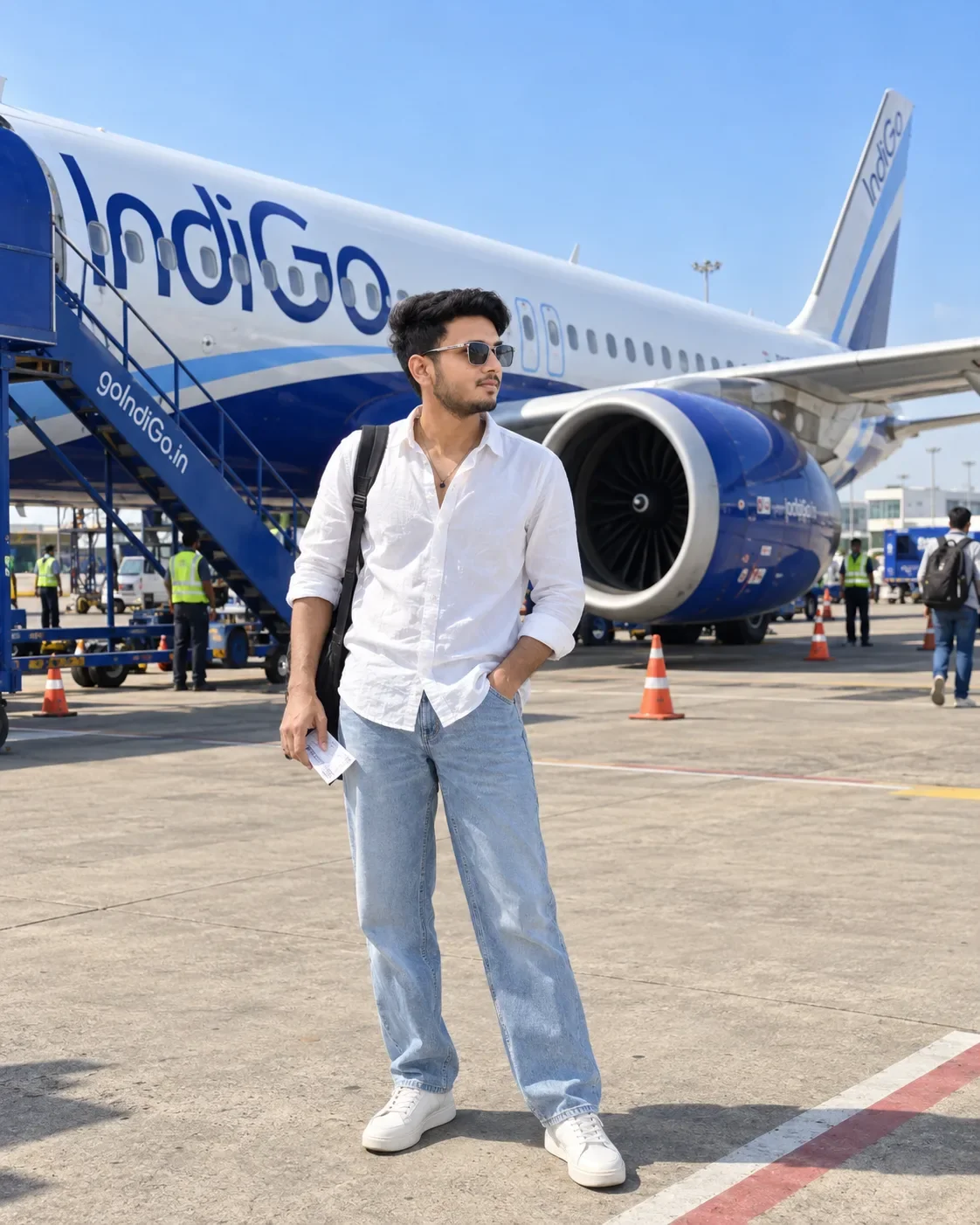
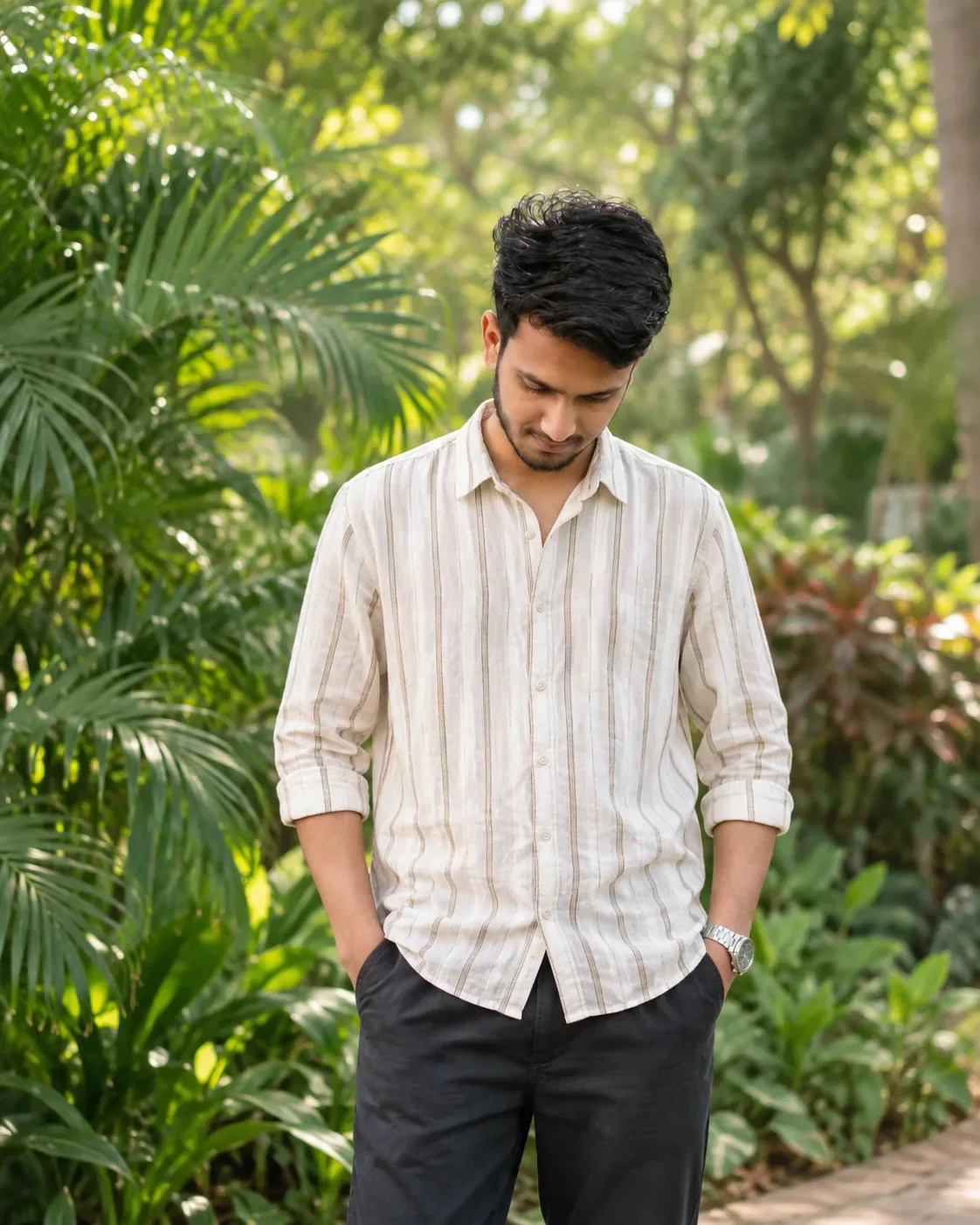
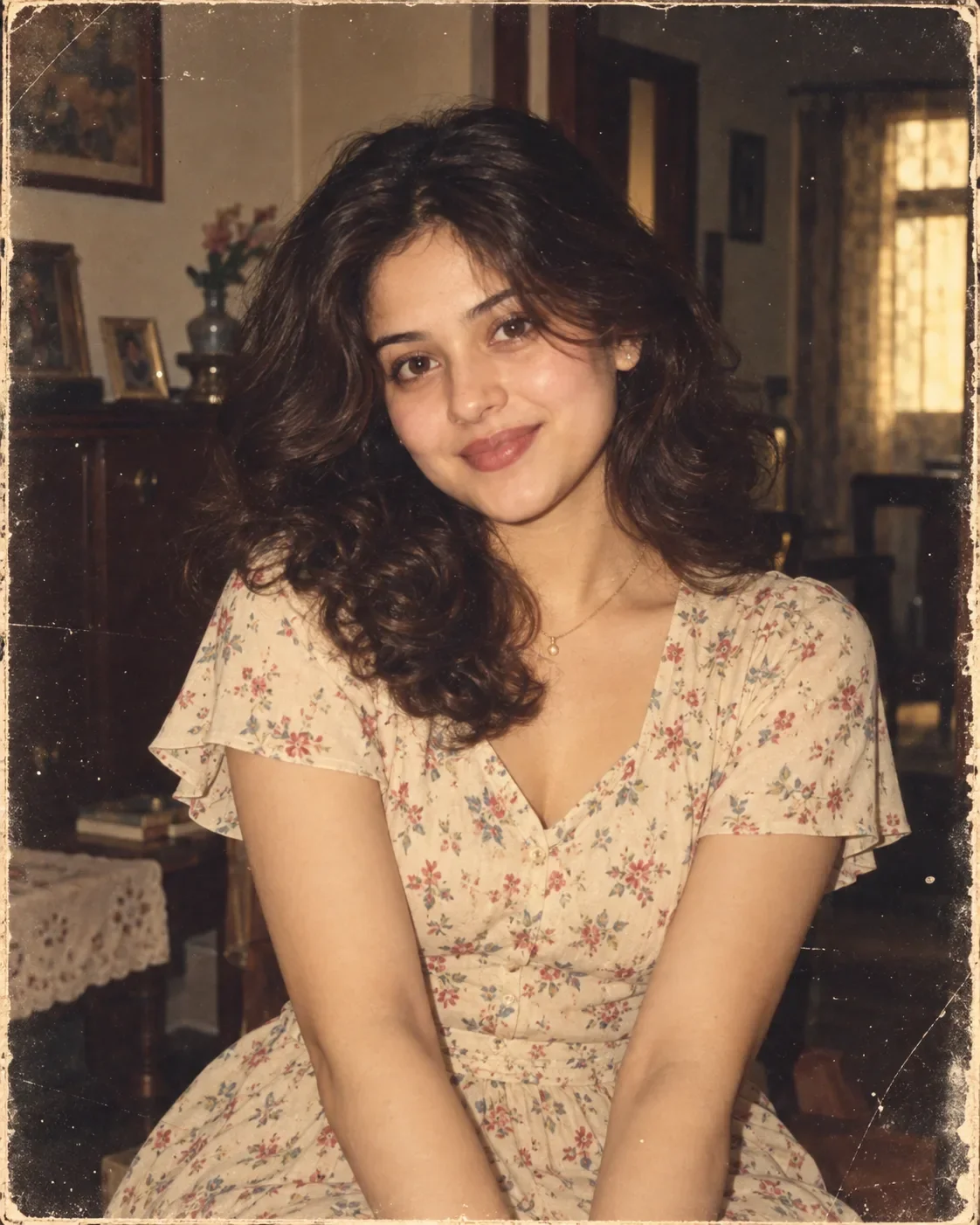
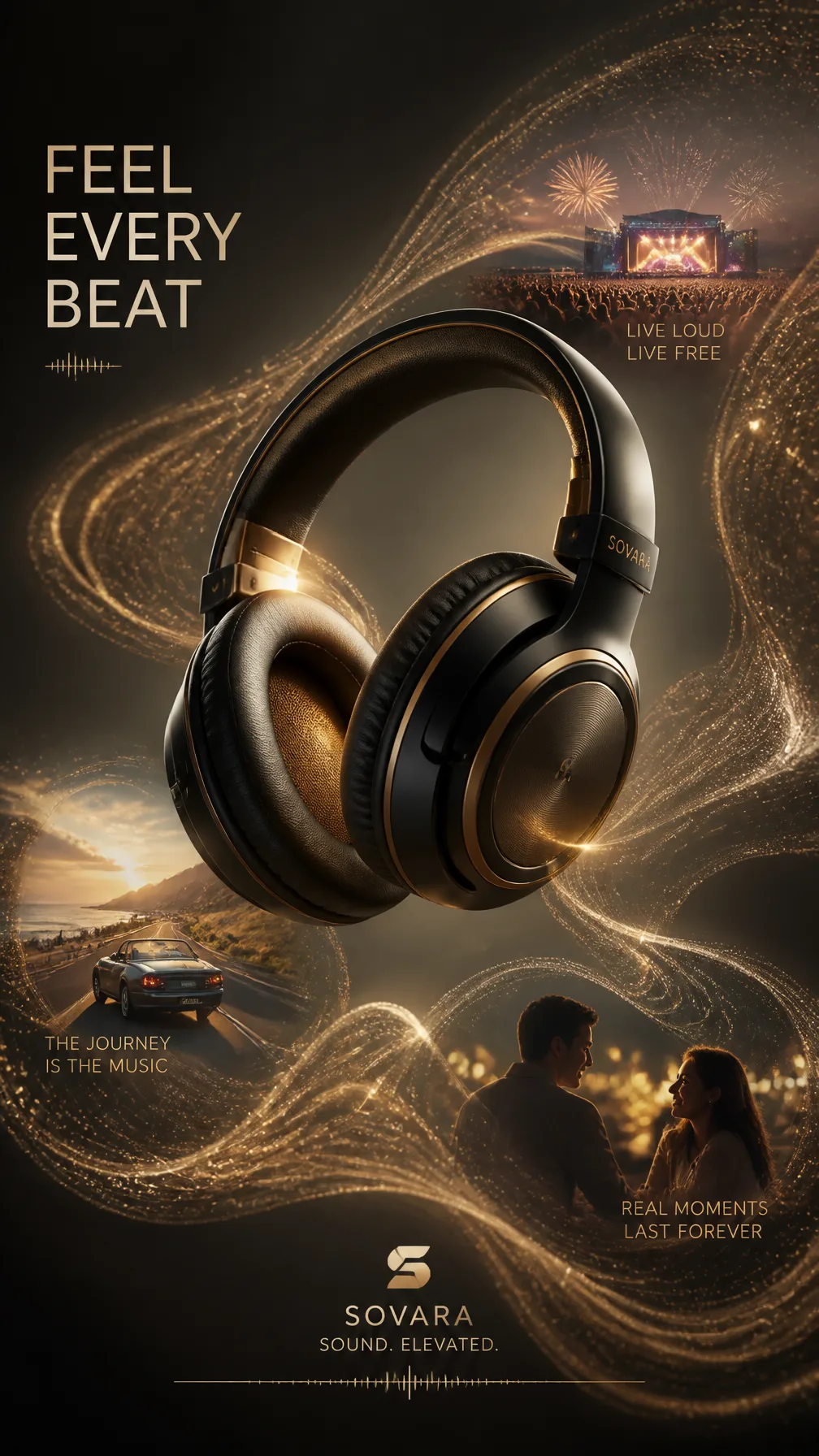
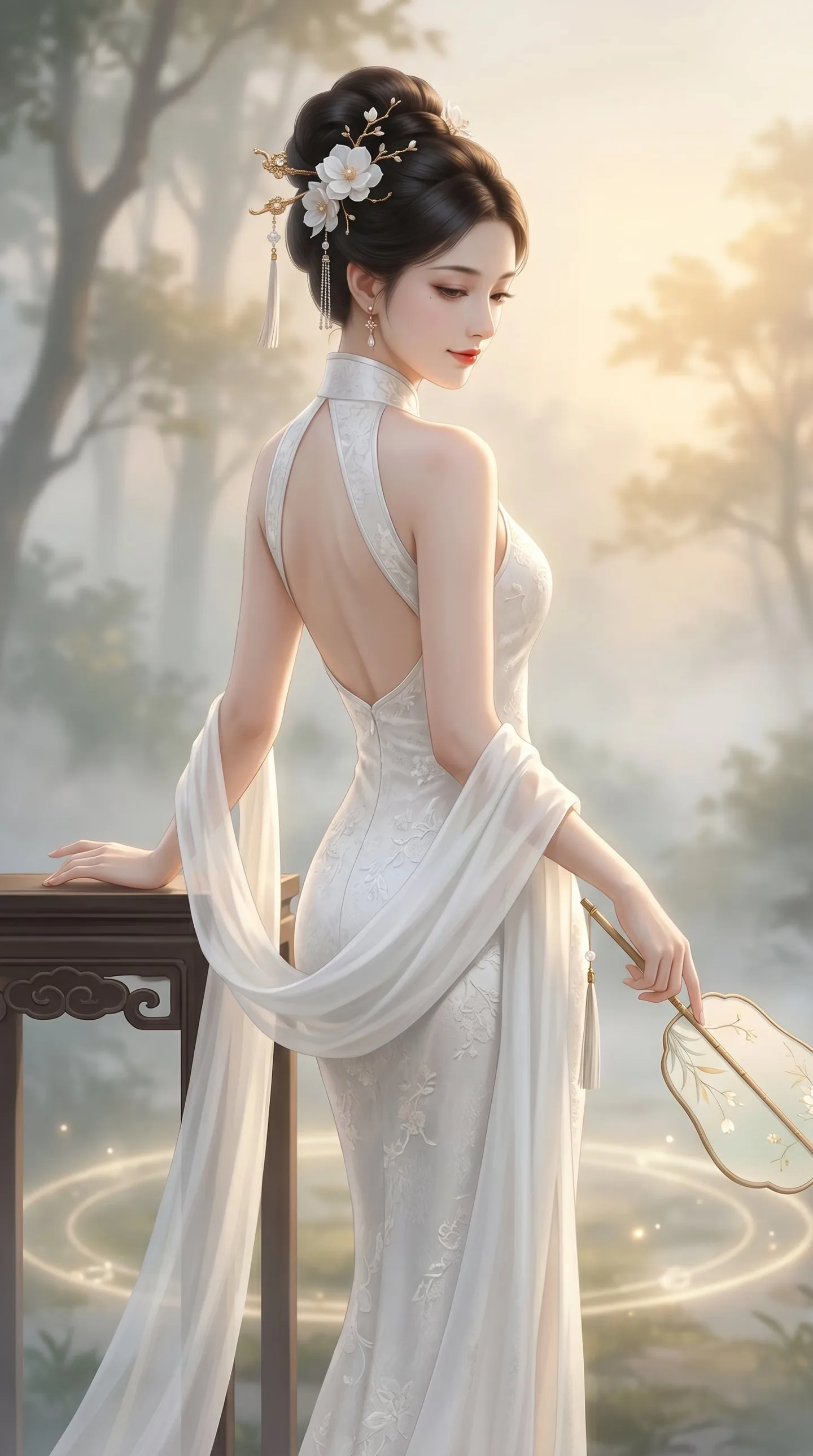
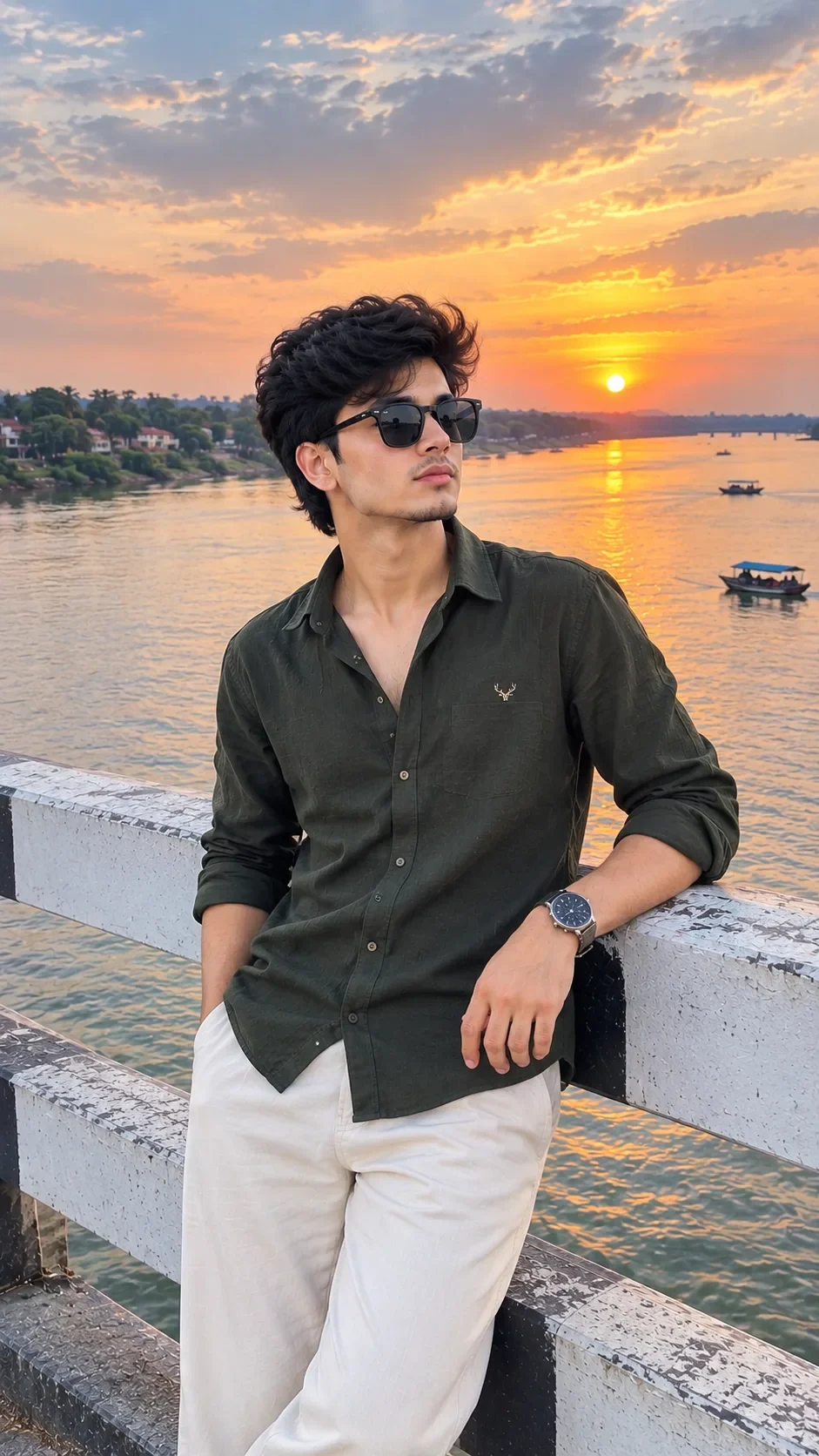
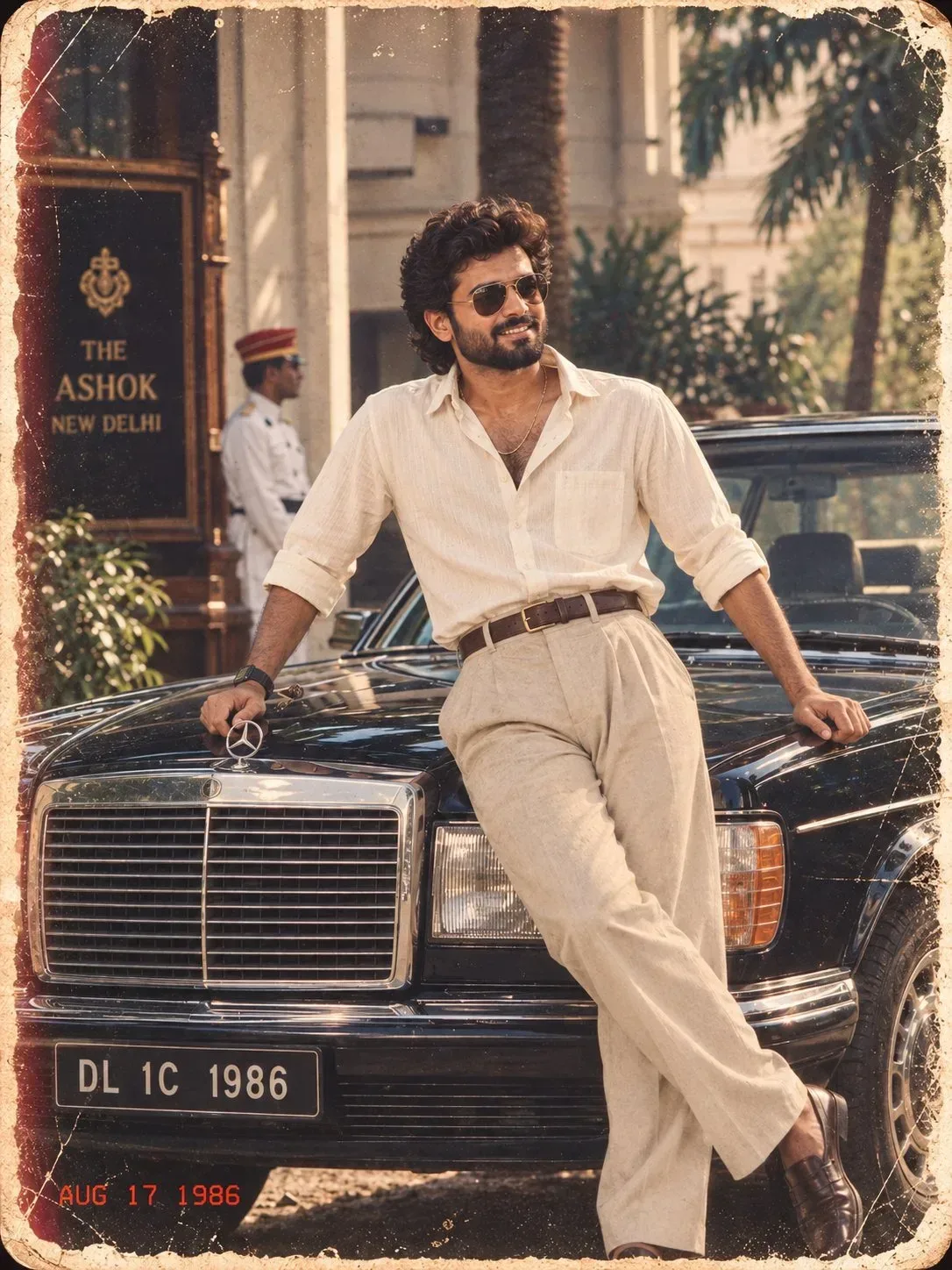
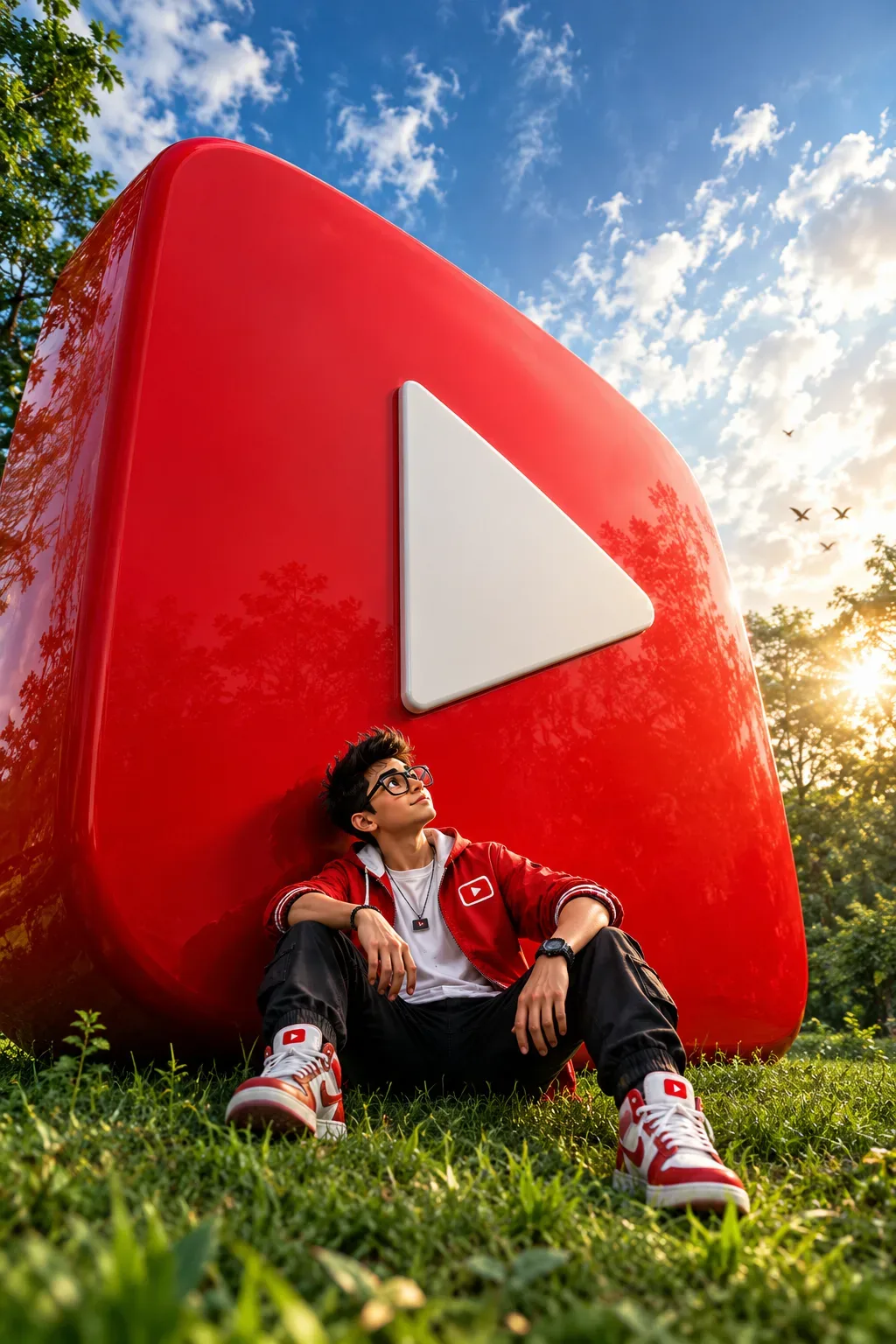
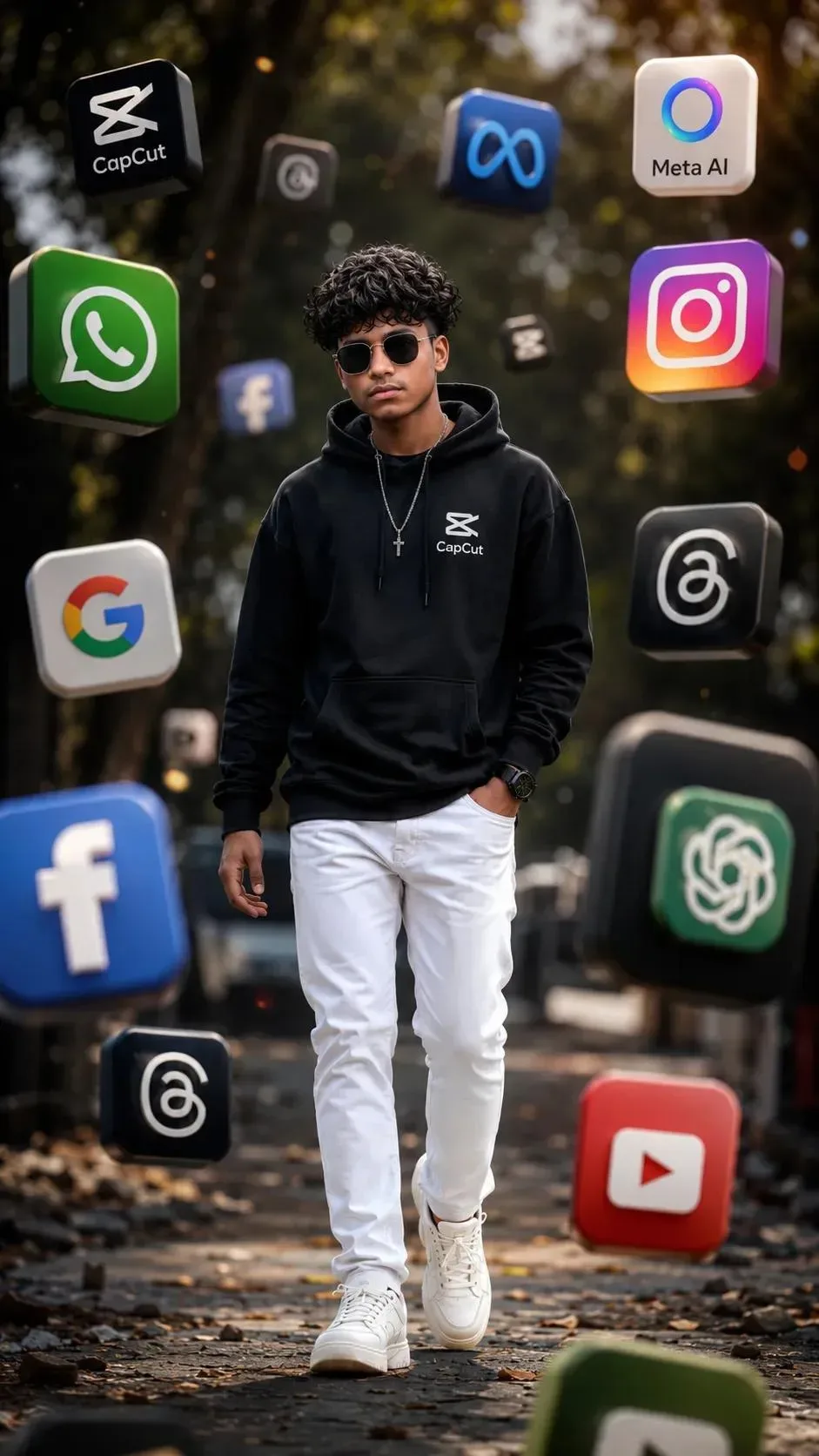
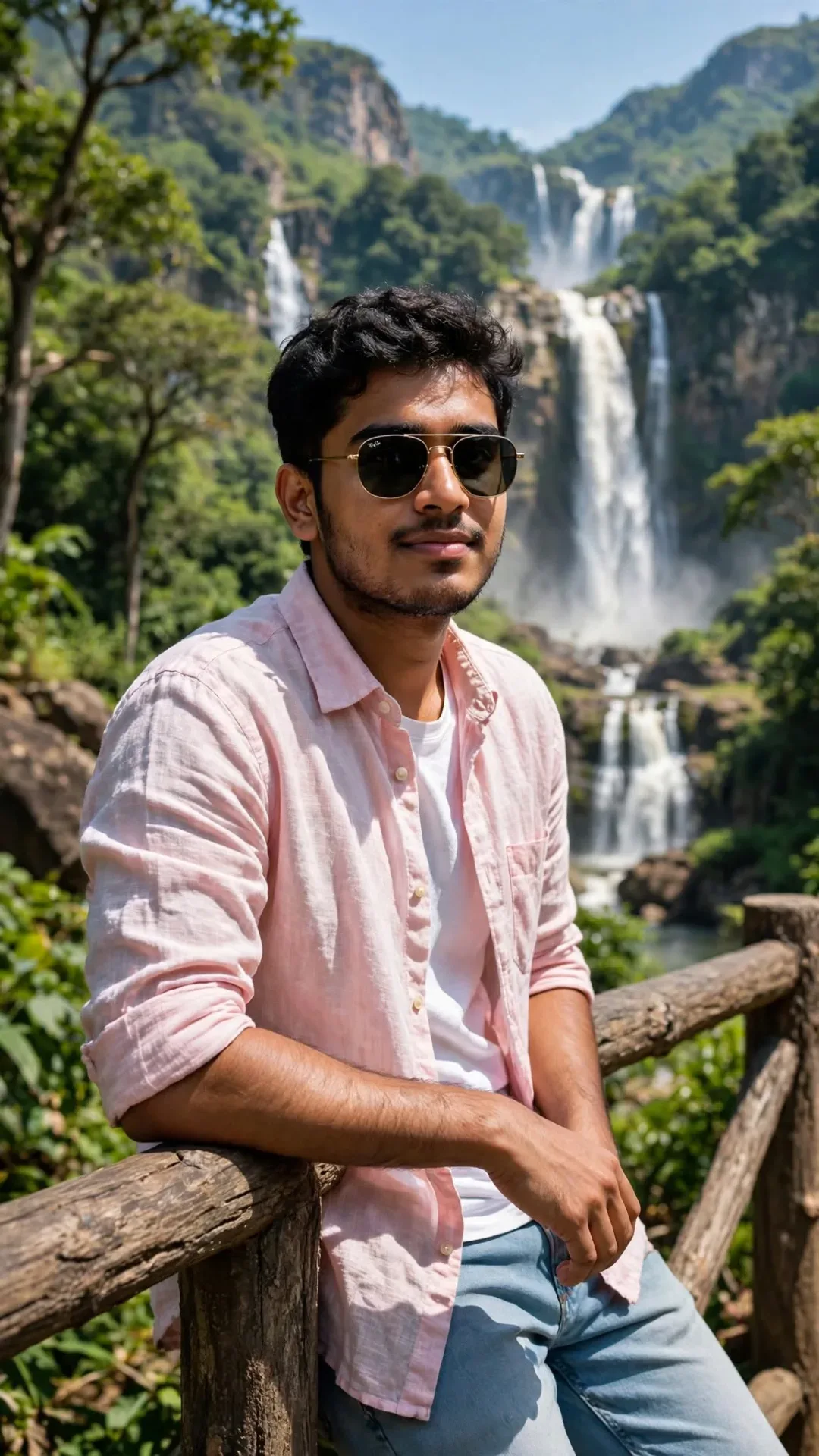
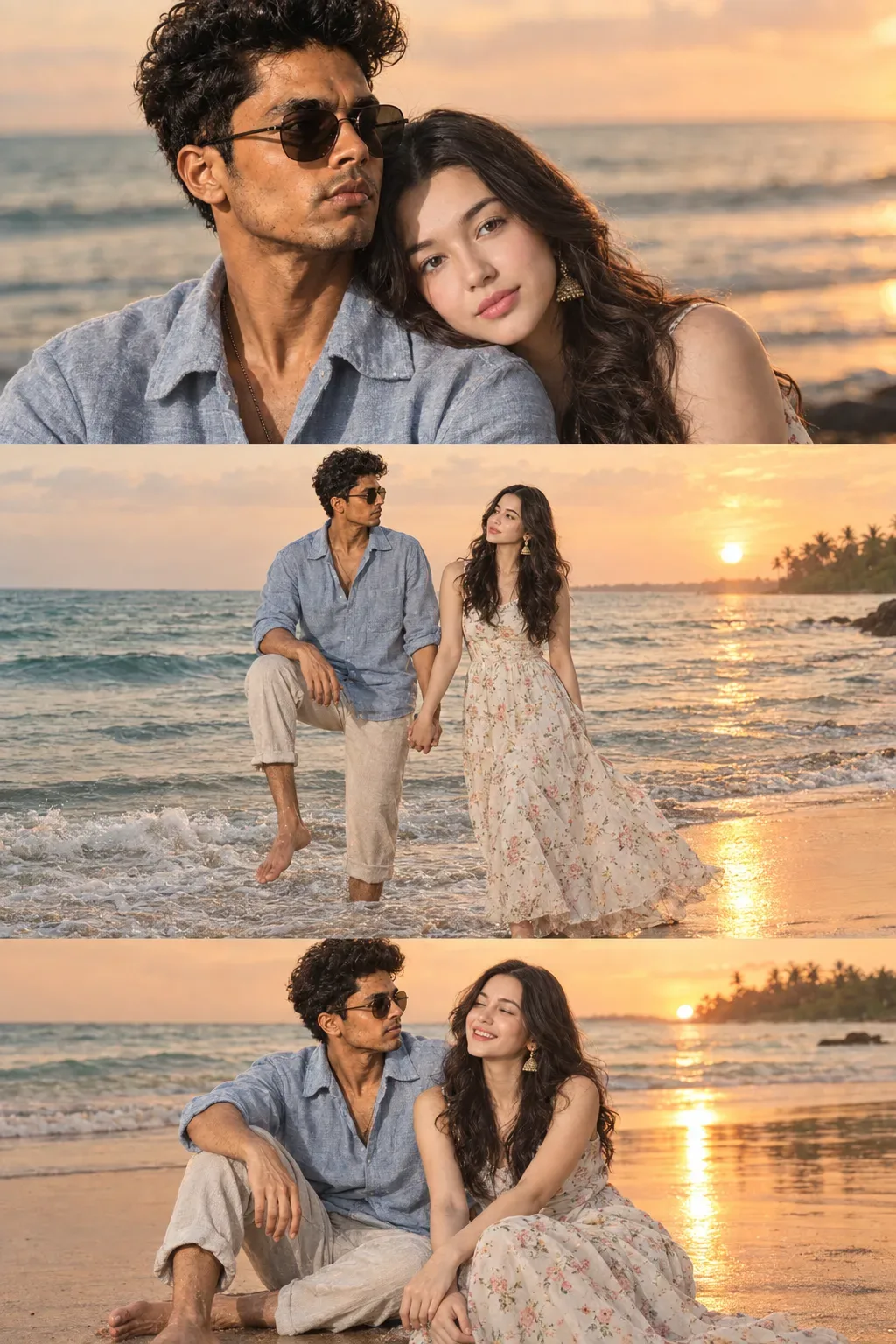
Quick Summary: This verified Midjourney v6.1 & Google Gemini Pro prompt creates an high-end Vogue editorial photoshoot aesthetic for Brutalist Editorial Magazine Poster AI Photo Prompt Edition 34 with calibrated lighting, authentic texture physics, and tested 1-click copy-paste formula for instant AI generation without facial distortion.
- Social Media
- Ai Image
- Trending
- Social Media
- Ai Image
- Trending
- Viral Prompt
- Gemini Ai
- Bing Image Creator
- Copy Paste
Brutalist Editorial Magazine Poster AI Photo Prompt Edition 34 - Copy Paste AI Prompt
Use name as - ASHIKA

**Use my uploaded photo as the ONLY identity reference.** Preserve the person’s exact identity, facial features, hairstyle, hair texture, skin tone, age, gender, body proportions, and natural appearance. Do not beautify, alter, or replace the face.

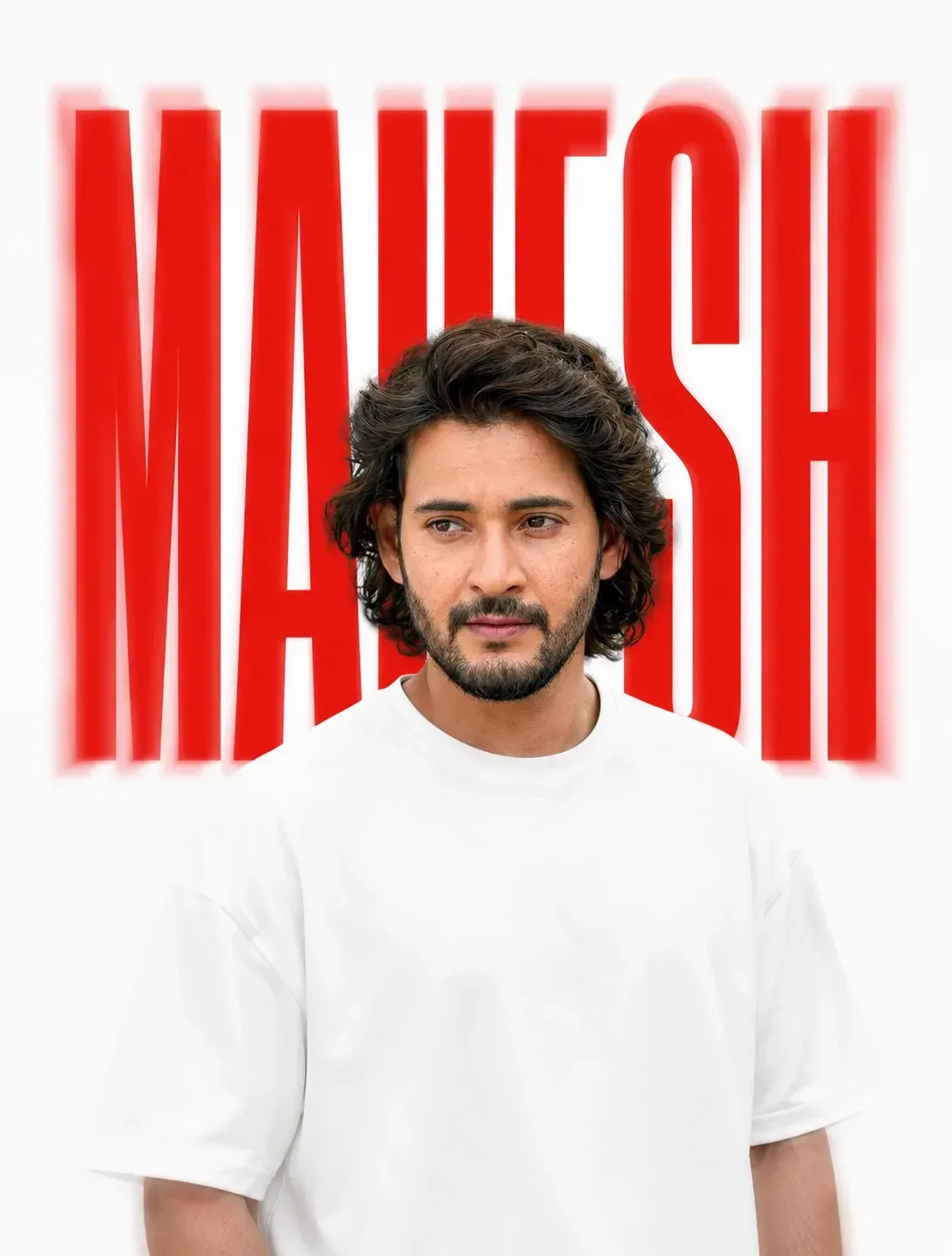
## Create an **ultra-realistic minimalist editorial portrait** matching the reference image. **Composition & Pose:**

## Vertical **Instagram portrait format, 3:4 aspect ratio — MANDATORY**

## Final output: **1080 × 1350 px or higher**

## Show the subject from approximately the waist/chest upward.

## Subject is positioned slightly below the center of the frame.

## Body faces mostly toward the camera while the head is turned naturally to the side, creating a calm, candid editorial look.

## Keep the pose relaxed and natural.

## The same composition must work naturally for **both men and women** without changing their gender-specific appearance or facial characteristics.

## Preserve the subject's natural hairstyle and appearance from the uploaded image. **Clothing:**

## Subject wears a clean, simple **plain white oversized/relaxed-fit T-shirt**.

Minimal styling, no visible logos or patterns.

## **Background & Typography:**

## Pure **white background**, extremely clean and minimal.

## Behind the subject, place the user-provided name: **ASHIKA**

## Render **ASHIKA** in very large, tall, narrow, condensed uppercase typography.

## Use a bold condensed editorial/sans-serif font similar to a fashion magazine or modern poster typeface.

## Text color: **vivid bright RED**.

## Position the text horizontally centered behind the subject.

## The letters should extend vertically from the upper-middle area toward the subject's shoulder/head area.

## The subject must naturally overlap and partially hide the background letters.

## Keep the name clearly readable around the subject.

## Add a subtle soft red motion-blur/ghosting effect around the typography, especially near the edges, matching the reference.

Do not add any other text, logos, graphics, borders, or decorative elements.

## **Lighting & Visual Style:**

## Very soft, high-key studio lighting.

## Bright white exposure with gentle shadows.

## Slight dreamy softness and subtle motion blur/defocus around the subject.

## Clean contemporary fashion-editorial aesthetic.

## Minimal contrast, soft highlights, smooth natural skin texture.

## Photorealistic DSLR photography, premium editorial quality.

## The final image should feel like a **minimalist luxury fashion poster**. **Important:**

## **3:4 vertical format is mandatory.**

## **9:16 is strictly prohibited.**

## Keep the composition, typography placement, white background, red text, softness, and dreamy blurred aesthetic as close to the reference image as possible.

The only variable text should be **ASHIKA**.

Optical Identity & Likeness Preservation: Maintain 100% exact facial identity, bone structure, jawline contours, and natural skin undertone of reference photo without alteration or distortion.👤Customize in Face Consistency Studio
Lock 100% exact facial identity, bone structure & eye shape in Gemini & Bing.
Technical Prompt Parameters (High-Fashion & Editorial Studio)
| Parameter | Configuration | Output Impact |
|---|---|---|
| Target AI Engine | Midjourney v6.1 & Google Gemini Pro | Tailored for high-end luxury editorial aesthetics, studio lighting ratios, and runway poses. |
| Recommended Aspect Ratio | 3:4 or 4:5 (Vogue & Instagram Portrait) | Matches professional fashion magazine crop standards and mobile feed aspect ratios. |
| Camera & Lens Settings | Hasselblad H6D-100c, 100mm f/2.2 medium format portrait lens | Produces ultra-clean skin pore texture, precise fabric weave detail, and three-dimensional falloff. |
| Lighting Style | Large parabolic softbox key light + silver reflector accent fill | Flattering, even illumination that highlights makeup, bone structure, and jewelry without harsh glare. |
| Negative Constraints | airbrushed wax skin, asymmetrical makeup, doll plastic appearance, deformed fingers, low resolution | Retains realistic human skin micro-texture without aggressive synthetic AI smoothing. |
| Reference Photo | Upload a clean studio headshot or selfie with neutral expression and hair pulled back. | Upload front-facing reference photo for face matching. |
How to use this prompt
- Copy the prompt, open Google Gemini or Bing Image Creator, attach your reference photo, and generate instant 8K results.
How to get better results from Brutalist Editorial Magazine Poster AI Photo Prompt Edition 34
Free 1-click copy brutalist editorial magazine poster ai photo prompt edition 34 for Google Gemini and Bing Image Creator. Authentic social media aesthetic, realistic lighting, and instant camera settings. Use it as a copy-ready starting point, then adjust the subject, scene, tone and output format for your own result.
- Social Media
- Ai Image
- Trending
- Viral Prompt
- Gemini Ai
- Bing Image Creator
Customize before generating
- Replace the main subject, name, product or character details.
- Adjust lighting, background, mood, camera angle or aspect ratio if the prompt is visual.
- Change tone, audience, language and output format if the prompt is for text.
- Keep this core idea clear: Use name as - ASHIKA **Use my uploaded photo as the ONLY identity reference.** Preserve the person’s exact identity, facial features, hairstyle, hair texture, skin...
Quick variations to try
- Make Brutalist Editorial Magazine Poster AI Photo Prompt Edition 34 more cinematic with stronger lighting and richer background detail.
- Turn Brutalist Editorial Magazine Poster AI Photo Prompt Edition 34 into a cleaner mobile-first version for social media posts or profile use.
- Create a premium version of Brutalist Editorial Magazine Poster AI Photo Prompt Edition 34 with sharper style, higher detail and a more polished final output.