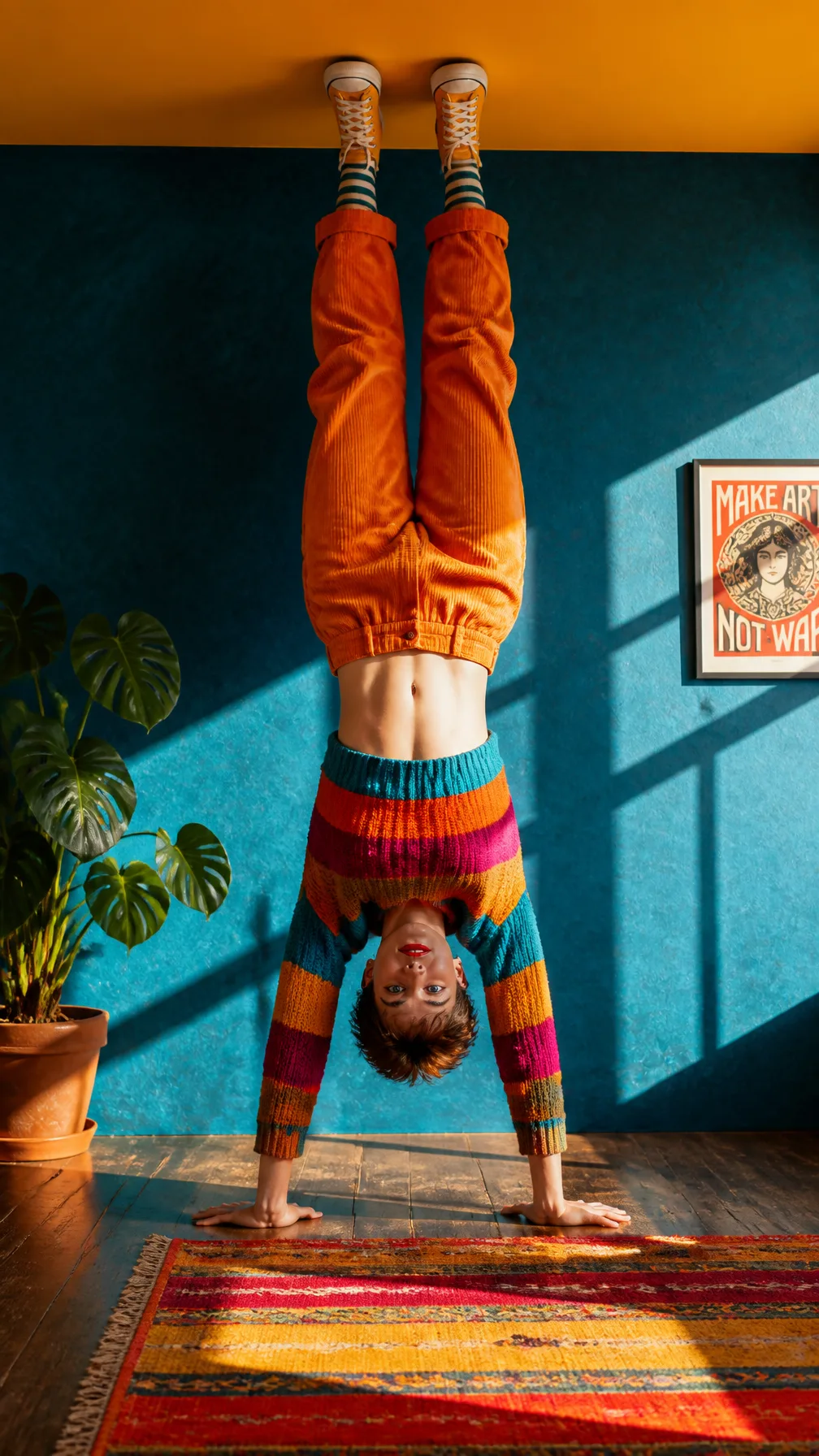
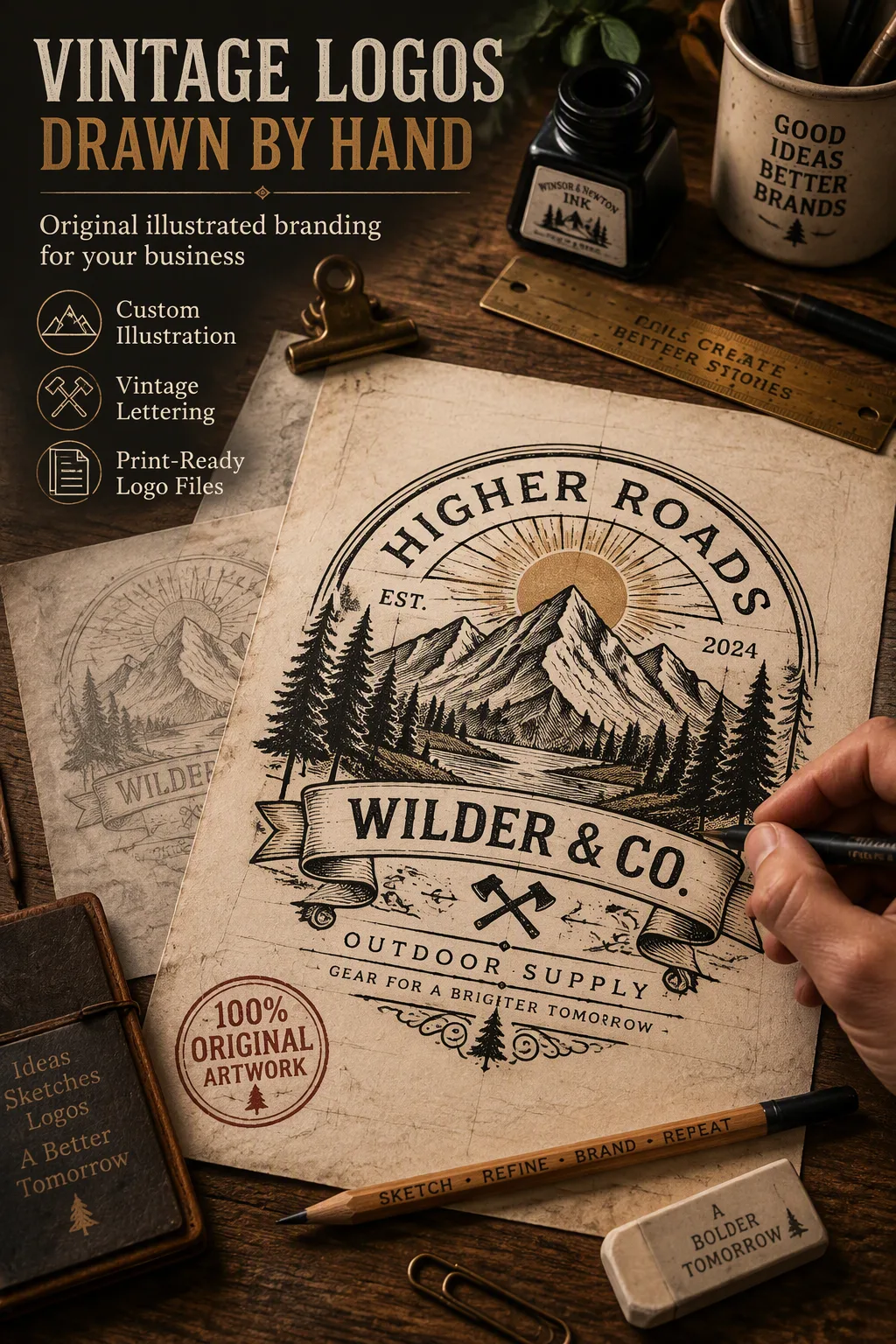
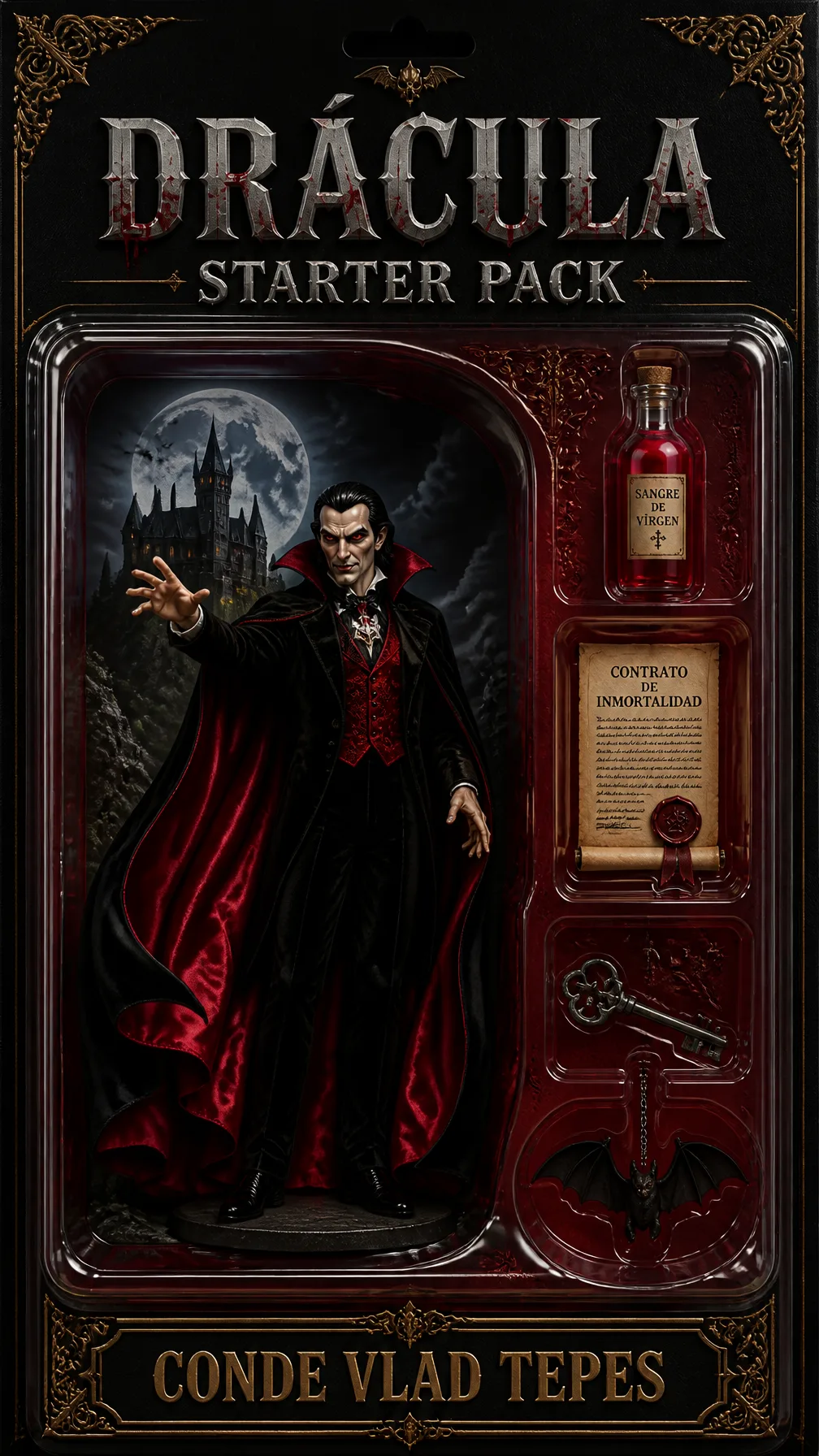
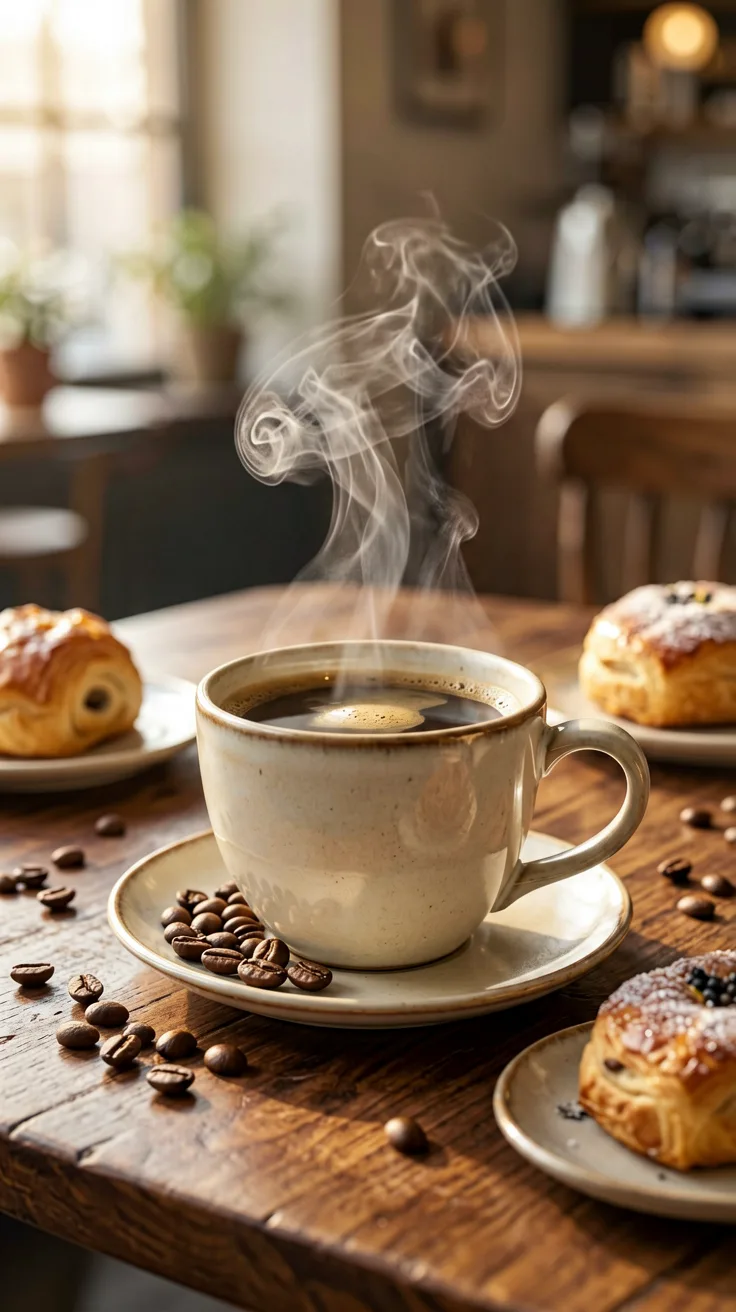
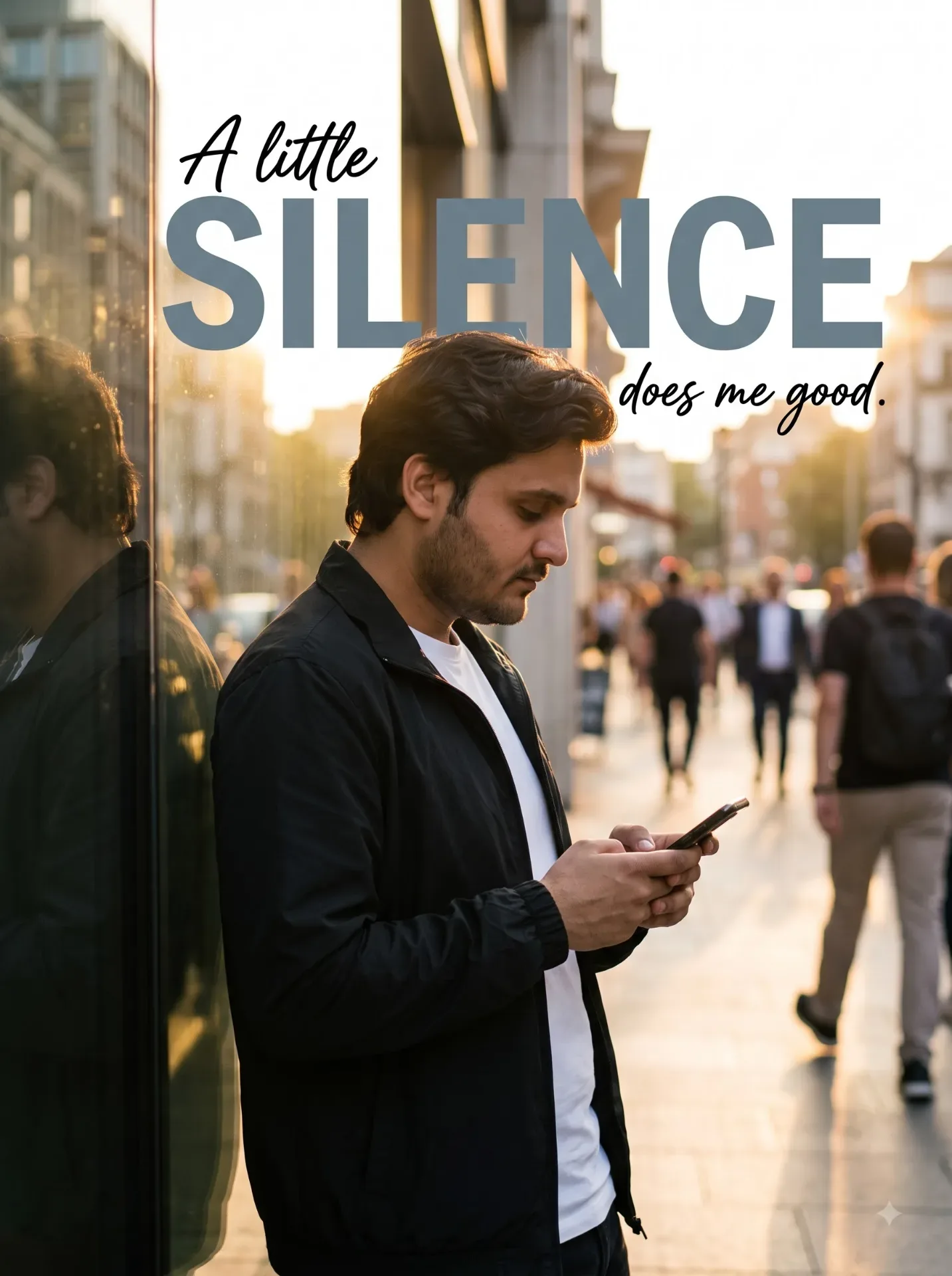
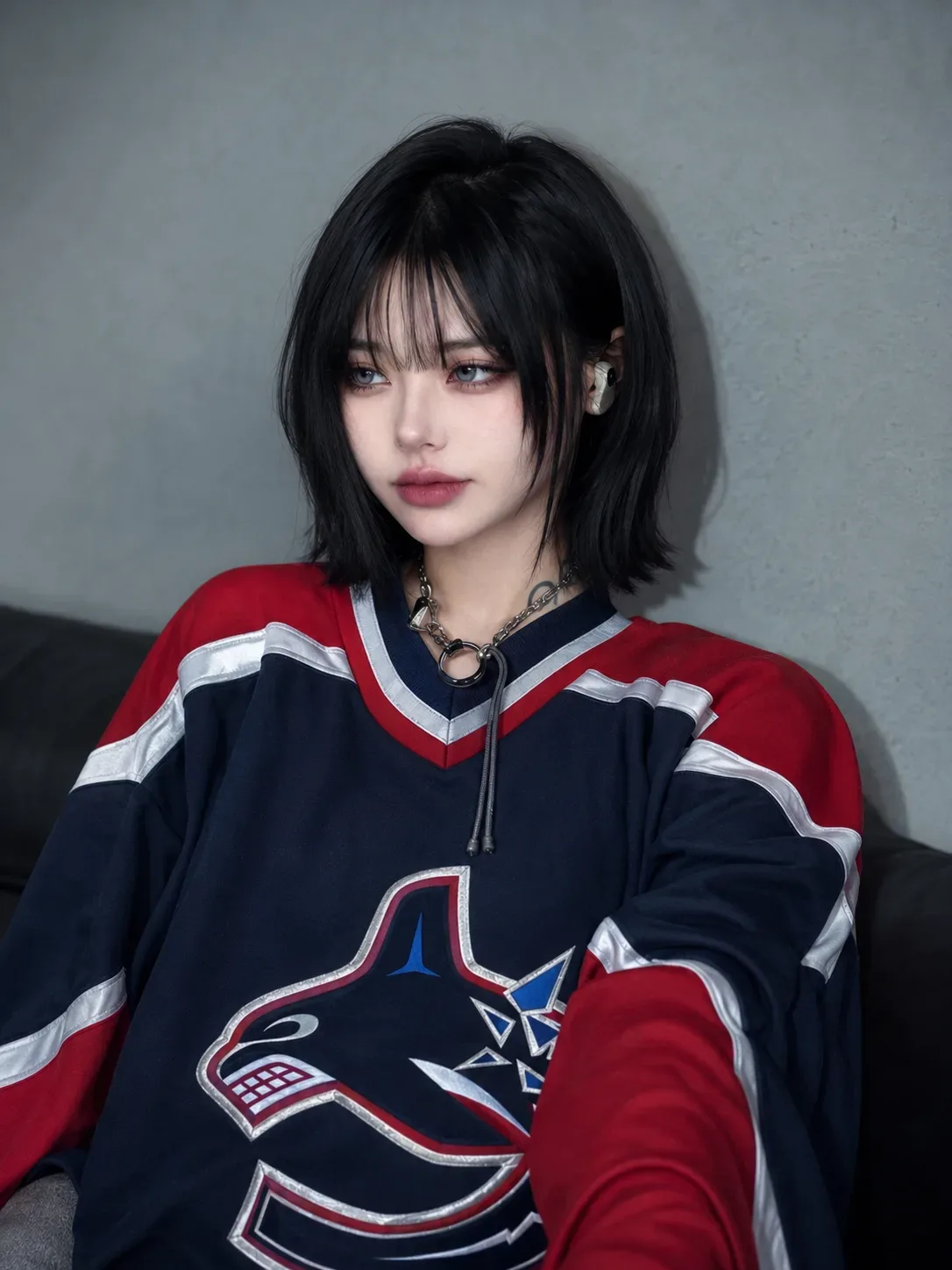
Quick Summary: This verified Google Gemini & Midjourney v6 prompt creates an authentic 90s vintage film aesthetic for Create A High-End Independent Editorial Poster AI Photo Prompt with calibrated lighting, authentic texture physics, and tested 1-click copy-paste formula for instant AI generation without facial distortion.
About This Prompt
This prompt creates an Create A High-End Independent Editorial Poster AI Photo Prompt — a high-quality, photorealistic image with balanced lighting, sharp focus, and intricate details suitable for social media sharing and digital content creation.
Optimized specifically for your AI generator. Simply copy the prompt text below and paste it into the generator. You can easily customize specific keywords like colors, backgrounds, or subjects to make the final output uniquely yours.
What You'll Get
- 🎨 Style: Ai Image
- ✨ Mood: Meigen
- 📱 Best For: Trending
- 🤖 Works With: your AI generator
- 🔥 Popularity: Copied 85 times
- 📅 Added: Sep 15, 2026
Create A High-End Independent Editorial Poster AI Photo Prompt - Copy Paste AI Prompt
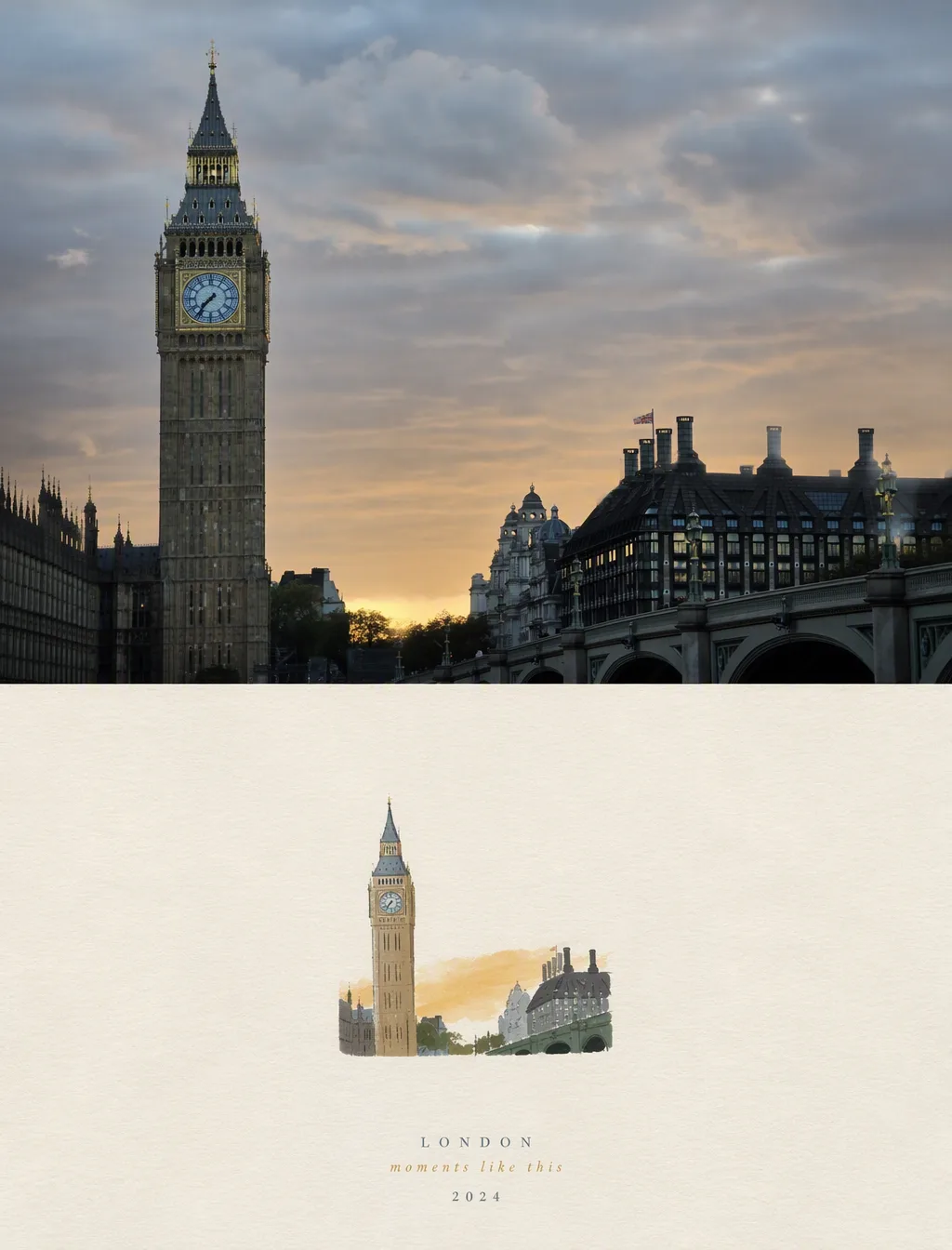
Create a high-end independent editorial poster in a strict 3:4 vertical aspect ratio. Divide the canvas horizontally into two exactly equal 50/50 sections, designed as one cohesive art-publication cover.

TOP HALF - EDITORIAL PHOTOGRAPH

Create an original photorealistic editorial photograph based on the chosen subject or scene. Establish a strong, recognizable composition with authentic lighting, natural shadows, realistic textures, atmospheric depth, and sophisticated magazine-style color grading.

Keep the photography natural, cinematic, and understated — like a premium independent magazine or contemporary art book. Avoid excessive retouching or artificial styling.

BOTTOM HALF — HAND-DRAWN PAPER ILLUSTRATION

Reinterpret the same subject and visual story as a small minimalist handmade paper illustration.

Preserve the key silhouette, recognizable features, essential objects, pose or gesture, and core narrative. Simplify the scene heavily, using delicate imperfect hand-drawn lines, a few bold acrylic-style flat color shapes, visible brush marks, rough paper grain, and slightly irregular organic edges.

Keep the illustration small and centered, occupying approximately 10–20% of the bottom half, with generous negative space.

Use a rough white, warm off-white, or pale natural paper background, with only a few minimal shapes or lines suggesting the surrounding environment.

COLOR & TYPOGRAPHY

Derive a restrained palette of no more than 4 harmonious colors from the overall scene. Use controlled flat color blocks with subtle handmade texture.

Optional minimal editorial typography may include a short title, keyword, location, year, number, or brief phrase. Keep it understated and naturally integrated into the negative space.

FINAL ART DIRECTION

Quiet, poetic, refined, minimal, innocent, relaxed, artistic, thoughtful, and premium.

The visual concept is: “A small subject surrounded by a large amount of empty space.”

Create a strong contrast between the photographic realism of the top half and the minimal handmade visual poem of the bottom half, while making both clearly belong to the same visual story.

Avoid: collage layouts, generic templates, commercial advertising aesthetics, excessive decoration, busy compositions, excessive typography, 3D rendering, glossy textures, cartoon styling, crayon, colored-pencil, watercolor bleeding, heavy oil painting, pure line art, or polished digital illustration.

Prioritize recognition, restraint, negative space, material texture, subtle imperfection, editorial sophistication, and storytelling.

Note: Strictly retain 100% exact facial likeness, natural cheekbone contours, true skin undertone, and authentic gaze from source image without generic face replacement.Explore Related Collections
Explore Ai Image Prompts — Browse our curated collection of Ai Image prompts tailored for creators. View all Ai Image prompts →
Explore Trending Prompts — Discover more viral Trending ideas for your next AI generation. View all Trending prompts →
Frequently asked questions
- How do I use the Create A High-End Independent Editorial Poster AI Photo Prompt prompt?
- To use this prompt, simply click the "Copy Prompt" button above. Then, open your AI generator, paste the copied text into the prompt box, and hit generate. You can instantly generate high-quality images without needing any reference photos.
- What is this prompt best used for?
- This specific prompt is highly optimized for creating engaging social media content and digital art. The formula is structured to produce high-contrast, visually appealing results that perform well on visual platforms.
- Can I customize the details of this prompt?
- Yes! While the core structure of the prompt is optimized for your AI generator, you can easily customize the details. We recommend changing specific keywords like clothing colors, background locations, or the overall mood (e.g., changing "sunny" to "rainy" or "neon") to match your exact vision.