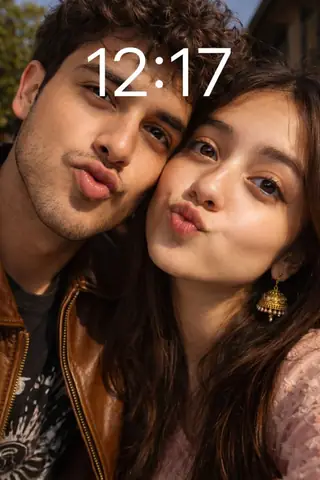
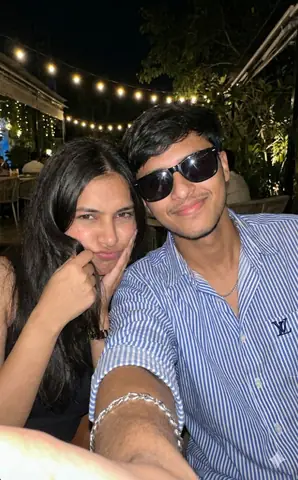
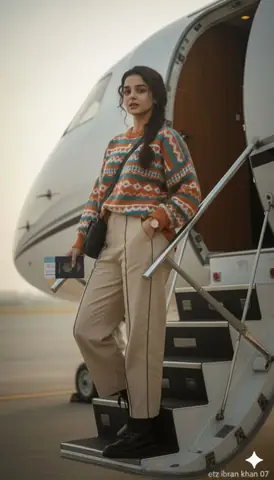
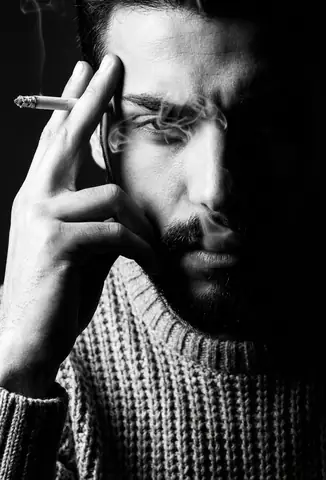
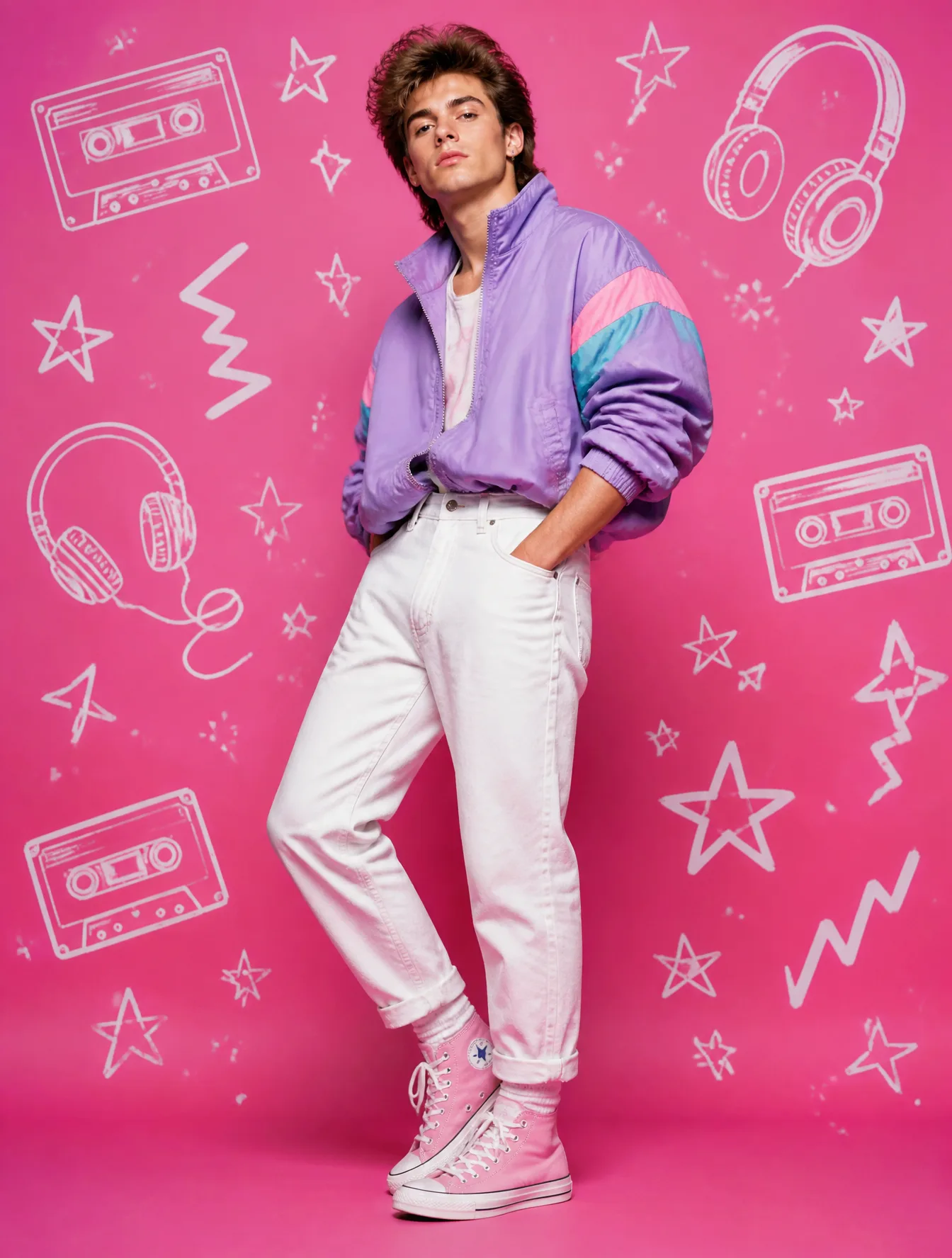
Quick Summary: This verified Google Gemini & Midjourney v6 prompt creates an authentic 90s vintage film aesthetic for Create A 9:16 Image In The AI Photo Prompt with calibrated lighting, authentic texture physics, and tested 1-click copy-paste formula for instant AI generation without facial distortion.
About This Prompt
Use this prompt to generate a Create A 9:16 Image In The AI Photo Prompt — a high-quality, photorealistic image with balanced lighting, sharp focus, and intricate details suitable for social media sharing and digital content creation.
This prompt works best with your AI generator. Simply copy the prompt text below and paste it into the generator. You can easily customize specific keywords like colors, backgrounds, or subjects to make the final output uniquely yours.
Create A 9:16 Image In The AI Photo Prompt - Copy Paste AI Prompt
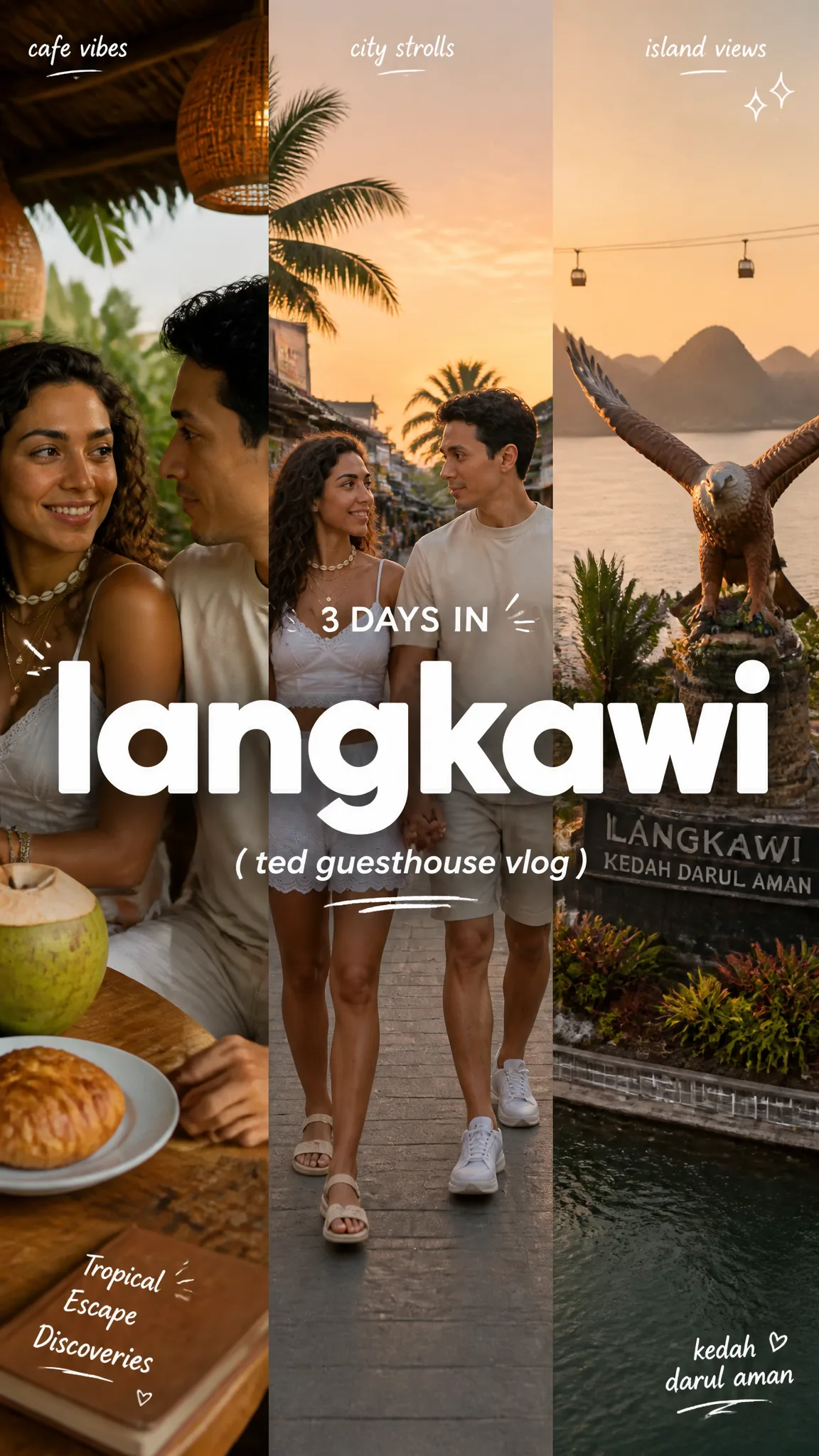
Create a 9:16 image in the "Clean Triptych Travel Vlog Thumbnail" style.

Subject: Couple.
Subject action: Holding hands.
Product or prop: Tropical, Escape, Discoveries.
Location: Langkawi.
Background elements: Tropical, beach and sunset.
Main headline text: "LANGKAWI".
Secondary text: "Ted Guesthouse".
Accent symbol: Kedah Darul Aman.
Wardrobe styling: Summer clothes.

Use a clean three-panel travel-vlog thumbnail composition. Divide the frame into three equal vertical photographic panels with hard edges and no visible border. Make the left panel a close-up lifestyle or cafe moment, the center panel a city-stroll scene with the traveler, and the right panel a landmark, scenic viewpoint, skyline, garden, gate, harbor, or destination proof point.

Place a huge lowercase destination headline in pure white across the center of the whole image, crossing all three panels. Use an extra-bold rounded geometric sans-serif, smooth and friendly, with no outline and minimal shadow. Put small italic white panel labels near the top, a small day-count line above the headline, a parenthetical vlog subtitle below it, and one tiny bottom-corner diary note.

Add only sparse white hand-drawn accent marks: a tiny heart, dash, underline, corner stroke, sparkle, or loose bracket. Keep the photo treatment warm, candid, soft, lightly grainy, and phone-camera realistic. The mood should feel modern, clean, travel-diary-like, and ready for a video thumbnail.

Avoid watermark, username, creator ID, platform logo, QR code, app UI, readable real brand logo, brand name, celebrity likeness, cluttered sticker collage, scrapbook overload, neon poster, grunge texture, luxury travel ad, corporate brochure, colorful headline, heavy drop shadow, outlined text, illegible destination text, plain single-photo background, and dark muddy image.

--- VARIABLES ---

Kedah Darul Aman — tiny hand-drawn heart, underline, sparkle, bracket, dash, or loose corner mark
Tropical, beach and sunset — three clean photo panels: close-up lifestyle panel, city-stroll panel, and landmark or scenic panel
Langkawi — destination city, neighborhood, street route, cafe, station, park, landmark, waterfront, or theme-park-like attraction
LANGKAWI — large lowercase destination headline
Tropical, Escape, Discoveries — unbranded drink, pastry, camera, tote bag, transit card, ticket, map, sunglasses, or travel snack
Ted Guesthouse — small vlog subtitle, day count, panel captions, and short handwritten-feeling notes
Couple — main traveler, host, couple, group, or implied travel point of view
Holding hands — walking, posing, holding a drink, looking across the street, boarding transit, or pausing at a landmark
Summer clothes — simple travel outfit, dark coat, clean casual layers, neutral citywear, sunglasses, tote, or camera strap

--- NEGATIVE PROMPT ---

Avoid watermark, username, creator ID, platform logo, QR code, app UI, readable real brand logo, brand name, celebrity likeness, cluttered sticker collage, scrapbook overload, neon poster, grunge texture, luxury travel ad, corporate brochure, colorful headline, heavy drop shadow, outlined text, illegible destination text, plain single-photo background, and dark muddy image.

Note: Preserve authentic facial proportions, eye alignment, natural expressions, and true bone structure of both subjects from reference photo 1:1 without distortion.Frequently asked questions
- How do I use the Create A 9:16 Image In The AI Photo Prompt prompt?
- To use this prompt, simply click the "Copy Prompt" button above. Then, open your AI generator, paste the copied text into the prompt box, and hit generate. You can instantly generate high-quality images without needing any reference photos.
- What is this prompt best used for?
- This specific prompt is highly optimized for creating engaging social media content and digital art. The formula is structured to produce high-contrast, visually appealing results that perform well on visual platforms.
- Can I customize the details of this prompt?
- Yes! While the core structure of the prompt is optimized for your AI generator, you can easily customize the details. We recommend changing specific keywords like clothing colors, background locations, or the overall mood (e.g., changing "sunny" to "rainy" or "neon") to match your exact vision.
What You'll Get
- 🎨 Style: Ai Image
- ✨ Mood: Meigen
- 📱 Best For: Trending
- 🤖 Works With: your AI generator
- 🔥 Popularity: Copied 64 times
- 📅 Added: Sep 15, 2026
Explore Related Collections
Explore Ai Image Prompts — Browse our curated collection of Ai Image prompts tailored for creators. View all Ai Image prompts →
Explore Trending Prompts — Discover more viral Trending ideas for your next AI generation. View all Trending prompts →