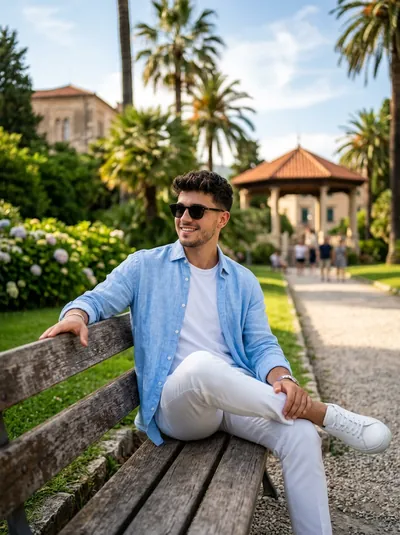
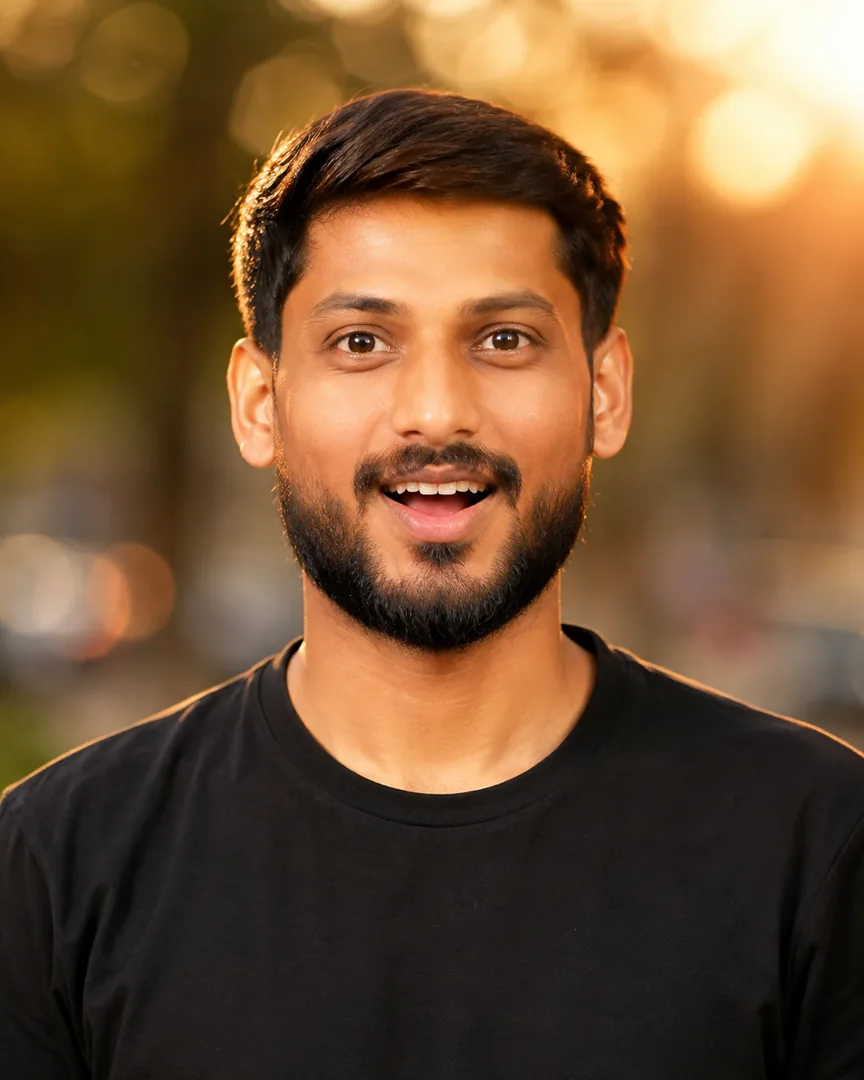
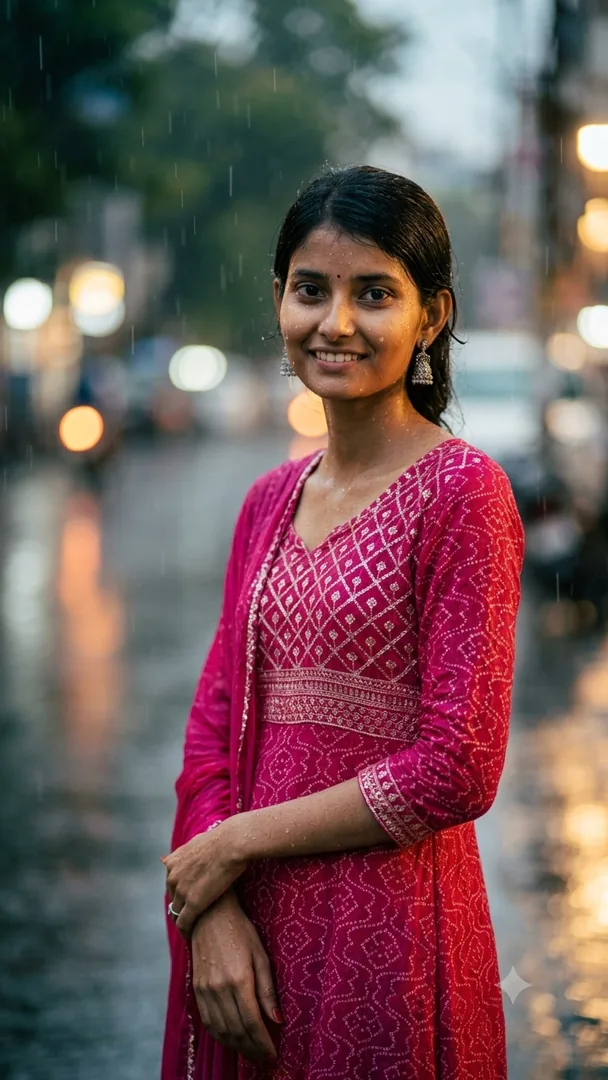
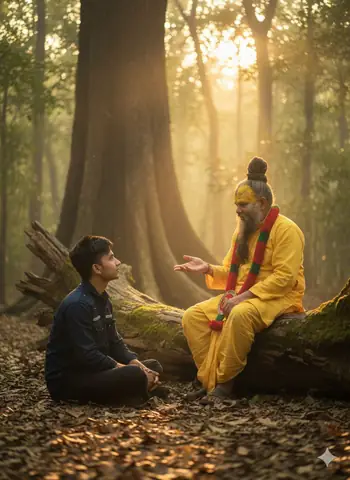
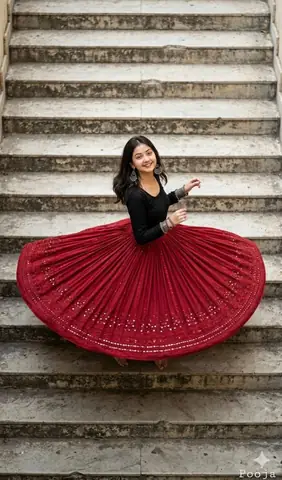
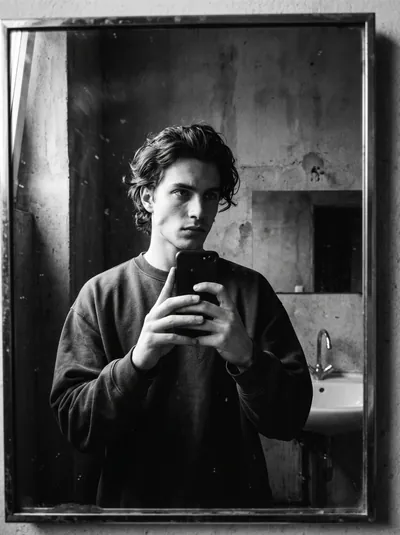
Quick Summary: This verified Midjourney Niji 6 / Flux.1 Schnell / Bing Image Creator prompt creates an hyper-detailed 3D cyberpunk stylized aesthetic for Cream Sweater Portrait Style with calibrated lighting, authentic texture physics, and tested 1-click copy-paste formula for instant AI generation without facial distortion.
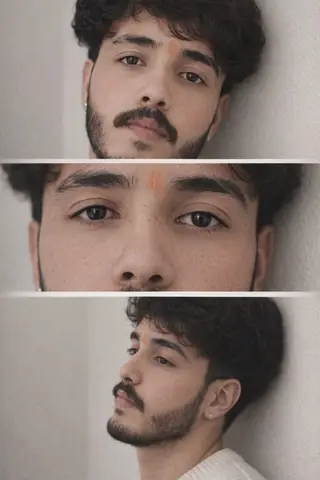
Cream Sweater Portrait Style - Copy Paste AI Prompt
Use the provided reference collage as the structural template (three vertical frames stacked). Use the uploaded personal photo as the subject (face, skin, hair). Produce a final image where each frame exactly matches the reference in crop, camera angle, zoom, pose, clothing style, lighting and background tone.

GLOBAL RULES:

Do not change pose, head angle, or limb positions from the reference.

Replace the person in the reference with the uploaded person (identity preserved).

If uploaded person’s clothing differs, recreate clothing to match the reference exactly (cream ribbed sweater / neutral knit) with realistic fabric texture and natural folds.

Preserve neutral beige wall background, same soft-window lighting, and same depth-of-field blur per frame.

Render photorealistic human (no stylization, no anime).

FRAME 1 — TOP (Head & shoulders, medium-close)

Crop & zoom: chest-to-top-of-head (approx 0.6× full-frame crop). Center subject vertically in top frame.

Camera angle: eye-level, slight 5° tilt upward from subject’s chest to give a subtle heroic lift.

Focal length: 85mm equivalent (tight portrait).

Pose / head: head turned slightly to subject’s left (as in reference), eyes gazing toward that direction; keep exact head tilt from uploaded image.

Lighting: soft diffused window light from subject’s left side, gentle shadow on opposite cheek, natural skin tones.

Clothing: cream/ivory ribbed sweater, visible neckline and knit texture, natural creases where arms move.

Details: keep natural jewelry (small earring) if present in uploaded photo, but subtle.

FRAME 2 — MIDDLE (Extreme close-up of eyes)

Crop & zoom: extreme crop centered on the eyes (about 2.5× crop of full image focusing only on eye-region). Horizontal fill across middle frame.

Camera angle: straight-on, perfectly level with eyes (0° tilt).

Focal length: 100–105mm macro feel for sharp eye detail, shallow DoF.

Expression: preserve exact eyelid openness and micro-expression from uploaded face.

Lighting: soft even light across both eyes, tiny catchlights, natural skin texture around eyes (pores, lashes).

Detail: no smoothing — show natural skin pores and eyelashes; keep eyebrow shape identical.

FRAME 3 — BOTTOM (Side-profile / 3/4 leaning)

Crop & zoom: mid-chest to top of head, profile composition occupying lower frame (approx 0.9× vertical crop), subject placed slightly right-of-center as in reference.

Camera angle: 3/4 profile from subject’s right, camera slightly lower (about 10–12° below eye level) so nose and jawline are prominent.

Focal length: 50–70mm (natural perspective for a side portrait).

Pose: subject leaning back against a neutral wall, head turned to the same side as reference (preserve angle exactly).

Lighting: same soft window light with subtle rim/edge light on cheek and jaw from the outer side; natural shadow under jaw.

Clothing: same cream ribbed sweater visible at collar and shoulder; fabric shows natural stretch against the wall.

BACKGROUND & ATMOSPHERE (all frames)

Keep the same neutral beige wall texture across frames, with slight vignette / soft blur between frames where the reference fades.

Maintain consistent color temperature (warm-neutral, ~5500K) and the same soft ambient shadows.

Keep frame borders soft blended (no hard seams), replicate the foggy seam effect between top-middle and middle-bottom as in reference.

PROCESSING / RENDER SETTINGS (recommended)

Mode: image-to-image / replace subject

Reference strength: high for pose & crop (0.9), but moderate for texture blending (0.4–0.6) so the uploaded person retains identity

Guidance CFG: 7–9

Aspect ratio: same as reference (vertical / portrait)

Seed: fix for repeatability

Output: photorealistic, high-res, natural skin, DSLR portrait look

NEGATIVE PROMPT (append)

anime, cartoon, illustration, painting, stylized face, plastic skin, over-smoothing, beauty filter, face morphing, pose change, limb reposition, camera angle change, background replacement, dramatic cinematic LUTs (teal/orange), extra fingers, extra limbsTechnical Prompt Parameters (Cyberpunk, 3D Avatar & Anime)
| Parameter | Configuration | Output Impact |
|---|---|---|
| Target AI Engine | Midjourney Niji 6 / Flux.1 Schnell / Bing Image Creator | Specialized prompt weights for volumetric rendering, cell-shading, and neon emission. |
| Recommended Aspect Ratio | 9:16 (Phone Wallpaper) or 16:9 (Desktop Ultra-Wide) | Ideal for custom gaming wallpapers, Discord avatars, and futuristic phone lock screens. |
| Camera & Lens Settings | Octane 3D Render, Raytraced Global Illumination, 35mm virtual lens | Simulates volumetric atmospheric smoke, holographic reflections, and crisp polygonal precision. |
| Lighting Style | Dual-tone neon split lighting (electric cyan key + magenta rim light) | Produces dynamic sci-fi contrast with vibrant edge glows and deep blacks. |
| Negative Constraints | low-poly flaws, blurry textures, realistic photographic noise, dull matte lighting | Ensures sharp vector/render lines, vivid luminous glow, and zero muddy compression. |
| Reference Photo | Upload a clear face photo; prompt transforms human proportions into stylized avatar art. | Upload front-facing reference photo for face matching. |
How to use this prompt
- Copy prompt
- Use with AI image generator
- Generate amazing images
How to get better results from Cream Sweater Portrait Style
Create a photorealistic portrait with a cream sweater and neutral background Use it as a copy-ready starting point, then adjust the subject, scene, tone and output format for your own result.
- 3d
- Aesthetic
- Ai Image
- Beauty
- Cinematic
- Gemini
Customize before generating
- Replace the main subject, name, product or character details.
- Adjust lighting, background, mood, camera angle or aspect ratio if the prompt is visual.
- Change tone, audience, language and output format if the prompt is for text.
- Keep this core idea clear: Use the provided reference collage as the structural template (three vertical frames stacked). Use the uploaded personal photo as the subject (face, skin, hair)....
Quick variations to try
- Make Cream Sweater Portrait Style more cinematic with stronger lighting and richer background detail.
- Turn Cream Sweater Portrait Style into a cleaner mobile-first version for social media posts or profile use.
- Create a premium version of Cream Sweater Portrait Style with sharper style, higher detail and a more polished final output.