Quick Summary: This verified Google Gemini & Bing Image Creator (DALL-E 3) prompt creates an rich traditional Indian cultural aesthetic for Cinema Popcorn Style Portrait AI Photo Prompt with calibrated lighting, authentic texture physics, and tested 1-click copy-paste formula for instant AI generation without facial distortion.
- Ai Image
- Trending
- Wallpapers
- Wallpapers
- Ai Image
- Trending
- Viral Prompt
- Gemini Ai
- Bing Image Creator
- Copy Paste
Cinema Popcorn Style Portrait AI Photo Prompt - Copy Paste AI Prompt
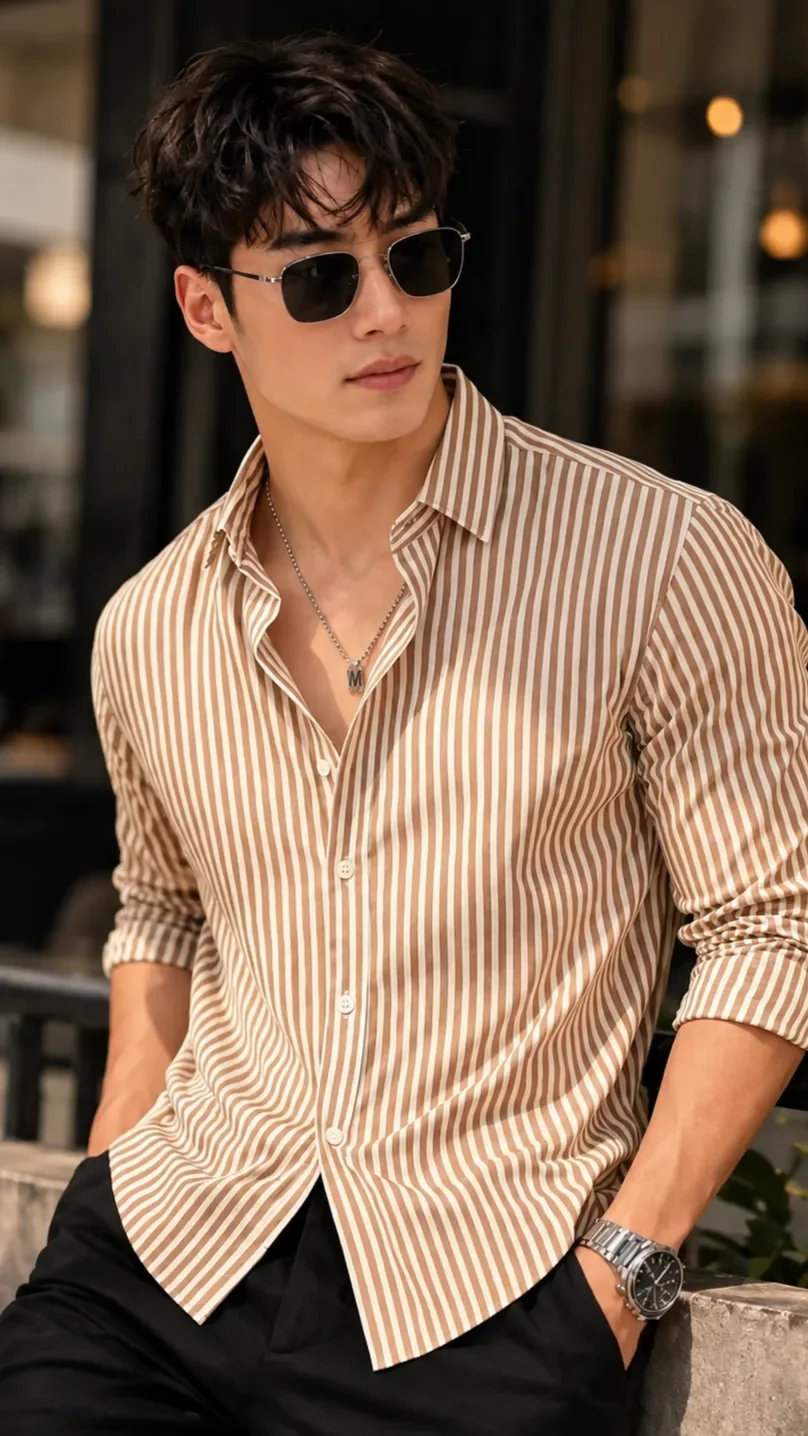
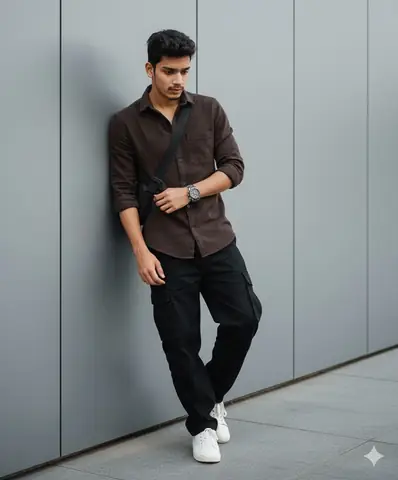
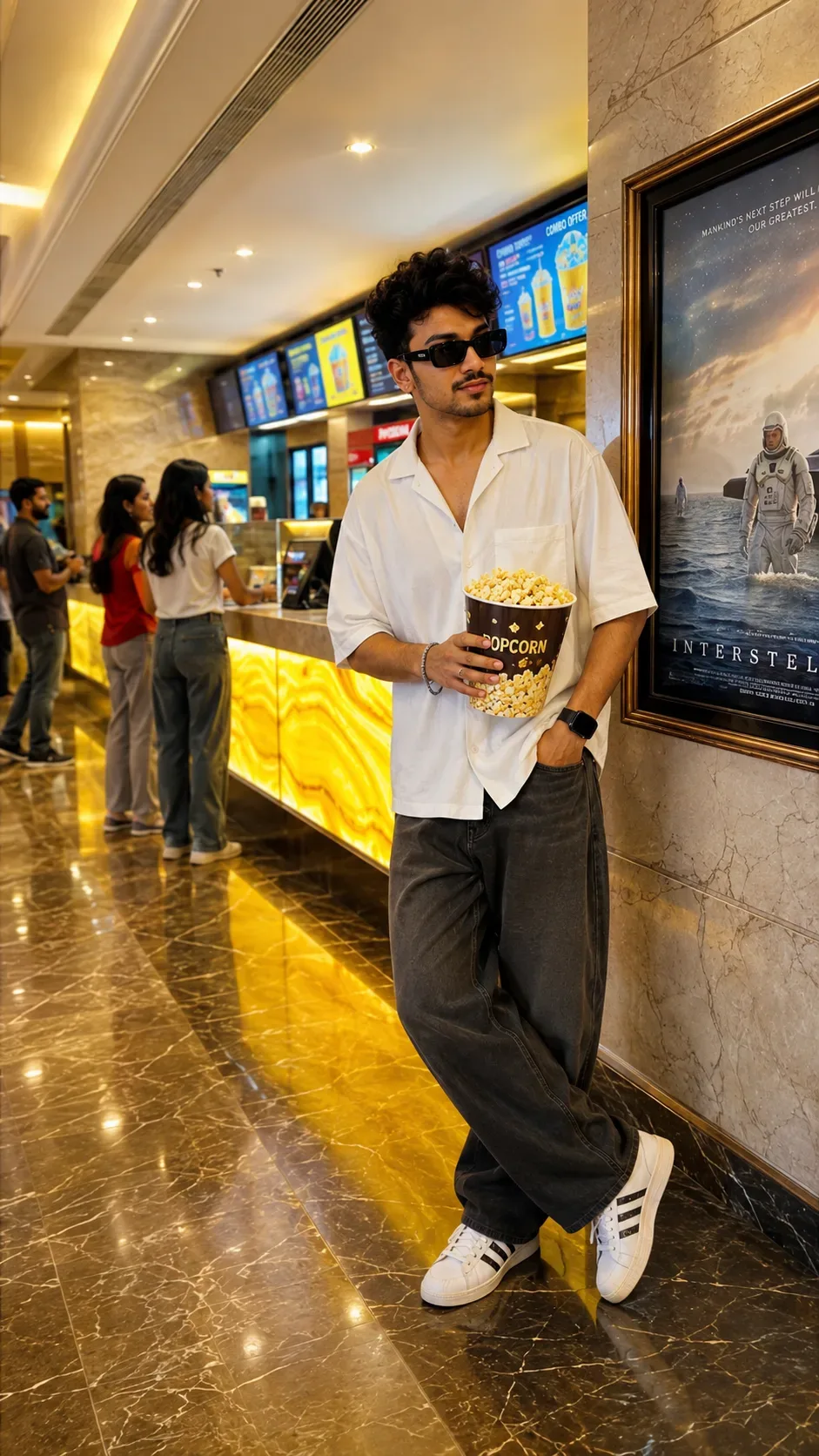
Create a highly realistic, cinematic full-body portrait of a stylish young Indian man standing casually inside a modern luxury cinema lobby. He is leaning naturally against a polished marble wall, with one leg crossed casually over the other and a relaxed, confident posture.

He is wearing a clean oversized white short-sleeve shirt with a relaxed open collar, loose-fit dark charcoal trousers, and modern white sneakers with bold black stripe details. Add stylish black rectangular sunglasses, a subtle bracelet, and a modern dark wristwatch. He is holding a large bucket of freshly popped popcorn in one hand, while the other hand is casually placed inside his trouser pocket.

The background features a premium multiplex cinema interior with warm golden ambient lighting, glowing yellow concession counters, digital menu screens, a few softly blurred people in the background, polished marble flooring with realistic reflections, and a large framed movie poster on the wall beside him.

Use warm cinematic lighting, rich golden tones, realistic skin texture, detailed hair, natural facial features, realistic fabric folds, glossy floor reflections, shallow depth of field, DSLR photography, premium fashion photography, cinematic color grading, sharp focus on the subject, elegant luxury atmosphere, realistic proportions, vertical full-body composition, 9:16 aspect ratio.

Optical Identity & Likeness Preservation: Maintain 100% exact facial identity, bone structure, jawline contours, and natural skin undertone of reference photo without alteration or distortion.👤Customize in Face Consistency Studio
Lock 100% exact facial identity, bone structure & eye shape in Gemini & Bing.
Technical Prompt Parameters (Traditional Ethnic Indian)
| Parameter | Configuration | Output Impact |
|---|---|---|
| Target AI Engine | Google Gemini & Bing Image Creator (DALL-E 3) | Accurately understands intricate South Asian ethnic motifs, zardozi embroidery, and festive ambiance. |
| Recommended Aspect Ratio | 9:16 (Story / Reels / DP) or 3:4 (Portrait) | Optimized for mobile festive display pictures, WhatsApp status, and Instagram reels. |
| Camera & Lens Settings | 85mm f/1.4 G-Master, Sony A7R V, 61MP ultra-high texture fidelity | Resolves micro-level silk weave, mirror embroidery, and jewelry sparkle with zero blur. |
| Lighting Style | Festive diya ambient warmth + soft golden temple architectural light | Accentuates vibrant colors (marigold, crimson, gold) while keeping skin tones natural. |
| Negative Constraints | western attire, distorted jewelry, unnatural skin bleaching, muddy colors, deformed hands | Guarantees authentic cultural attire detailing and natural Indian skin melanin realism. |
| Reference Photo | Upload a front-facing portrait wearing festive or simple ethnic attire. | Upload front-facing reference photo for face matching. |
How to use this prompt
- Copy the prompt, open Google Gemini or Bing Image Creator, attach your reference photo, and generate instant 8K results.
How to get better results from Cinema Popcorn Style Portrait AI Photo Prompt
Free 1-click copy cinema popcorn style portrait ai photo prompt for Google Gemini and Bing Image Creator. Authentic wallpapers aesthetic, realistic lighting, and instant camera settings. Use it as a copy-ready starting point, then adjust the subject, scene, tone and output format for your own result.
- Ai Image
- Trending
- Wallpapers
- Viral Prompt
- Gemini Ai
- Bing Image Creator
Customize before generating
- Replace the main subject, name, product or character details.
- Adjust lighting, background, mood, camera angle or aspect ratio if the prompt is visual.
- Change tone, audience, language and output format if the prompt is for text.
- Keep this core idea clear: Create a highly realistic, cinematic full-body portrait of a stylish young Indian man standing casually inside a modern luxury cinema lobby. He is leaning naturally...
Quick variations to try
- Make Cinema Popcorn Style Portrait AI Photo Prompt more cinematic with stronger lighting and richer background detail.
- Turn Cinema Popcorn Style Portrait AI Photo Prompt into a cleaner mobile-first version for social media posts or profile use.
- Create a premium version of Cinema Popcorn Style Portrait AI Photo Prompt with sharper style, higher detail and a more polished final output.