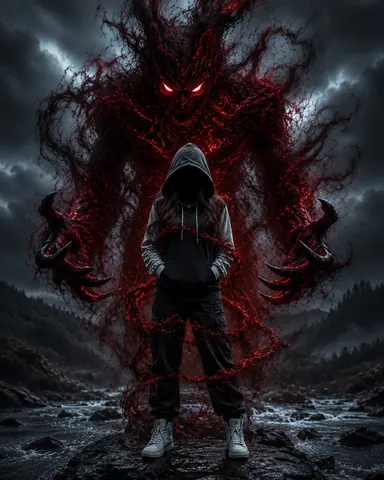
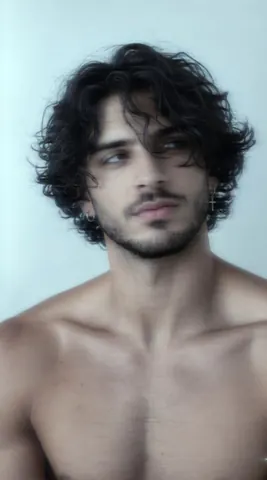
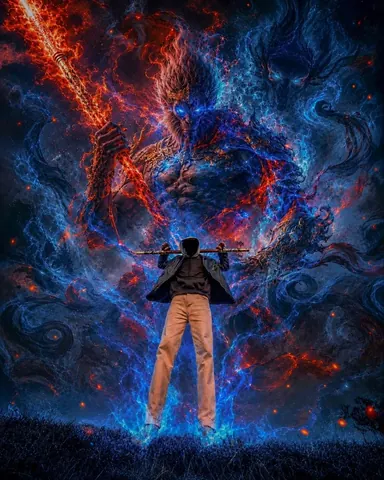
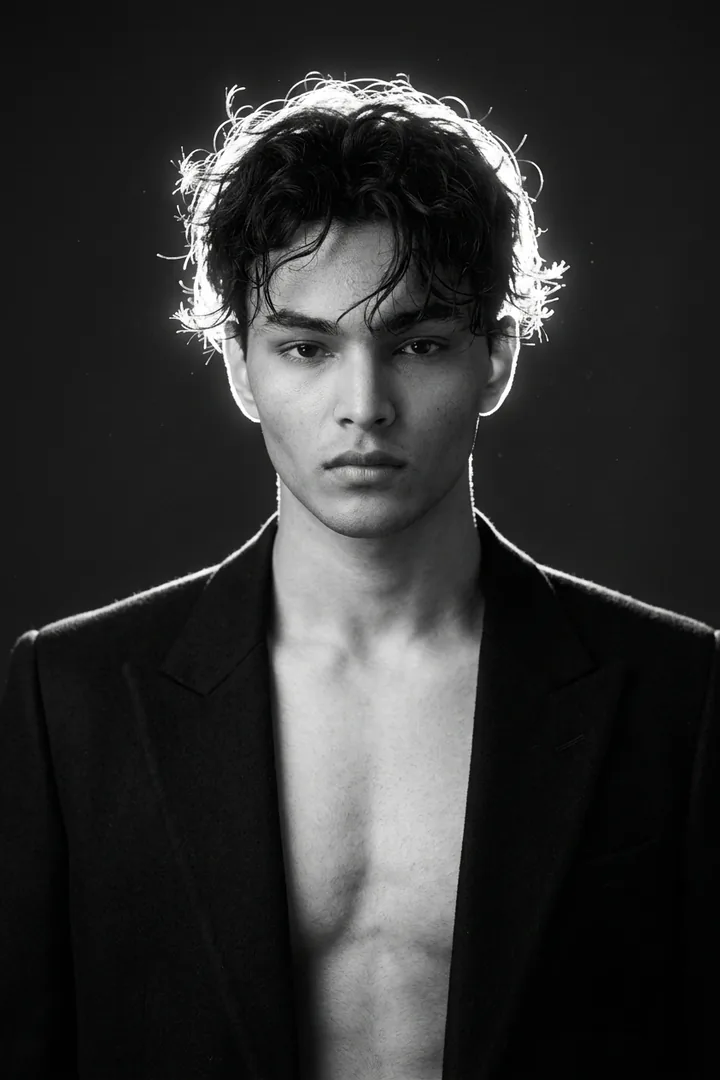
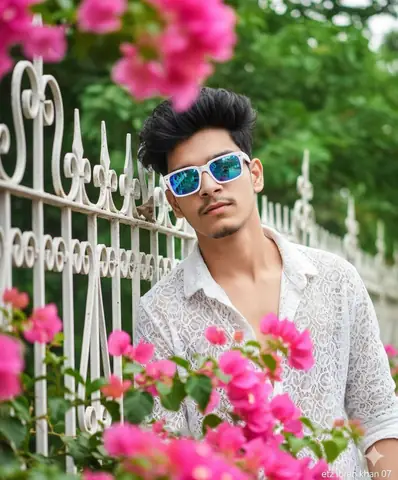
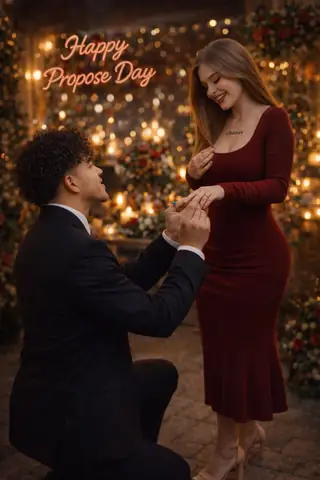
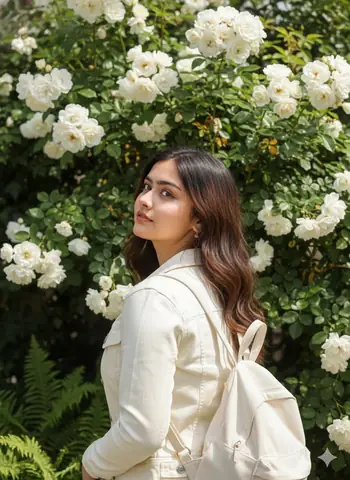
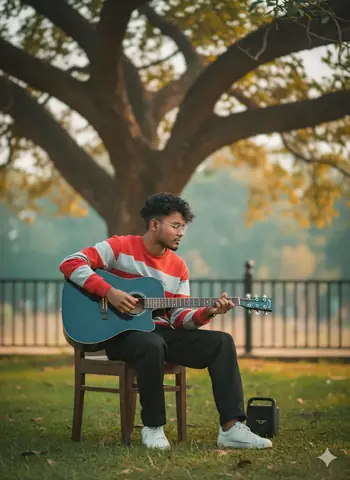
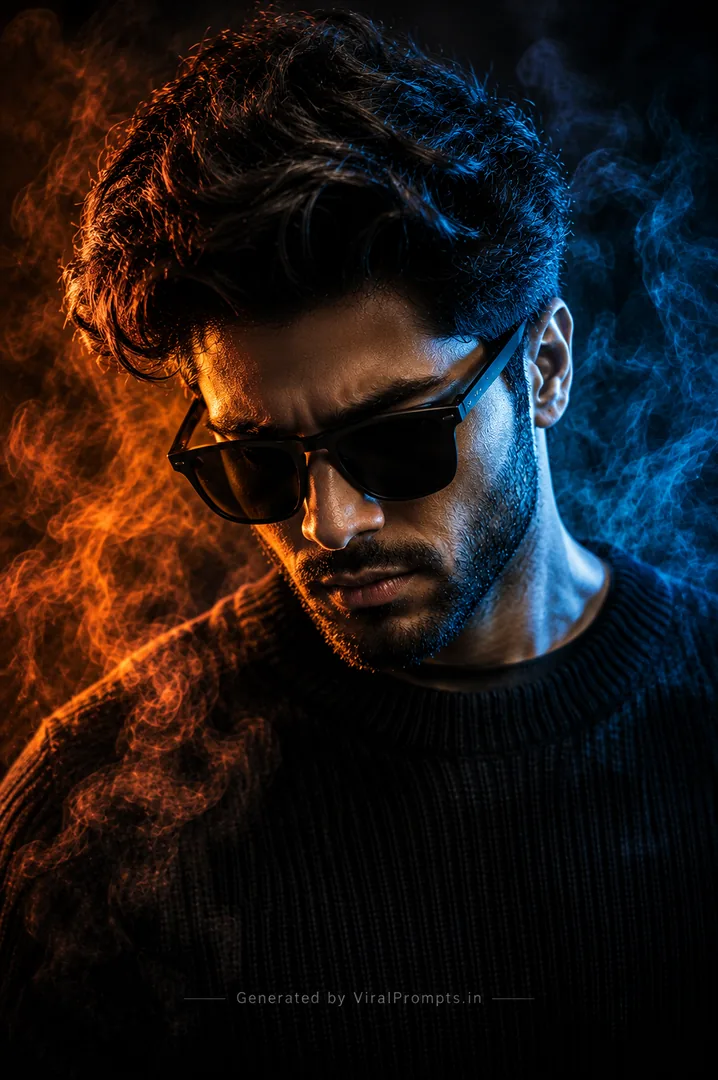
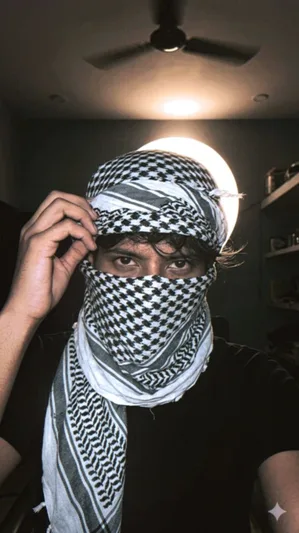
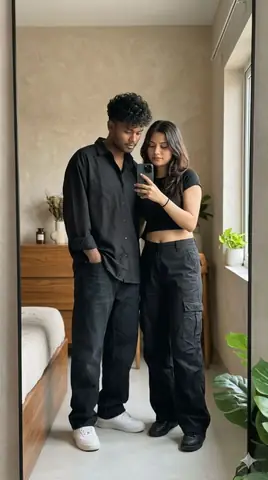
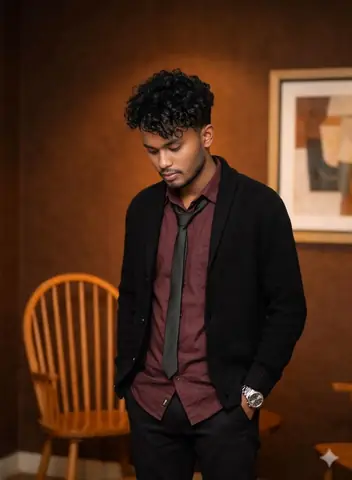
Quick Summary: This verified Midjourney v6.1 & Google Gemini Pro prompt creates an high-end Vogue editorial photoshoot aesthetic for Bold Night Flash Portrait Edit with calibrated lighting, authentic texture physics, and tested 1-click copy-paste formula for instant AI generation without facial distortion.
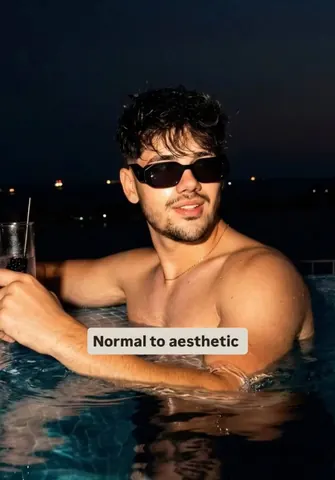
Bold Night Flash Portrait Edit - Copy Paste AI Prompt
Apply a bold night-flash aesthetic to the uploaded photo while preserving original details except for lighting, glow, and color mood. Keep the night-time enviroment dark and unlit, maintaining existing shadows and silhouettes. Do not brighten the background except for slight enhancement of point lights. Illuminate the subject with a strong, warm, direct front-facing flash, focused near the face and upper body (primary bright area. Add diffused sun-beam style highlights on cheekbones, nose bridge, lips and hair strands. Maintain separation between bright areas and deep shadows for cinematic contrast. NEGATIVE INSTRUCTIONS: No new background. No background change. No overly dramatic lighting. No face morphing. No fake glow. No flat lighting. No over-smooth skin. No pose change no change change model faceTechnical Prompt Parameters (High-Fashion & Editorial Studio)
| Parameter | Configuration | Output Impact |
|---|---|---|
| Target AI Engine | Midjourney v6.1 & Google Gemini Pro | Tailored for high-end luxury editorial aesthetics, studio lighting ratios, and runway poses. |
| Recommended Aspect Ratio | 3:4 or 4:5 (Vogue & Instagram Portrait) | Matches professional fashion magazine crop standards and mobile feed aspect ratios. |
| Camera & Lens Settings | Hasselblad H6D-100c, 100mm f/2.2 medium format portrait lens | Produces ultra-clean skin pore texture, precise fabric weave detail, and three-dimensional falloff. |
| Lighting Style | Large parabolic softbox key light + silver reflector accent fill | Flattering, even illumination that highlights makeup, bone structure, and jewelry without harsh glare. |
| Negative Constraints | airbrushed wax skin, asymmetrical makeup, doll plastic appearance, deformed fingers, low resolution | Retains realistic human skin micro-texture without aggressive synthetic AI smoothing. |
| Reference Photo | Upload a clean studio headshot or selfie with neutral expression and hair pulled back. | Upload front-facing reference photo for face matching. |
How to use this prompt
- Copy the prompt
- Open your AI tool
- Upload a reference photo if needed
- Paste the prompt
- Generate and save the result
How to get better results from Bold Night Flash Portrait Edit
Copy this Gemini prompt for Bold Night Flash Portrait Edit. Use it as a ready prompt, adjust the subject, then generate a polished AI result. Use it as a copy-ready starting point, then adjust the subject, scene, tone and output format for your own result.
- Dark
- Portrait
- Gemini prompt testing
- fast copy-paste workflow
- creator ready output
Customize before generating
- Replace the main subject, name, product or character details.
- Adjust lighting, background, mood, camera angle or aspect ratio if the prompt is visual.
- Change tone, audience, language and output format if the prompt is for text.
- Keep this core idea clear: Apply a bold night-flash aesthetic to the uploaded photo while preserving original details except for lighting, glow, and color mood. Keep the night-time enviroment...
Quick variations to try
- Make Bold Night Flash Portrait Edit more cinematic with stronger lighting and richer background detail.
- Turn Bold Night Flash Portrait Edit into a cleaner mobile-first version for social media posts or profile use.
- Create a premium version of Bold Night Flash Portrait Edit with sharper style, higher detail and a more polished final output.