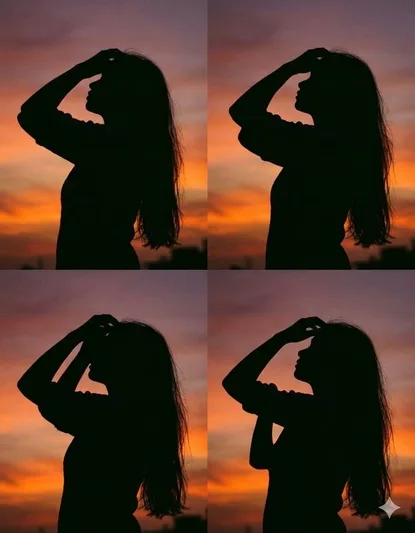
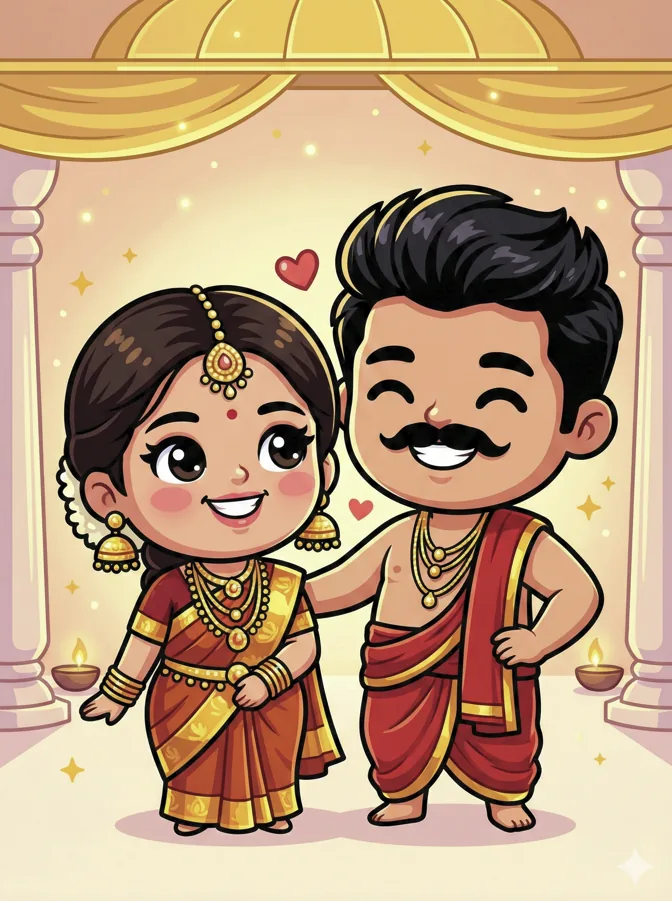
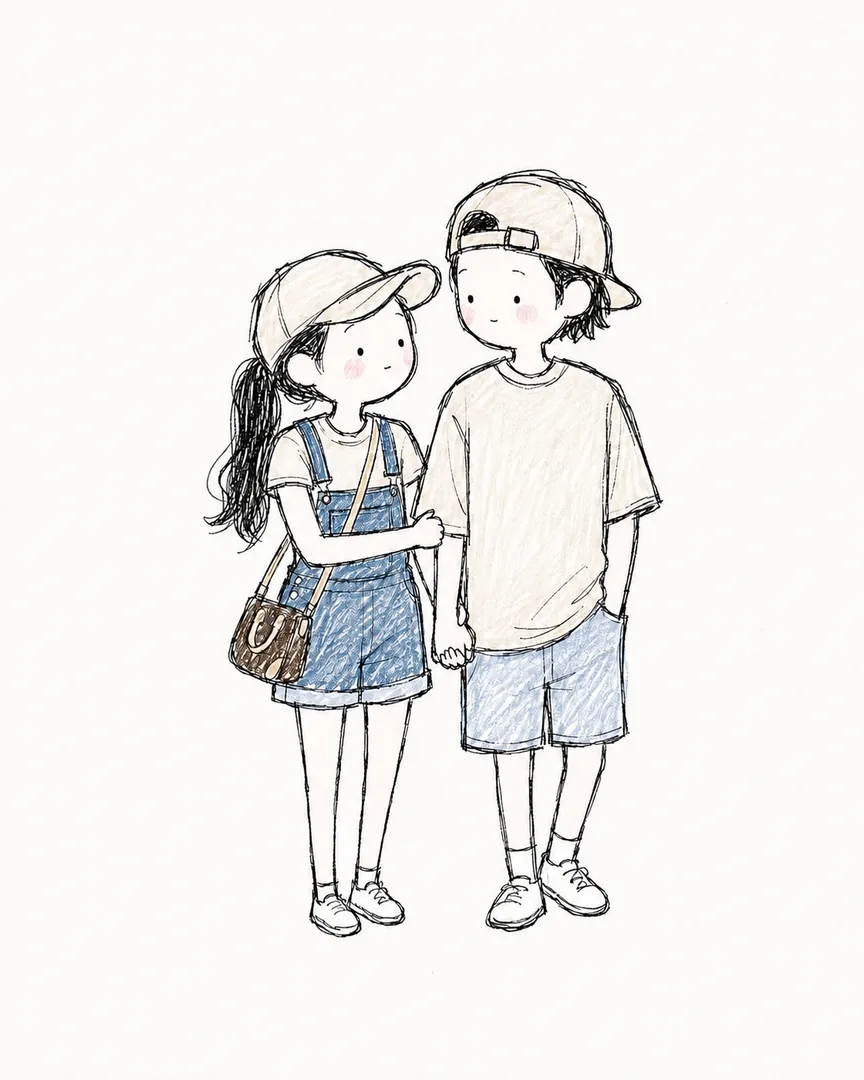
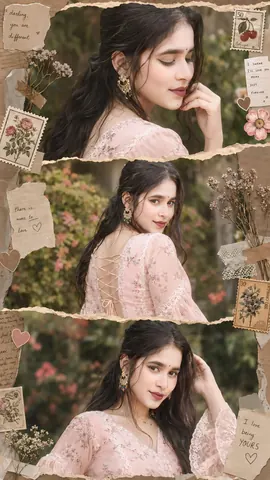
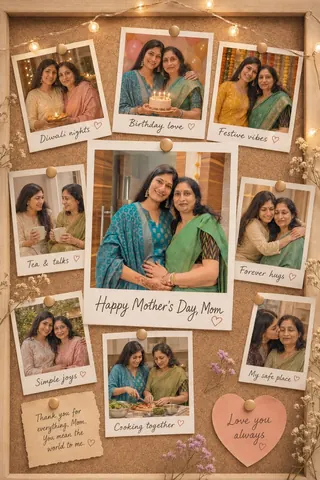
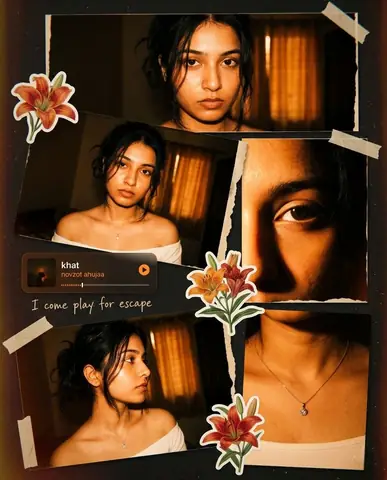
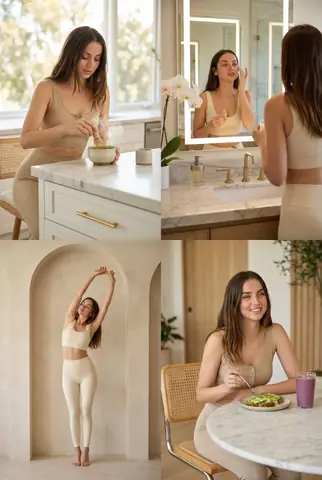
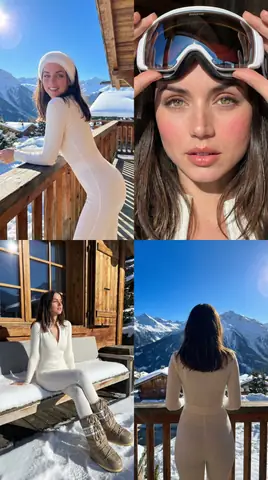
Quick Summary: This verified Google Gemini & Bing Image Creator prompt creates an ultra-realistic 8K photorealistic visual for Risograph Print Icons with calibrated lighting, authentic texture physics, and tested 1-click copy-paste formula for instant AI generation without facial distortion.
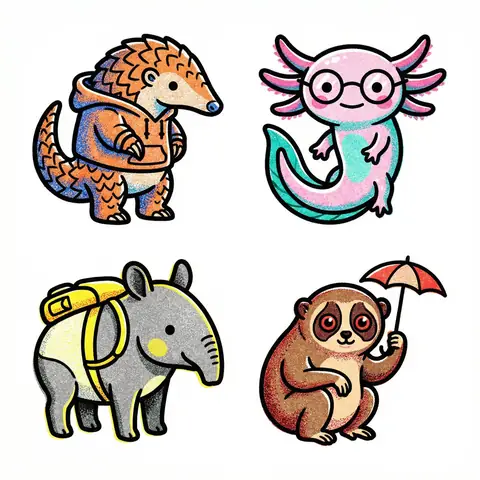
Risograph Print Icons - Copy Paste AI Prompt
Create a collection of icons representing a theme, they belong together as a single theme. Put them in a 2x2 grid with no lines. The background is pure white. Make the icons as risograph prints with no text, no color distortion, vibrant and not faded. Stochastic stippling and sand-like noise pattern within color fills. Each icon has a thick black outline.Technical Prompt Parameters (High-Definition Photorealism)
| Parameter | Configuration | Output Impact |
|---|---|---|
| Target AI Engine | Google Gemini & Bing Image Creator | Optimized for high-fidelity facial realism, balanced natural colors, and zero distortion. |
| Recommended Aspect Ratio | 3:4 (Portrait) or 9:16 (Story/DP) | Versatile standard framing suitable across Instagram feeds, DP icons, and wallpaper use. |
| Camera & Lens Settings | 50mm f/1.8 prime lens, 8K DSLR sensor resolution | Authentic optical depth-of-field, realistic human eye perspective, and crisp focus. |
| Lighting Style | Cinematic volumetric ambient + subtle natural rim light | Separates subject cleanly from background with three-dimensional depth and soft shadows. |
| Negative Constraints | blurry face, distorted hands, cartoon, plastic skin, watermark, oversaturated colors | Filters out common generative artifacts, anatomical flaws, and artificial smoothing. |
| Reference Photo | Use a clear, front-facing portrait taken in uniform natural daylight. | Upload front-facing reference photo for face matching. |
How to use this prompt
- Great for risograph-style artwork, icon sets, and print-inspired digital illustrations.
How to get better results from Risograph Print Icons
A 2x2 grid of risograph print style icons on pure white background with thick black outlines, vibrant colors, stochastic stippling and sand-like noise patterns within color fills. Use it as a copy-ready starting point, then adjust the subject, scene, tone and output format for your own result.
- Collage
- Illustration
- Risograph Print
- Risograph
- Icons
Customize before generating
- Replace the main subject, name, product or character details.
- Adjust lighting, background, mood, camera angle or aspect ratio if the prompt is visual.
- Change tone, audience, language and output format if the prompt is for text.
- Keep this core idea clear: Create a collection of icons representing a theme, they belong together as a single theme. Put them in a 2x2 grid with no lines. The background is pure white. Make...
Quick variations to try
- Make Risograph Print Icons more cinematic with stronger lighting and richer background detail.
- Turn Risograph Print Icons into a cleaner mobile-first version for social media posts or profile use.
- Create a premium version of Risograph Print Icons with sharper style, higher detail and a more polished final output.