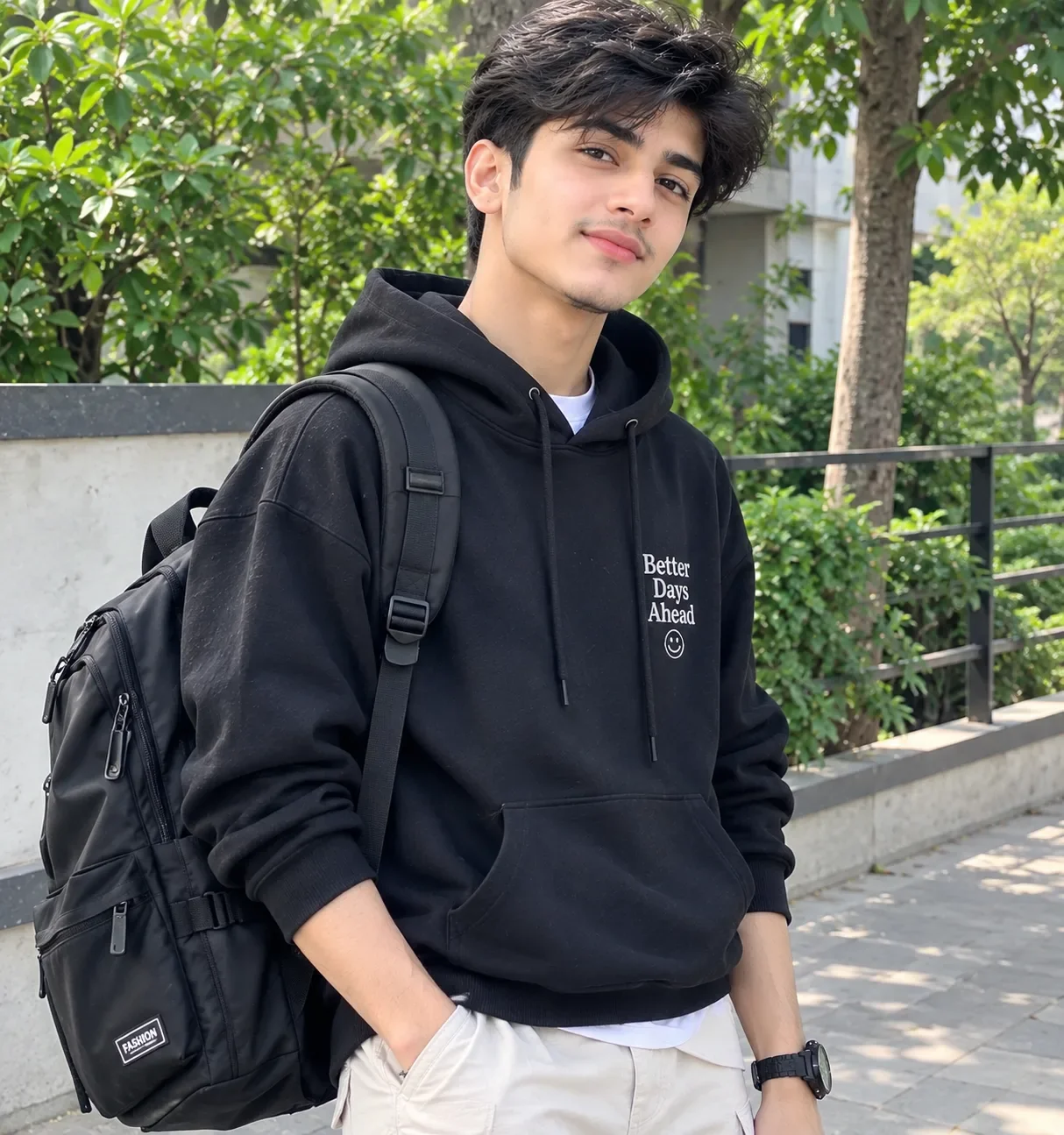
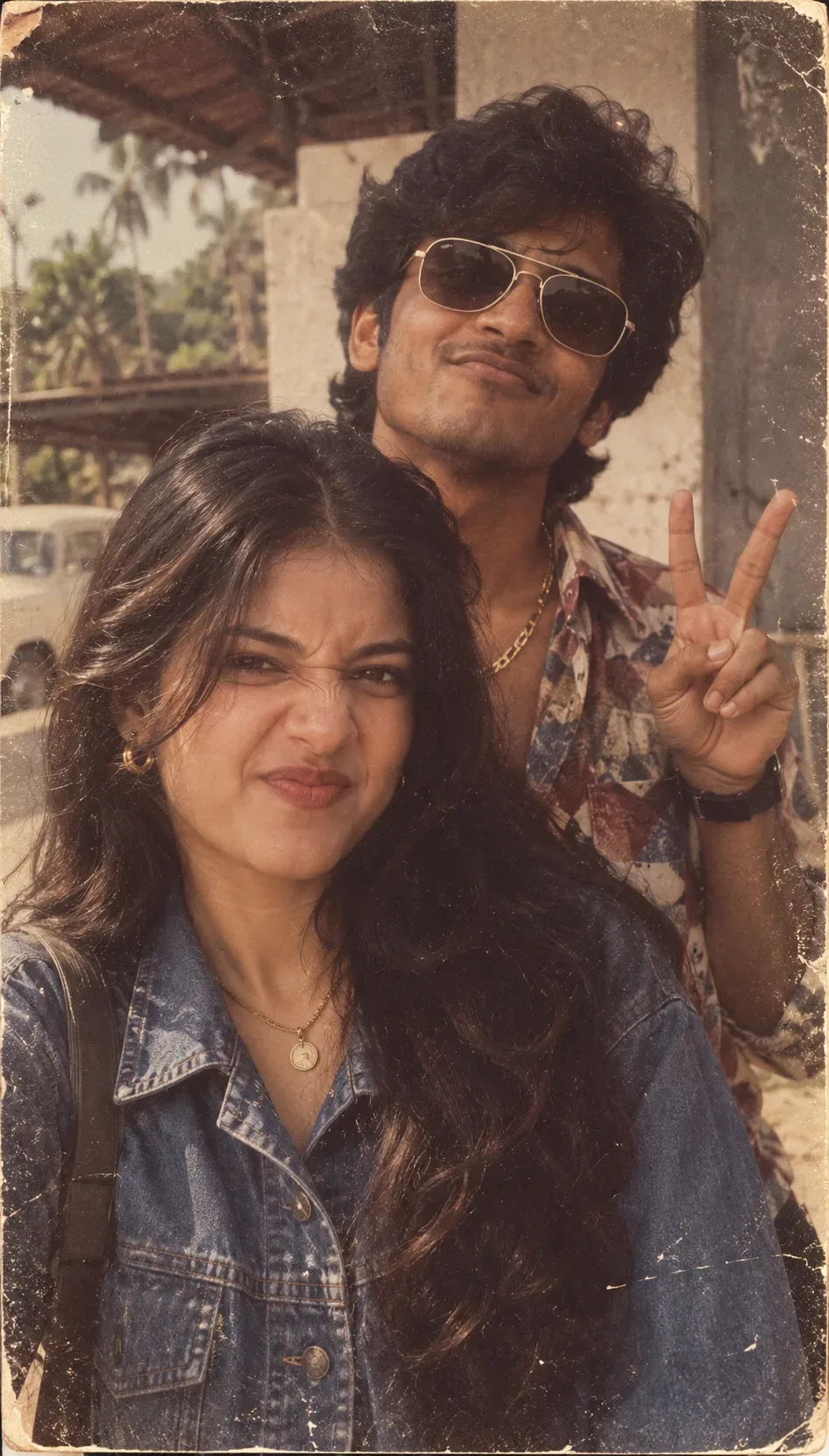
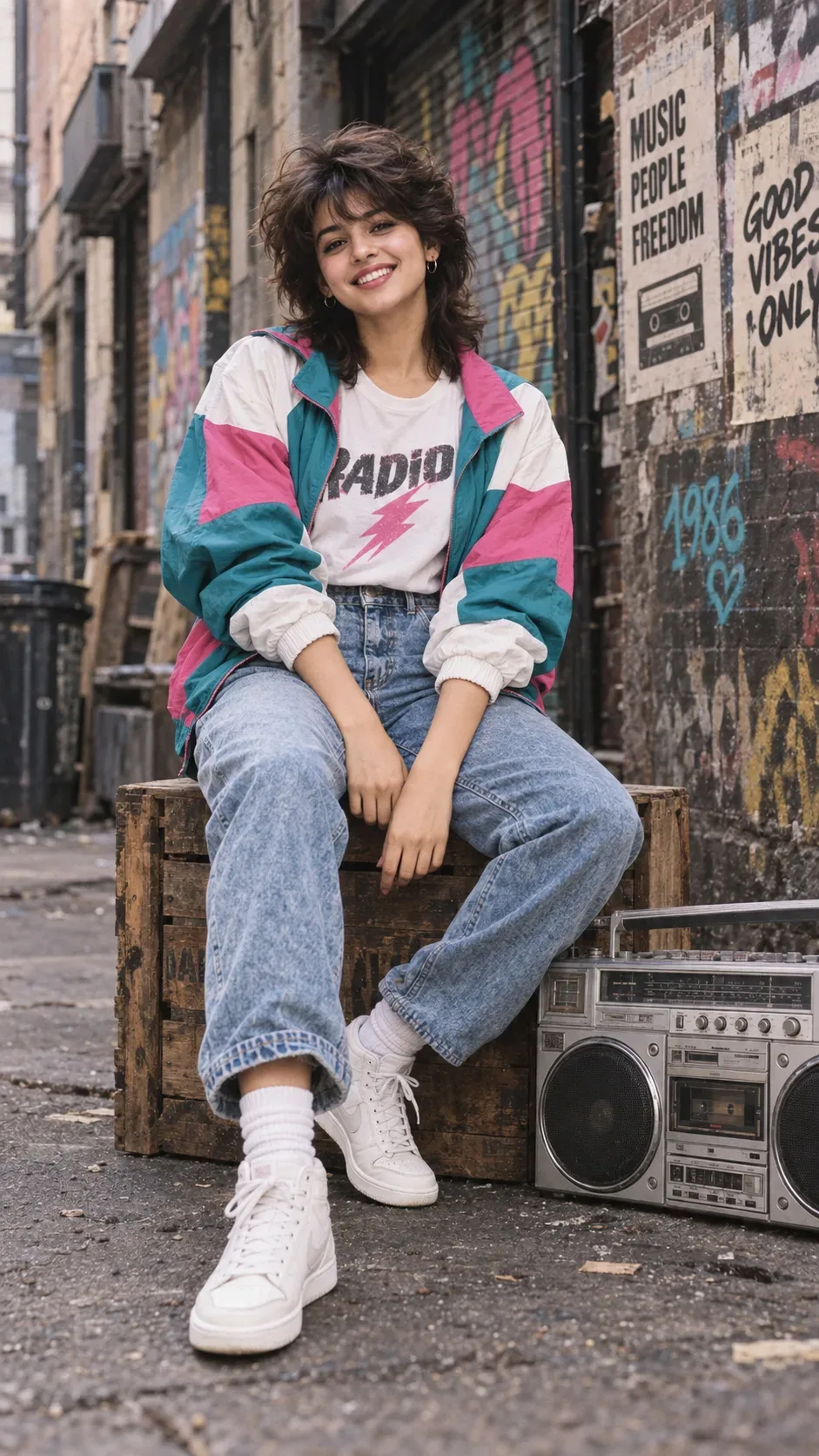
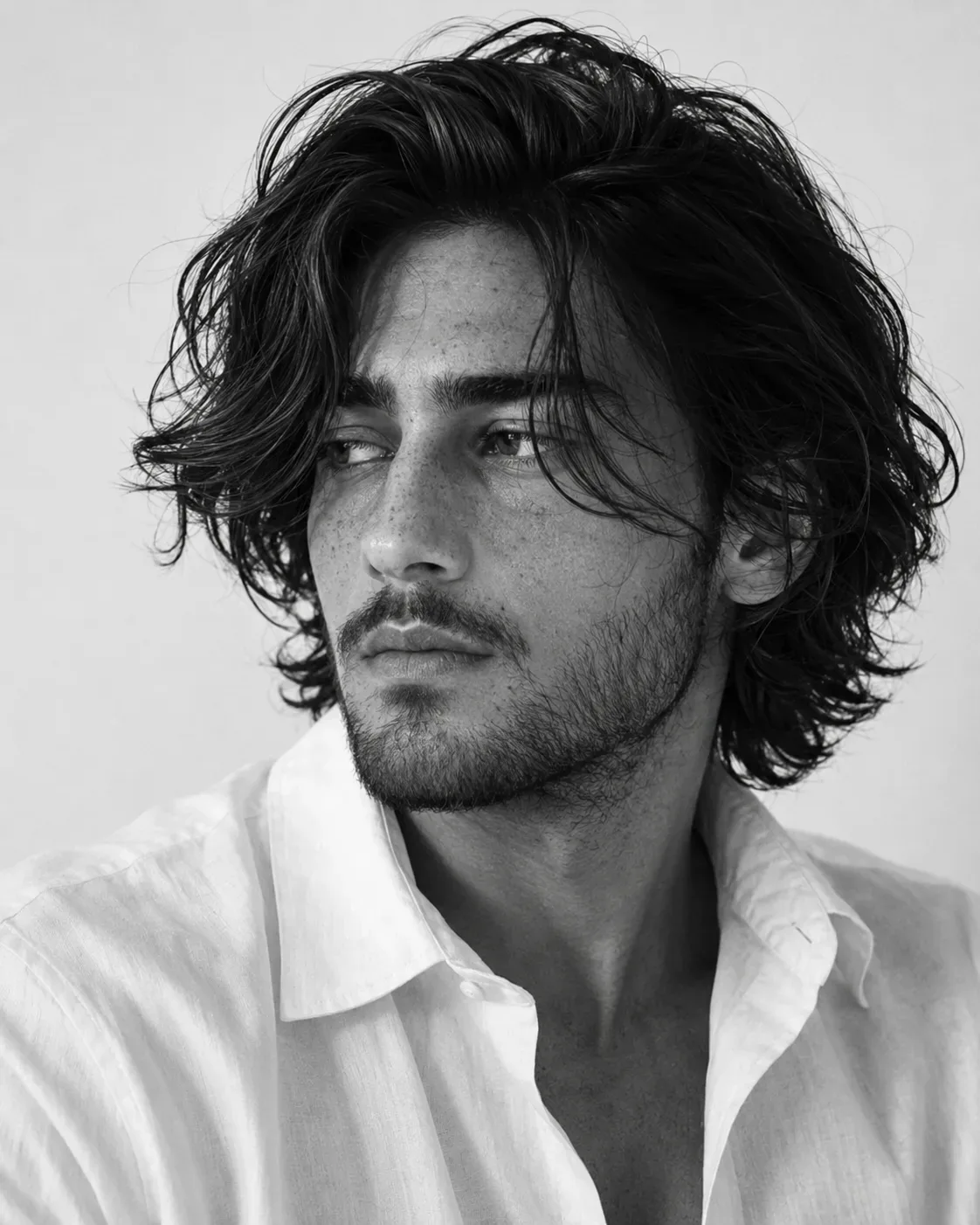
Quick Summary: This verified Google Gemini & Midjourney v6 prompt creates an cinematic moody dark atmospheric aesthetic for Professional Rtco Ai Video Prompt (5 AI Photo Prompt with calibrated lighting, authentic texture physics, and tested 1-click copy-paste formula for instant AI generation without facial distortion.
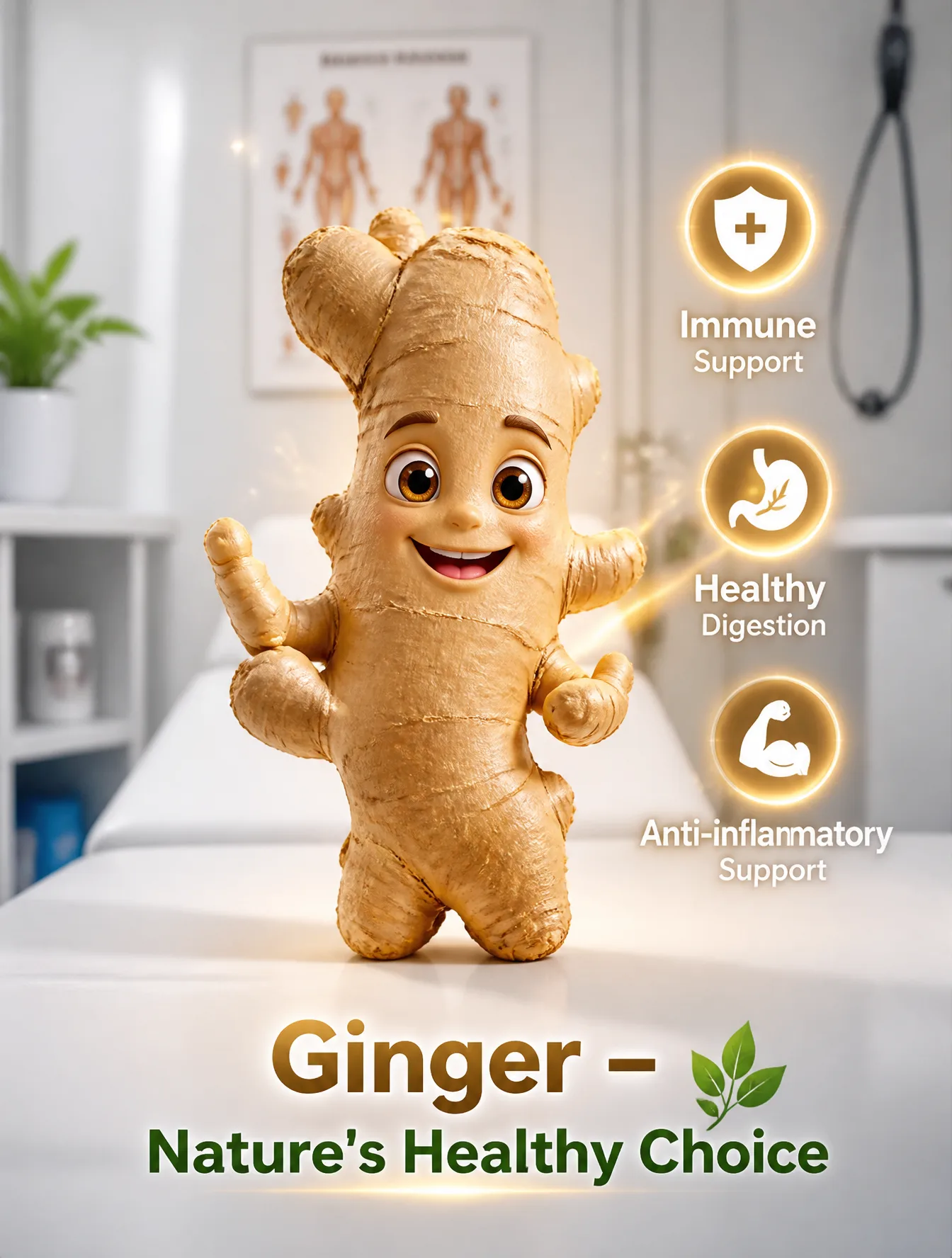
About This Prompt
Use this prompt to generate a Professional Rtco Ai Video Prompt (5 AI Photo Prompt — a high-quality, photorealistic image with balanced lighting, sharp focus, and intricate details suitable for social media sharing and digital content creation.
This prompt works best with your AI generator. Simply copy the prompt text below and paste it into the generator. You can easily customize specific keywords like colors, backgrounds, or subjects to make the final output uniquely yours.
What You'll Get
- 🎨 Style: Ai Image
- ✨ Mood: Meigen
- 📱 Best For: Trending
- 🤖 Works With: your AI generator
- 🔥 Popularity: Copied 51 times
- 📅 Added: Sep 15, 2026
Professional Rtco Ai Video Prompt (5 AI Photo Prompt - Copy Paste AI Prompt
Professional RTCO AI Video Prompt (5 Seconds)R — RoleYou are an award-winning AI commercial director and cinematic prompt engineer specializing in ultra-realistic health education videos. Create a short, engaging, and trustworthy commercial featuring a talking ginger root.T — TaskProduce a 5-second ultra-realistic cinematic video of a fresh ginger root standing on a doctor's examination table inside a modern medical clinic. The ginger speaks directly to the camera, confidently introducing itself and briefly explaining its evidence-supported health benefits.C — ContextDuration: 5 secondsStyle: Ultra-realistic, cinematic, photorealistic, 4K HDR, commercial qualityLocation: Modern doctor's clinic with clean white walls, medical equipment, anatomy chart, stethoscope, and soft natural lightingMain Character: Fresh organic ginger root with expressive eyes, natural mouth animation, and subtle hand gesturesMood: Friendly, educational, trustworthy, professionalCamera: Slow cinematic push-in with shallow depth of fieldLighting: Bright medical lighting with soft warm highlightsAudio: Calm uplifting background music, subtle clinic ambience, clear synchronized voiceVisual Effects: Gentle golden glow around the ginger with floating health icons (shield, stomach, leaf, heart)O — Output0–2 SecondsA fresh ginger root stands confidently on a doctor's examination table in a bright modern clinic. The camera slowly moves closer as the ginger smiles and looks directly into the camera.2–5 SecondsThe ginger says with natural lip-sync:"Hi! I'm Ginger. I help support immunity, aid healthy digestion, and provide natural anti-inflammatory benefits."As it speaks, elegant animated icons appear beside it:🛡️ Immune Support🌿 Healthy Digestion💪 Anti-inflammatory SupportFinal On-Screen Text:
"Ginger – Nature's Healthy Choice"Technical Requirements4K UHD60 FPSUltra-photorealistic texturesSmooth cinematic camera movementRealistic lip synchronizationVolumetric lightingHigh-quality CGI animationFamily-friendly educational styleAccurate health messaging that avoids claiming ginger cures or prevents diseases

Note: Maintain 100% exact facial identity, bone structure, jawline contours, and natural skin undertone of reference photo without alteration or distortion.Explore Related Collections
Explore Ai Image Prompts — Browse our curated collection of Ai Image prompts tailored for creators. View all Ai Image prompts →
Explore Trending Prompts — Discover more viral Trending ideas for your next AI generation. View all Trending prompts →
Frequently asked questions
- How do I use the Professional Rtco Ai Video Prompt (5 AI Photo Prompt prompt?
- To use this prompt, simply click the "Copy Prompt" button above. Then, open your AI generator, paste the copied text into the prompt box, and hit generate. You can instantly generate high-quality images without needing any reference photos.
- What is this prompt best used for?
- This specific prompt is highly optimized for creating engaging social media content and digital art. The formula is structured to produce high-contrast, visually appealing results that perform well on visual platforms.
- Can I customize the details of this prompt?
- Yes! While the core structure of the prompt is optimized for your AI generator, you can easily customize the details. We recommend changing specific keywords like clothing colors, background locations, or the overall mood (e.g., changing "sunny" to "rainy" or "neon") to match your exact vision.