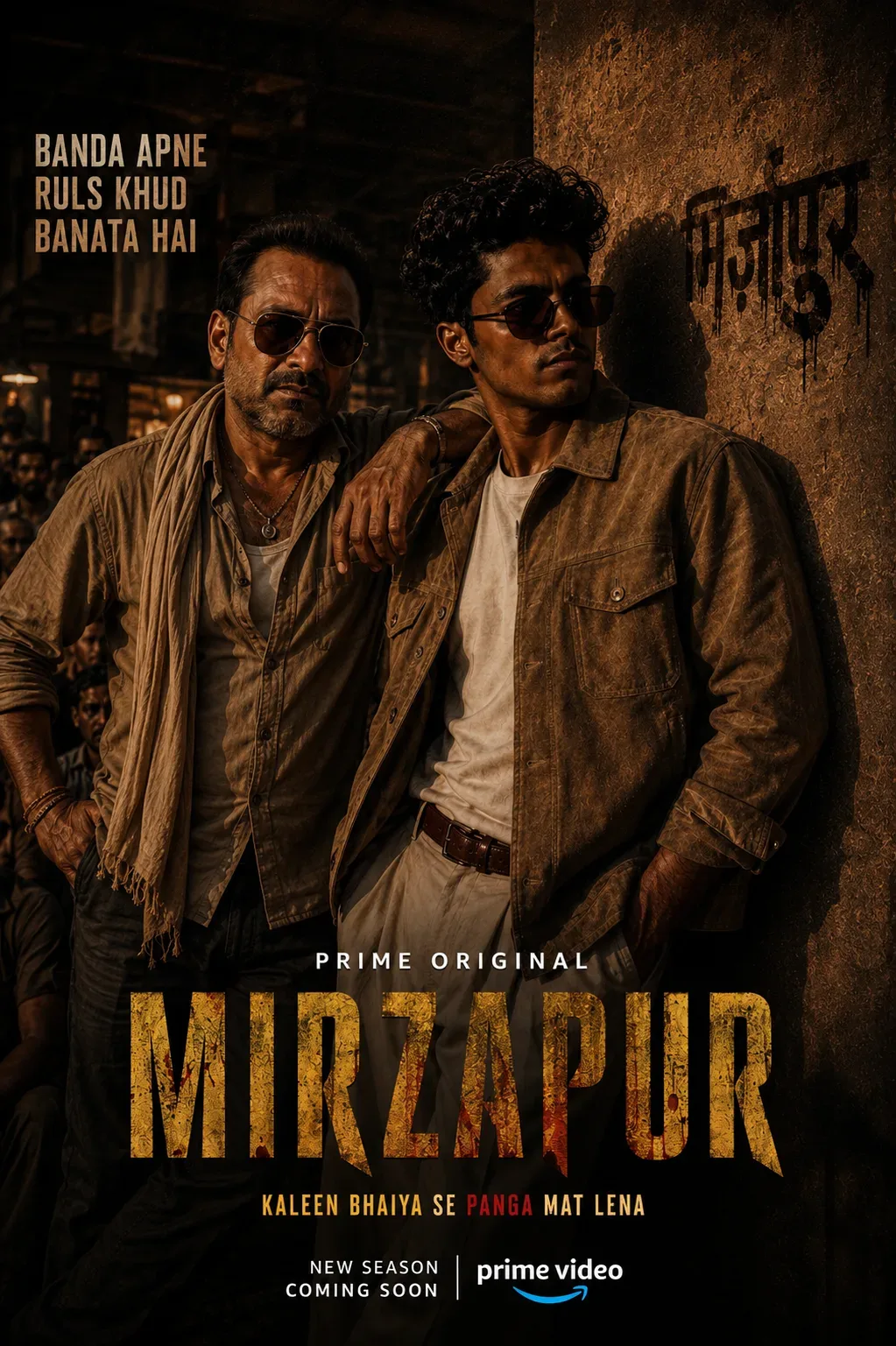
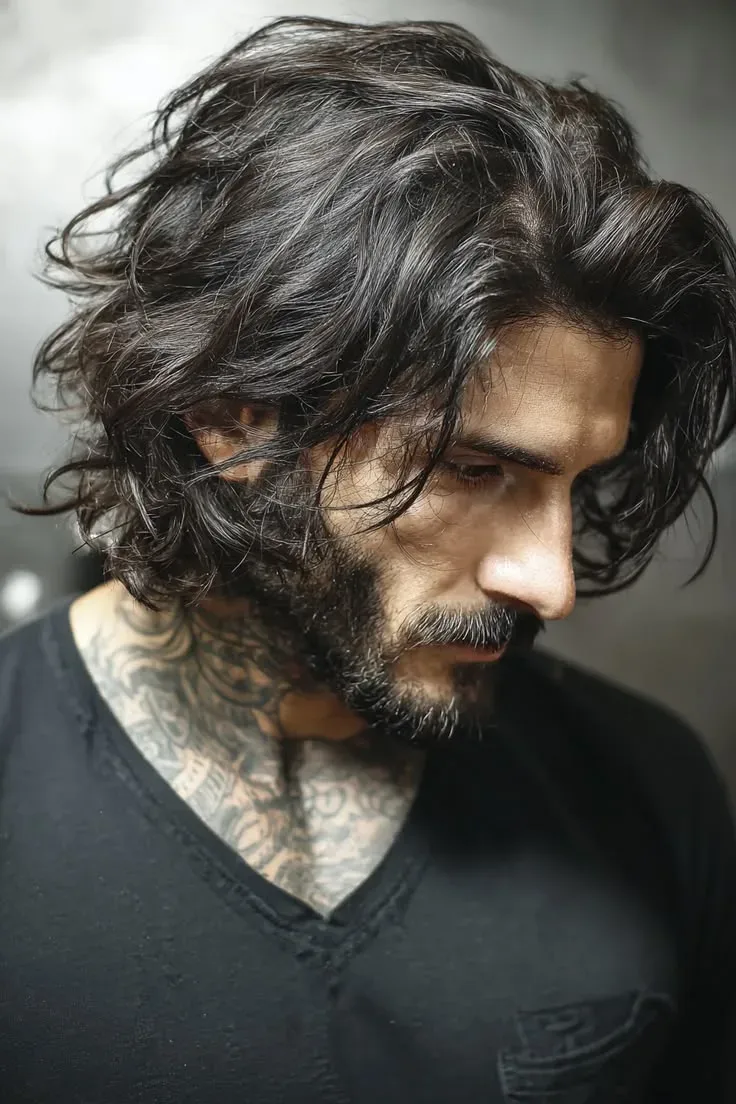
Quick Summary: This verified Midjourney Niji 6 / Flux.1 Schnell / Bing Image Creator prompt creates an hyper-detailed 3D cyberpunk stylized aesthetic for Mbti :{} Aesthetic Concept AI Photo Prompt with calibrated lighting, authentic texture physics, and tested 1-click copy-paste formula for instant AI generation without facial distortion.
About This Prompt
Design a Mbti :{} Aesthetic Concept AI Photo Prompt — a high-quality, photorealistic image with balanced lighting, sharp focus, and intricate details suitable for social media sharing and digital content creation.
For the best results, use this with your AI generator. Simply copy the prompt text below and paste it into the generator. You can easily customize specific keywords like colors, backgrounds, or subjects to make the final output uniquely yours.
Mbti :{} Aesthetic Concept AI Photo Prompt - Copy Paste AI Prompt
请生成一张【中国古典人物 MBTI 高端国风信息海报】。

【人物】
人物名称:{人物名}
【前置分析要求】
请先基于该人物在中国古典文学、历史叙事或民间文化中的主流形象,完成并应用以下信息:

人物拼音:使用规范汉语拼音,带声调优先
MBTI 类型:选择最符合人物核心性格的类型
MBTI 英文称号:使用常见 MBTI 称号,如 The Commander / The Logistician / The Advocate
中文人格标签:用 8—14 字概括人物气质
人物特征提取:身份定位
核心价值
性格关键词 4—6 个
标志造型元素
代表性道具 / 兵器 / 坐骑
经典故事元素 1—3 个
人物结局或历史评价

若资料存在争议,采用最符合大众认知的版本;不确定的信息不得编造;经典语录若无法确认出处,则改写为符合人物精神的原创短句,并避免伪造名言。
【整体风格】
竖版 3:4 构图,4K 超清,高端国风人物设定海报。
画面融合:中国水墨、淡彩工笔、宣纸肌理、传统中式纹样、现代精品信息图排版。
背景为温润米白宣纸色,带淡墨云烟、回纹、窗棂格栅、朱砂印章点缀。
整体气质:典雅、庄重、收藏级、文化感强、干净高级。
【核心视觉:3D 夺框而出】
人物主体必须具有强烈的“3D 破框而出 / 夺框而出 / 从画中跃出”半写实效果。
人物上半身或全身位于中央主视觉区,形成明显前后景深。
人物的衣袖、兵器、飘带、发须、坐骑、云雾或标志道具可突破中式边框,产生立体浮雕式出框感。
视觉重点必须是人物,不得被文字、背景或装饰抢占。
保持东方古典审美,不要现代游戏 UI,不要赛博朋克,不要西式奇幻盔甲,不要夸张动漫脸。
【人物造型】
根据 {人物名} 的主流形象设计:
保留最具辨识度的服饰、面部特征、姿态、道具与时代气质
神态需符合人物性格:威严、沉静、悲壮、儒雅、桀骜、仁厚或智谋,由人物设定决定
动作应具有叙事感,体现人物命运与人格力量
背景可淡化加入经典情节场景,但不得喧宾夺主
【版式结构】
海报分为三大区域:

一、顶部标题区

主标题:{人物名}({拼音})
大字号 MBTI:{MBTI 类型}
英文称号:{MBTI 英文称号}
中文人格标签:{中文人格标签}
使用传统窗棂 / 格栅边框包裹标题区

标题清晰、端正、醒目,具有书法感与现代排版平衡
二、中部主视觉区
人物占画面核心位置
3D 夺框而出效果最明显
水墨淡彩渲染,衣纹、面部、兵器细节精致
背景融入人物代表性故事元素,如战场云烟、楼台、江水、山河、宫阙、竹林、月色等

整体具有东方史诗感与人物命运感
三、底部信息区
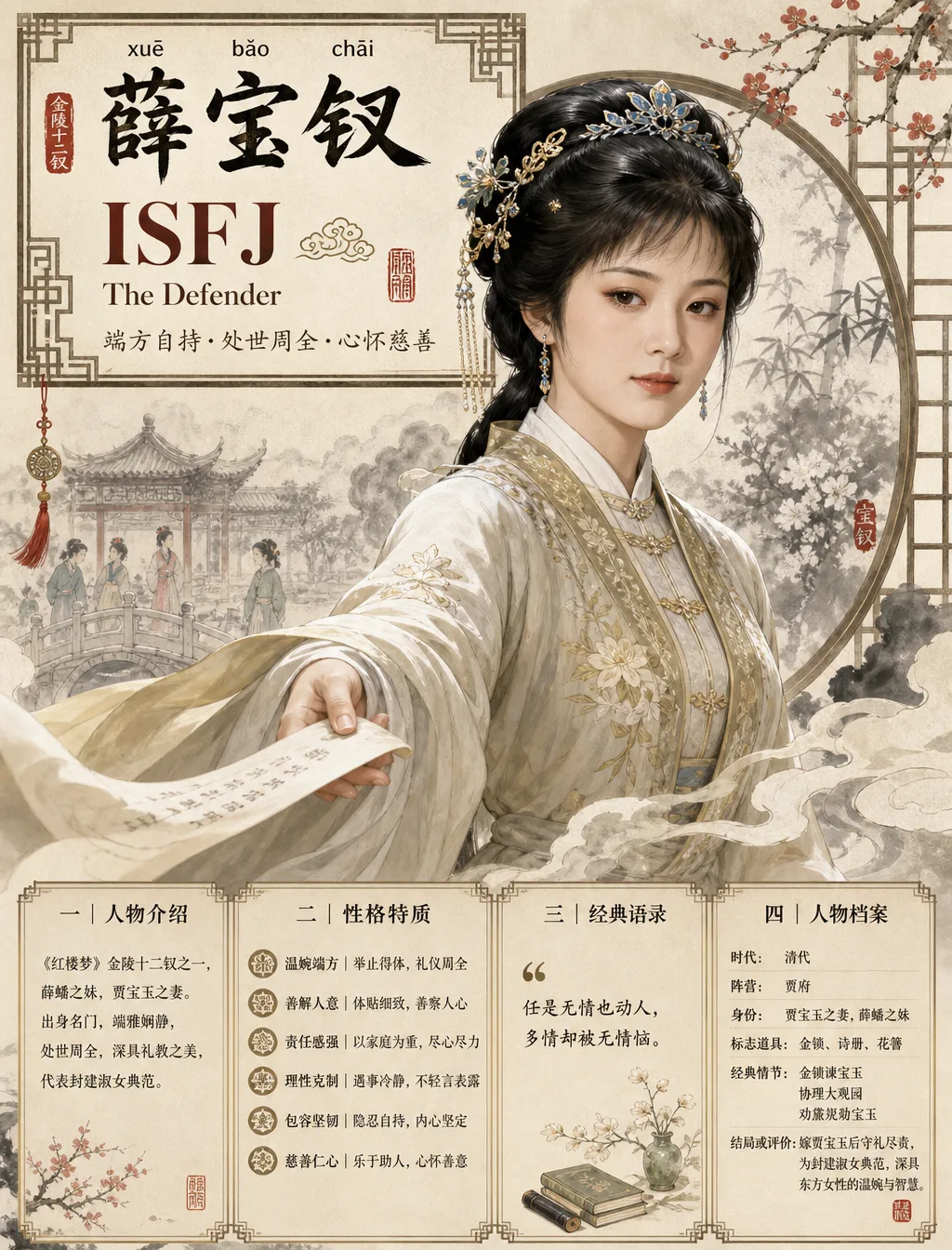
设计为 4 个整齐模块,像高级国风 MBTI 信息图:
模块一|人物介绍
用 40—60 字介绍人物出处、身份、核心形象与文化地位。
模块二|性格特质
列出 4—6 个关键词,每个关键词配 4—8 字短说明。
格式示例:忠义|重诺守信
模块三|经典语录
放置 1 句短语,要求不超过 18 字。
若真实名言不确定,使用符合人物精神的概括性表达,不伪造出处。
模块四|人物档案
包含:时代 / 阵营 / 身份 / 标志道具 / 经典情节 / 结局或评价。
信息必须短、准、可读。

【文字要求】
全图使用简体中文。
中文文字必须清晰、端正、无乱码、无错别字。
正文短句化,避免长段文字。
标题层级清楚:人物名最大,MBTI 次之,模块标题清晰。
底部模块留白充足,不拥挤,不堆字。
【色彩】
主色:宣纸米白、淡墨灰、朱砂红、沉金色。
辅色根据人物气质调整,如青绿、玄黑、赤红、玉白、赭石。
色彩克制,高级,不艳俗。

【负面约束】
不要现代街头服装。
不要科幻机甲。
不要欧美奇幻风。
不要过度卡通。
不要低清晰度。
不要乱码文字。
不要错误拼音。
不要错误人物身份。
不要把人物画成无关角色。
不要让底部信息区遮挡人物主体。
不要杂乱背景。
不要廉价游戏宣传页质感。
【最终输出】
直接生成完整海报画面:
竖版 3:4,4K Ultra HD,中国水墨淡彩,高级国风信息图,人物 3D 夺框而出,MBTI 信息完整,文字清晰,排版精致,收藏级视觉效果。

人物:薛宝钗(人物形象可参考八七版红楼梦欧阳奋强的造型)

Note: Maintain 100% exact facial identity, bone structure, jawline contours, and natural skin undertone of reference photo without alteration or distortion.What You'll Get
- 🎨 Style: Ai Image
- ✨ Mood: Meigen
- 📱 Best For: Trending
- 🤖 Works With: your AI generator
- 🔥 Popularity: Copied 67 times
- 📅 Added: Sep 14, 2026
Explore Related Collections
Explore Ai Image Prompts — Browse our curated collection of Ai Image prompts tailored for creators. View all Ai Image prompts →
Explore Trending Prompts — Discover more viral Trending ideas for your next AI generation. View all Trending prompts →
Frequently asked questions
- How do I use the Mbti :{} Aesthetic Concept AI Photo Prompt prompt?
- To use this prompt, simply click the "Copy Prompt" button above. Then, open your AI generator, paste the copied text into the prompt box, and hit generate. You can instantly generate high-quality images without needing any reference photos.
- What is this prompt best used for?
- This specific prompt is highly optimized for creating engaging social media content and digital art. The formula is structured to produce high-contrast, visually appealing results that perform well on visual platforms.
- Can I customize the details of this prompt?
- Yes! While the core structure of the prompt is optimized for your AI generator, you can easily customize the details. We recommend changing specific keywords like clothing colors, background locations, or the overall mood (e.g., changing "sunny" to "rainy" or "neon") to match your exact vision.