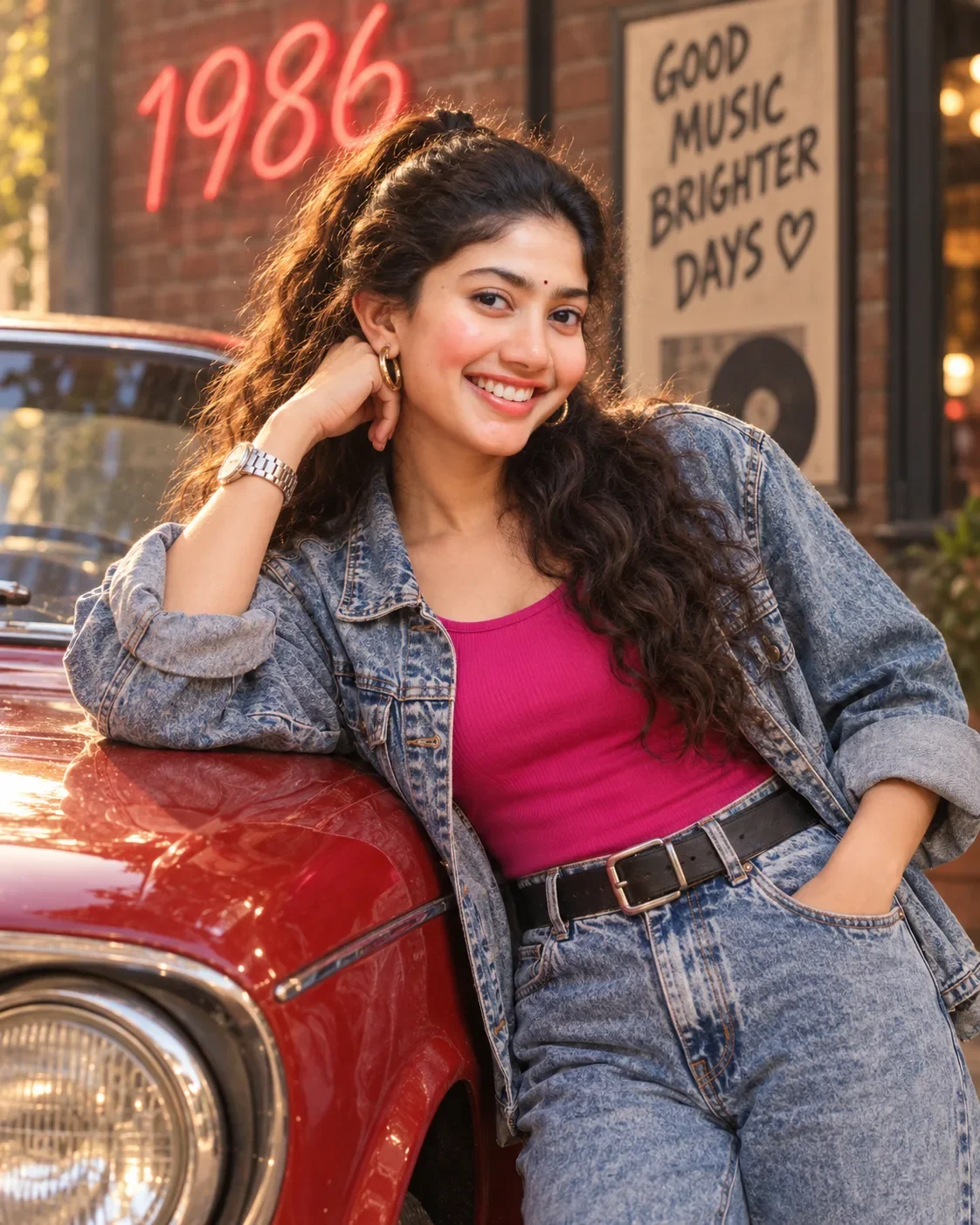
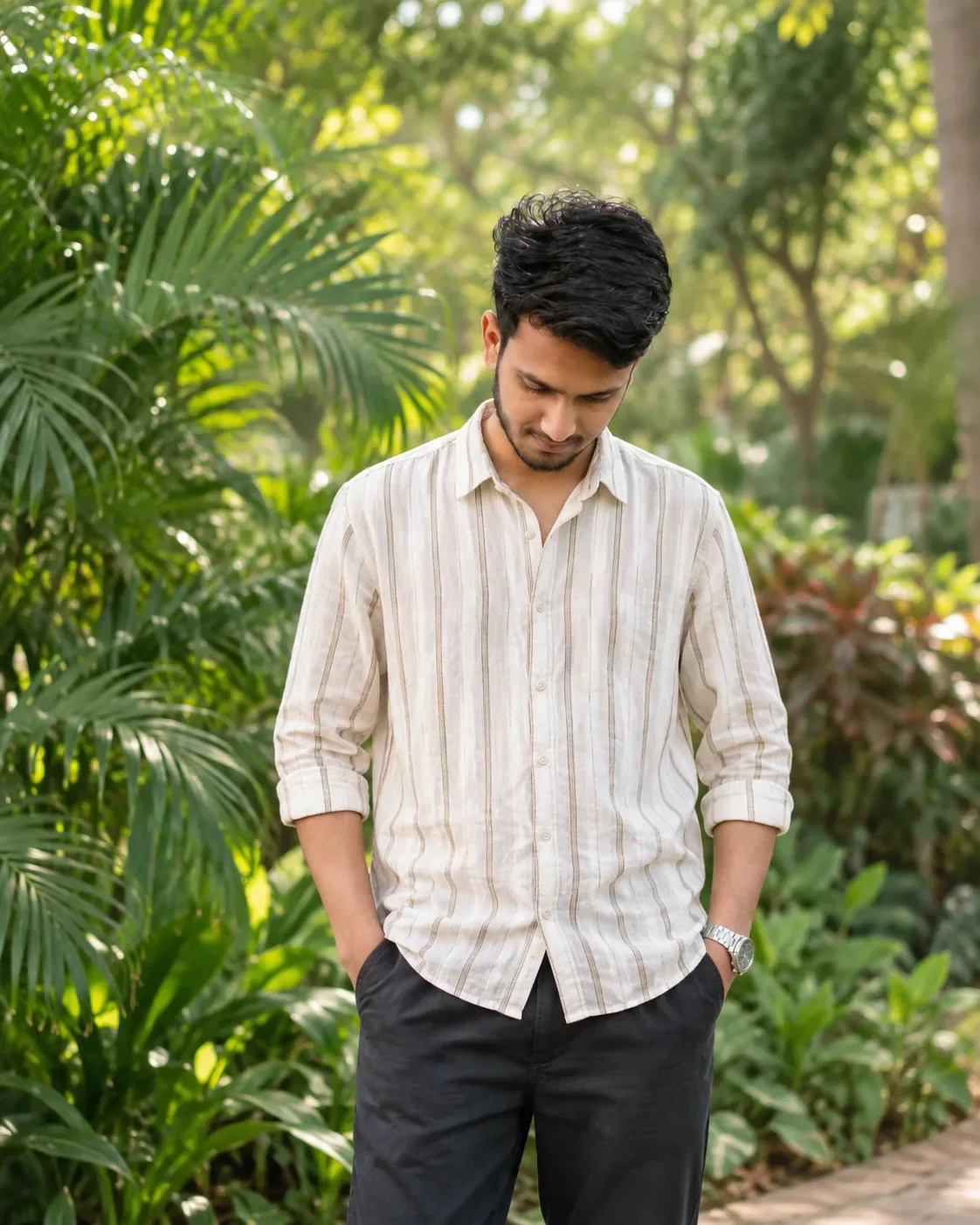
Quick Summary: This verified Google Gemini & Midjourney v6 prompt creates an authentic 90s vintage film aesthetic for [Image1] ## Ai Image Generation Prompt AI Photo Prompt with calibrated lighting, authentic texture physics, and tested 1-click copy-paste formula for instant AI generation without facial distortion.
![[Image1] ## Ai Image Generation Prompt AI Photo Prompt generated preview](https://viralprompts.in/uploads/image1-ai-image-generation-prompt-ai-photo-prompt.webp)
About This Prompt
Design a [Image1] ## Ai Image Generation Prompt AI Photo Prompt — a high-quality, photorealistic image with balanced lighting, sharp focus, and intricate details suitable for social media sharing and digital content creation.
We recommend generating this using Google Gemini. Simply copy the prompt text below and paste it into the generator. You can easily customize specific keywords like colors, backgrounds, or subjects to make the final output uniquely yours.
What You'll Get
- 🎨 Style: Ai Image
- ✨ Mood: Meigen
- 📱 Best For: Trending
- 🤖 Works With: Google Gemini
- 🔥 Popularity: Copied 52 times
- 📅 Added: Sep 14, 2026
[Image1] ## Ai Image Generation Prompt AI Photo Prompt - Copy Paste AI Prompt
[image1]
## AI IMAGE GENERATION PROMPT — ANALOG EDITORIAL PORTRAITPrompt:Create an original high-end analog fashion editorial portrait with a nostalgic late-1990s / early-2000s street-fashion photography feel.### SUBJECT & POSEA young adult male model with an original, non-identifiable appearance, medium-length slightly tousled dark hair extending naturally around the ears and nape. He wears a minimal vintage baseball cap with subtle embroidered lettering, a clean oversized off-white button-up shirt, and a loosely styled narrow black necktie.The model stands facing the camera almost completely straight-on, with the shoulders naturally squared but relaxed. Frame him from approximately the upper chest upward, keeping the entire head, hair, shoulders, and clothing visible.Expression is calm, neutral, slightly distant and introspective, with relaxed lips and a subtle serious editorial mood. Eyes looking slightly away from the lens rather than directly into it. Natural facial asymmetry and realistic proportions.Do not make the model look overly posed, muscular, glamorous, or conventionally "perfect." The appeal should come from the effortless, understated fashion-editorial attitude.### COMPOSITIONUse a symmetrical, centered portrait composition with the face positioned close to the vertical center of the frame.Camera is positioned approximately at eye level, with a very subtle downward perspective or essentially straight-on viewpoint.Use a medium close-up portrait framing, leaving a modest amount of negative space around the head and shoulders.Create a simple editorial print-like border around the photograph, with a slightly uneven warm ivory/off-white photographic-paper frame and a narrow inner image boundary.The composition should feel like a scanned vintage fashion photograph / personal photo print, rather than a modern polished studio photograph.### LIGHTINGUse direct on-camera flash photography in a small indoor environment.A soft but noticeable frontal flash illuminates the face and shirt while creating a distinct darker shadow behind the subject, especially around one side of the head and shoulders.Lighting should have:- direct frontal flash- moderate falloff- slightly hard-edged facial shadows- subtle shadow under the cap brim- natural highlights on the skin- darker ambient background- no dramatic cinematic rim lighting- no studio three-point lightingThe flash should feel authentic and slightly imperfect, like a spontaneous fashion photograph captured with a compact film camera.### BACKGROUNDUse a plain warm gray / beige plaster or painted wall with almost no decoration.The background should be simple enough that the subject dominates the composition. Add extremely subtle wall imperfections and tonal variation so it doesn't look digitally generated.Include a faint cast shadow from the flash behind the subject.### COLOR GRADINGUse a restrained warm-neutral vintage film palette:- warm ivory- faded beige- soft taupe- muted gray- dusty brown- subtle black- natural skin tonesKeep saturation low to moderate.Skin should remain realistic and slightly warm, never orange or overly pink.Whites should look aged and creamy rather than pure digital white.Blacks should be slightly lifted and softened instead of perfectly crushed.Overall image should have a faded analog print character, with gentle tonal compression and slightly desaturated colors.### FILM / TEXTUREStrongly emulate 35mm consumer color film scanned from a physical print.Add:- fine organic film grain- extremely subtle dust- microscopic film texture- slight softness- gentle halation around bright areas- mild lens imperfections- subtle color variation- tiny exposure inconsistencies- faint paper/scanning textureKeep the image sharp enough to preserve realistic eyes, hair strands, fabric weave, and skin texture, but do not make it digitally razor-sharp.The photograph should feel tactile, imperfect, and physical.### CAMERA CHARACTERPhotographed with a 35mm film-camera aesthetic, approximately a 50mm equivalent lens, around f/4–f/5.6.Natural perspective with minimal facial distortion.Moderate depth of field: the face and clothing remain recognizable and detailed while the simple background falls slightly softer.Use the visual characteristics of an older consumer film camera with direct flash, rather than a modern smartphone or hyper-clean digital DSLR.### FASHION AESTHETICMinimal indie streetwear / understated Y2K fashion editorial.The styling should feel casually curated:- vintage baseball cap- relaxed light-colored shirt- slim black tie- small understated earrings or minimal jewelry- slightly messy natural hair- no visible luxury branding- no excessive accessoriesThe overall feeling is effortless, youthful, detached, slightly rebellious, and editorial.### FINAL IMAGE CHARACTERThe final photograph should look like an authentic scanned page from an old fashion lookbook or personal editorial photo archive.It should NOT feel like a contemporary AI fashion portrait.Prioritize:authenticity → composition → lighting → film texture → understated styling → natural facial realism.---## NEGATIVE PROMPTAvoid: overly smooth skin, plastic skin, beauty-filter appearance, excessive HDR, hyper-sharpening, glossy commercial photography, cinematic teal-orange grading, neon colors, oversaturation, dramatic rim lighting, studio lighting, perfect symmetry, exaggerated jawline, altered facial proportions, enlarged eyes, artificial lips, unrealistic teeth, excessive makeup, CGI appearance, 3D-rendered look, anime, illustration, cartoon, excessive bokeh, extreme depth of field, fisheye distortion, wide-angle facial distortion, low-resolution facial details, excessive grain, heavy scratches, extreme vintage degradation, excessive vignette, crushed blacks, blown highlights, artificial lens flare, luxury fashion styling, logos, text artifacts, watermark, duplicated accessories, malformed hands, extra fingers.### If you're using your own photo as the facial referenceAdd this at the beginning:> Use my uploaded image as the ONLY facial identity reference. Preserve my exact identity, facial structure, eye shape, nose shape, lips, jawline, skin tone, facial proportions, hairstyle characteristics, natural asymmetry, and authentic skin texture. Do not beautify, idealize, reshape, slim, enlarge, smooth, or reinterpret my face. The styling, lighting, clothing, background, and photographic aesthetic may change, but my actual facial identity must remain unchanged and realistic.Key formula:Centered portrait + eye-level camera + direct flash + beige/gray wall + muted Y2K styling + warm ivory palette + 35mm film grain + scanned-print texture + understated expression.

Note: Strictly retain 100% exact facial likeness, natural cheekbone contours, true skin undertone, and authentic gaze from source image without generic face replacement.Explore Related Collections
Explore Ai Image Prompts — Browse our curated collection of Ai Image prompts tailored for creators. View all Ai Image prompts →
Explore Trending Prompts — Discover more viral Trending ideas for your next AI generation. View all Trending prompts →
Frequently asked questions
- How do I use the [Image1] ## Ai Image Generation Prompt AI Photo Prompt prompt?
- To use this prompt, simply click the "Copy Prompt" button above. Then, open Google Gemini, paste the copied text into the prompt box, and hit generate. You can instantly generate high-quality images without needing any reference photos.
- What is this prompt best used for?
- This specific prompt is highly optimized for creating engaging social media content and digital art. The formula is structured to produce high-contrast, visually appealing results that perform well on visual platforms.
- Can I customize the details of this prompt?
- Yes! While the core structure of the prompt is optimized for Google Gemini, you can easily customize the details. We recommend changing specific keywords like clothing colors, background locations, or the overall mood (e.g., changing "sunny" to "rainy" or "neon") to match your exact vision.