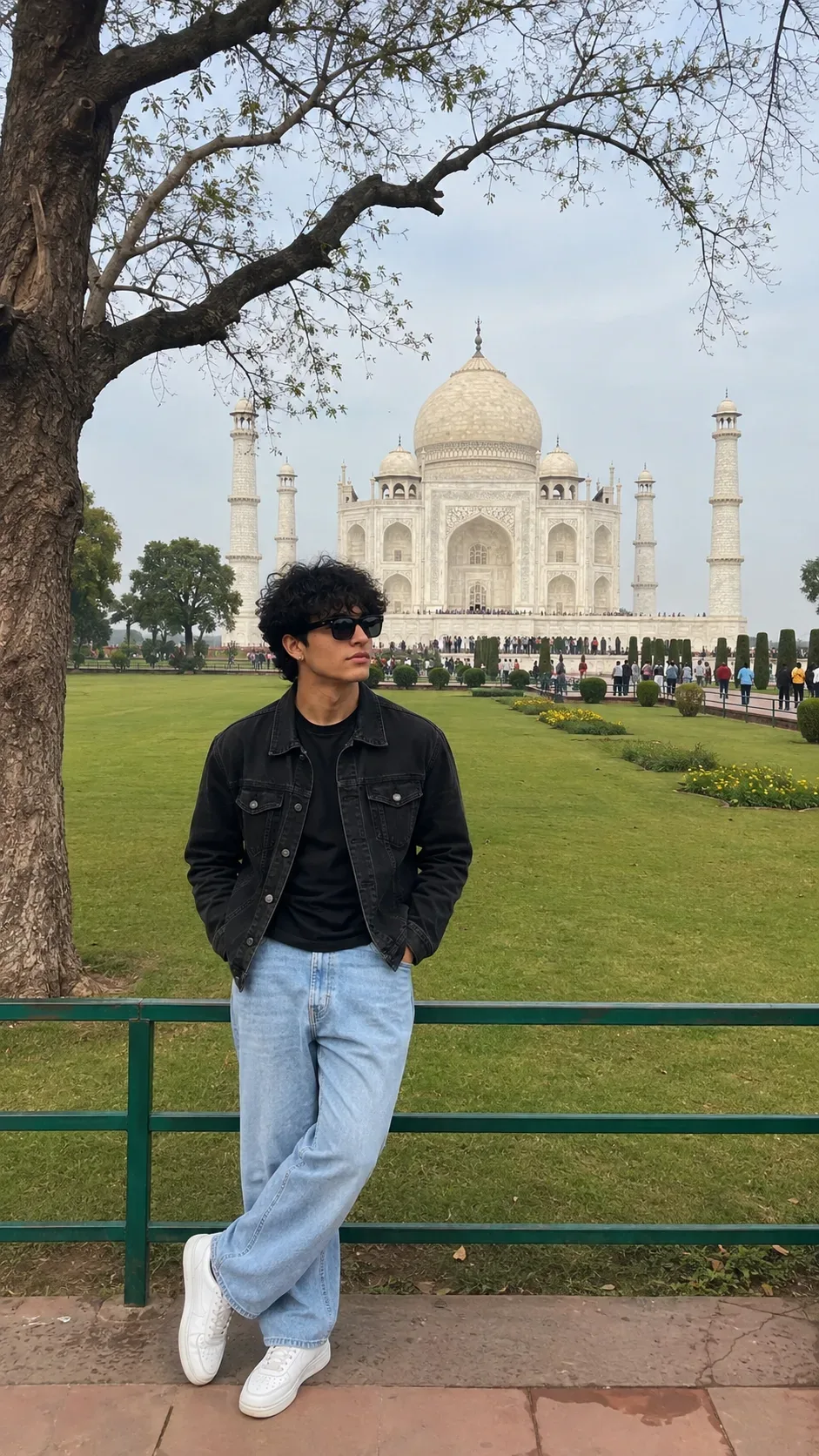
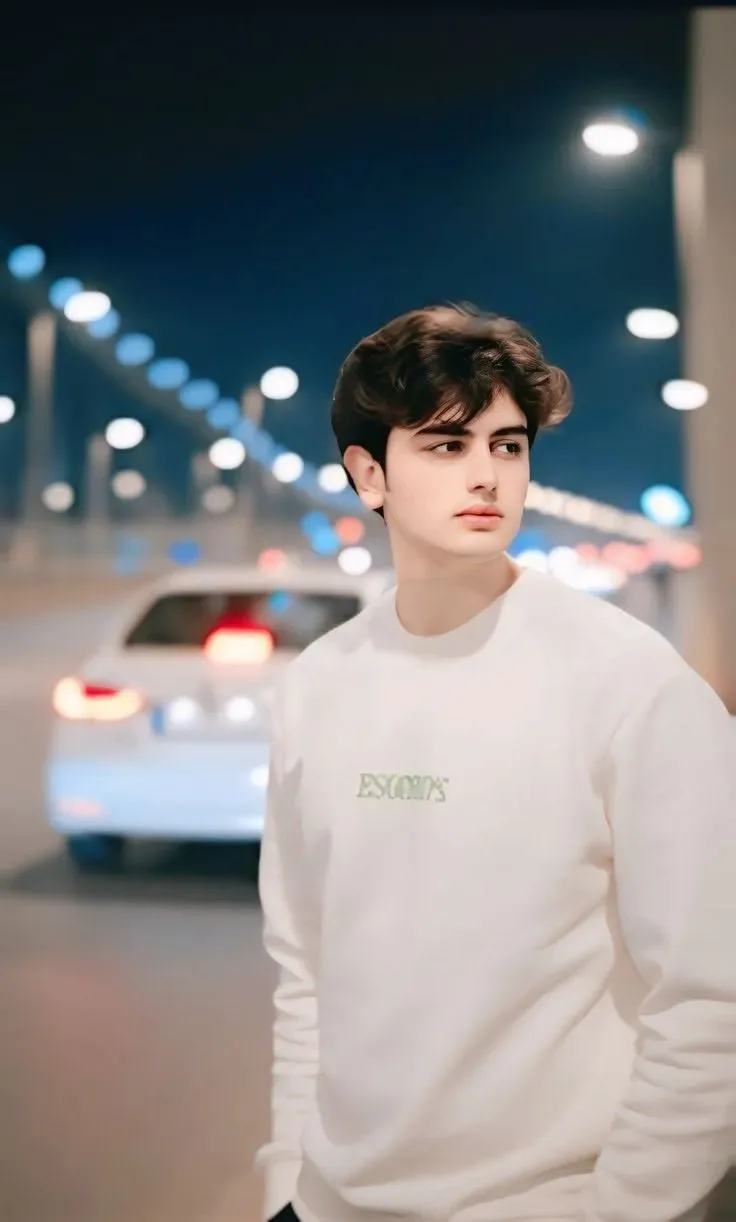
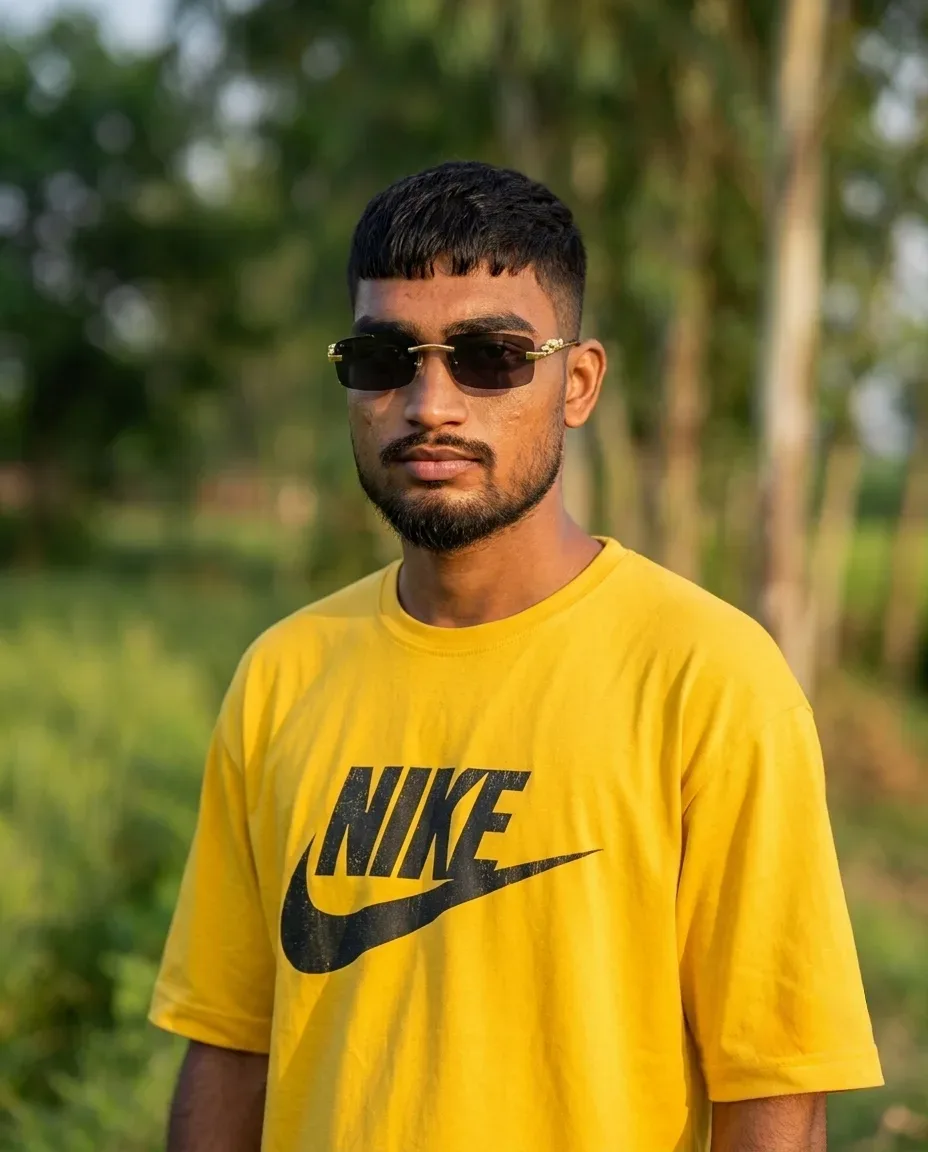
Quick Summary: This verified Google Gemini (Imagen 3) & Midjourney v6 prompt creates an divine celestial spiritual Hindu deity aesthetic for Environment With A Mountain-top Cloud Inversion AI Photo Prompt with calibrated lighting, authentic texture physics, and tested 1-click copy-paste formula for instant AI generation without facial distortion.
- Ai Image
- Photography
- Trending
- Photography
- Ai Image
- Trending
- Viral Prompt
- Gemini Ai
- Bing Image Creator
- Copy Paste
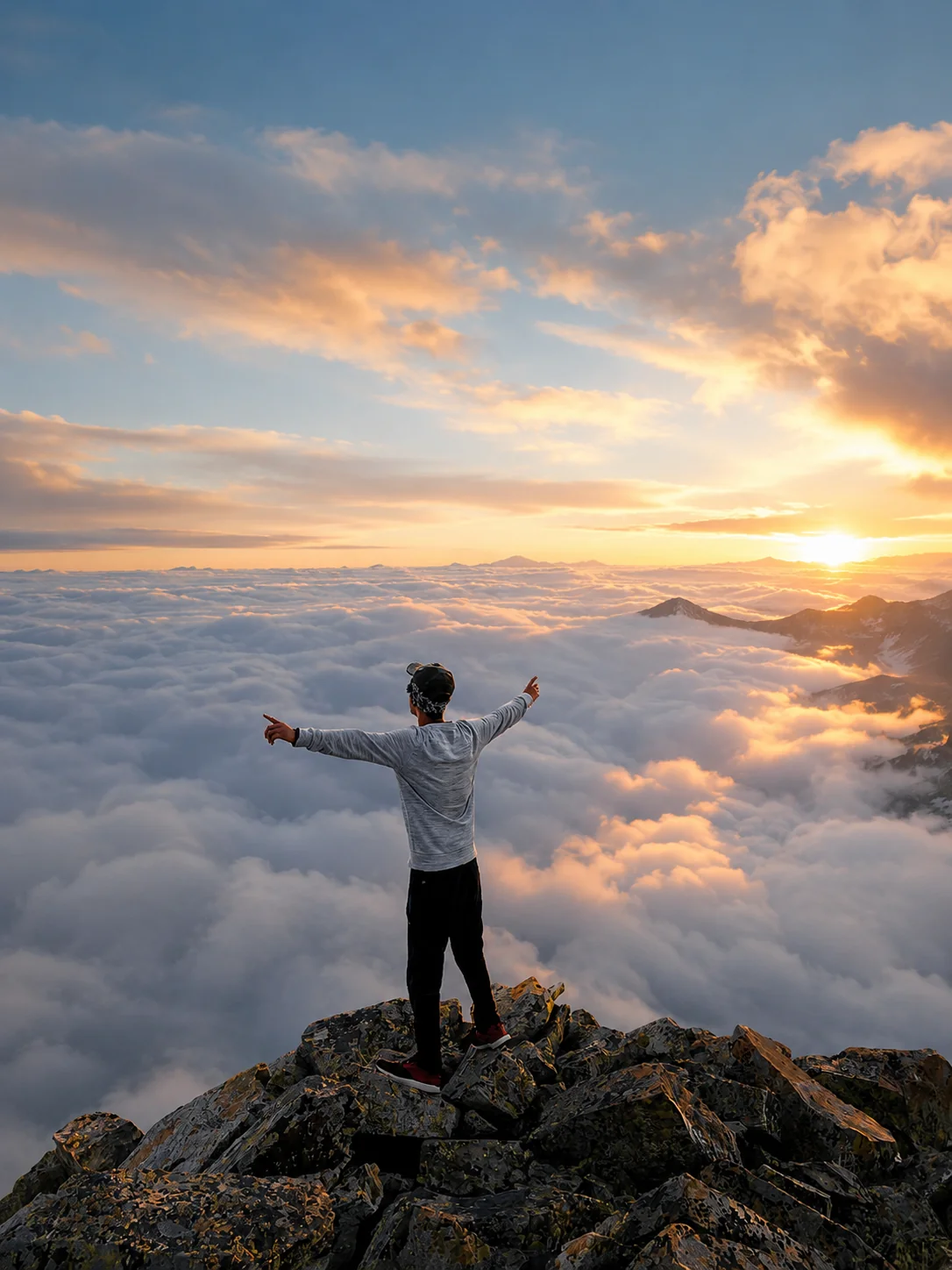
Environment With A Mountain-top Cloud Inversion AI Photo Prompt - Copy Paste AI Prompt
Use the uploaded image strictly as the identity reference only. Treat the uploaded
image exclusively as an identity reference, never as a pose, lighting, composition, or
facial orientation reference unless explicitly instructed. Preserve the person's unique
biological identity with absolute consistency, including facial structure, hairstyle,
hairline, forehead, eyebrows, eyes, nose, lips, ears, beard, skin tone, facial proportions,
body proportions, height, natural physique, clothing, accessories, pose, framing,
perspective, camera angle and composition. Do NOT regenerate, redraw, beautify, age,
de-age, reshape, replace or modify any part of the subject. Only transform the
atmosphere, weather, lighting and environment. Maintain ultra-photorealism with
physically accurate lighting, natural colors and realistic environmental interaction.
Replace the environment with a mountain-top cloud inversion. Endless sea of clouds
below, sunrise light, crisp mountain air, layered cloud formations, physically accurate
perspective and natural color grading

Optical Identity & Likeness Preservation: Maintain 100% exact facial identity, bone structure, jawline contours, and natural skin undertone of reference photo without alteration or distortion.⚡Customize in Boys DP & Attitude Studio
Customize boy DP poses, streetwear & cinematic lighting in 1 click.
Technical Prompt Parameters (Spiritual, Divine & Sacred Art)
| Parameter | Configuration | Output Impact |
|---|---|---|
| Target AI Engine | Google Gemini (Imagen 3) & Midjourney v6 | Masterfully renders ethereal divine halos, cosmic golden aura, intricate temple architecture, and serene sacred expressions. |
| Recommended Aspect Ratio | 9:16 (Sacred Mobile Wallpaper & WhatsApp Status) or 3:4 (Devotional Art Print) | Specially formatted for vertical phone lockscreens, festive status greetings, and devotional wall art. |
| Camera & Lens Settings | Hasselblad H6D-100c, 100mm f/2.2, ethereal soft glow diffusion, sacred golden aura rendering | Resolves intricate mukut crowns, peacock feathers, temple stone carvings, and celestial light particles with sublime clarity. |
| Lighting Style | Divine golden halo illumination, celestial rays of light, warm earthen diya ambient glow | Creates an otherworldly sacred radiance while preserving reverent warmth and spiritual depth. |
| Negative Constraints | distorted deity facial features, western clothing, cartoonish caricature, demonic expressions, extra limbs, low resolution | Ensures respectful, culturally accurate deity iconography with serene divine facial aesthetics. |
| Reference Photo | For personalized devotion prompts, upload a clean front-facing portrait with reverent expression. | Upload front-facing reference photo for face matching. |
How to use this prompt
- Copy the prompt, open Google Gemini or Bing Image Creator, attach your reference photo, and generate instant 8K results.
How to get better results from Environment With A Mountain-top Cloud Inversion AI Photo Prompt
Free 1-click copy environment with a mountain-top cloud inversion ai photo prompt for Google Gemini and Bing Image Creator. Authentic photography aesthetic, realistic lighting, and instant camera settings. Use it as a copy-ready starting point, then adjust the subject, scene, tone and output format for your own result.
- Ai Image
- Photography
- Trending
- Viral Prompt
- Gemini Ai
- Bing Image Creator
Customize before generating
- Replace the main subject, name, product or character details.
- Adjust lighting, background, mood, camera angle or aspect ratio if the prompt is visual.
- Change tone, audience, language and output format if the prompt is for text.
- Keep this core idea clear: Use the uploaded image strictly as the identity reference only. Treat the uploaded image exclusively as an identity reference, never as a pose, lighting, composition...
Quick variations to try
- Make Environment With A Mountain-top Cloud Inversion AI Photo Prompt more cinematic with stronger lighting and richer background detail.
- Turn Environment With A Mountain-top Cloud Inversion AI Photo Prompt into a cleaner mobile-first version for social media posts or profile use.
- Create a premium version of Environment With A Mountain-top Cloud Inversion AI Photo Prompt with sharper style, higher detail and a more polished final output.