Server-rendered page

Cream Sweater Portrait Style Gemini Prompt Copy Paste

Create a photorealistic portrait with a cream sweater and neutral background. Get tested camera settings, lighting & prompt copy-paste.

Quick Summary: This verified Midjourney Niji 6 / Flux.1 Schnell / Bing Image Creator prompt creates an hyper-detailed 3D cyberpunk stylized aesthetic for Cream Sweater Portrait Style with calibrated lighting, authentic texture physics, and tested 1-click copy-paste formula for instant AI generation without facial distortion.
Cream Sweater Portrait Style - copy paste viral AI prompt

3,446 copies

Cream Sweater Portrait Style - Copy Paste AI Prompt

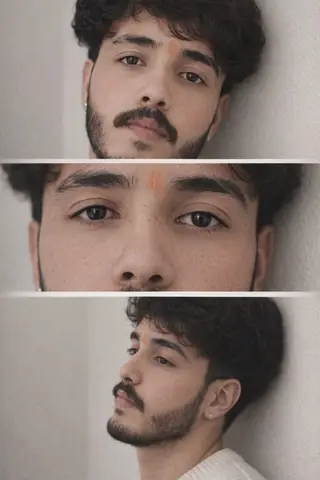
Use the provided reference collage as the structural template (three vertical frames stacked). Use the uploaded personal photo as the subject (face, skin, hair). Produce a final image where each frame exactly matches the reference in crop, camera angle, zoom, pose, clothing style, lighting and background tone.

GLOBAL RULES:

Do not change pose, head angle, or limb positions from the reference.

Replace the person in the reference with the uploaded person (identity preserved).

If uploaded person’s clothing differs, recreate clothing to match the reference exactly (cream ribbed sweater / neutral knit) with realistic fabric texture and natural folds.

Preserve neutral beige wall background, same soft-window lighting, and same depth-of-field blur per frame.

Render photorealistic human (no stylization, no anime).

FRAME 1 — TOP (Head & shoulders, medium-close)

Crop & zoom: chest-to-top-of-head (approx 0.6× full-frame crop). Center subject vertically in top frame.

Camera angle: eye-level, slight 5° tilt upward from subject’s chest to give a subtle heroic lift.

Focal length: 85mm equivalent (tight portrait).

Pose / head: head turned slightly to subject’s left (as in reference), eyes gazing toward that direction; keep exact head tilt from uploaded image.

Lighting: soft diffused window light from subject’s left side, gentle shadow on opposite cheek, natural skin tones.

Clothing: cream/ivory ribbed sweater, visible neckline and knit texture, natural creases where arms move.

Details: keep natural jewelry (small earring) if present in uploaded photo, but subtle.

FRAME 2 — MIDDLE (Extreme close-up of eyes)

Crop & zoom: extreme crop centered on the eyes (about 2.5× crop of full image focusing only on eye-region). Horizontal fill across middle frame.

Camera angle: straight-on, perfectly level with eyes (0° tilt).

Focal length: 100–105mm macro feel for sharp eye detail, shallow DoF.

Expression: preserve exact eyelid openness and micro-expression from uploaded face.

Lighting: soft even light across both eyes, tiny catchlights, natural skin texture around eyes (pores, lashes).

Detail: no smoothing — show natural skin pores and eyelashes; keep eyebrow shape identical.

FRAME 3 — BOTTOM (Side-profile / 3/4 leaning)

Crop & zoom: mid-chest to top of head, profile composition occupying lower frame (approx 0.9× vertical crop), subject placed slightly right-of-center as in reference.

Camera angle: 3/4 profile from subject’s right, camera slightly lower (about 10–12° below eye level) so nose and jawline are prominent.

Focal length: 50–70mm (natural perspective for a side portrait).

Pose: subject leaning back against a neutral wall, head turned to the same side as reference (preserve angle exactly).

Lighting: same soft window light with subtle rim/edge light on cheek and jaw from the outer side; natural shadow under jaw.

Clothing: same cream ribbed sweater visible at collar and shoulder; fabric shows natural stretch against the wall.

BACKGROUND & ATMOSPHERE (all frames)

Keep the same neutral beige wall texture across frames, with slight vignette / soft blur between frames where the reference fades.

Maintain consistent color temperature (warm-neutral, ~5500K) and the same soft ambient shadows.

Keep frame borders soft blended (no hard seams), replicate the foggy seam effect between top-middle and middle-bottom as in reference.

PROCESSING / RENDER SETTINGS (recommended)

Mode: image-to-image / replace subject

Reference strength: high for pose & crop (0.9), but moderate for texture blending (0.4–0.6) so the uploaded person retains identity

Guidance CFG: 7–9

Aspect ratio: same as reference (vertical / portrait)

Seed: fix for repeatability

Output: photorealistic, high-res, natural skin, DSLR portrait look

NEGATIVE PROMPT (append)

anime, cartoon, illustration, painting, stylized face, plastic skin, over-smoothing, beauty filter, face morphing, pose change, limb reposition, camera angle change, background replacement, dramatic cinematic LUTs (teal/orange), extra fingers, extra limbs

Technical Prompt Parameters (Cyberpunk, 3D Avatar & Anime)

ParameterConfigurationOutput Impact
Target AI EngineMidjourney Niji 6 / Flux.1 Schnell / Bing Image CreatorSpecialized prompt weights for volumetric rendering, cell-shading, and neon emission.
Recommended Aspect Ratio9:16 (Phone Wallpaper) or 16:9 (Desktop Ultra-Wide)Ideal for custom gaming wallpapers, Discord avatars, and futuristic phone lock screens.
Camera & Lens SettingsOctane 3D Render, Raytraced Global Illumination, 35mm virtual lensSimulates volumetric atmospheric smoke, holographic reflections, and crisp polygonal precision.
Lighting StyleDual-tone neon split lighting (electric cyan key + magenta rim light)Produces dynamic sci-fi contrast with vibrant edge glows and deep blacks.
Negative Constraintslow-poly flaws, blurry textures, realistic photographic noise, dull matte lightingEnsures sharp vector/render lines, vivid luminous glow, and zero muddy compression.
Reference PhotoUpload a clear face photo; prompt transforms human proportions into stylized avatar art.Upload front-facing reference photo for face matching.

How to use this prompt

  1. Copy prompt
  2. Use with AI image generator
  3. Generate amazing images

How to get better results from Cream Sweater Portrait Style

Create a photorealistic portrait with a cream sweater and neutral background Use it as a copy-ready starting point, then adjust the subject, scene, tone and output format for your own result.

  • 3d
  • Aesthetic
  • Ai Image
  • Beauty
  • Cinematic
  • Gemini

Customize before generating

  • Replace the main subject, name, product or character details.
  • Adjust lighting, background, mood, camera angle or aspect ratio if the prompt is visual.
  • Change tone, audience, language and output format if the prompt is for text.
  • Keep this core idea clear: Use the provided reference collage as the structural template (three vertical frames stacked). Use the uploaded personal photo as the subject (face, skin, hair)....

Quick variations to try

  1. Make Cream Sweater Portrait Style more cinematic with stronger lighting and richer background detail.
  2. Turn Cream Sweater Portrait Style into a cleaner mobile-first version for social media posts or profile use.
  3. Create a premium version of Cream Sweater Portrait Style with sharper style, higher detail and a more polished final output.
Prompt quality checklist

Keep the subject, reference image, style, output format and quality constraint clear before generating. Change only the personal details, platform, language, background or tone that matter for your result.

Suggested prompt examples

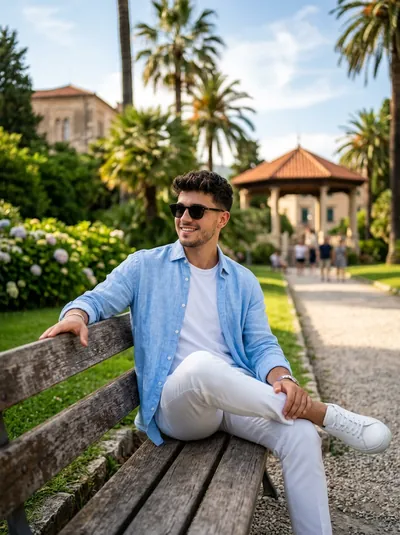
  • Boys Outdoor Aesthetic Park Bench Portrait - copy paste viral AI prompt

    Boys Outdoor Aesthetic Park Bench Portrait

    Ultra-realistic aesthetic outdoor portrait of a stylish young man sitting on a rustic wooden park bench during golden hour, bathed in warm sunset backlight.

    Aesthetic / Ai Image / Boys / Gemini · 3,853 copies · Sep 9, 2026

  • Cinematic Golden Hour Identity Portrait 8K - copy paste viral AI prompt preview

    Cinematic Golden Hour Identity Portrait 8K

    Create a highly detailed cinematic portrait with realistic lighting, sharp facial details and a professional background.

    Ai Image / Boys / Cinematic / Gemini · 3,757 copies · Sep 10, 2026

  • Cinematic Rainy Day Portrait - copy paste viral AI prompt preview

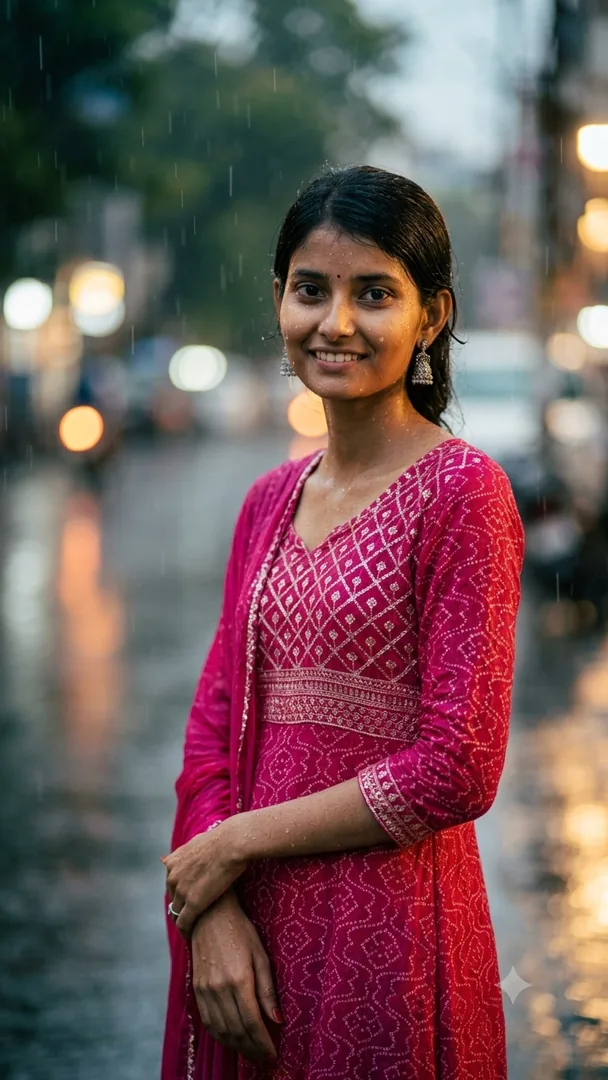
    Cinematic Rainy Day Portrait

    Transform the uploaded photo into a cinematic rainy portrait with realistic rain, soft dramatic lighting, natural skin texture, beautiful background blur, and a...

    Aesthetic / Cinematic / Gemini / Monsoon · 2,752 copies · Sep 10, 2026

  • Elder boy wisdom sharing gemini prompt - copy paste on Gemini AI

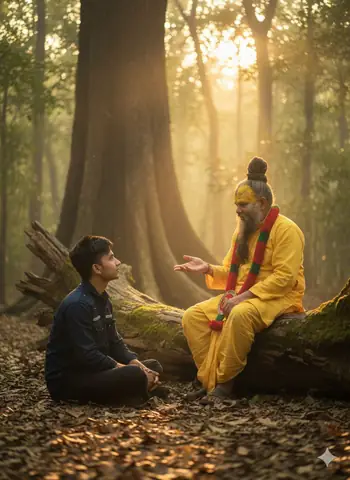
    Elder boy wisdom sharing gemini prompt

    Copy paste this elder boy wisdom sharing Gemini AI prompt to create a serene aashram photo. Works instantly — just upload your photo and paste.

    Aesthetic / Ai Image / Boys / Cinematic · 10,313 copies · Apr 18, 2026

  • couple mirror selfie - copy paste viral AI prompt

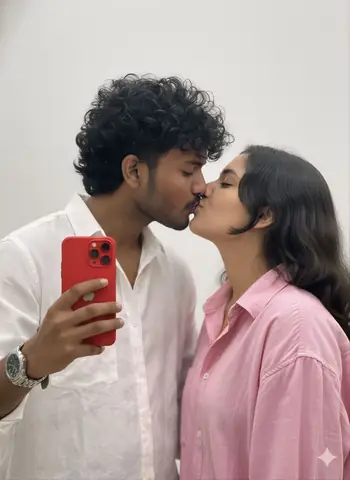
    couple mirror selfie

    Create a romantic couple selfie in front of a plain background, perfect for Instagram profile pictures, WhatsApp DP, and social media posts, with a bo

    Ai Image / Couple Selfie / Couples / Mirror Selfie · 3,593 copies · Jan 27, 2026

  • Giant Golden Sand Monster Behind Tall Girl - Midjourney copy paste AI prompt example for cinematic, dark

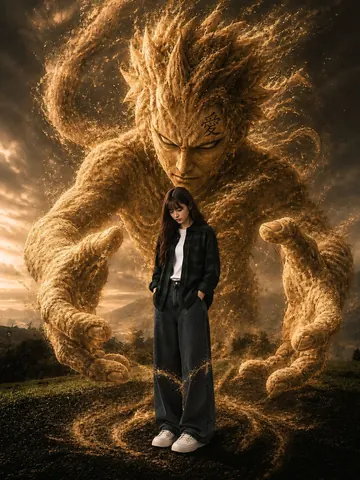
    Giant Golden Sand Monster Behind Tall Girl

    Copy this Midjourney prompt for Giant Golden Sand Monster Behind Tall Girl. Use it as a ready prompt, adjust the subject, then generate a polished AI result.

    Cinematic / Dark · 5,978 copies · May 19, 2026

  • couple in front of burj khalifa dressed for a party - copy paste viral AI prompt

    couple in front of burj khalifa dressed for a party

    This prompt creates an ultra-realistic vertical cinematic poster (9:16) of a royal and sophisticated couple in modern Dubai. They stand before a glowing Burj Khalifa...

    Ai Image / Architecture / Boys / Couples · 8,056 copies · Nov 2, 2025

  • Lord Hanuman Bestows Blessing on Devotee - Midjourney copy paste AI prompt example for cinematic, indian

    Lord Hanuman Bestows Blessing on Devotee

    Copy this Midjourney prompt for Lord Hanuman Bestows Blessing on Devotee. Use it as a ready prompt, adjust the subject, then generate a polished AI result.

    Cinematic / Indian · 6,093 copies · May 17, 2026

  • Young woman twirling red lehenga gemini prompt - copy paste on Gemini AI

    Young woman twirling red lehenga gemini prompt

    Copy paste this young woman twirling red lehenga Gemini AI prompt to create a cinematic Instagram photo. Works instantly — just upload your photo and paste.

    Aesthetic / Ai Image / Cinematic / Gemini · 5,970 copies · Apr 30, 2026

  • Cinematic Low-Key Noir Mirror Selfie Portrait - copy paste viral AI prompt

    Cinematic Low-Key Noir Mirror Selfie Portrait

    Cinematic 35mm film noir mirror selfie of an attractive young man holding a smartphone against a minimal concrete wall with dramatic shadows.

    Ai Image / Boys / Cinematic / Gemini · 3,569 copies · Sep 9, 2026

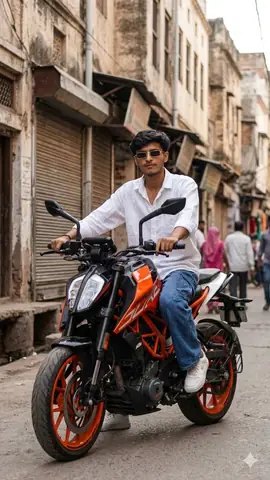
  • Stylish Indian Boy Ktm Duke Motorcycle Gemini Prompt - copy paste on Gemini AI

    Stylish Indian Boy Ktm Duke Motorcycle Gemini Prompt

    Copy paste this stylish boy KTM Duke Gemini AI prompt to create a cinematic Instagram photo. Works instantly — just upload your photo and paste.

    Aesthetic / Ai Image / Boys / Gemini · 8,538 copies · Apr 27, 2026

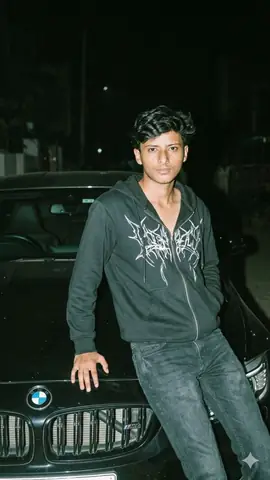
  • Young Boy Leaning On Bmw Car At Night Gemini Prompt - copy paste on Gemini AI

    Young Boy Leaning On Bmw Car At Night Gemini Prompt

    Copy paste this young boy leaning on bmw car at night Gemini AI prompt to create a cinematic photo. Works instantly — just upload your photo and paste.

    Ai Image / Boys / Car / Gemini · 582 copies · Apr 27, 2026

Frequently asked questions about this prompt

How do I generate Cream Sweater Portrait Style on Midjourney Niji 6 / Flux.1 Schnell / Bing Image Creator?
Click "Copy Prompt" above to copy the formula to your clipboard. Next, open Midjourney Niji 6 / Flux.1 Schnell / Bing Image Creator, paste the prompt text, select the recommended 9:16 (Phone Wallpaper) or 16:9 (Desktop Ultra-Wide) aspect ratio, and generate. Upload a clear face photo; prompt transforms human proportions into stylized avatar art.
What camera lens and lighting setup creates the Cyberpunk, 3D Avatar & Anime look?
This prompt leverages simulated optics: Octane 3D Render, Raytraced Global Illumination, 35mm virtual lens paired with Dual-tone neon split lighting (electric cyan key + magenta rim light). This combination ensures realistic optical depth, natural skin micro-texture, and balanced subject separation without artificial AI gloss.
How do I customize Cream Sweater Portrait Style for my own face or personal style?
Keep the core lighting and camera instructions intact, and only replace subject tokens (such as outfit colors, background scenery, hair style, or age). In image-to-image tools like Gemini or Bing, upload your selfie as an image reference along with the prompt.
What negative prompt or settings prevent distorted hands and faces?
To ensure high output fidelity, include the following negative constraints in advanced settings: "low-poly flaws, blurry textures, realistic photographic noise, dull matte lighting". Setting aspect ratio to 9:16 (Phone Wallpaper) or 16:9 (Desktop Ultra-Wide) also prevents AI letterboxing and unwanted cropping.

Trending AI Prompt Hubs & Curated Silos

Explore high-authority prompt collections crafted for viral social media content, 8K photo editing, and next-gen AI generators.

Core prompt workflow

Choose the closest page, open one prompt, copy the text, replace only the personal details, then test one version before trying another. Image prompts work best with clear subject, lighting, camera, background and aspect ratio details. Text prompts work best with role, audience, tone, examples, limits and final output format.