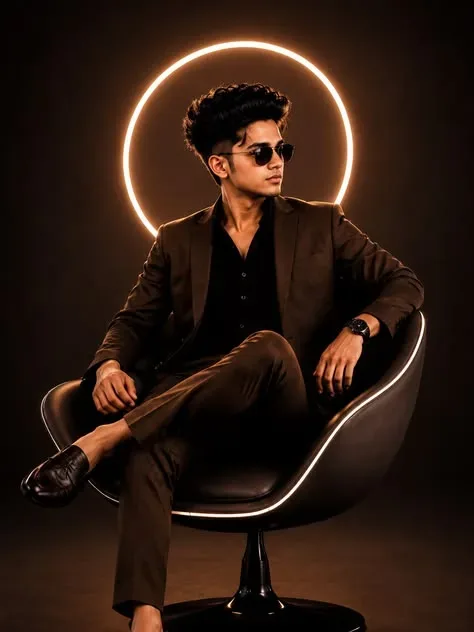
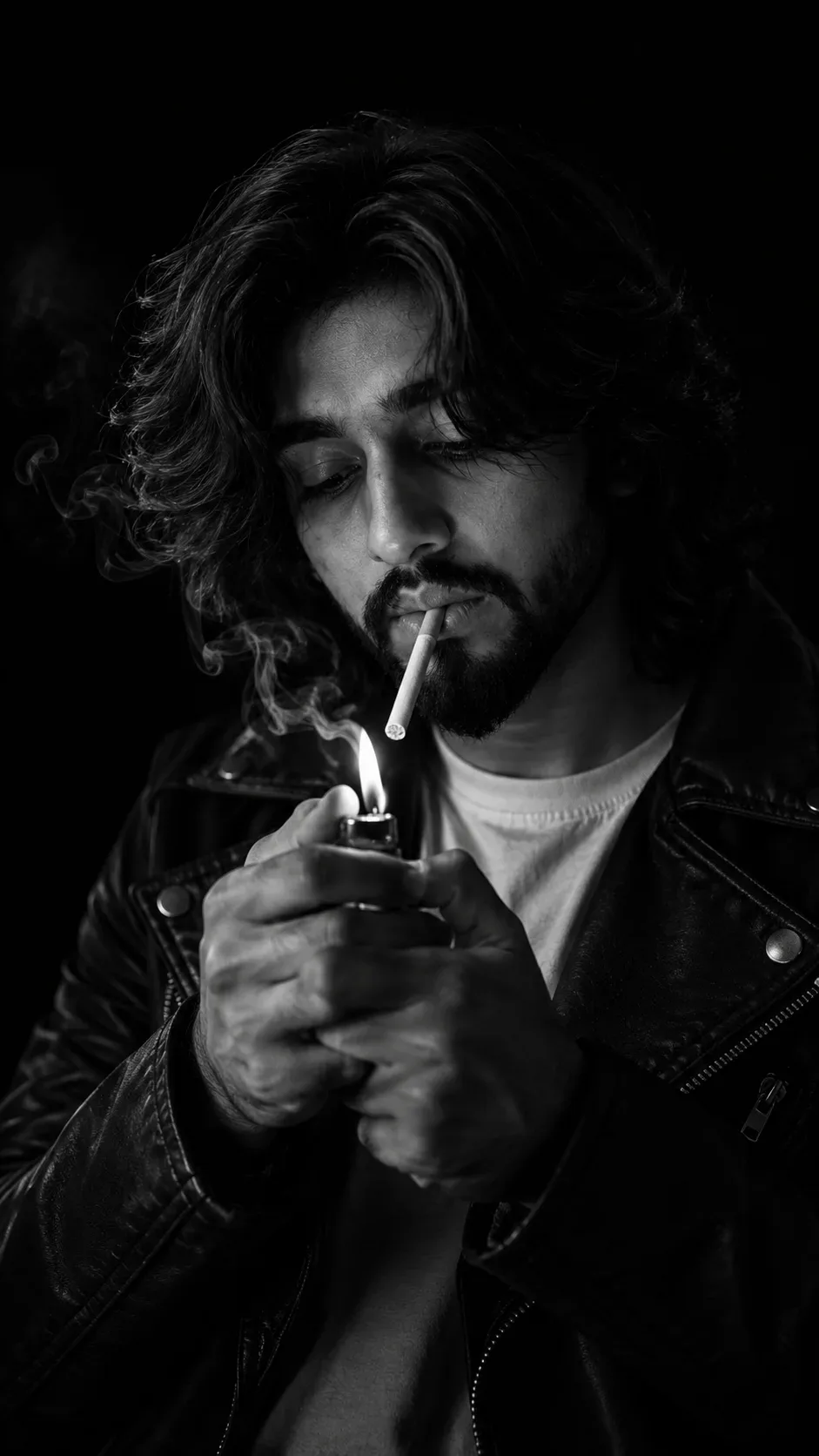
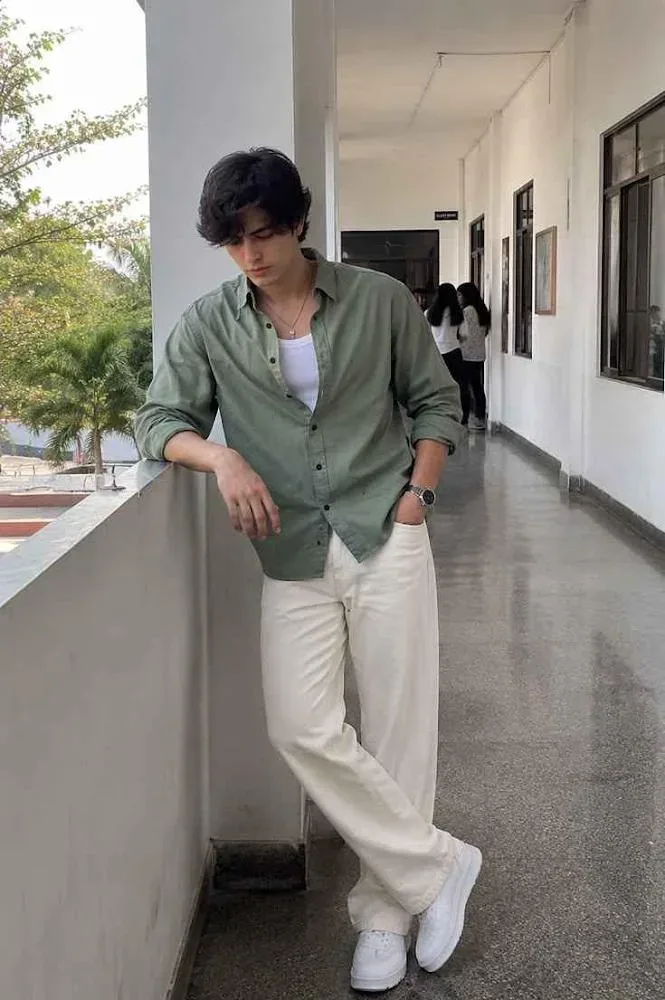
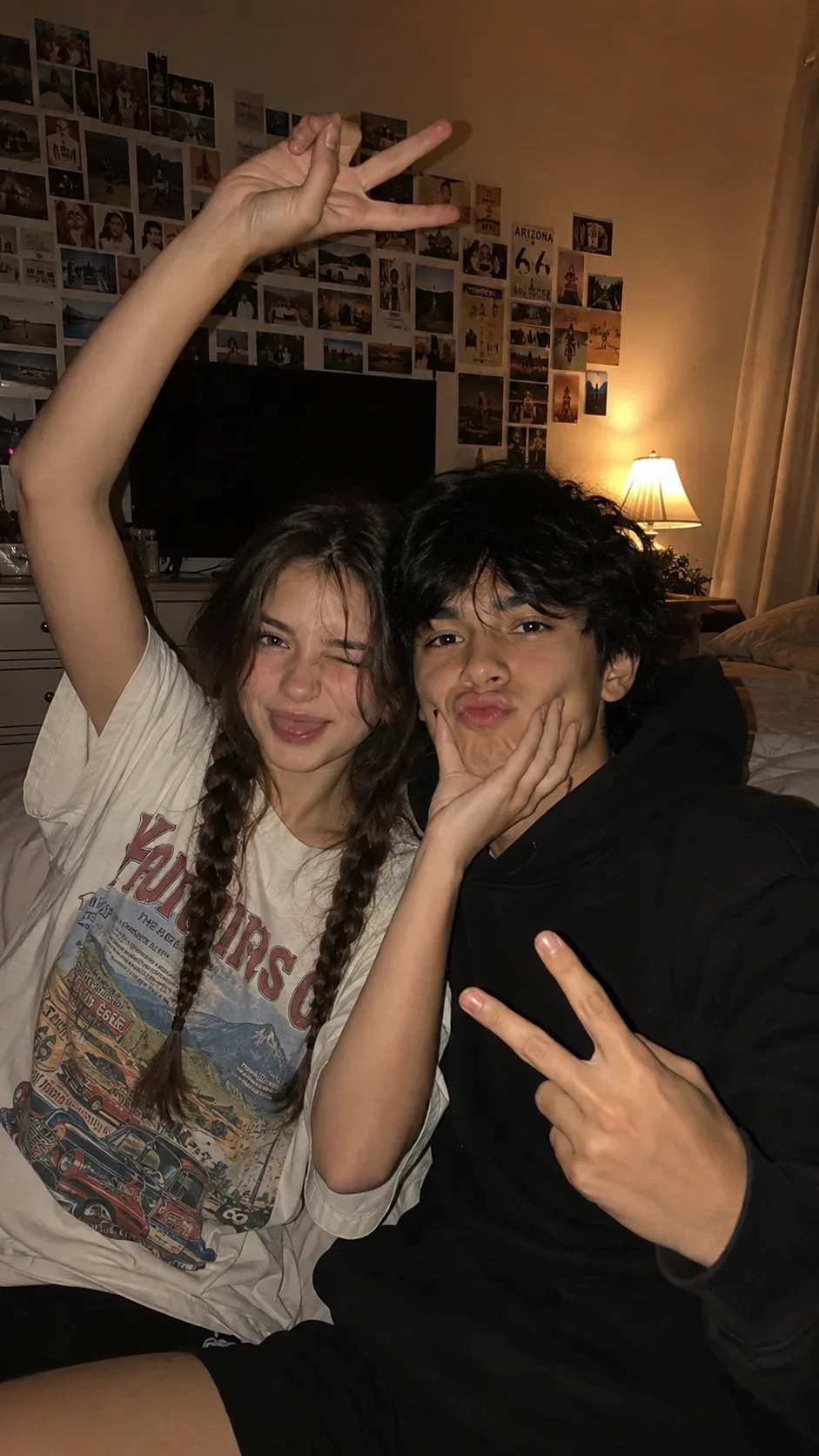
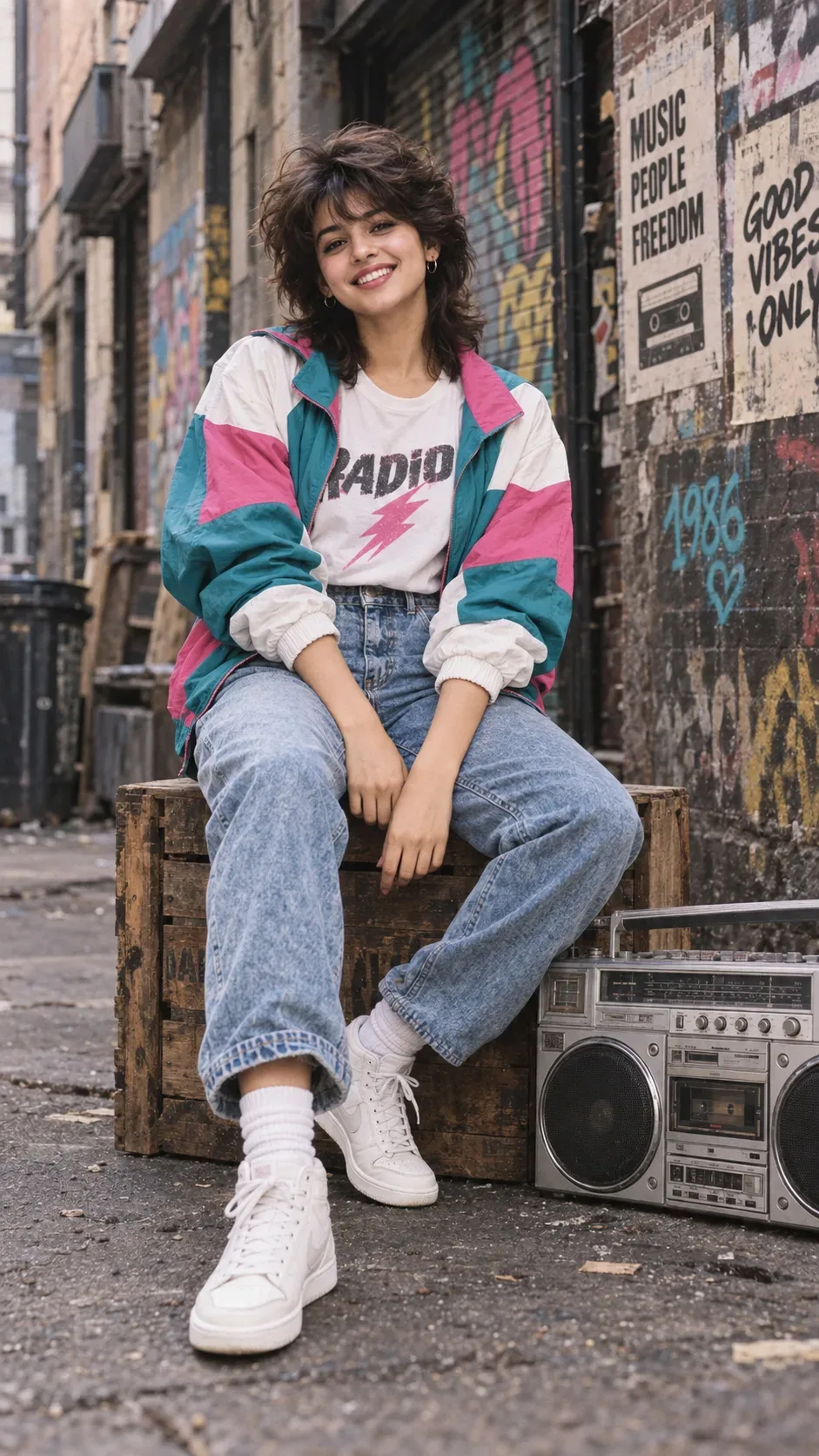
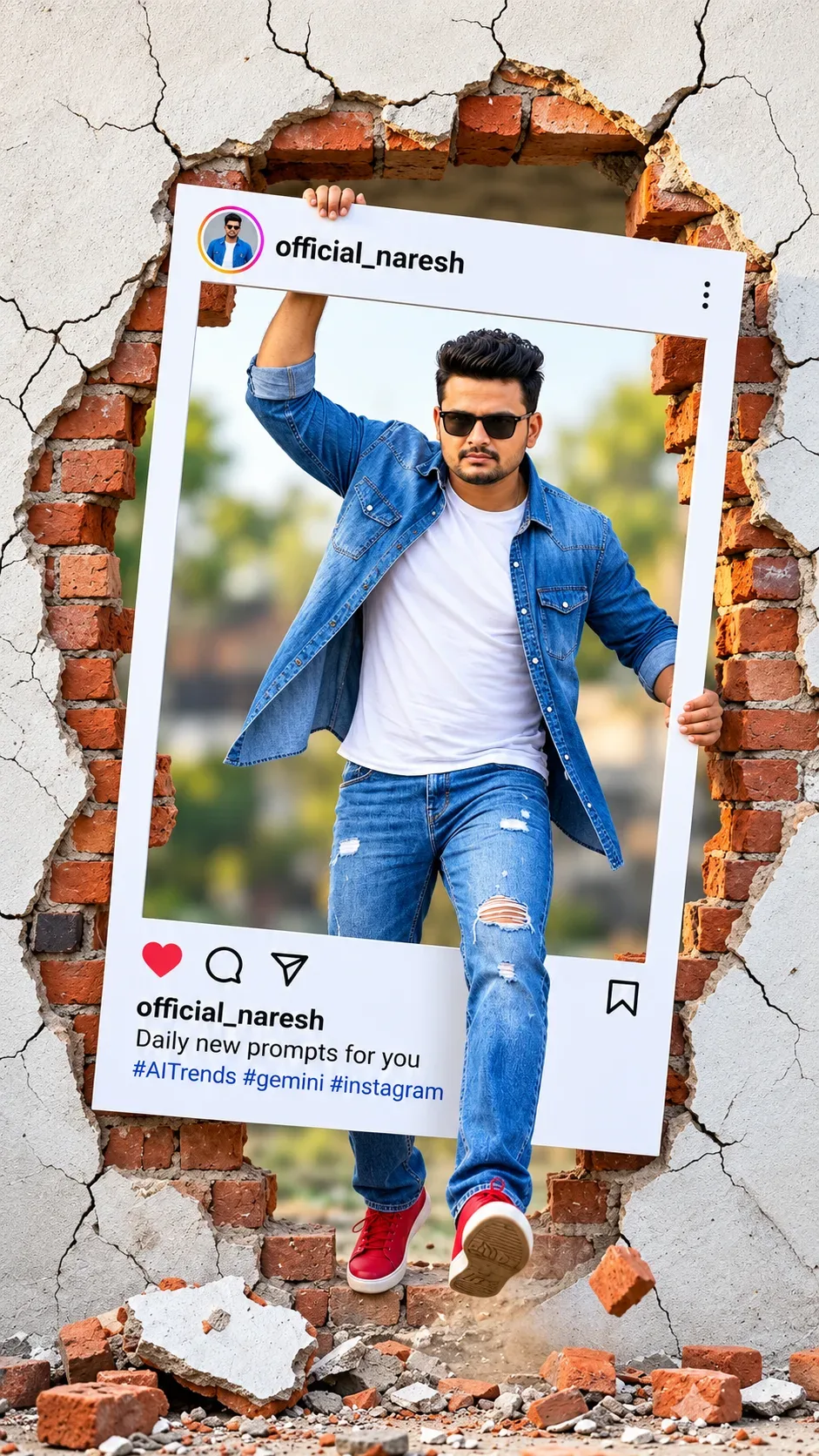
Quick Summary: This verified Google Gemini & Bing Image Creator prompt creates an ultra-realistic 8K photorealistic visual for (9:16) Step 0:- : #C23A30 - AI Photo Prompt with calibrated lighting, authentic texture physics, and tested 1-click copy-paste formula for instant AI generation without facial distortion.
About This Prompt
Create a (9:16) Step 0:- : #C23A30 - AI Photo Prompt — a high-quality, photorealistic image with balanced lighting, sharp focus, and intricate details suitable for social media sharing and digital content creation.
This prompt works best with your AI generator. Simply copy the prompt text below and paste it into the generator. You can easily customize specific keywords like colors, backgrounds, or subjects to make the final output uniquely yours.
What You'll Get
- 🎨 Style: Ai Image
- ✨ Mood: Meigen
- 📱 Best For: Trending
- 🤖 Works With: your AI generator
- 🔥 Popularity: Copied 78 times
- 📅 Added: Sep 15, 2026
(9:16) Step 0:- : #C23A30 - AI Photo Prompt - Copy Paste AI Prompt
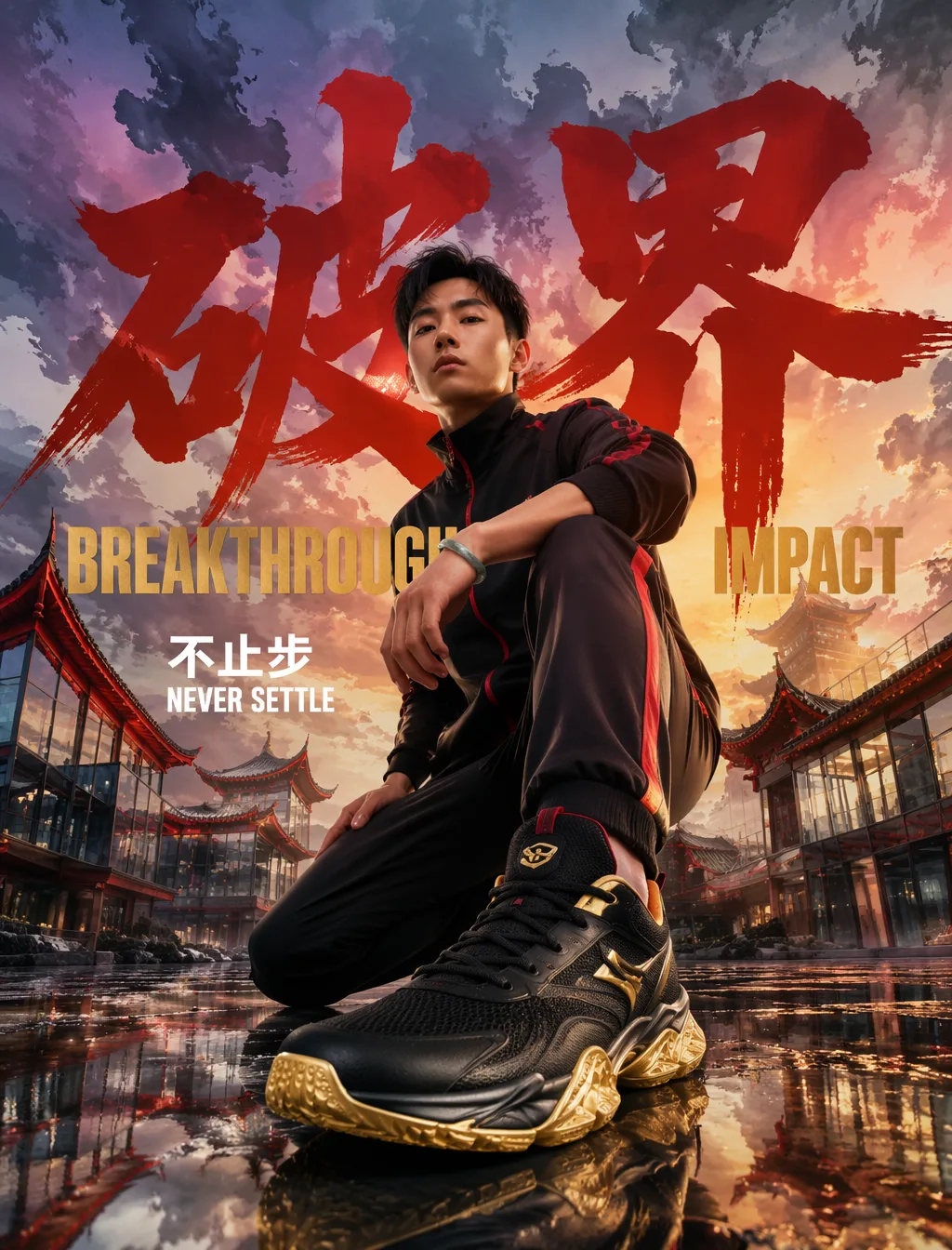
请以以下构图生成一张运动时尚的人物纵向照片(9:16)。■ STEP 0:账户颜色绑定- 主色:朱砂红 #C23A30 — 运动服线条、领子、拉链、侧边- 强调色:鎏金 #D4AF37 — 运动鞋鞋底/部件点缀■ 相机・构图- 极端低角度仰拍(贴近青石板地面/广角镜头风格)- 男性人物单膝抬起蹲姿,前伸运动鞋在画面前景大幅显现- 视线:鞋子 → 腿 → 上半身 → 水墨渐变暮云天空■ 人物・时尚- 套装运动服(玄黑底),袖子线条、领子、拉链、侧边使用朱砂红- 高科技运动鞋,鎏金点缀,成为前景最显眼色- 强调小物件:玉质运动手环- 冷静自信的表情,东方力量感■ 背景・地点- 飞檐玻璃混合建筑群:传统中式飞檐屋顶与现代玻璃幕墙交错- 天空呈现水墨渐变暮云(灰蓝→淡紫→暮橙宣纸晕染感)- 建筑玻璃面保持自然色,朱砂红仅用于飞檐轮廓、窗框、屋檐翘角、玻璃边缘反射光。禁止建筑大面积染成朱砂红- 黄昏侧逆光+鎏金轮廓光■ 地面质感- 青石板+水雾镜面,飞檐建筑、水墨暮云、人物、文字清晰反射- 石板缝隙中朱砂红光斑与鎏金光斑与人物倒影交织- 上下呼应的对称构图■ 排版(人物后面・飞檐建筑前面・中间层)- 第一层(最大):「破界」—— 书法体/粗黑,朱砂红单色- 第二层(中等):BREAKTHROUGH —— IMPACT,鎏金单色- 第三层(较小):「不止步」NEVER SETTLE —— 中文粗黑+英文IMPACT混排,白色单色- 配置层为"人物后面・飞檐建筑前面"中间位置- 人物/膝盖/运动鞋自然遮挡文字边缘,「破界」不被完全遮挡,保持可读- 画面宽度满版巨大尺寸,「破界」最大,BREAKTHROUGH中等,底部标语较小- 青石板水雾地面微微反射文字- 海报/专辑封面级突出感■ 自检1. 「破界」是否未被过度遮挡,在水墨暮云+黄昏侧逆光下保持可读2. 飞檐建筑群是否未被朱砂红过度染色,玻璃面保持自然色3. 天空是否呈现水墨渐变暮云氛围,与黄昏侧逆光统一4. 中英混排层级是否清晰:「破界」> BREAKTHROUGH > 「不止步」NEVER SETTLE

Note: Maintain 100% exact facial identity, bone structure, jawline contours, and natural skin undertone of reference photo without alteration or distortion.Explore Related Collections
Explore Ai Image Prompts — Browse our curated collection of Ai Image prompts tailored for creators. View all Ai Image prompts →
Explore Trending Prompts — Discover more viral Trending ideas for your next AI generation. View all Trending prompts →
Frequently asked questions
- How do I use the (9:16) Step 0:- : #C23A30 - AI Photo Prompt prompt?
- To use this prompt, simply click the "Copy Prompt" button above. Then, open your AI generator, paste the copied text into the prompt box, and hit generate. You can instantly generate high-quality images without needing any reference photos.
- What is this prompt best used for?
- This specific prompt is highly optimized for creating engaging social media content and digital art. The formula is structured to produce high-contrast, visually appealing results that perform well on visual platforms.
- Can I customize the details of this prompt?
- Yes! While the core structure of the prompt is optimized for your AI generator, you can easily customize the details. We recommend changing specific keywords like clothing colors, background locations, or the overall mood (e.g., changing "sunny" to "rainy" or "neon") to match your exact vision.