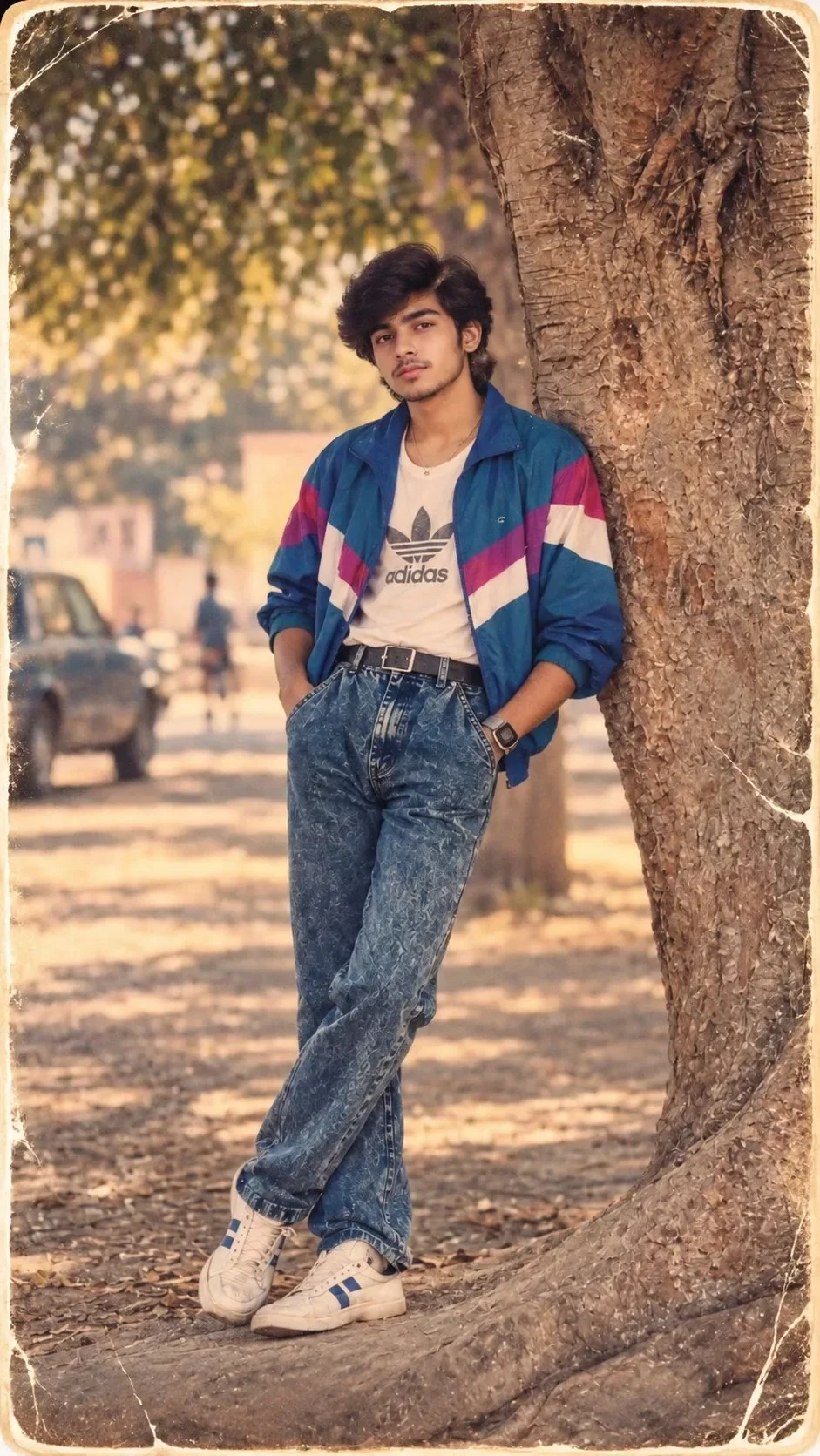
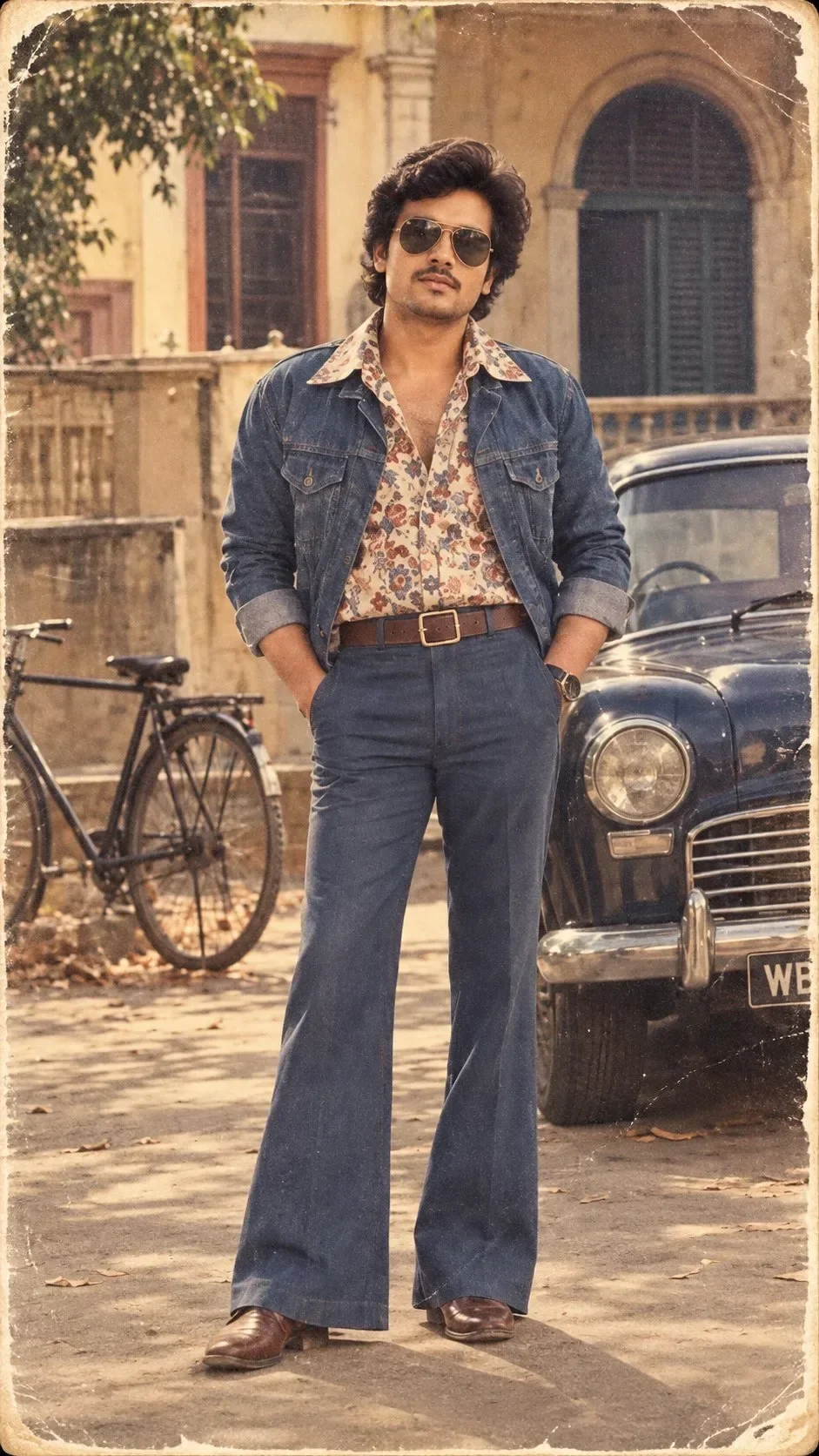
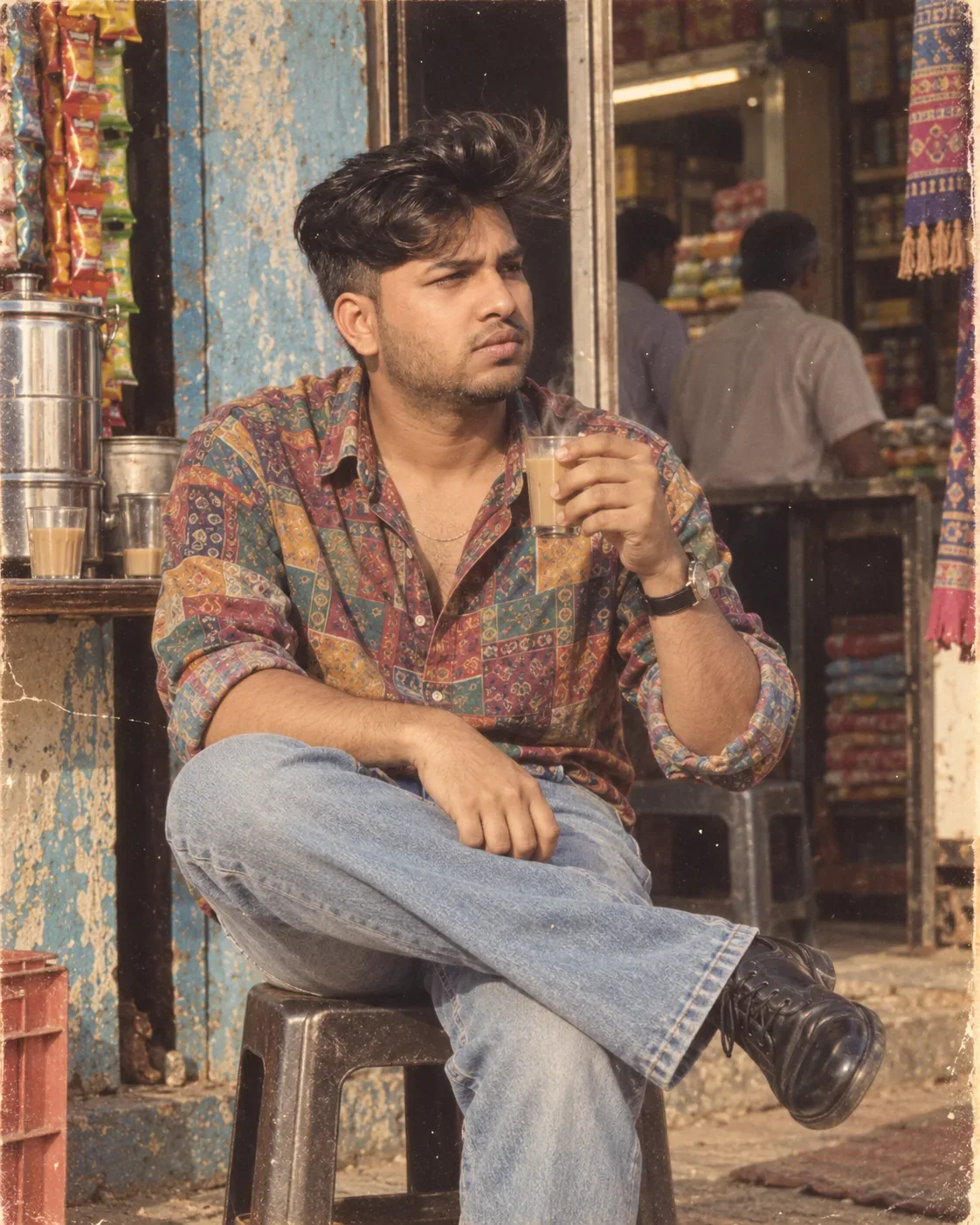
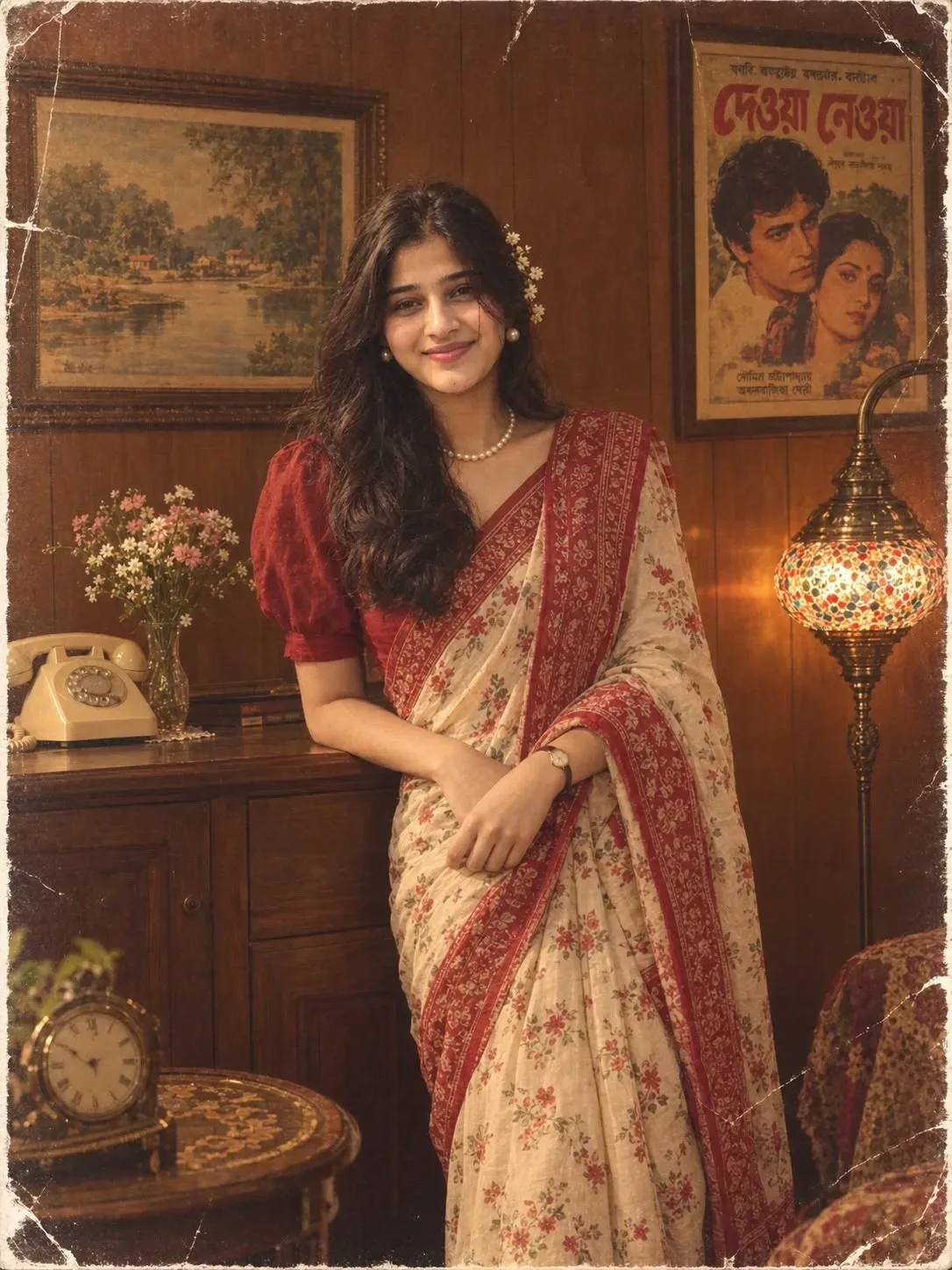
Quick Summary: This verified Google Gemini & Midjourney v6 prompt creates an authentic 90s vintage film aesthetic for 1980s Vintage Campus Portrait with calibrated lighting, authentic texture physics, and tested 1-click copy-paste formula for instant AI generation without facial distortion.
- Ai Image
- Photography
- Retro
- Trending
- Vintage
- Photography
- Vintage
- Retro
- Ai Image
- Trending
- Viral Prompt
- Gemini Ai
- Bing Image Creator
- Copy Paste
1980s Vintage Campus Portrait - Copy Paste AI Prompt
Use the uploaded user photo as the **ONLY source of the main subject’s identity**. Preserve the user’s exact recognizable identity with maximum fidelity: facial structure, face shape, proportions, forehead, hairline, eyebrows, natural eye shape and spacing, nose, lips, cheeks, cheekbones, jawline, chin, skin tone, natural skin texture, facial hair if present, and every distinctive facial characteristic. **Do not copy the reference subject’s identity. Do not beautify, reshape, slim, age, de-age, masculinize, feminize, or reinterpret the user’s face. The user’s identity and natural gender presentation must remain unchanged.** The uploaded user photo provides ONLY WHO THE PERSON IS; the reference image provides HOW THEY appear in the scene.
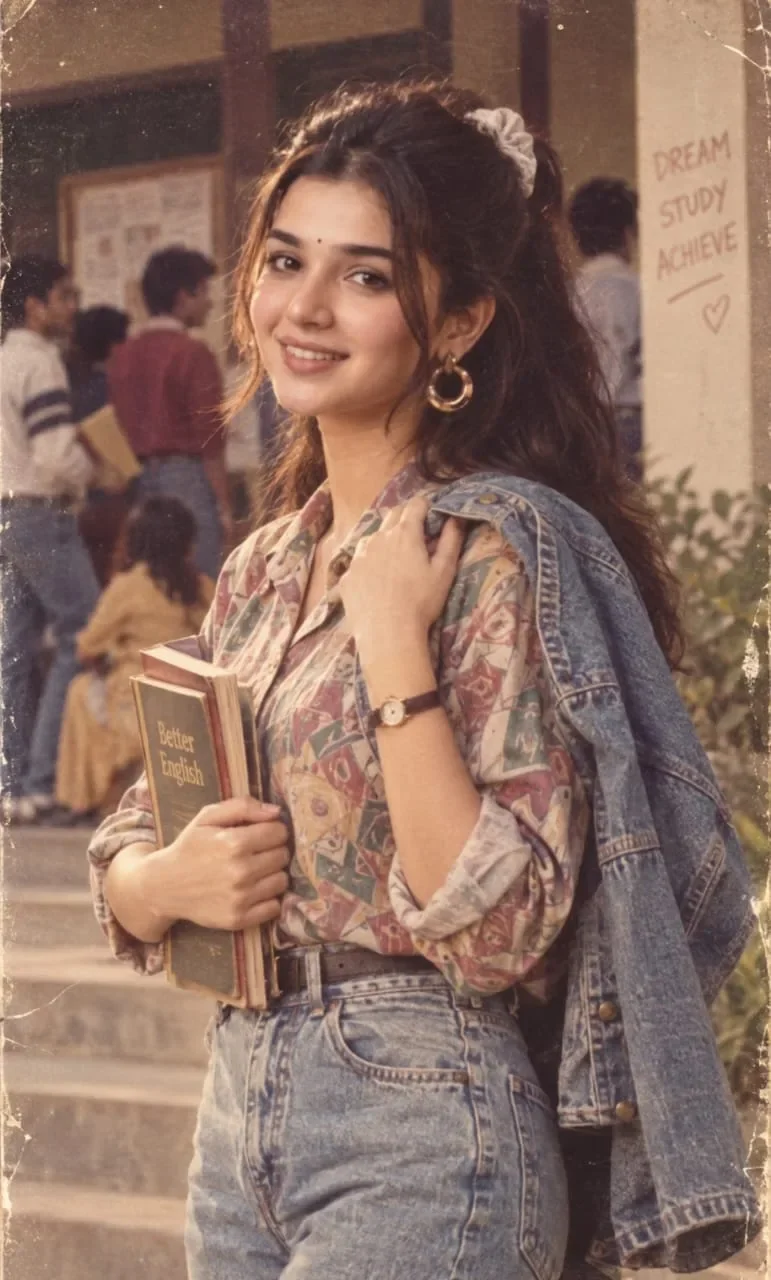
Recreate the reference image as a highly realistic vintage editorial photograph of the user standing in a casual academic/campus environment. Match the reference composition closely: a vertical medium-full portrait showing the subject from approximately the upper thighs/hips upward, positioned slightly right of center, with the body turned naturally at a three-quarter angle while the face turns back toward the camera. The subject has a relaxed, warm, confident expression with a subtle genuine smile, softly raised cheeks, relaxed eyebrows, and naturally open eyes. The eyes look directly toward the camera/viewer. Reproduce the same head rotation, slight head tilt, neck position, facial expression, eye direction, and emotional warmth from the reference, regardless of the expression or gaze in the uploaded user photo.
Recreate the body pose precisely: torso angled slightly away from the camera, shoulders relaxed, one arm bent across the front while holding several books vertically against the torso, and the opposite hand raised naturally toward the shoulder, lightly gripping the edge of a denim jacket draped over that shoulder. Keep the hands anatomically natural and proportionate. Reproduce the relaxed standing posture, subtle hip shift, arm positioning, shoulder placement, and overall body language from the reference.
Dress the user in the same overall styling: a loose vintage patterned button-up shirt with muted earthy, dusty pastel, beige, brown, mauve, and faded blue geometric/floral motifs; sleeves rolled or naturally pushed toward the forearms; high-waisted light-wash vintage denim jeans with authentic seams, stitching, pockets, and slightly worn texture. A light-to-medium blue denim jacket is casually draped over one shoulder and hanging down along the side of the body rather than being worn normally. Add simple large metallic hoop earrings and a classic wristwatch with a small round face and brown leather strap. Preserve the accessories and styling while ensuring they complement the user’s identity.
The subject holds multiple worn paperback/academic books close to the torso with both hands, including a visibly aged dark-cover English-learning book, with realistic paper edges and slightly weathered covers. Do not introduce modern logos, brands, watermarks, or unrelated text.
Recreate the environment: an older university/college corridor or campus building with broad concrete steps in the lower-left/background, aged beige or warm cream walls, dark-framed windows or doors, and several softly blurred students in the background carrying books or backpacks. Include a small wall message in the background with the visual feel of handwritten motivational writing, reading approximately “DREAM / STUDY / ACHIEVE” with a simple heart underneath, but keep background text subtle, slightly faded, and secondary to the subject. Add hints of greenery near the right/lower background.
Use warm late-afternoon or indoor-window light with soft golden illumination falling across the subject’s face and clothing. Create gentle highlights on the hair and denim, soft natural shadows, warm beige/brown tonal grading, restrained contrast, and a nostalgic analog-film atmosphere. The image should look like a genuine photograph captured on vintage 35mm film: subtle film grain, faded highlights, slightly muted colors, delicate softness, mild halation, natural skin texture, tiny dust/scratch imperfections, and authentic aged-film character. Avoid excessive artificial filters or overly strong sepia.
Camera: vertical 4:5 composition, eye-level camera positioned approximately at chest/face height, medium-full framing, natural perspective similar to a 50mm lens, moderate shallow depth of field. Keep the main subject sharply detailed while the background students, architecture, and steps fall into a soft cinematic blur. Preserve realistic proportions without wide-angle distortion. Composition should feel candid yet carefully photographed, with the subject dominating the frame while sufficient environmental context remains visible.
**ABSOLUTE PRIORITY:** user photo = identity only; reference image = expression, emotion, gaze, head position, body pose, clothing, accessories, environment, composition, camera perspective, lighting, color grading, and photographic style. Never let the user’s original expression, gaze, head angle, clothing, or pose override the reference. Do not make the result resemble the reference person’s identity; make it unmistakably the uploaded user while reproducing the reference scene and visual behavior. Photorealistic, natural anatomy, realistic hands, authentic skin texture, cinematic vintage campus photography, highly detailed, premium editorial quality, no watermark, no unwanted text, no extra fingers, no distorted facial features.

Optical Identity & Likeness Preservation: Lock subject's authentic facial identity and natural posture while seamlessly integrating with sharp vehicle reflections and cinematic ambient lighting.📸Customize in 90s Retro Film Studio
Add authentic Kodak 35mm grain, vintage flash & nostalgic tones.
Technical Prompt Parameters (Vintage Film & Retro Polaroid)
| Parameter | Configuration | Output Impact |
|---|---|---|
| Target AI Engine | Google Gemini & Midjourney v6 | Preserves organic analog warmth, natural color saturation, and retro lighting response. |
| Recommended Aspect Ratio | 4:5 (Classic Film) or 1:1 (Square Polaroid) | Faithful recreation of vintage paper print dimensions and nostalgic photo albums. |
| Camera & Lens Settings | 35mm Leica M6, Kodak Portra 400, f/2.8, subtle chromatic dispersion | Renders genuine analog grain, gentle halation, and authentic film stock color science. |
| Lighting Style | Direct camera flash with soft falloff or warm golden hour sunset flare | Creates natural retro exposure highlights without artificial digital gloss. |
| Negative Constraints | digital sheen, oversaturated HDR, plastic skin, neon light, CGI 3D, modern watermark | Eliminates hyper-digital smoothness to maintain true photochemical aesthetic. |
| Reference Photo | Upload a daylight selfie; avoid heavy ring-light filters for best film look. | Upload front-facing reference photo for face matching. |
How to use this prompt
- Copy the prompt, open Google Gemini or Bing Image Creator, attach your reference photo, and generate instant 8K results.
How to get better results from 1980s Vintage Campus Portrait
Free 1-click copy 1980s vintage campus portrait for Google Gemini and Bing Image Creator. Authentic photography aesthetic, realistic lighting, and instant camera settings. Use it as a copy-ready starting point, then adjust the subject, scene, tone and output format for your own result.
- Ai Image
- Photography
- Retro
- Trending
- Vintage
- Viral Prompt
Customize before generating
- Replace the main subject, name, product or character details.
- Adjust lighting, background, mood, camera angle or aspect ratio if the prompt is visual.
- Change tone, audience, language and output format if the prompt is for text.
- Keep this core idea clear: Use the uploaded user photo as the **ONLY source of the main subject’s identity**. Preserve the user’s exact recognizable identity with maximum fidelity: facial...
Quick variations to try
- Make 1980s Vintage Campus Portrait more cinematic with stronger lighting and richer background detail.
- Turn 1980s Vintage Campus Portrait into a cleaner mobile-first version for social media posts or profile use.
- Create a premium version of 1980s Vintage Campus Portrait with sharper style, higher detail and a more polished final output.