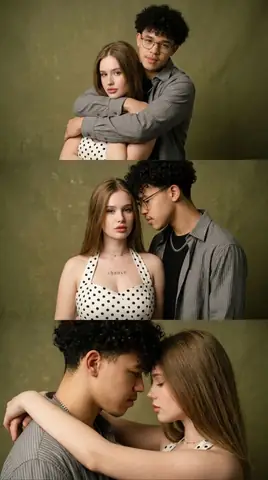
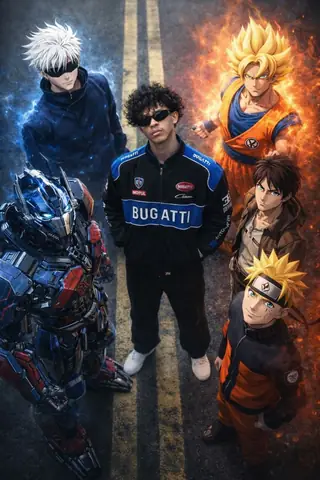
Quick Summary: This verified Google Gemini & Midjourney v6 prompt creates an cinematic moody dark atmospheric aesthetic for A Detailed Hyper-Realistic AI Photo Prompt with calibrated lighting, authentic texture physics, and tested 1-click copy-paste formula for instant AI generation without facial distortion.
About This Prompt
This prompt creates an A Detailed Hyper-Realistic AI Photo Prompt — a high-quality, photorealistic image with balanced lighting, sharp focus, and intricate details suitable for social media sharing and digital content creation.
Optimized specifically for your AI generator. Simply copy the prompt text below and paste it into the generator. You can easily customize specific keywords like colors, backgrounds, or subjects to make the final output uniquely yours.
What You'll Get
- 🎨 Style: Ai Image
- ✨ Mood: Meigen
- 📱 Best For: Trending
- 🤖 Works With: your AI generator
- 🔥 Popularity: Copied 65 times
- 📅 Added: Sep 15, 2026
A Detailed Hyper-Realistic AI Photo Prompt - Copy Paste AI Prompt
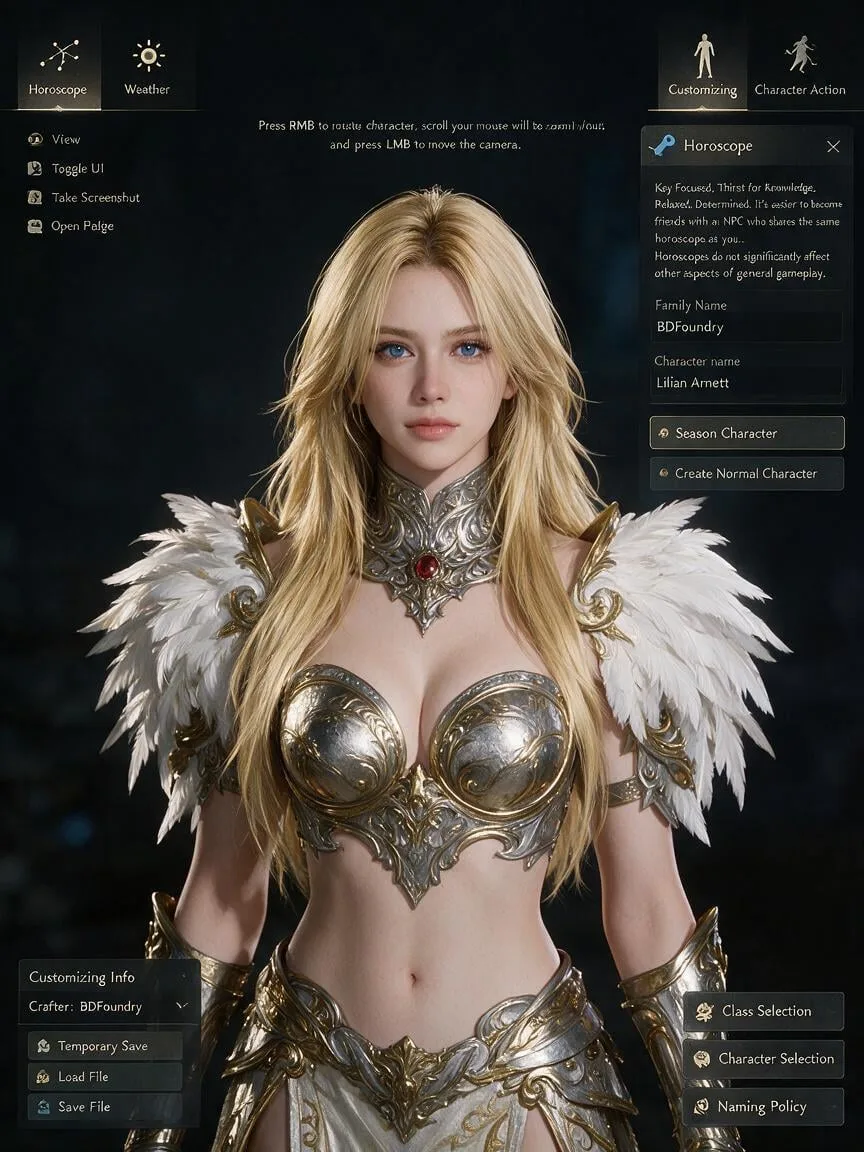
A detailed hyper-realistic, in-game screenshot capturing a character creation screen from a fantasy MMORPG (like Black Desert Online). The central subject is a female character with vibrant blonde hair, long straight hair styled into layered shaggy. She has striking blue eyes, pale skin, and is wearing elaborate, filigreed silver and gold body armor with a prominent red gem set in the center of the neck gorget. Her left shoulder features large, detailed white feather pauldrons with gold ornamentation.The character is surrounded by a full user interface (UI) overlay:Top-Left: A circular icon with a constellation pattern, labeled "Horoscope".Mid-Left: A circular icon with a sun symbol, labeled "Weather".Top-Right: A circular icon of a stylized figure standing, labeled "Customizing".Mid-Right: A circular icon of a stylized figure moving, labeled "Character Action".At the top-left of the screen are smaller icons for "View", "Toggle UI", "Take Screenshot", and "Open Folder". Central top text provides camera instructions: "Press RMB to rotate character, scroll your mouse will to zoom in/out, and press LMB to move the camera".The entire right-side panel is detailed:The "Horoscope" section has a locked blue key icon and text: "Key Focused, Thirst for Knowledge, Relaxed, Determined. It's easier to become friends with an NPC who shares the same horoscope as you... Horoscopes do not significantly affect other aspects of general gameplay."Below it, 'Family Name' shows "BDFoundry".An input field for 'Character name' is filled with Lilian Arnett.Buttons for 'Season Character' (selected) and 'Create Normal Character' are visible.At the bottom-right are buttons for 'Class Selection', 'Character Selection', and 'Naming Policy'.The bottom-left corner features "Customizing Info" with "Crafter: BDFoundry" and buttons for "Temporary Save", "Load File", "Restore to Default", and "Save File". The background is dark and indistinct, focusing attention on the character and the UI.

Note: Strictly retain 100% exact facial likeness, natural cheekbone contours, true skin undertone, and authentic gaze from source image without generic face replacement.Explore Related Collections
Explore Ai Image Prompts — Browse our curated collection of Ai Image prompts tailored for creators. View all Ai Image prompts →
Explore Trending Prompts — Discover more viral Trending ideas for your next AI generation. View all Trending prompts →
Frequently asked questions
- How do I use the A Detailed Hyper-Realistic AI Photo Prompt prompt?
- To use this prompt, simply click the "Copy Prompt" button above. Then, open your AI generator, paste the copied text into the prompt box, and hit generate. You can instantly generate high-quality images without needing any reference photos.
- What is this prompt best used for?
- This specific prompt is highly optimized for creating engaging social media content and digital art. The formula is structured to produce high-contrast, visually appealing results that perform well on visual platforms.
- Can I customize the details of this prompt?
- Yes! While the core structure of the prompt is optimized for your AI generator, you can easily customize the details. We recommend changing specific keywords like clothing colors, background locations, or the overall mood (e.g., changing "sunny" to "rainy" or "neon") to match your exact vision.